A clear price list template saves you from rewriting the same table every time your costs change. This page collects 25 price list template previews for shops, wholesalers, freelancers, cafes and service businesses. The downloads are free and include Word files (DOC and DOCX), Excel files (XLS and XLSX) and one ZIP archive that you should extract before opening. Click any preview to see it full size, press the download button below it and replace the sample items with your own products and prices.
What a Price List Does for a Small Business
A price list is a one-page answer to the question customers ask most: how much does it cost? It can list products, service packages, unit sizes, discounts and terms of sale. It works at the counter, in an email, as a PDF attached to a quote or pinned to a wall in a workshop.
The real value is consistency. When every salesperson, every website page and every printed sheet uses the same figures, you stop arguing over which price was quoted. A dated list also gives you a clean record of what you charged and when.
Which Price List Layout Fits Your Business?
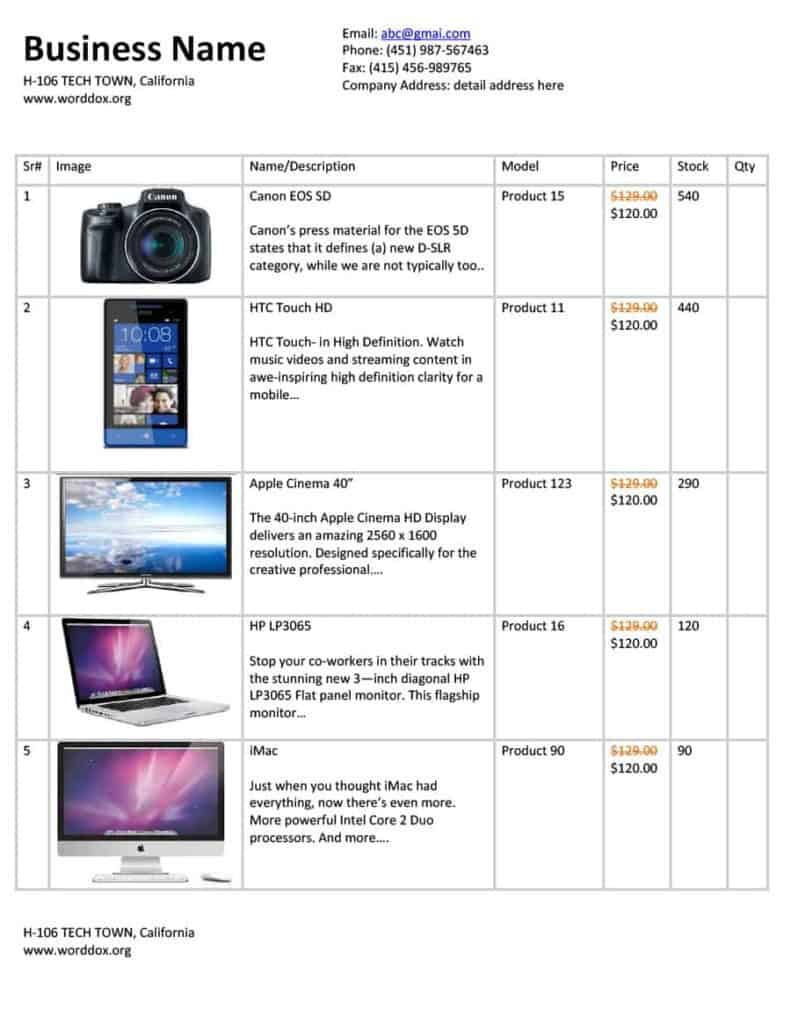
- Retail list: item, short description and one selling price. Best for shops and online stores with a moderate range.
- Wholesale or trade list: adds quantity breaks, a minimum order and payment terms for resellers.
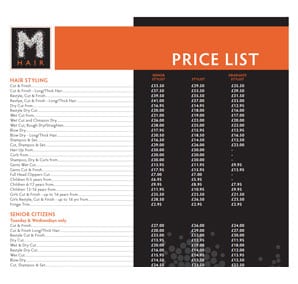
- Service list: shows a flat fee or hourly rate for each job, such as a haircut, a boiler check or a photo session.
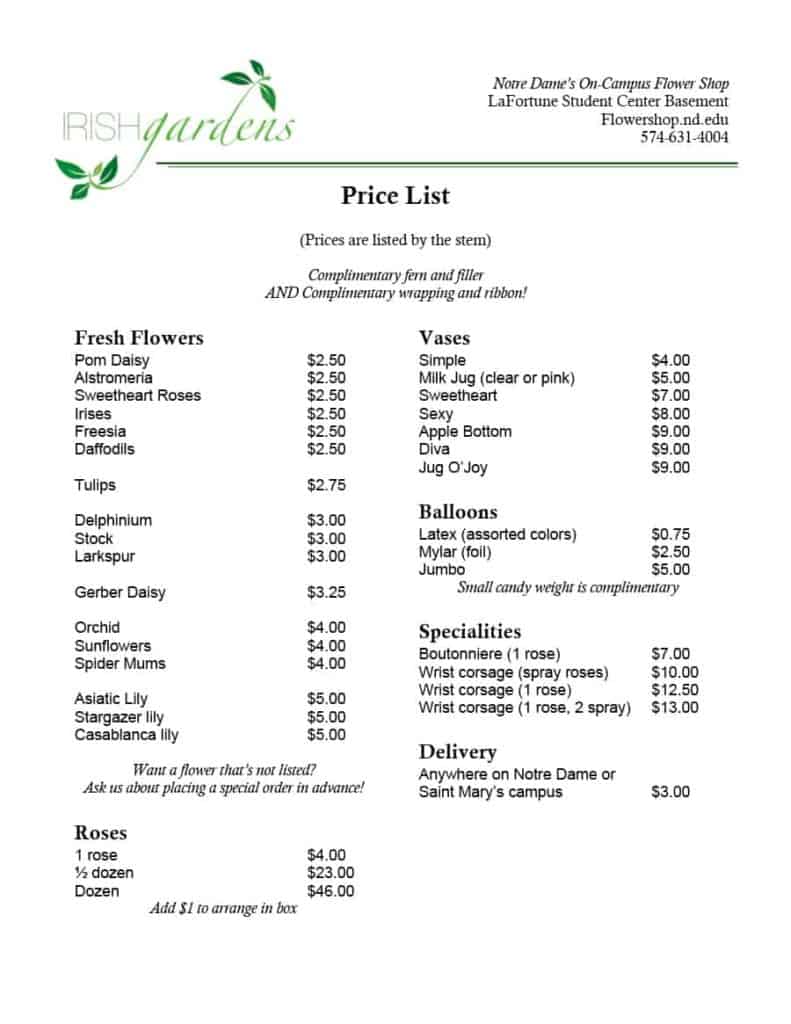
- Menu-style list: groups dishes or packages under headings, useful for cafes, caterers and party suppliers.
- Rental list: prices by day, week or month, with a deposit line for equipment, venues or vehicles.
- Catalog list: adds item codes so buyers can quote a code on an order form.
What to Put in a Printable Price List
- Your business name, logo and contact details at the top
- The effective date and, if relevant, an expiry date such as “valid until 31 December”
- Item name plus a code or SKU if you use them
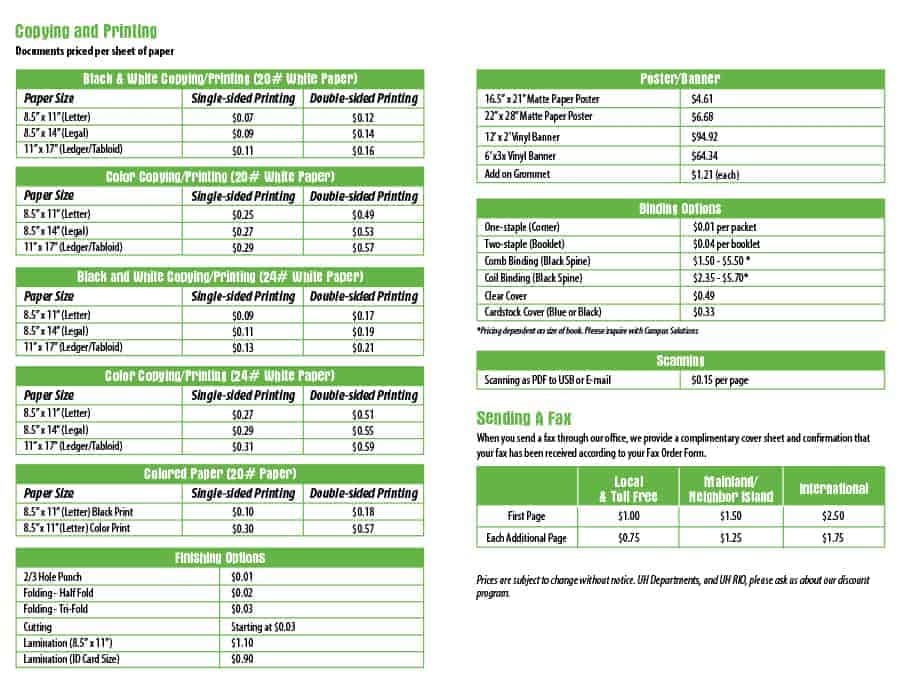
- Unit of measure, so “per kg”, “per hour” and “per box” are never guessed
- The price with the currency stated, and whether tax is included
- Bulk or loyalty discounts written as a clear rule, for example “10 or more units: 5% off”
- Delivery, handling or setup charges that are not part of the unit price
- Payment terms and a line saying prices can change with notice
How to Build a Price List From a Sample
- Export or write down every item you sell, including the ones you rarely quote.
- Work out cost, overhead and the margin you need, then set each price. Never copy a competitor’s figure without checking your own costs.
- Pick a layout from the previews that matches how many items you have. Short lists suit a designed Word page; long lists suit a spreadsheet.
- Group similar items under headings so a customer can scan in seconds.
- Add the date, currency and tax note before anything else is polished.
- Have someone else read the figures aloud against your cost sheet. Transposed digits are the most common pricing error.
- Print it, or save it as a PDF from your program’s Save As or Print menu if you want a fixed layout to email.
Small Worked Example
A mobile car-wash business lists four lines: exterior wash 25.00 per vehicle, interior vacuum 20.00 per vehicle, full valet 65.00 per vehicle, and a fleet rate of 18.00 per exterior wash for ten or more vehicles booked together. The sheet states the currency, says prices exclude tax, shows a valid-until date and gives a phone number for bookings. Four rules on one page are enough to answer most customer questions.
Word or Excel: Choosing the Format
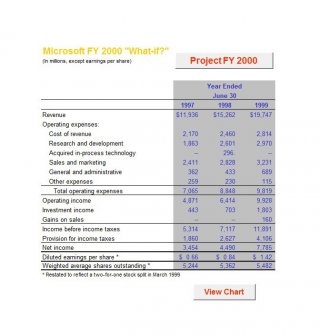
Choose Word when the list is short and presentation matters, such as a service menu handed to clients. Choose Excel when you have dozens of lines, want to sort by category or need formulas that add tax, apply a discount or convert a unit price into a case price. Many owners keep one master sheet in Excel and paste the current items into a Word layout for customers. Both file types are offered below so you can try each.
Mistakes That Make Price Lists Confusing
- Leaving out the date, so nobody knows whether an old copy is still valid
- Mixing tax-inclusive and tax-exclusive prices on the same page
- Showing wholesale prices on a sheet that retail customers can see
- Using vague units such as “per portion” with no size
- Forgetting to remove discontinued items from shared folders and the counter
- Printing more copies than you will use before a price change
Version control matters more than most owners expect. Save each new list with the date in the file name, keep the previous version in an archive folder and replace printed copies on the same day. That way, if a customer disputes an old charge, you can show exactly which list was in force and avoid guessing from memory.
Template file guide
Before completing your template
- State the currency and whether prices include applicable tax.
- Keep product names, units and prices aligned.
- Add an effective date and remove superseded offers.
Use the file links below to open an option directly, or continue to the previews to compare layouts. File formats are taken from the linked filenames. Extract ZIP archives before checking the files inside.
| File or resource | Format / source |
|---|---|
| Word price list template 1 | DOCX |
| Word price list template 2 | DOCX |
| Word price list template 3 | DOC |
| Word price list template 4 | DOCX |
| Word price list template 5 | DOC |
| Word price list template 7 | DOCX |
| Word price list template 8 | DOCX |
| Word price list template 9 | DOCX |
| Word price list template 10 | DOCX |
| Word price list template 11 | DOC |
| spreadsheet-style price list template ZIP | ZIP |
| Excel price list template 1 | XLSX |
| Excel price list template 2 | XLSX |
| Excel price list template 3 | XLSX |
| Excel price list template 4 | XLSX |
| Excel price list template 5 | DOC |
| Excel price list template 6 | XLS |
| Excel price list template 8 | XLS |
| Excel price list template 9 | XLS |
| Excel price list template 10 | XLSX |
| Excel price list template 11 | XLS |
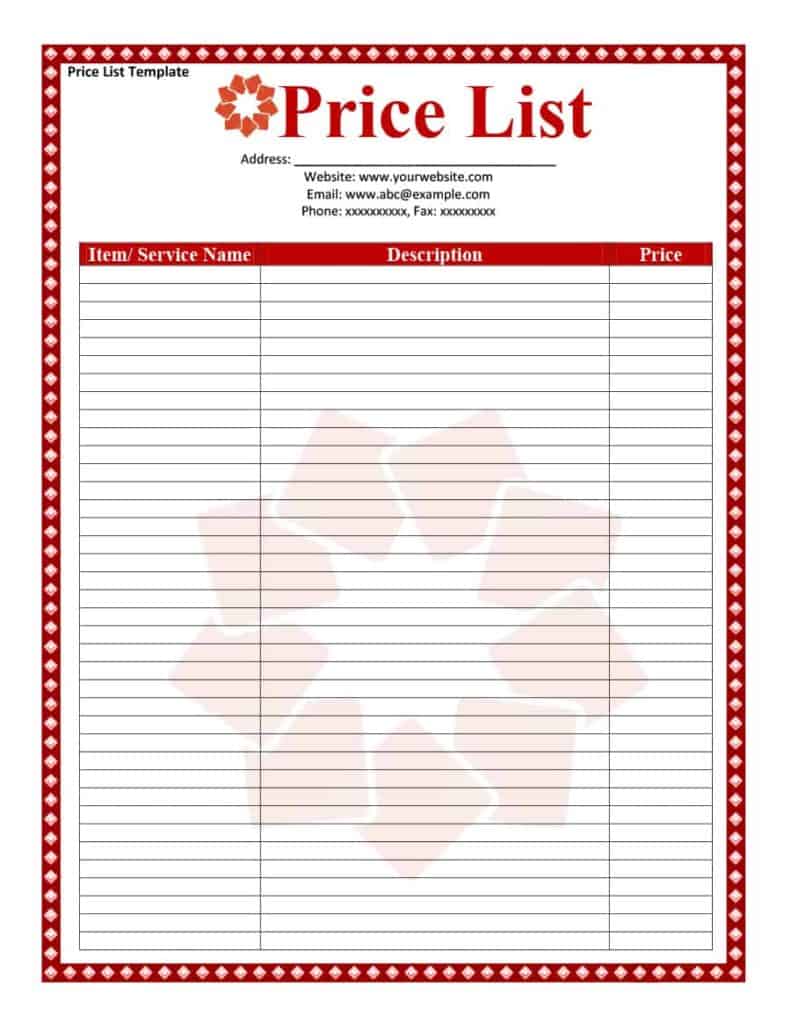
| blank price list template 1 | DOCX |
| blank price list template 2 | DOCX |
| Word price list template 6 | DOCX |
| Excel price list template 7 | XLSX |
Free Price List Template Downloads
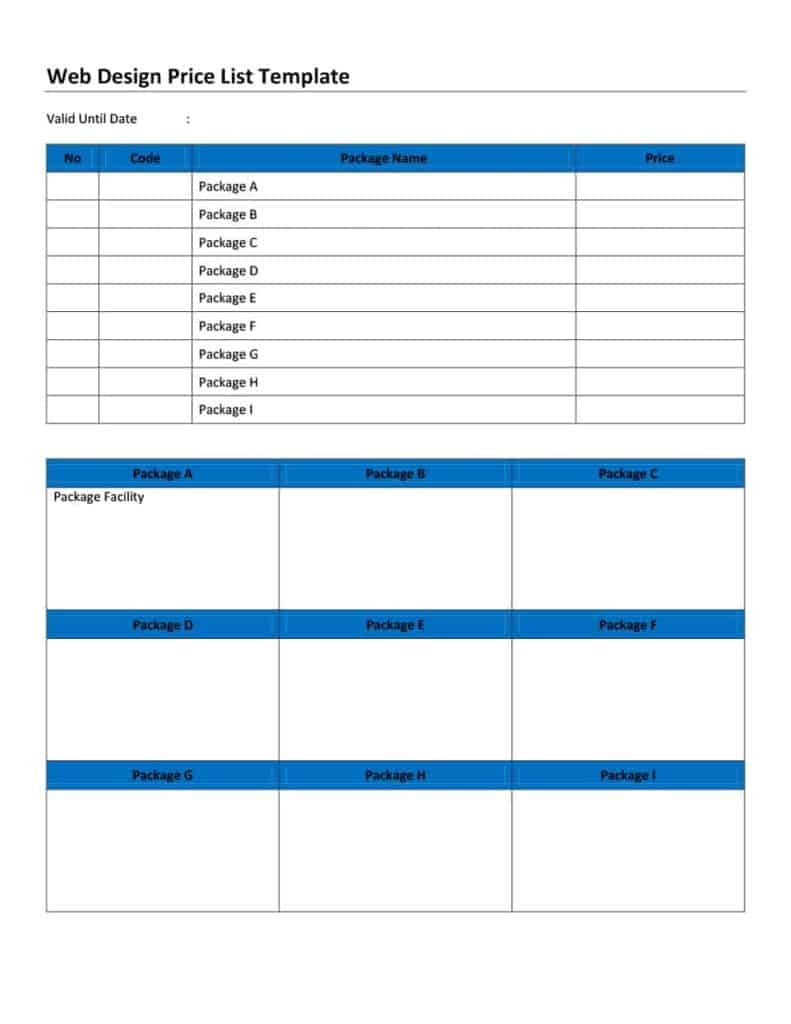
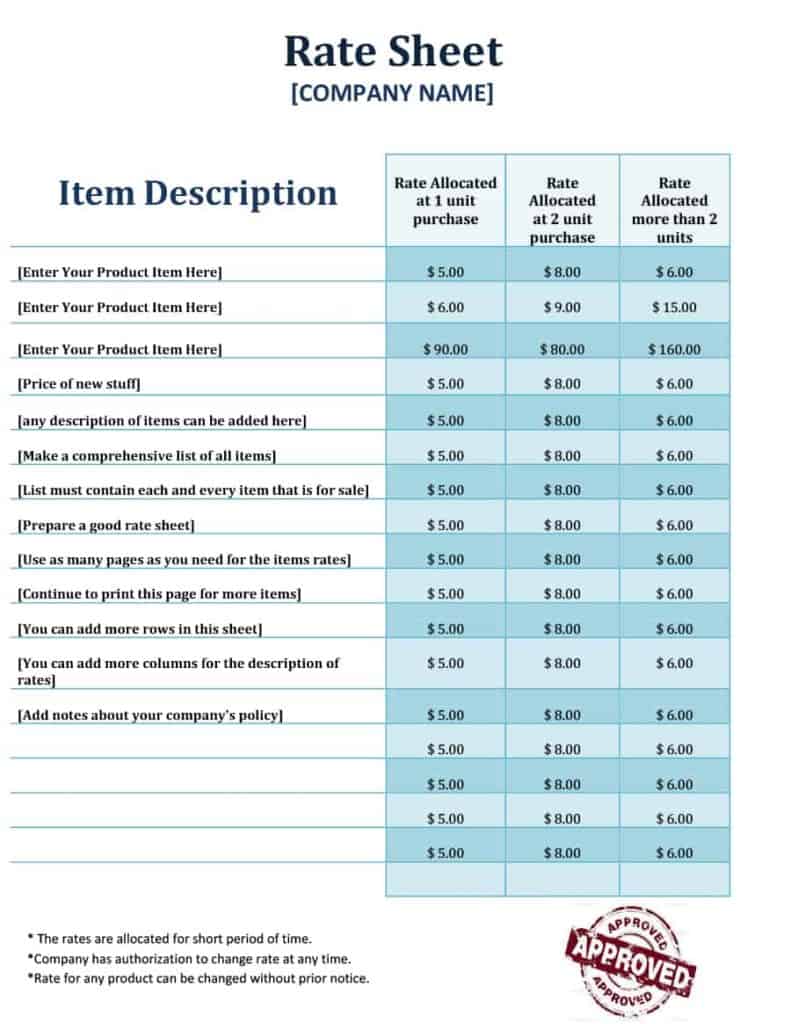
Every preview below has its own download button. Word files open in Microsoft Word, Excel files open in Microsoft Excel, and ZIP files must be extracted first. After downloading, change the business name, add your logo, adjust fonts and colors and add or delete rows as your list grows.
Word Price List Templates
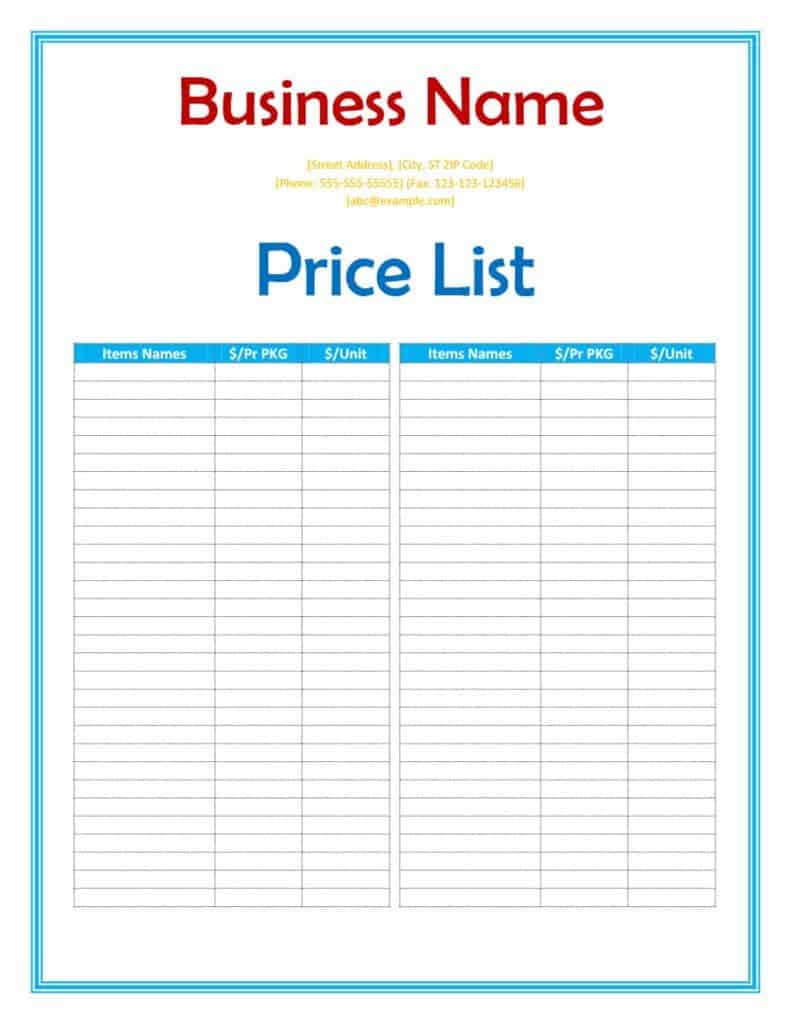

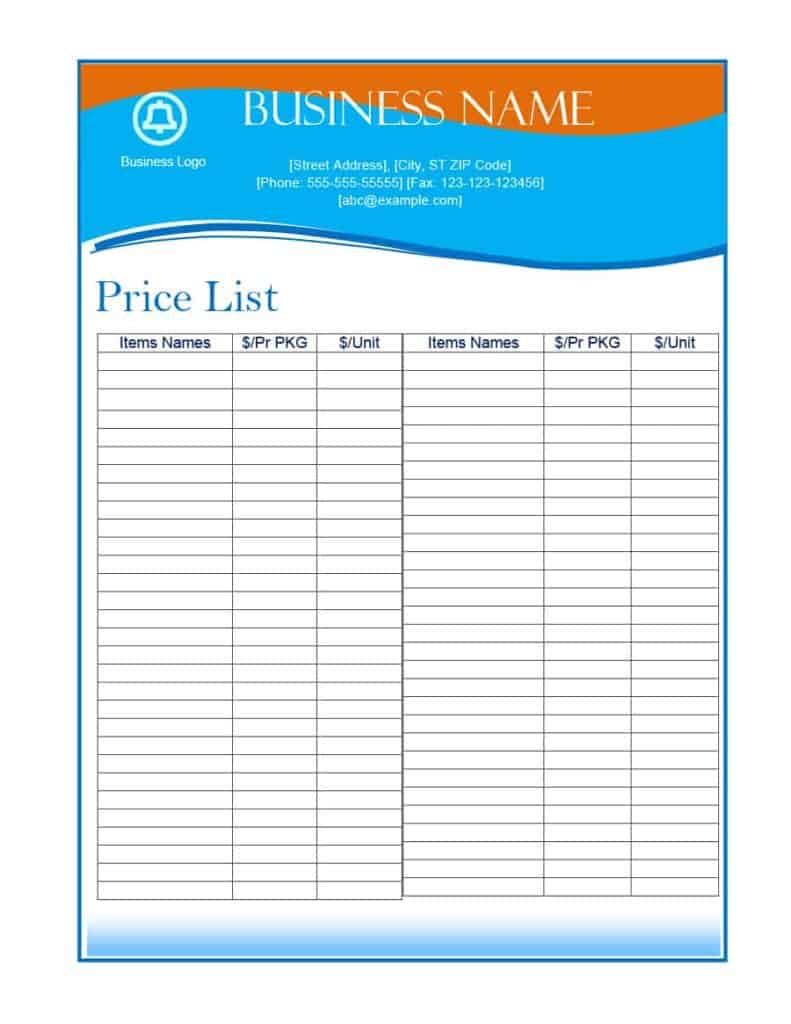
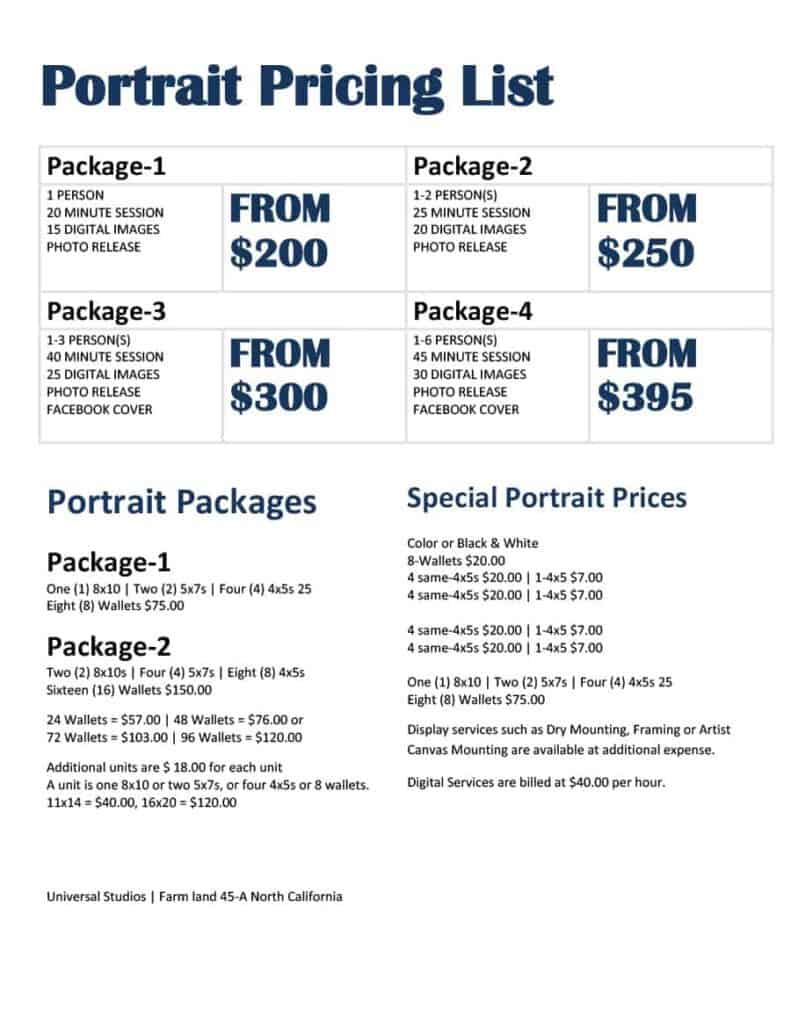
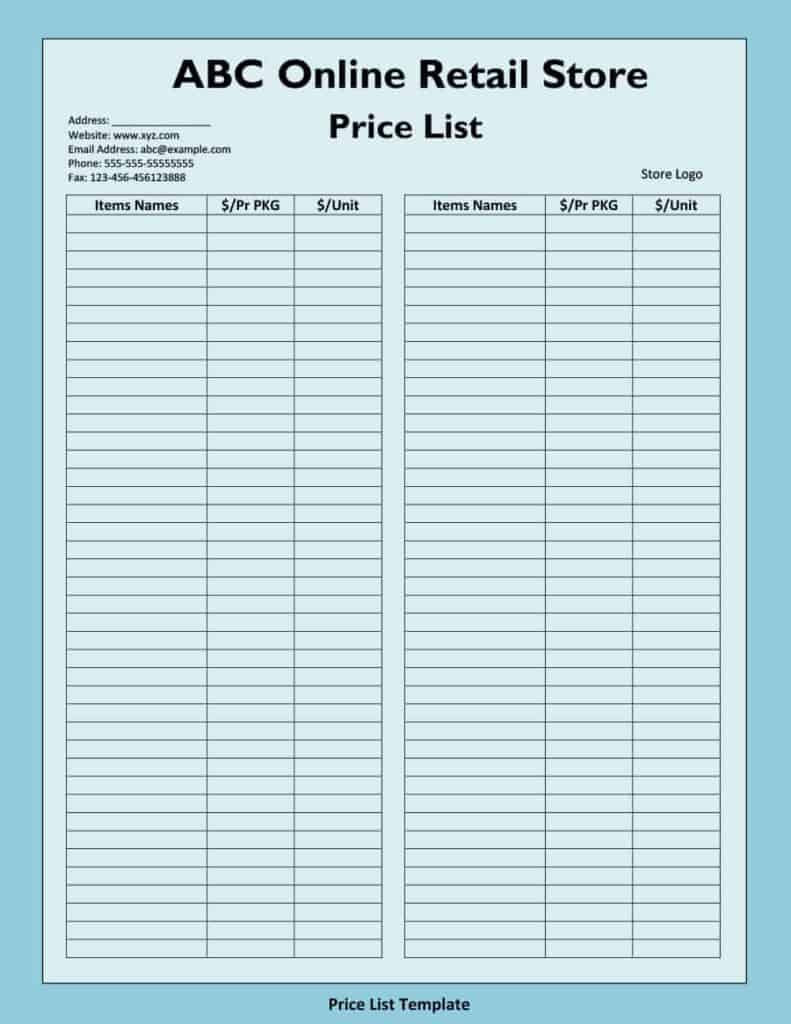

Price List Templates Excel
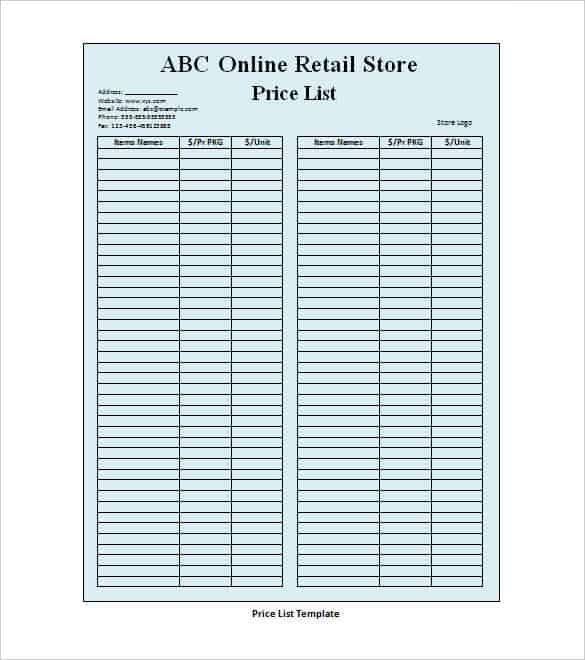
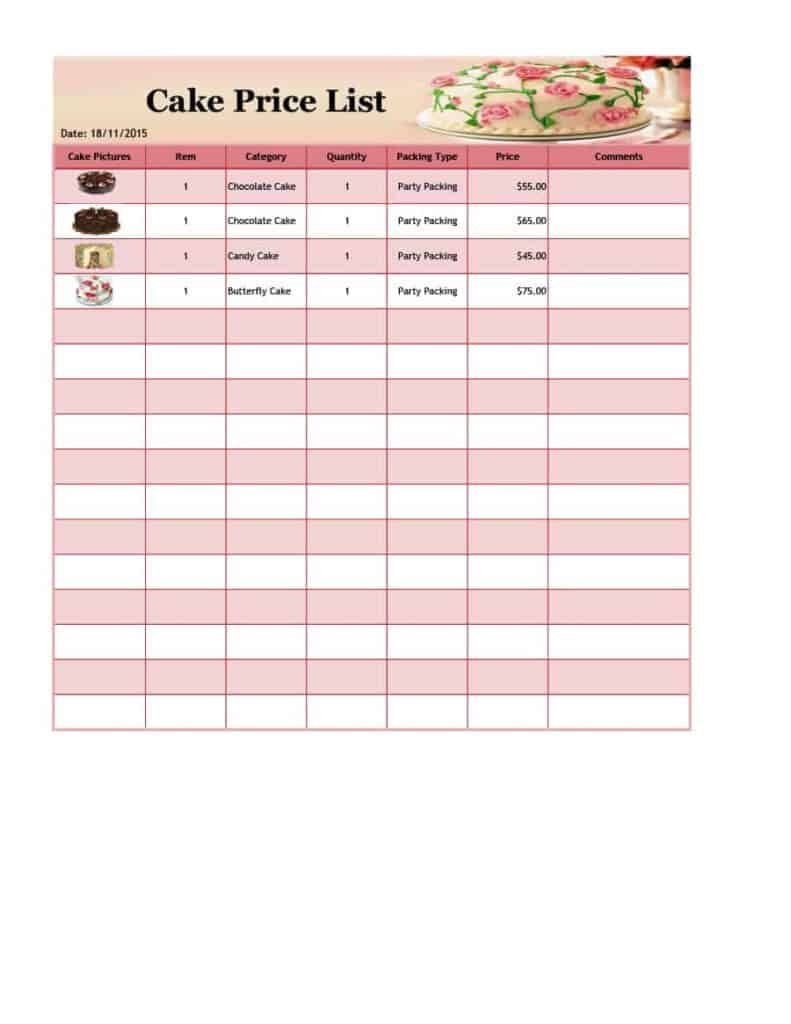
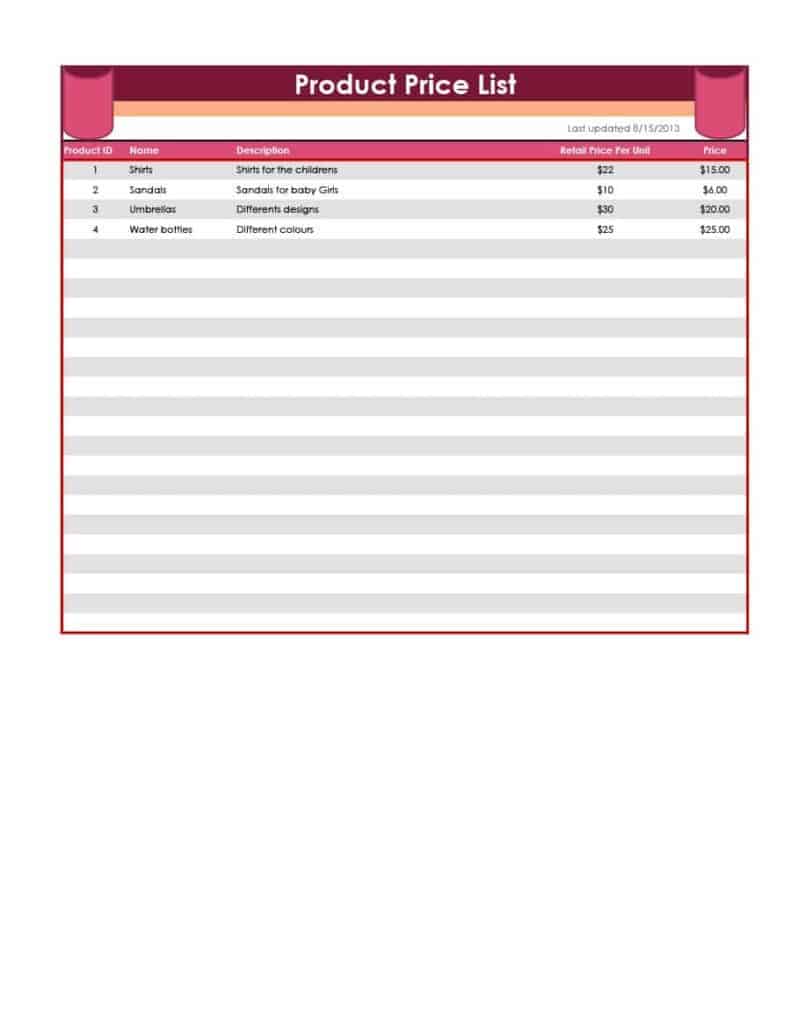
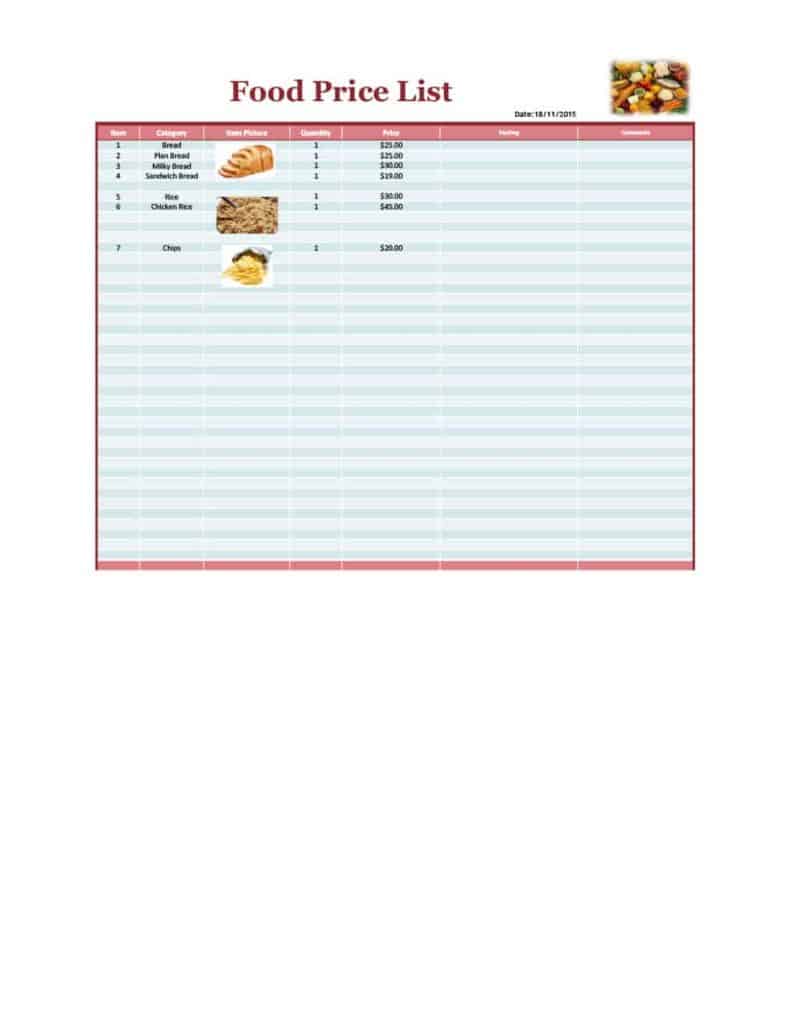
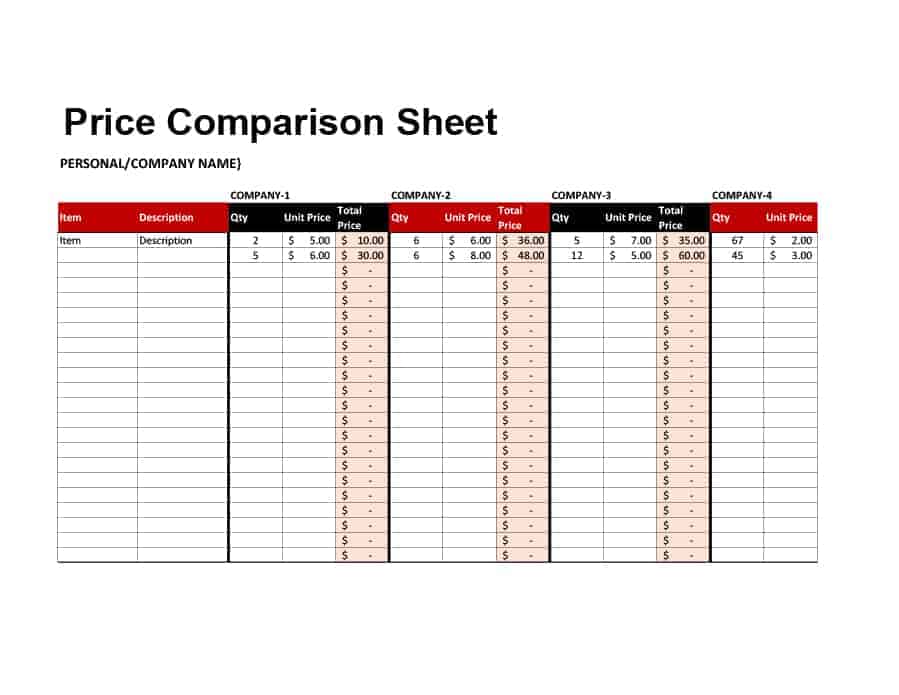
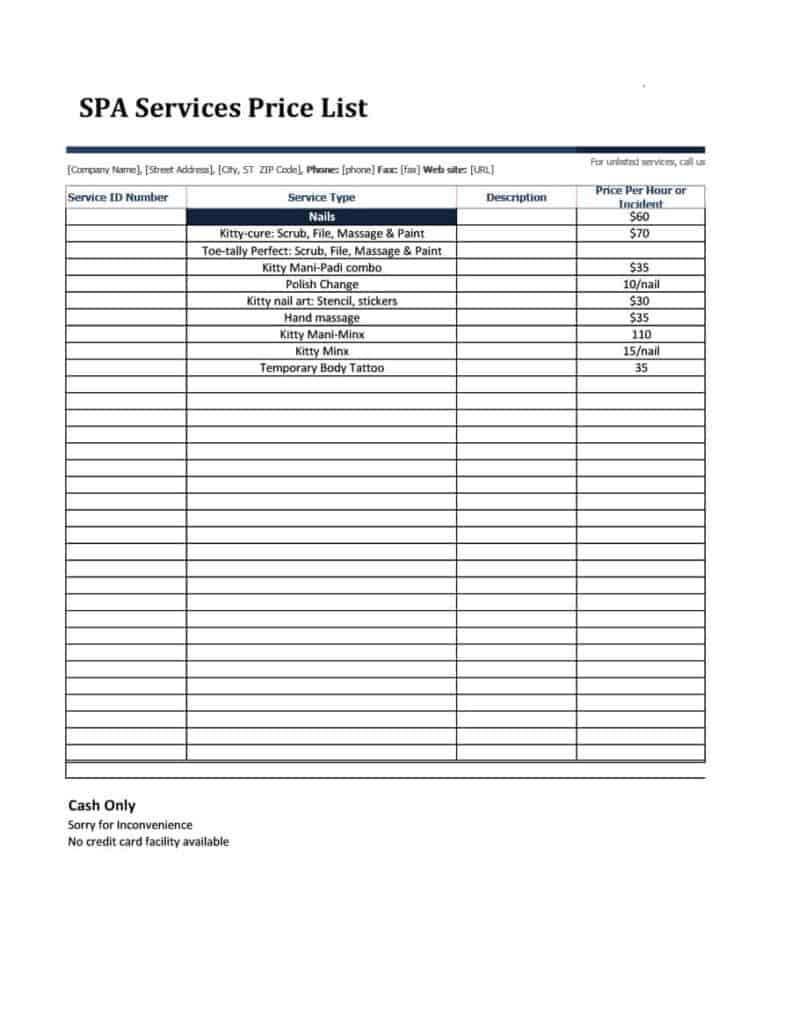
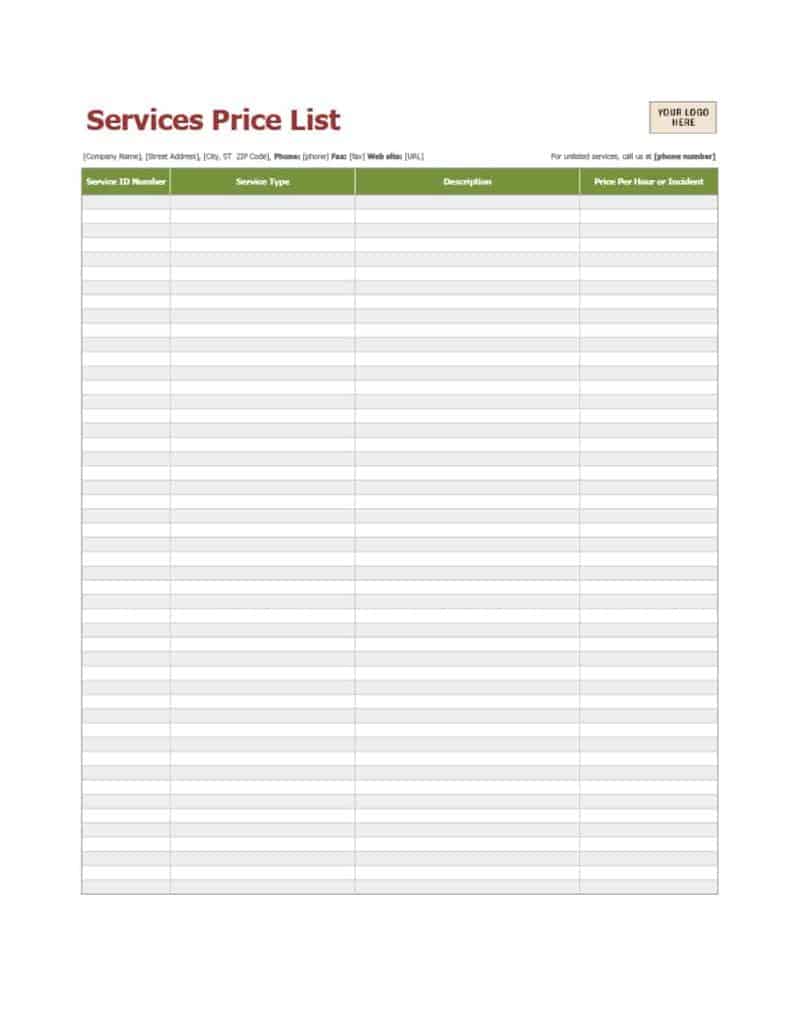
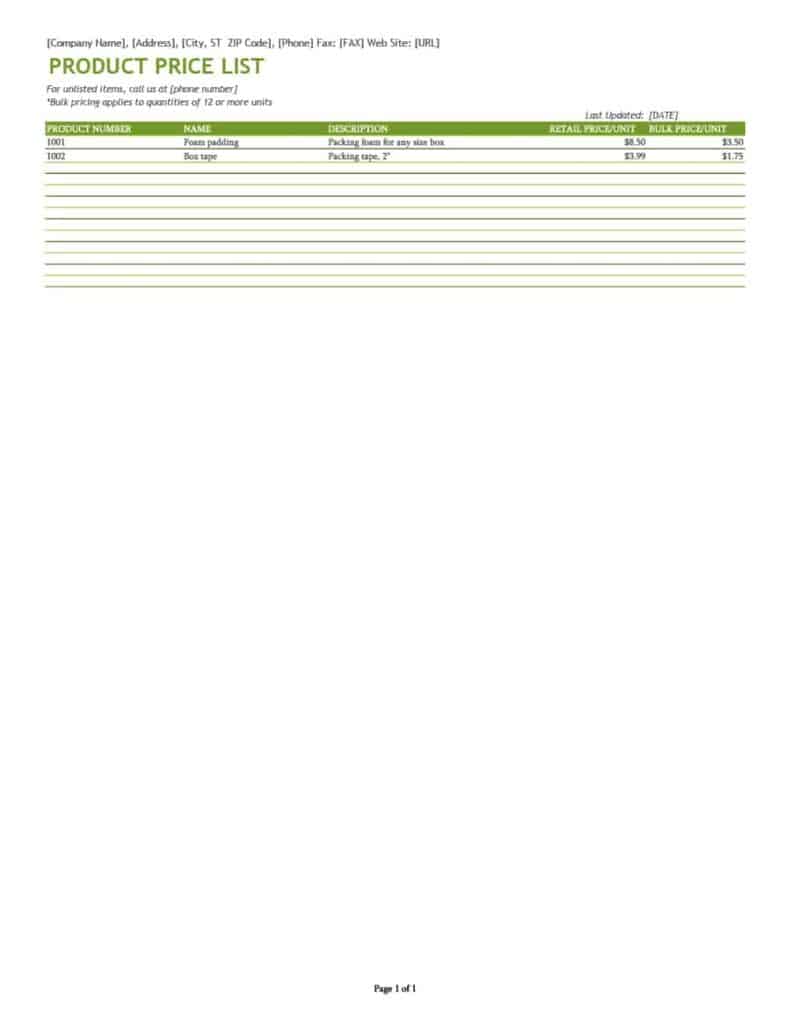
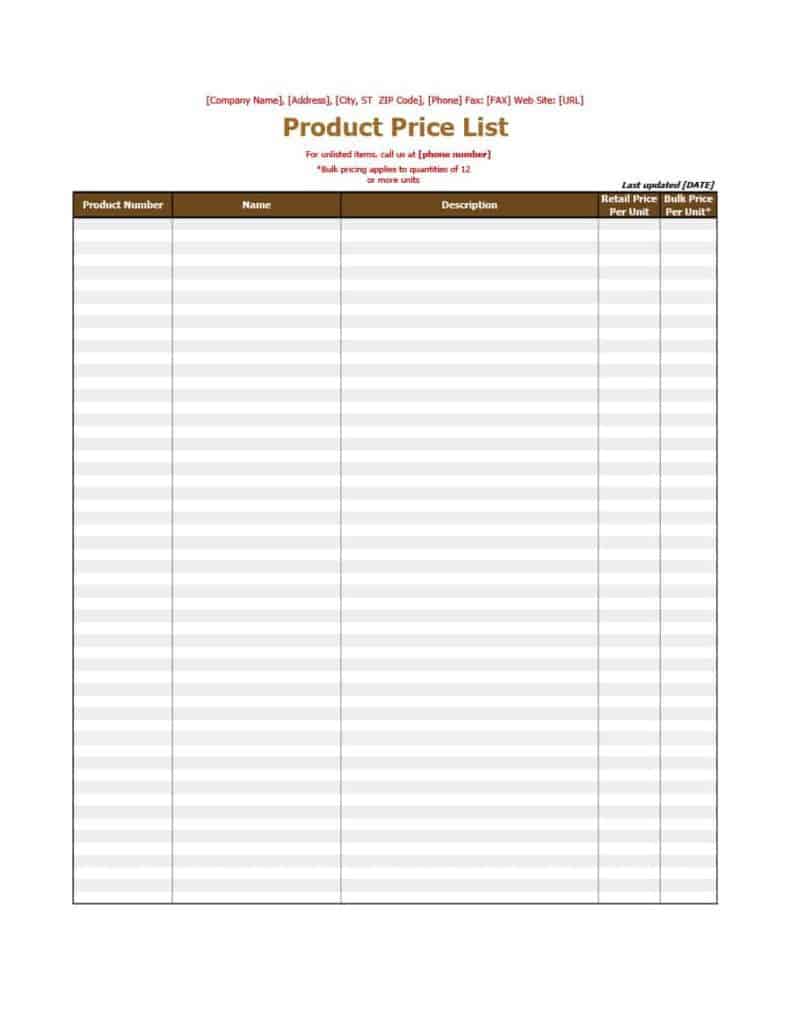
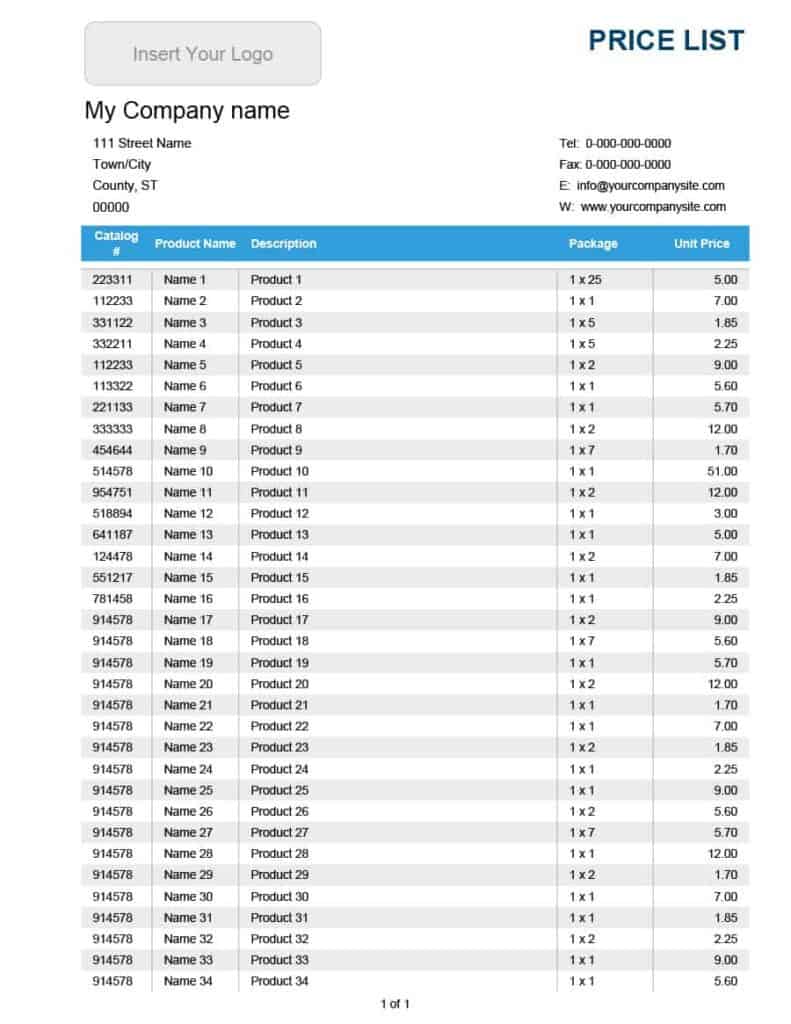
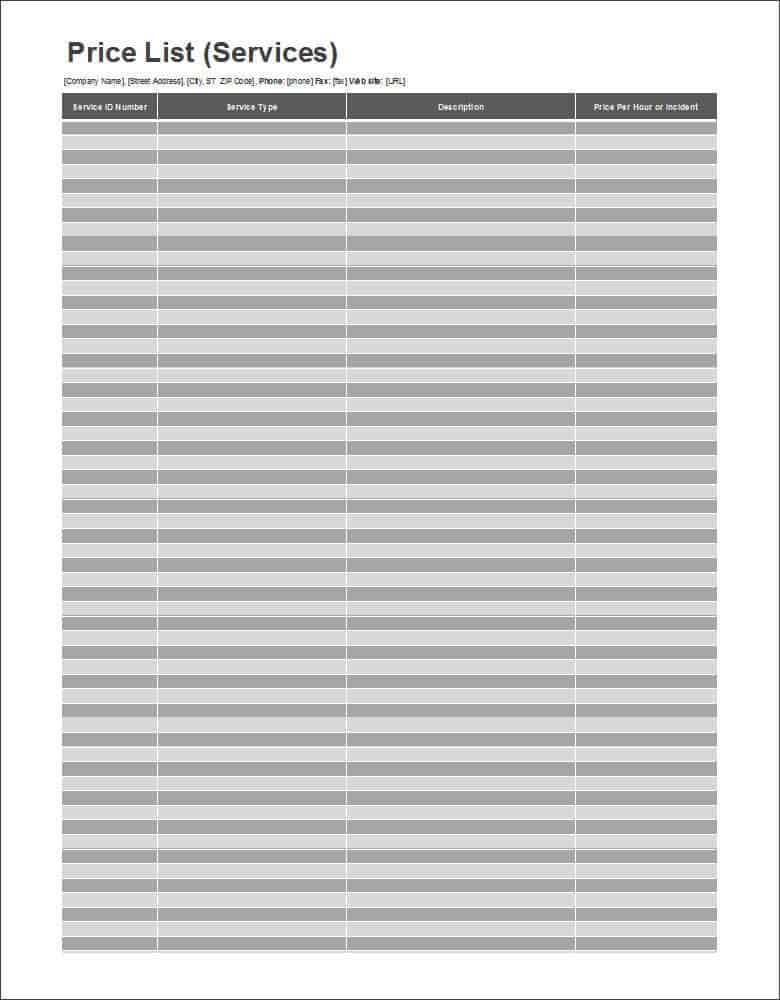
The following Excel price list templates use blank columns where you can enter products or services, descriptions and prices. Use Excel’s formatting and formula features to adjust them to your business.
Blank Price List Templates Word
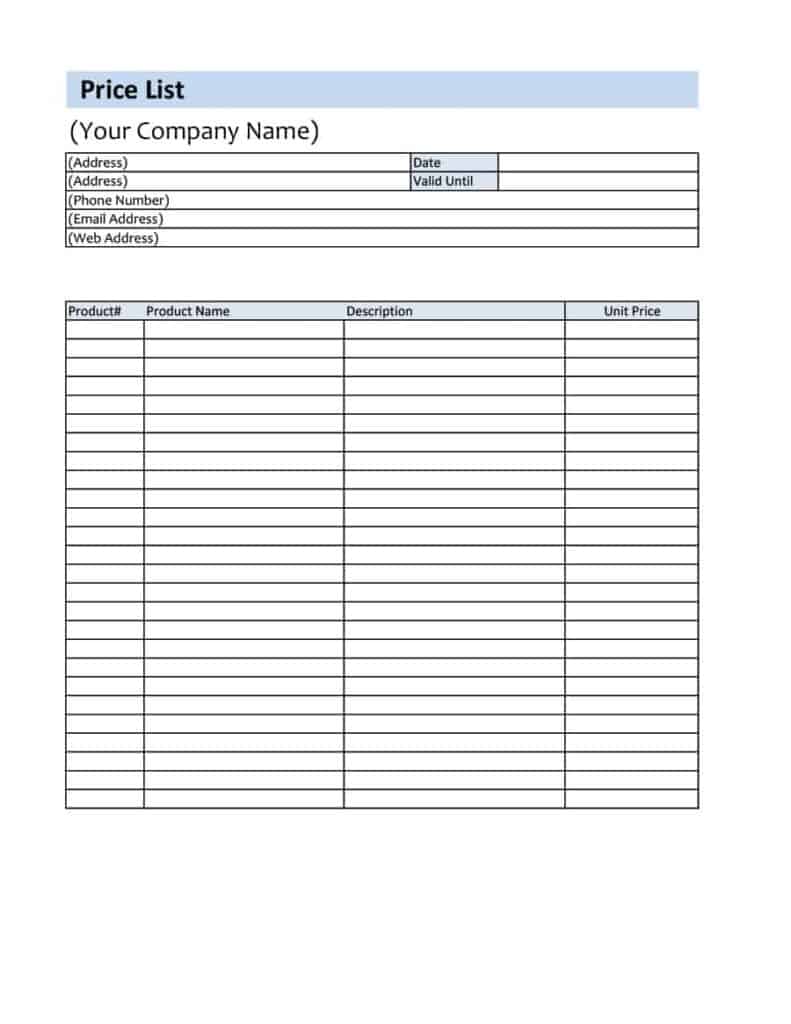
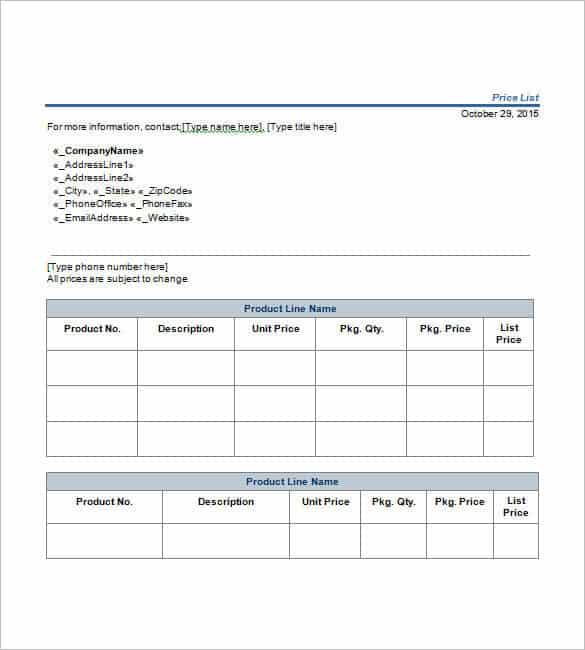
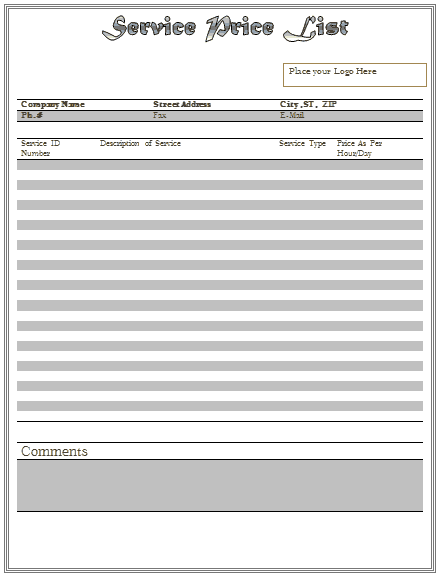
These blank Word price list templates are free to download and can be used for products or services. Type over the placeholder text to build your own list.
Related Templates
- free quotation templates
- order form templates
- rate card and rate sheet templates
- receipt of payment templates
Frequently Asked Questions About Price List Templates
How often should I update a price list?
Whenever your supplier costs, wages or rent change, and at least once a year. Always show the effective date so old copies are easy to spot.
Should prices on the list include tax?
That depends on your customers and local rules. Consumer lists often show tax-inclusive prices, while trade lists often show prices before tax. Whichever you choose, state it clearly on the page.
How do I set prices for a wholesale list?
Start from your cost, decide the margin you can accept on bulk orders and add quantity breaks. Keep the wholesale sheet separate from the retail one.
Is Word or Excel better for a long price list?
Excel is easier for long lists because you can sort, filter and use formulas. Word is better for a short, designed handout.
What is the difference between a price list and a quotation?
A price list shows standard prices for everyone. A quotation is prepared for one customer and one job, and usually has a validity period and a total.
Can I show discounts on the same sheet?
Yes. Write each discount as a simple rule, such as a percentage above a set quantity, so customers can calculate their own total.
How do I make a PDF price list?
Complete a Word or Excel template, then use Save As PDF or Print to PDF in your program. The layout stays fixed on every device.
Are these templates free, and what file types are they?
Yes, they are free downloads. You will find DOC, DOCX, XLS and XLSX files, plus one ZIP that needs to be extracted first.

You must be logged in to post a comment.