A good training manual template gives a new hire or volunteer something to hold on to after the trainer has left the room. This page shows 12 free training manual layouts you can preview and download, plus an all-in-one ZIP that bundles the collection and may include additional files. Most previews link to editable Word documents, so you can add your own procedures, screenshots and logo and turn a generic layout into the handbook your team actually needs.
When to Use a Training Manual
Use a training manual to onboard new employees or volunteers, standardize a procedure across shifts, or keep knowledge in the company when experienced staff leave. These 12 layouts, with an all-in-one ZIP, suit small teams, customer service, safety training and role-specific guides.
What Is Included in These Templates
- Cover and welcome page: title, version and a short note from the manager.
- Table of contents: modules or topics with page numbers.
- Learning objectives: what the trainee will be able to do.
- Step-by-step procedures: numbered tasks with screenshots or checklists.
- Quizzes, sign-off and contacts: knowledge checks and who to ask.
How to Fill Out a Training Manual
- Pick a layout and define the audience: new hires, a department or volunteers.
- List the modules in the order a trainee would learn them.
- Write each procedure as numbered steps and add images where words are not enough.
- Add objectives and a short quiz to each module.
- Test the manual with a new person, fix unclear parts, and record the version and date.
Key Points to Check
- Accuracy: procedures must match how work is actually done.
- Plain language: short sentences and defined terms.
- Safety and policy: include required rules and legal notices.
- Version control: note revision date and owner.
- Extra files in the ZIP: check what the pack contains before use.
Tips
- Start with the tasks new people ask about most.
- Use checklists for repeated routines.
- Review the manual every six months.
About These Templates
These samples are published and maintained by Nick at Word Templates Docs, a free library of editable Word, Excel and PDF templates. If a link is broken or a file will not open, please contact us and we will fix it. Read more about how we prepare these templates.
Template file guide
Before completing your template
- Identify the learner and the task being taught.
- Test the steps with someone unfamiliar with the process.
- Record the manual’s version and review owner.
Use the file links below to open an option directly, or continue to the previews to compare layouts. File formats are taken from the linked filenames. Extract ZIP archives before checking the files inside.
| File or resource | Format / source |
|---|---|
| training manual template — option 1 | DOCX |
| training manual template — option 2 | DOCX |
| training manual template — option 3 | DOCX |
| training manual template — option 4 | DOCX |
| training manual template — option 5 | DOCX |
| training manual template — option 6 | DOCX |
| training manual template — option 7 | DOCX |
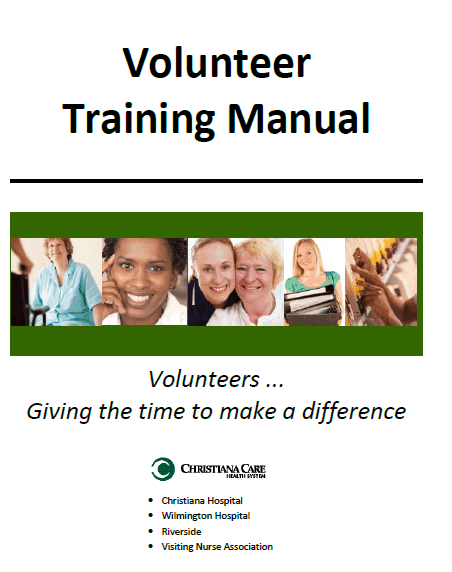
| volunteer training manual template | ZIP |
| training manual template ZIP | ZIP |
| training manual template — option 8 | DOCX |
| training manual template — option 9 | DOCX |
| training manual template — option 10 | DOCX |
| all training manual templates | ZIP |
Download All Training Manual Templates in One ZIP

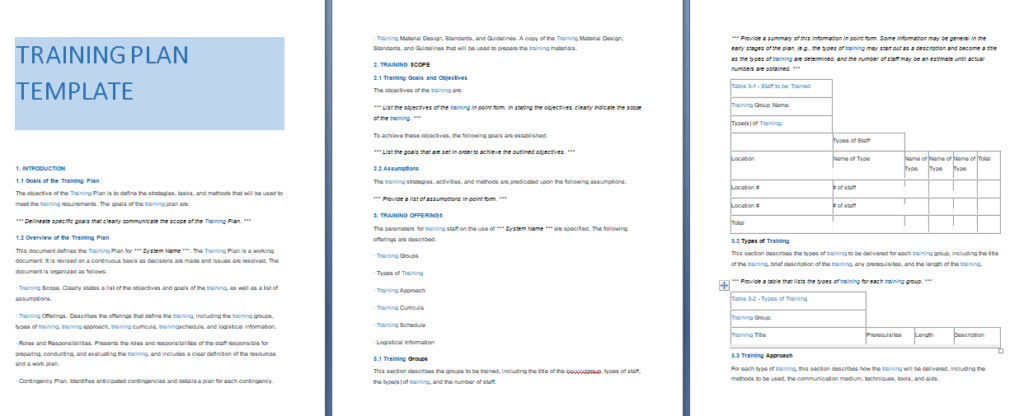
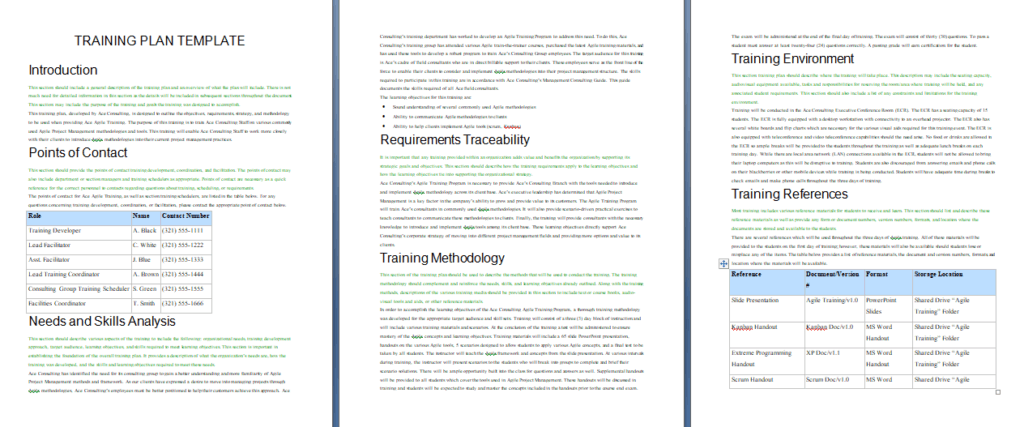
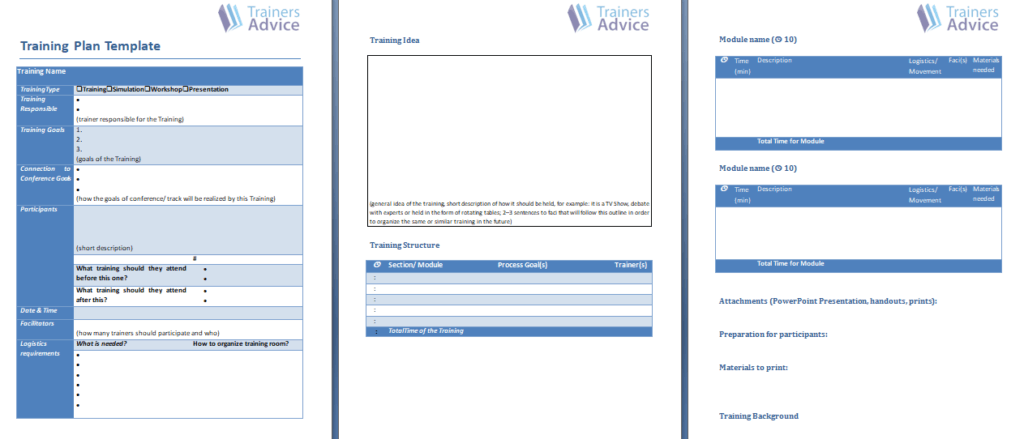
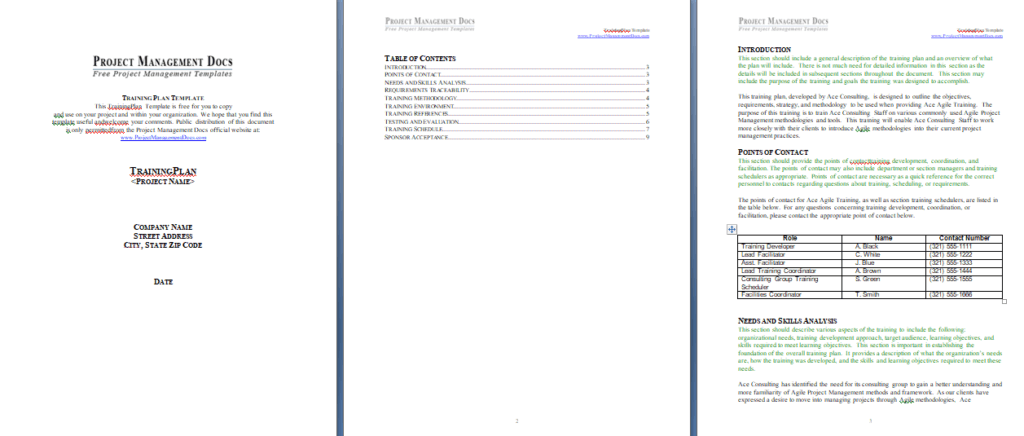
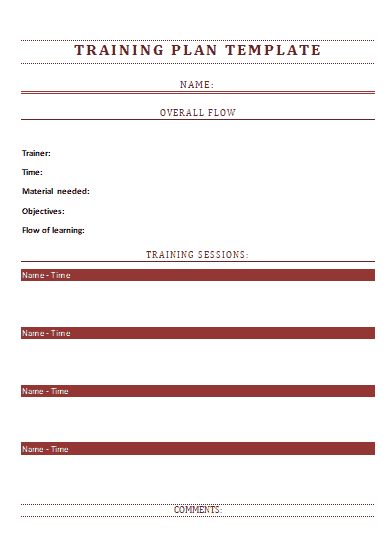
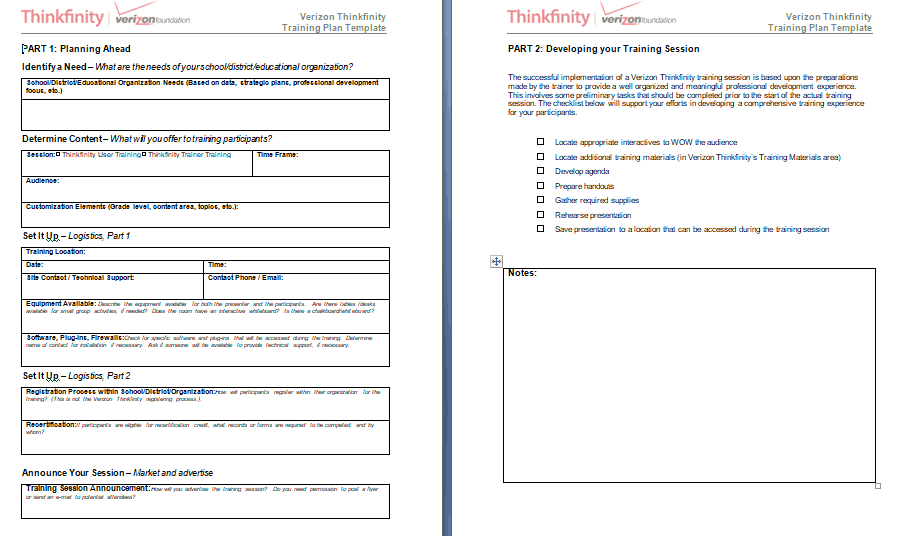
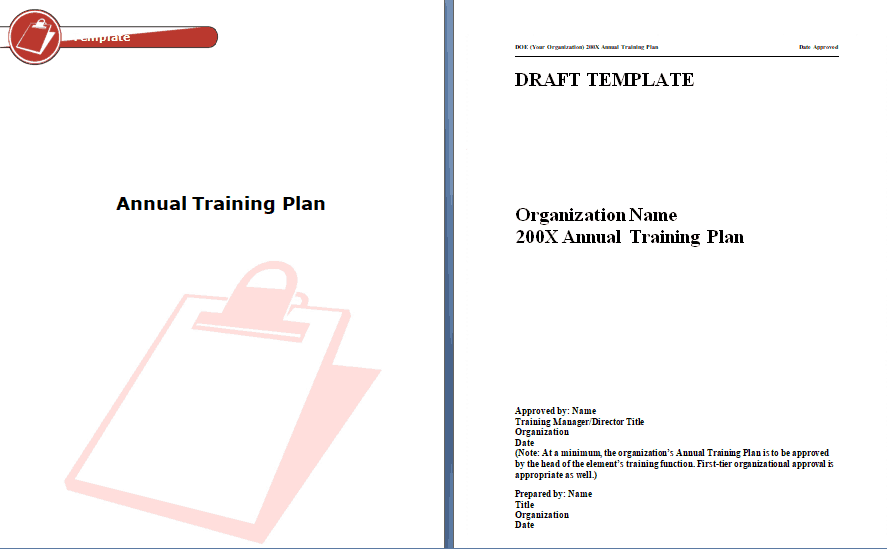
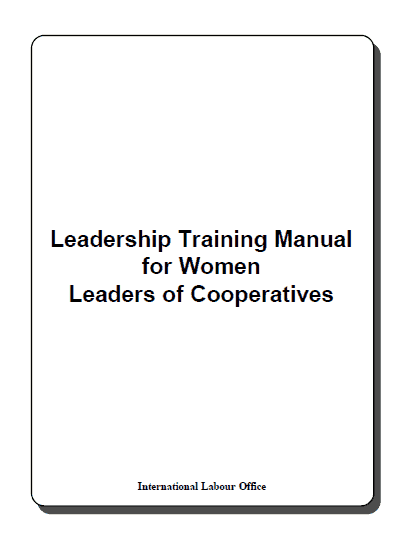
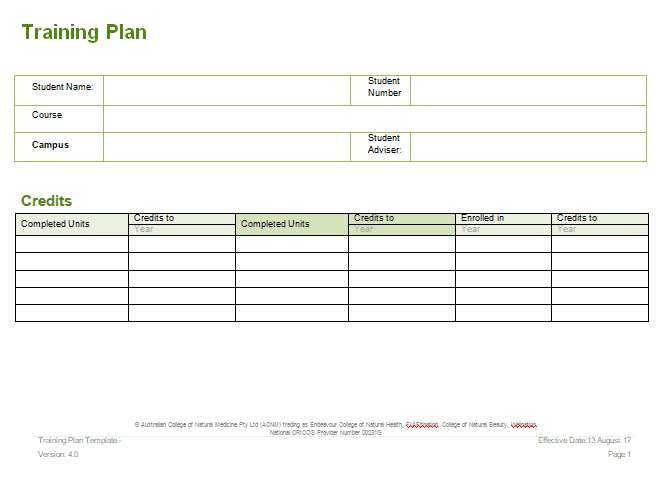
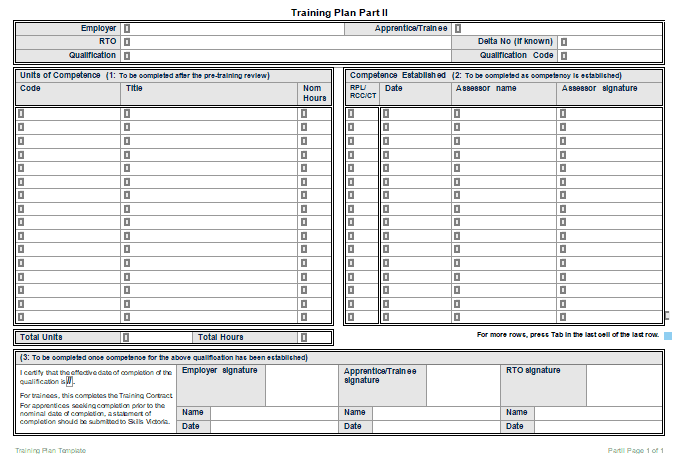
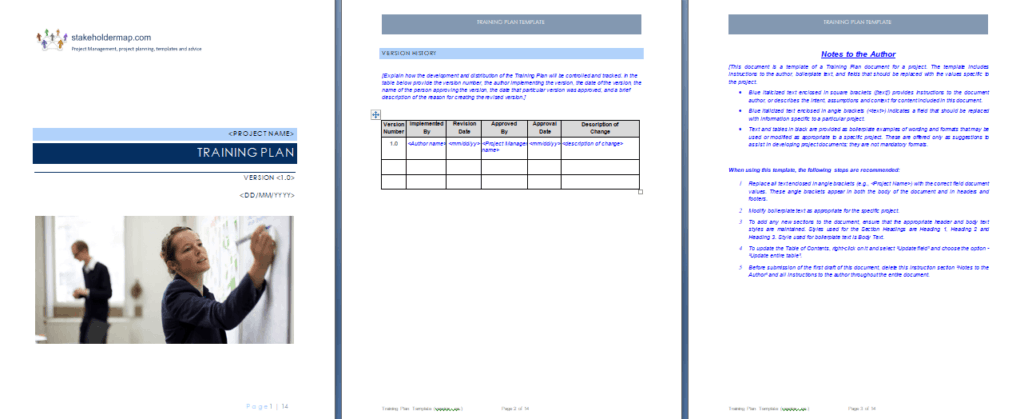
12 Free Training Manual Template Previews

Related Templates
- free instruction manual templates for product setup and usage guides
- free user manual templates for customer-facing guides
- free decision tree templates for troubleshooting and choice diagrams
Frequently Asked Questions (FAQs) About Training Manuals
How is a training manual different from an employee handbook?
A handbook explains rules, benefits and expectations. A training manual teaches how to perform tasks, with steps, examples and practice, so it is used actively during learning.
How long should a training manual be?
Long enough to teach the task and no longer. A single procedure might fit on a few pages, while a full onboarding program can run much longer, so split big topics into modules.
Can I add my own logo and screenshots?
Yes. In Word you can insert a logo on the cover or header, drop in screenshots beside the steps they explain, and change the fonts and colors to match your brand.
What should a trainer’s guide contain that the trainee copy does not?
Session timing, talking points, activity instructions and answers to quiz questions. Keeping it separate stops the answer key from ending up in trainee hands.
How do I check that trainees actually learned from the manual?
Add short practice tasks or a supervisor sign-off sheet at the end of each module, and watch the trainee perform the task once before they work alone.
Do the download files open in Microsoft Word?
Most of the individual downloads are Word documents. Some arrive as ZIP files, so extract them first. If a ZIP holds another kind of file, open it with the matching program.
How often should I update a training manual?
Whenever a tool, process or safety rule changes, and at least once a year. Record the version and date on the cover so people can tell which copy is current.
Can one manual work for both employees and volunteers?
Sometimes, for shared topics such as safety and communication. Role-specific duties usually differ, so many organizations keep a shorter, separate volunteer edition.


You must be logged in to post a comment.