Nobody enjoys writing the Friday update, and nobody enjoys reading a rambling one either. A tidy status report template fixes both problems by giving you fixed headings to fill in and giving readers the same layout every time. This page offers 8 free samples: 3 Excel workbooks (.xlsx) for tracking tasks and figures, and 5 Word files (.doc and .docx) for written updates. Choose the one that suits your audience, replace the sample content and send it on a regular schedule.
What a Good Status Report Answers
A status report is a short document that tells readers where a project or activity stands at a point in time. The best ones answer four questions in under a minute: what got done, what is being worked on now, what is coming next and what might get in the way. Project managers, IT teams, construction supervisors, marketing leads and freelancers all use them. The frequency depends on the pace of the work: daily during a critical launch, weekly for most projects, monthly for steering committees and clients.
Word or Excel: Picking the Right Sample
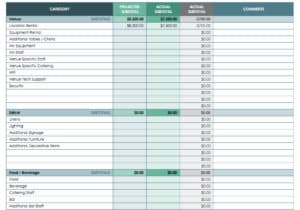
The three Excel samples suit reports that are mostly tables: task lists with owners and due dates, percent complete, budget against actual, or a milestone tracker. Formulas can total values and progress bars can be added. The five Word samples suit narrative updates where the reader wants a short written summary, a list of risks and a few decisions to make. Some teams use both, keeping a live tracker in Excel and pasting a summary into a Word or email update for executives.
Sections That Earn Their Place
- Header: project name, reporting period, author and date.
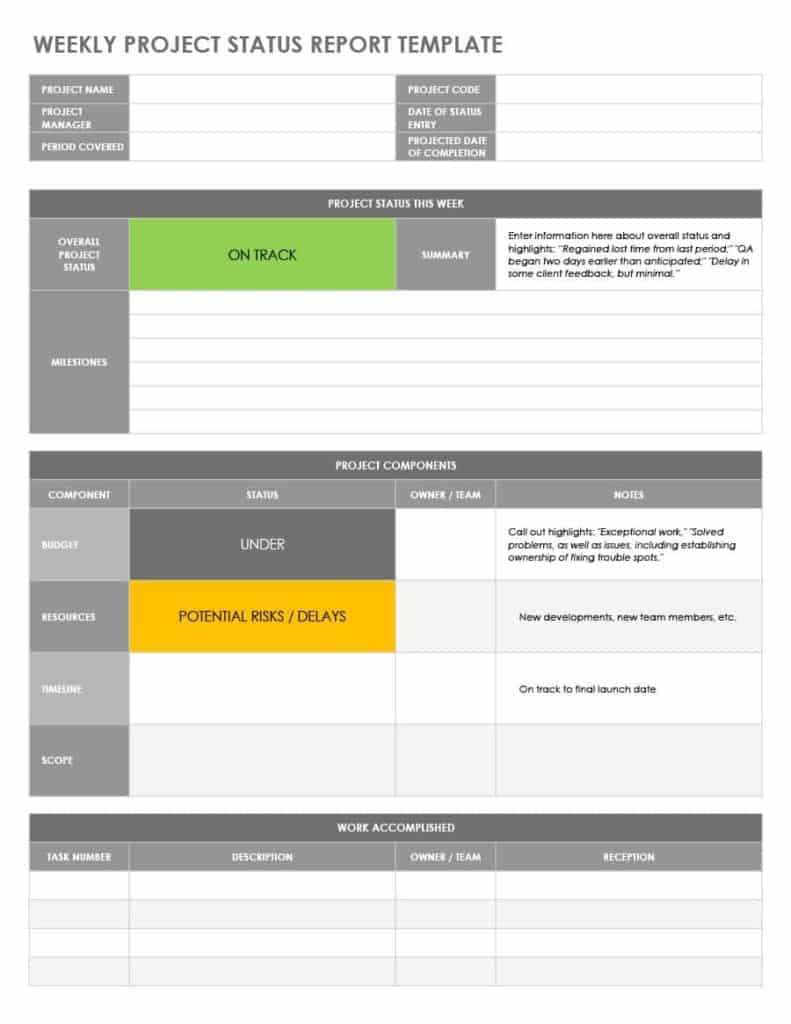
- Overall status: a single word such as on track, at risk or delayed, ideally with a color if your organization uses one.
- Accomplishments: the main things completed since the last report.
- In progress and next steps: what is under way and what will start next.
- Milestones and dates: upcoming deadlines and whether they still hold.
- Risks and issues: what could slow the work, how likely it is and what is being done.
- Budget or resources: only when relevant, and always with the same measures each time.
- Decisions or help needed: the specific ask, so readers know where to act.
A Short Worked Example
To see how concise wording reads, here is an illustration of a weekly update. “Status: at risk. Completed: finished user testing with 12 participants; approved the revised homepage design. In progress: building the checkout page, 60 percent complete. Next week: begin payment integration. Risk: the payment provider has not yet issued test credentials, which could delay integration by up to a week. Action: escalated to the provider on Tuesday; decision needed from Sam by Thursday on whether to use the backup provider.” Notice how each line is short, has an owner or date and separates fact from request. The numbers are fictional and are only meant to show the tone.
Common Mistakes in Status Reports
- Listing activity rather than results, such as “worked on the report” instead of “completed the draft of section three”.
- Reporting green every week until a sudden red, which erodes trust. Flag amber early.
- Burying the one decision you need in the middle of a long paragraph.
- Changing the format every week, so readers cannot compare periods.
- Sending the same detailed report to a team and to executives, instead of trimming for each audience.
Tailoring the Level of Detail
The same project may need three versions of an update. A team version can be detailed, with task-level items and blockers. A manager version summarizes progress by workstream and highlights risks. An executive or client version shows overall status, key milestones, budget position and any decisions needed, in a few lines. Starting from one of the samples below, you can strip sections you do not need and keep a saved master for each audience, which also makes it easier to hand the reporting over to a colleague when you are away.
Building a Reporting Habit
A template only helps if the report gets written. Pick a fixed day and time, and block it in your calendar so the update is not squeezed into the last five minutes. Keep notes as you go, for example a running list of completed tasks and new risks, so the weekly report becomes a matter of copying and tidying. Ask your readers what they actually use: if nobody reads the budget section, remove it, and if a manager keeps asking the same question by email, add a line that answers it. Store every report in one folder with a consistent file name, since a history of past updates is useful when you write a retrospective, justify a schedule change or hand the project to someone new. Consistency, more than polish, is what makes a status report trusted.
Using the Downloads
Click any preview to view it at full size, then press the download button beneath it. Excel files open in Microsoft Excel, LibreOffice Calc or Google Sheets, and Word files open in Word, LibreOffice or Google Docs. Replace the sample text with your own information, adjust headings and colors, and save the file using a name that includes the project and date. If you need to email it, save or export a PDF copy from your program.
Template file guide
Before completing your template
- State the reporting period and the date of the next update.
- Give each blocker an owner and a next action.
- Separate completed work from planned work.
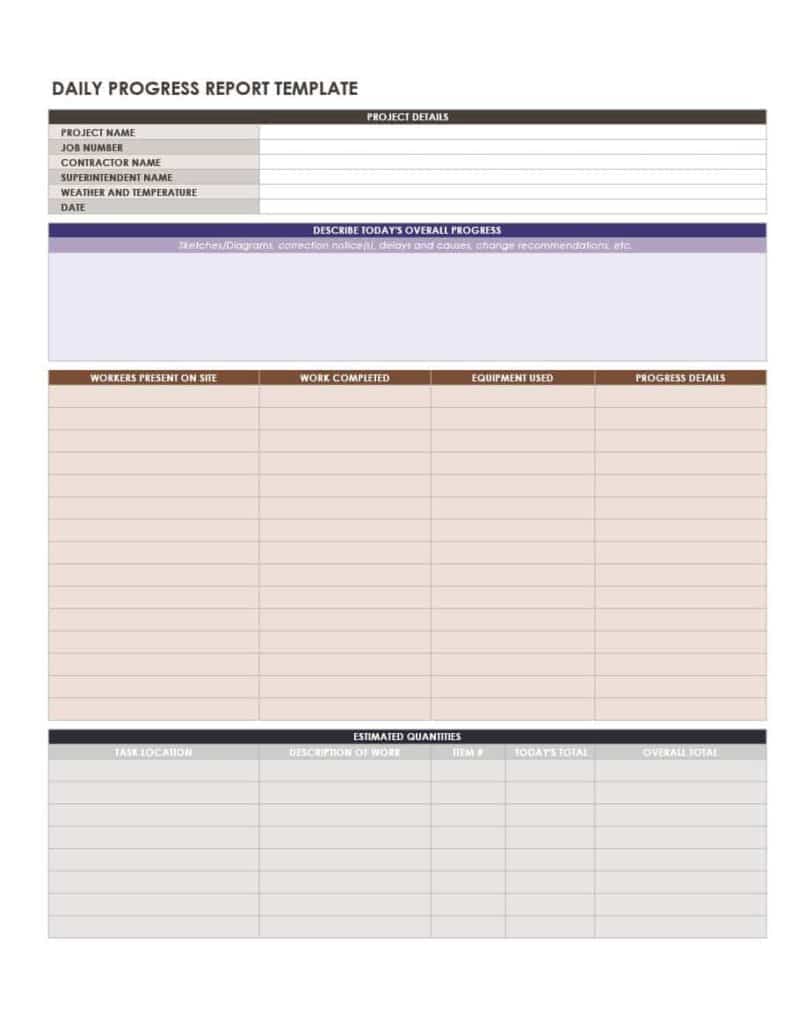
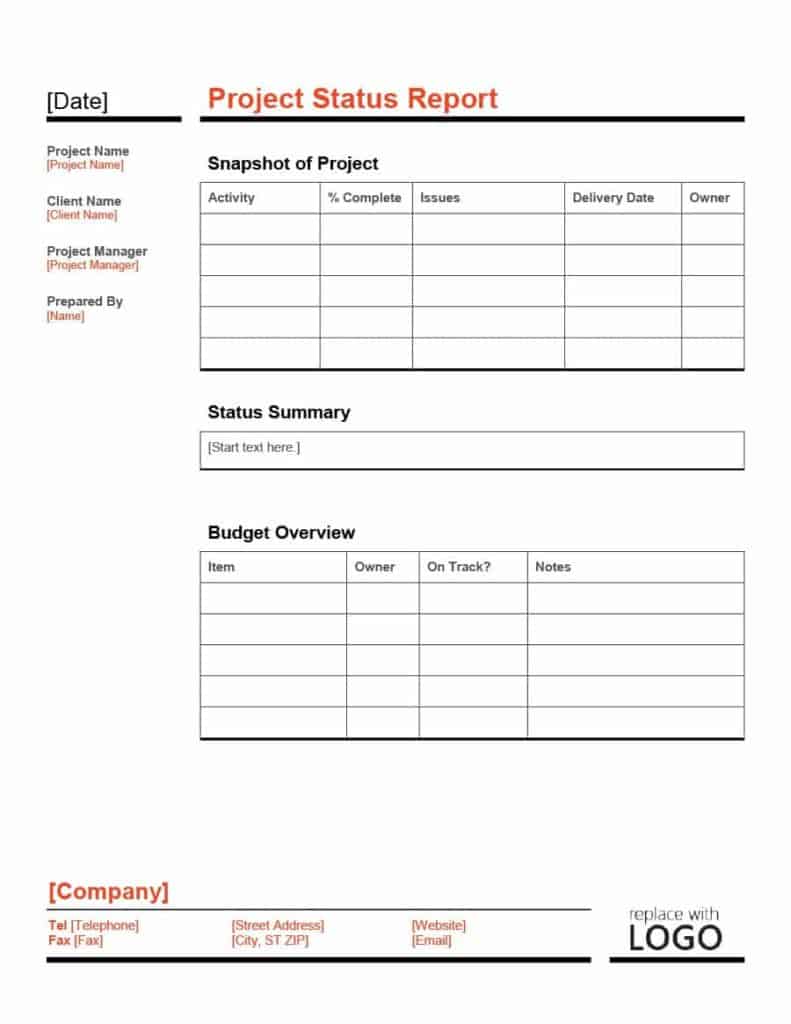
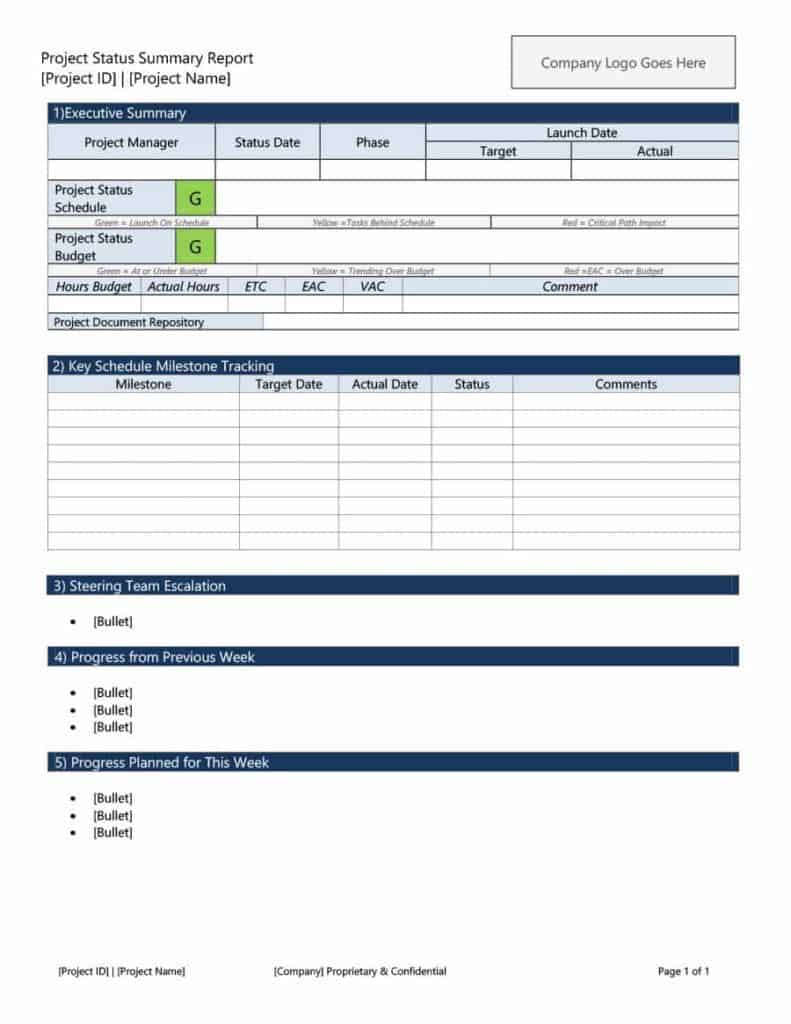
Use the file links below to open an option directly, or continue to the previews to compare layouts. File formats are taken from the linked filenames. Extract ZIP archives before checking the files inside.
| File or resource | Format / source |
|---|---|
| Excel status report template, layout one | XLSX |
| Excel status report template, layout two | XLSX |
| Excel status report template, layout three | XLSX |
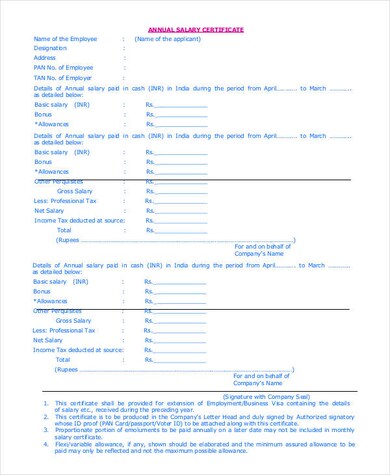
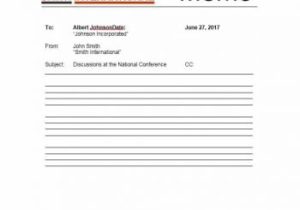
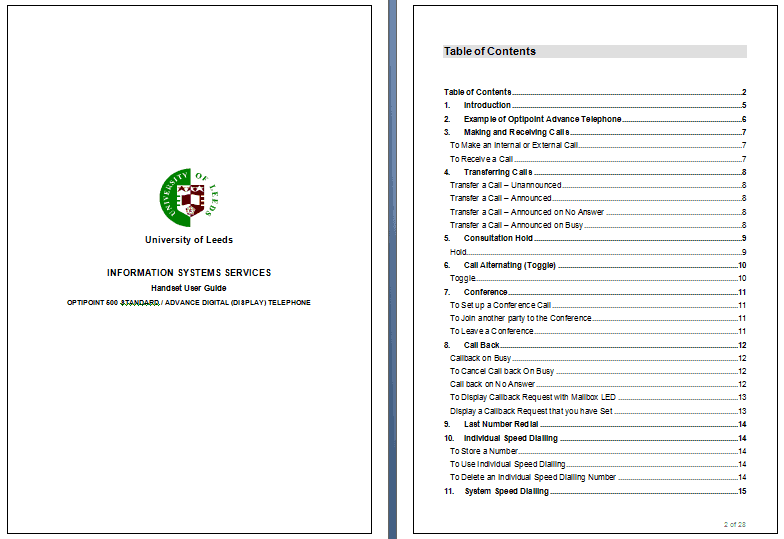
| Word status report template, layout one | DOCX |
| Word status report template, layout two | DOCX |
| Word status report template, layout three | DOC |
| Word status report template, layout four | DOCX |
| Word status report template, layout five | DOC |
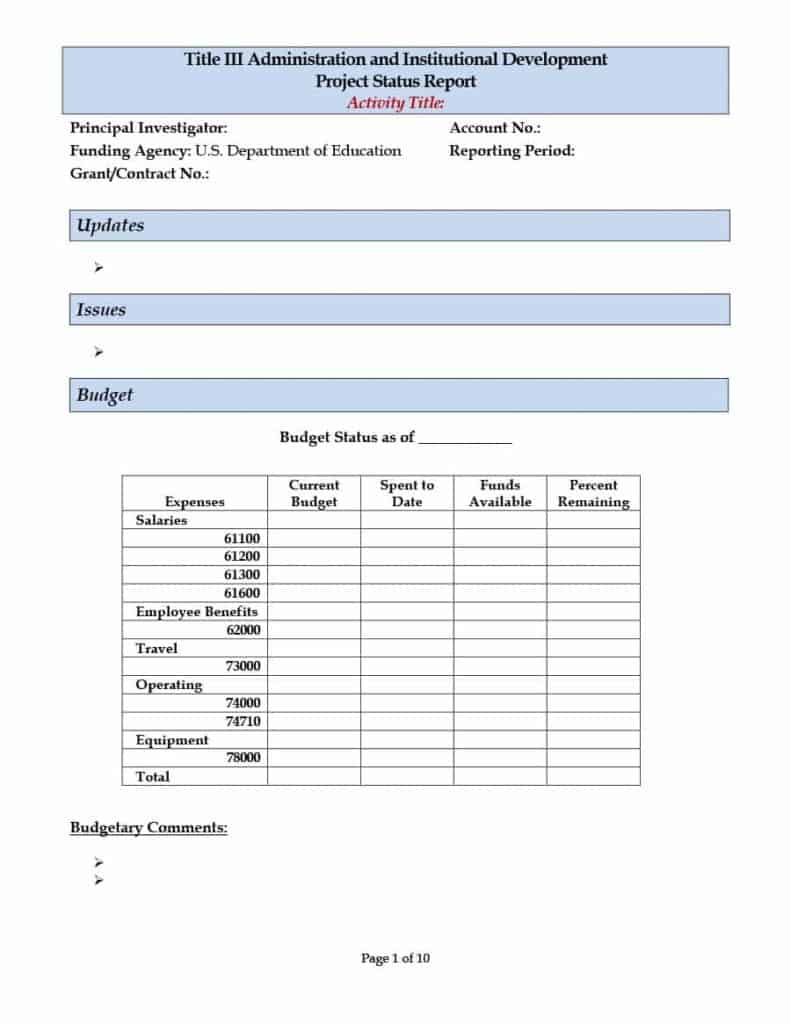
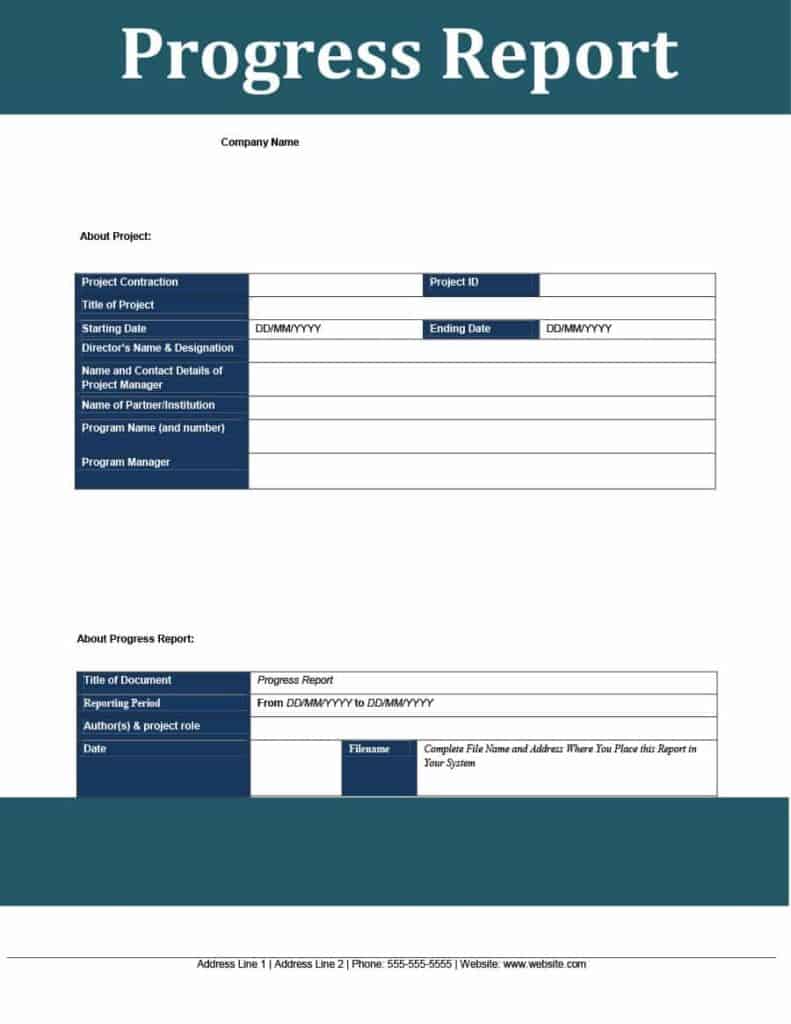
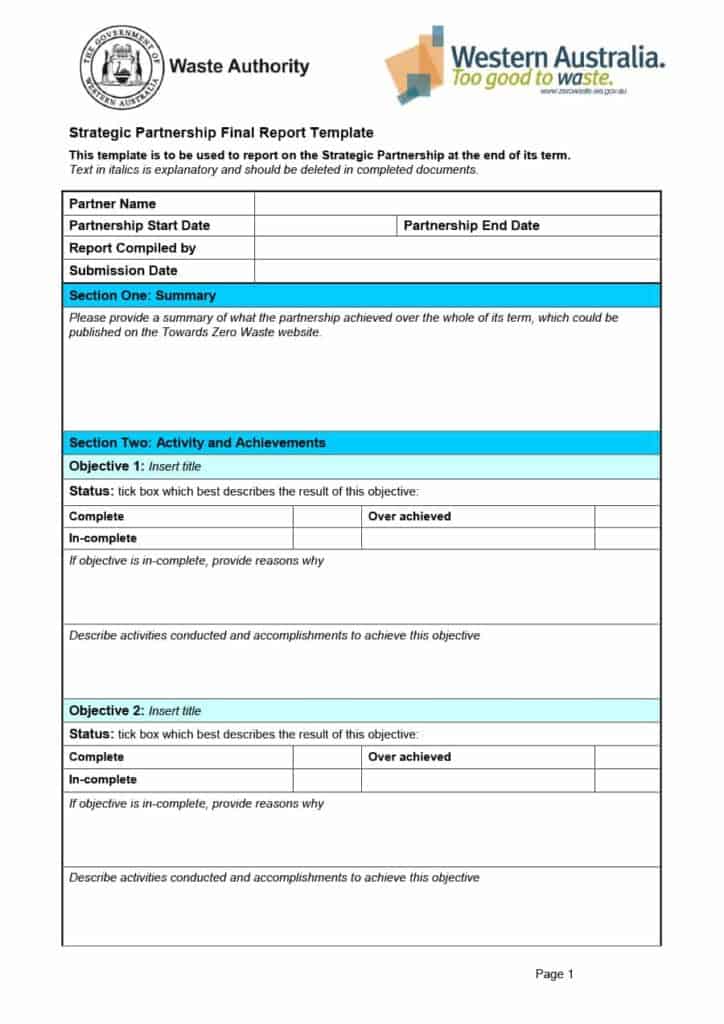
Status Report Template Downloads


Related Templates
- monthly report templates for higher-level periodic summaries
- sales report templates for tracking targets and revenue
- incident report templates for recording problems in detail
- executive summary templates for condensing long reports
Frequently Asked Questions (FAQs) About Status Reports
How long should a status report be?
Aim for one page. If readers need more, link to a separate tracker or appendix rather than lengthening the main update.
How often should I send one?
Weekly is the most common rhythm. Fast-moving work may need daily updates, while long projects can use monthly reports.
What is the difference between a status report and a progress report?
The terms overlap. A status report is a snapshot of where things stand now, while a progress report emphasizes what has been achieved over time.
Should I use Word or Excel?
Use Word for a written narrative and Excel for tables, percentages and budget numbers. Many teams use both for different audiences.
How do I choose an overall status?
Use simple, agreed definitions such as on track, at risk and delayed, and apply them consistently. Explain the reason whenever the status is not on track.
What belongs in the risks section?
Anything that could delay or affect the work, its likely impact, the action being taken and any help needed to resolve it.
Who should receive it?
Typically the project sponsor, managers, clients and team members who need to stay informed. Adjust the detail to what each reader needs.
Can I edit these samples freely?
Yes. They are editable Word and Excel files, so you can add rows, rename headings and change colors to match your organization.


You must be logged in to post a comment.