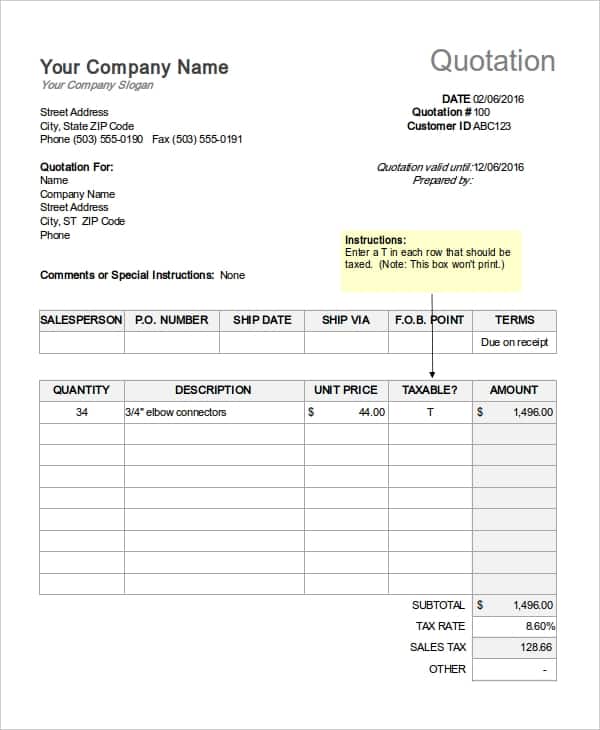
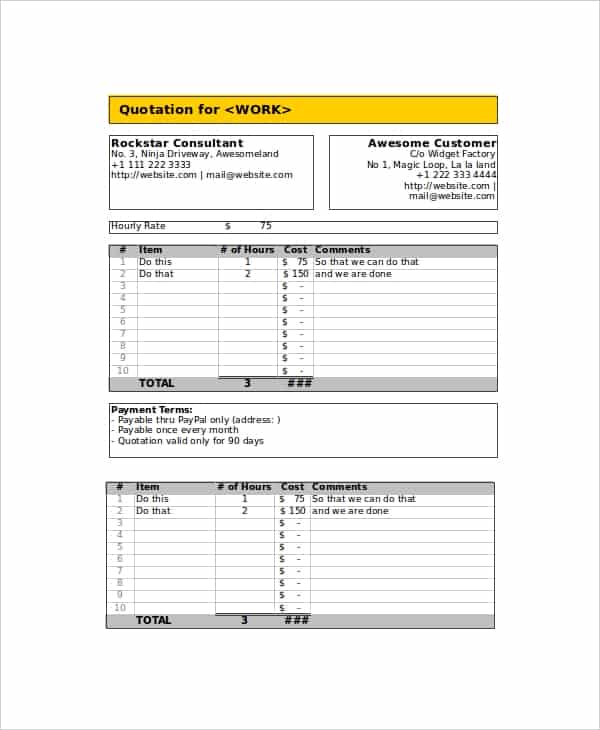
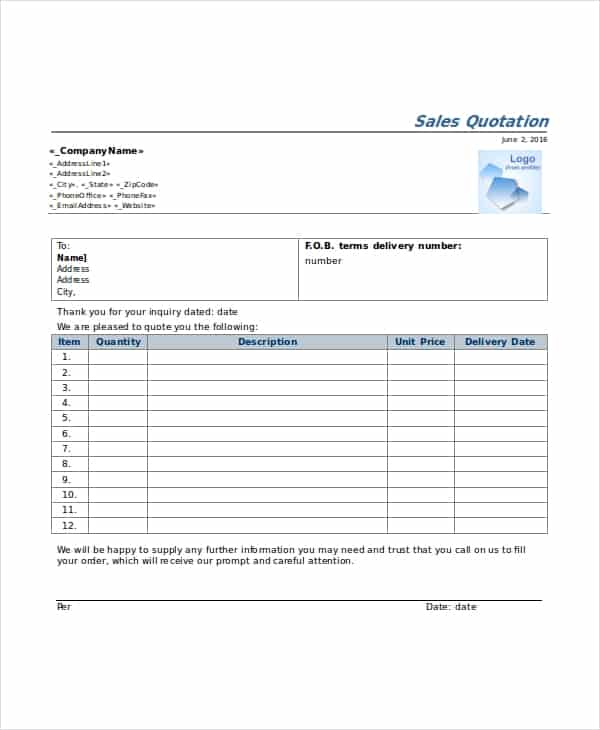
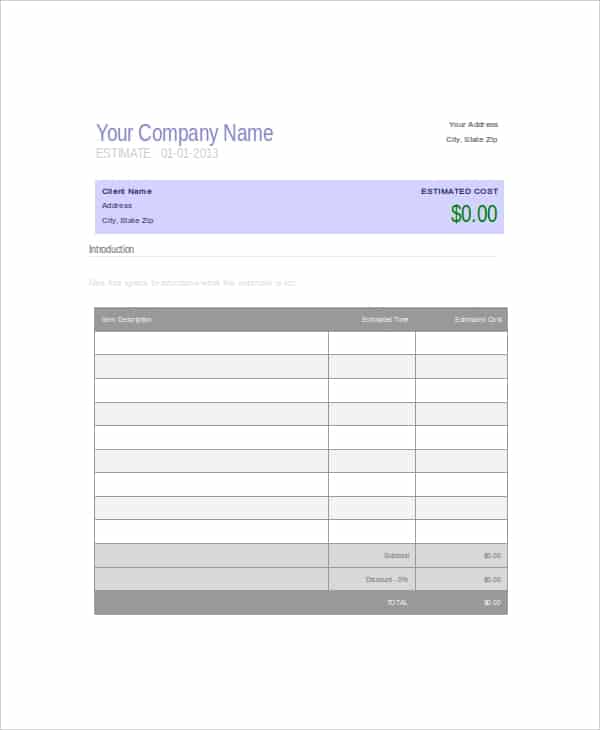
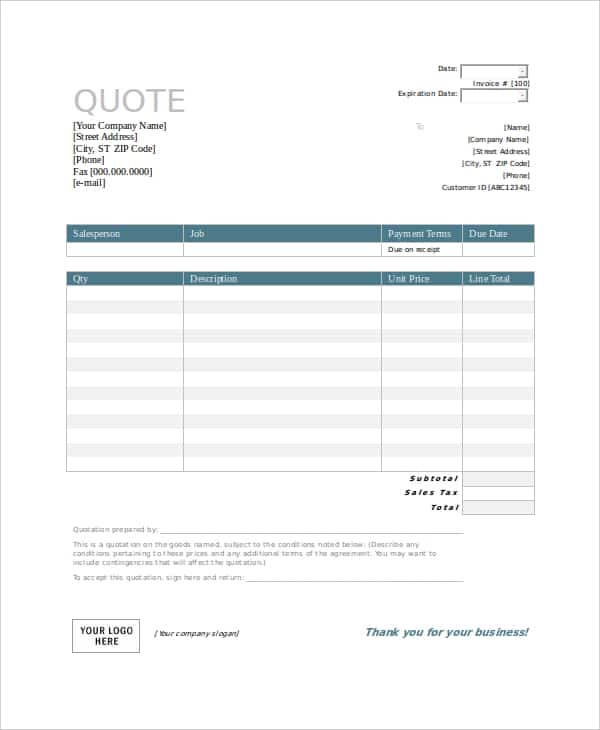
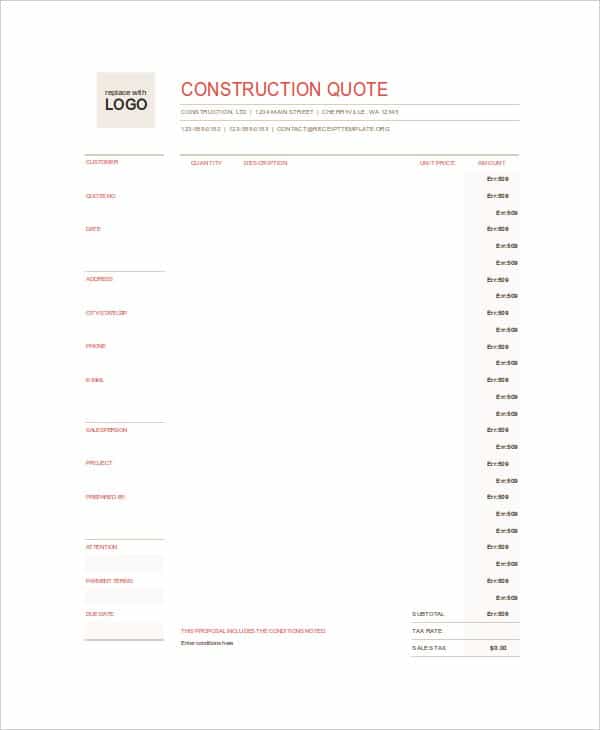
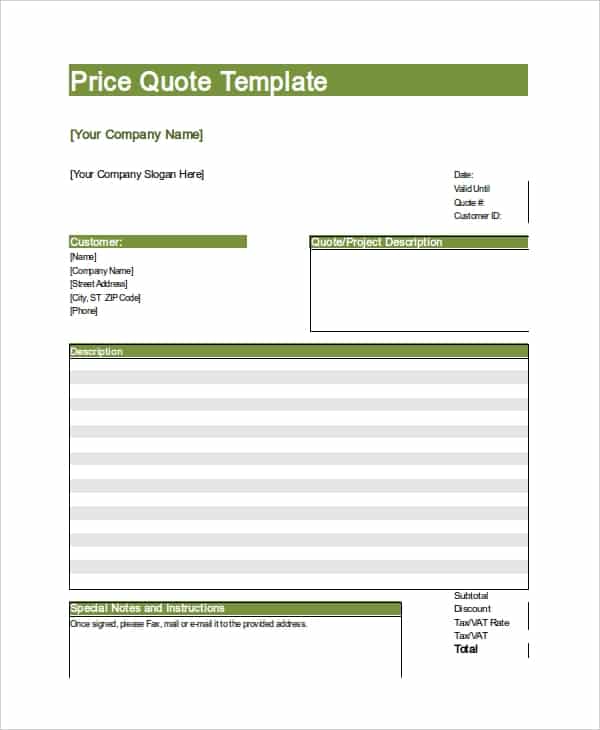
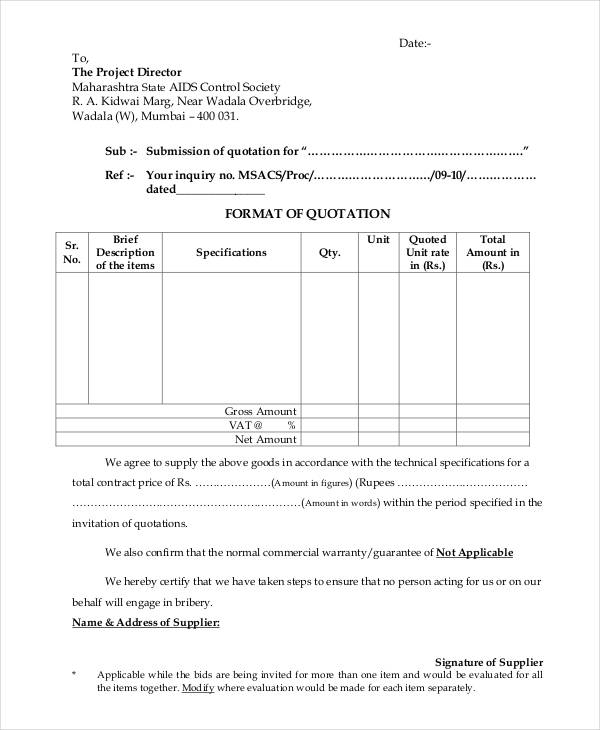
A free quotation template helps you send a customer a clear, priced offer before any work starts. This page shows 8 quotation templates and quote samples: a price quotation, a spreadsheet-style quotation, a sales quotation, a company estimate, a service quote, a construction quote, an hourly price quote and a general quotation format. All eight are free, editable downloads that arrive as ZIP files, so extract each one before you open it.
What a Quotation Is and What It Is Not
A quotation, also called a quote or price quotation, is a document that tells a buyer what goods or services will cost and on what terms. It is sent before the sale or job begins. If the buyer accepts it, the quote usually becomes the basis for an order, a contract or an invoice.
It differs from an invoice, which asks for money already owed, and from an estimate, which is often only a rough guide. A quote should be specific enough that both sides know what has been promised, for how much and for how long the offer stands.
Quote Types and When to Use Each One
- Price quotation: a general list of products or services with unit prices, suited to suppliers and small shops.
- Sales quotation: offers goods to a buyer at stated prices, often with delivery terms and a minimum order.
- Service quote: describes the work to be done and the fee, common for cleaners, designers, consultants and repair trades.
- Construction quote: separates labor, materials and scope, so a customer can see what drives the total.
- Hourly price quote: states the hourly rate and the estimated hours, plus what happens if the job runs longer.
- Company estimate quotation: a more formal layout for larger customers who expect a company-style document.
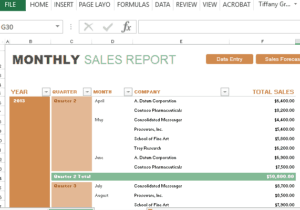
- Spreadsheet-style quotation: useful when you add and remove lines often and want totals to update.
What a Complete Quote Contains
- Your business name, logo, address and contact details
- The customer’s name and contact information
- A quotation number and the date of issue, so it can be matched to a later invoice
- A validity period, such as “valid for 30 days”, so prices are not open forever
- A description of each item or service with quantity and unit price
- Subtotal, discounts, taxes and the total
- Payment terms, delivery or start date, and any deposit
- What is not included, which prevents most disagreements about scope
- A signature or acceptance line for the customer
How to Write a Quotation Step by Step
- Confirm exactly what the customer wants, including quantities, sizes, dates and the place of delivery or work.
- Work out your costs and margin before you write a single price.
- Choose a template below that matches the job, then add your name, logo and contact details.
- Enter the customer details, the quote number and the issue date.
- List each item or task on its own line with quantity, unit price and line total.
- Add taxes and discounts on separate lines, then the final total.
- Write the payment terms, the validity period and the exclusions.
- Proofread every figure, then print it or save it as a PDF and send it with a short covering message.
Example: A Service Quote Wording
Quote no. Q-2041, issued 8 September, valid for 30 days. Interior painting of two bedrooms and a hallway: labor 640.00, paint and supplies 210.00, subtotal 850.00, tax 68.00, total 918.00. Furniture moving and repairs to cracked plaster are not included. A 30 percent deposit is due on acceptance, with the balance on completion. Because the exclusions are written down, the customer knows what the price covers.
Word or Excel: Picking the Right Format
Word gives you a fixed, printable layout that looks good in an email attachment. Excel is better when quotes have many lines or when you want totals, tax and discounts to calculate themselves. Since every download here is a ZIP, open the archive first and check which file types are inside before you decide. Whichever you use, keep a blank master copy and save each customer’s quote under its own name and number.
If you quote the same kind of job repeatedly, build a small price library of your usual items and labor rates, then paste lines from it into each new quote. It keeps your pricing consistent from one customer to the next and saves you from recalculating every time. Review those rates at least once a year, and whenever a supplier changes what it charges you.
Mistakes That Weaken a Quote
- Leaving out the validity date, so the customer can accept a price months later
- Mixing tax-inclusive and tax-exclusive figures on the same page
- Vague lines such as “materials” with no detail
- Forgetting to say what is excluded from the price
- Not numbering quotes, which makes follow-up and invoicing harder
- Sending it without checking the arithmetic
A short follow-up a few days after sending is polite and often helpful. Ask whether the customer has questions and offer to adjust the scope rather than the unit prices.
Free Quotation Template Downloads
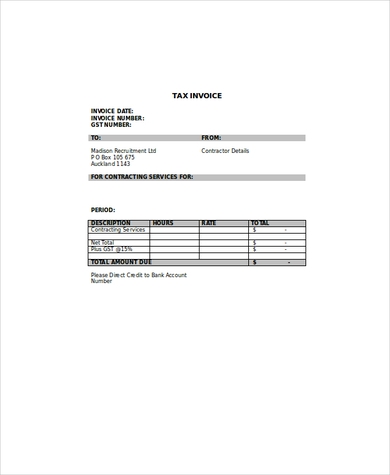
Click any preview to see it at full size, then press the download button beneath it. Every download is a ZIP file, so extract it and open the template inside. Replace the sample text with your own details and adjust fonts, colors, table columns and logo as needed.
Free Quotation and Quote Templates

Related Templates
- free price list templates
- order form templates
- receipt of payment templates
- purchase order form templates
Frequently Asked Questions About Quotation Templates
What is the difference between a quote and an estimate?
A quote usually gives a fixed price for defined work, while an estimate is an approximate cost that may change. Terms vary, so state clearly which one you are giving.
How long should a quotation be valid?
There is no single rule. Many businesses use 14 to 30 days, but choose a period that fits how quickly your costs change and write it on the quote.
Is a signed quotation legally binding?
That depends on the terms and the laws where you live. An accepted quote may form part of an agreement, so consider professional advice for large or complex jobs.
Should I put taxes on a quotation?
Show taxes on their own line so the customer can see the price before and after tax, and follow the rules that apply to your business.
Can I ask for a deposit in the quote?
Yes. State the deposit amount or percentage, when it is due and when the balance is payable.
How do I turn an accepted quote into an invoice?
Copy the item lines and totals into an invoice, add the invoice number and due date, and refer to the original quote number.
Can I add my logo to a template?
Yes. Open the file, insert your logo at the top and adjust the size, colors and fonts to match your brand.
Are these templates free, and what do I get when I download?
Yes, they are free. Each download is a ZIP file, so extract it and check which editable files are inside before you start.

You must be logged in to post a comment.