A good free daily schedule template turns a vague to-do list into a day with a shape: what happens first, how long it takes and where the breaks fall. This page has 24 daily schedule and planner templates in Word (.docx), Excel (.xlsx and .xls) and ZIP downloads, from a blank page of time slots to a work schedule with columns for tasks and notes. Choose the layout that matches how you actually plan, print it or fill it in on screen, and start tomorrow with a plan.
Which Daily Schedule Layout Fits Your Day?
Daily planners do not all work the same way. Match the layout to the kind of day you have rather than to the prettiest preview.
- Hourly time-slot schedule: best for days full of appointments, classes or shifts, because every hour has its own row.
- Blank daily schedule: gives you empty rows so you can write the times yourself, which suits irregular days.
- Priority and to-do planner: puts the top tasks and a checklist next to a short timetable, good when the work is flexible.
- Excel daily planner: handy if you want to copy the sheet for each day, add formulas or sort tasks by priority.
- Word daily planner: easiest for quick edits and printing, with tables that resize without formulas.
- Work schedule sheet: lists tasks, start and finish times and notes, useful for shift work or a small team.
What to Put on a Daily Schedule
A schedule that is too detailed will be abandoned by lunchtime, and one that is too vague will not change how you work. These are the entries that earn their space.
- Fixed commitments first: meetings, classes, school runs and appointments that cannot move.
- Three priorities: the tasks that would make the day a success even if nothing else happened.
- Time estimates: a rough duration beside each task, so you can see when the plan does not fit.
- Buffers: ten or fifteen minutes between big blocks for overruns, calls and travel.
- Meals, breaks and movement: scheduled like any other item so they are not the first thing dropped.
- A review line: two sentences at the end of the day on what finished and what carries over.
Two Sample Days to Copy the Idea From
A student might block 8:00 to 9:00 for a lecture, 9:15 to 10:30 for reading with the phone in another room, 12:00 for lunch, 1:00 to 2:30 for a group project meeting, and 4:00 to 5:00 for a problem set, leaving the evening open. A remote worker might start with 30 minutes of email at 9:00, then a 90-minute focus block for the report that is due Friday, a lunch walk, meetings clustered in the afternoon and a final 20 minutes to write tomorrow’s top three. Both examples are invented, but they show the pattern: protect one long block for hard work, group small tasks together and end by planning the next day.
How to Build a Daily Schedule With Time Blocking
- Enter the fixed items first so you can see the real free time.
- List everything else you hope to do and mark the three that matter most.
- Put the most demanding task in the hours when you usually focus best.
- Group similar small jobs, such as emails, calls and errands, into one block each.
- Add buffers and breaks, then check the total against the hours you actually have.
- Cut or move anything that does not fit, instead of squeezing it in.
- At day’s end, tick what is done and carry the rest to tomorrow’s sheet.
Why Daily Plans Fall Apart
- Planning every minute, so the first interruption breaks the whole page.
- Underestimating tasks; most people need more time than they guess, so add a margin.
- Filling the schedule with tasks for other people instead of your own priorities.
- Skipping the evening review, which is what makes tomorrow’s plan more realistic.
- Using a layout that is too complicated, so filling it in becomes a chore.
24 Free Daily Schedule Templates to Download
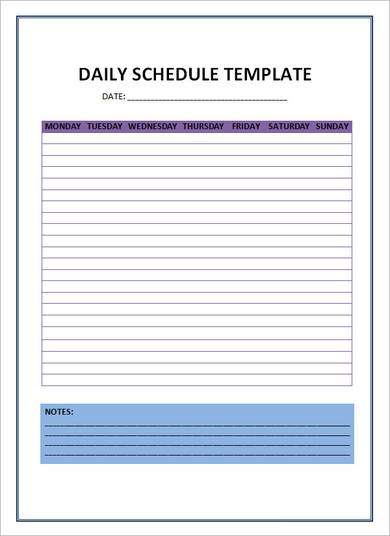
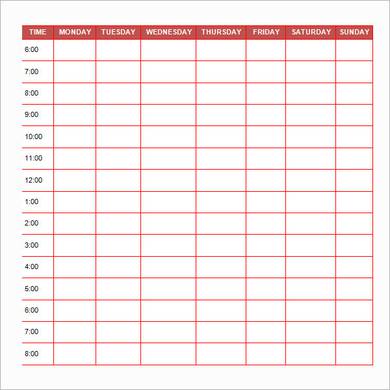
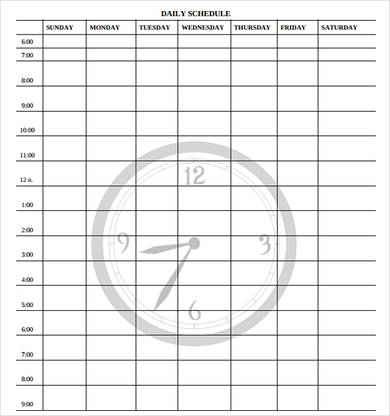
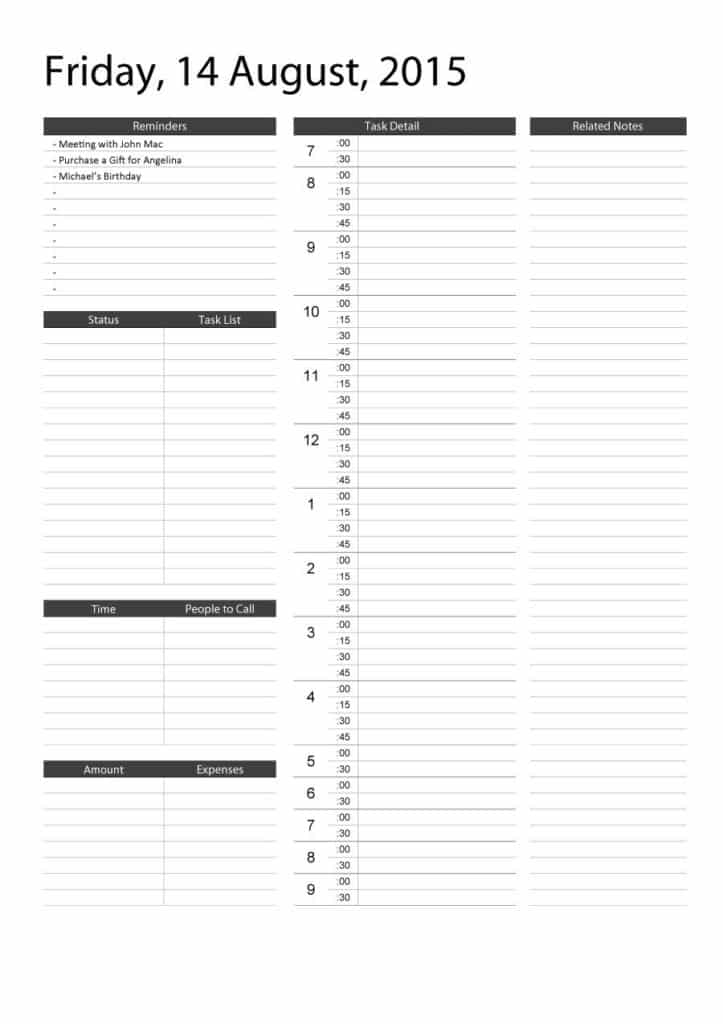
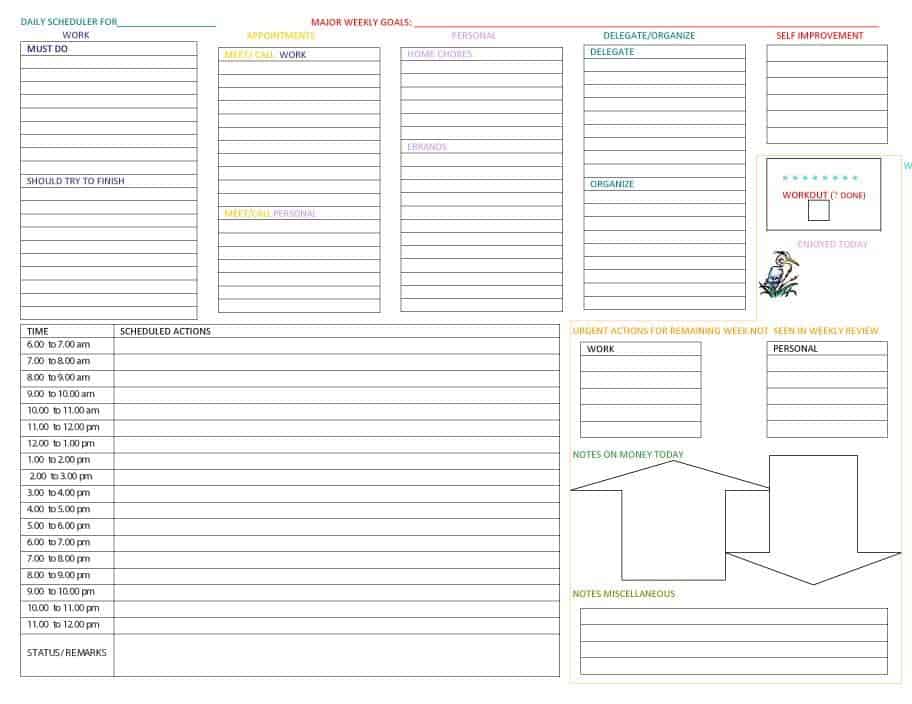
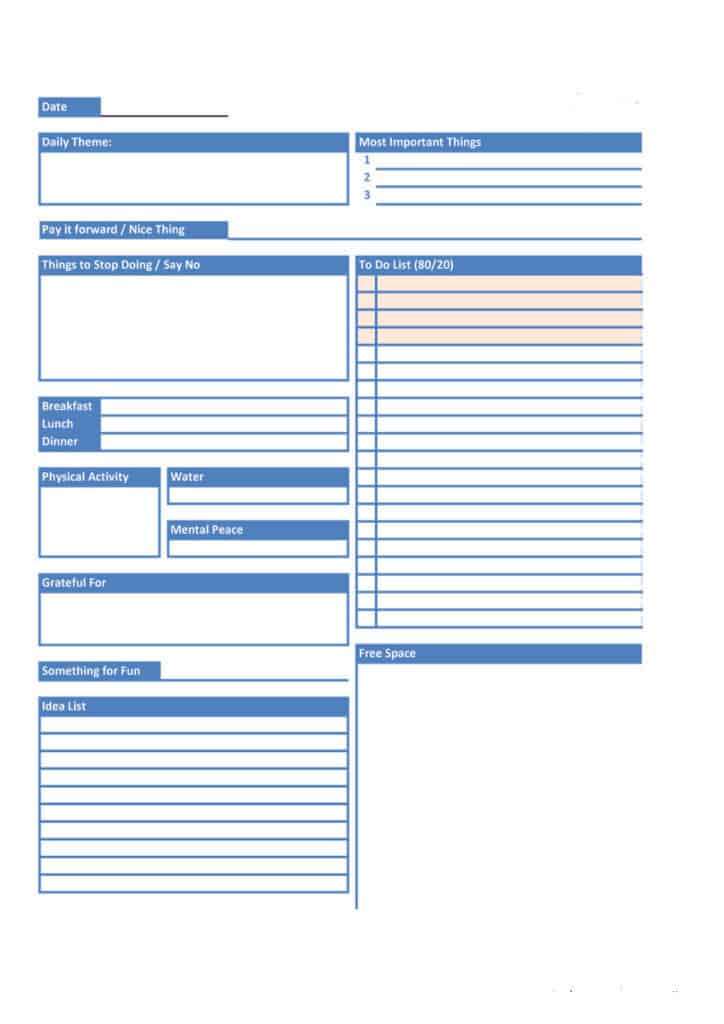
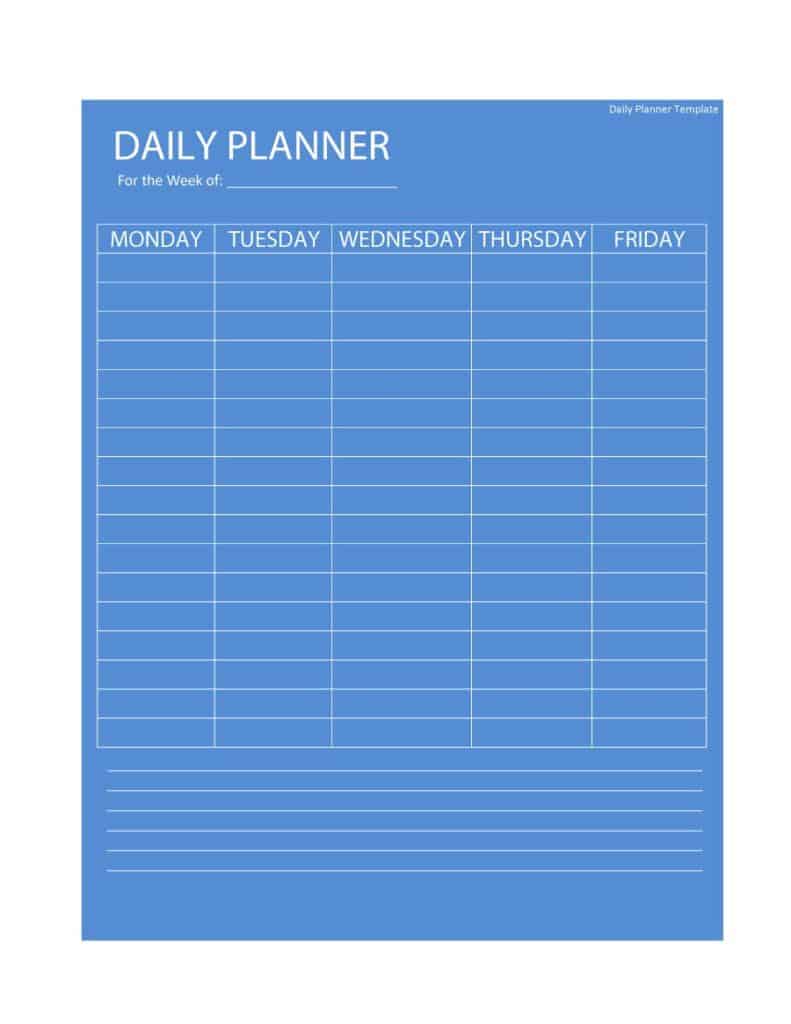
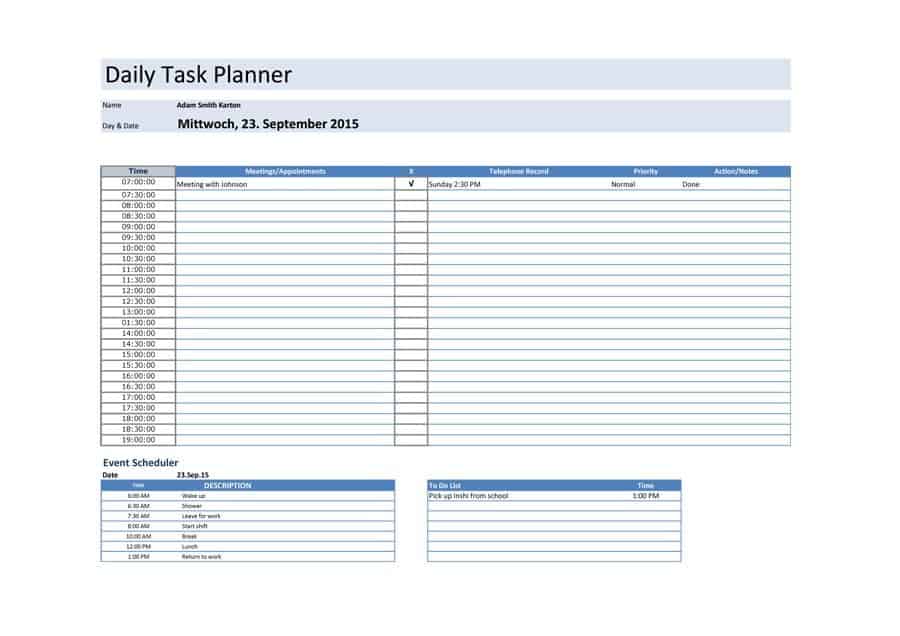
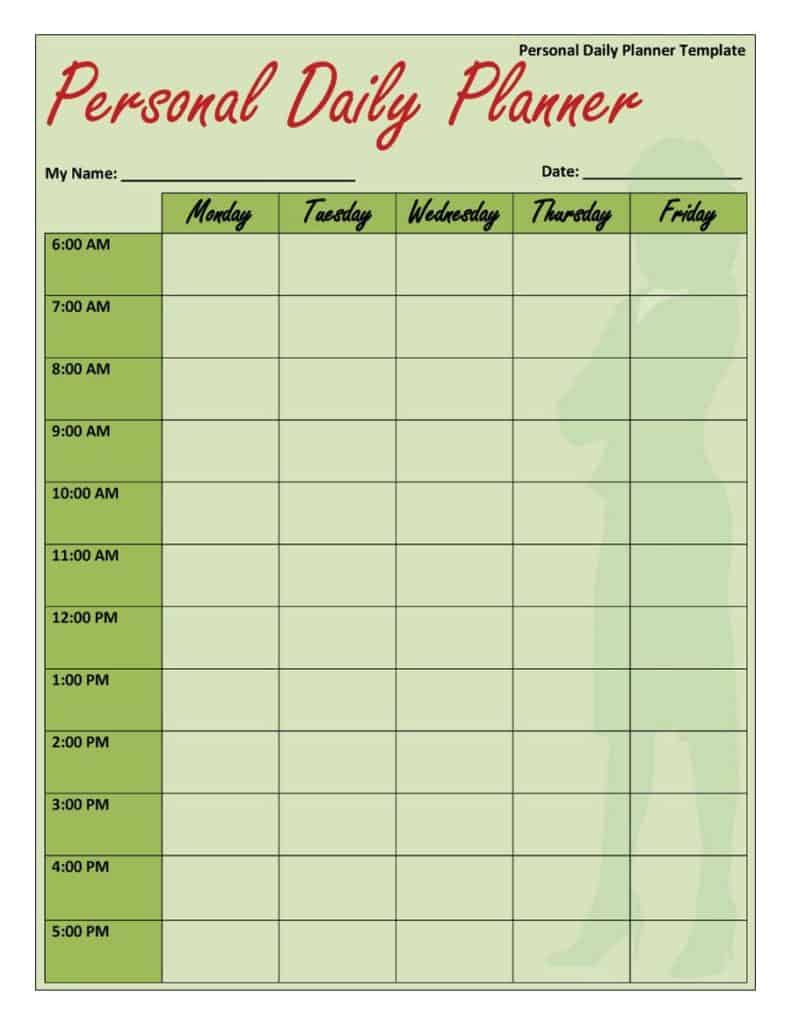
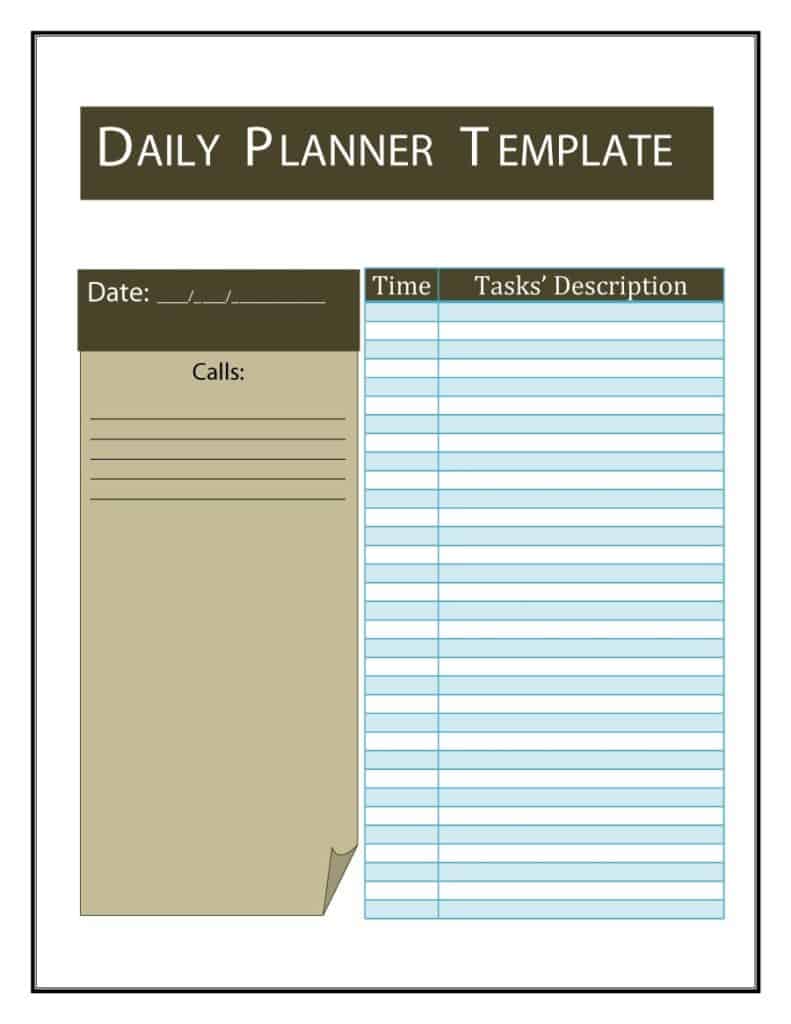
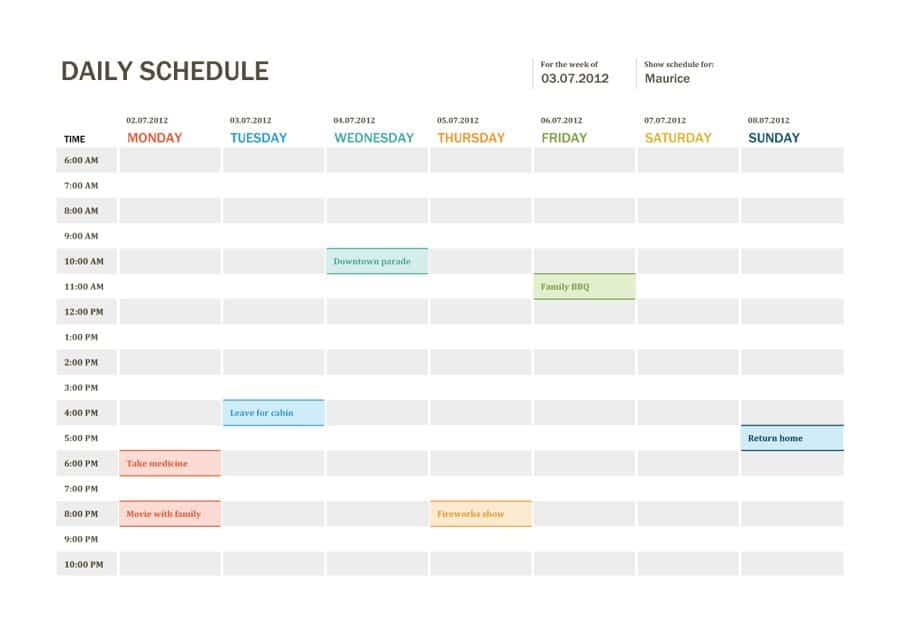
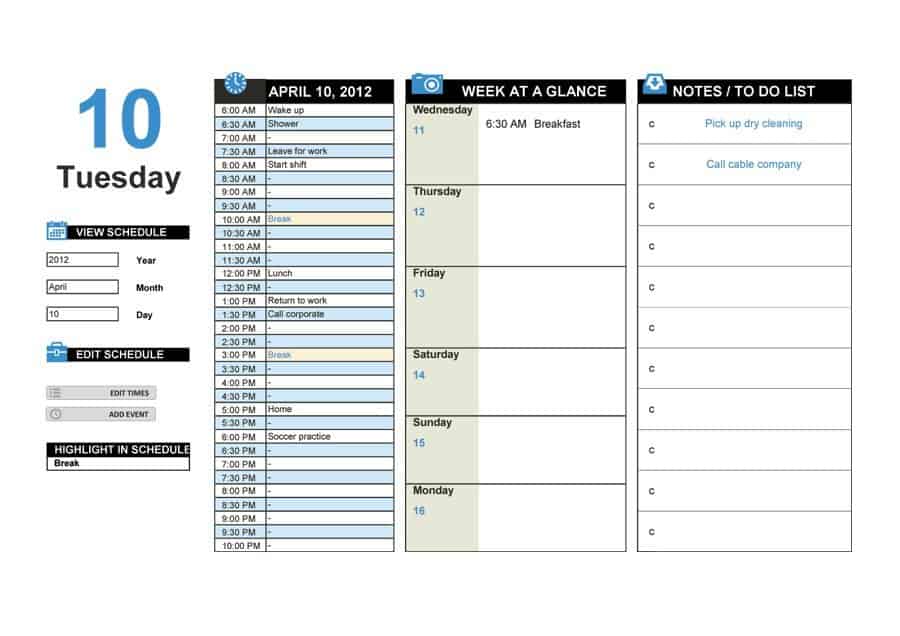
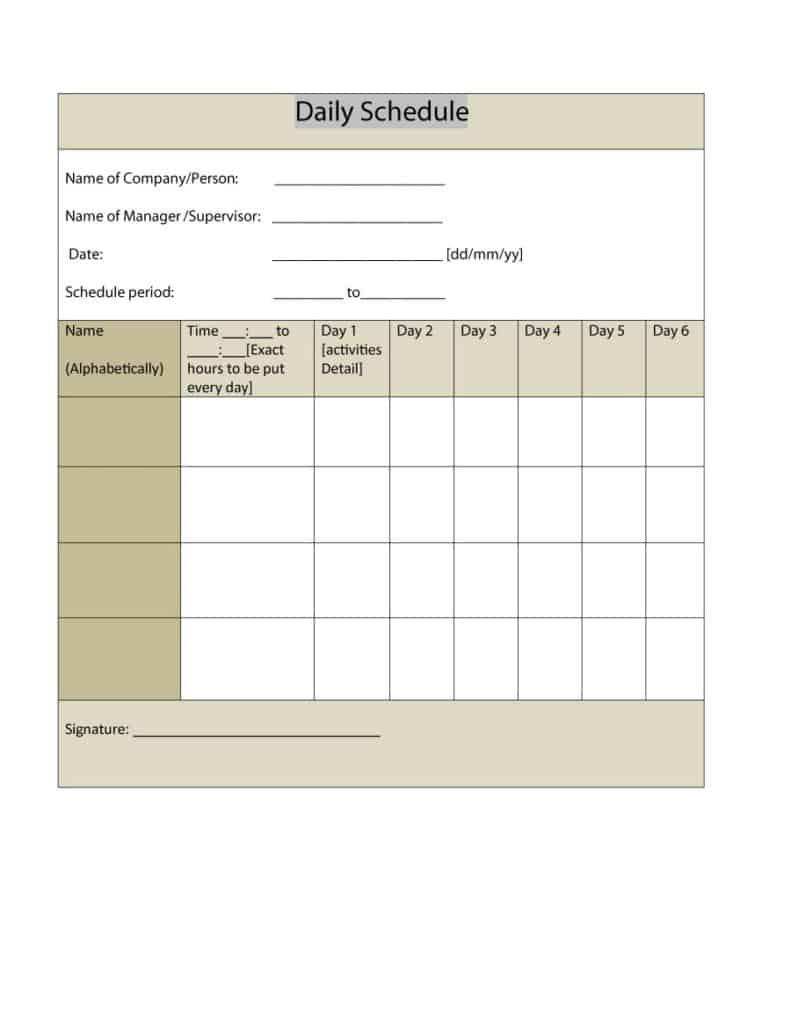
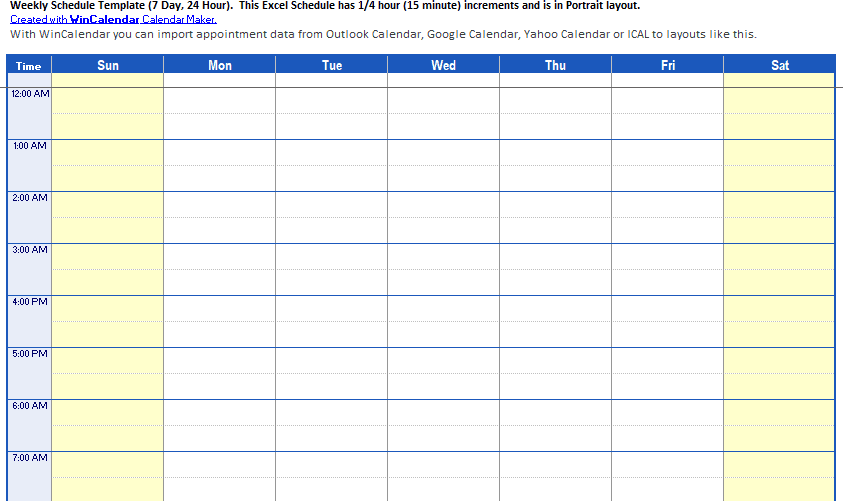
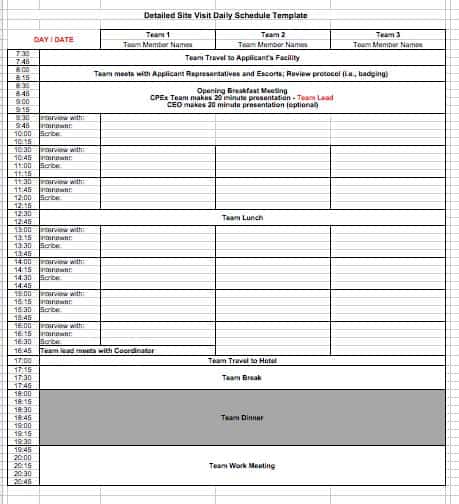
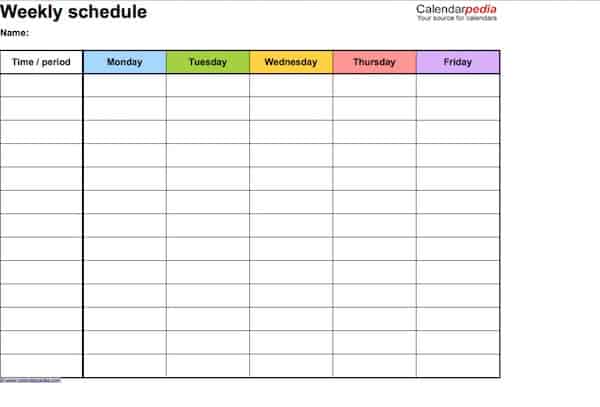
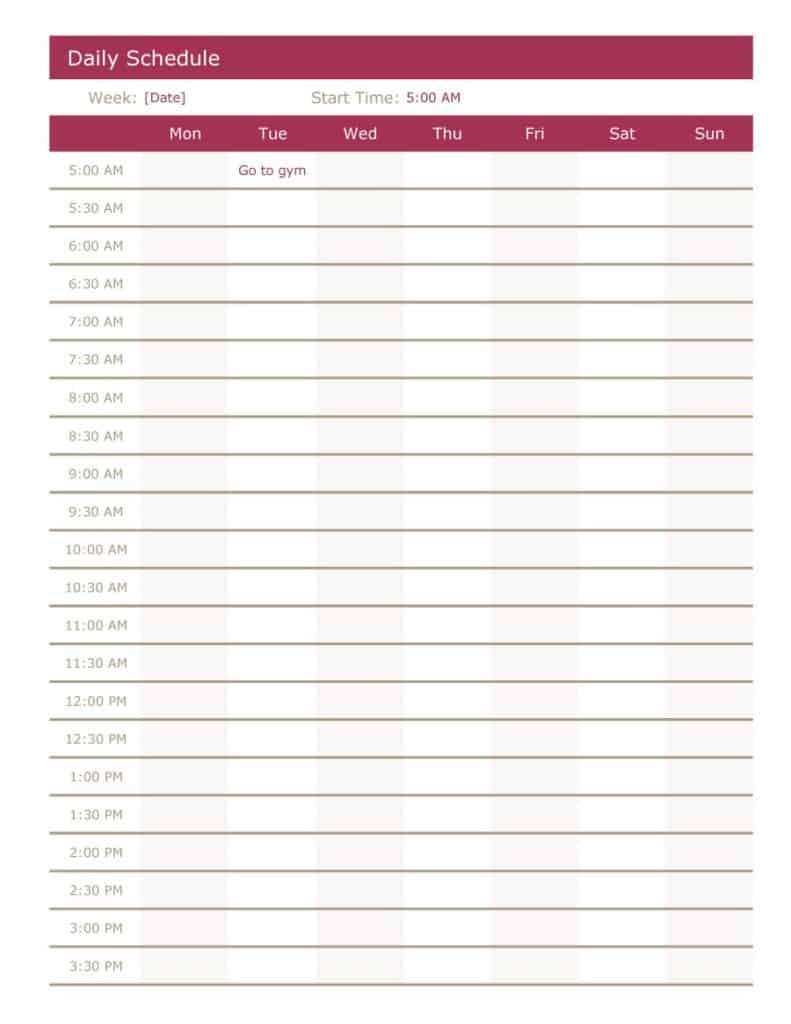
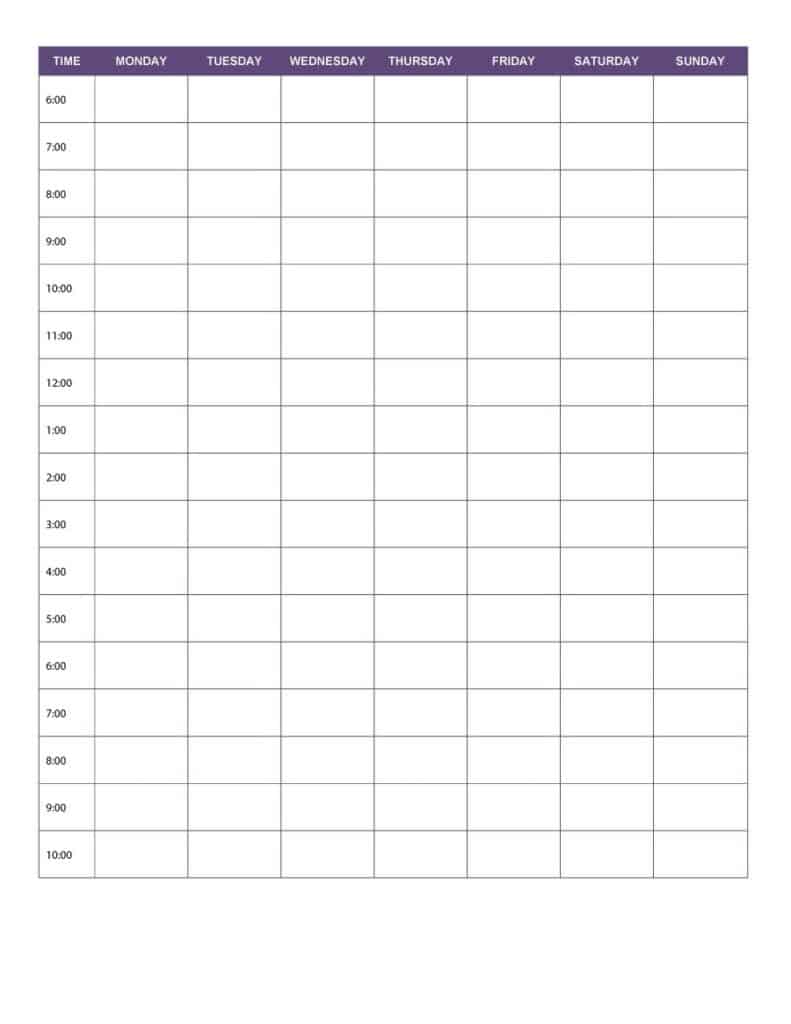
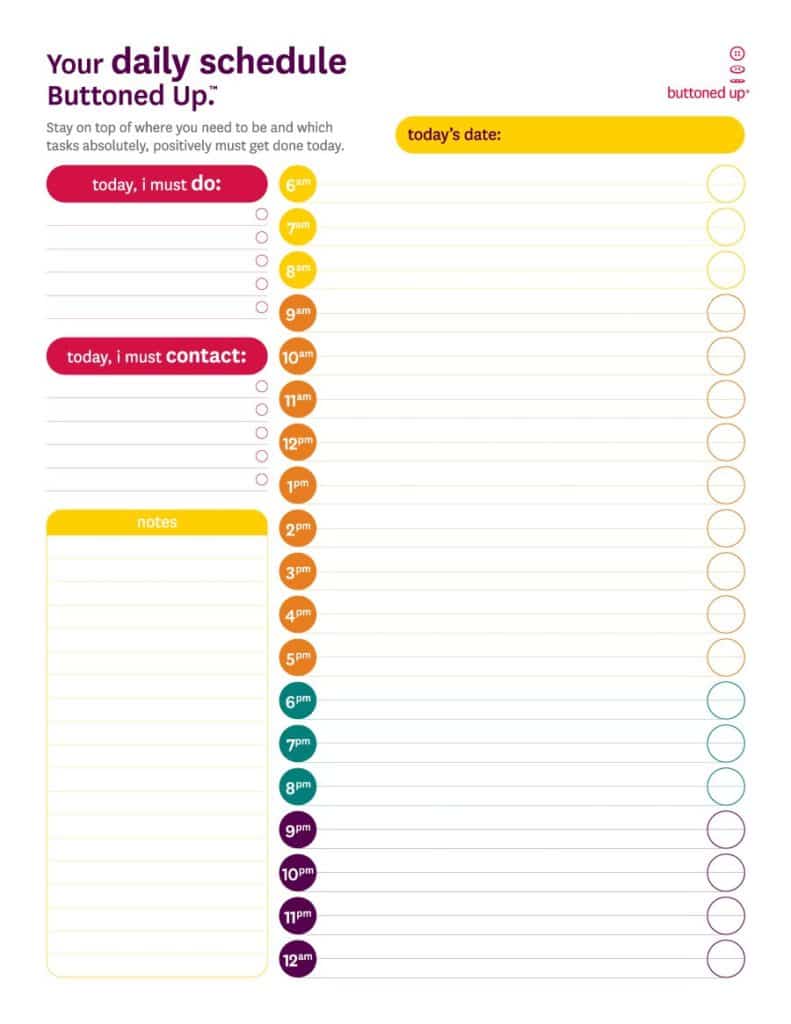
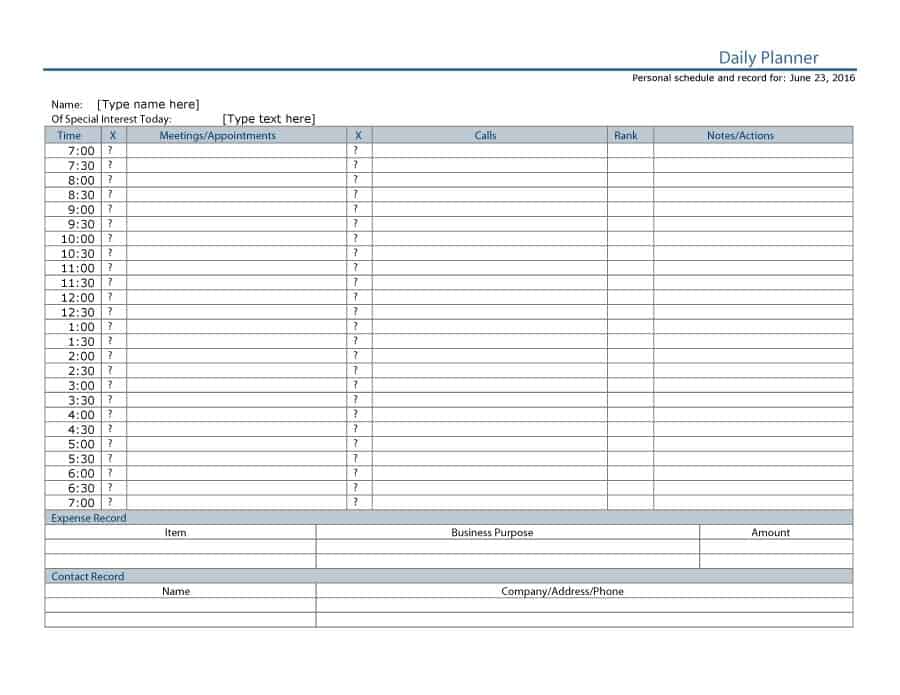
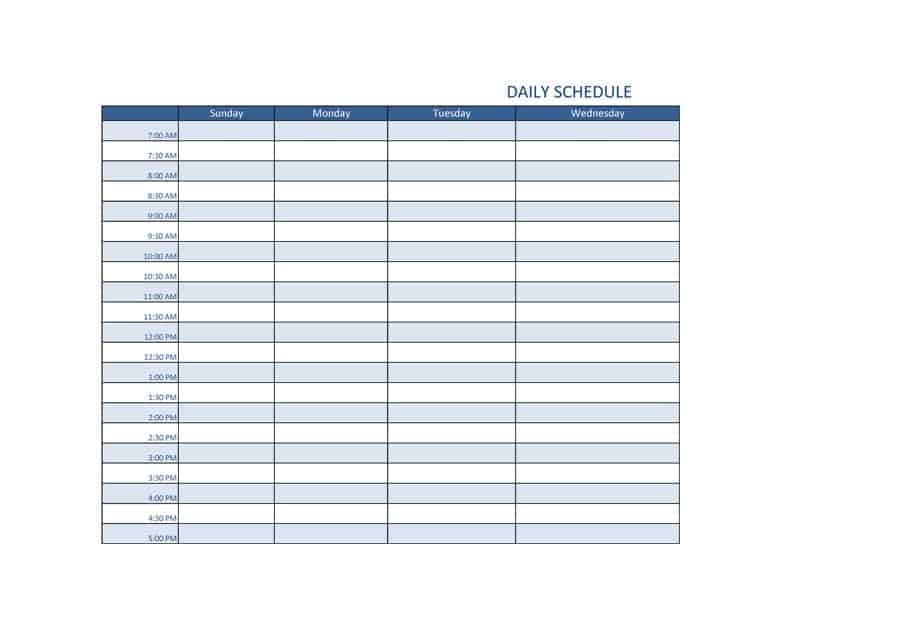
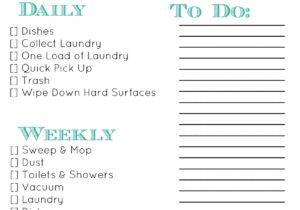
Click a preview to see it larger, then press the download button beneath it. Some buttons give you a Word (.docx) or Excel (.xlsx or .xls) file directly, and some give you a ZIP file, so extract it first and open the file inside in Word or Excel. Change the times to match your routine, rename the columns, add or delete rows and adjust the colors. Print a blank copy for a paper planner, or keep the file on your computer and duplicate it for each day.
Paper and screen each have strengths. A printed page lives on your desk, so it is hard to ignore, and crossing items off gives a small lift that many people enjoy. A digital file is easier to copy, change and carry, and an Excel sheet can total the hours you have planned so you can spot an overloaded day at a glance. If you are unsure, print a week of blank copies from a Word or ZIP download, use them for a few days, and switch to the spreadsheet only if you find yourself rewriting the same rows every morning.



Related Templates
- free weekly schedule templates
- free action plan templates
- free maintenance schedule templates
- free cleaning checklist templates
Frequently Asked Questions (FAQs) About Daily Schedule Templates
What is the difference between a daily schedule and a daily planner?
A schedule mainly assigns tasks to time slots. A planner may also include goals, notes and a to-do list. Many of the templates here combine both.
How many tasks should one day hold?
Many people aim for three to five key tasks and add smaller items as time allows. If you regularly finish nothing on the list, it is too long.
Should I plan the day the night before or in the morning?
Either works, but planning the evening before lets you start with a clear first task. A five-minute check in the morning can then adjust for anything new.
How do I edit an Excel daily planner?
Click a cell and type. You can insert rows for extra tasks, change column widths and use fill colors to separate work, study and personal time.
Are the downloads Word, Excel or something else?
They are a mix of Word (.docx), Excel (.xlsx and .xls) and ZIP files. Extract a ZIP file first and open the document inside in the program you prefer.
Can I turn a daily template into a weekly one?
Yes. Make seven copies of the sheet, one per day, or paste the time-slot column beside itself in a new sheet to build a week view.
How do I keep to a schedule when plans change?
Treat the page as a guide. When something moves, redraw the rest of the day rather than abandoning it, and protect the top three priorities first.
Is a time-blocked schedule good for studying?
Many students find it helpful because it sets a start and end for each subject. Include short breaks and a final slot for review so the plan stays realistic.

You must be logged in to post a comment.