A monthly report template saves you from rebuilding the same document every four weeks. This page offers 12 free, editable monthly report templates covering sales, financial performance, employee performance, HR review and leave, safety inspection, equipment and building maintenance, construction sites and general business updates. Most downloads arrive as ZIP files, a few open directly as Excel or Word files, so pick the layout closest to your department and fill in this month’s figures.
What a Monthly Report Is For
A monthly report is a regular summary of what happened in one calendar month. It is written for someone who was not watching every day, usually a manager, client or committee, and it answers three things: what was achieved, what went wrong and what happens next. Because it repeats every month, its real value is the trend it builds. A supervisor who keeps the same layout for a year can show, at a glance, whether absences are rising, repairs are piling up or sales are slowly climbing.
Choosing the Right Monthly Report Type
- Sales reports: revenue, units sold, leads and targets against actual results, for sales managers and owners.
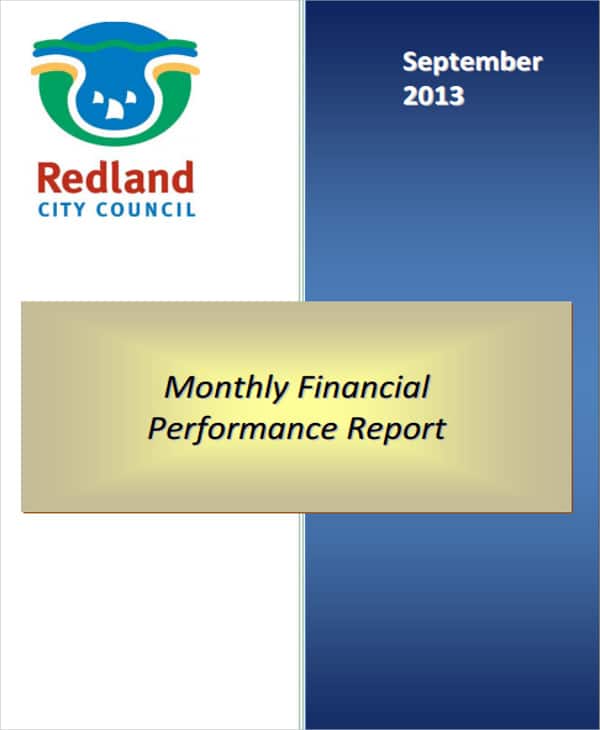
- Financial performance report: income, expenses and budget comparisons for finance teams and department heads.
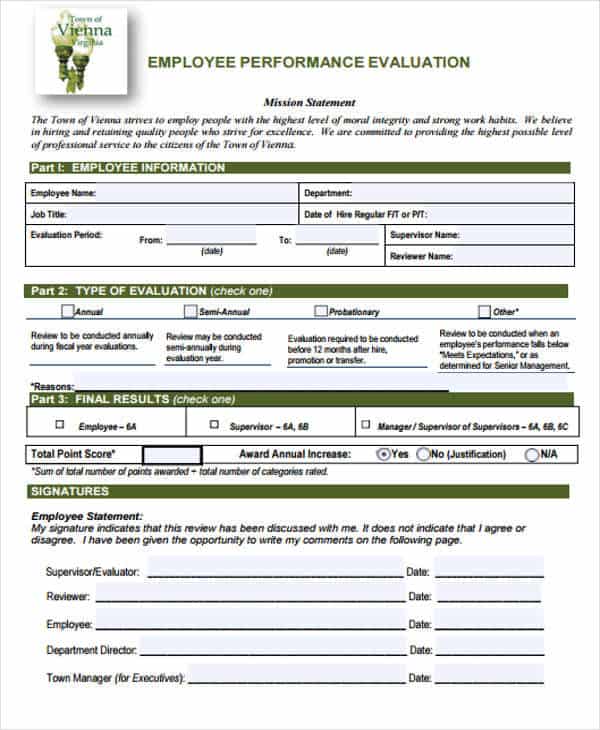
- Employee performance report: goals, achievements and areas to improve for one team member or a small team.
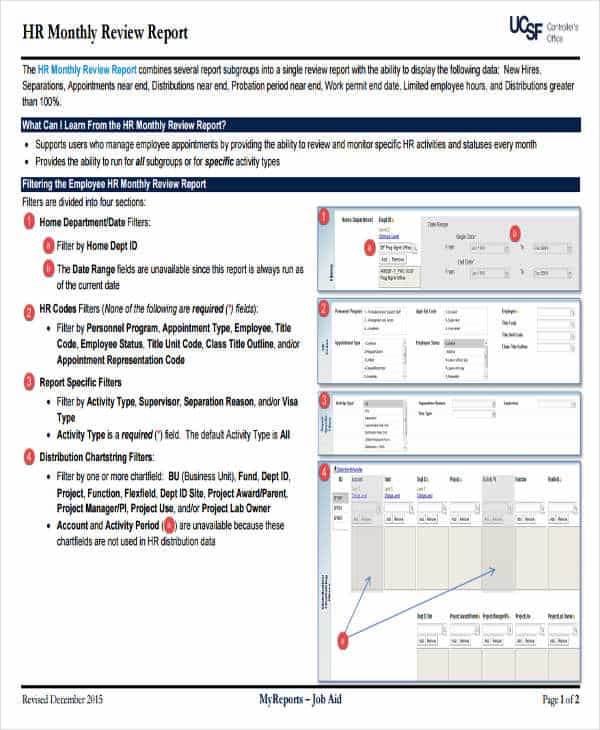
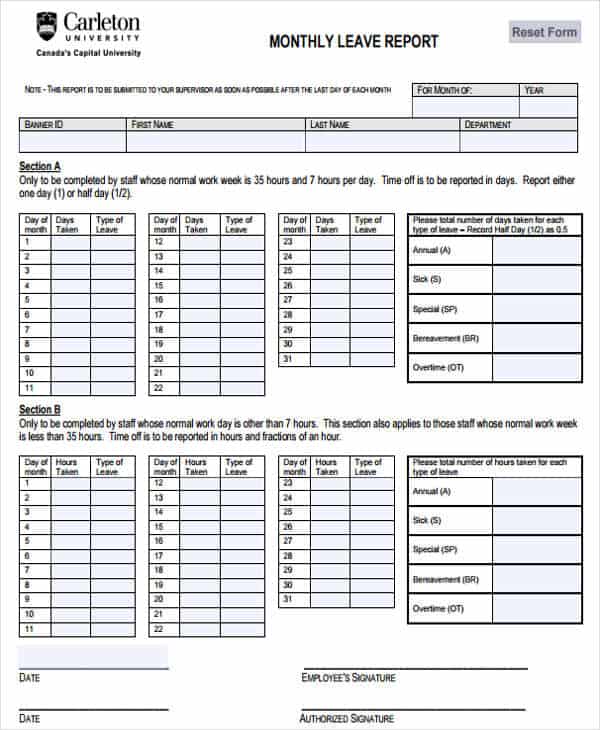
- HR monthly review and leave report: headcount, attendance and leave taken, useful for spotting patterns before they become problems.
- Safety inspection report: inspections carried out, findings and the corrective action assigned to each one.
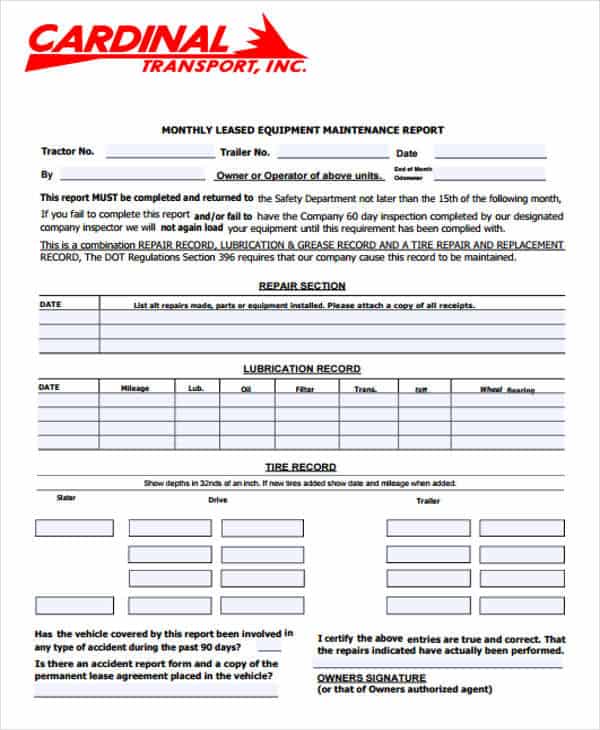
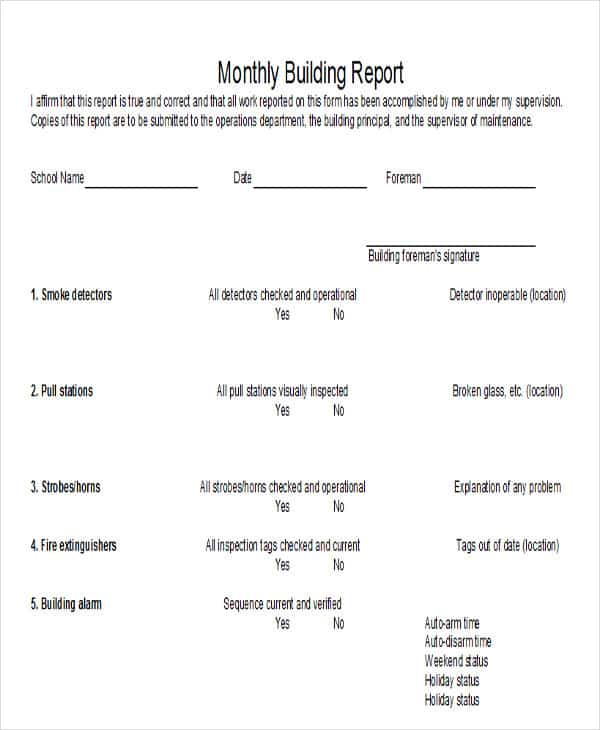
- Equipment and building maintenance reports: jobs completed, jobs pending and repeat faults that may need a bigger fix.
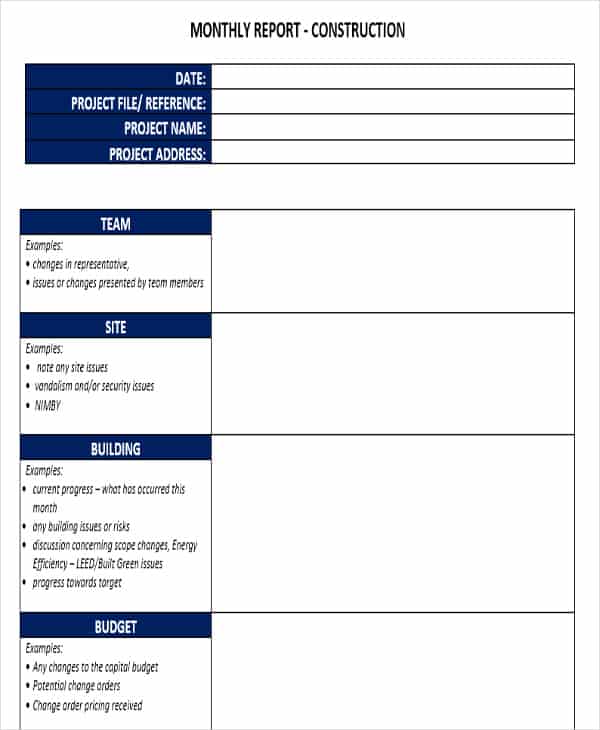
- Construction site report: work completed, delays, weather and issues raised on site.
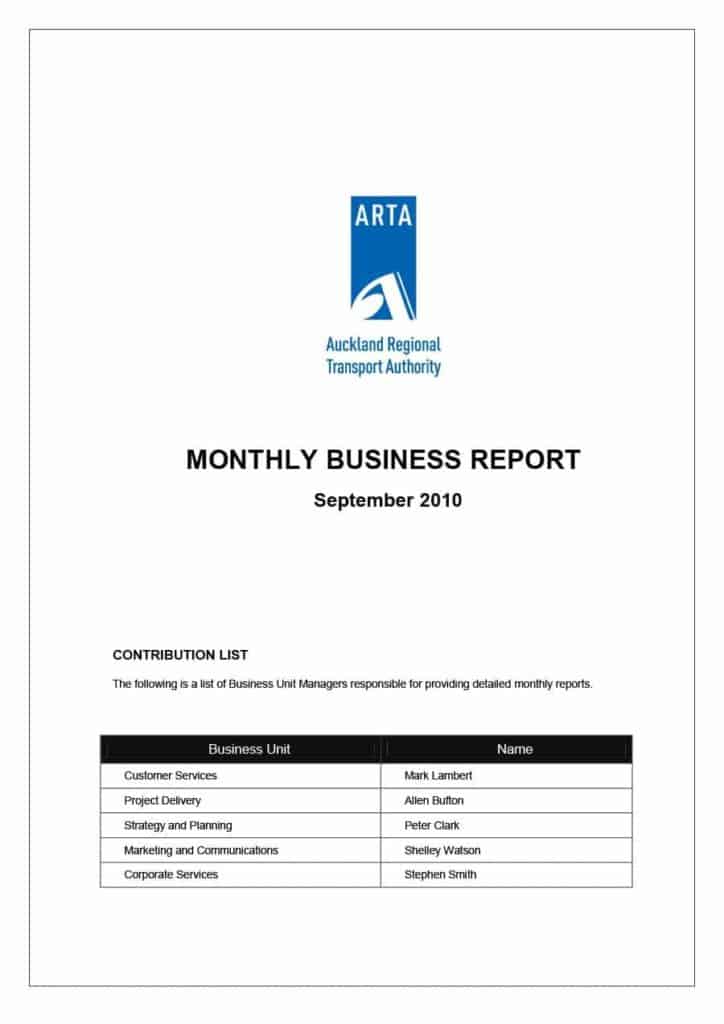
- General business report: a flexible format when your team does not fit any of the above.
Some file names on this page do not exactly match the preview above them, so open each download and confirm it is the layout you wanted.
What to Include in a Monthly Report
- Title, month, department or project name and the name of the person who prepared it.
- A two or three sentence summary of the month’s main results.
- Key figures such as sales, costs, output, attendance or defects, shown against a target or last month.
- Completed work and milestones reached.
- Problems, delays or risks, with the action being taken and who owns it.
- A table, chart or photo where a number needs support.
- Priorities for the coming month.
- Any decision or resource you need from management.
A Short Example of a Monthly Summary
The figures below are invented. Use them to see the level of detail that works, then replace them with your own.
- Headline: Building maintenance closed 42 of 47 requests in June, up from 38 of 45 in May.
- Problem: The second-floor air conditioning unit failed twice, and a part is on order.
- Cost: Repairs came to 3,100 against a budget of 3,500.
- Next month: Replace the unit, schedule the annual fire alarm test and review the contractor’s response times.
How to Write a Monthly Report Step by Step
- Open the template that matches your department and save it under a name that includes the month.
- Fill in the header first: reporting period, author, team or site.
- Enter the raw figures from one source, such as the payroll system, sales export or job log.
- Compare each figure with the target or the previous month and write one sentence on why it moved.
- List problems honestly, each with an owner and a date.
- Write the summary last, so it reflects what the report really says.
- Proofread, submit on your usual date and keep a copy for next month.
Common Monthly Report Mistakes
- Changing the measures every month, which makes trends impossible to see.
- Burying bad news in the middle of the report instead of stating it up front.
- Mixing periods, such as comparing a four-week month with a five-week month without saying so.
- Pasting numbers with no explanation of what caused them.
- Writing a long narrative when a small table would be clearer.
- Including personal information about employees that the reader does not need.
These templates are general layouts. Check figures against your own records before you rely on them for accounting, payroll, safety compliance or contracts.
Who Reads a Monthly Report and What They Want
A senior manager usually reads only the summary and the exceptions, so put those on the first page. A finance lead checks that totals match the ledger. An HR manager looks for unusual absence or overtime patterns. A safety officer wants every finding to have an owner and a due date, and a client wants to know that the work is on schedule and on budget. If several audiences receive the same report, keep the top section short and plain, and move detailed tables, charts or photos to the end where people who need them can find them.
Template file guide
Before completing your template
- Use one month and a consistent cutoff date throughout.
- Reconcile the summary with the supporting figures.
- Highlight decisions and actions for the next reporting period.
Use the file links below to open an option directly, or continue to the previews to compare layouts. File formats are taken from the linked filenames. Extract ZIP archives before checking the files inside.
| File or resource | Format / source |
|---|---|
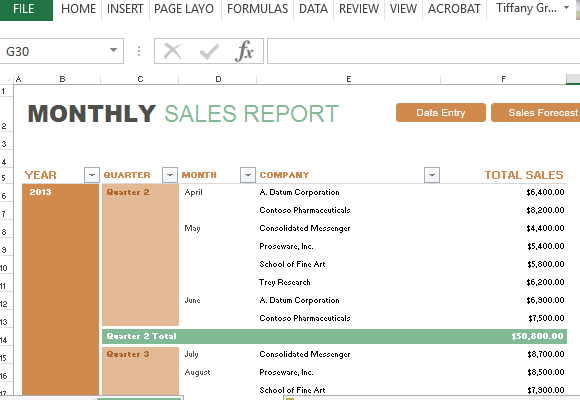
| monthly sales report template | XLSX |
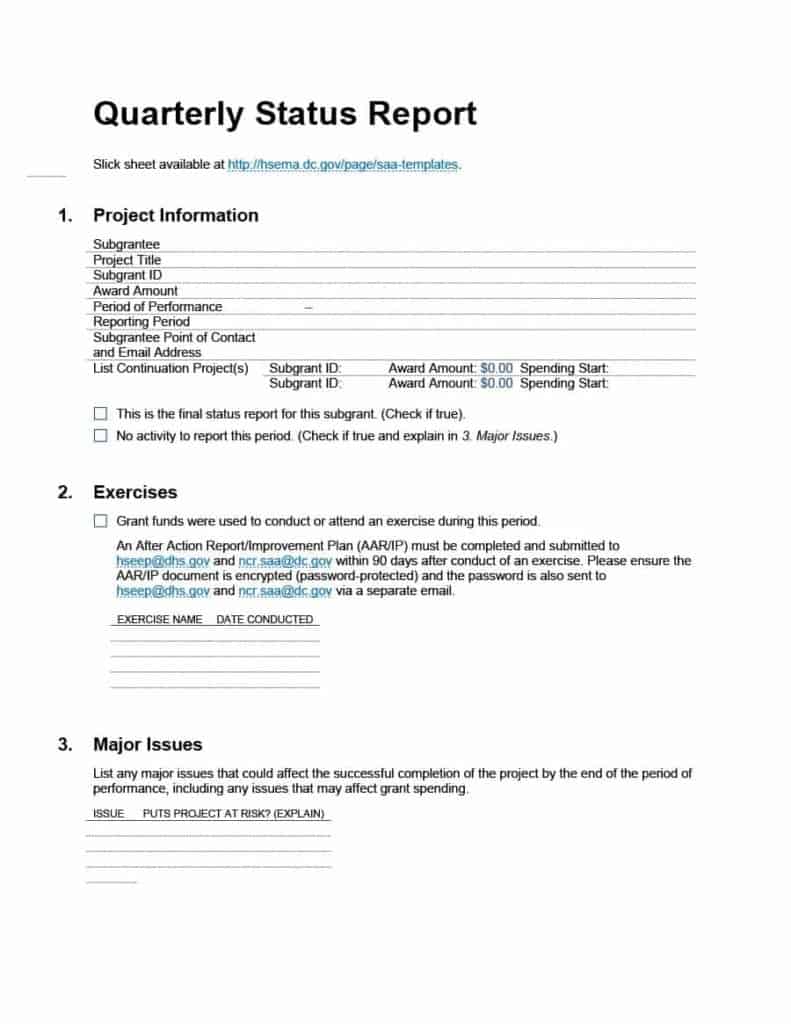
| monthly status report template | DOC |
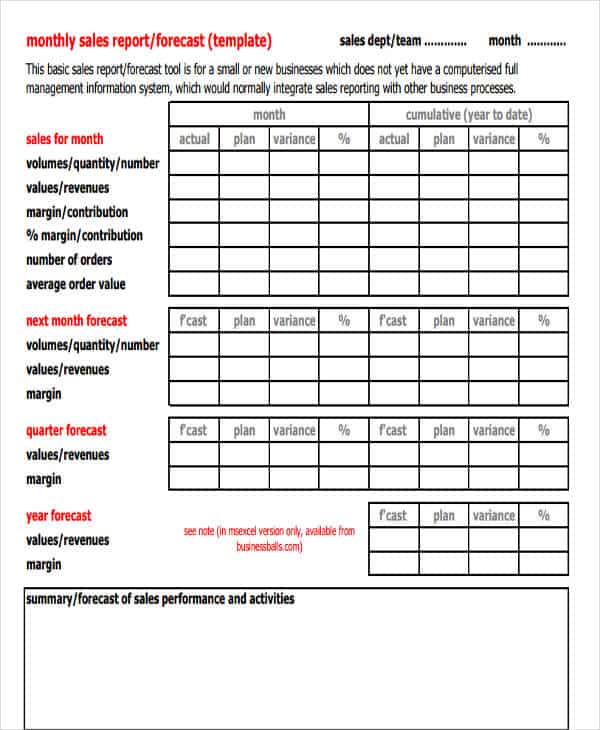
| monthly sales activity report template | ZIP |
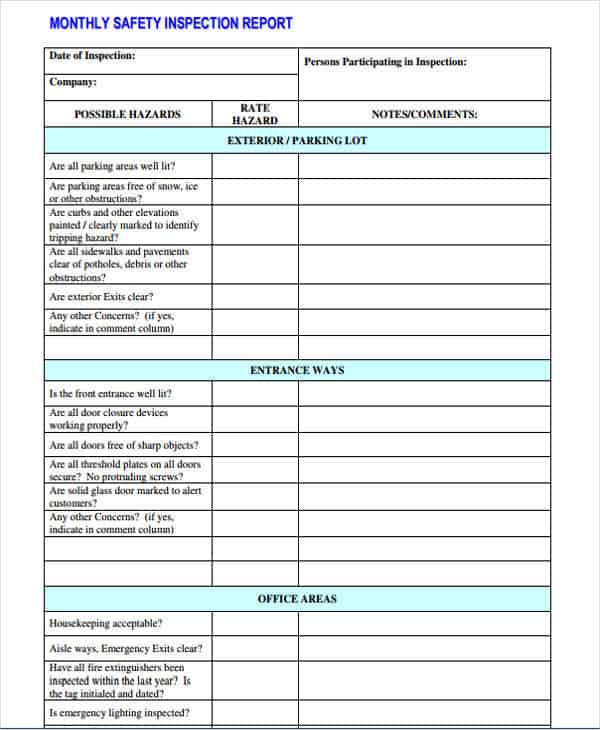
| monthly safety inspection report template | ZIP |
| monthly financial performance report template | ZIP |
| monthly employee performance report template | ZIP |
| HR monthly review report template | ZIP |
| HR monthly leave report template | ZIP |
| equipment maintenance monthly report template | ZIP |
| construction site monthly report template | ZIP |
| business report template | DOCX |
| building maintenance monthly report template | ZIP |
Free Monthly Report Template Downloads
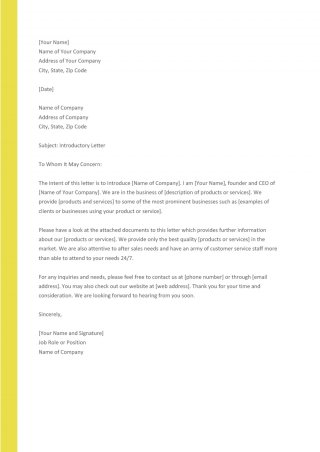
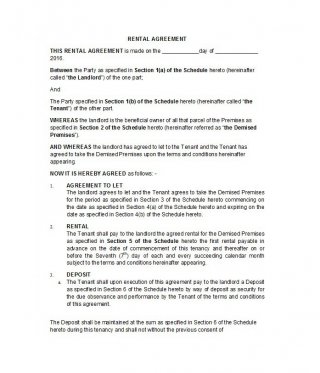
Click a preview to see it larger, then press the download button under it. Open Excel files in Microsoft Excel or a compatible spreadsheet program and Word files in Word or a similar editor. ZIP downloads should be extracted first. Then replace the sample text and figures, add your logo, and delete any section that does not apply. Keep one clean copy as your master so you can start fresh each month.

Related Templates
- free sales report templates
- free status report templates
- executive summary templates
- incident report templates
Frequently Asked Questions (FAQs) About Monthly Report Templates
How long should a monthly report be?
Shorter is usually better. One or two pages with key figures is often enough, with extra pages for tables, charts or photos when the reader needs them.
What is the difference between a monthly report and a weekly report?
A weekly report covers a shorter period with more day-to-day detail. A monthly report gives a broader overview of results, trends and progress toward goals.
Who should write the monthly report?
Usually the person closest to the work, such as a team lead, supervisor or site manager, with figures supplied by the people who keep the records.
When should a monthly report be submitted?
Many organizations set a deadline within the first week after the month ends. Follow your company’s schedule so managers receive the information when they need it.
How do I write the summary for a monthly report?
Write it last. State the main result, the biggest problem and the next step in two or three sentences, using the same figures that appear in the body of the report.
Can I add my company logo and change the layout?
Yes. Open the file in Word or Excel and you can insert a logo, change colors and fonts, and add or delete rows, columns and sections.
What do I do with the ZIP downloads?
Extract them with your computer’s built-in tool, then open the document inside in Word, Excel or a compatible program. If a ZIP holds several files, check which one matches the preview.
Should I keep old monthly reports?
Yes, at least for as long as your organization’s records policy requires. Old reports are the easiest way to show a trend or answer a question about what happened in a past month.
You must be logged in to post a comment.