Looking for an order form template you can fill in today and send to customers tomorrow? This page shows 32 free order form templates and samples: 17 come with a download button (13 Excel files and 4 Word files) and 15 are image-only examples you can use as layout inspiration. Pick a layout for product sales, service bookings or a school fundraiser, swap in your own items and prices, and start collecting orders by phone, email or in person.
What an Order Form Template Does for Your Business
An order form is the document where a customer states exactly what they want to buy. It turns a vague request such as “a few boxes of the blue ones” into a written record with item names, quantities, prices, a delivery date and a payment method. That record then feeds everything that follows: packing, invoicing, scheduling and stock counts. A small bakery, a print shop, a parent-teacher group selling wrapping paper and a wholesaler with monthly accounts all rely on the same basic idea, only with different columns.
Starting from a ready-made layout saves you from the most common design problem, which is forgetting a field until the third customer asks about it. It also gives your paperwork a consistent look, so returning customers know where to write their details.
Which Type of Order Form Fits Your Situation
- Product order form: a table with item code, description, quantity, unit price and line total. Best for shops and wholesalers with a fixed catalog.
- Service order form: replaces quantities with hours, packages or appointment slots, and adds a location and preferred date. Useful for photographers, cleaners and repair technicians.
- Fundraiser order form: keeps the item list short, adds a seller name column and a pickup or delivery day. Helpful for clubs, teams and schools.
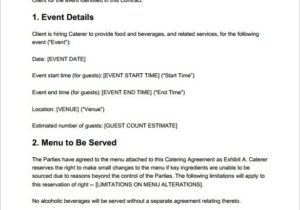
- Food and catering order form: records headcount, dietary notes, pickup or delivery time and a contact number for last-minute changes.
- Wholesale or repeat-order form: includes account number, purchase order reference and payment terms, so a buyer can reorder in minutes.
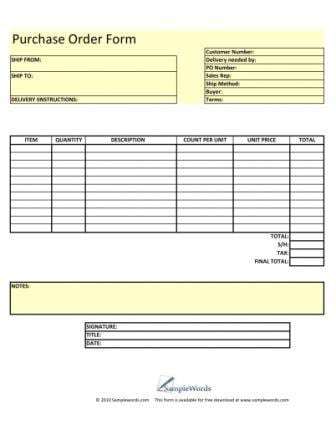
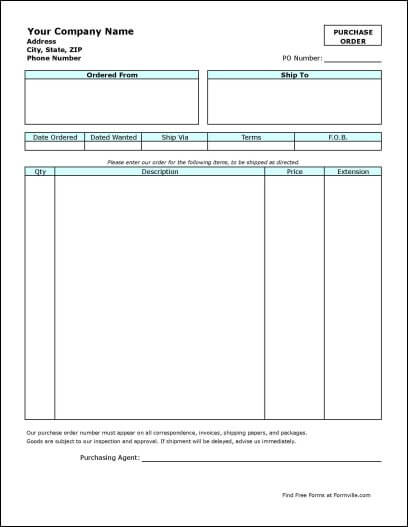
Note that an order form is usually completed by the customer. If you are the buyer sending a request to a supplier, a purchase order is the more formal document for that job.
Fields to Include in an Order Form
A good order form format collects only what you need to fulfil the order, but it should not leave you chasing people for missing details. Consider these fields:
- Business name, logo, phone number and email, so the customer knows where the form goes
- Order number and order date, which make later questions easy to trace
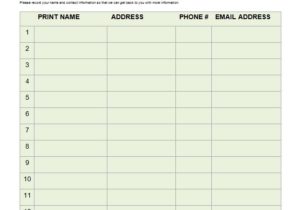
- Customer name, phone, email and separate billing and shipping addresses
- Item description or code, quantity, unit price and line total
- Subtotal, tax, delivery charge, any discount and the final amount due
- Payment method and when payment is due, for example on pickup or within 14 days
- Requested delivery or pickup date, plus a box for special instructions
- Your return, cancellation or substitution policy in a short sentence or two
- Customer signature or an “I agree” line if you want written confirmation
A Quick Example: Bakery Order Form
Imagine a home bakery that takes weekend orders. Its form might read: Order 0142, customer name and mobile number, 2 dozen vanilla cupcakes at a set price per dozen, 1 tray of brownies, pickup Saturday between 9:00 and 11:00, note “no nuts, birthday party”, deposit paid by bank transfer, balance due on pickup. Every line answers a question the baker would otherwise ask by text message, and the totals are already added up when the customer hands the form back.
How to Customize an Order Form Step by Step
- Choose a layout below that matches how you sell. If you need automatic totals, start with an Excel file; if you want free-flowing text and easy formatting, start with a Word file.
- Replace the sample header with your business name, logo and contact details.
- Rewrite the item table with your real products or services and current prices.
- In Excel versions, check that the total and tax cells still add up after you add or delete rows.
- Add the fields specific to your business, such as size, color, allergy notes or event date.
- Place a short policy note near the signature line.
- Save a blank master copy, then make a fresh copy for each order or print a stack for counter sales.
Common Order Form Mistakes to Avoid
- Asking for too much. Long forms get abandoned or filled in carelessly; keep to what you need.
- Leaving out a delivery date, which is the single most common source of order disputes.
- Hiding your return or cancellation terms in tiny print where customers will not see them.
- Requesting full card numbers on a paper or emailed form. Use a proper payment method instead and only note how the customer will pay.
- Forgetting version control. If you change prices, retire the old file so nobody keeps sending out last season’s form.
- Skipping a test run. Fill in two or three imaginary orders before you go live and see whether the layout leaves enough room.
Using the Downloads on This Page
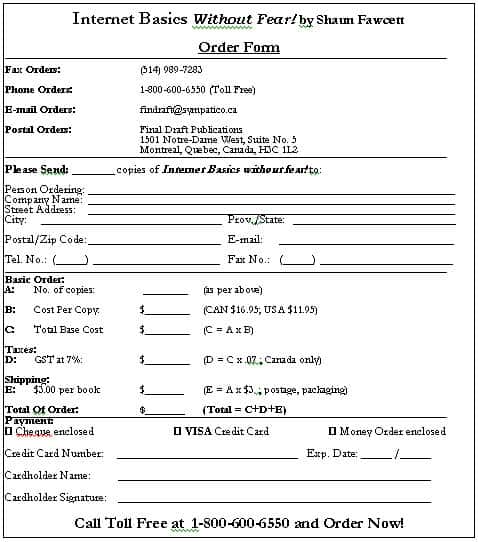
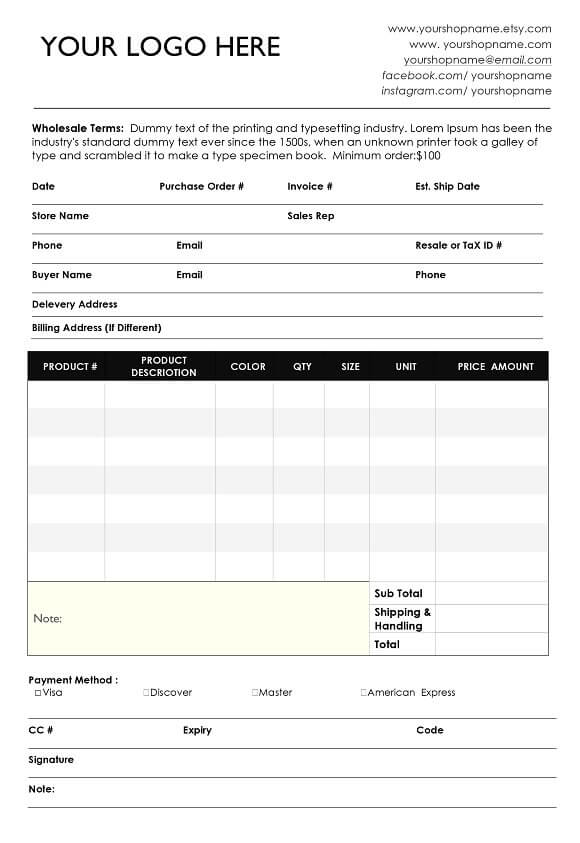
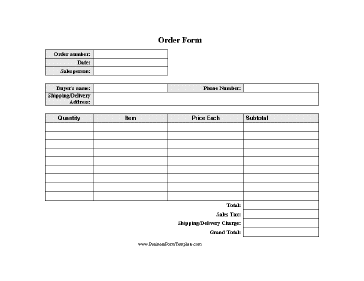
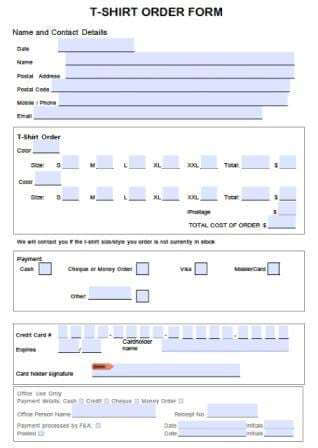
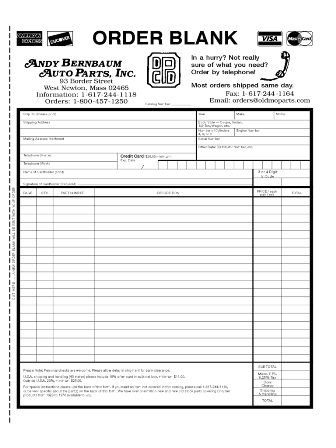
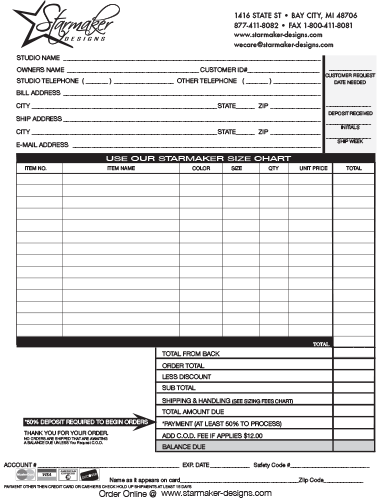
Click any preview to see it larger, then use the download button placed directly beneath or over that preview. The buttons open the file itself, either an Excel workbook (XLS or XLSX) or a Word document (DOC or DOCX), and you can edit it in Microsoft Office or a compatible program. The second group further down contains image-only examples without download buttons; treat those as ideas for structure and wording. Layouts and formulas can behave differently between programs, so review every total before you send a form to a customer.
Editable Order Form Templates in Excel and Word
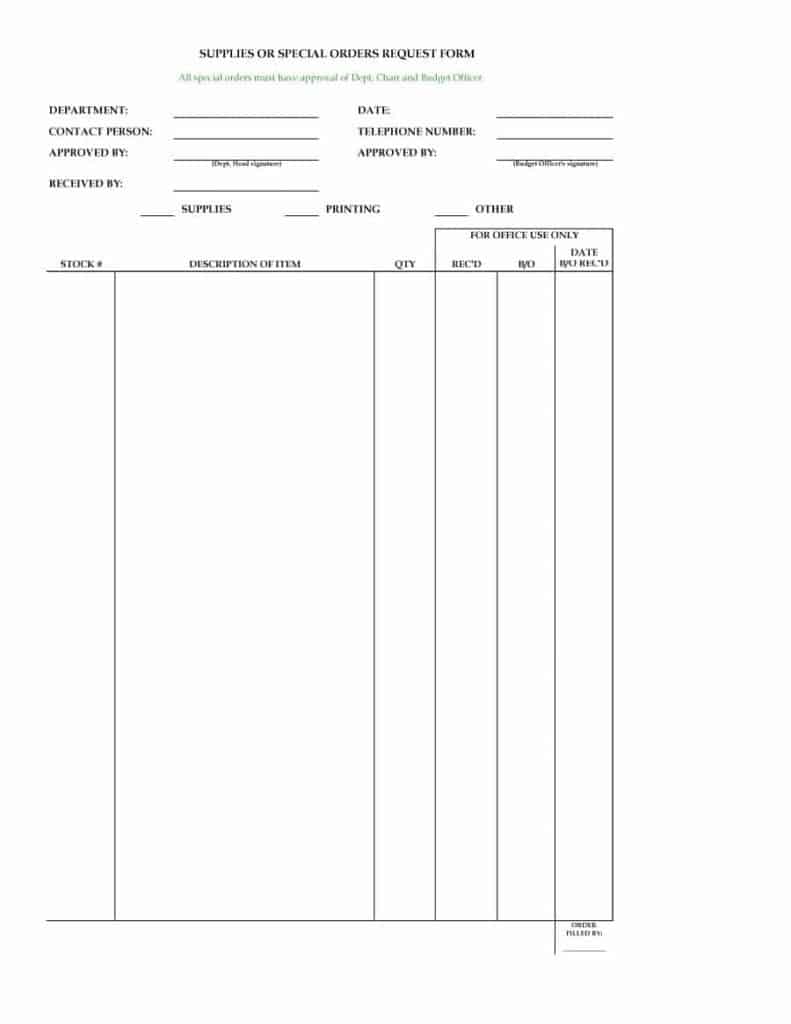

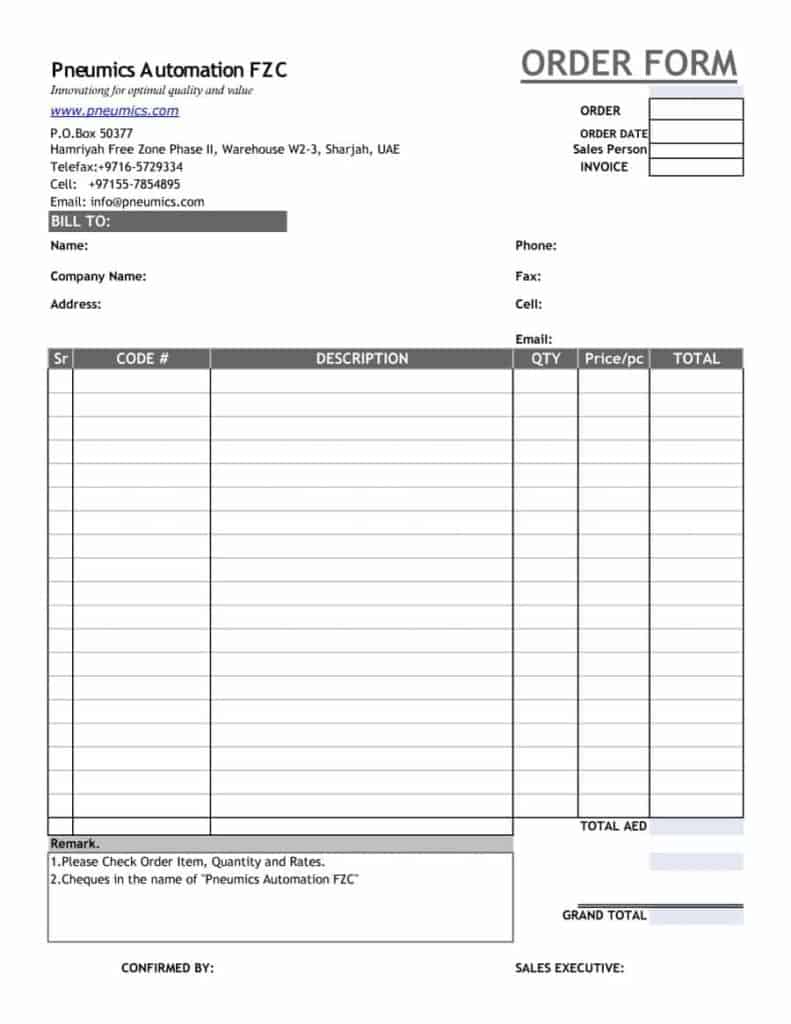
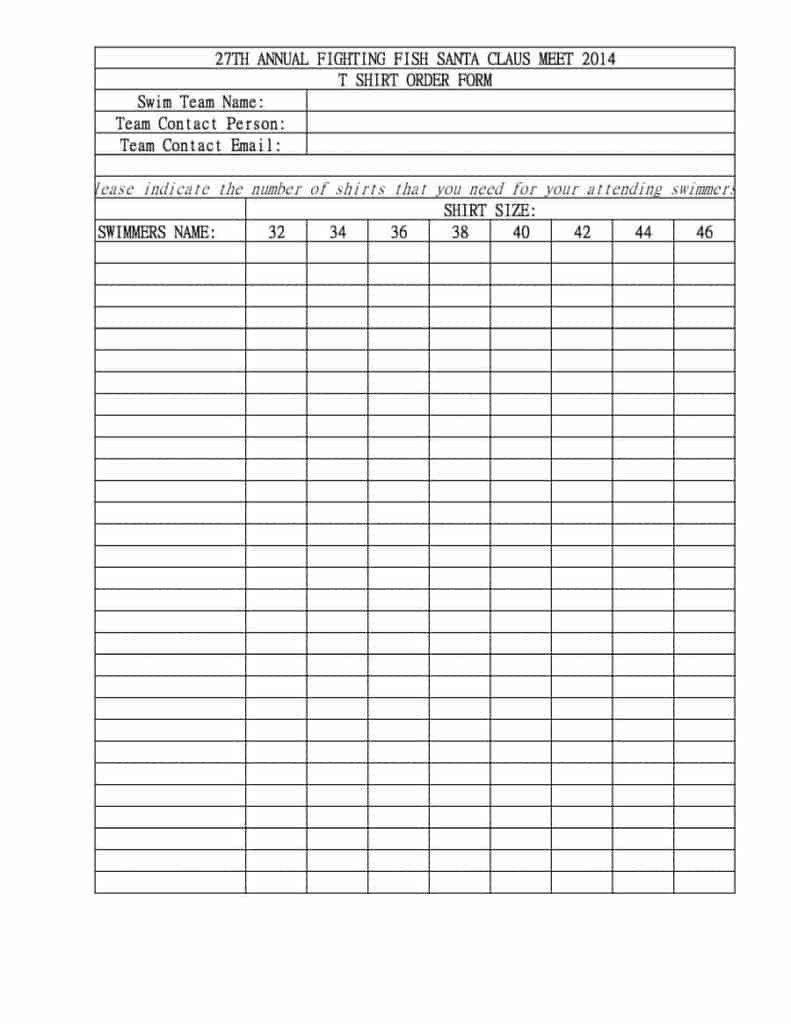
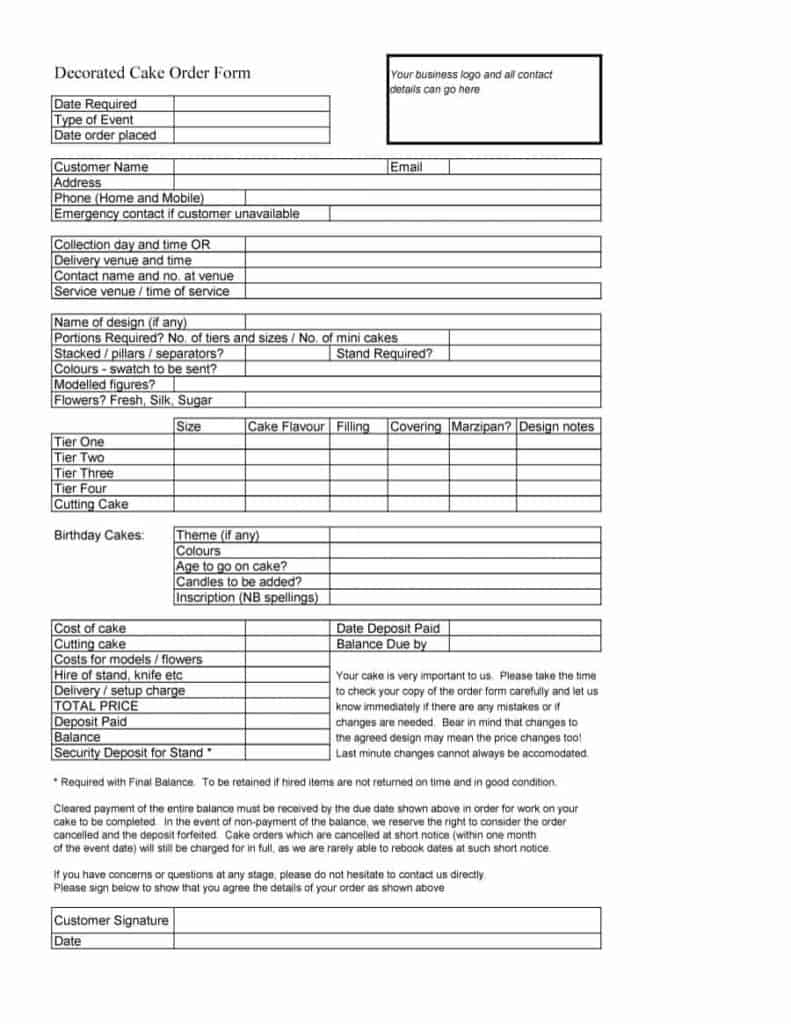
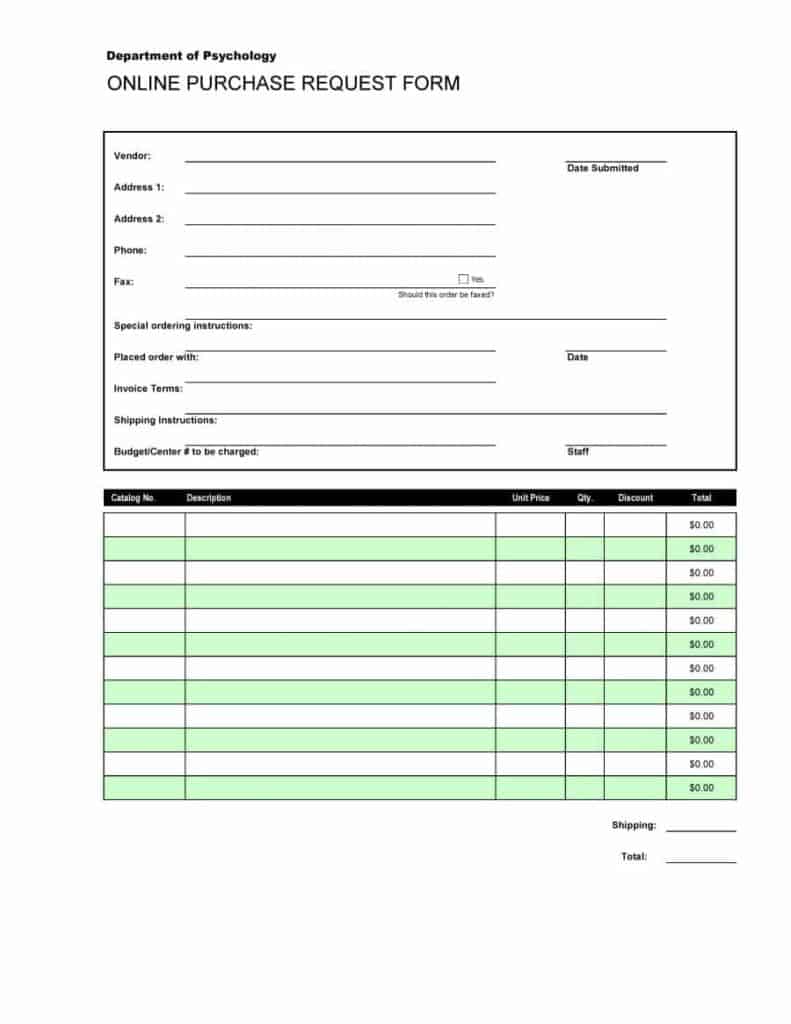
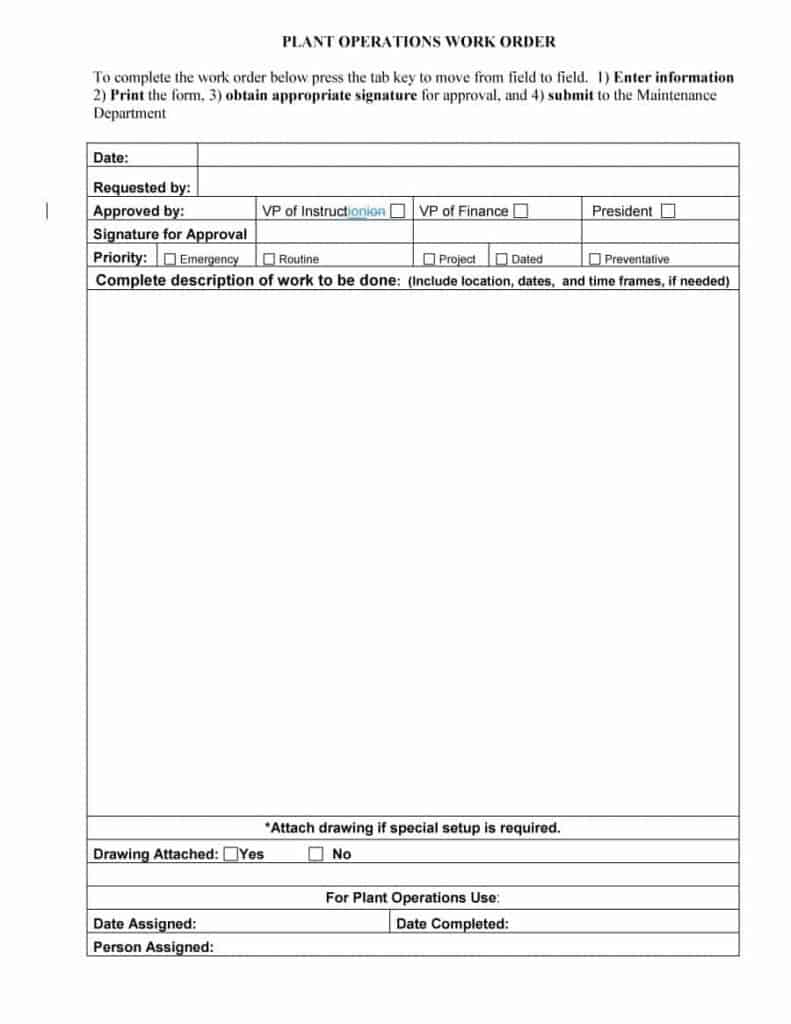
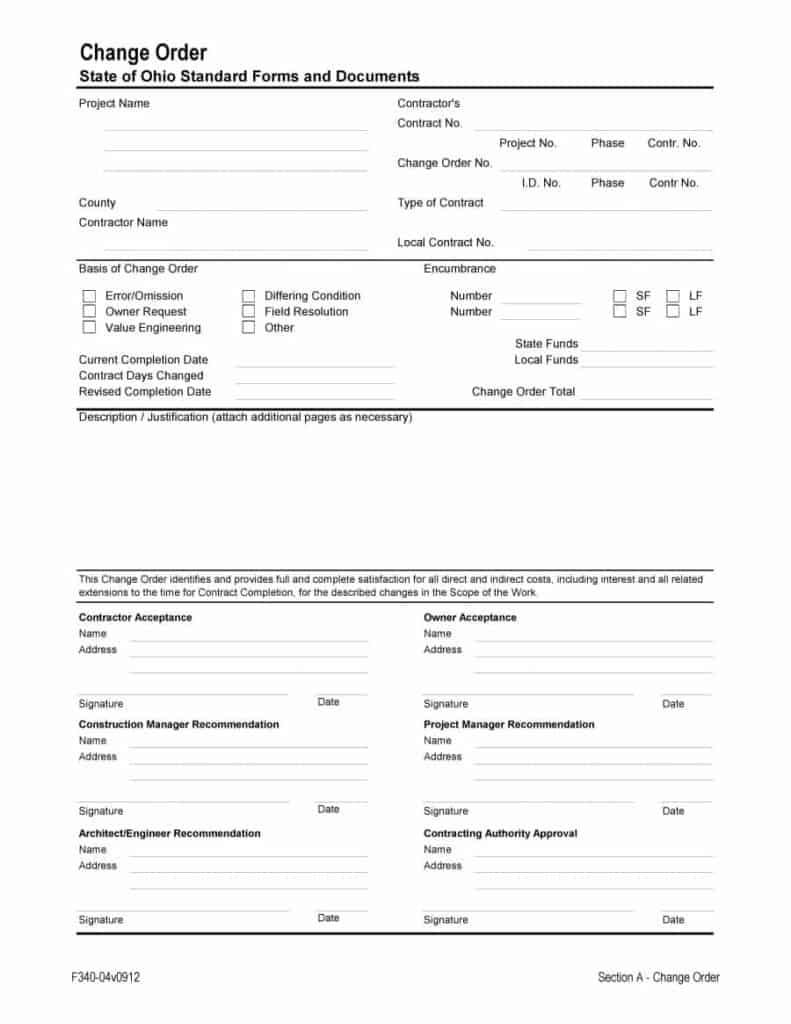
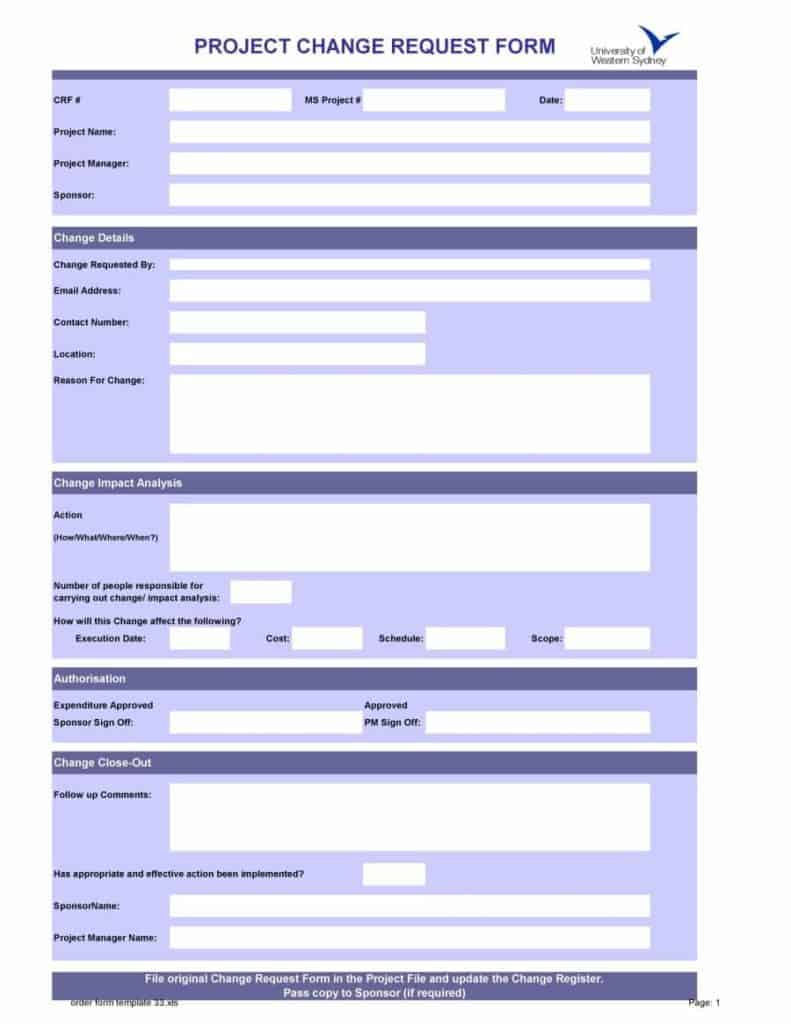
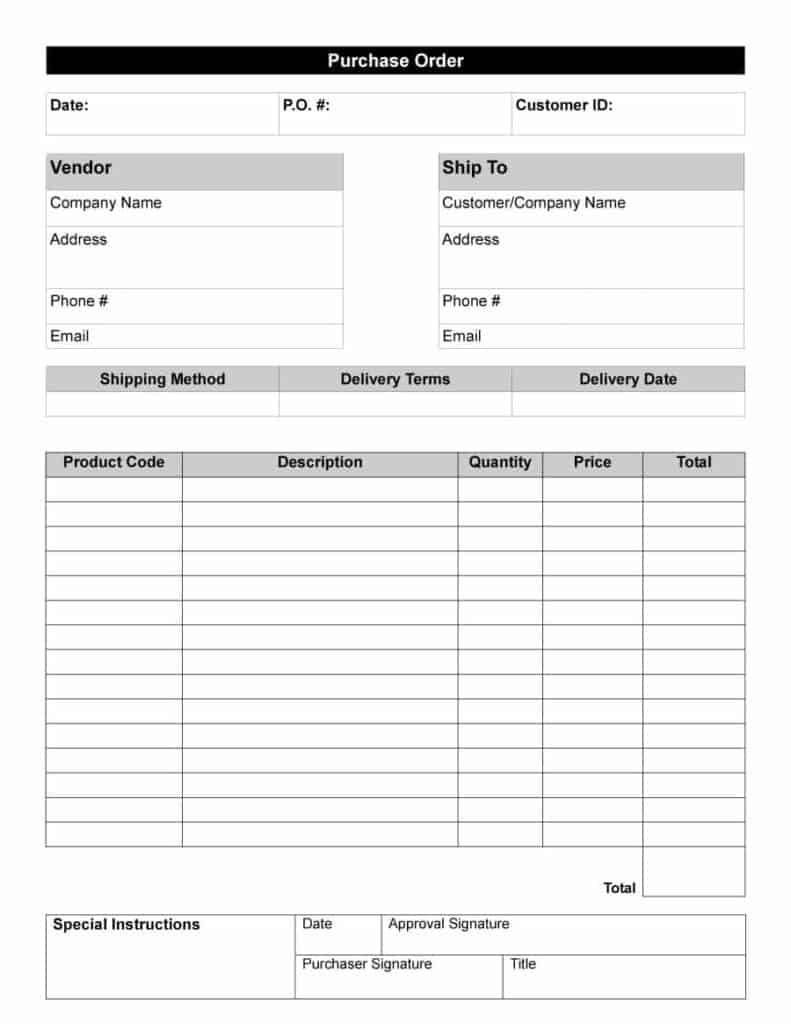
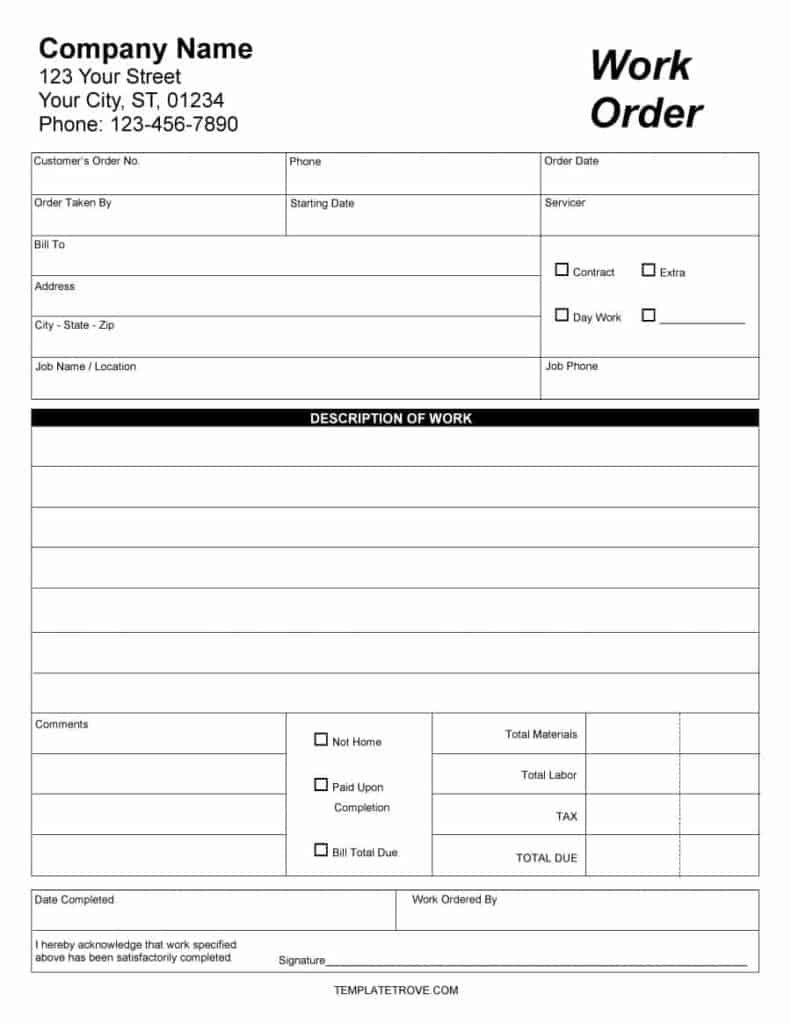
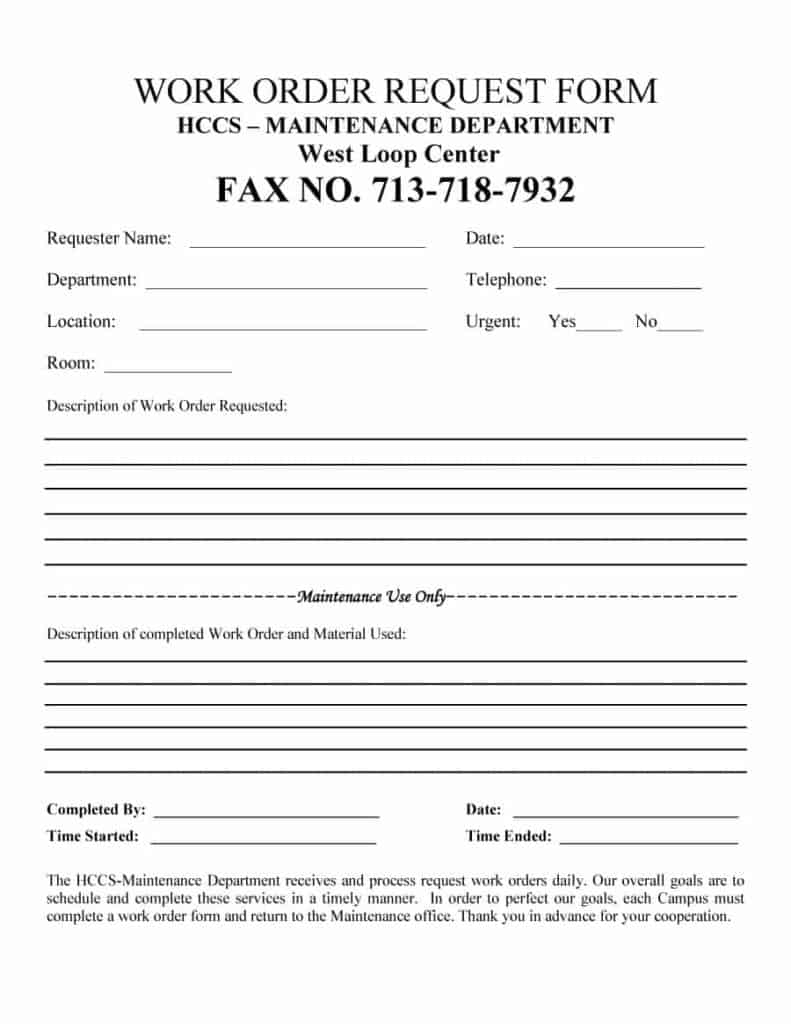
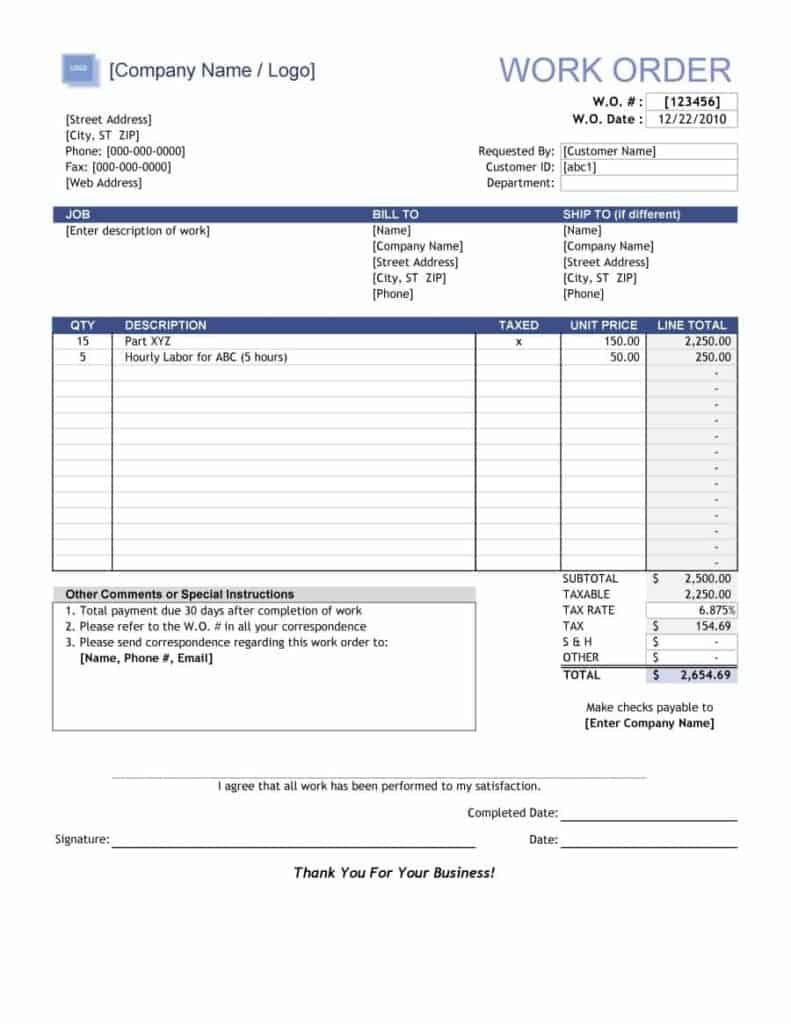
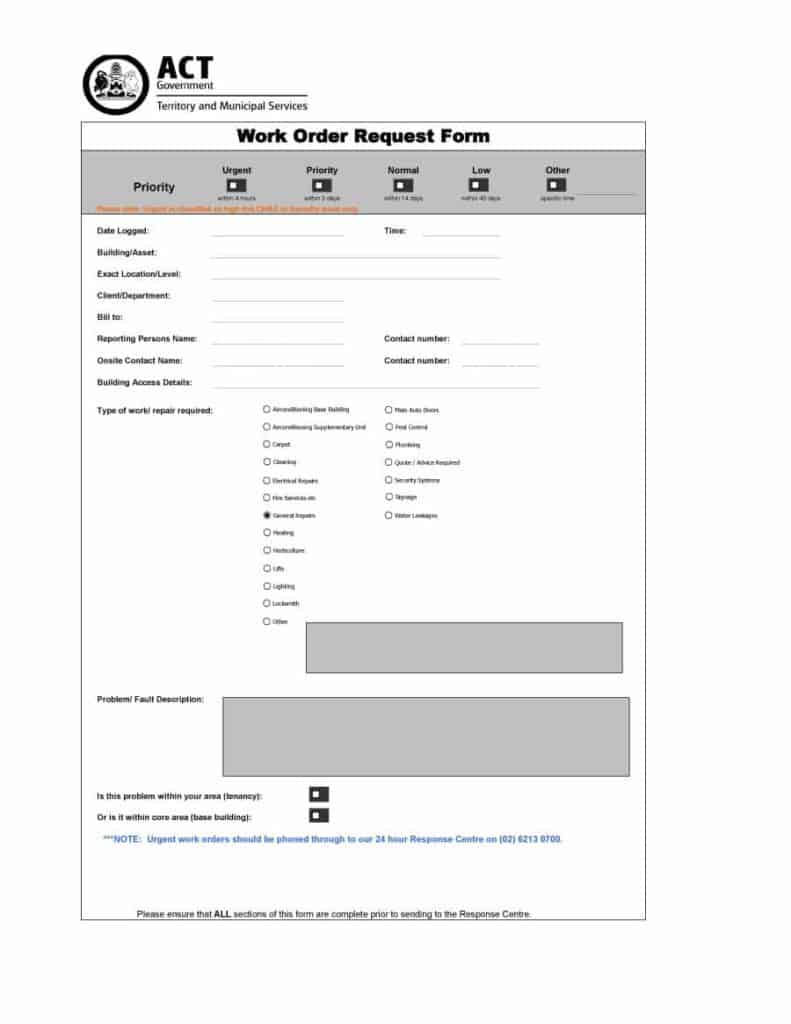
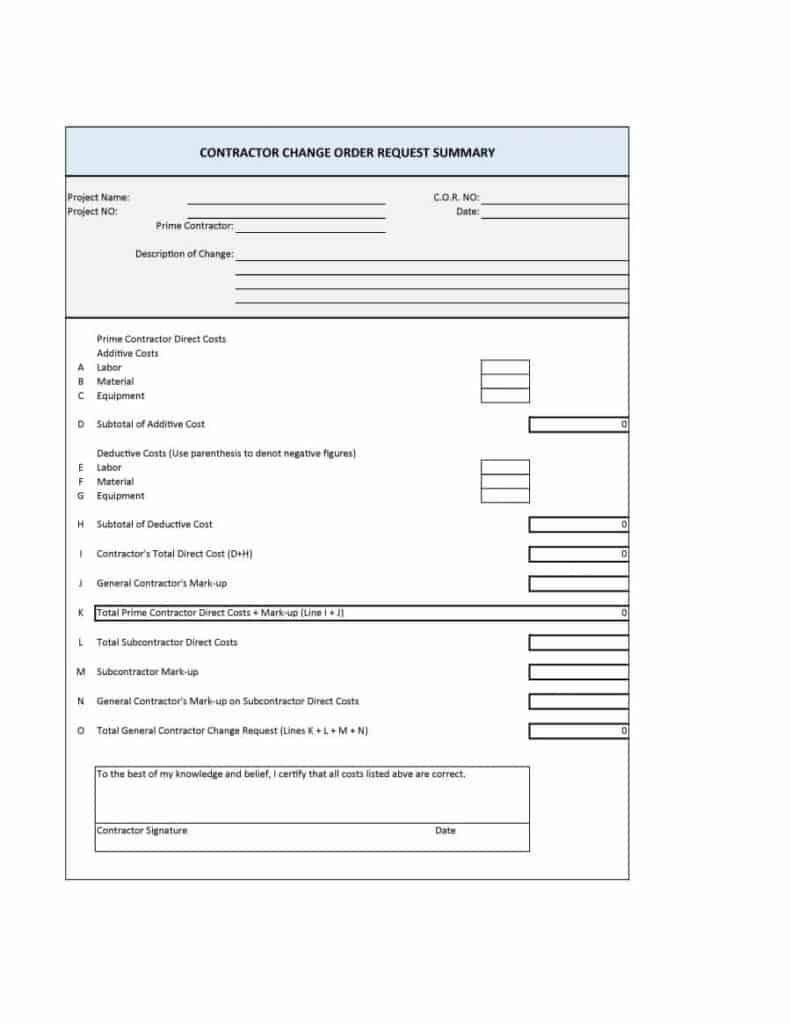
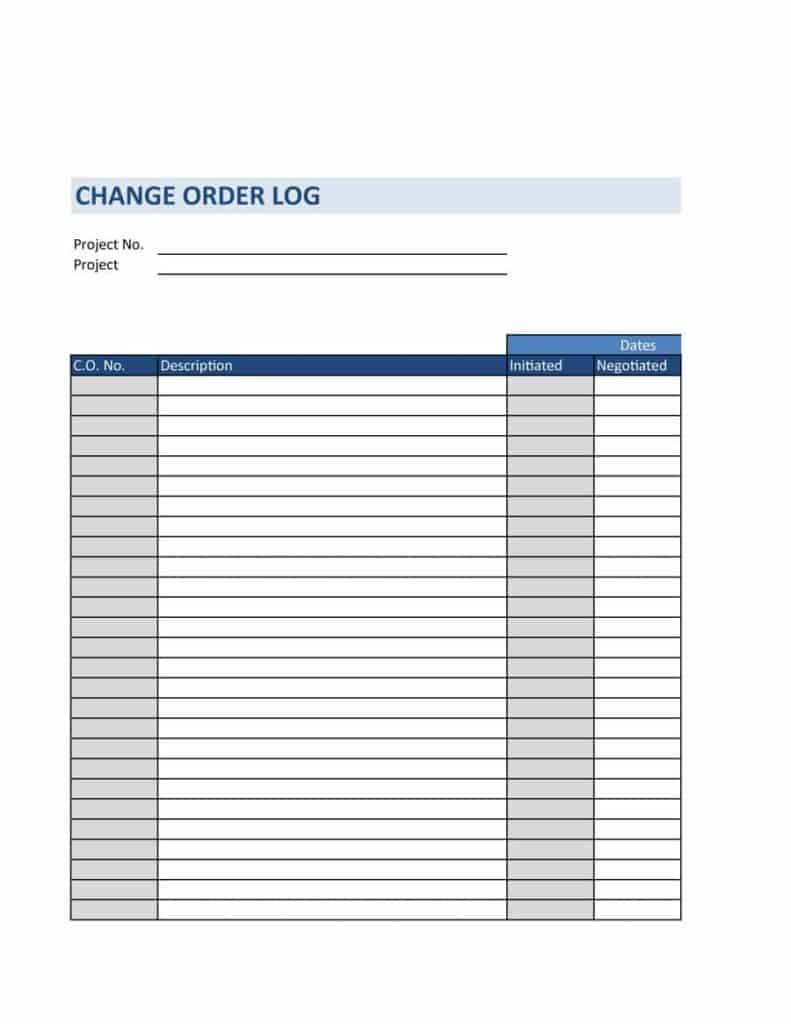
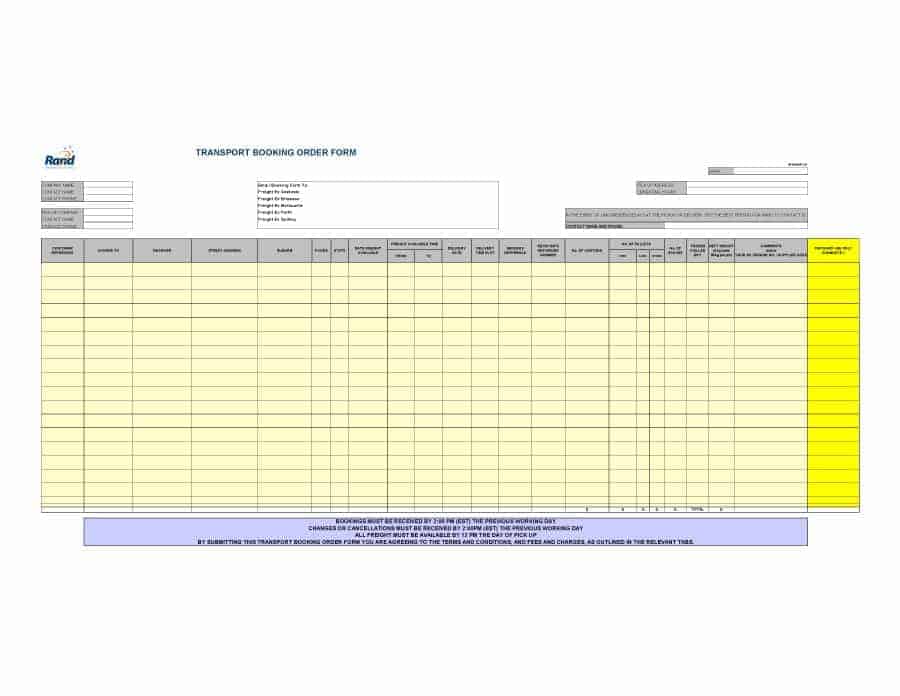
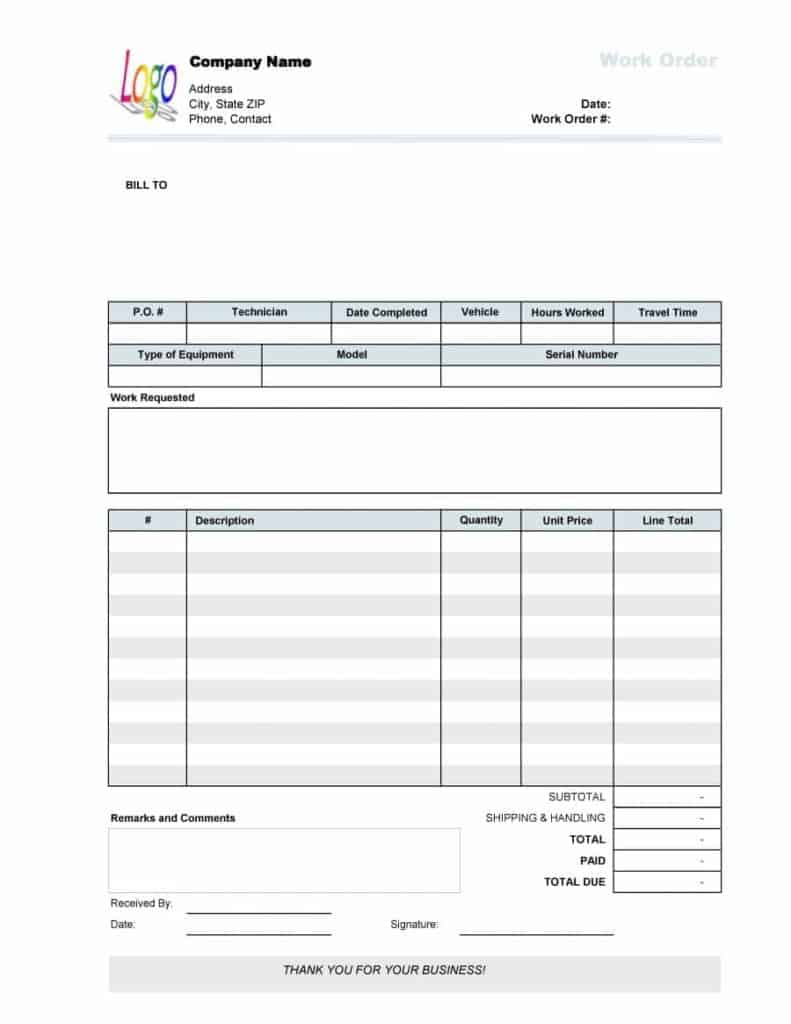
Image-Only Order Form Examples
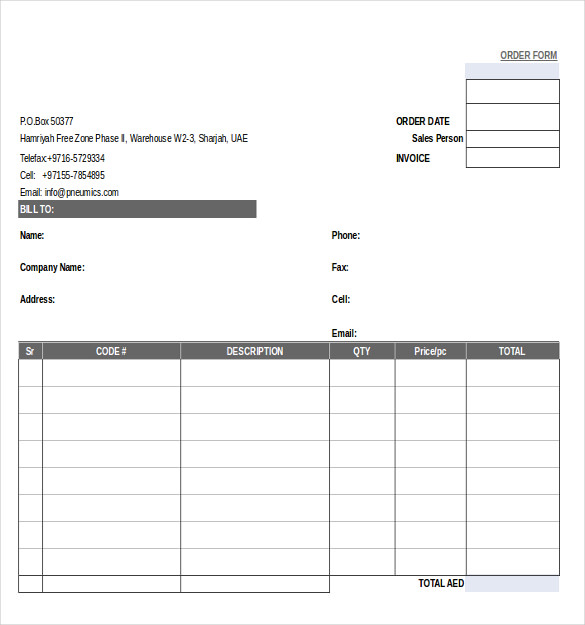
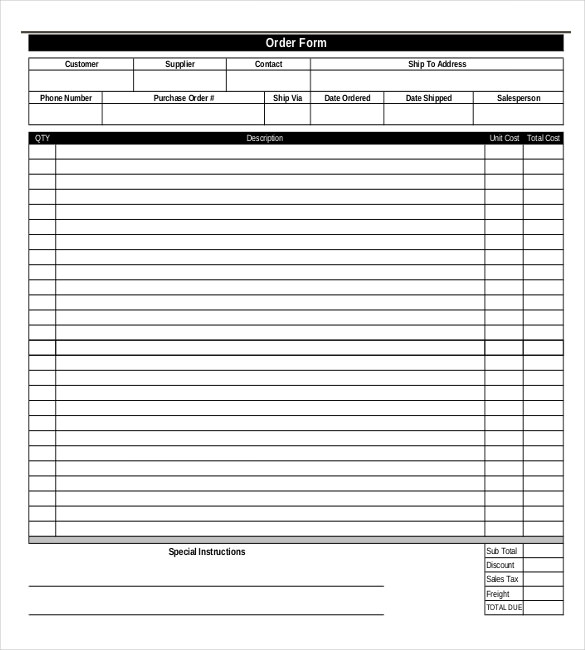
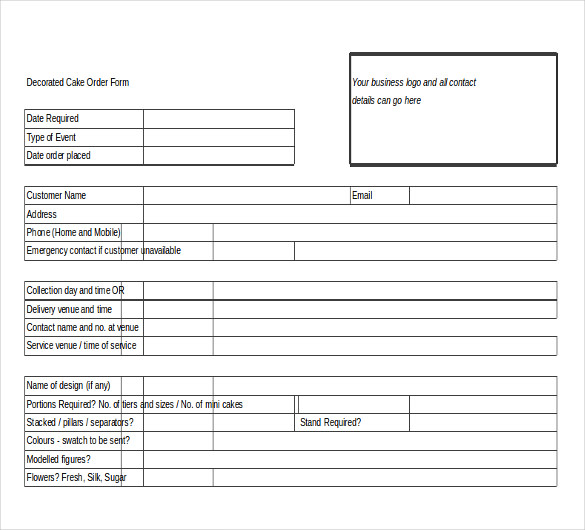
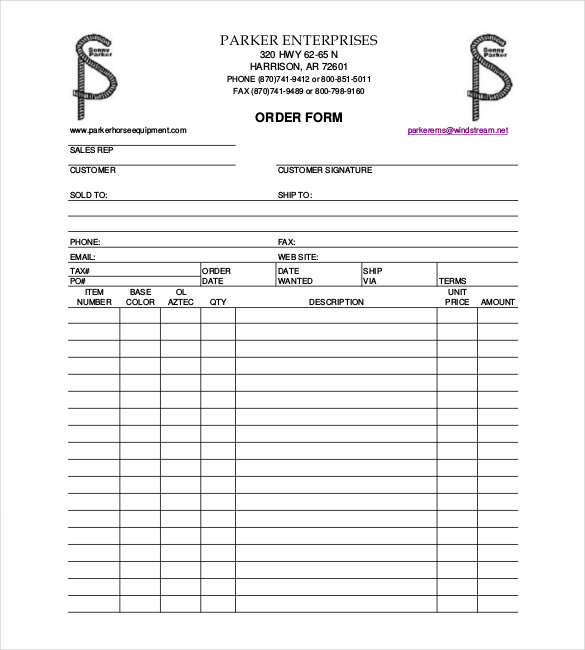
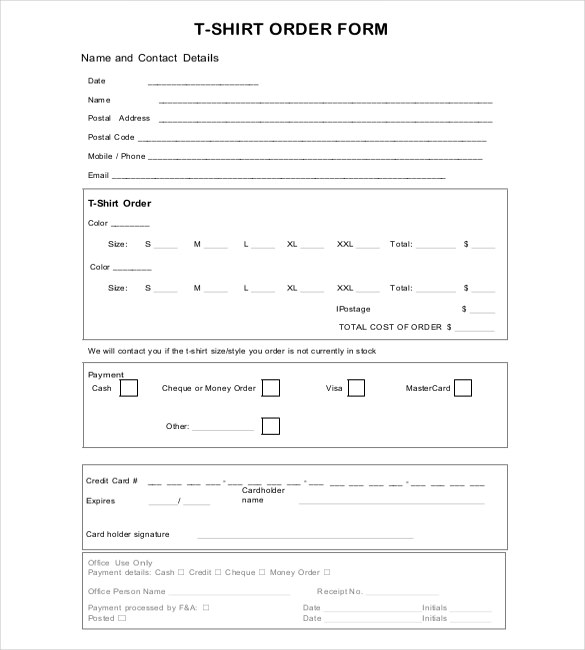
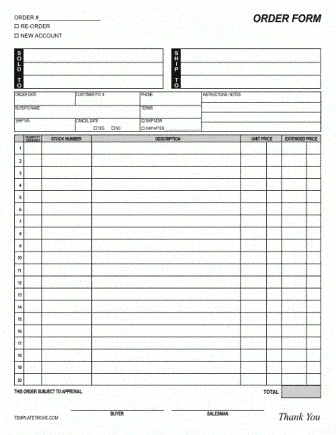
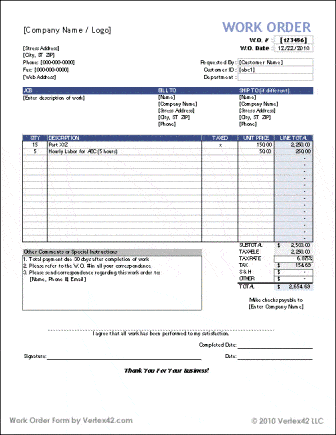
Word-Style and PDF-Style Order Form Layouts
Related Templates
- free purchase order form templates for buyers ordering from suppliers
- free quotation templates to send a price before the order is placed
- free contractor invoice templates for billing once the work or delivery is done
- free receipt of payment templates to confirm what the customer paid
Frequently Asked Questions About Order Form Templates
Is an order form the same as an invoice?
No. The customer completes an order form to request goods or services. An invoice comes afterward from the seller and asks for payment. Many businesses use both, with the order form details copied onto the invoice.
Which files can I download from this page?
The 17 download buttons deliver Excel files (XLS or XLSX) and Word files (DOC or DOCX). The remaining 15 samples are images only, so there is nothing to download for those, though you can copy the layout in your own file.
How do I make an order form in Excel with automatic totals?
Open an Excel order form, enter your prices in the unit price column and check that the line total multiplies quantity by price. Then confirm that the subtotal, tax and grand total cells refer to the right ranges. After adding rows, test with one order to be sure nothing is left out of the sum.
Can I use an order form for services instead of products?
Yes. Replace the product list with service names, hourly rates or packages, and add fields for appointment date, location and any access instructions.
What is a good way to handle deposits on an order form?
Add two lines near the total: deposit received and balance due. State the date the balance is expected, and make clear whether the deposit is refundable if the customer cancels.
How can I make a printable order form easier to fill by hand?
Leave generous space in the name, address and notes boxes, use a readable font size, and keep the item table to a manageable number of rows. Print a test copy and fill it in with a pen before you print a stack.
How long should I keep completed order forms?
Keep them as long as you need for disputes, warranties and accounting, and follow any record-keeping rules that apply to your business. When unsure, ask your accountant, since requirements differ by location.
Can I add my logo and brand colors to a template?
Yes. Open the Word or Excel file, insert your logo in the header, and adjust fonts and shading so the form matches your other business documents.


You must be logged in to post a comment.