Looking for a user manual template to see how a finished guide is laid out before you write your own? This page shows six real example manuals, two Word files and four PDF guides, so you can compare cover pages, section order, screenshots and troubleshooting tables. They are shown for reference and layout inspiration, and you can browse them free of charge.
What These Example Manuals Are (and Are Not)
The manuals below come from a range of real products and software, such as a spell checker, an ad management tool and consumer hardware. They are not blank templates ready to be rebranded. Each one belongs to the company that wrote it, and product names, logos and trademarks remain the property of their respective owners. Please do not republish them as your own or copy their wording. Use them the way a designer uses a mood board: study how a page is organised, how much space a screenshot gets, and how a warning is made to stand out, then write your own manual in your own words for your own product.
What a Good User Manual Template Contains
When you build your own structure, most manuals that people actually finish reading share the same skeleton. Check each example on this page against this list and notice which parts they include or leave out.
- Cover page: product name, model or version number, and the date of the last revision.
- Contents list: essential for anything longer than about ten pages, ideally with page numbers.
- What is in the box: a short parts list with a picture, so buyers can confirm nothing is missing.
- Safety notes: placed before the step they relate to, not hidden at the back.
- Setup and first use: numbered steps, each with a single action.
- Everyday tasks: one short chapter for each main feature.
- Troubleshooting table: problem, likely cause and suggested fix in three columns.
- Support details: a website, email address or phone number and any warranty terms.
How to Write a User Manual Step by Step
- Decide who will read it. A guide for warehouse staff needs different wording from one for first-time home users.
- Use the product yourself from unboxing to shutdown and record every step, including the ones that feel obvious.
- Draft the outline first, using the section list above, before writing any full sentences.
- Start every instruction with a verb such as “Press”, “Open” or “Connect”, and keep to one action per step.
- Take screenshots or photos while you follow your own steps, and label the parts they show.
- Hand the draft to someone who has never seen the product and watch where they hesitate.
- Correct what confused them, proofread, and save the finished manual as a Word master plus a PDF for sharing.
A Short Example of Clear Instructions
Compare two ways of writing the same instruction. The weak version says, “The device should be charged prior to initial operation.” The stronger version says, “Step 1: Plug the charging cable into the port on the back of the device. Step 2: Wait until the light turns green, about two hours. Do not use the device while it is charging.” The second version names the part, gives a visible signal for success and places the warning where the reader will need it. This is the kind of detail to look for when you scan the sample manuals below.
Word and PDF Formats for Manuals
Two of the downloads on this page are Word .doc files and four are PDFs, and the difference is useful to understand. Word is best while you are writing, because you can restructure pages, insert images and update text quickly. A PDF is best for publishing, because it keeps fonts and layout identical on every device and is easy to attach to an email or place on a support page. Many teams keep the Word file as the master copy and export a fresh PDF every time the manual is revised. Note that the PDF examples here are finished third-party documents, so use them for reference rather than editing.
Common Mistakes in User Guides
- Writing for experts: the author knows the product too well and skips steps a beginner needs.
- Burying safety information: a warning on page 40 will not protect someone on page 3.
- Inconsistent names: calling the same button “Start”, “Begin” and “Go” in different chapters.
- Blurry or unlabelled images: a picture that cannot be matched to a part causes more confusion than no picture.
- No revision date: readers cannot tell whether the guide matches the product in their hands.
- Never testing the guide: the fastest way to find gaps is to watch a stranger follow it.
User manual reference file guide
Before using these reference samples
- Treat the manuals as reference examples rather than blank forms.
- Build your own text around the actual product.
- Check your section order against the user’s common tasks.
Use the file links below to open an option directly, or continue to the previews to compare layouts. File formats are taken from the linked filenames. Extract ZIP archives before checking the files inside.
| File or resource | Format / source |
|---|---|
| example user manual — option 1 | |
| example user manual — option 2 | DOC |
| example user manual — option 3 | DOC |
| example user manual — option 4 | |
| example user manual — option 5 | |
| example user manual — option 6 |
Sample User Manuals to Preview
Click any preview to see it larger. The download buttons open the original manuals for reference.
Sample User Manuals
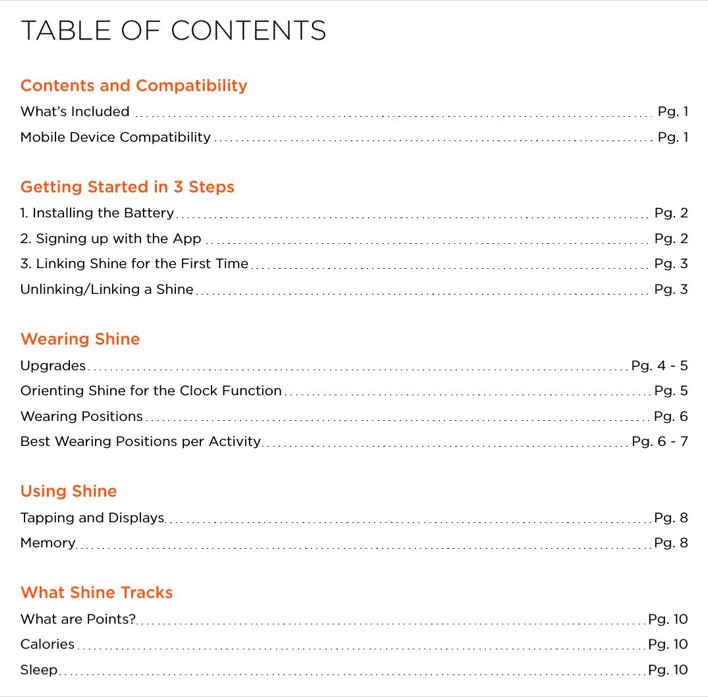

User Manual Templates Word
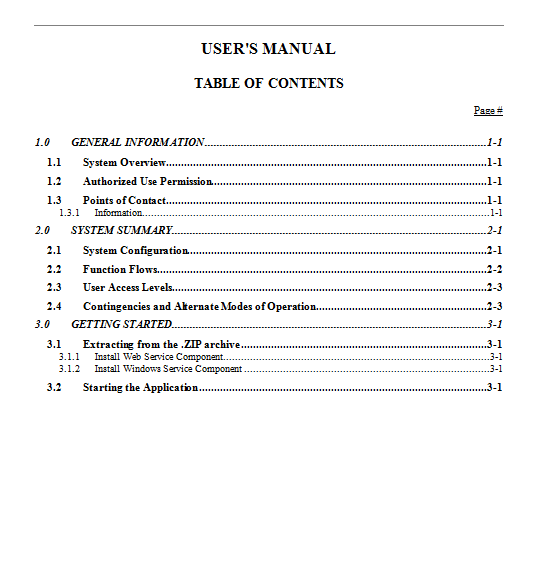
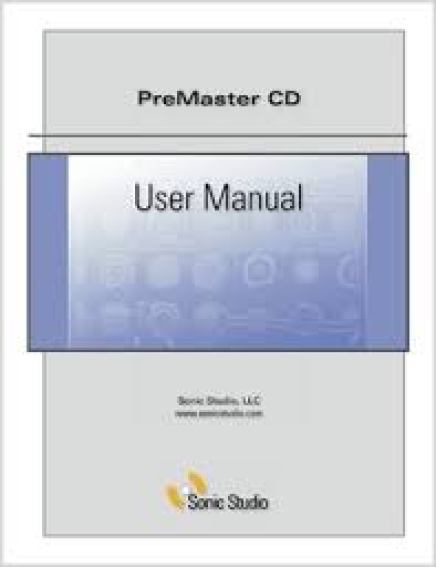
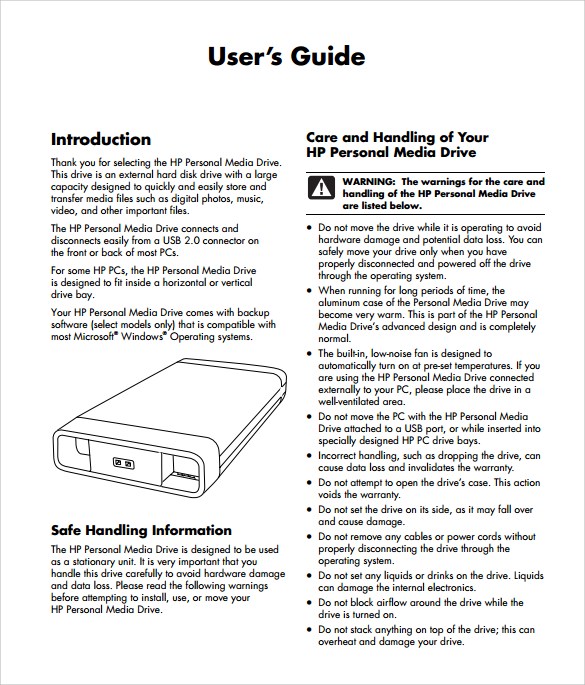
User Manual/Guide PDF
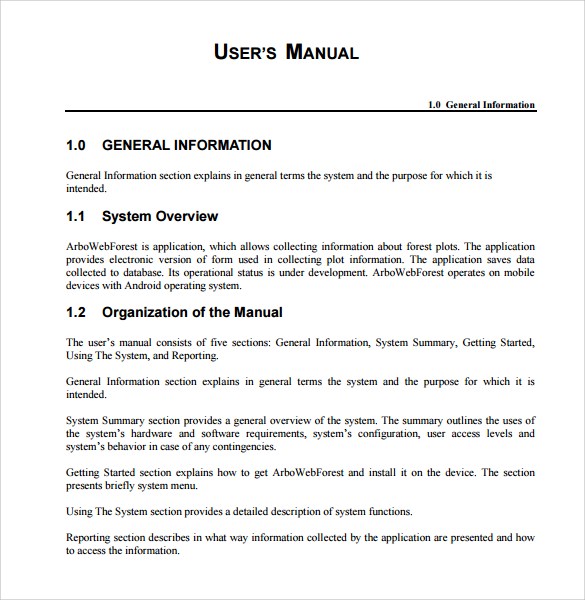

Complete Guide About Making a User Manual
Watch these short videos on planning a manual and on writing helpful user guide text. They are handy if you are new to technical writing.
User Guide Writing Tips
Related Templates
Frequently Asked Questions (FAQs) About User Manual Templates
Can I rebrand these sample manuals as my own?
No. They are real manuals written by other companies for their own products, and their trademarks belong to their owners. Use them only as a guide to structure and style, and write original content for your product.
What is the difference between a user manual and a user guide?
The two names are often used for the same document. A manual tends to be more detailed and technical, while a guide can be shorter and focus on everyday use.
How do I make a PDF version of my manual?
Finish your manual in Word, then choose File, then Save As or Export, and select PDF. Open the result and scroll through it once to check that images and page breaks landed where you expected.
How long should a user manual be?
As long as the reader needs and no longer. A simple gadget may need a few pages, while complex equipment or software may need a full booklet with an index.
Should I add photos and screenshots?
Yes, wherever a step involves a physical part or a screen. Label the parts in the picture and place it directly beside the step that uses it.
Where should safety warnings go?
Put each warning immediately before the step it applies to, and make it stand out with bold text or a box. Check any legal or industry requirements that apply to your product and market.
What file formats are the examples in?
Two are Word .doc files and four are PDFs. They are shown as reference examples only.
How often should I update a manual?
Update it whenever the product, software version or safety guidance changes, and add a revision date on the cover so readers know which edition they hold.


You must be logged in to post a comment.