Looking for a free flyer template idea for a sale, class, event or new business? This page collects 23 flyer template previews: 5 printable sample sheets, 5 Word-style layouts, 4 more free flyer designs, 5 PSD-style designs and 4 online flyer makers. The images are inspiration you can view here. The buttons next to many of them lead to template pages on other websites, where the file may be Word, PDF, ZIP or PSD, so nothing on this page downloads from this site. The printable samples and two of the Word-style previews have no working button and serve as layout ideas only.
What a Flyer Has to Do in Ten Seconds
A flyer is a one-page advertisement that is handed out, pinned to a notice board, put under a windscreen wiper or sent as an image. Most people give it a glance of a few seconds, so it has to deliver one message: what is happening, why it matters and what to do next. Flyers stay popular with schools, clubs, shops, tutors, landlords and community groups because they cost little to produce and need no special software.
A template helps because the awkward parts are already balanced. The headline size, the image area and the space for details are in place, so you concentrate on the words.
How to Choose a Free Flyer Template
- Match the purpose: a sale flyer needs a big price or discount, an event flyer needs date and place, and a class flyer needs a start date and how to enrol.
- Count your words: a layout with a large photo leaves little room for text, while a text-led layout suits a schedule or price list.
- Check who can edit it: a Word layout is simple to change, a PSD needs Photoshop or a compatible editor, and an online maker works in the browser.
- Think about printing: dark backgrounds use a lot of ink, so consider a lighter layout for home printing.
- Look at the source: external template pages have their own terms and sometimes ask you to register, so read them before you rely on a design.
What to Put on the Flyer
- A bold headline that states the main message in a handful of words
- One or two sentences of supporting detail
- For events, the date, time and full address
- One strong image or your logo, rather than several small ones
- A single call to action, such as “call today”, “visit us on Saturday” or “scan to book”
- Contact details: phone, email, website or social handle
- Any limits, such as an offer end date or “while stocks last”
How to Make a Flyer in Word, Step by Step
- Choose a layout below and follow its button to the provider’s page, or start a blank page in Word and copy the structure you like.
- Write the headline first, then trim it until it fits on one or two lines.
- Replace the placeholder text and add the practical details.
- Insert your logo or a sharp photo, and set the colors to suit your brand or event.
- Check every date, price, spelling and phone number, and ask someone else to read it too.
- Print one test copy, look at it from arm’s length and adjust the text size if needed.
- Print the batch or save a PDF to share by email and social media.
The video below explains how to design a flyer, which is helpful whether you are making one for personal or business use.
Example: A Class Flyer That Works
Headline: “Beginner Pottery, Six Thursday Evenings”. Subline: “Starts 5 October, 7 to 9 pm, all materials included”. Details: the studio address, the price, and “eight places only”. Call to action: “Book at the studio website or call the number below”. The reader learns what, when, where, how much and how to sign up without turning the page over.
Flyer Size, Paper and Printing Tips
Common sizes are US Letter (8.5 by 11 inches), A4 and half-page formats such as 5.5 by 8.5 inches. Standard paper is fine for handouts and notice boards, while thicker stock gives a premium feel for a launch or an exhibition. Leave a margin of at least half an inch around the edge so nothing is trimmed off, and use images with enough resolution to stay sharp when printed. If you are posting flyers in public places, ask permission first and follow local rules on advertising.
Flyer Mistakes That Lose Readers
- Trying to say everything, so the main message is buried
- Low contrast between text and background
- Small text for the date and address
- Blurry images stretched to fill the page
- Missing contact details or a broken web address
- Printing hundreds of copies before proofreading a single one
Keep a digital copy of the finished design with the date in the file name, so you can update the date or offer for the next run without starting over.
Flyer examples and provider links
Before completing your template
- Choose a design that fits the event or offer.
- Verify the file options on the provider’s page.
- Check the date, location and call to action before printing.
Use the file links below to open an option directly, or continue to the previews to compare layouts. File formats are taken from the linked filenames. Extract ZIP archives before checking the files inside. Outside provider links take you to another website; check that site’s available formats and terms. Repeated links to the same file are listed once.
| File or resource | Format / source |
|---|---|
| Word flyer template 2 | Outside provider |
| Word event flyer template | Outside provider |
| Word flyer template 4 | Outside provider |
| free flyer template 1 | Outside provider |
| free flyer template 2 | Outside provider |
| free flyer template 3 | Outside provider |
| business sale flyer template | Outside provider |
| PSD flyer design 1 | Outside provider |
| PSD flyer design 3 | Outside provider |
| PSD flyer design 4 | Outside provider |
| PSD flyer design 5 | Outside provider |
| Flyer resource at canva.com | Outside provider |
| Flyer resource at lucidpress.com | Outside provider |
| Flyer resource at smartdraw.com | Outside provider |
| Flyer resource at postermywall.com | Outside provider |
Flyer Template Previews and External Links
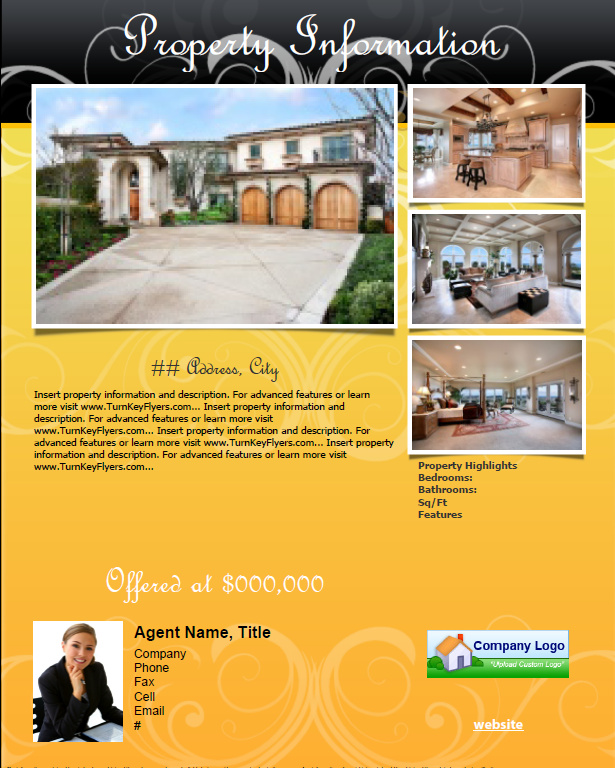
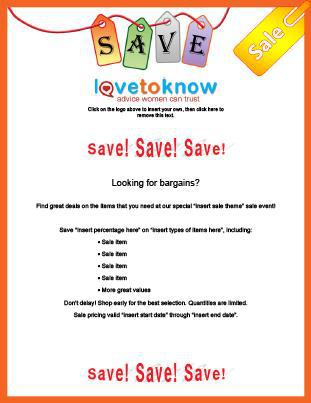
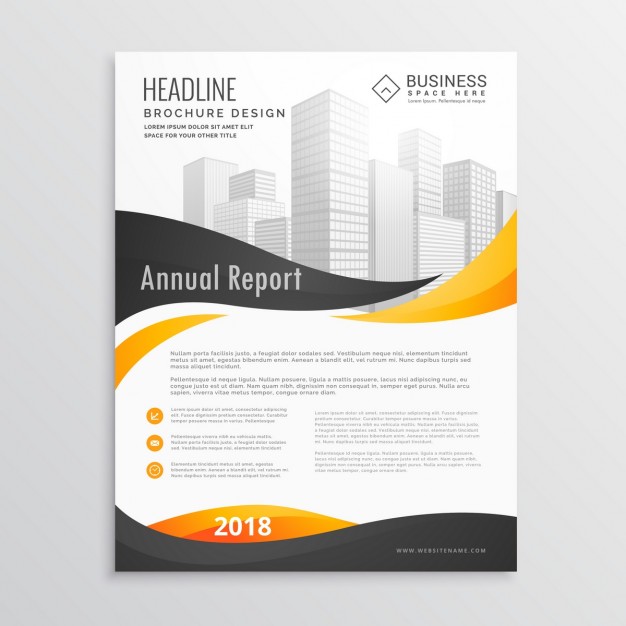
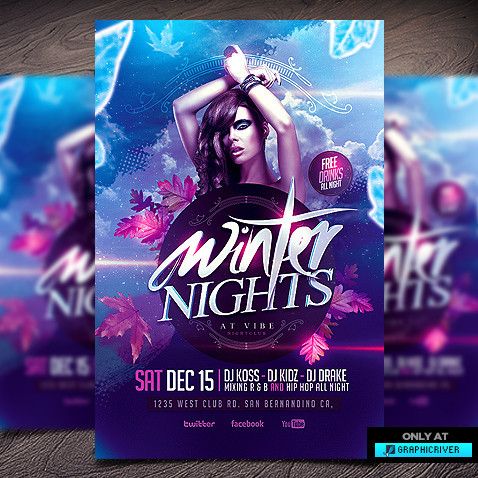
Click any preview to open the full-size image. A button beside a preview opens the provider’s own page in a new location, and the file there may be in a different format from the sample shown. Buttons are not present on every preview, and the printable samples are simply images for layout ideas. Provider pages can change or disappear over time.
Printable Flyer Samples
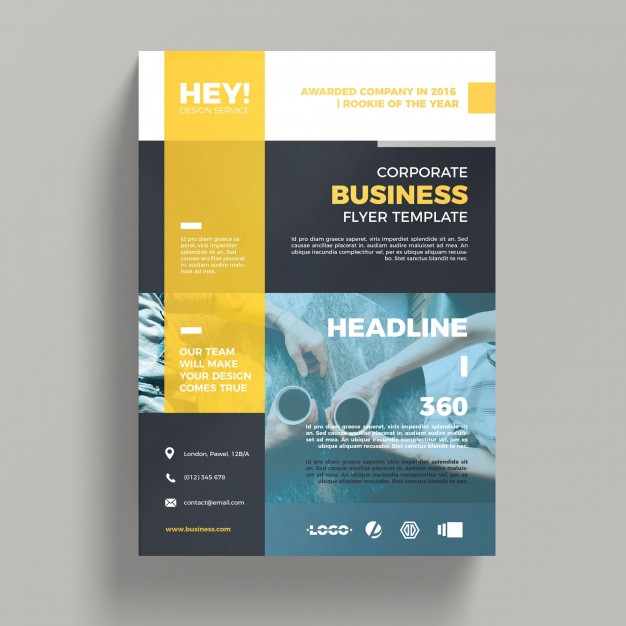

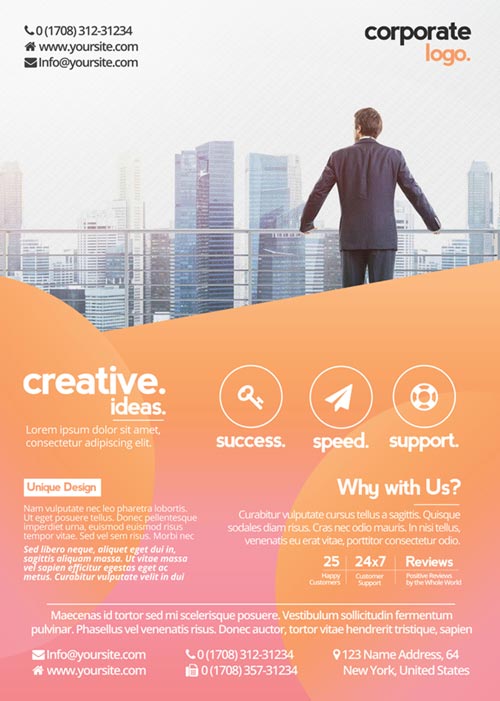
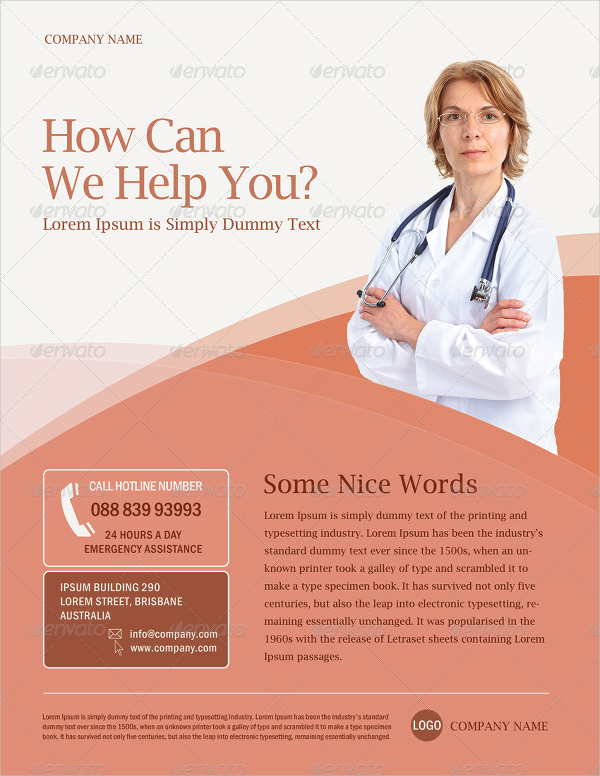

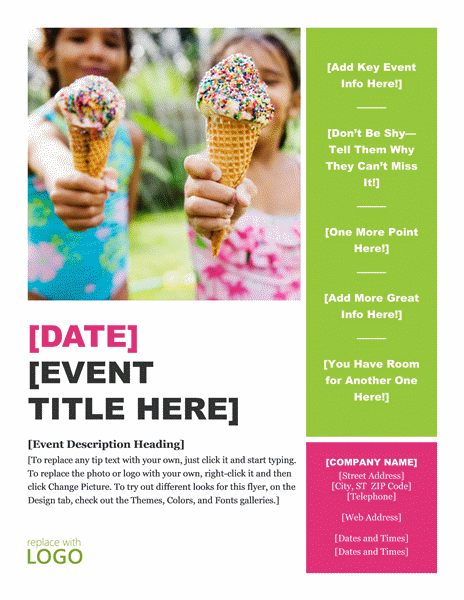
Word-Style Flyer Template Previews



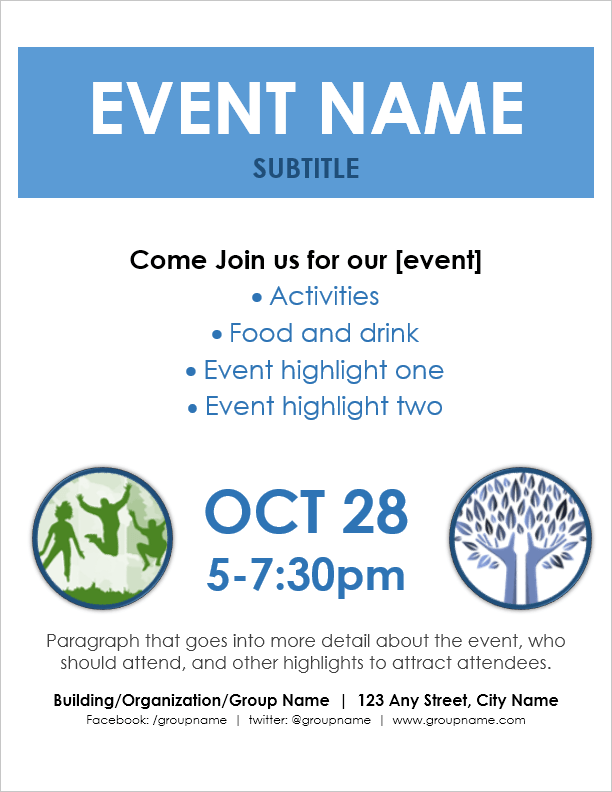

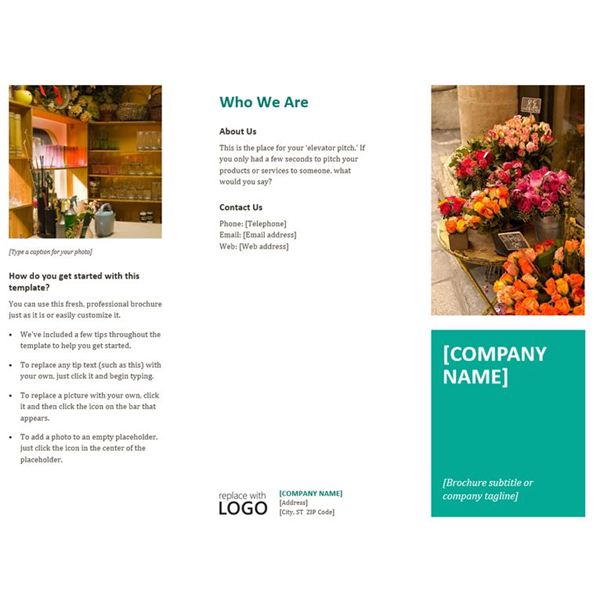
More Free Flyer Template Previews
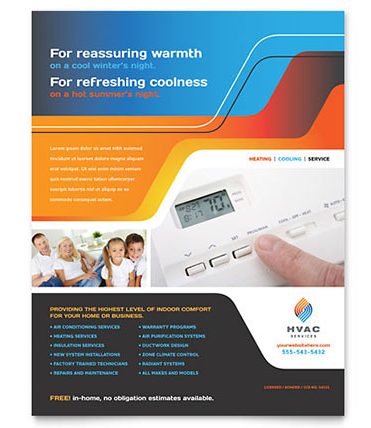
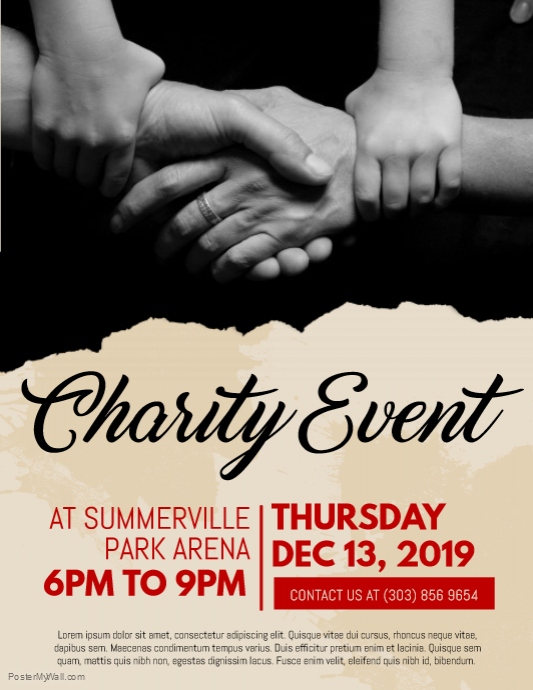
PSD and Design Flyer Previews



Online Flyer Makers

Related Templates
Frequently Asked Questions About Flyer Templates
What size is a standard flyer?
Common sizes are US Letter (8.5 by 11 inches), A4 and half-page formats such as 5.5 by 8.5 inches. Choose the size that fits your printing plan.
How much text should a flyer have?
Keep it short. A headline, a couple of lines of detail, the essentials such as date, place or price, and one way to respond are usually enough.
Can I edit a PSD flyer without Photoshop?
PSD files are made for Adobe Photoshop, although some other image editors can open them. If you do not have Photoshop, a Word layout is usually easier to edit.
What is the best call to action for a flyer?
The one that matches what you want people to do next, such as call, visit, scan a code or book online. Use one, not five.
Are the links on this page from this site?
No. The buttons lead to third-party template pages and online flyer makers, which have their own terms and file formats. Check what you are allowed to do with each design before you use it.
Can I use online flyer makers instead?
Yes. Online makers let you design in your browser and download the result. Check the terms and any limits on free use before you publish.
How do I make a flyer in Microsoft Word?
Start from a layout you like, replace the text and images, adjust colors and fonts, then print it or save it as a PDF.
How can I distribute my flyers?
You can hand them out, post them on community boards with permission, mail them, or send them by email and social media as a PDF or image.
You must be logged in to post a comment.