Writing and laying out a service booklet is a task no family wants at a hard time, so a ready-made funeral program template can take some of the pressure off. This page offers 8 free funeral program templates in editable Word format (DOC and DOCX), each with a preview image and its own download button. Replace the sample wording with your loved one’s name, dates, photographs and order of service, then print the finished program at home or at a local print shop.
What a Funeral Program Is For
A funeral program, also called an order of service or memorial program, is a printed booklet or sheet given to guests at a funeral, memorial service, graveside gathering or celebration of life. It tells people what will happen and in what order, names those who will speak, read or sing, and gives a short account of the person’s life. Many relatives keep it afterward as a memento, which is why accurate names, dates and spellings matter so much.
Choosing the Right Size and Layout
- Single card or sheet: a photo and dates on one side, a verse or service details on the other. Suitable for short services and small gatherings.
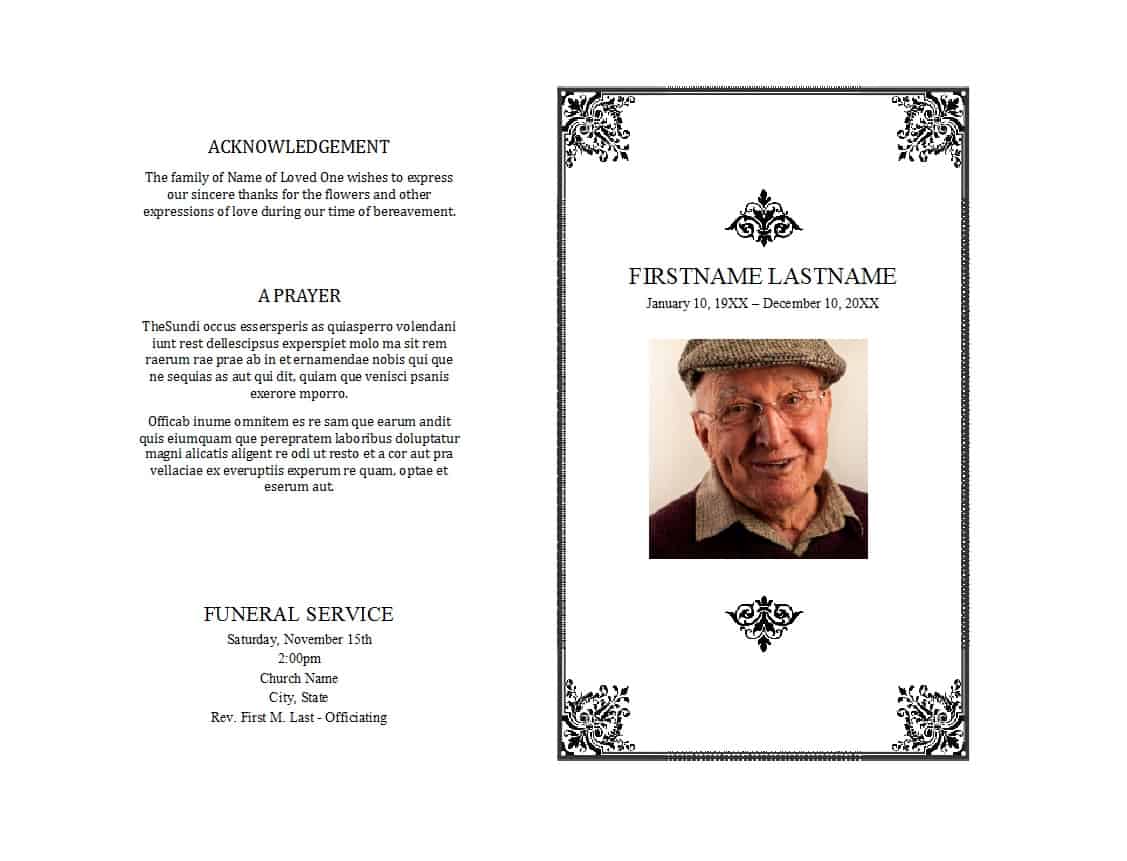
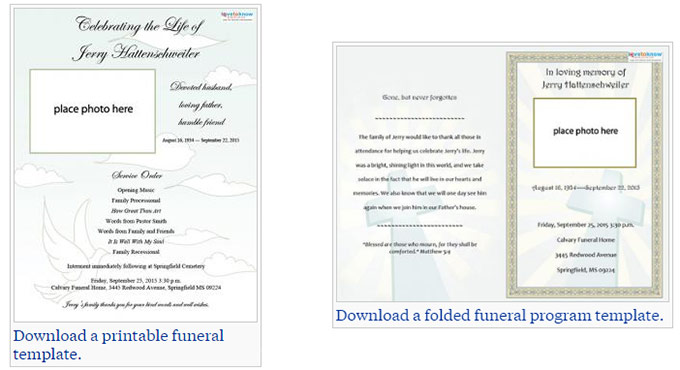
- Bi-fold program: one letter-size sheet folded in half, giving four pages: cover, order of service, obituary and a closing page. It is the layout most families choose.
- Tri-fold program: a brochure with room for several photographs and short tributes.
- Booklet: stapled pages for services with many readings, hymns or family tributes.
- Bookmark or prayer card: a small keepsake that can be printed alongside the main program.
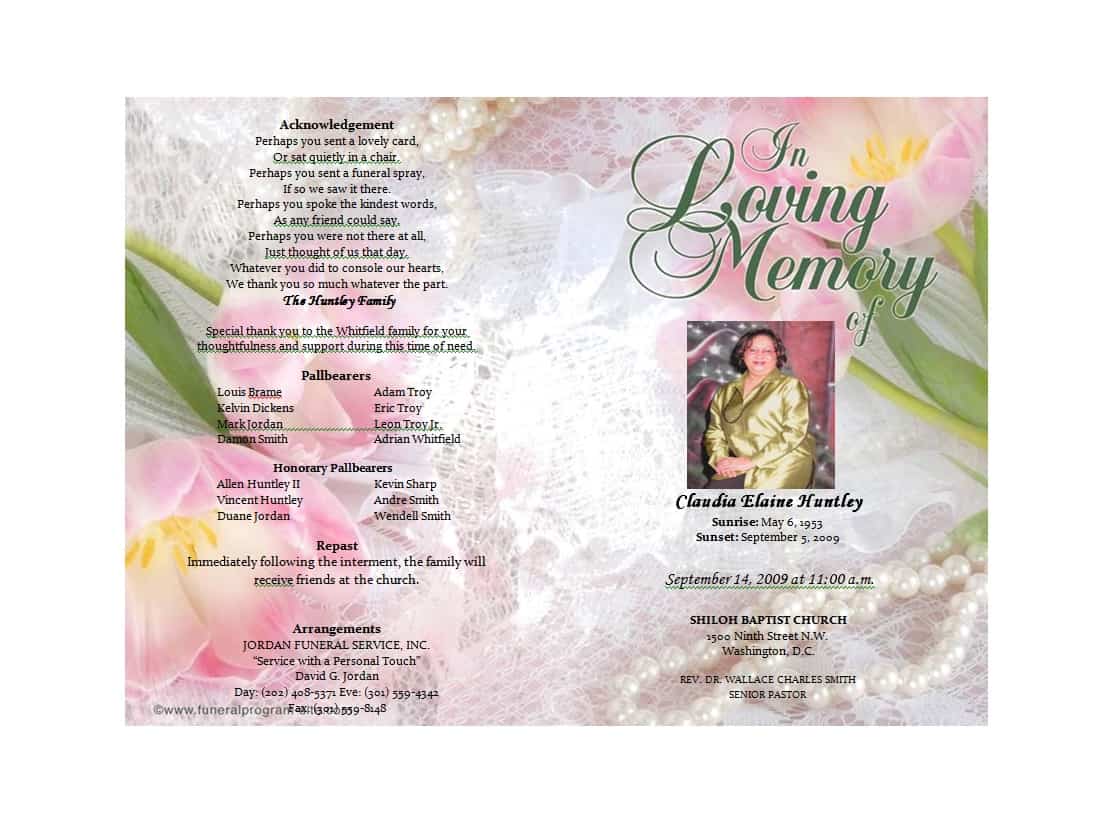
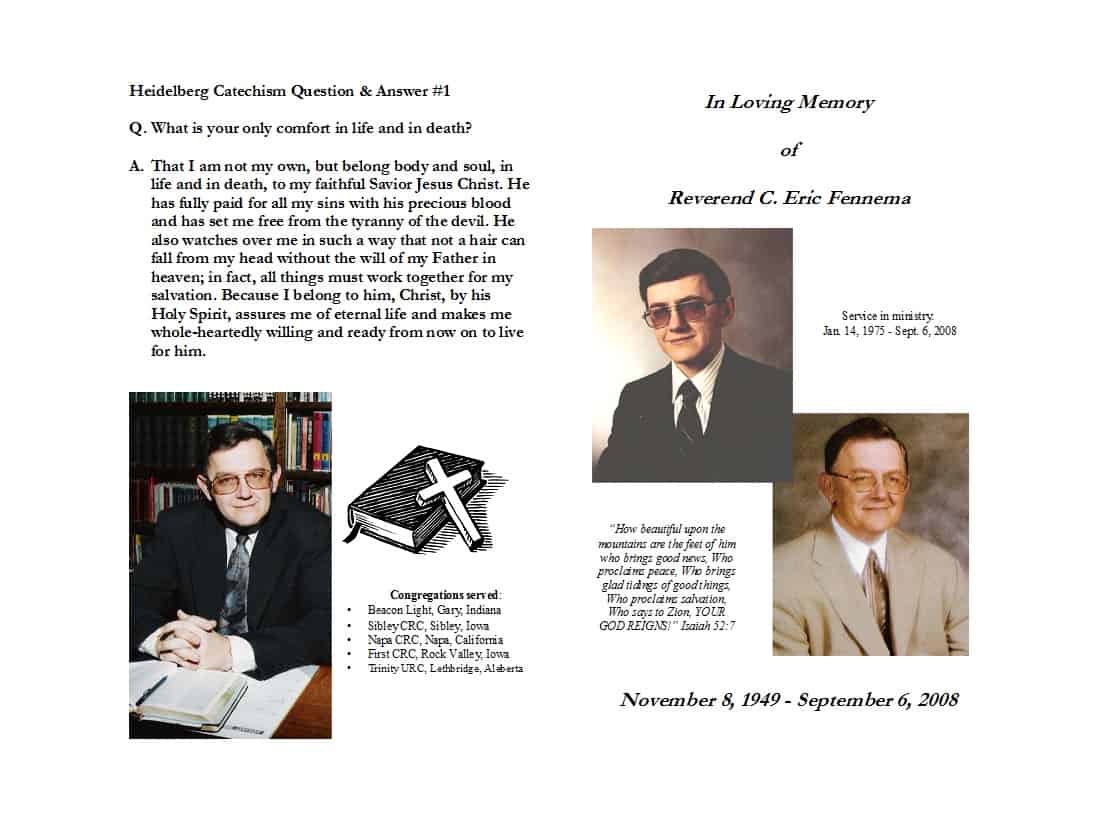
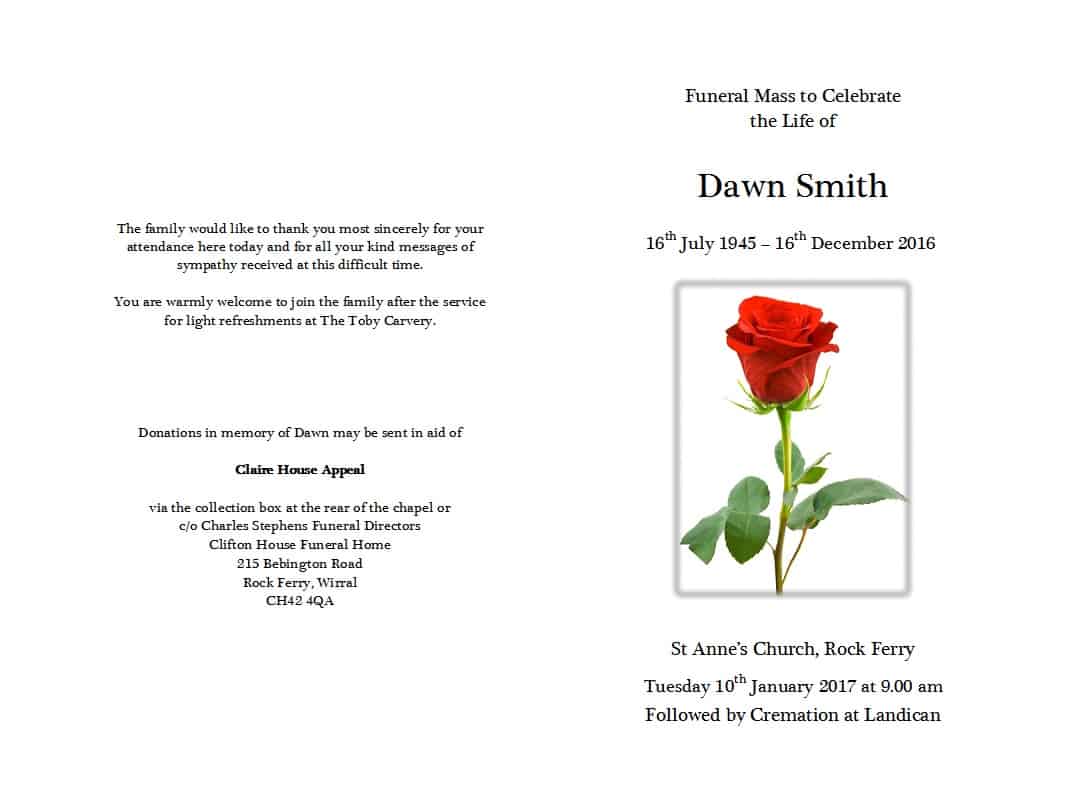
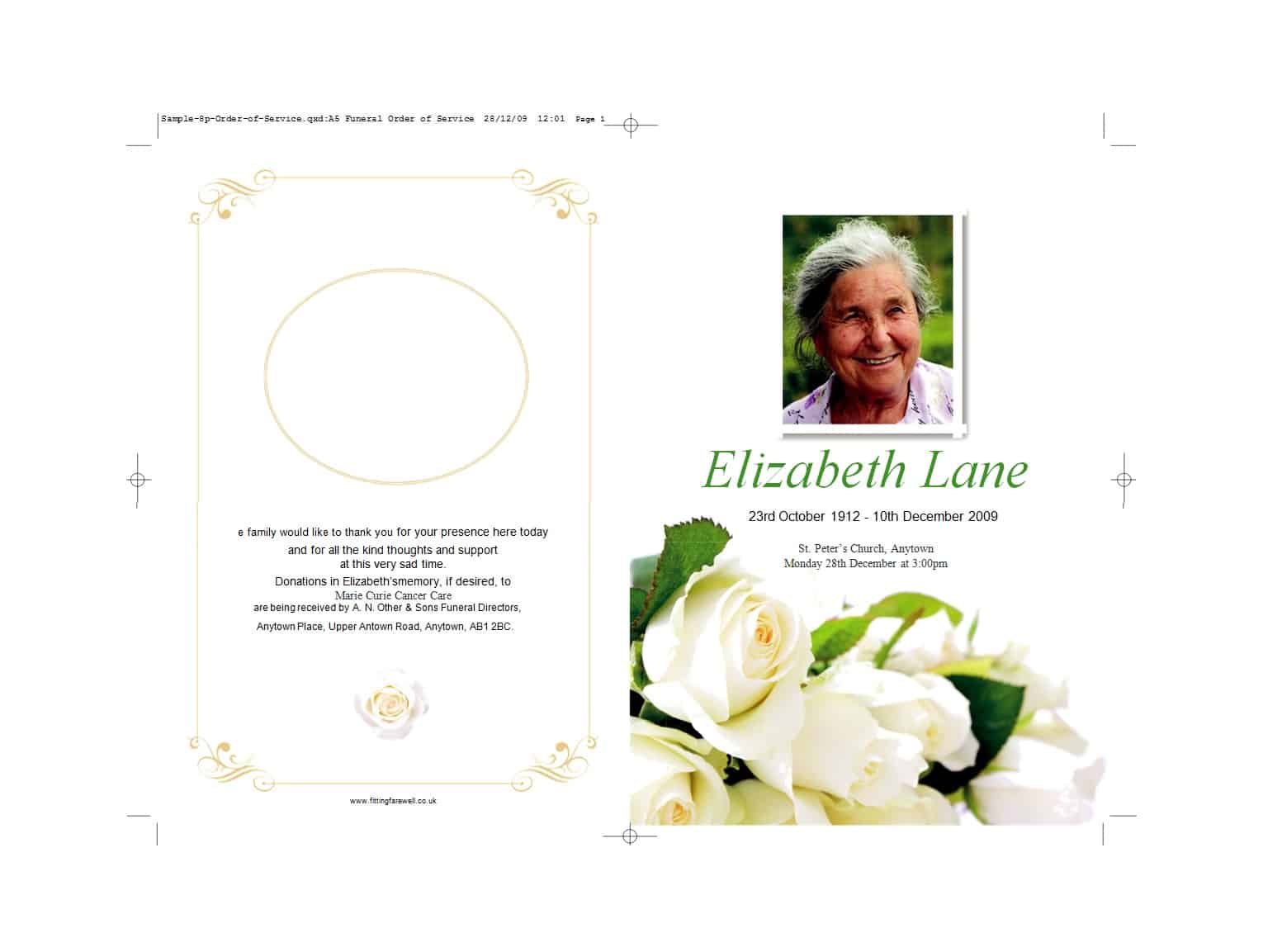
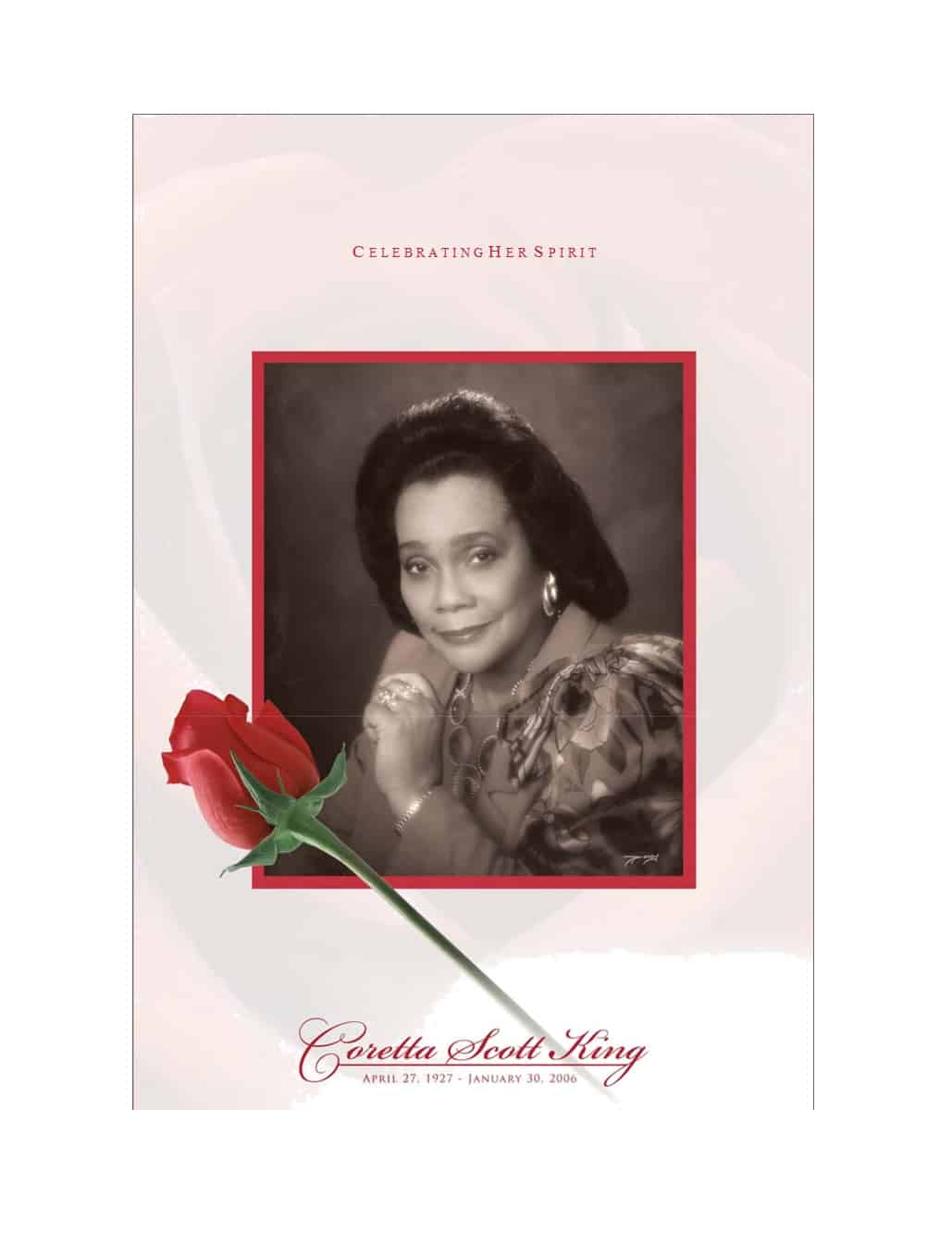
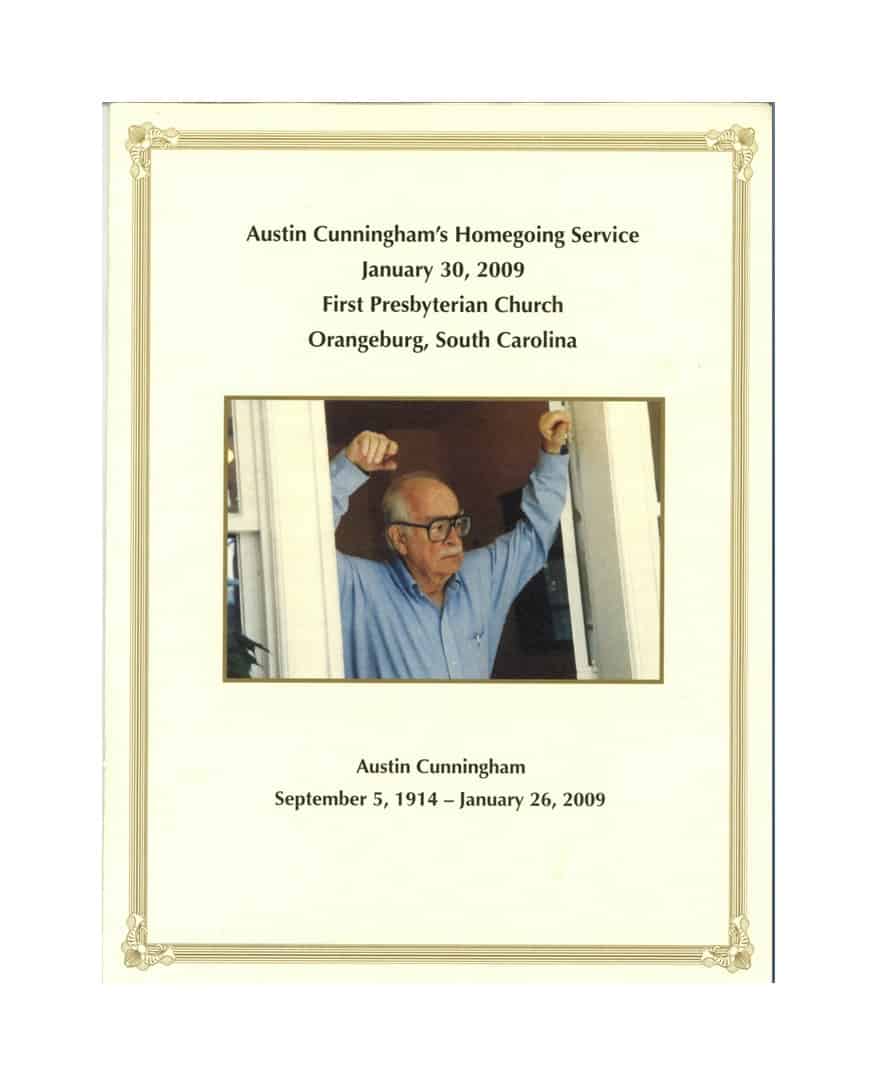
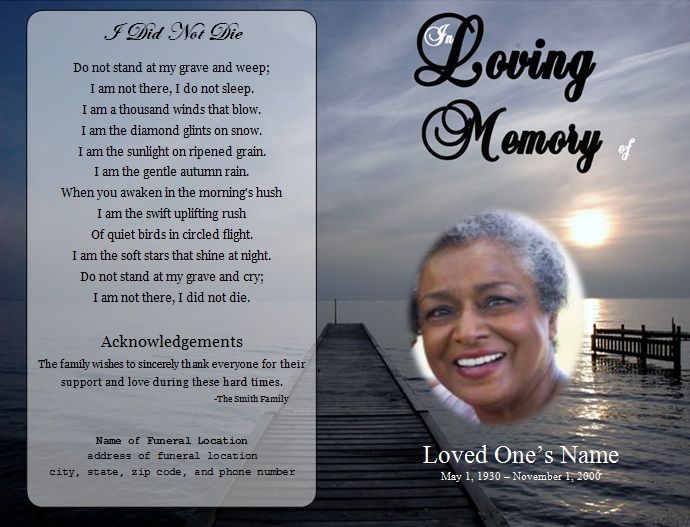
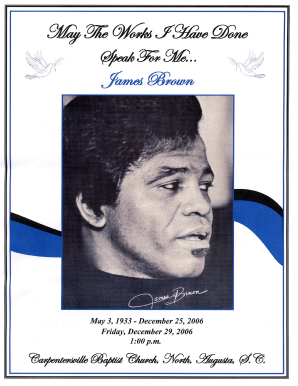
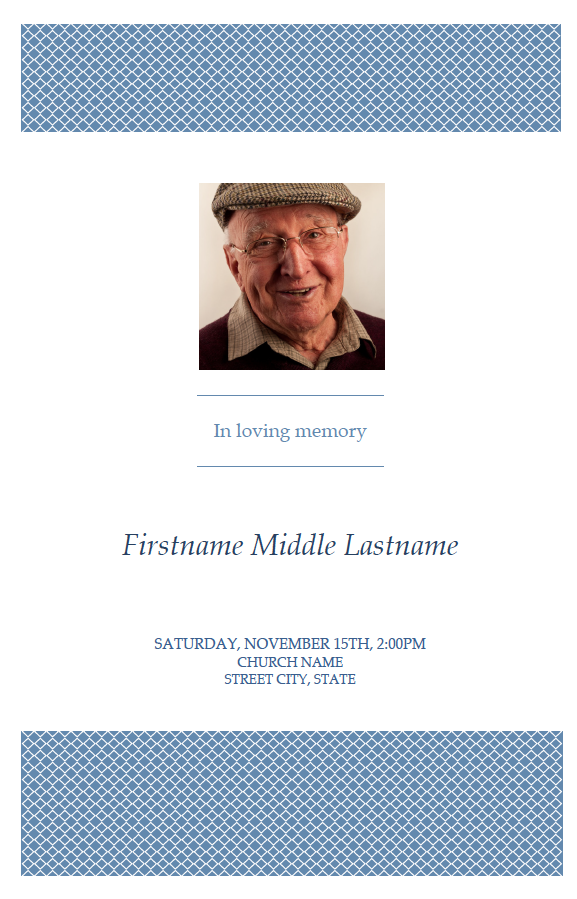
The previews below show different designs, so choose by how much text you have. A long obituary and many names need more pages than a template with one big photograph.
Sections to Plan Before You Start Typing
- Full name, and a preferred name or nickname if it helps guests recognize the person
- Dates of birth and passing, or the years only if the family prefers
- One clear, high-resolution cover photograph
- Date, time and place of the service, and of any visitation, burial or reception
- Order of service with the type of item (welcome, reading, hymn, eulogy, closing) and the name of each participant
- A short life story covering family, work, faith, hobbies and what people will remember
- Names of surviving family, written in the way the family wishes them to appear
- A poem, scripture, or favorite saying, plus a short note of thanks
A Sample Order of Service
To picture the inside pages, here is a common sequence: Prelude music, Welcome by the officiant, Opening prayer or reflection, Reading by a family member, Musical selection, Eulogy or shared memories, Closing words, Recessional. Add the names beside each item and the start time at the top. If your service follows a religious tradition, ask your officiant to review the wording so that titles and prayers are written correctly.
How to Make the Program in Word, Step by Step
- Pick a preview below that fits the number of pages you need and download that Word file.
- Open it in Microsoft Word or a compatible program and switch on the option that shows paragraph marks, so you can see how the layout is built.
- Right-click the sample photograph, choose the option to change the picture and select your own. Keep the crop tidy around the face.
- Replace the headings and text one section at a time, starting with names and dates.
- Ask two people to read the draft aloud, checking every name, date, time and address against a reliable source.
- Print one test copy on plain paper, fold it and confirm that pages appear in the right order before you print on heavier paper.
Small Details That Are Easy to Miss
- Do not publish the family’s home address or details that reveal when the house will be empty. A public location for the service is enough.
- Use a font size that older guests can read, and avoid very light text over a photograph.
- Photographs from a phone can look grainy when printed. Use the original image file, not a screenshot or a social media copy.
- Ask permission before naming private individuals, such as a former partner or estranged relatives, if you are unsure how the family wants them listed.
- Print a few extra copies for people who cannot attend, and keep the final file in a safe place for later use.
About the Downloads and Online Makers
Each of the 8 previews has a matching download button that opens a Word file in DOC or DOCX format. Some file names do not line up exactly with the image next to them, so check the layout after opening. Below the Word templates, four more images link out to online funeral program makers and template pages run by other companies. Those buttons open the providers’ own websites, not files from this page, and their tools and terms may differ, so review them before entering personal details.
Template file guide
Before completing your template
- Confirm the order of service with the organizer.
- Verify names, dates and photograph choices with the family.
- Print a folded test copy to check page order.
Use the file links below to open an option directly, or continue to the previews to compare layouts. File formats are taken from the linked filenames. Extract ZIP archives before checking the files inside. Outside provider links take you to another website; check that site’s available formats and terms.
| File or resource | Format / source |
|---|---|
| editable Word funeral program template | DOCX |
| bi-fold funeral program template | DOCX |
| printable funeral program template | DOC |
| memorial service program template | DOC |
| order of service funeral template | DOC |
| celebration of life program template | DOC |
| portrait funeral program template | DOC |
| simple funeral program template | DOC |
| the Card Designer funeral program maker | Outside provider |
| free funeral program templates on US Urns Online | Outside provider |
| the pdfFiller blank funeral program template | Outside provider |
| free editable funeral programs on My Wonderful Life | Outside provider |
Free Funeral Program Templates in Word


Online Funeral Program Makers on Other Sites

Related Templates
- free obituary templates for writing the life story that goes inside the program
- free event planning templates for organizing a reception or gathering afterward
- free sign-up sheet templates for guest lists and volunteer helpers
- free flyer templates for sharing service details with the community
Frequently Asked Questions About Funeral Programs
What should be written on the front cover?
Usually a clear photograph, the person’s full name, and the dates of birth and passing. Many families add a short line such as “In loving memory” or “Celebrating the life of” above the name.
Are the templates on this page in Word format?
Yes. All 8 downloads are editable Word files, in DOC or DOCX format. There are no PDF downloads here, although you can save your finished program as a PDF from Word to print or to share with relatives.
How many pages should a funeral program have?
Most programs run between one and four pages. A bi-fold sheet is popular because it fits the essentials without overwhelming the reader. A long service with many readings may call for a small booklet.
How can I fit a long obituary into a small program?
Keep the obituary to a few short paragraphs, and move extra memories to a separate insert or to a slideshow at the reception. Reducing the font too far makes it hard to read, so cut words before you shrink the text.
Who should proofread the program?
Ask at least two people who know the family, ideally someone not too close to the loss. Names, dates and titles are the most common places for small errors to slip in.
What paper works best for printing?
Many people choose a matte or satin paper of moderate weight for a bi-fold and a heavier cardstock for single cards. Test one copy on your printer first, since some home printers cannot handle thick stock.
Can I use these designs for a celebration of life?
Yes. Change the title and wording so it fits a memorial service, celebration of life or graveside gathering, and adjust the tone of the text and colors to match the occasion.
How should I handle photos that are not high quality?
Choose the sharpest original file you can find and avoid enlarging a small picture. If only an old print exists, a local print shop can often scan it at a higher resolution.

You must be logged in to post a comment.