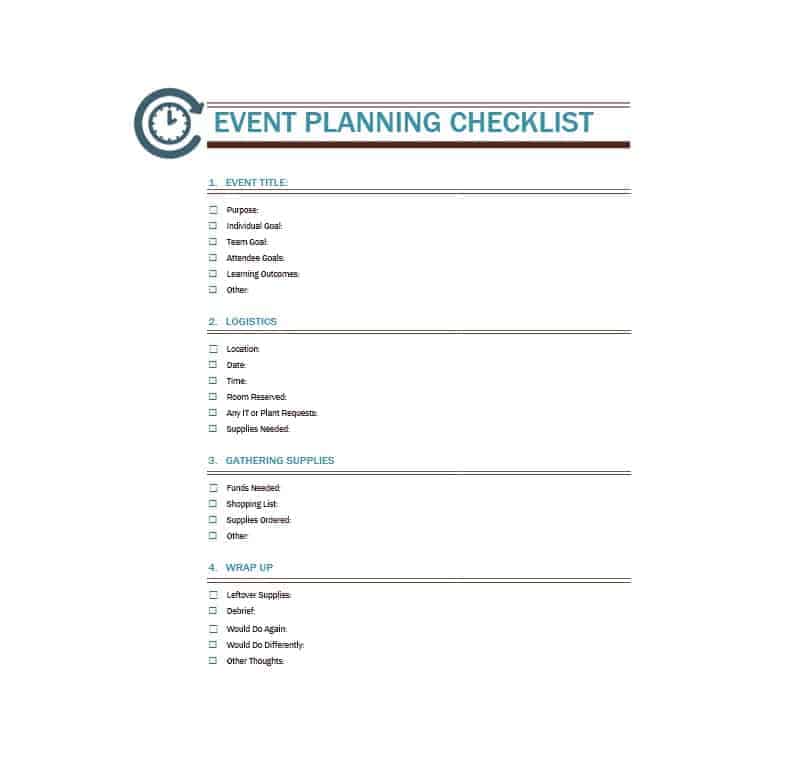
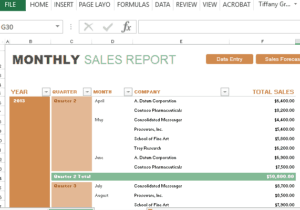
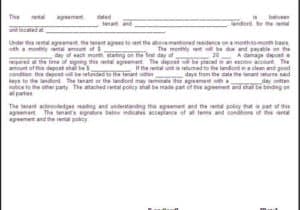
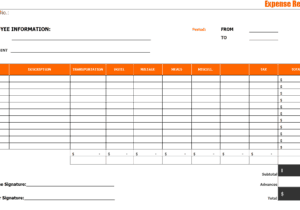
Planning a party, fundraiser, conference or family celebration? Start from a free event planning template so the schedule, budget, guest list and task owners live on one page instead of in five group chats. This page offers 6 printable templates: one editable Excel planner (XLSX) and five Word forms (DOC). Click a preview to see it full size, then press the download button under it to save your copy.
Match the Event Planning Template to the Event
Events differ in size and risk, so the tools you need differ too. A dinner for twenty may need only a guest list and a menu, while a conference needs a run of show, speaker details and supplier contacts. Use the list below to decide which parts of a planner matter most for you.
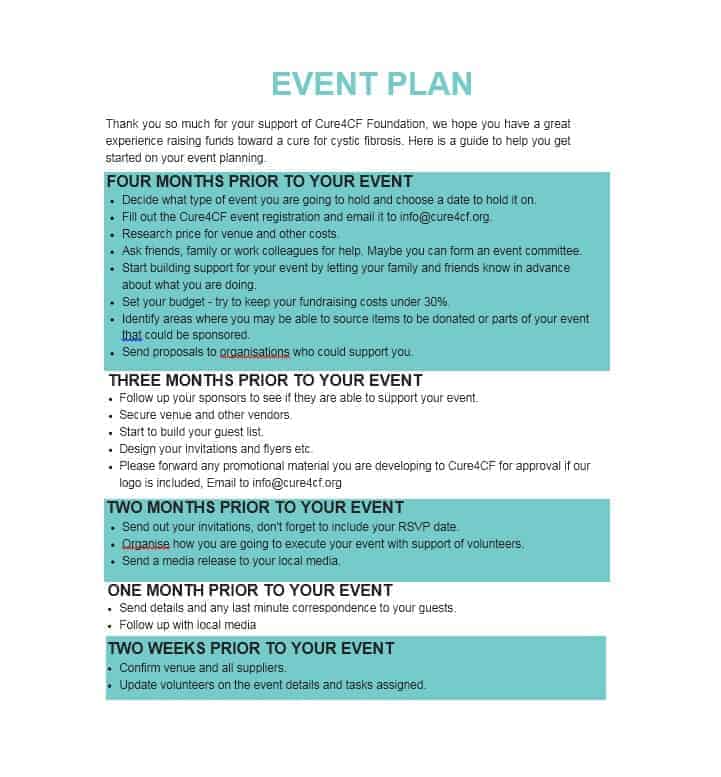
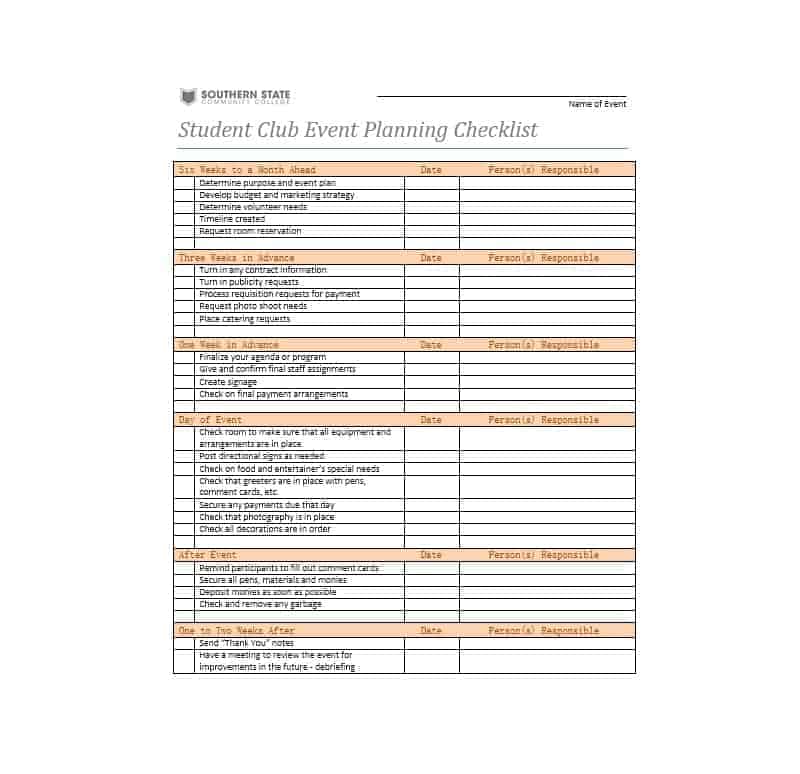
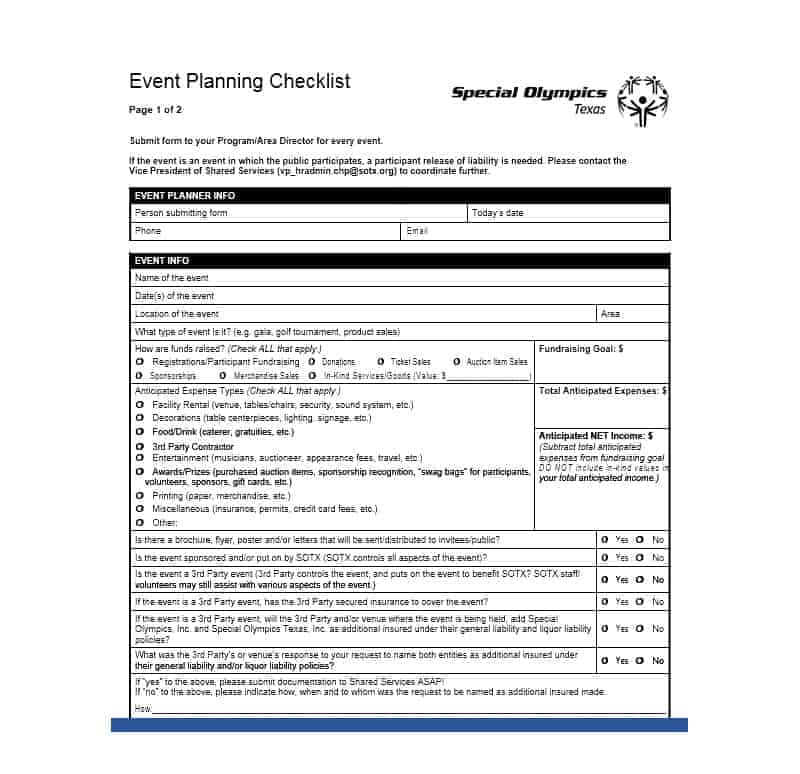
- Event planning checklist: tasks arranged by date, from booking the venue to clearing up afterwards.
- Event budget sheet: estimated and actual costs side by side, best kept in the Excel file so totals add up automatically.
- Timeline or run of show: what happens at each time on the day, and who is responsible.
- Guest list and RSVP tracker: invitees, replies, dietary needs and seating.
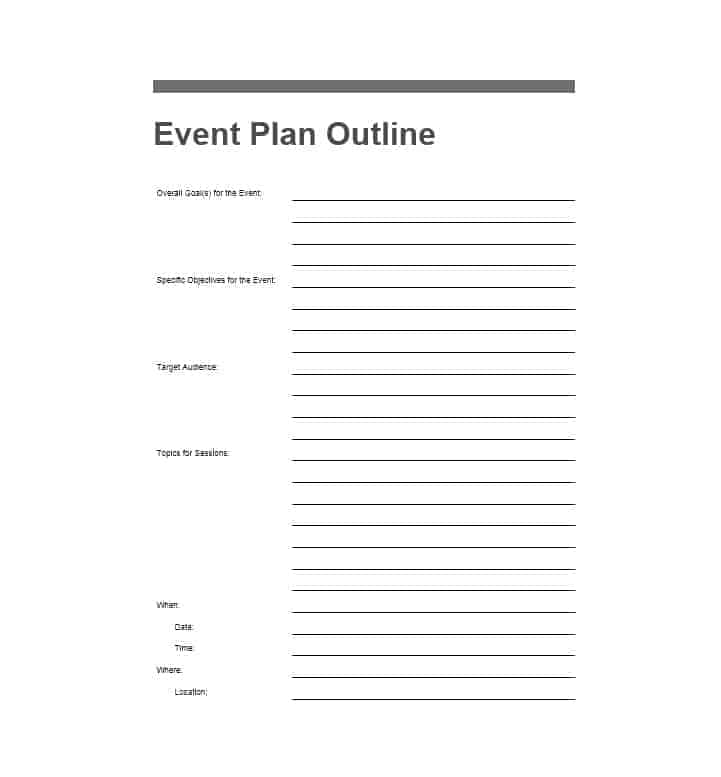
- Planner or proposal sheet: the concept, purpose, date, location and requirements for a client or committee to approve.
- Vendor contact list: caterer, florist, photographer and venue manager in one place, with confirmation dates.
Details Every Event Plan Should Capture
- Event name, type, date, start and finish times.
- The goal, for example raising a target amount, launching a product or marking an anniversary.
- Expected number of guests and who they are.
- Venue, access, parking, and any permits or permissions required.
- Budget with estimated and actual costs and a small reserve.
- Program: speakers, entertainment, meals and breaks.
- Staff and volunteers, with one named owner for each major task.
- Technical needs such as microphones, projector, power and internet.
- A backup plan for bad weather, a late supplier or a no-show speaker.
Building a Working Budget
A budget that lists only “food” and “venue” hides overspending until it is too late. Break spending into lines and update the actual column as invoices arrive.
- Venue and rentals: hall hire, tables, chairs, tents, lighting and audio equipment.
- Food and drink: catering, refreshments, service staff and dessert.
- Decor and flowers: table settings, signage, backdrops and centerpieces.
- Entertainment and speakers: music, host, presenters or activities.
- Printing and invitations: invitations, programs, banners and name tags.
- Staff and security: helpers, coordinators and ushers.
- Travel and accommodation: shuttles, parking and hotel rooms for speakers.
- Reserve: money set aside for costs you did not expect.
A Sample Countdown for a 60-Guest Party
Here is an invented example to show how a checklist can be paced. Eight weeks out: agree the goal and budget, choose the date and reserve the venue. Six weeks out: build the guest list and send invitations with a reply date. Four weeks out: book the caterer and any entertainment, and confirm in writing. Two weeks out: chase replies, finalize numbers and seating, and order decorations. One week out: brief volunteers, print the schedule and confirm delivery times with each supplier. The day before: check the space, pack an emergency kit with tape, scissors and spare pens, and give everyone the contact number of the person in charge. Afterwards: thank helpers, settle invoices and note what you would change next time.
Roles: Who Does What on the Day
Larger events run more smoothly when each area has a named lead. Typical roles include an overall coordinator who keeps the plan on track, a budget manager, a guest relations lead who handles invitations and RSVPs, a logistics lead who deals with the venue and suppliers, and a program manager who oversees the schedule. Write these names on your planner so accountability is obvious, and make sure volunteers know who to ask when something goes wrong.
Excel or Word: Which Planner to Use
The first download is an Excel spreadsheet, which suits budgets, guest lists and anything that needs totals or sorting. The other five are Word documents, which work well for schedules, checklists and summary sheets that you may want to print and pin up. Many planners use both: a spreadsheet for money and numbers, and a Word sheet for the running order. Whichever you choose, replace the sample text with your own details, add or delete rows, and change fonts or colors to match your event. For more choices, you can also browse more templates on a related site.
Tips for Smoother Event Planning
- Start early, since popular venues and suppliers book up quickly.
- Confirm every supplier in writing and again a few days before the event.
- Keep a printed copy of the plan and contact list with you on the day.
- Assign one person to each major task so nothing falls between the cracks.
- Ask guests for feedback afterwards to improve the next event.
- Add a small cushion to the budget for unexpected costs, and record every receipt against its budget line as you go.
- Do a walk-through of the venue before the day, checking entrances, toilets, power sockets and where deliveries will arrive.
- Give vendors a single arrival time sheet so deliveries do not all land at once.
Template file guide
Before completing your template
- Confirm the venue, date and guest estimate.
- Assign an owner to each supplier booking and event-day task.
- Keep the budget and schedule aligned with the confirmed plan.
Use the file links below to open an option directly, or continue to the previews to compare layouts. File formats are taken from the linked filenames. Extract ZIP archives before checking the files inside.
| File or resource | Format / source |
|---|---|
| event planning spreadsheet template | XLSX |
| event planning template, layout two | DOC |
| event planning template, layout three | DOC |
| event planning template, layout four | DOC |
| event planning template, layout five | DOC |
| event planning template, layout six | DOC |
Download Free Event Planning Templates


Related Templates
- free sign-up sheet templates for volunteers, potlucks and RSVPs
- silent auction bid sheet templates for fundraising events
- free incident report templates for recording anything that goes wrong on the day
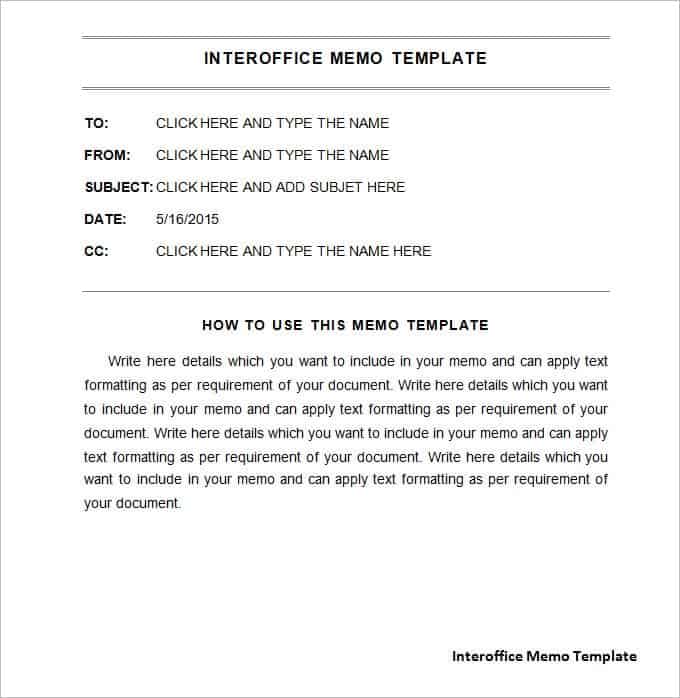
- printable memo templates for briefing staff before the event
Frequently Asked Questions (FAQs) About Event Planning Templates
What is the first step in planning an event?
Define the purpose and set a budget. Those two decisions guide the venue, date, guest list and everything else.
How far ahead should I begin planning?
It depends on size. Larger events generally need several months, while a small gathering may need a few weeks. Start earlier if you want a popular venue or supplier.
Can I use these planners for weddings and birthdays?
Yes. The same steps apply to weddings, birthdays, meetings, corporate events and dinners. Edit the wording and sections to suit the occasion.
Which is better for planning, Excel or Word?
Excel suits budgets, guest lists and anything that needs totals. Word suits schedules, checklists and summary sheets. Many planners use both.
What should a run of show include?
Start times, who is responsible for each item, equipment needed and any handover between speakers or performers, so the day can be followed minute by minute.
How much reserve should a budget include?
There is no fixed rule. Many organizers add a modest cushion to cover unexpected costs, and increase it for outdoor or complex events.
Are these event planning templates free to edit and print?
Yes. All six are free downloads. One is an XLSX spreadsheet and five are DOC files, and you can fill them in on screen or print them.
How do I keep volunteers and suppliers on the same page?
Share one printed or digital plan with contact numbers and times, and name a single person they can call on the day.
You must be logged in to post a comment.