Need a fast way to collect names and contact details? A free sign-up sheet template gives you a ready table you can print and clip to a board or fill in on screen. This page offers 8 printable sheets: four in Word format (one DOTX template, two DOCX files and one ZIP download) and four Excel spreadsheets (XLSX). They suit volunteer rosters, potlucks, meetings, classes and school events. You can also find more templates here. Click a preview to see it full size, then press the download button beside it.
Which Sign-Up Sheet Fits Your Situation
The best sheet depends on what people are committing to. A one-line-per-person list is enough for an open house, but a volunteer rota needs shifts and a potluck needs a column for the dish.
- Volunteer sheet: name, phone, task or shift and available times, for school fairs, charity drives and community projects.
- Event attendance or RSVP list: who is coming to a party, meeting or workshop, plus guest counts.
- Potluck sheet: guest, dish, servings and dietary notes so the menu stays balanced.
- Class or training registration: name, email and the session chosen, with a cap on seats.
- Appointment or time-slot sheet: a slot per row for parent-teacher meetings, sports practice or shifts.
- Email list sign-up: name, email address and preferred contact method for visitors or customers.
Word or Excel: Choosing the Format
Use a Word sheet when people will write on paper, because the rows can be tall and the page easy to read at arm’s length. Use an Excel sheet when you want to sort names, count entries or share the list digitally, since it can add totals for you. The DOTX file is a Word template, so opening it creates a fresh document and leaves the original untouched. ZIP files should be extracted before you open the document inside.
What to Put on a Sign-Up Sheet
- A clear title stating the event or activity.
- Date, time and location, if relevant.
- One line explaining what people are signing up for.
- Columns for name, phone number and email address.
- Optional columns for role, time slot, item or number of guests.
- A deadline or maximum number of spaces.
- The organizer’s contact details.
Column Ideas for Different Events
- Potluck: name, dish, servings, dietary notes.
- Volunteers: name, phone, task or shift, available times.
- Workshop: name, email, session chosen, special requirements.
- Appointments: time slot, name, contact number, reason for meeting.
- Mailing list: name, email address, preferred contact method.
How to Make a Sheet That People Actually Complete
- Decide exactly what people are committing to before you draw the table.
- Pick the layout closest to your need and edit the title and headings.
- Include more rows than the number of people you expect, and leave space for handwriting.
- Print it and place it where the right people will see it, with a pen attached.
- Set a cut-off date for popular events and follow up with each participant beforehand.
A Sample Potluck Sheet Wording
To show how a title and instructions can look, here is an invented example: “Spring Picnic Potluck, Saturday 10 May, 12:00 at Riverside Park. Please write the dish you will bring so we do not end up with six desserts. Mark any nut, dairy or gluten content. We need mains, salads and drinks most. Questions? Call Maria on the number below.” The title gives the date and place, the instruction explains the purpose, and the last lines tell people what is needed and who to contact.
Sign-Up Sheet, Attendance Sheet and RSVP Compared
These documents are related but not identical. A sign-up sheet is filled in beforehand, when people commit to take part or reserve a place. An attendance sheet is filled in at the event to record who actually showed up. An RSVP is a reply to an invitation confirming whether someone will come. You can use one template for all three by changing the title and columns, but label each sheet clearly so people know what they are being asked to do.
Privacy and Practical Tips
- Ask only for details you genuinely need, and keep completed sheets private, since a public list shows everyone’s phone number.
- Give each sheet a single owner who collects it afterwards, so names are not lost when the board is cleared.
- For recurring events, save a clean master copy and make a fresh copy each time so old names are never carried over.
- Check the finished list a day or two before the event and send a short reminder to everyone who signed.
- Keep a spare blank sheet nearby in case the first one fills up, and number the extra pages so none are separated.
- Use large, readable fonts if the sheet will be filled in by hand.
- If you want a PDF copy, open the finished sheet in Word or Excel and use Save as PDF or Print to PDF.
Video Tutorial: How to Make a Sign-Up Sheet
Download Free Sign-Up Sheet Templates
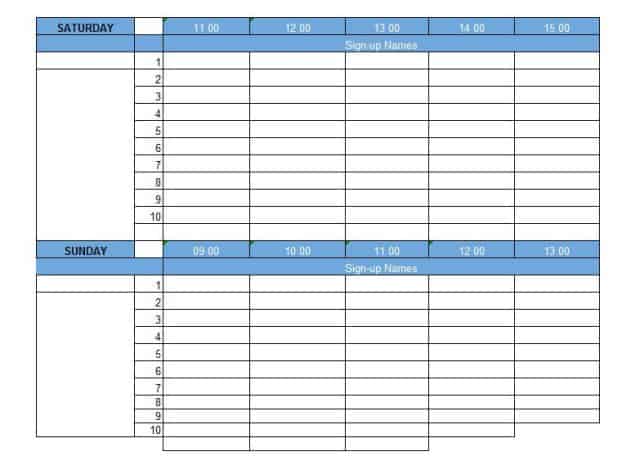
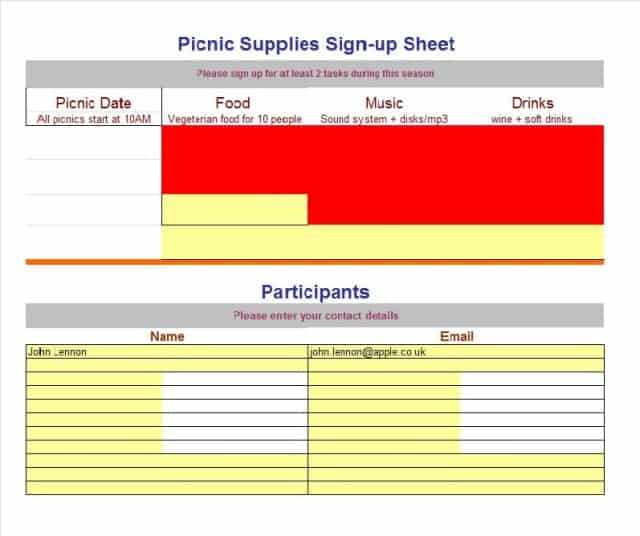
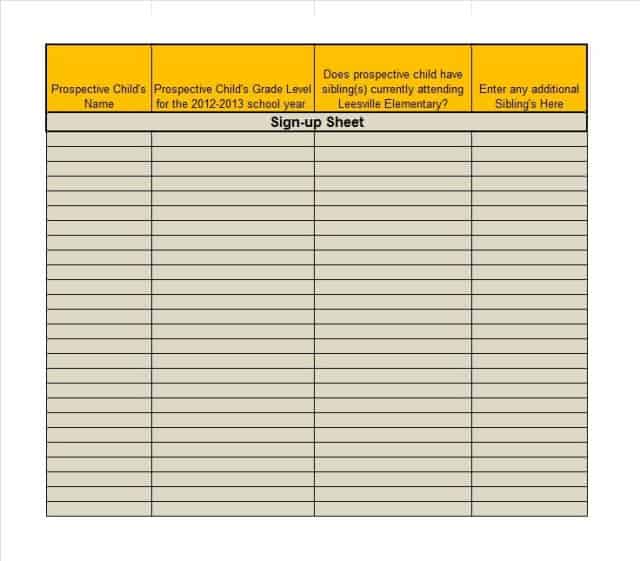
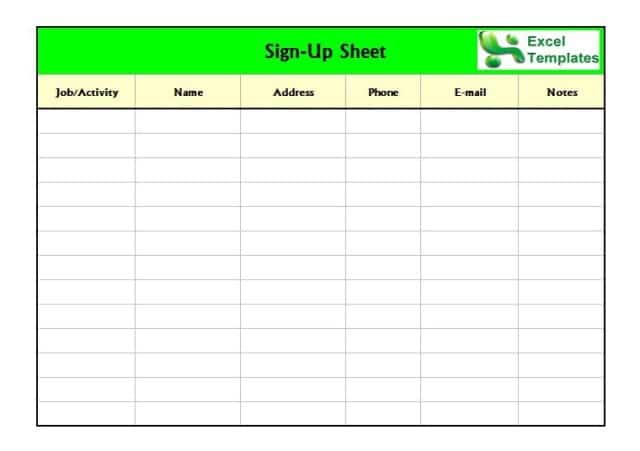
The samples below can be filled in by hand after printing or typed into on screen before you print.
Sign-Up Sheet Templates in Word
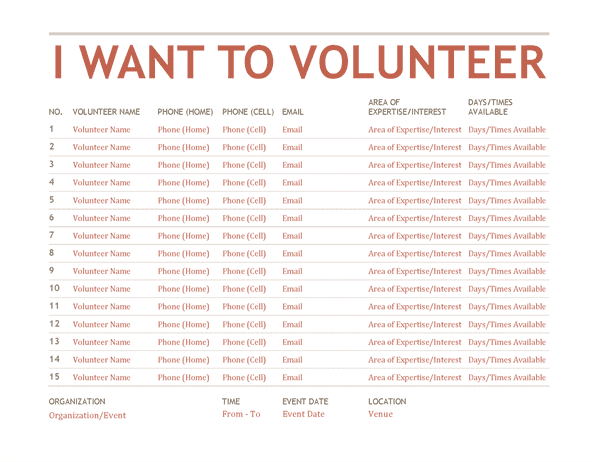

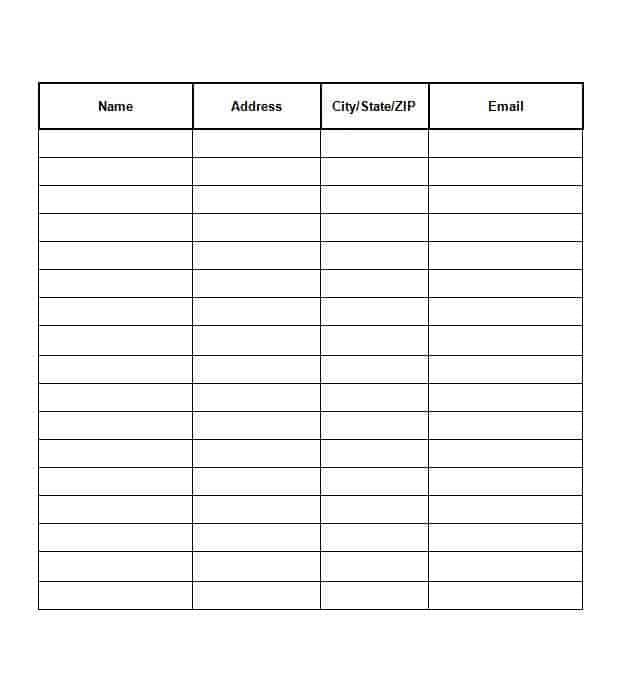
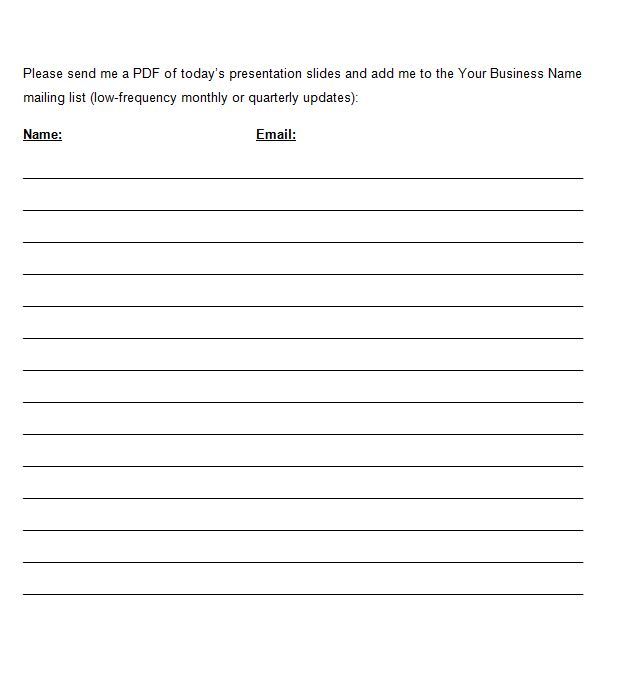
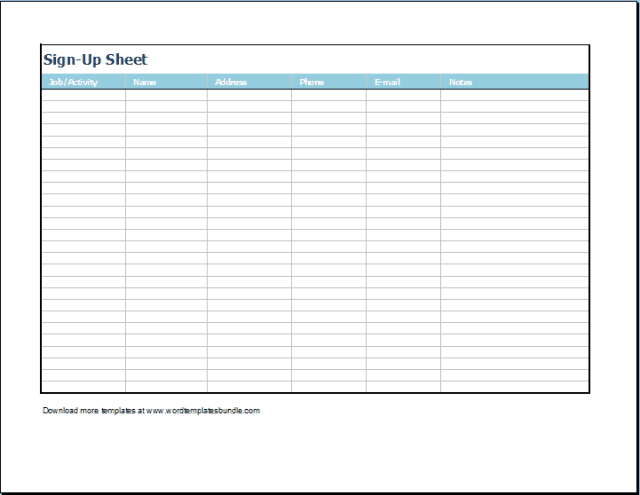
Sign-Up Sheet Templates in Excel
Related Templates
- free event planning templates for turning the sign-ups into a full plan
- silent auction bid sheet templates for fundraising events
- free newspaper templates for a club or school bulletin
- printable memo templates for announcing the event
Frequently Asked Questions (FAQs) About Sign-Up Sheet Templates
How many rows should a sign-up sheet have?
Include more rows than the number of people you expect, and leave a little extra space if it will be filled in by hand.
What is a DOTX file?
It is a Word template. Opening it creates a new document based on the layout without overwriting the original, so you can reuse it for every event.
When should I choose Excel over Word?
Choose Excel to sort names, count entries or share the list digitally. Choose Word for simple sheets that people will fill in on paper.
What information should I ask for?
Only what you need. Name, phone number and email address are typical, plus a role, time slot or item if the event requires it.
How do I limit a sheet to a set number of spaces?
Number the rows and print only as many as you have places, or state the maximum at the top so people know when the list is full.
How do I make a sign-up sheet in Word?
Insert a table with columns for name, phone and email, add a title at the top, then adjust fonts and spacing. Or start from one of the layouts above and change the title and headings.
Are these sign-up sheets free to edit and print?
Yes. All eight are free downloads. Four are Word files (one is a DOTX template, one arrives as a ZIP) and four are Excel XLSX files.
How do I open the ZIP download?
Save the ZIP, right-click it and choose extract, then open the document inside with Word or Excel.

You must be logged in to post a comment.