Looking for a free medical certificate template that a clinic can fill in and print? This page shares 5 editable, free downloadable medical certificate samples, from a doctor-style certificate to a simple one-page layout you can adapt for sick leave, fitness statements or school absence. Each layout is meant to be completed and signed by a qualified practitioner. Click a preview to see it full size, then press the download button under it. Some downloads arrive as ZIP files, so extract them before opening.
Choosing a Medical Certificate Template for Your Purpose
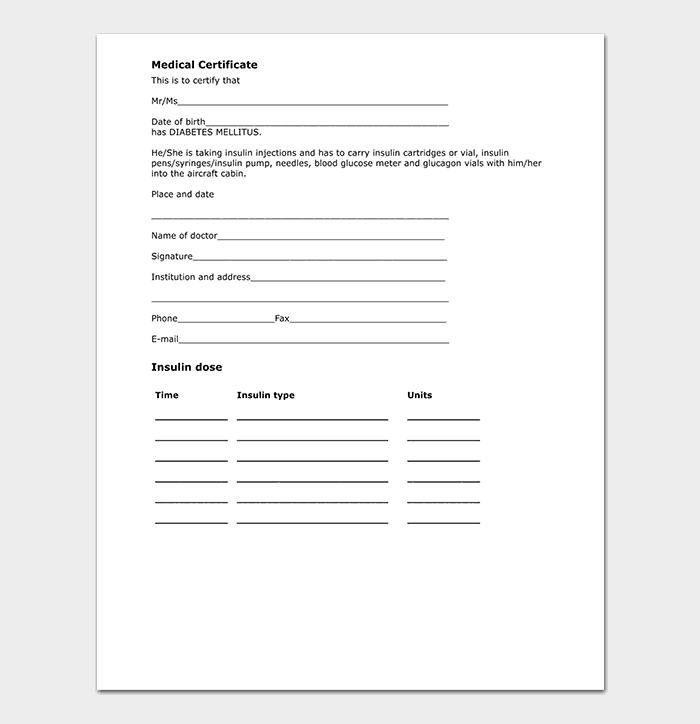
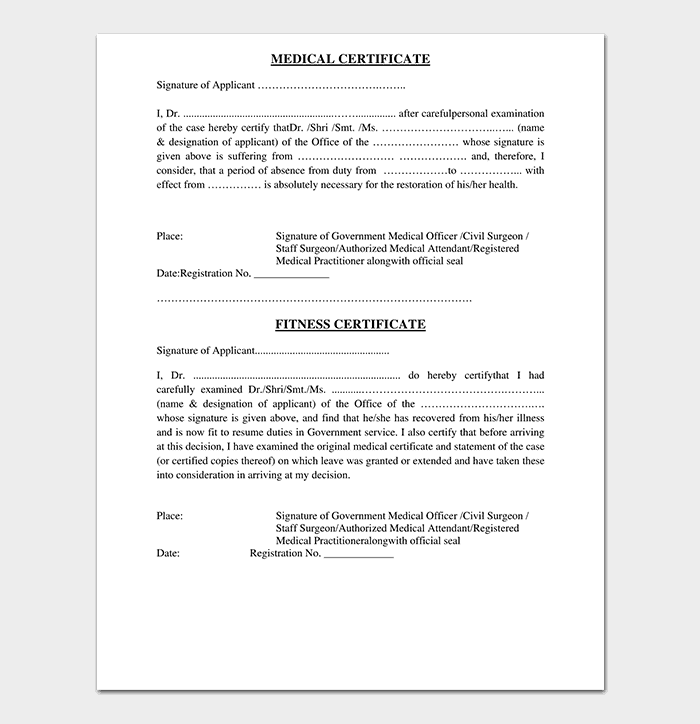
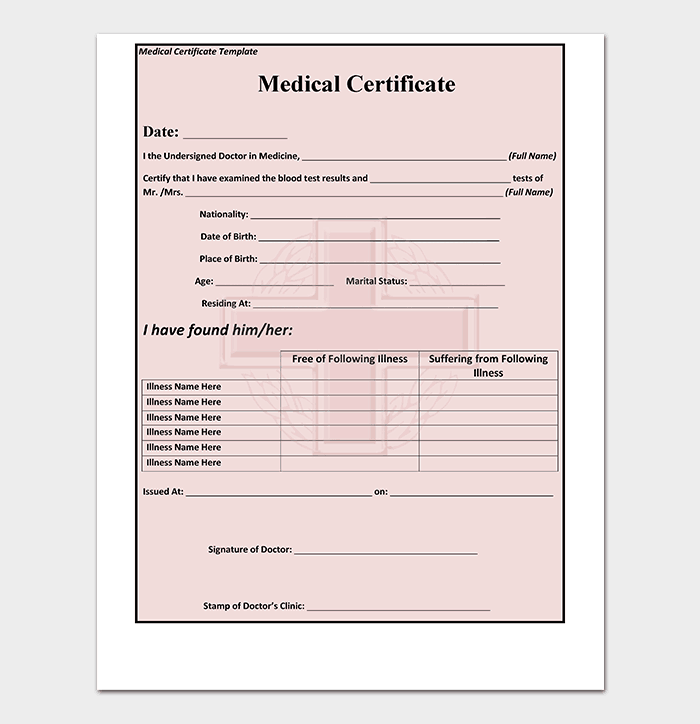
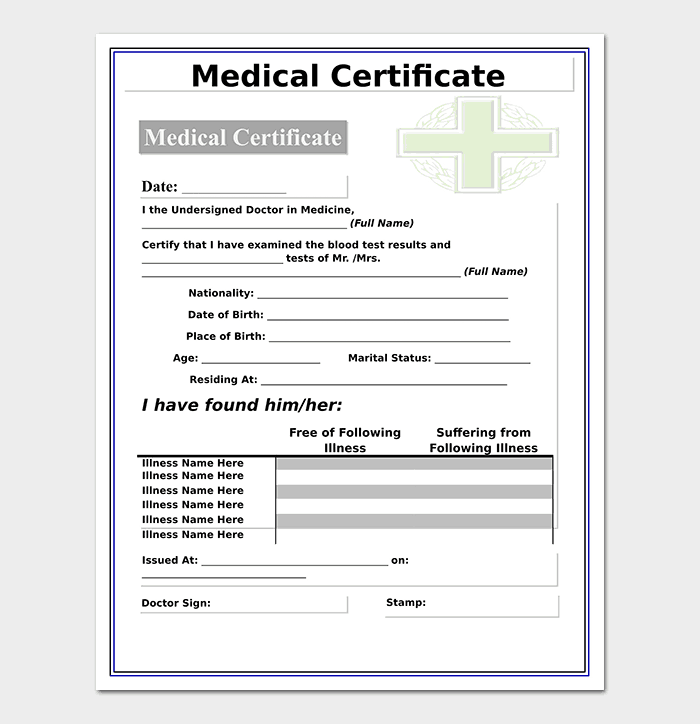
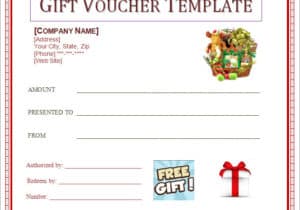
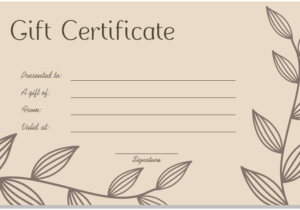
The five samples below differ mainly in how much they ask the practitioner to write. Going by the names and previews, the first is a general layout, the second and third follow a doctor-issued format with a header and signature area, the fourth is a sample you can copy the wording structure from, and the fifth is a simple, short design for quick notes. A clinic that issues many sick-leave notes will usually want the short version, while a form headed for an insurer or a college health office may need the fuller layout with room for a statement of examination findings.
Before you download anything, decide which of these jobs the certificate has to do:
- Sick leave: confirms the patient was examined and needs rest for named dates.
- Fitness to work or study: states that the patient is fit, sometimes with restrictions such as light duties.
- School or college absence: gives dates missed so the student is not marked down unfairly.
- Insurance or benefit support: a more detailed statement that the receiving organization asked for.
What a Medical Certificate Needs to State
Whatever layout you choose, the reader wants to see the same handful of facts. Leaving one out is the most common reason a certificate is sent back.
- Clinic or practitioner name, address and telephone number.
- Date of issue, and the date the patient was actually examined.
- The patient’s full name, and a date of birth or ID number if the recipient asks for it.
- A short statement of the practitioner’s opinion, such as unfit for work, fit with restrictions or fit to return.
- The period covered, written as exact start and end dates rather than “a few days”.
- The purpose, for example sick leave or a school record.
- Practitioner’s name, qualification, registration number where local rules require one, signature and stamp.
Who Completes and Signs the Certificate
The medical section belongs to the practitioner who examined the patient. Front-desk staff can safely prepare the header, clinic details and patient name, but the opinion, the dates of rest and the signature must come from the doctor or other authorized provider. Patients should not fill in these sections themselves, and a template on its own does not make a certificate valid. Rules about who may issue certificates, and what they must contain, differ between countries and employers, so the practice should follow its own regulator’s guidance.
A Short Example of the Wording
To show the tone to aim for, here is a fictional wording you might adapt: “This is to certify that [Patient Name] was examined at [Clinic Name] on [date]. In my opinion, [he/she] is unfit for work from [start date] to [end date] inclusive and should be able to resume duties on [return date]. Issued at the patient’s request for submission to [employer/school].” Notice that it names the exam date, gives exact dates, and does not describe the illness. Add a diagnosis only when the patient consents and the recipient genuinely needs it.
Mistakes Clinics Should Avoid
- Vague dates: “rest for a week” invites disputes; give start and end dates.
- Too much medical detail: employers and schools rarely need a diagnosis, and sharing it can breach the patient’s privacy.
- Unsigned or unstamped pages: some employers reject a certificate without a signature.
- Mismatched names: spell the patient’s name exactly as it appears on their employment or school record.
- Editing an issued certificate: if something changes, issue a corrected certificate and keep the original on file.
Privacy, Copies and Record Keeping
Keep a copy of every certificate you issue in the patient’s record, and share the original only with the person who asked for it or the organization they name. Storage periods and privacy rules vary, so check the requirements that apply to your practice. When emailing a certificate, use a secure method your clinic already trusts, and avoid putting extra clinical detail in the message body. If a patient asks for a replacement, look up the original in the record and reissue it with the same dates instead of writing a new opinion from memory. Staff who handle these requests should know who is allowed to receive a certificate, particularly for minors, where a parent or guardian is normally the person asking.
Editing and Printing the Downloaded Files
Press the download button below a preview to save that layout. If the file arrives as a ZIP, extract it and open the editable document inside with Microsoft Word or a compatible program. Replace the sample text with your clinic name, logo and wording, remove any fields you do not need, then print it on letterhead for signing and stamping. These templates are layout examples only, not medical or legal advice, and every certificate should be checked against what the receiving organization accepts.
Template file guide
Before completing your template
- Choose the layout appropriate to the certificate’s stated purpose.
- Remove sample patient details and unnecessary private information.
- Leave clinical statements and signing to the qualified practitioner.
Use the file links below to open an option directly, or continue to the previews to compare layouts. File formats are taken from the linked filenames. Extract ZIP archives before checking the files inside.
| File or resource | Format / source |
|---|---|
| free medical certificate template | ZIP |
| doctor medical certificate template | ZIP |
| doctor medical certificate format template | ZIP |
| sample medical certificate template | ZIP |
| simple medical certificate template | ZIP |
Download Free Medical Certificate Templates


Related Templates
- free doctors note templates for short work and school excuse notes
- free salary certificate templates when an employer must confirm income
- character reference letter samples for supporting statements
- letter of recommendation formats for reference letters written by colleagues or teachers
Frequently Asked Questions (FAQs) About Medical Certificate Templates
Can a patient fill in a medical certificate template on their own?
No. The medical opinion and dates of rest must come from the practitioner who examined the patient. A patient can supply personal details, but presenting a self-written certificate as a doctor’s statement can have serious consequences.
How long is a medical certificate valid?
It covers only the dates written on it. Some organizations also expect it to be submitted within a set time of the absence, so check the deadline set by your employer or school.
Does a medical certificate have to name the illness?
Usually not. Many certificates simply say the patient was examined and is unfit or fit for a stated period. A diagnosis is included only with the patient’s consent and when the recipient truly requires it.
What is the difference between a medical certificate and a fitness certificate?
A sick-leave certificate says someone should stay away from work or school. A fitness certificate says they are able to work, study, travel or take part in an activity, sometimes with restrictions.
Can a certificate be dated before the examination?
The dates should reflect what the practitioner actually assessed. If rest began before the visit, the practitioner decides how to word that honestly, and the exam date should always be shown.
Are these medical certificate templates free to download and edit?
Yes. Each of the five samples is a free download you can edit and print. Some come as ZIP files that you extract first.
Will every employer or school accept the same format?
Not always. Some have their own form or ask for specific details, so confirm what they accept before you send a certificate.
How do I open a ZIP download?
Save the file, right-click it and choose extract or unzip, then open the document inside with Word or a compatible editor.




You must be logged in to post a comment.