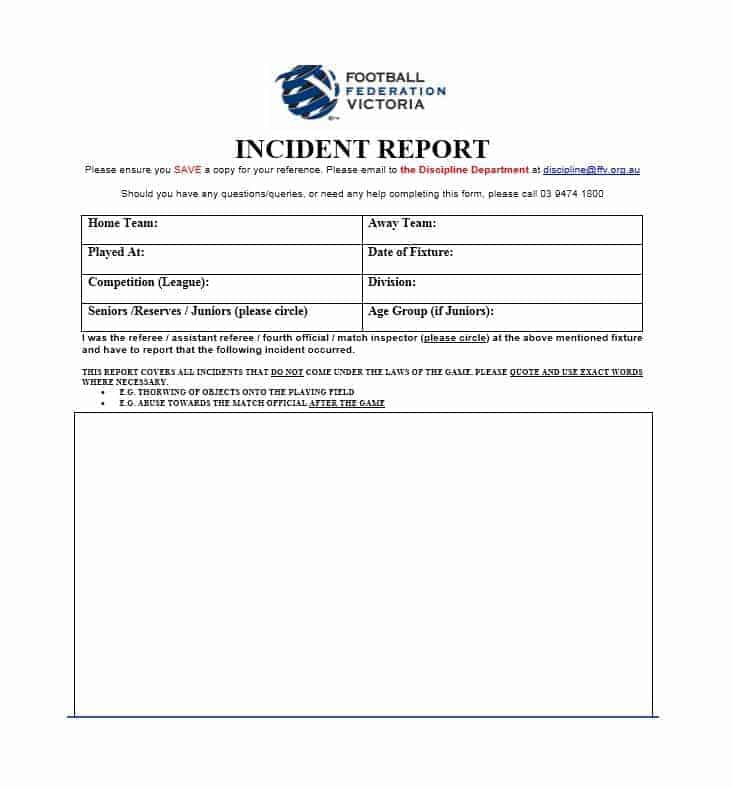
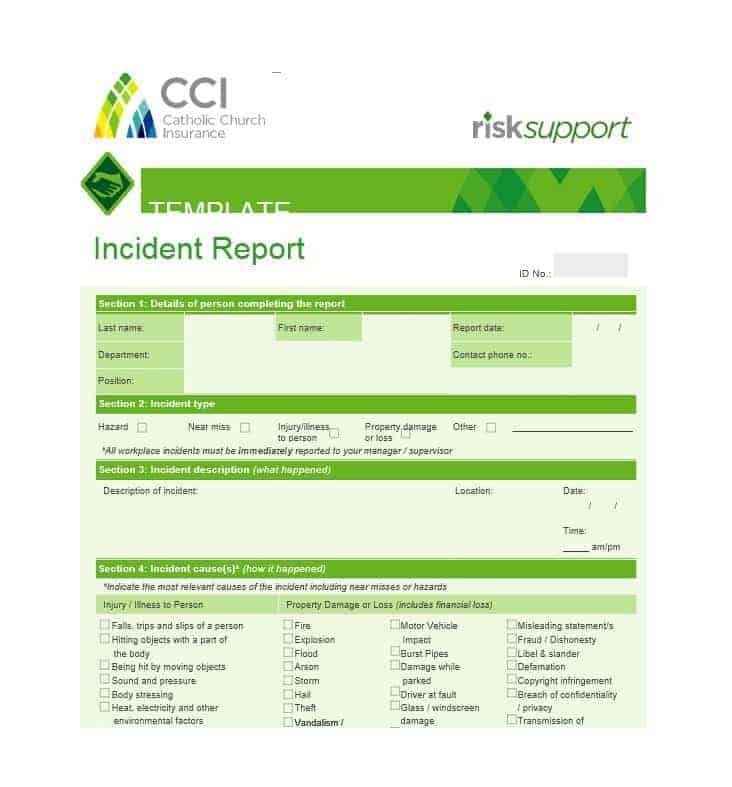
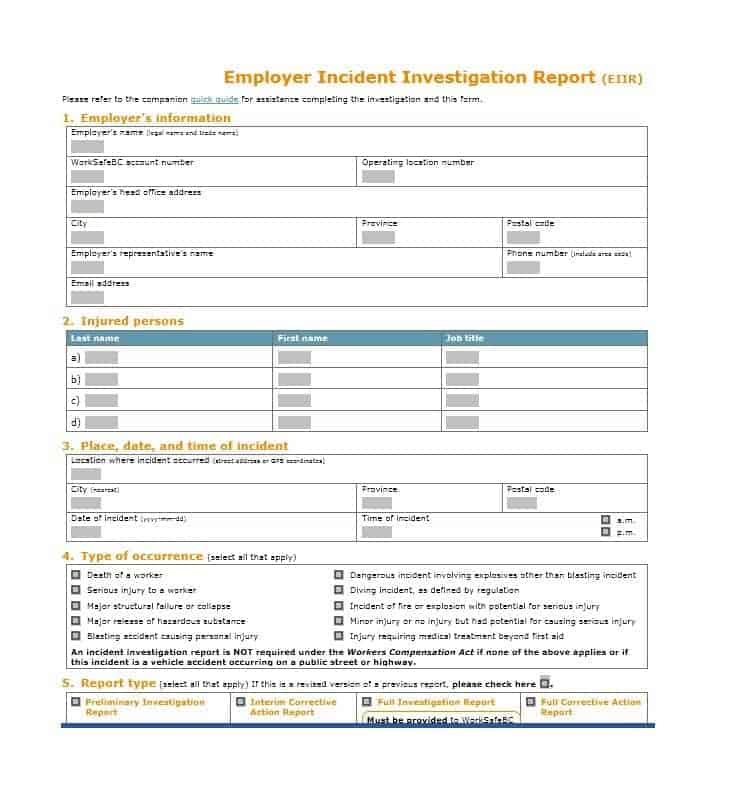
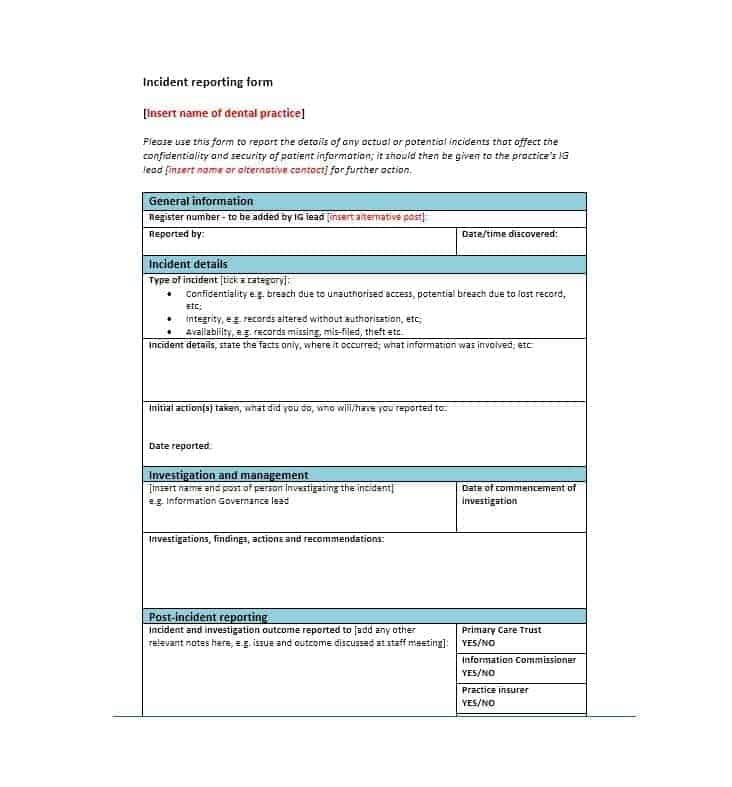
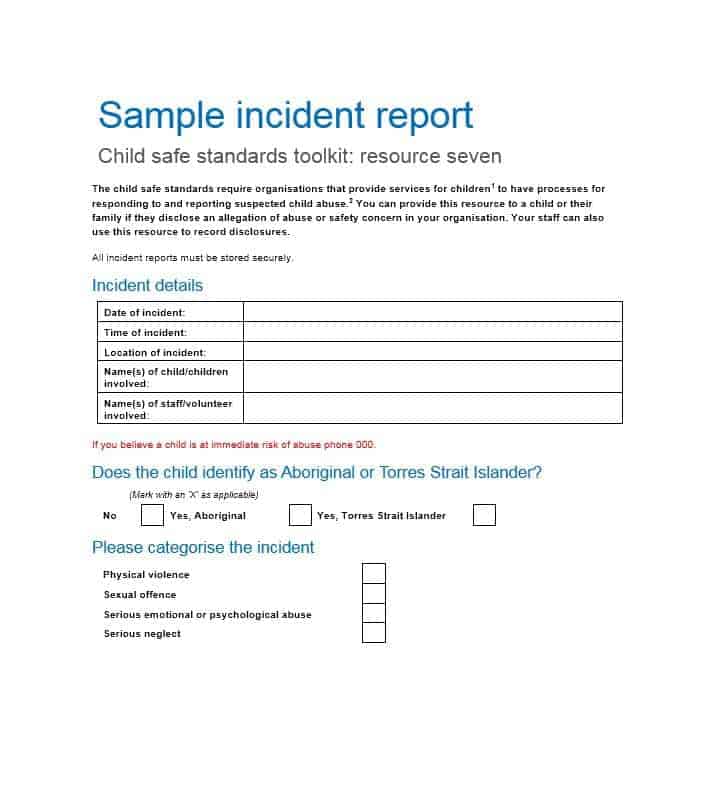
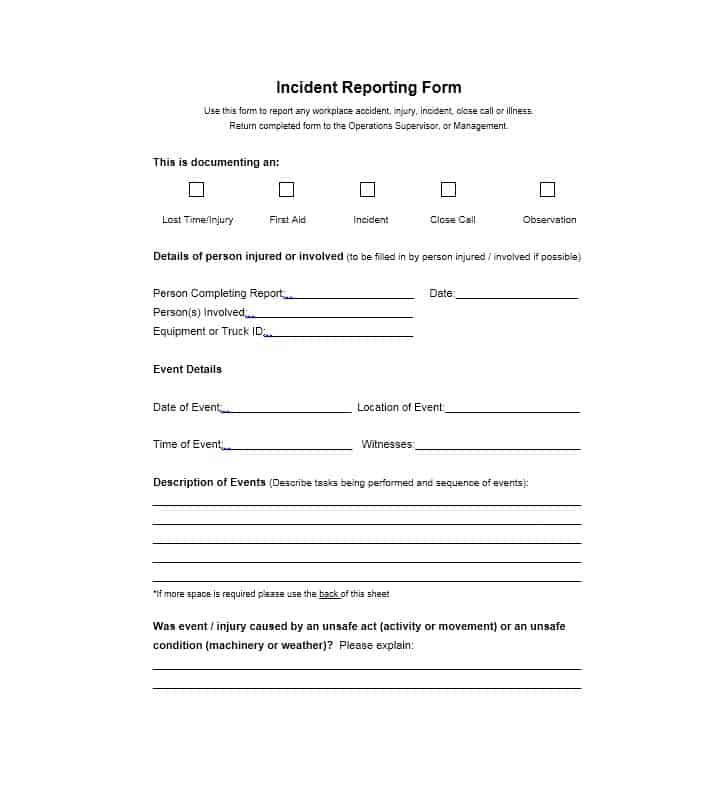
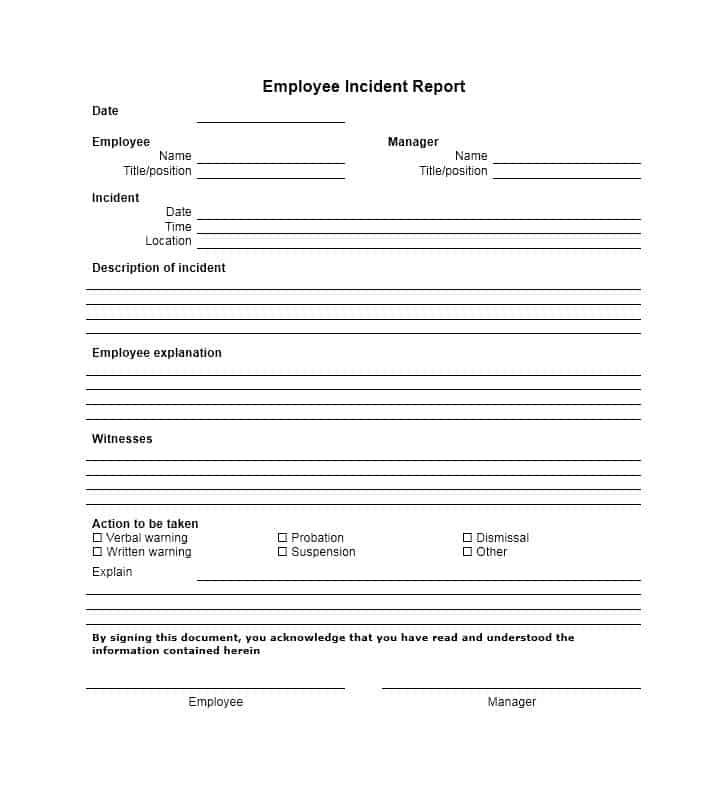
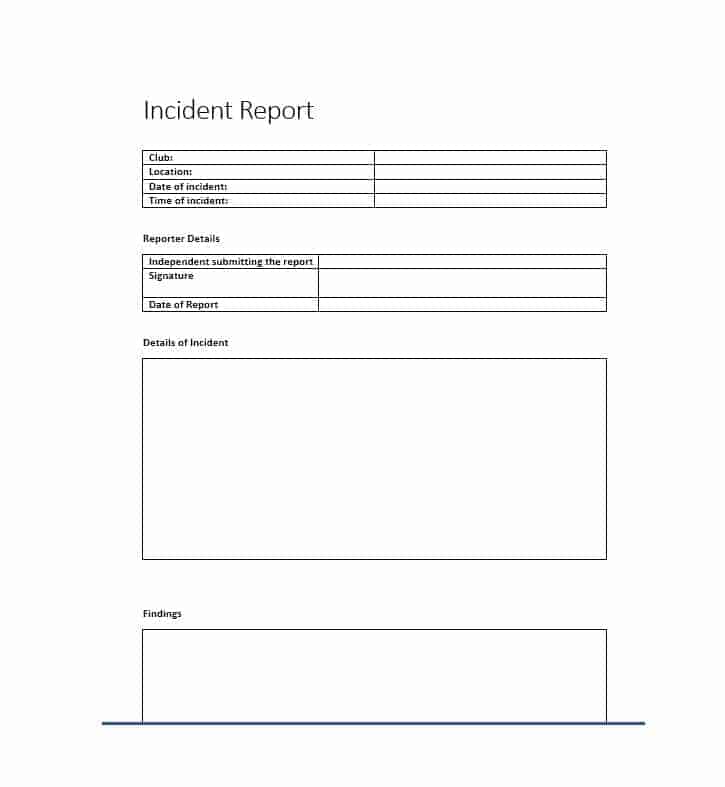
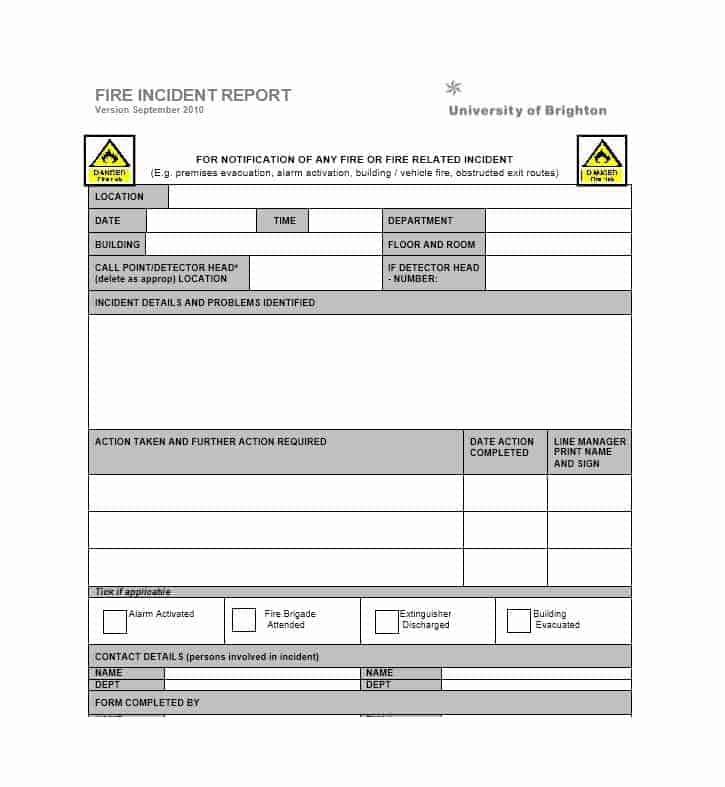
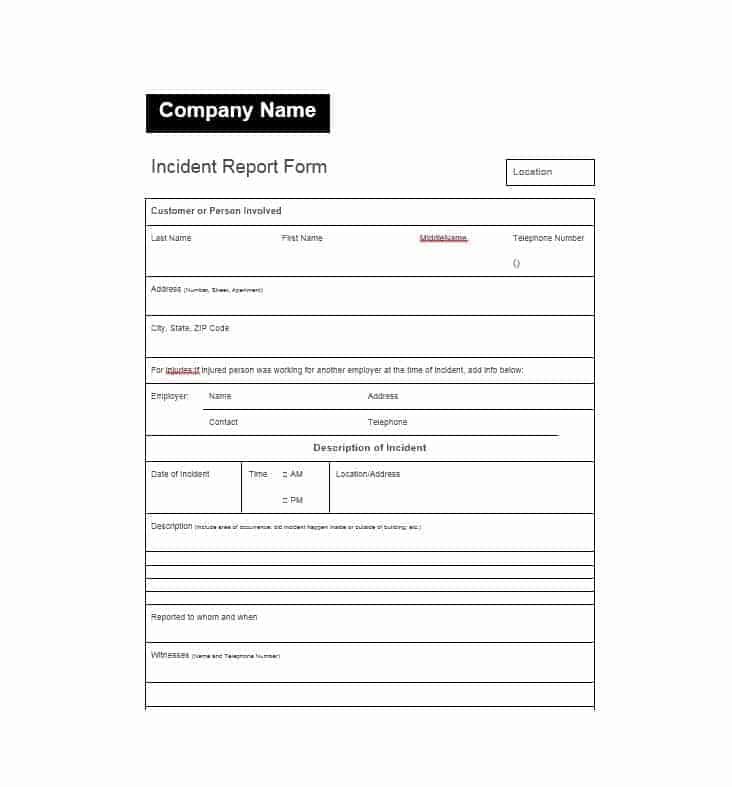
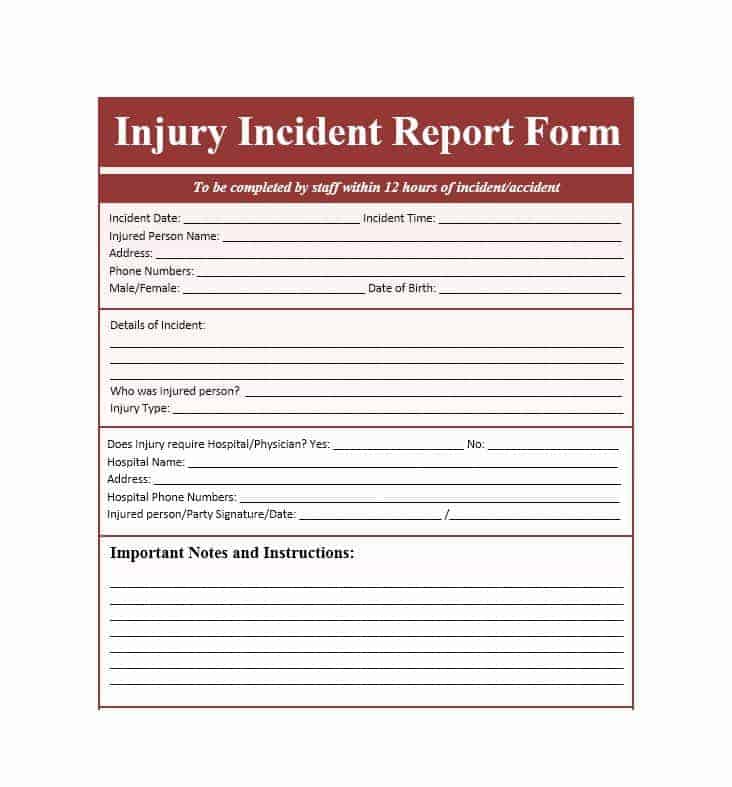
Need a free incident report template you can fill in right after something goes wrong? This page offers 12 printable incident report forms as editable Word files (mostly .docx, with one .doc), covering workplace accidents, near misses, property damage and security events. Each layout gives you labeled spaces for what happened, who was involved and what was done next. Click a preview to see it full size, press the download button under it, and complete the form once everyone is safe.
Choosing an Incident Report Template That Fits the Event
Not every event needs the same form. A short one-page layout is enough for a minor slip with no injury, while an injury, a vehicle collision or a theft usually needs more room for witnesses, damage and follow-up. When you compare the twelve previews below, look at three things: how much space there is for the narrative, whether there is a section for injuries or first aid, and whether the form has a place for corrective actions and signatures. Many organizations keep two or three versions on hand, for example a general accident form, a near-miss form and a security form.
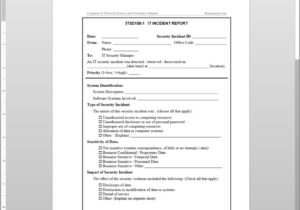
Fields Every Incident Report Form Should Have
- Report number, date of the report and the name and job title of the person completing it.
- Date, exact time and precise location of the incident, including the room, area or vehicle.
- Full names and roles of everyone involved, plus contact details for witnesses.
- A factual description of what happened, in the order it happened.
- Injuries or illness, body part affected and any first aid or emergency care given.
- Damage to equipment, vehicles or property, and what condition it was in beforehand.
- Immediate actions taken, for example area cordoned off or equipment taken out of service.
- Root causes or contributing factors, and recommended steps to prevent a repeat.
- Signatures of the reporter and the supervisor, with the date each was signed.
How to Write the Description: A Fictional Example
The narrative box is where most reports go wrong, so here is an example of the level of detail that works: “On 14 March at about 10:40 a.m., [Name], a warehouse operative, slipped on a wet patch near loading door 3 while carrying a box. The floor had been mopped about ten minutes earlier and no wet-floor sign was in place. [Name] fell onto the left hip and reported pain but was able to stand. A first aider examined [him/her] and advised a check-up; [Name] was driven to the clinic by a supervisor. Two colleagues, [Witness A] and [Witness B], saw the fall.” The people and dates are invented, but the pattern is what matters: time, place, sequence, immediate response and named witnesses.
Facts Versus Opinions: Wording That Holds Up
A good incident report reads like a record, not an argument. Describe what you saw and heard rather than what you think it means, and attribute statements to the person who made them. Write “the ladder moved when [Name] stepped onto the third rung” instead of “the ladder was obviously unsafe”, and “[Witness] said the cart was already moving” instead of “the driver was careless”. Avoid blame words, guesses about someone’s health or motives, and abbreviations only your team understands. If you are unsure of something, say so in the form. A clear, neutral report protects both the people involved and the organization if it is reviewed later.
After the Report: Follow-Up, Sharing and Storage
Completing the form is only the first step. Give the report to the person named in your procedure, usually a supervisor or safety officer, and keep a copy. Photographs, sketches and witness statements can be attached, but store them with the report so they are not lost. Corrective actions should have an owner and a due date, and someone should check that they were completed. Because incident reports can contain personal and medical information, limit who can see them and store them securely. How long you must keep them, and whether certain events must be notified to an authority within a deadline, depends on your location and industry, so confirm with your safety adviser or legal counsel. These templates are layout examples and not legal advice.
Who Writes the Report, and How Quickly
The best author is someone who saw the event or reached the scene first, because second-hand accounts drift. Make sure staff know that reporting is expected rather than punished, otherwise minor incidents go unrecorded and hazards stay hidden. Set a target such as completing the form before the end of the shift, and have a manager read it within a day so gaps can be filled while memories are fresh. Contractors, visitors and volunteers should be able to use the same form, with a line for their employer or host organization.
Using and Customizing the Word Files
Press the download button under a preview to save that file, then open it in Microsoft Word or a compatible program. Type your company name and logo into the header, rename headings to match your own procedures, and add or delete rows where you need them. Save a clean master copy without any incident details, and make a fresh copy for every report so information is never carried over by mistake. If your team fills in paper forms, print a small stack and keep them where staff can reach them quickly.
Template file guide
Before completing your template
- Record the time, location and people involved consistently.
- Distinguish your observations from information reported by others.
- Assign follow-up actions and follow the organization’s storage process.
Use the file links below to open an option directly, or continue to the previews to compare layouts. File formats are taken from the linked filenames. Extract ZIP archives before checking the files inside.
| File or resource | Format / source |
|---|---|
| incident report template, layout one | DOCX |
| incident report template, layout two | DOC |
| incident report template, layout three | DOCX |
| incident report template, layout four | DOCX |
| incident report template, layout five | DOCX |
| incident report template, layout six | DOCX |
| incident report template, layout seven | DOCX |
| incident report template, layout eight | DOCX |
| incident report template, layout nine | DOCX |
| incident report template, layout ten | DOCX |
| incident report template, layout eleven | DOCX |
| incident report template, layout twelve | DOCX |
Download Free Incident Report Templates


Related Templates
- free status report templates for regular progress updates on projects
- monthly report templates for summarizing safety, HR or maintenance activity each month
- executive summary templates for condensing a long investigation into one page
- printable memo templates for notifying staff about a safety change
Frequently Asked Questions (FAQs) About Incident Reports
Who should fill in an incident report?
Ideally the person who witnessed the event or discovered it, or the injured person if able. Many workplaces also ask a supervisor to review and sign, so follow your own procedure.
How soon after an incident should the form be completed?
As soon as it is safe and practical. People forget sequence and timing quickly, so notes taken the same day are usually more accurate than a report written a week later.
Do near misses need a report?
It is good practice. A near miss shows a hazard without the harm, and recording it lets you fix the cause before someone is hurt.
What should I do if witnesses disagree?
Record each account separately and attribute it by name. Do not try to reconcile them in the description; a reviewer can compare them later.
How much medical detail belongs on the form?
Only what is needed: the body part affected, the visible injury and the first aid given. Leave diagnoses to medical professionals and keep private health information out of the narrative.
Should I attach photos or diagrams?
Yes, if they are clear and were taken safely. Label each one with the date, time and location, and mention them in the description.
Are these incident report templates free to use?
Yes. All twelve are free downloads that you can edit and print. Eleven are .docx files and one is .doc.
Can I change the headings to match our own procedure?
Yes. Open the Word file and rename, add or remove sections so the form matches your policy, then keep an unedited master copy.

You must be logged in to post a comment.