Need a voucher template for a payment, a petty cash refund or a gift? This page shows 17 voucher template previews. Five of them have a direct download button: a Word DOC file, an Excel XLSX file and three ZIP packages that you extract first. The rest are printable sample images, layout previews and links to online voucher makers on other websites, which you can use as design ideas. Pick the style that fits your purpose, then edit it with your own details.
Two Very Different Things Called a Voucher
The word voucher covers two jobs that are easy to mix up. In accounting, a voucher is an internal record that supports a payment or an expense entry. It points to the invoice, receipt or purchase order behind the money that left the business, and it carries the approvals that let the payment go ahead. In retail and hospitality, a voucher is closer to a coupon or gift certificate: it entitles the holder to a discount, a service or a set value.
The layouts look alike, but the fields differ. An accounting voucher needs an account code and approver. A gift voucher needs a value, an expiry date and terms. Choose the template that matches the job.
Voucher Types and the Fields Each One Needs
- Cash voucher: a small payment out of petty cash. Fields: date, payee, amount in figures and words, reason and the signature of the person who received the cash.
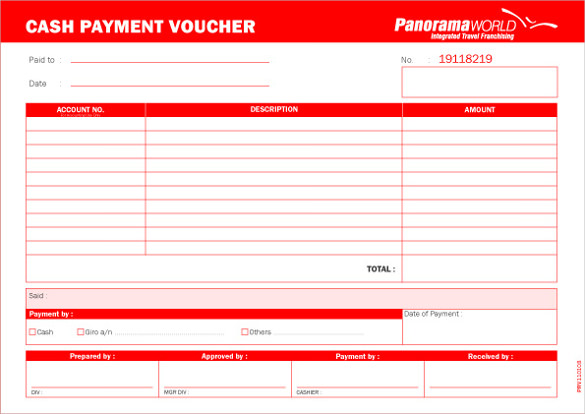
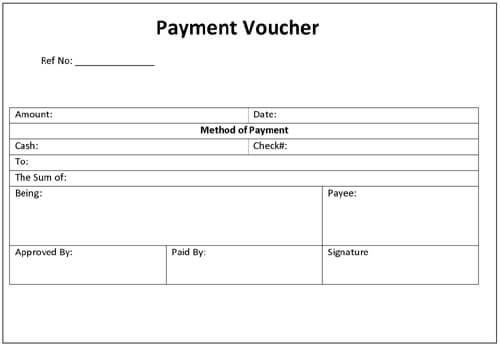
- Payment voucher: payment to a supplier, contractor or staff member. Add the invoice number, account code, payment method and a line for the approver.
- Receipt voucher: confirms money received. Include who paid, how much, what it was for and who took the payment.
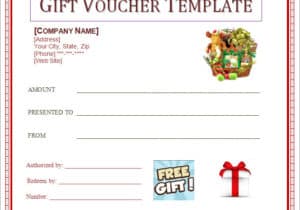
- Gift voucher: a printable value or service. Add the recipient’s name, value, a unique code, issue date, expiry date and redemption terms.
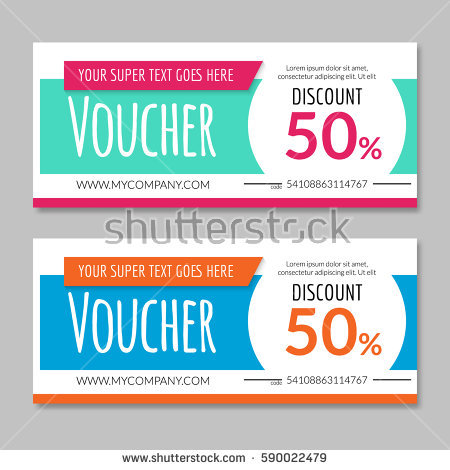
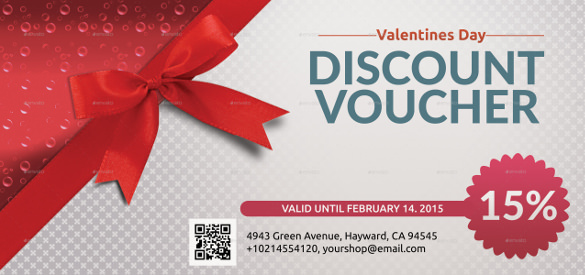
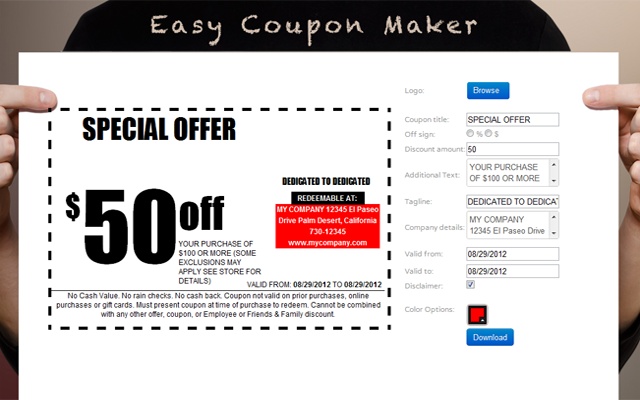
- Discount voucher: a promotional offer. State the percentage or amount off, the products it applies to, minimum spend and the end date.
- Travel voucher: documents booked travel or supports an expense claim, with trip dates, destination and costs.
How the Payment Voucher Process Usually Works
- A supplier invoice arrives, or a cash expense is reported.
- The preparer fills in a voucher with the payee, amount, purpose and account code.
- A second person checks the invoice against the voucher and approves it by signing.
- The payment is made, and the method and date are written on the voucher.
- The voucher is numbered, filed with the invoice or receipt and recorded in the books.
Separating the preparer from the approver is the main reason many small businesses keep vouchers at all. It creates a simple paper trail that an accountant or auditor can follow.
For a small team, the process can be lighter. A single voucher book, or one Excel sheet with a row per payment, is often enough as long as every entry has a number, a date, an amount and a signature. What matters is that anyone can trace a payment from the bank statement back to a voucher and from the voucher back to a document. Review the voucher file at the end of each month, tick off missing receipts and chase them while people still remember the purchase.
Example: A Petty Cash Voucher
Voucher number 0042, dated 12 June. Paid to: Sam Ortiz. Amount: 38.50 (thirty-eight and 50/100). Purpose: printer paper and envelopes for the front office. Account: office supplies. Prepared by the office administrator, approved by the manager, receipt attached. Filling in those nine fields takes a minute and answers most later questions about the spend.
Writing a Gift or Discount Voucher People Can Actually Redeem
Clear terms prevent disputes at the counter. State exactly what the voucher is worth or what service it covers, whether it can be combined with other offers, whether change is given, and the date it stops being valid. Give each voucher a unique code so a used voucher cannot be presented twice. Rules on gift voucher expiry and refunds differ between countries and regions, so check the rules that apply to your business before you set an expiry date.
If you make vouchers at home or in a small shop, print on heavier paper for a more finished look, and keep a simple log of numbers issued and redeemed.
How to Customize a Voucher in Word or Excel
The video below shows how to build a voucher yourself in Microsoft Word if you would rather start from scratch.
To edit one of the downloads, open it in Word or Excel and replace the placeholder text with your business name, logo and contact details. Enter the voucher number, date, recipient or payee and the amount. Add a plain description of what the voucher is for, then print it or save it as a PDF before you send it. Save a blank master copy so you can reuse it without overwriting your original.
Mistakes to Avoid With Vouchers
- Skipping voucher numbers, which makes missing paperwork hard to spot
- Writing the amount only in figures, which is easy to alter
- Letting the same person prepare and approve a payment voucher
- Leaving off the expiry date or terms on a gift voucher
- Forgetting to attach the invoice or receipt to the voucher
- Reusing a filled-in file instead of a blank master copy
Template file guide
Before completing your template
- Decide whether the voucher records a payment or offers redemption.
- Use a consistent reference number and issue date.
- Check that approval or redemption details fit that purpose.
Use the file links below to open an option directly, or continue to the previews to compare layouts. File formats are taken from the linked filenames. Extract ZIP archives before checking the files inside. Outside provider links take you to another website; check that site’s available formats and terms.
| File or resource | Format / source |
|---|---|
| blank cash voucher template | ZIP |
| payment voucher template | ZIP |
| payment voucher template Word DOC | DOC |
| free gift voucher template | ZIP |
| payment voucher template Excel | XLSX |
| Gift card resource at jukeboxprint.com | Outside provider |
| Gift certificate resource at canva.com | Outside provider |
| Gift certificate layouts at 101giftcertificatetemplates.com | Outside provider |
Free Voucher Template Previews and Downloads
Click any preview to open it at full size. Where a download button follows a preview, press it to save the file. Image-only previews are shown as ideas for layout and wording.
Printable Voucher Samples



Blank Voucher Templates for Word and Excel




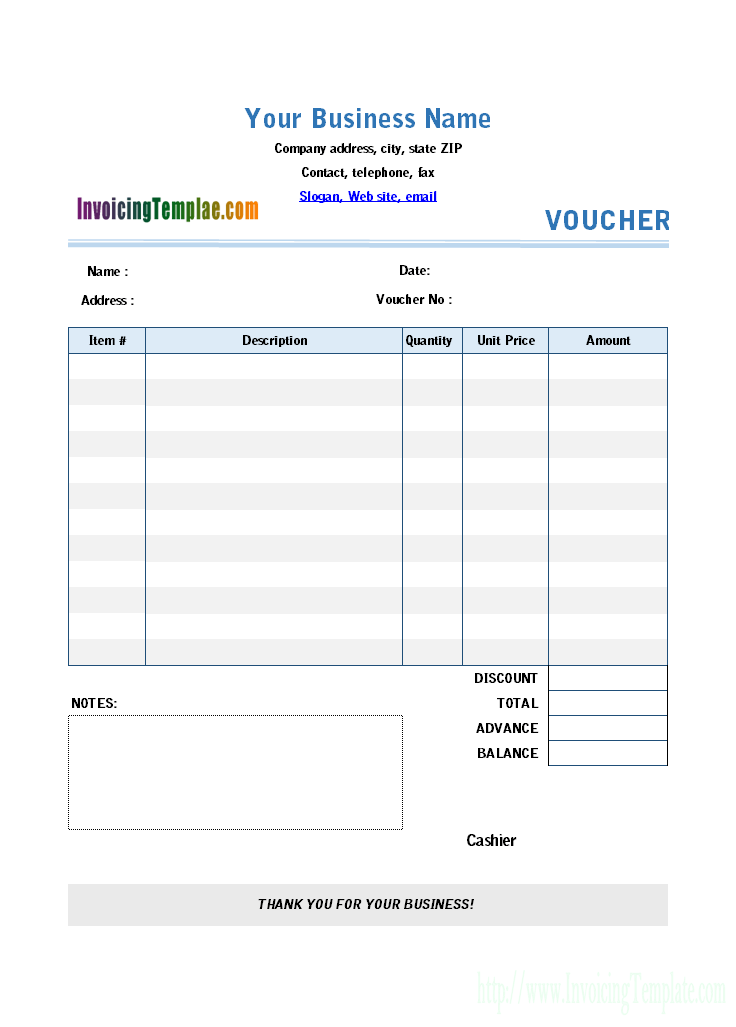
Voucher Layout Previews
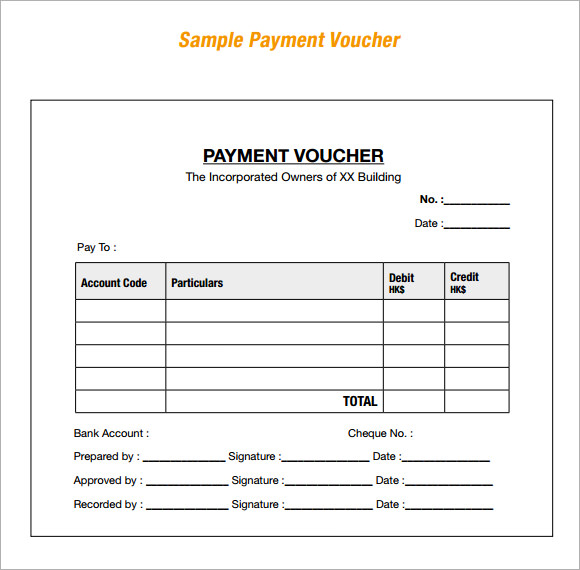

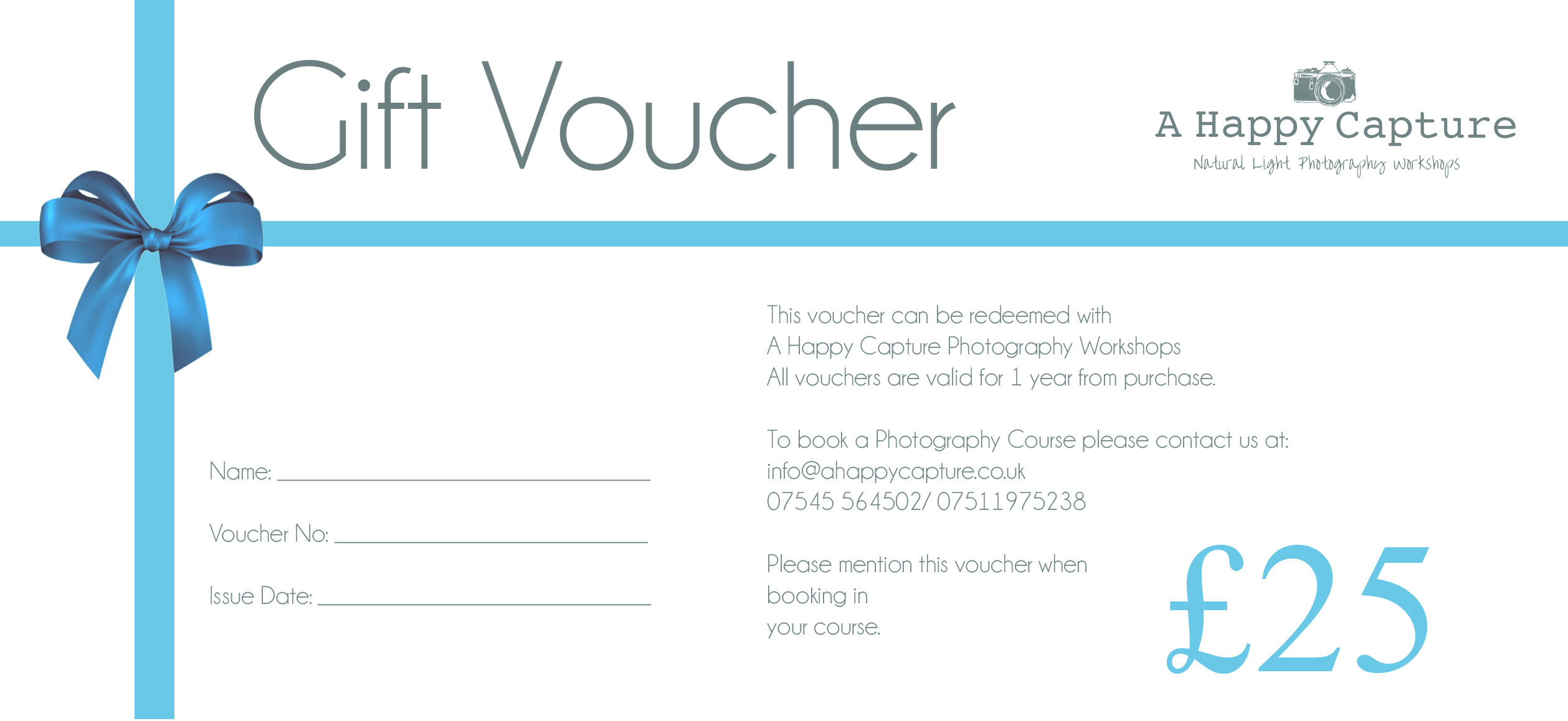
Voucher Design Preview

Online Voucher Makers


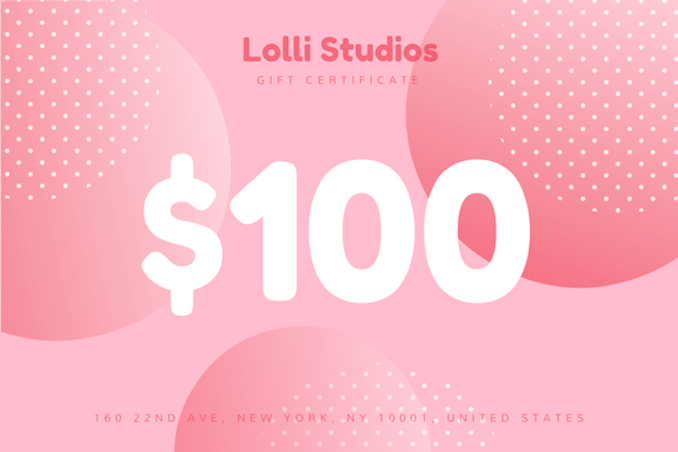
Related Templates
- free gift certificate templates
- receipt of payment templates
- expense report templates
- purchase order form templates
Frequently Asked Questions About Voucher Templates
What is the difference between a payment voucher and a cash voucher?
A payment voucher supports any payment to a supplier or other payee and usually needs approval. A cash voucher records a smaller payment made from petty cash.
Do I need to attach receipts to a payment voucher?
It is good practice. The supporting invoice or receipt proves the payment was for a real expense and makes later checks easier.
What should a gift voucher say?
The issuer name, recipient, value or service, a unique code, the issue date, an expiry date and any terms such as no cash refund. Check local rules on expiry dates.
How do I number vouchers?
Use a simple running sequence such as 0001, 0002, 0003, and keep a log of numbers issued so gaps are easy to spot.
Can I make a voucher in Word?
Yes. Download a blank voucher, replace the placeholder text and print it, or build a layout with a table for the fields and borders.
Which file types are offered here?
The direct downloads are one Word DOC, one Excel XLSX and three ZIP packages. Extract a ZIP before you open the file inside.
How long should I keep payment vouchers?
That depends on the record-keeping rules for your business and location. Ask an accountant if you are unsure.
Can I print vouchers at home?
Yes. A home or office printer works well, and cardstock gives gift vouchers a sturdier feel.

You must be logged in to post a comment.