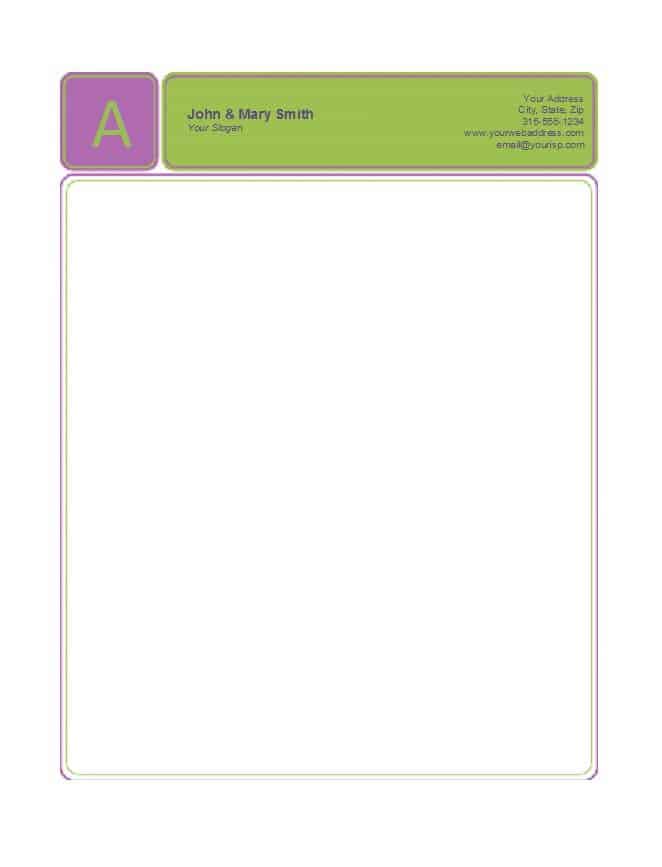
Looking for a company letterhead template you can open in Word, fill with your own details and print today? Below are 11 free company letterhead templates, each with a preview image and a download button that leads to an editable Word file (DOC or DOCX). Every layout has room for a logo, business name, address, phone number, email and website, so you can produce consistent business stationery for letters, quotations and notices without hiring a designer.
What a Company Letterhead Does for Your Correspondence
A letterhead is the branded band at the top of a page (and sometimes a strip along the bottom) that tells the reader who the letter comes from and how to reach the sender. It matters most when a page travels away from its envelope or email: a forwarded scan, a printed copy on a manager’s desk or an attachment to a bank application still shows the company behind it. Small firms, freelancers, clinics, schools, clubs and home businesses all use the same idea, just at different levels of polish.
Choosing a Letterhead Layout That Fits Your Business
- Centered header: logo and name in the middle. It looks formal and traditional, which suits law offices, accountants and schools.
- Left logo with details on the right: a modern, compact look that leaves more room for the letter body.
- Footer-based contact details: the top carries only a small mark while address and phone sit at the bottom. Useful when letters run long.
- Bordered or colored band: stronger branding, but it uses more ink and can look heavy on a black-and-white office printer.
- Minimal one-line header: ideal for freelancers who mostly email PDFs and want nothing that distracts from the text.
Look through the previews below and pick by how you will actually use the page. If most of your letters are three paragraphs long, a tall decorative header is fine. If you write multi-page letters, choose a slimmer design.
What to Put on a Company Letterhead
- Registered or trading name, spelled exactly as it appears on your contracts
- Logo in a high-resolution file, not a screenshot from a website
- Street or mailing address, and the town or city
- One main phone number, and a fax number only if you still use one
- A monitored email address rather than a personal inbox
- Website address
- Registration, tax or license number when local rules or your industry expect it (check what applies to you)
- A short tagline, only if it is part of your established branding
A Small Example of a Clean Letterhead
Imagine a small landscaping company called Green Row Gardens. The header has a leaf logo on the left, the company name in dark green beside it, and one grey line underneath reading the street address, phone number and email. A thin green line separates the header from the letter. At the bottom, a small footer gives the website and business registration number. The result uses one accent color, two fonts and about three centimeters of height, which leaves plenty of space for a quote or a letter to a client. The company and details here are invented for illustration only.
How to Customize a Letterhead in Word
- Download a layout from the gallery below and open it in Microsoft Word or a compatible word processor.
- Click the sample logo, choose the option to change the picture and insert your own file. Keep the proportions locked so the logo does not stretch.
- Type your business name and details over the sample text one line at a time.
- Change fonts and colors to match your brand. Stick to one or two typefaces.
- If the design sits in the page header, double-click the top of the page to edit it and keep the body text area clear.
- Print one copy on plain paper, then check the margins, the alignment of the logo and whether every number is correct.
- Save the file under a clear name, then save a second copy as a PDF if you plan to email letters.
Mistakes That Make a Letterhead Look Unprofessional
- Using a low-resolution logo that turns blurry or pixelated when printed.
- Squeezing too much into the header so the body of the letter starts halfway down the page.
- Printing large solid color blocks on every page, which wastes ink and can smudge on cheap paper.
- Leaving outdated phone numbers or an old address in the file after a move.
- Mixing several fonts, or using a decorative font for contact details that people must read quickly.
- Letting each employee edit their own version, so the same company has several different headers.
Template file guide
Before completing your template
- Check every contact detail and website address.
- Leave enough space for the letter body.
- Print a test page to check margins and logo quality.
Use the file links below to open an option directly, or continue to the previews to compare layouts. File formats are taken from the linked filenames. Extract ZIP archives before checking the files inside.
| File or resource | Format / source |
|---|---|
| company letterhead template 1 | DOC |
| company letterhead template 2 | DOC |
| company letterhead template 3 | DOC |
| company letterhead template 4 | DOC |
| company letterhead template 5 | DOC |
| company letterhead template 6 | DOC |
| company letterhead template 7 | DOC |
| company letterhead template 8 | DOC |
| company letterhead template 9 | DOC |
| company letterhead template 10 | DOCX |
| company letterhead template 11 | DOCX |
Free Company Letterhead Templates in Word
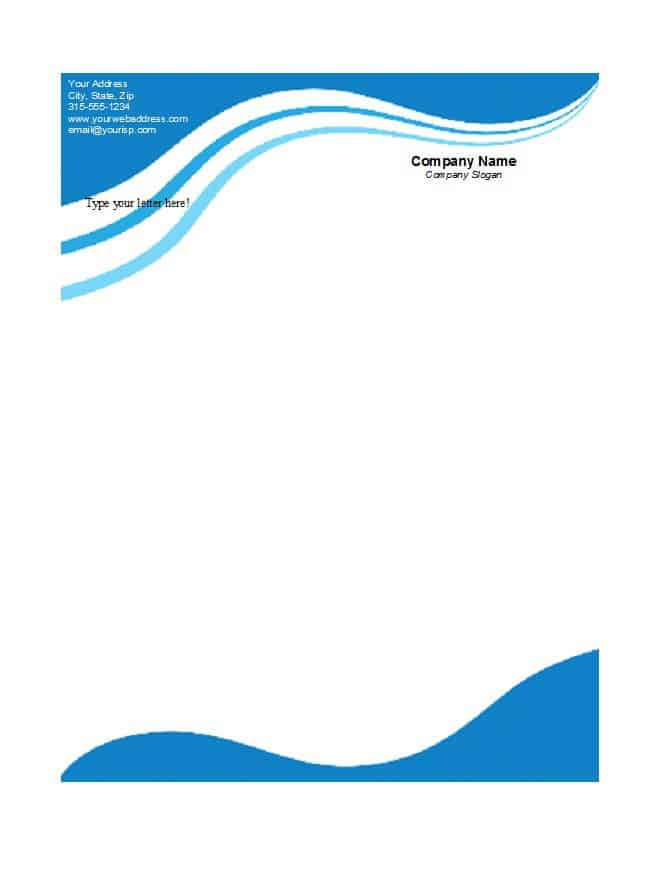
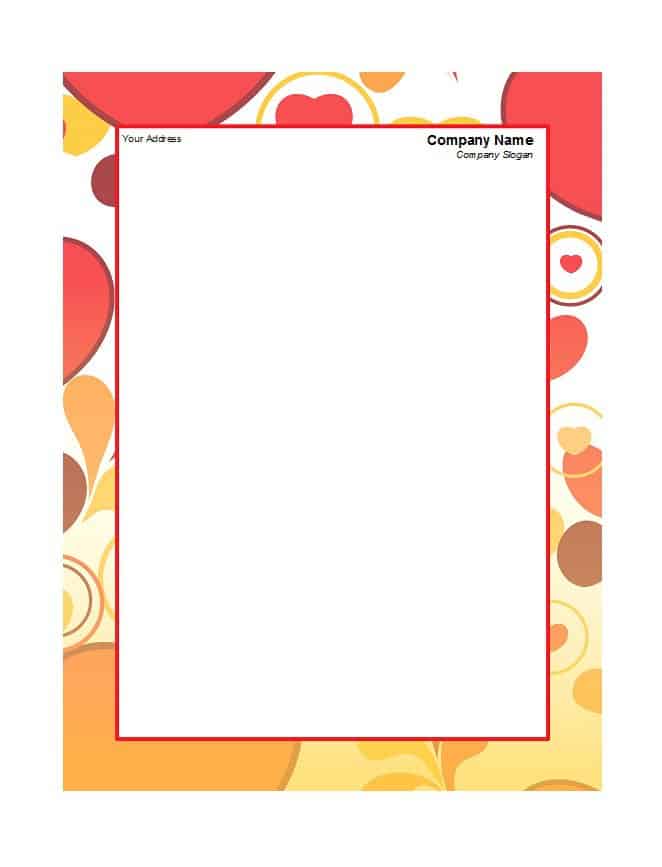
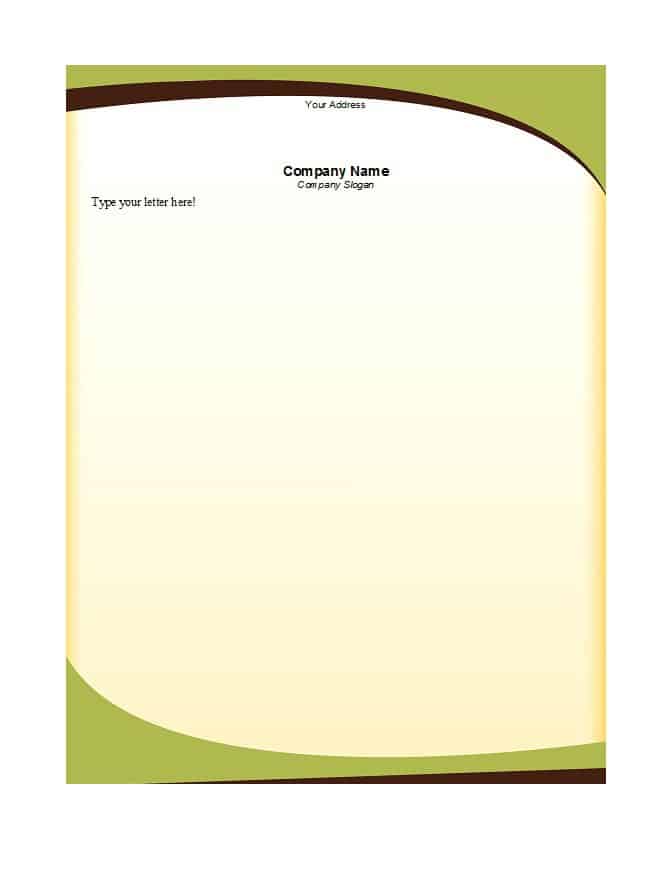
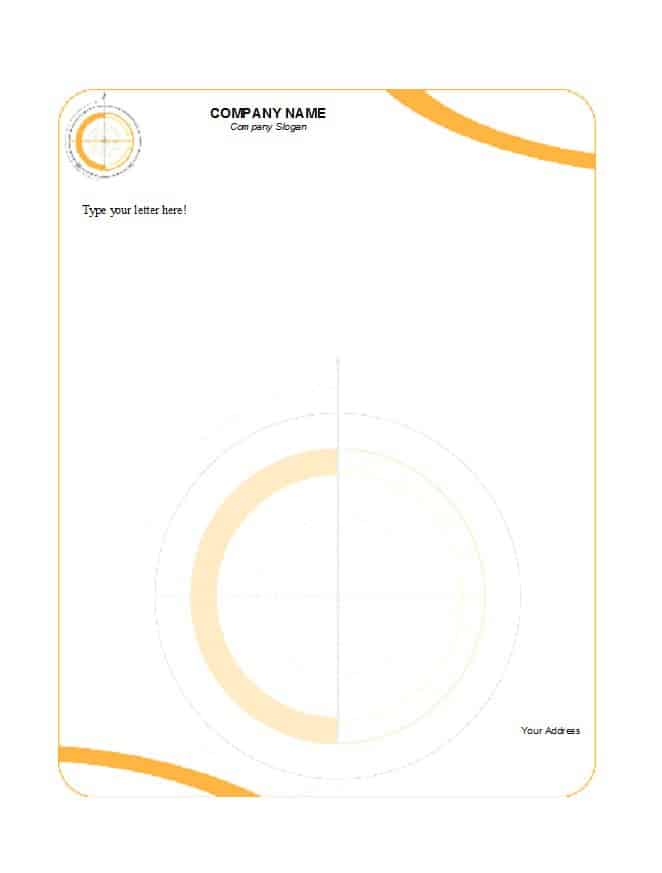
Each preview below has a matching download button directly under it. The buttons lead to Word files in DOC or DOCX format, which you can edit in Microsoft Word or a compatible program. Formatting can shift slightly between programs, so check the first page before you print a large batch. If your paper already has a printed border, leave enough margin so the text does not overlap it.



Related Templates
- free memo templates for internal notices that can carry the same header
- free fax cover sheet templates for matching cover pages
- free receipt of payment templates for branded payment records
- free order form templates for customer orders that carry your branding
Frequently Asked Questions About Company Letterheads
Do all 11 downloads open in Word?
Yes. Ten buttons lead to DOC files and one leads to a DOCX file, and all of them are meant for Microsoft Word or a compatible word processor. There are no PDF, Photoshop or online-maker files on this page, although you can export your finished letter to PDF yourself.
What size should a letterhead be?
Match your paper. Many countries use A4, while the United States and Canada mostly use letter size at 8.5 by 11 inches. Set the page size in Word before you place your logo so nothing is cropped when you print.
Should the contact details go at the top or the bottom?
Either works. Putting them in the footer leaves more room at the top, while a header keeps everything together. Choose one placement and use it on every document so the look stays consistent.
How can I stop the letterhead from printing on every page of a long letter?
Use a different first page in the page setup options, put the full header on page one and a slim header or none on later pages. This also saves ink on multi-page documents.
Is a letterhead required for a legal document?
Usually not. A letterhead identifies the sender, but requirements for contracts, tax documents or official notices vary by country and industry, so confirm what applies with a qualified professional.
What is the best way to send a letterhead by email?
Save the finished letter as a PDF, which keeps fonts and layout fixed on any device, and keep the editable Word file in a shared folder for future letters.
Can freelancers or individuals use these templates?
Yes. Replace the company name with your own name, add your trade or service and use your home office or mailing address. A simple layout looks best for sole traders.
How often should I update the letterhead?
Whenever your address, phone number, email or logo changes. Update the master file first, then replace any copies people saved locally so old versions stop circulating.
You must be logged in to post a comment.