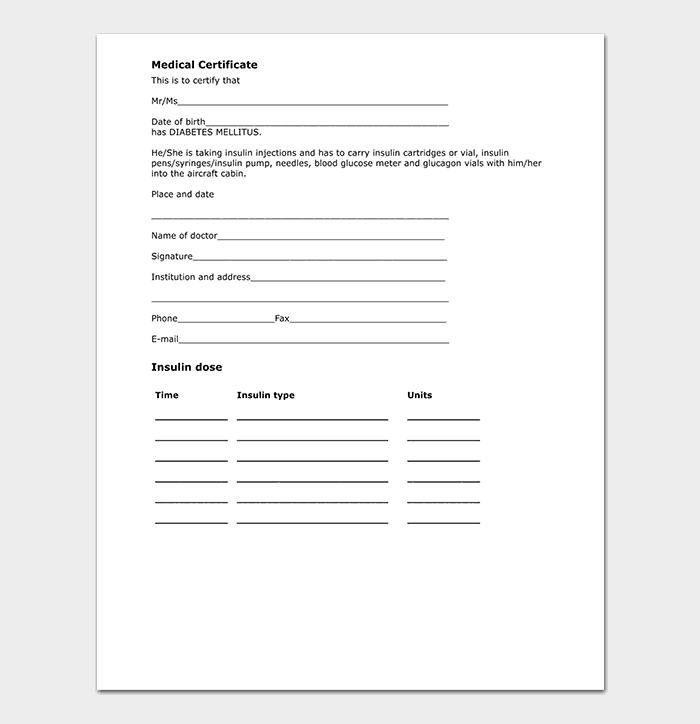
Looking for a free medical certificate template that a clinic can fill in and print? This page shares 5 editable, free downloadable medical certificate samples, from a doctor-style certificate to a simple one-page layout you can adapt for sick leave, fitness statements or school absence. Each layout is meant to be completed and signed by a qualified practitioner. Click a preview to see it full size, then press the download button under it. Some downloads arrive as ZIP files, so extract them before opening.
When to Use a Medical Certificate
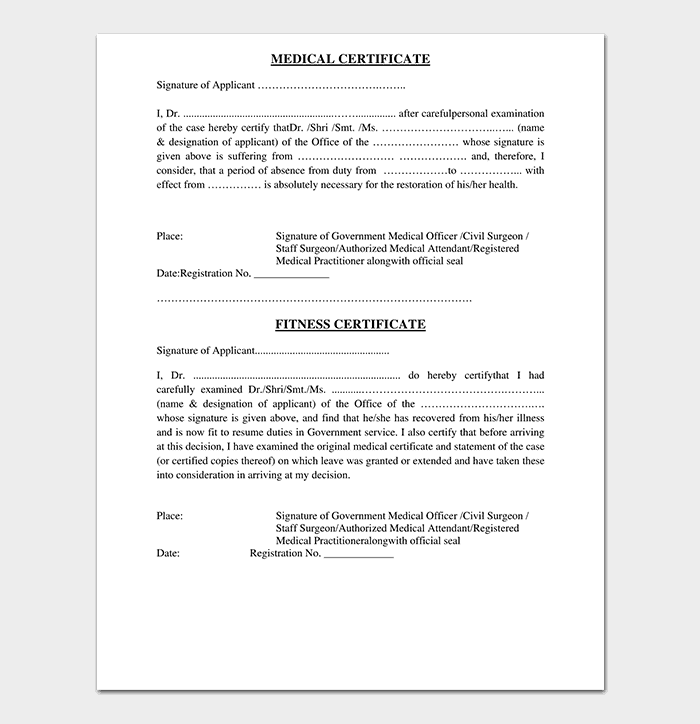
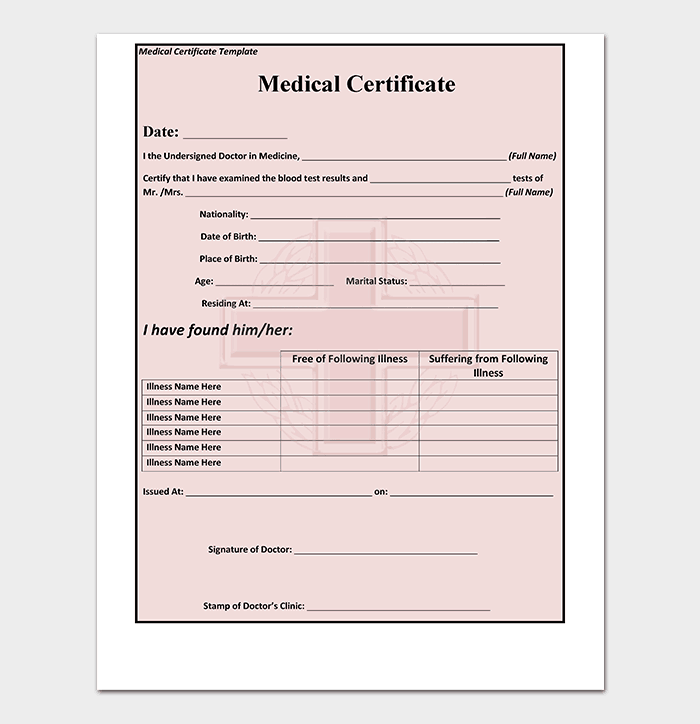
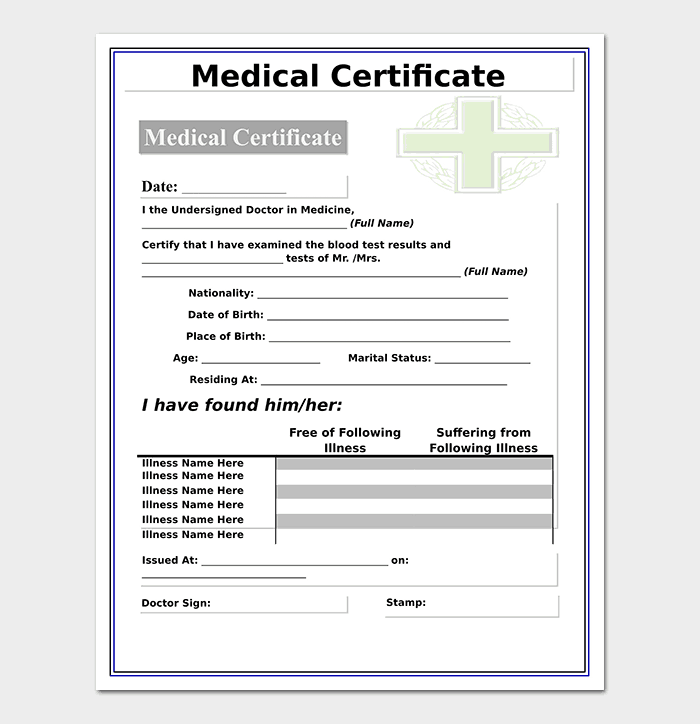
A medical certificate is used when a clinic, doctor or other qualified practitioner must confirm that a patient was examined and is unfit (or fit) for work, school, travel or sport for a stated period. Use these samples, from a doctor-style certificate to a simple one-page layout, for sick leave, fitness statements or school absence.
What Is Included in These Templates
- Practitioner and clinic details: name, qualification, registration number and address.
- Patient details: full name, date of birth and ID where needed.
- Examination date and statement: the date seen and whether the patient is unfit or fit.
- Period of rest or restrictions: start and end dates, or limits on duties.
- Signature and stamp area: for the practitioner to sign and seal.
How to Fill Out a Medical Certificate
- Pick a layout that fits the purpose: sick leave, fitness to work, or school absence.
- Add the clinic letterhead details and the practitioner’s name and registration number.
- Enter the patient’s name and the examination date, which should be the real date of the visit.
- The practitioner writes the opinion and the dates of rest, without a diagnosis unless the patient agrees.
- Sign, stamp and give a copy to the patient; keep one in the patient record.
Key Points to Check
- Qualified practitioner only: the medical opinion and dates must come from the person who examined the patient.
- Dates: they should reflect what was actually assessed.
- Diagnosis: usually left out unless the patient consents and the recipient needs it.
- Recipient rules: some employers and schools require their own form.
- Authenticity: never present a self-written certificate as a doctor’s statement.
Tips
- Check the employer or school deadline for submitting the certificate.
- Keep a scan of the signed certificate in the patient record.
- Use a clear printout; handwriting should be legible.
About These Templates
These samples are published and maintained by Nick at Word Templates Docs, a free library of editable Word, Excel and PDF templates. If a link is broken or a file will not open, please contact us and we will fix it. Read more about how we prepare these templates.
Template file guide
Before completing your template
- Choose the layout appropriate to the certificate’s stated purpose.
- Remove sample patient details and unnecessary private information.
- Leave clinical statements and signing to the qualified practitioner.
Use the file links below to open an option directly, or continue to the previews to compare layouts. File formats are taken from the linked filenames. Extract ZIP archives before checking the files inside.
| File or resource | Format / source |
|---|---|
| free medical certificate template | ZIP |
| doctor medical certificate template | ZIP |
| doctor medical certificate format template | ZIP |
| sample medical certificate template | ZIP |
| simple medical certificate template | ZIP |
Download Free Medical Certificate Templates




Related Templates
- free doctors note templates for short work and school excuse notes
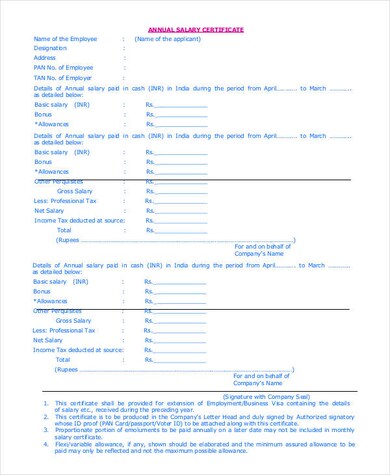
- free salary certificate templates when an employer must confirm income
- character reference letter samples for supporting statements
- letter of recommendation formats for reference letters written by colleagues or teachers
Frequently Asked Questions (FAQs) About Medical Certificate Templates
Can a patient fill in a medical certificate template on their own?
No. The medical opinion and dates of rest must come from the practitioner who examined the patient. A patient can supply personal details, but presenting a self-written certificate as a doctor’s statement can have serious consequences.
How long is a medical certificate valid?
It covers only the dates written on it. Some organizations also expect it to be submitted within a set time of the absence, so check the deadline set by your employer or school.
Does a medical certificate have to name the illness?
Usually not. Many certificates simply say the patient was examined and is unfit or fit for a stated period. A diagnosis is included only with the patient’s consent and when the recipient truly requires it.
What is the difference between a medical certificate and a fitness certificate?
A sick-leave certificate says someone should stay away from work or school. A fitness certificate says they are able to work, study, travel or take part in an activity, sometimes with restrictions.
Can a certificate be dated before the examination?
The dates should reflect what the practitioner actually assessed. If rest began before the visit, the practitioner decides how to word that honestly, and the exam date should always be shown.
Are these medical certificate templates free to download and edit?
Yes. Each of the five samples is a free download you can edit and print. Some come as ZIP files that you extract first.
Will every employer or school accept the same format?
Not always. Some have their own form or ask for specific details, so confirm what they accept before you send a certificate.
How do I open a ZIP download?
Save the file, right-click it and choose extract or unzip, then open the document inside with Word or a compatible editor.