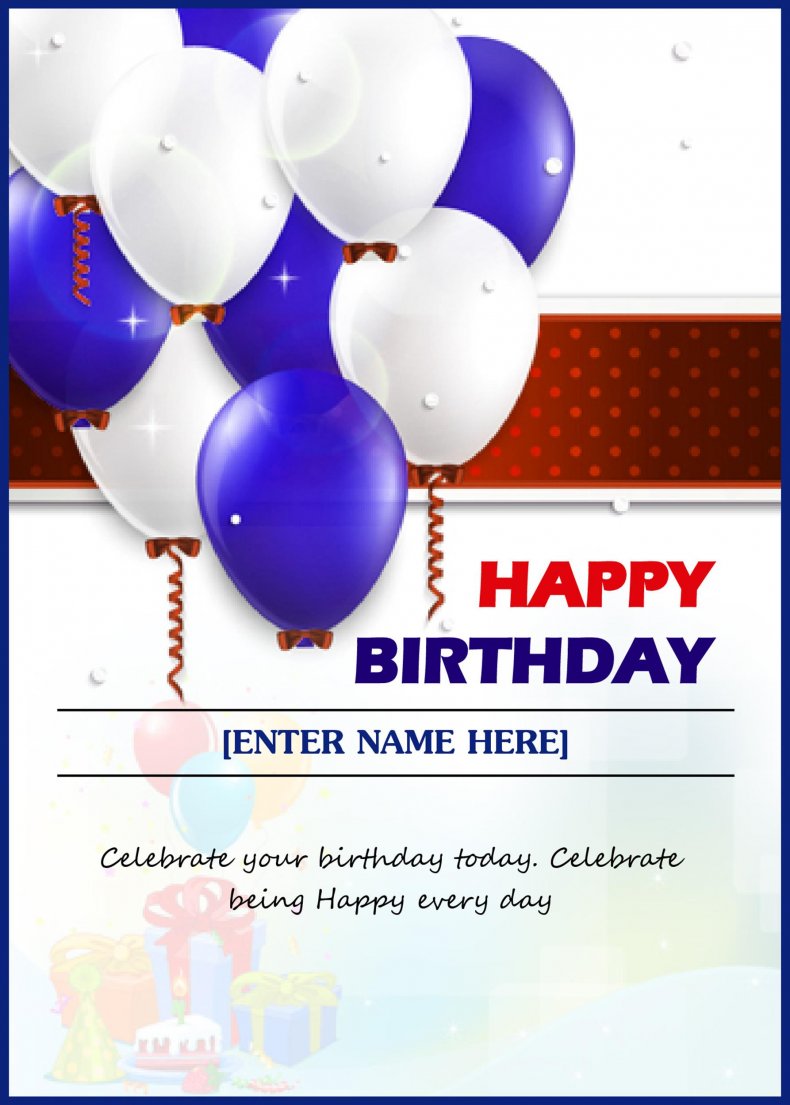
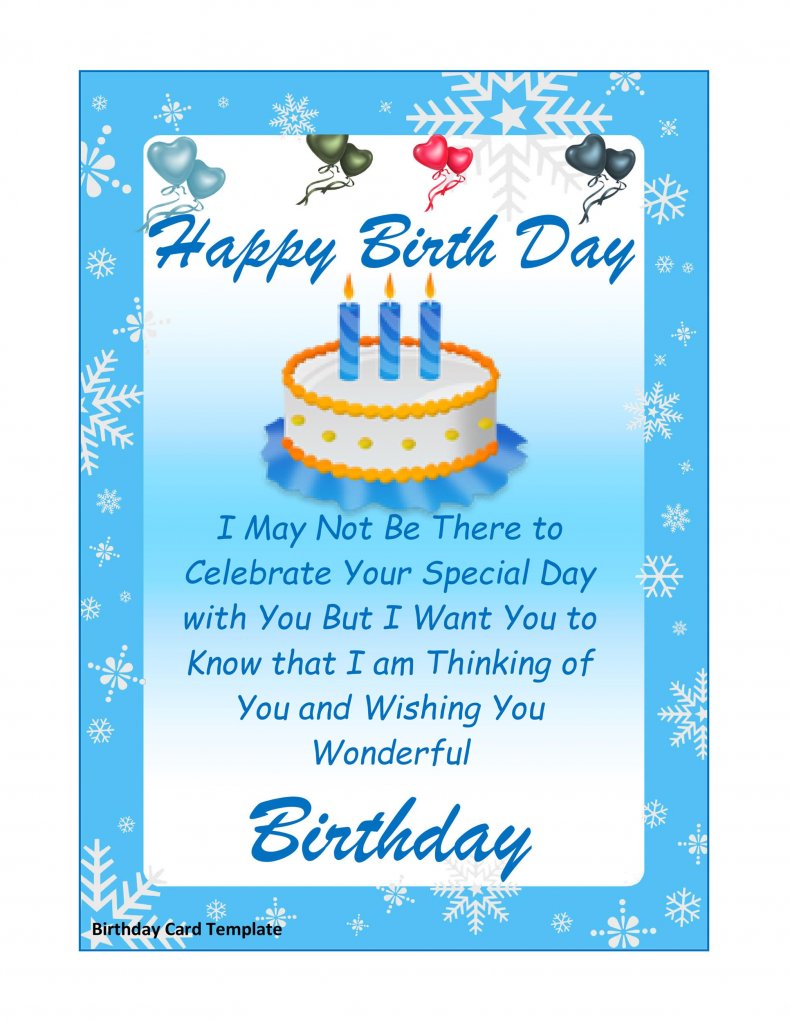
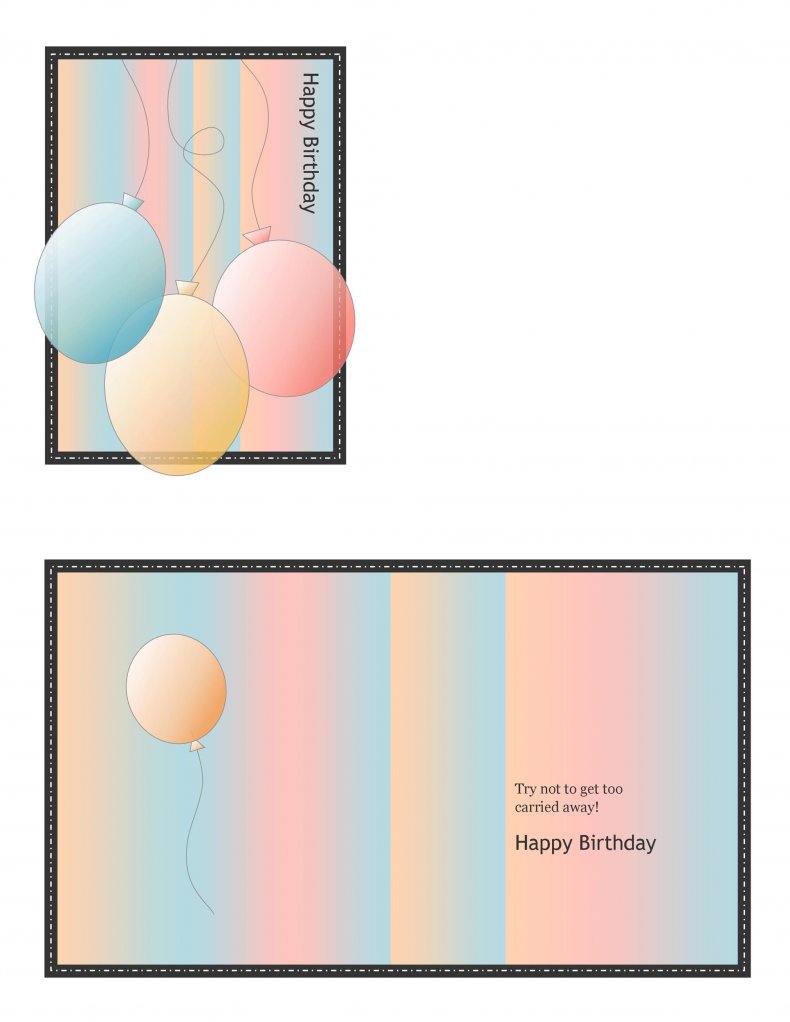
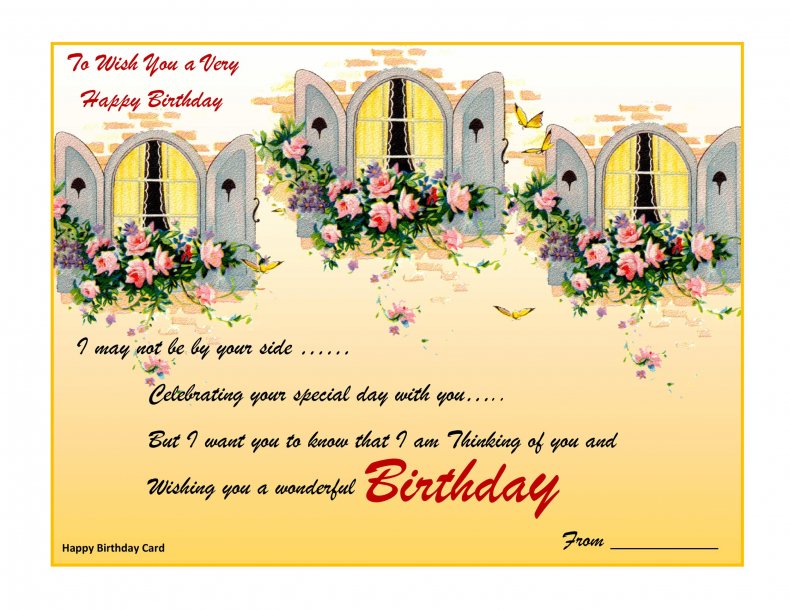
A homemade card says “I made time for you”, and these free birthday card templates in Word make that easy even if you have never designed anything. This page shows eight editable birthday card layouts in Word format (.docx). Choose one, type your own message, add a name or a photo, and print it on your home printer. Every download button sits directly beneath its preview, so you can compare designs and grab the one that suits the person you are celebrating.
What Is a Birthday Card Template?
A birthday card template is a ready-made page with the artwork, frame and text areas already set up. Instead of drawing borders and hunting for fonts, you open the file in Microsoft Word, replace the sample greeting and print. Most of the layouts on this page are tall portrait pages, and one is wider than it is tall, so you can print, trim if needed, and fold or slip the page into an envelope to suit the design.
Which Design Suits Which Person?
- Children: pick a bright design with big lettering and room for a drawing or sticker. Keep the message to one or two lines.
- Teenagers and young adults: a clean, modern layout with a short, cheerful line usually feels less babyish than balloons and cartoon animals.
- Parents and grandparents: choose a warm, classic design and write a longer, heartfelt note. A printed photo of a shared memory makes it special.
- Coworkers and bosses: a tidy, simple layout with a friendly but polite greeting is safest, especially if the card will be passed around for signatures.
- Close friends: this is the place for an inside joke, a funny nickname or a silly “age” claim.
What to Write Inside a Birthday Card
A good birthday message is short, warm and specific to the person. You do not need poetry. Try one of these patterns and swap in your own details:
- “Happy Birthday, [Name]! Thank you for always [something they do for you]. Wishing you a year full of [something they love].”
- “Another year older and still the person I call first. Have a wonderful day.”
- For a colleague: “Wishing you a great birthday and a relaxing weekend. Thank you for being such a helpful teammate.”
- For a child: “You are [age] today! I hope your day is full of cake, games and fun.”
Every line above is placeholder wording for you to adapt. A single true detail, such as a trip you took together or a habit only they have, beats a generic verse.
How to Make a Birthday Card in Word Step by Step
- Choose a design from the previews below and press the download button under it.
- Open the file in Microsoft Word and click the sample text to replace it with your message and the name.
- Change the font, size or color from the Home tab if you want a different look.
- Use Insert, then Pictures, to add a photo if the design has space for one.
- Print one test copy on plain paper to check that everything fits and the spelling is right.
- Print the final card on heavier paper or light card stock, then trim and fold it.
Printing Tips for a Card That Feels Store-Bought
Paper makes the biggest difference. Light card stock or heavy matte paper stands up better than thin copy paper and holds ink well, but check that your printer supports the thickness first. Choose the printer’s “best” or “photo” setting for richer colors, and print a test on plain paper to confirm the margins. If the design fills the whole page, remember that most home printers leave a thin white border, so preview first, or trim the edge with a paper cutter. Fold along a ruler with a bone folder or the back of a spoon for a crisp crease.
Small Details That Make a Card Memorable
- Add a handwritten line: sign by hand after printing so the card feels personal.
- Match the envelope: a colored envelope that echoes the card design looks intentional.
- Use the person’s name: a card that says their name feels far more personal than a generic one.
- Tuck in a small extra: a gift card, a dinner voucher or a photo strip turns a card into a gift.
- Send on time: print a day or two early so it arrives on the birthday itself.
Mistakes to Avoid With Homemade Cards
- Misspelling the name, which is easy to miss when you have retyped it in a hurry.
- Cramming in too many fonts or colors, which makes the message harder to read.
- Choosing a photo that is too small or blurry, since it will look worse when printed.
- Leaving no blank space for a handwritten note.
- Printing the final copy without a test page, then discovering the text is cut off at the fold.
Template file guide
Before completing your template
- Check the recipient’s name and your message.
- Keep text clear of the fold and trim area.
- Print one test copy before using your final card stock.
Use the file links below to open an option directly, or continue to the previews to compare layouts. File formats are taken from the linked filenames. Extract ZIP archives before checking the files inside.
| File or resource | Format / source |
|---|---|
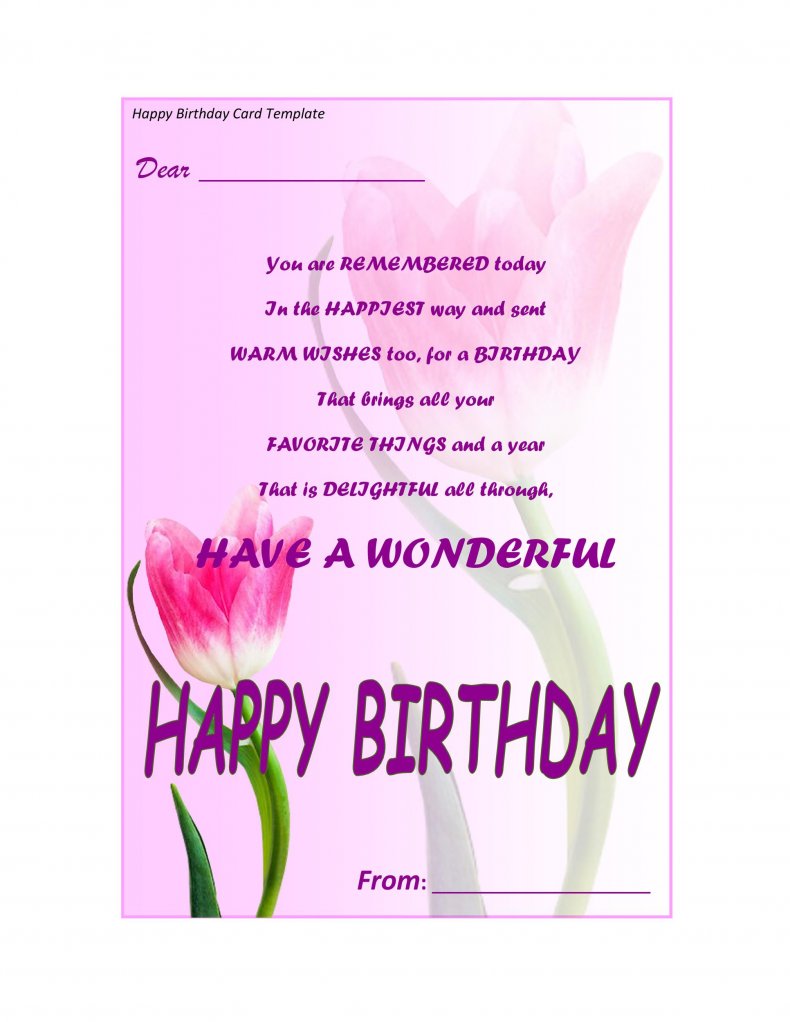
| birthday card template, design one | DOCX |
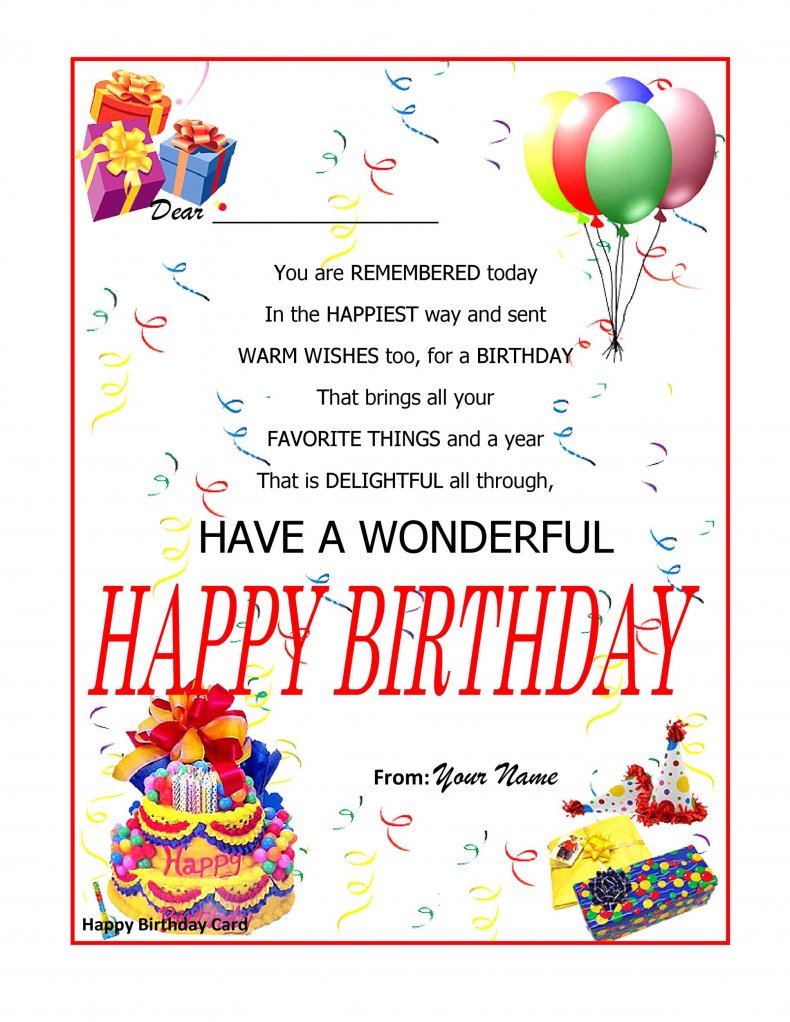
| birthday card template, design two | DOCX |
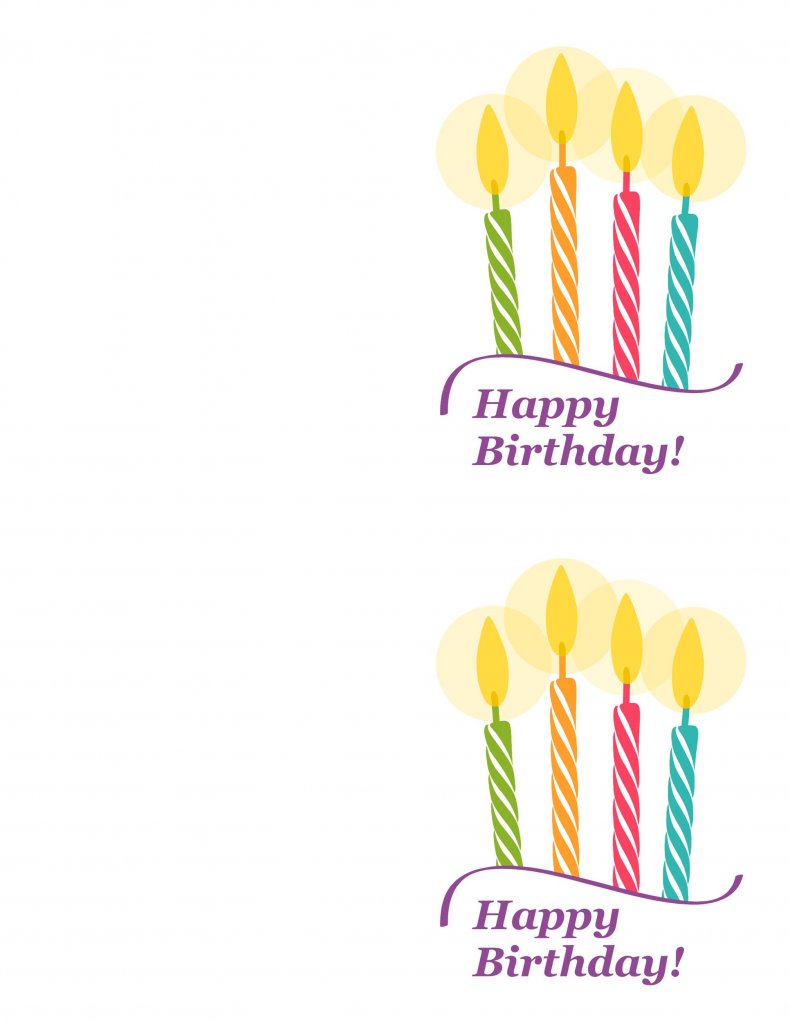
| birthday card template, design three | DOCX |
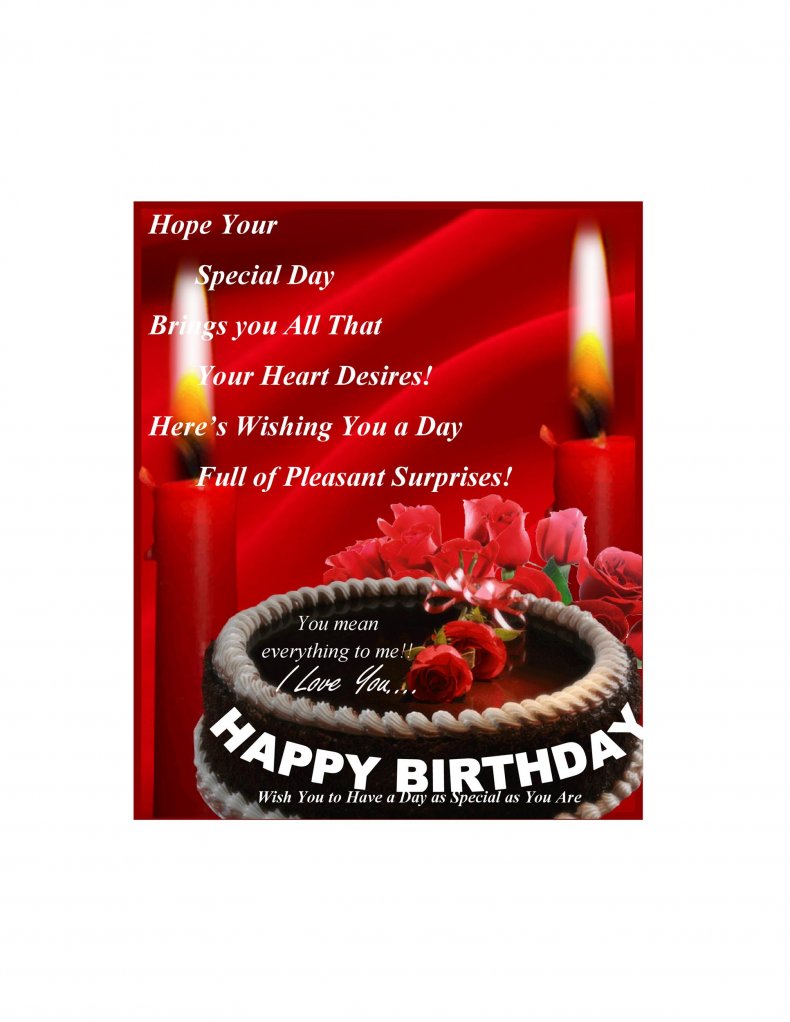
| birthday card template, design four | DOCX |
| birthday card template, design five | DOCX |
| birthday card template, design six | DOCX |
| birthday card template, design seven | DOCX |
| birthday card template, design eight | DOCX |
Free Birthday Card Templates in Word

Using the Downloads and Sharing Your Card
Click any preview image to see the design at full size, then press the download button below it to save the editable Word file. Open the file in Word, edit it like any other document, and save a copy under a new name so the original template stays clean. If the birthday person lives far away, you can save your finished card as a PDF or a picture from Word and send it by email or a messaging app instead of printing it.
Related Templates
- free flyer templates for a birthday party invitation or announcement
- free raffle ticket templates for party games and prize draws
- free wanted poster templates for a playful themed party
Frequently Asked Questions (FAQs) About Birthday Card Templates
Which program do I need to edit the cards?
Microsoft Word is the easiest choice because the templates are Word documents. Other word processors that open Word files may work too, although the layout can shift slightly.
How do I print a folded birthday card?
Print on a standard sheet, then fold it in half along the middle. If the design is a single page, trim it to size and place it in an envelope.
What paper is best for printing birthday cards?
Light card stock or heavier matte paper holds ink better and stands up better than thin copy paper. Check that your printer supports the thickness before printing.
Can I add a photo to my birthday card?
Yes. In Word, use Insert, then Pictures, to place a photo on the card and drag the corners to resize it. Use a sharp image so it prints cleanly.
Can I send the card by email instead of printing it?
Yes. Save the finished card as a PDF or as an image from Word and attach it to an email or share it in a messaging app.
How do I change the text and fonts?
Click the text you want to change, type your own words, and use the Font options on the Home tab to change the style, size and color.
Can I use these designs for other occasions?
Yes. Replace the birthday text and you can turn a design into a general greeting, thank-you or celebration card.
How can I make a card for a group to sign?
Choose a design with plenty of white space, print it on card stock and leave the inside blank. Pass it around the office or class so everyone can add a line before you hand it over.

You must be logged in to post a comment.