A vehicle log book is the simplest way to prove how far you drove, why you drove it and what the car cost you along the way. This page has 5 free, printable vehicle log book templates: three Word documents (.docx) for a paper-style mileage log and two Excel spreadsheets (.xlsx) if you would rather type in numbers and add your own totals.
What a Vehicle Log Book Is (and Is Not)
A vehicle log book, also called an automobile log book or car mileage log, is a personal record of how a car, van or truck is used. Each line normally holds a date, the odometer reading at the start and end of a trip, the distance, where you went and why. In some countries the phrase “log book” means the official registration paperwork for a vehicle. The templates here are not that: they are your own record sheets, and they do not replace any document issued by a licensing authority.
Which Vehicle Log Book Template Fits You
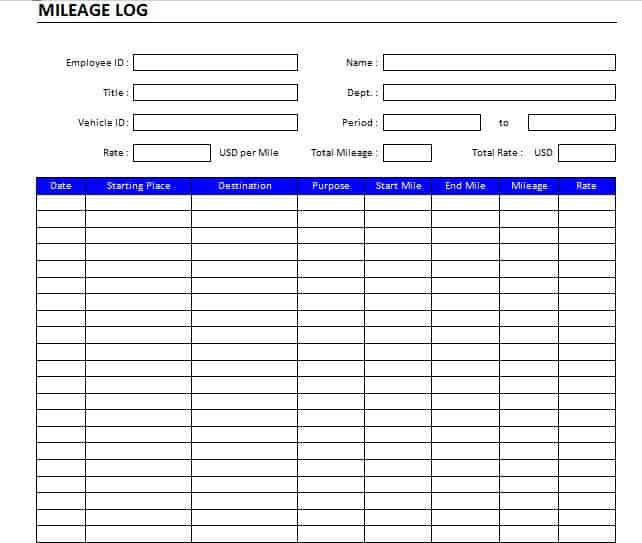
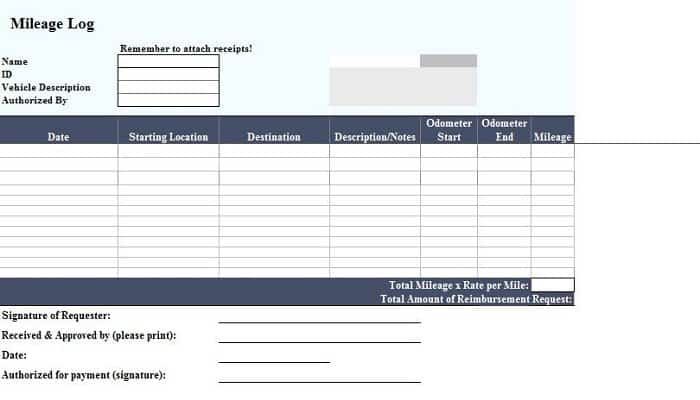
- Vehicle mileage log book (Word): a trip-by-trip table for drivers who record on paper and want room for the purpose of each journey.
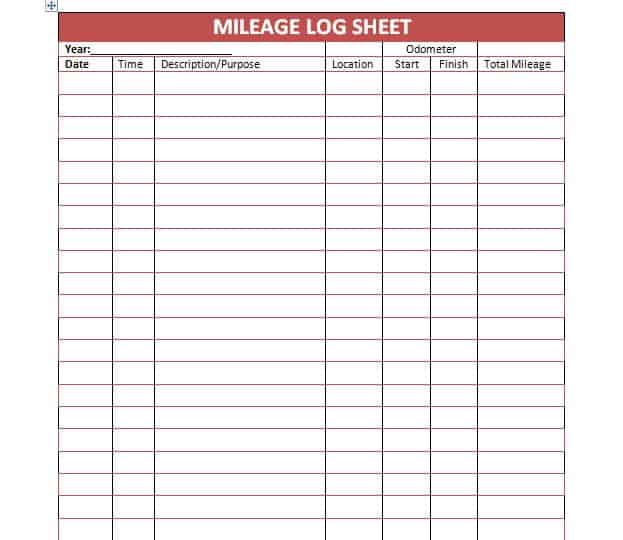
- Mileage log sheet (Word): a lighter one-page layout for a weekly or monthly summary.
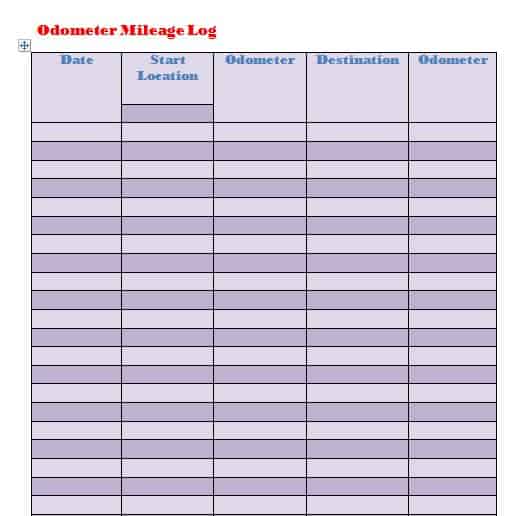
- Odometer mileage log (Word): built around start and end readings, useful if your main need is checking distance against the dashboard.
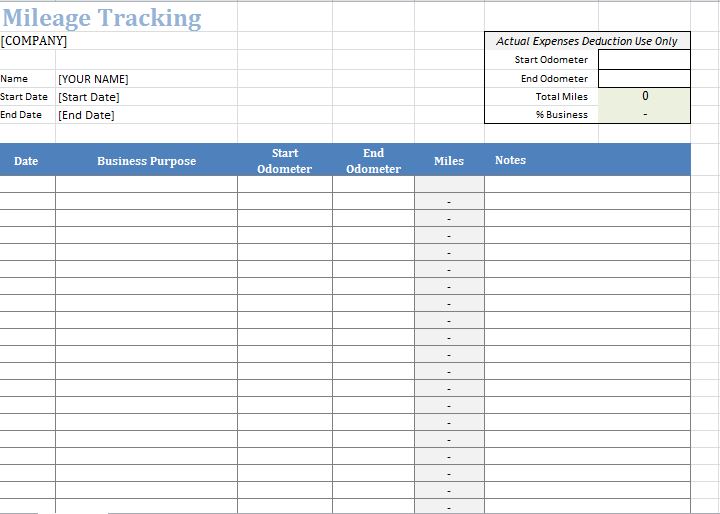
- Mileage tracking spreadsheet (Excel): better if you plan to add a sum formula for monthly totals.
- Excel vehicle log book: a spreadsheet layout you can extend with your own columns for fuel and costs.
Try the Word version if you will keep the sheet in the glove box, and the Excel version if you will update it at a desk or on a laptop.
What to Record in Every Vehicle Log Book Entry
- Vehicle make, model, year and plate number, written once at the top
- Driver name, if more than one person uses the vehicle
- Date of the trip
- Odometer reading at the start and at the end
- Distance for the trip (end minus start)
- Start and finish locations
- Purpose, for example client visit, delivery, commute or personal
- Fuel added, with the amount and cost, if you track running costs
- Notes such as a new tire, an insurance renewal date or a warning light
A Short Example of a Mileage Log
Say the odometer reads 48,210 when you leave for a client meeting and 48,246 when you return. You would write the date, “48,210” in the start column, “48,246” in the end column, “36” as the distance, the client’s name or town as the destination, and “business” as the purpose. If you stop for fuel on the way home, note the litres or gallons and the price in a separate column. A week of lines like this gives you a clear total for business miles versus personal miles without any guesswork.
Business Mileage and Record Keeping
Many people keep a log because an employer or a tax authority may ask for trip records. What is required varies by country, so check with your employer or local tax office about the details they expect, such as whether they want the purpose of each trip and start and end readings. A template can help you keep tidy records, but it does not guarantee that any claim will be accepted.
How to Use These Free Templates
Each template below has a preview image and a download button. Click the preview to see it larger, then press the button under it to save the file. Open the Word files in Microsoft Word and the Excel files in Excel or a compatible spreadsheet program, replace the sample entries with your own, and adjust the columns if you need extra fields. Print a blank copy for the glove compartment or keep the spreadsheet on your computer and back it up now and then.
Why Drivers Keep a Vehicle Log Book
Delivery drivers, sales reps, tradespeople and freelancers use a log to separate work driving from personal driving. Families use one to see what a second car really costs each month. If you write down the fuel you add and the distance since the last fill-up, you can also work out your fuel economy by dividing distance by fuel used, and spot a sudden drop that might point to a tire pressure or engine problem. When you sell the car, a neat history of dated entries also shows a buyer that the vehicle was looked after.
Good Habits That Keep a Log Accurate
- Write the start reading before you drive, not afterwards.
- Use one unit, miles or kilometers, on every line.
- Keep fuel and repair receipts and clip them to the sheet.
- Start a fresh log each year or each quarter.
- Keep any service records in a separate list so the trip log stays easy to read.
Template file guide
Before completing your template
- Identify the vehicle and reporting period.
- Check beginning and ending odometer readings.
- Record each trip’s purpose while the details are fresh.
Use the file links below to open an option directly, or continue to the previews to compare layouts. File formats are taken from the linked filenames. Extract ZIP archives before checking the files inside.
| File or resource | Format / source |
|---|---|
| vehicle mileage log book template | DOCX |
| vehicle mileage log sheet template | DOCX |
| odometer mileage log template | DOCX |
| mileage tracking spreadsheet template | XLSX |
| Excel vehicle log book template | XLSX |
Download Free Vehicle Log Book Templates
Vehicle Mileage Log Book Template

Mileage Log Sheet Template for Vehicle
Odometer Mileage Log Template
Mileage Tracking Spreadsheet Template
Excel Vehicle Log Book Template
Related Templates
- maintenance schedule templates for planning servicing and inspections
- expense report templates to claim fuel and travel costs
- weekly schedule templates to plan which days the car is needed
Frequently Asked Questions (FAQs) About Vehicle Log Book Templates
What is the difference between a vehicle log book and a mileage log?
In everyday use they overlap. A mileage log focuses on trips and distance, while a vehicle log book may also note fuel, running costs and general notes about the vehicle.
How do I work out the distance for a trip?
Subtract the starting odometer reading from the ending reading. In the Excel templates you can type a formula in the distance column so it calculates itself.
Should I fill the log in during the trip or afterwards?
Write the start reading before you set off and complete the rest as soon as you finish. Waiting until the end of the week often leads to guessed numbers.
Can I use these for business trips?
You can use them to keep organized trip records. Ask your employer or local tax authority what details they need, because rules differ.
Do I need a separate log for each vehicle?
Yes, one log per vehicle keeps totals clean. Put the plate number at the top of each sheet or file.
Is this the same as my vehicle registration book?
No. These are personal record sheets. Official ownership and registration documents come from the authority in your country.
Can I add columns for fuel, tolls and parking?
Yes. All five templates are editable, so add columns that suit your costs.
Which templates are Word and which are Excel?
The first three are Word (.docx) files and the last two are Excel (.xlsx) spreadsheets, as shown by the file type of each download button.
You must be logged in to post a comment.