Need an expense report template that turns a pile of receipts into a clear, approvable claim? This page gathers 28 expense report examples. Ten of them are downloads hosted here: six Excel workbooks, three Word files and one ZIP archive. The rest are image-only format examples, plus buttons that lead to templates and expense tools on other companies’ websites. Use them for a business trip, a monthly team tracker, a travel claim or a personal budget sheet.
What an Expense Report Covers and Who Reads It
An expense report, also called an expense claim or expense sheet, lists money you spent for work over a set period so it can be reimbursed or recorded. It is read by a manager who approves it, a finance clerk who checks it against receipts and sometimes an accountant who files it for tax. Freelancers use one to bill client costs, volunteers use one to claim event purchases, and households use the same idea to see where money goes each month.
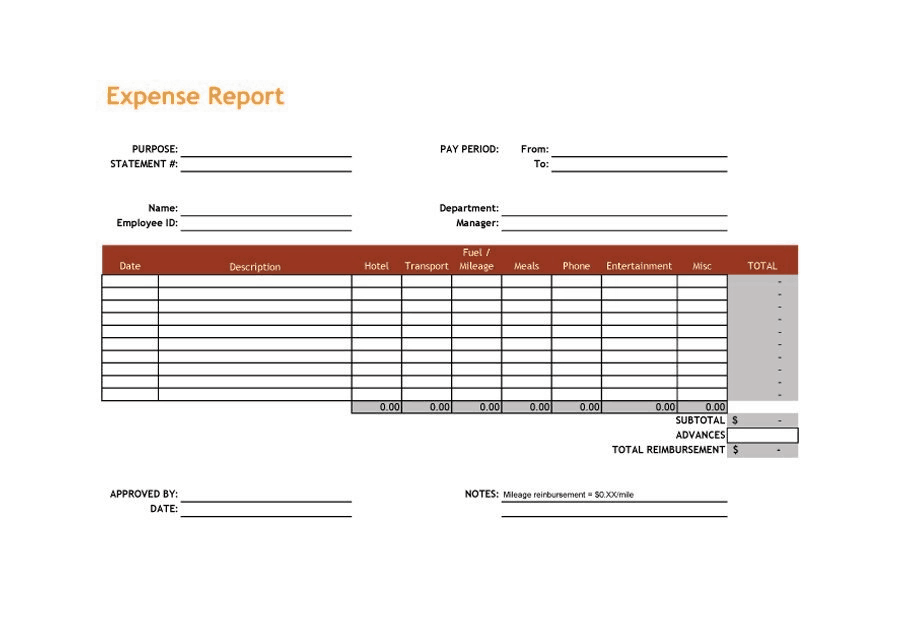
Categories and Fields That Keep a Report Easy to Review
- Name, department and the period the report covers
- The business purpose, such as a client visit, a conference or a delivery run
- Date, vendor and a short description for every line
- A category for each line: transport, lodging, meals, fuel, supplies, software, phone or miscellaneous
- Amount and payment method, so cash and card spending can be matched to statements
- Mileage, if your employer reimburses driving, with start point, destination and distance
- Advances already received, so the report shows what is still owed
- Approver name, signature and date
A Worked Example: A Two-Day Client Trip
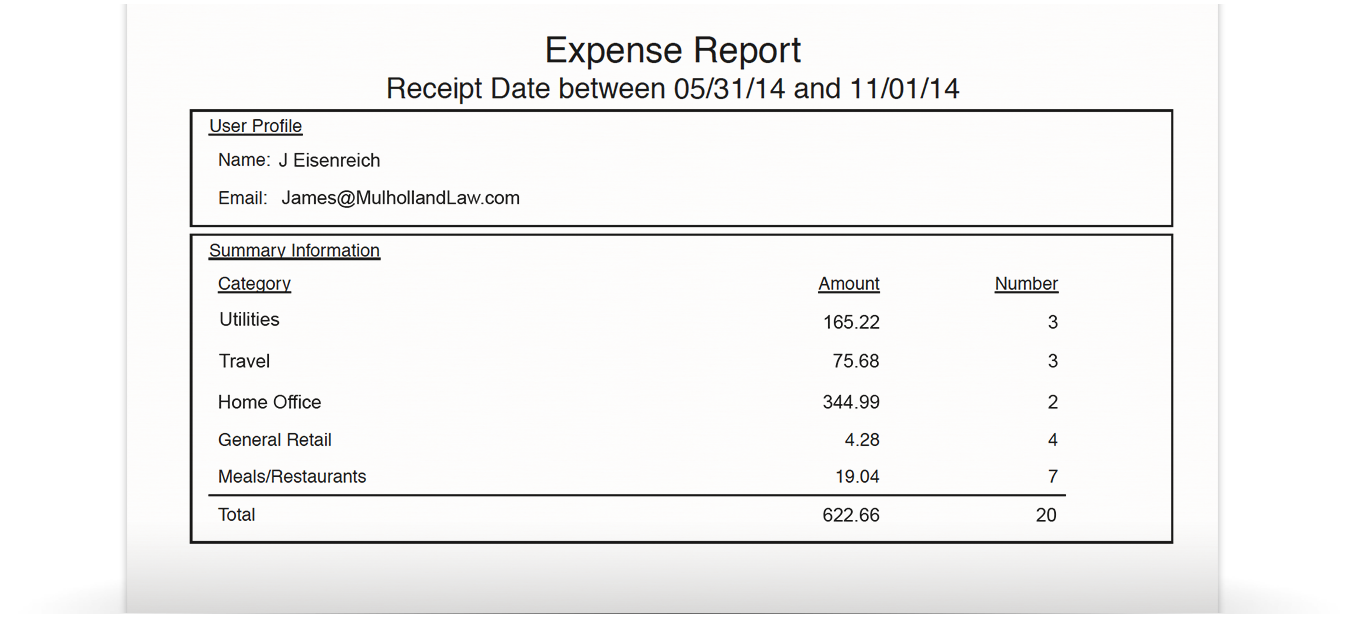
Suppose a sales rep visits a client in another city. Day one: train ticket 46.00, taxi 12.50, dinner 24.00. Day two: hotel for one night 89.00, breakfast 8.00, taxi back 14.00. The report totals 193.50. If the company paid a 100.00 advance, the rep is owed 93.50. Listing every line with a date and vendor, tagging it with a category and attaching the receipts lets the finance team approve it quickly. The amounts here are examples only, so follow your own employer’s limits.
If you use an Excel layout, click a total cell after opening the file and confirm that its formula covers every row, including any lines you insert. A simple SUM over the amount column is usually enough, and a second SUM by category, using a filter or a small summary table, shows where most of the money went. Keep the currency format consistent, and lock or protect the formula cells if several people will edit the same workbook.
How to Fill In and Submit an Expense Report
- Gather receipts, card statements and mileage notes for the period.
- Pick a layout below. Excel suits reports that need automatic totals, and Word suits printed forms.
- Enter your details, the period and the business reason.
- Add one line per expense in date order, with category and amount.
- Check the total against your receipts and subtract any advance.
- Attach receipts, sign the report and send it to your approver before your company’s deadline.
Mistakes That Delay Reimbursement
- Waiting weeks to write the report, so receipts fade or get lost.
- Mixing personal and business items on one line.
- Rounding amounts instead of copying them exactly from the receipt.
- Leaving out the business purpose, which forces the approver to ask.
- Ignoring your company’s per-meal or hotel limits and submitting items that will be rejected.
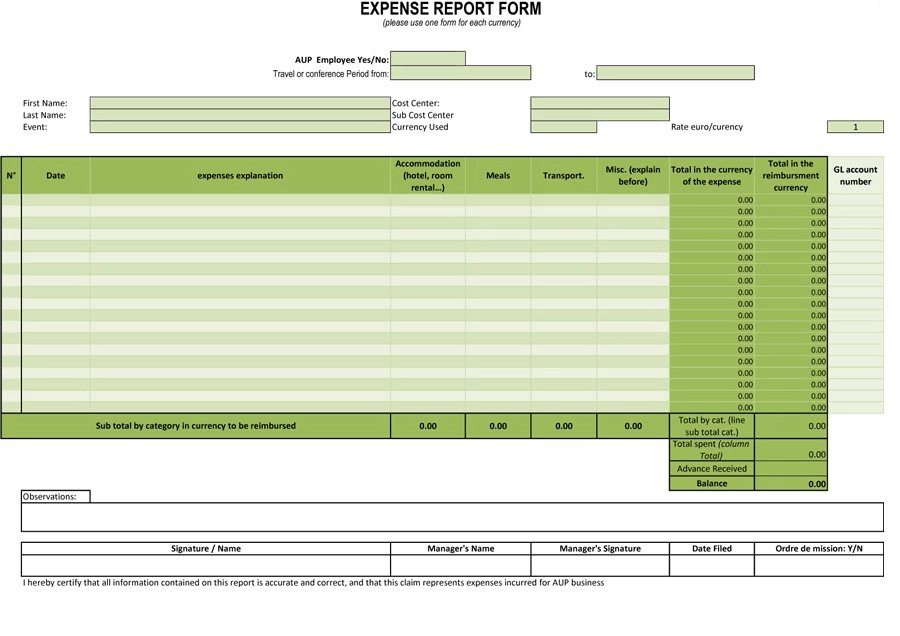
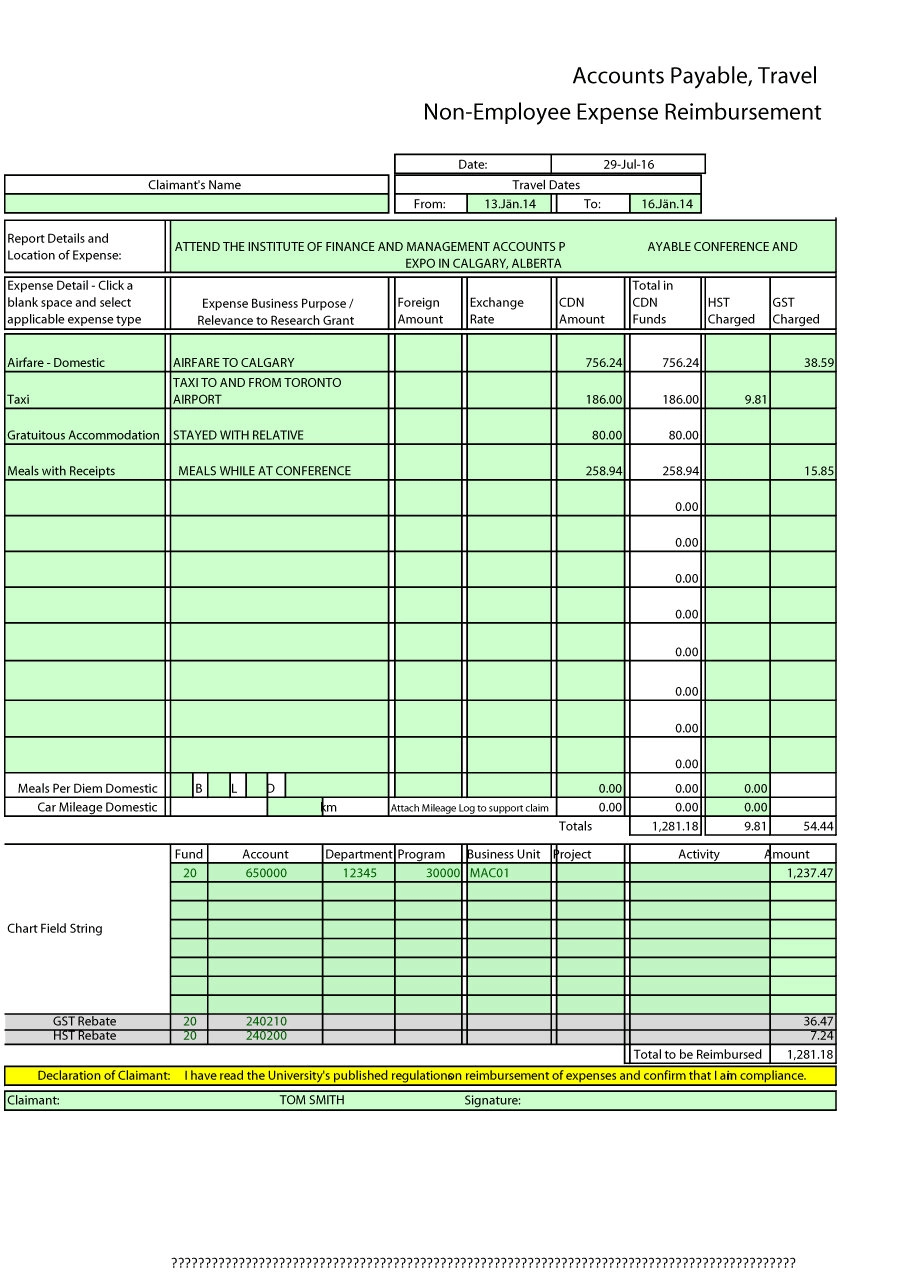
- Entering foreign currency without noting the rate and the date used.
Most organizations also ask you to submit within a fixed window, and late claims can be refused. Treat the report as a record that someone else must be able to audit months later, so write descriptions that still make sense after you have forgotten the trip. Store a scanned copy of the finished report and receipts in a folder named by year and month.
Where the Downloads Come From
The ten downloads listed first are files hosted on this site. After them come five image-only printable formats with no download, followed by examples whose buttons lead to other websites, such as Microsoft, Vertex42, Smartsheet and Zoho. Those buttons open the providers’ own files or pages, so their terms and formats may differ. Some may open a web page rather than a file. One small download button in the Excel section is not linked at all. Open each file and check totals and formulas before you rely on it.
Template file guide
Before completing your template
- Match every claimed item to its supporting record.
- Use the required categories and reporting period.
- Recheck totals and approval details before submission.
Use the file links below to open an option directly, or continue to the previews to compare layouts. File formats are taken from the linked filenames. Extract ZIP archives before checking the files inside. Outside provider links take you to another website; check that site’s available formats and terms.
Free Expense Report Templates to Download
Choose by how you will submit the claim: a spreadsheet when you want totals worked out for you, or a printable form when you will write entries by hand and staple receipts to the page.
Excel, Word and ZIP Downloads Hosted Here
Each preview below has a download button directly under it.
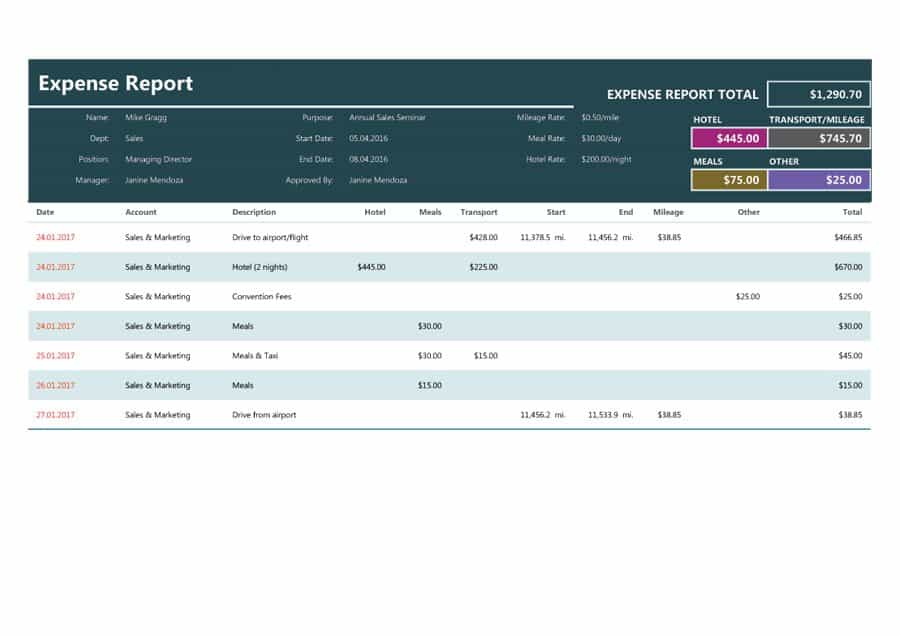

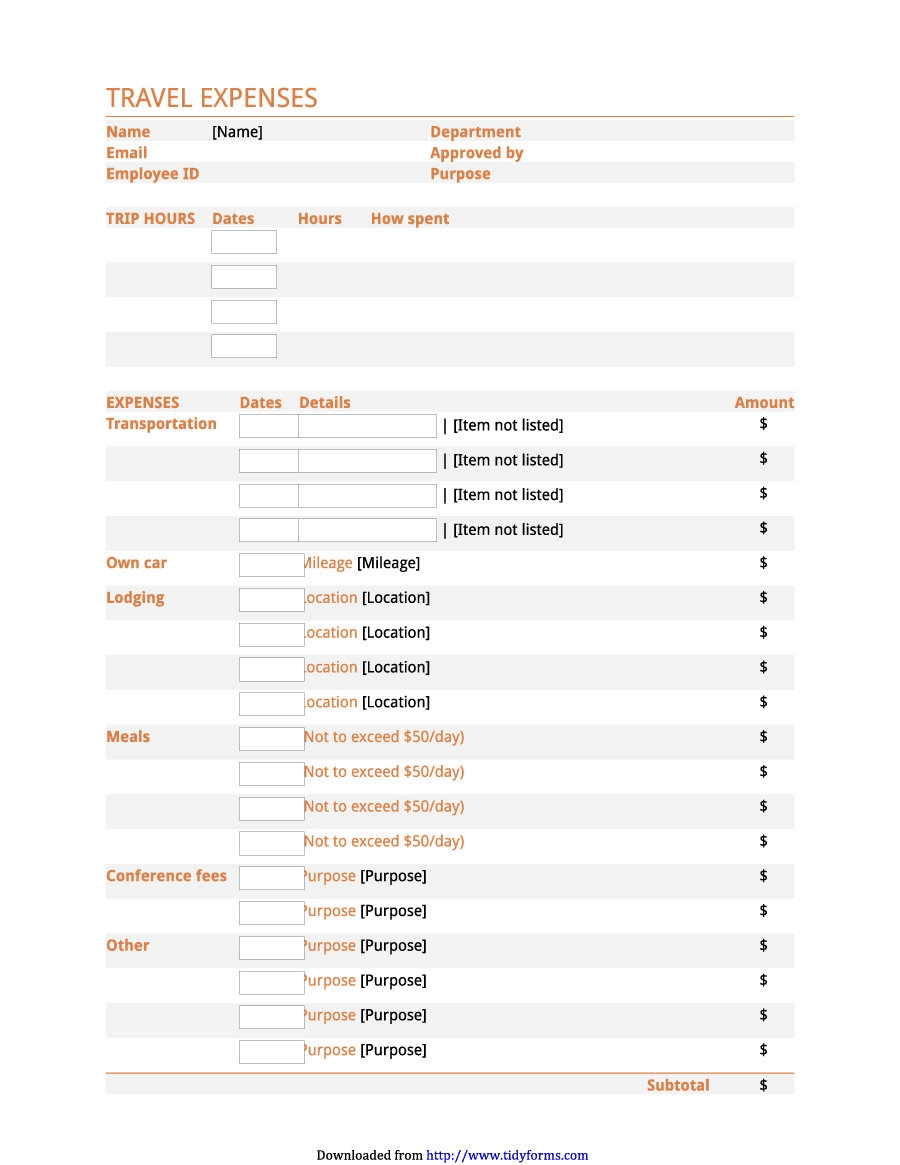
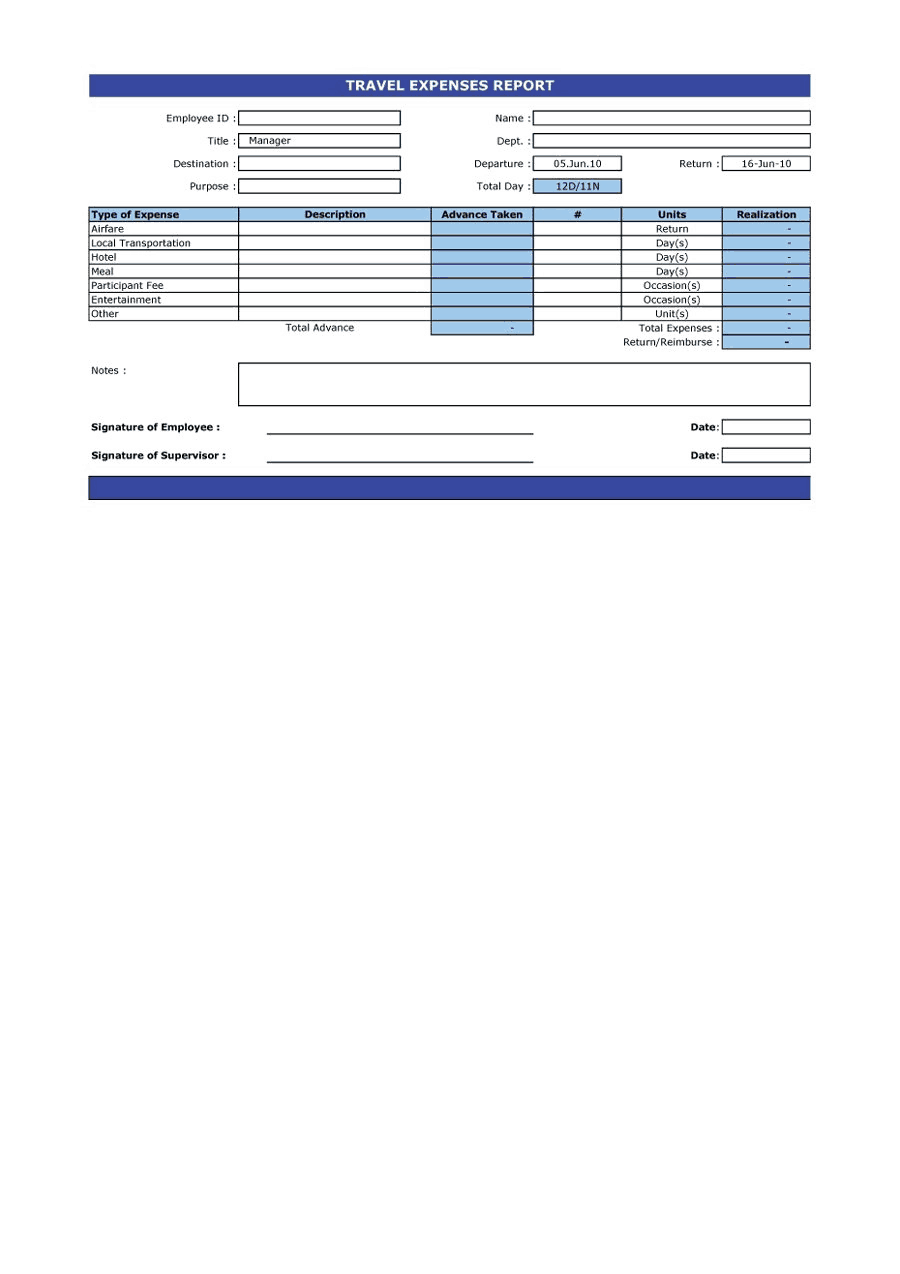
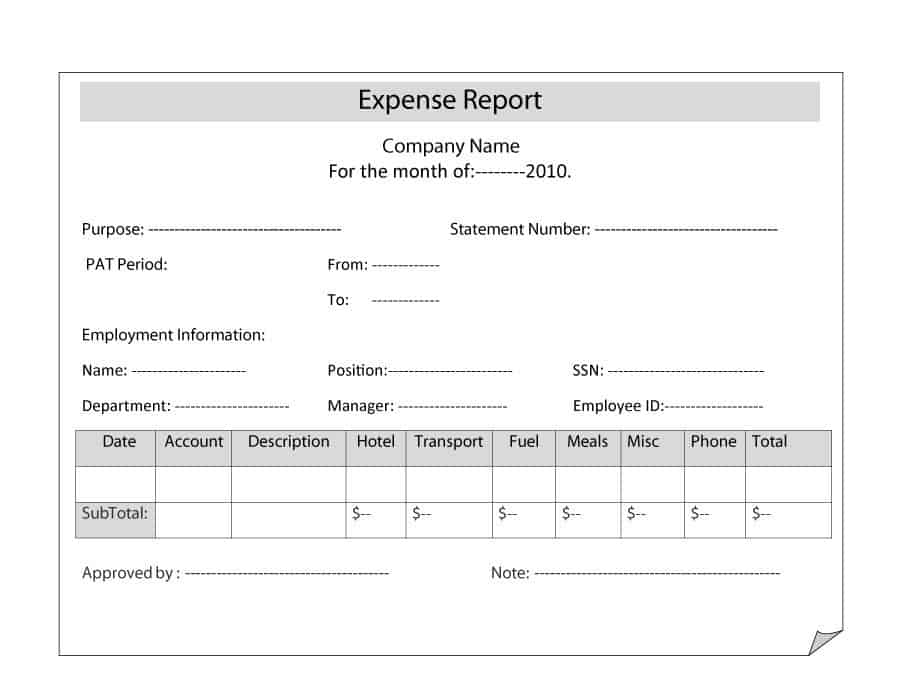


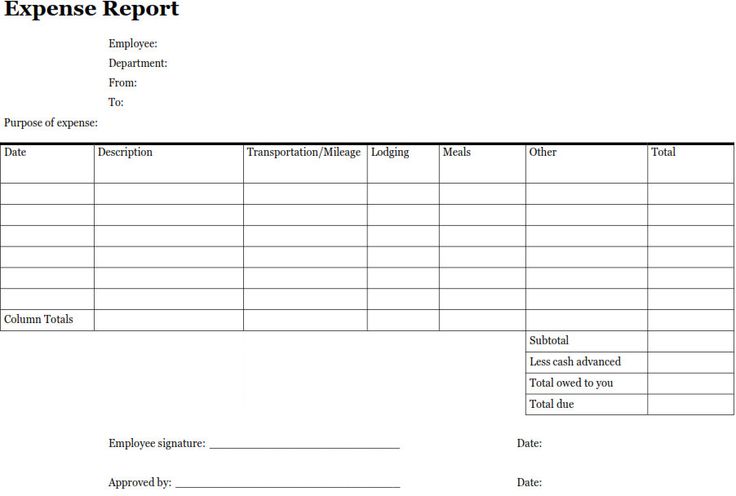
Printable Expense Report Formats
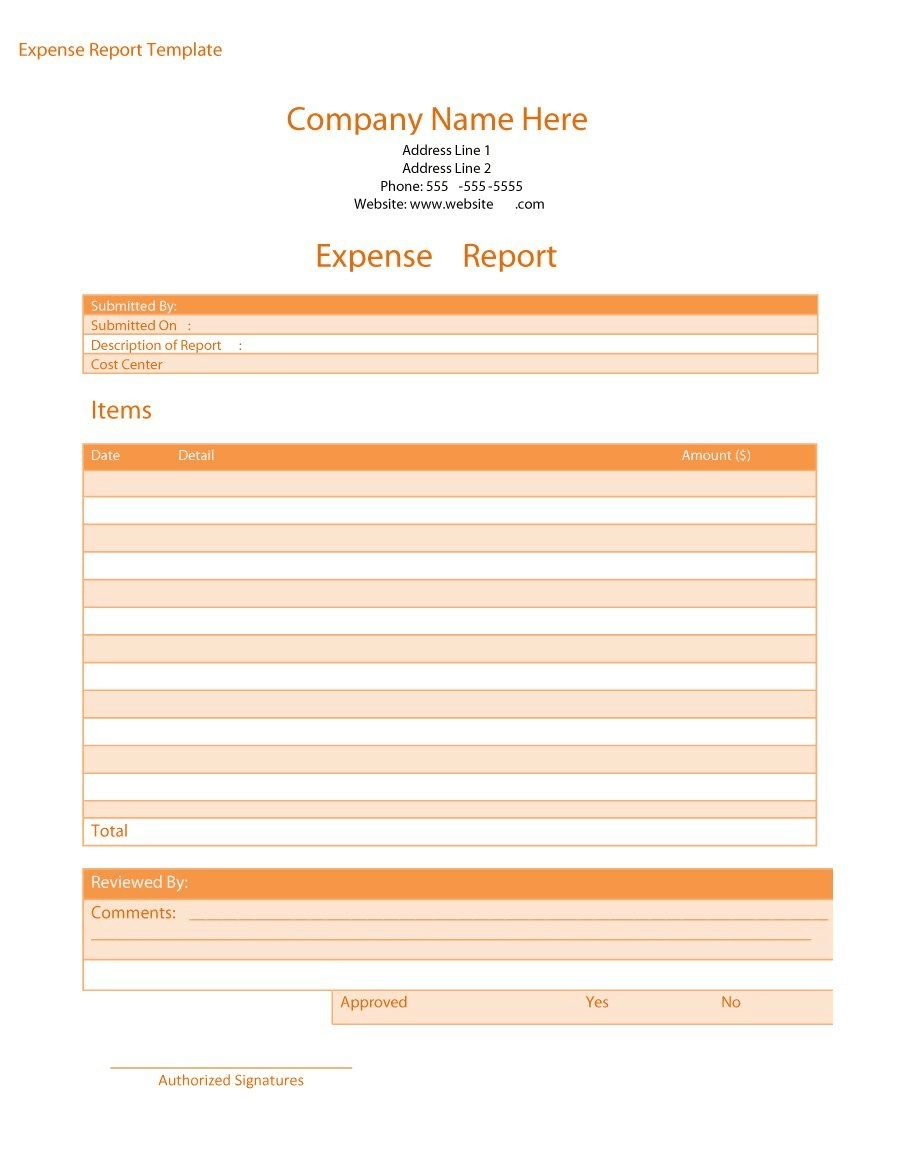
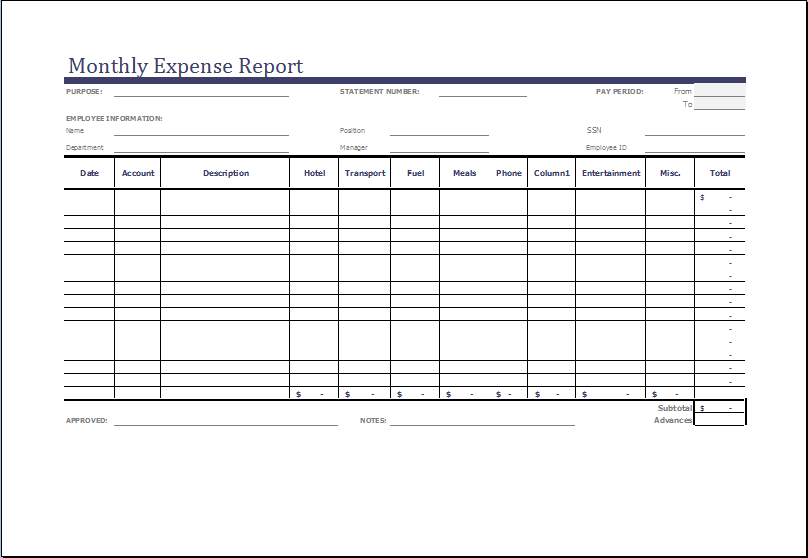
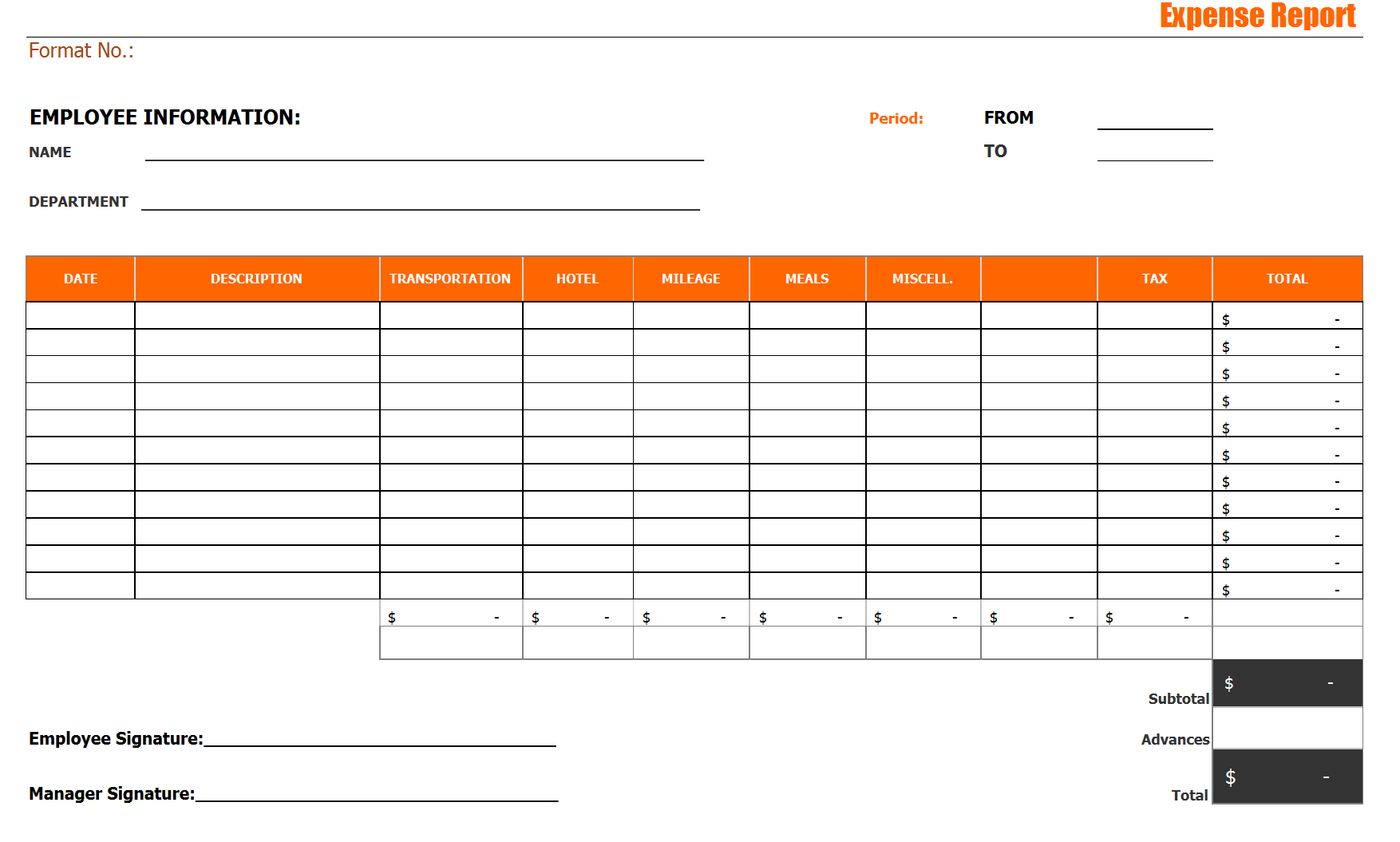
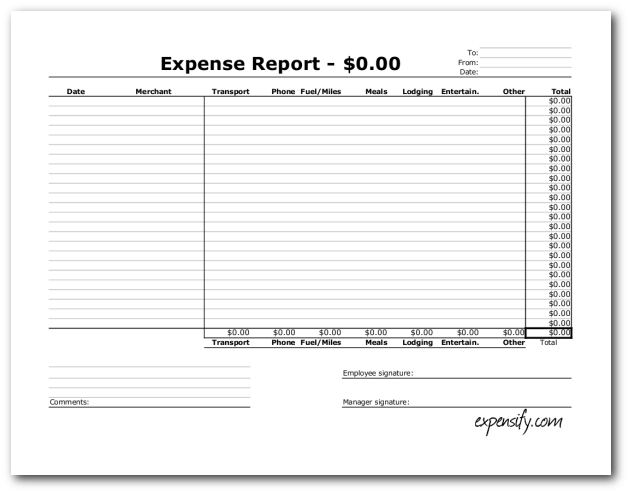
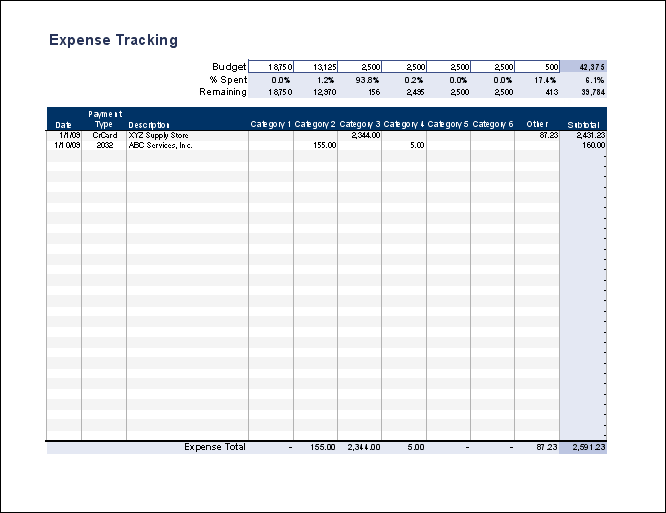
Image examples of printable formats. These have no download button, so use them as layout ideas when building your own sheet.

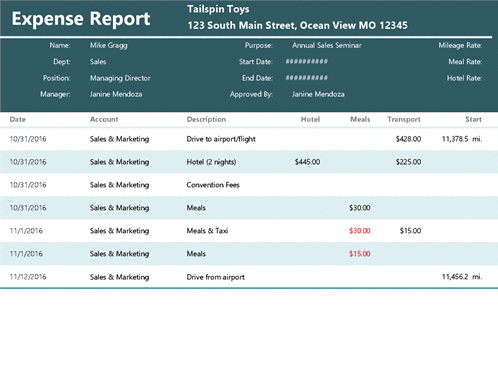
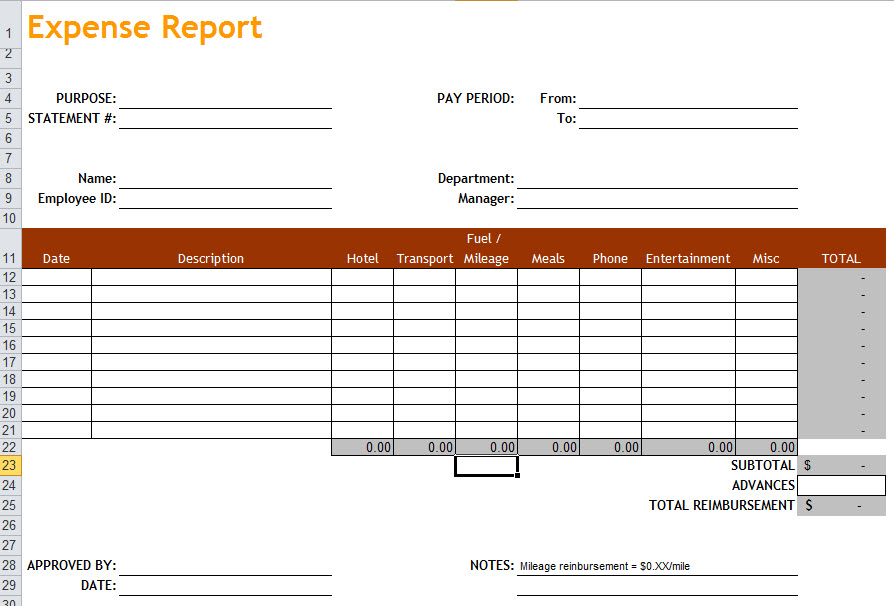
Excel Expense Report Templates from Other Sites
Excel examples whose buttons lead to templates on other websites.

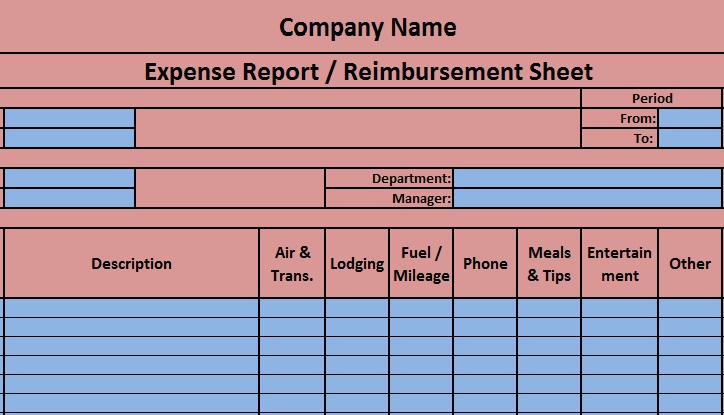
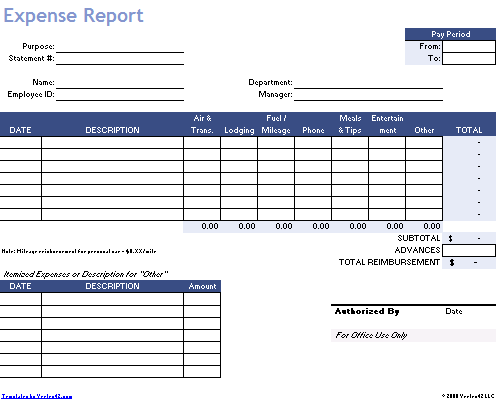
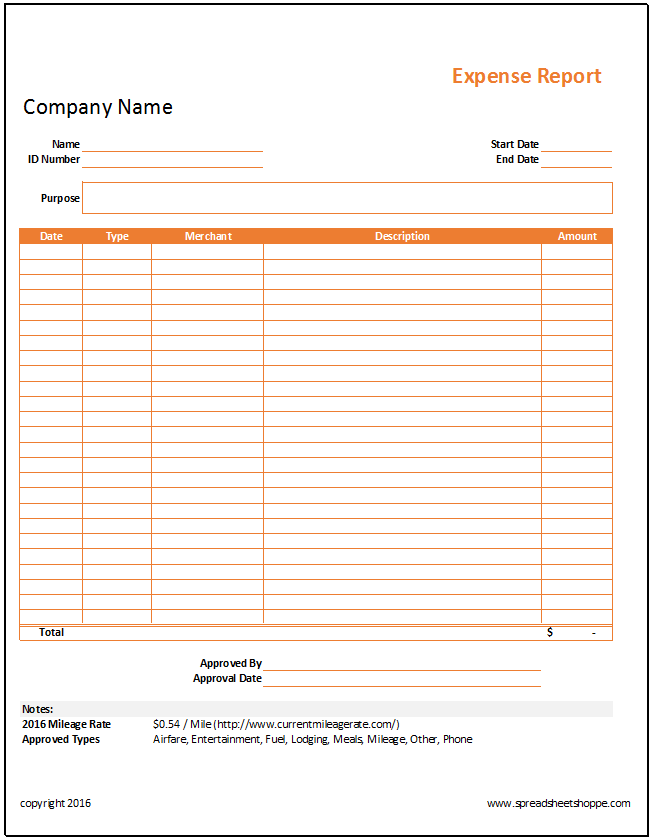
Blank Expense Report Forms from Other Sites
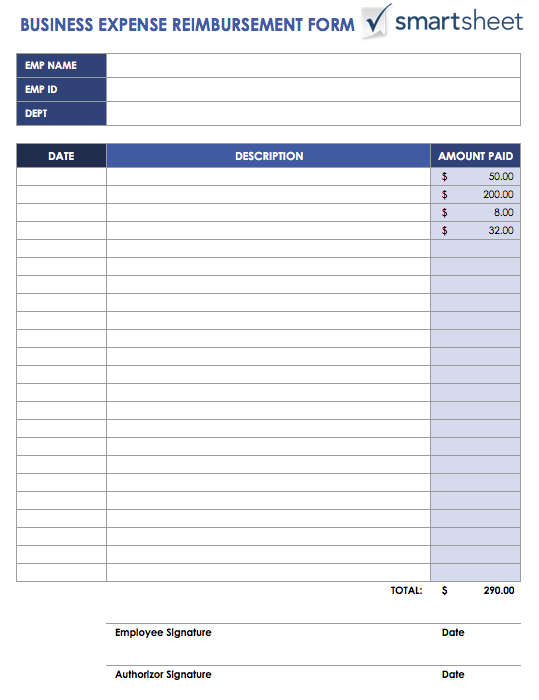
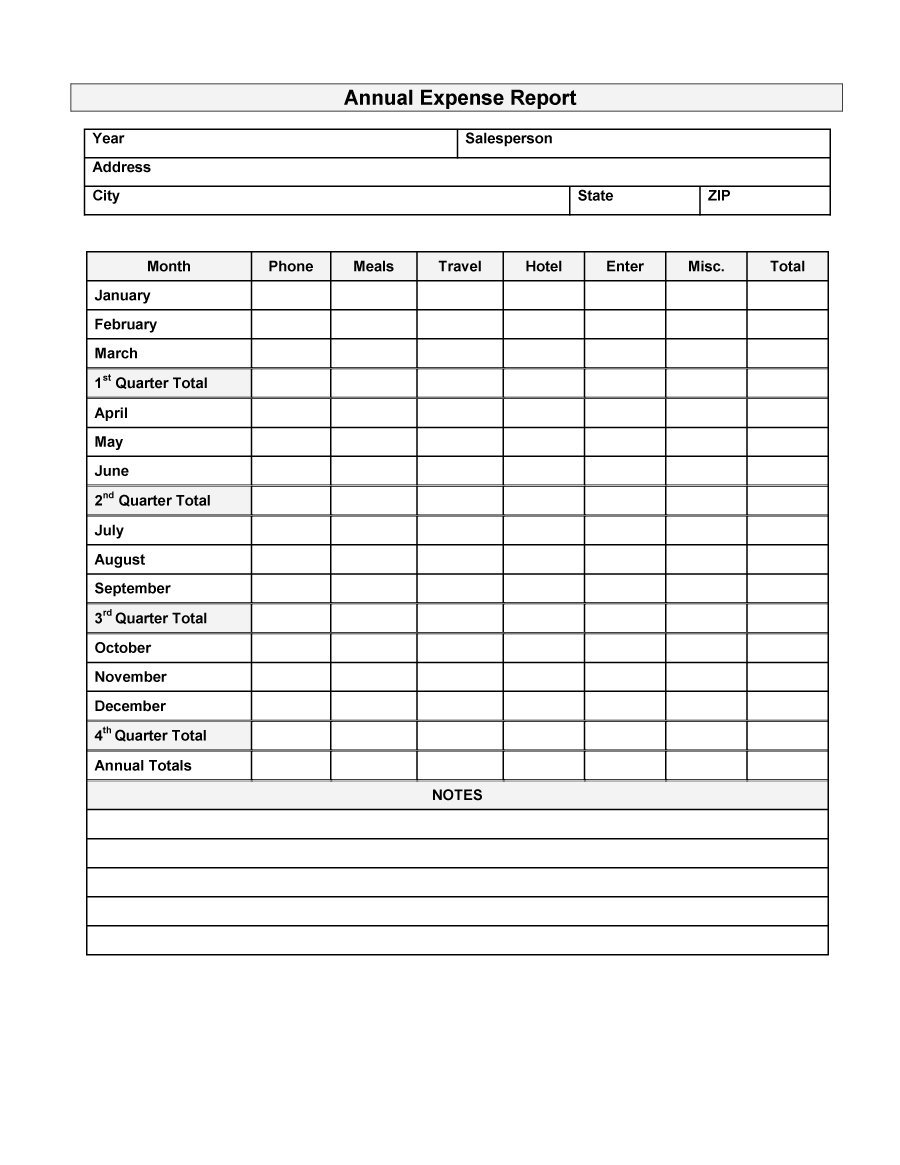
Blank forms from other providers. The buttons open those companies’ own pages.
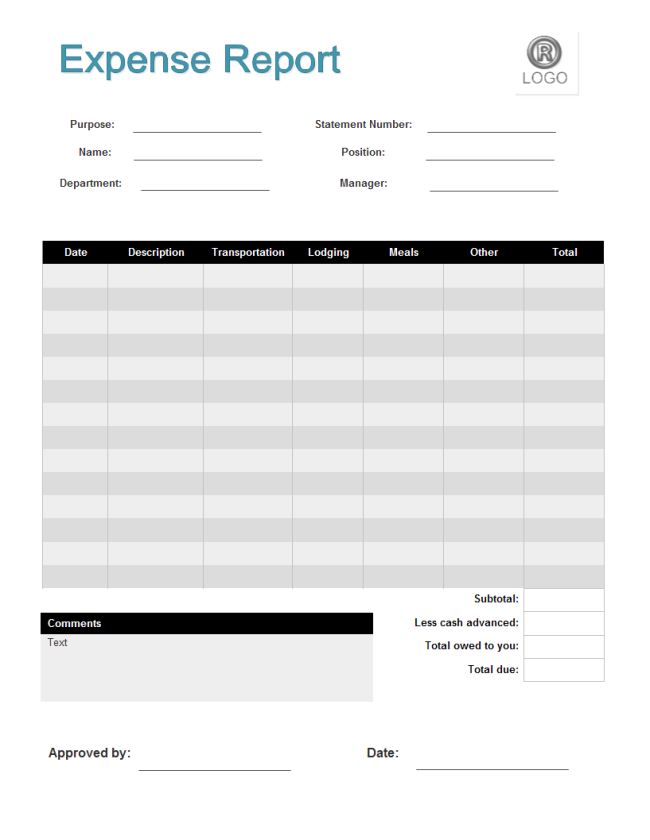
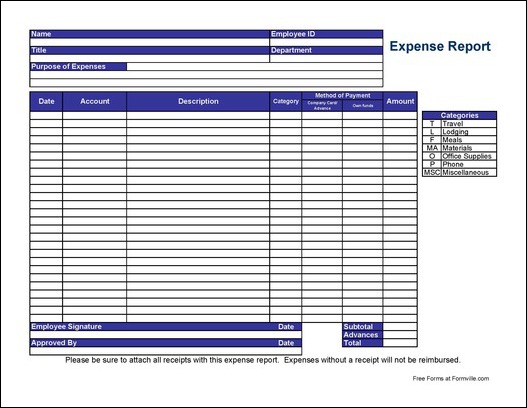
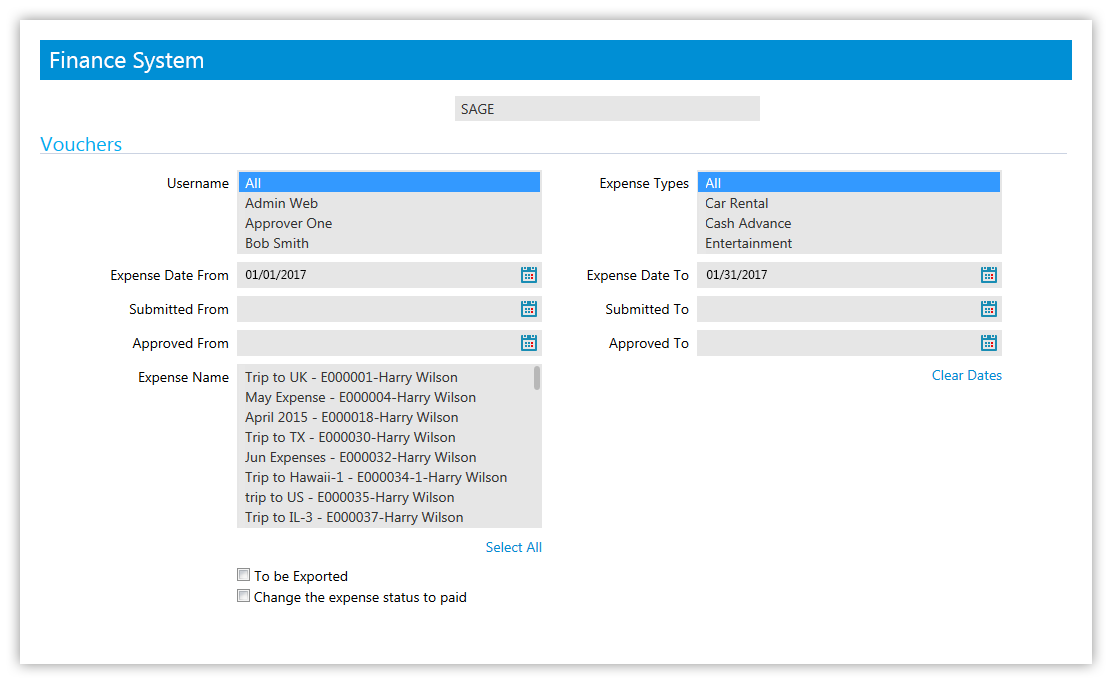
Online Expense Report Tools
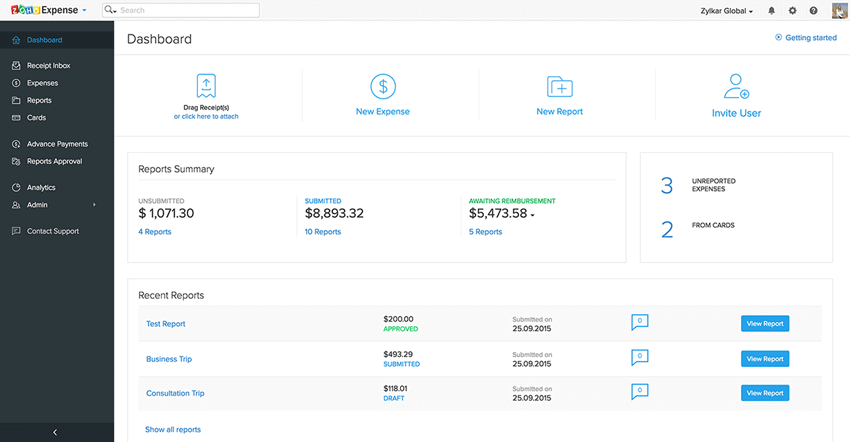

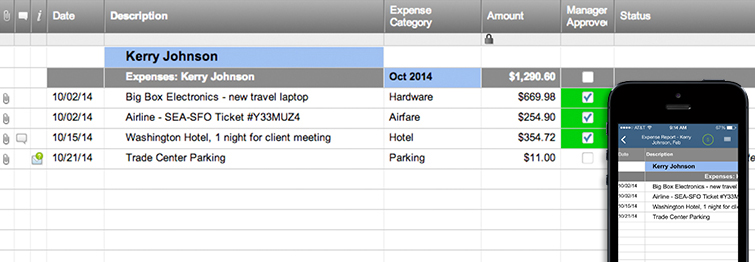
Related Templates
- free income statement templates for seeing how expenses affect profit
- free receipt of payment templates for documenting what you paid or received
- free monthly report templates for summarizing spending each month
- free order form templates for recording purchases before they become expenses
Frequently Asked Questions About Expense Reports
Which files on this page are hosted here?
Ten: six Excel workbooks (XLSX), three Word documents (DOCX) and one ZIP archive. The other buttons lead to outside sites, and five printable formats are images only with no download.
Which format is best for an expense report?
Excel is handy when you want automatic totals and category summaries. A Word form is easier if you prefer to print it and fill it in by hand, then attach receipts.
How do I total mileage on an expense report?
Record the date, start and end points and distance for each trip, then multiply by the rate your employer or local tax authority uses. Check the current rate before you submit.
What is the difference between an expense report and an expense claim form?
They are often the same thing. A claim form stresses the request to be repaid, while a report also works as a record of spending by category.
Do I need receipts for small purchases?
Many companies require receipts above a set amount and accept a note for smaller items. Your policy decides, so ask finance if you are unsure.
How should I handle expenses paid in another currency?
List the amount in the original currency, add the exchange rate you used and the converted amount, and keep the card statement or receipt showing the charge.
How long should I keep old expense reports?
Requirements differ by country and by organization. Many businesses keep them for several years for accounting and tax purposes, so ask your accountant.
Can I use an expense report for personal budgeting?
Yes. Replace the business purpose column with a note such as household or hobby, then compare monthly totals by category.



You must be logged in to post a comment.