A purchase order template gives a buyer one consistent form for telling a supplier exactly what to deliver, at what price and by when. This page has 8 free, editable purchase order samples: four Excel spreadsheets that can add up line totals for you, one Word document, and three ZIP downloads containing purchase order request and order forms, so a purchasing officer or small business owner can start from a layout that fits how they work.
What a Purchase Order Does
A purchase order, or PO, is a document a buyer sends to a vendor before goods or services are delivered. It lists the items, quantities, agreed prices, delivery details and payment terms. Once the seller accepts it, the PO commonly acts as the record of what both sides agreed to, so a disagreement about a price or a delivery date can be settled by looking at the paper rather than by memory.
The order goes from buyer to seller, which makes it the opposite of an invoice. The PO comes first and says what you intend to buy; the invoice arrives later and says what you now owe. Comparing the two, along with the delivery note, is how many accounts teams catch overcharges and missing items.
Excel, Word or ZIP: Which Purchase Order Format to Pick
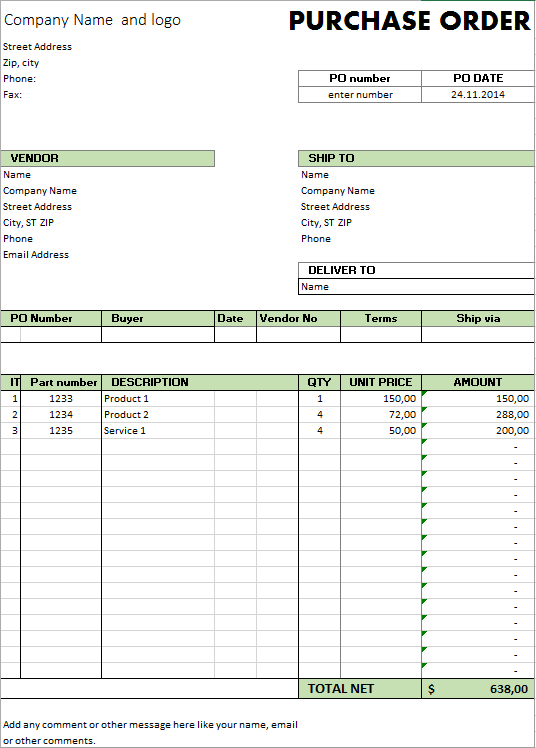
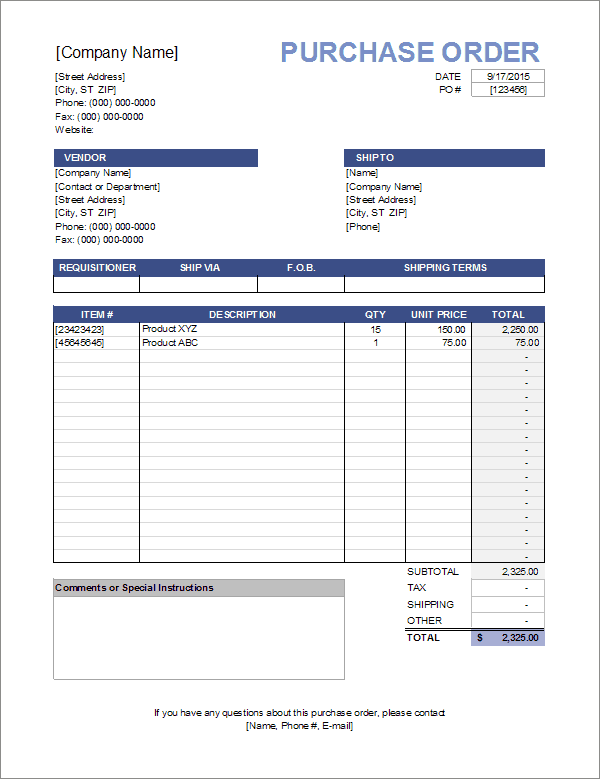
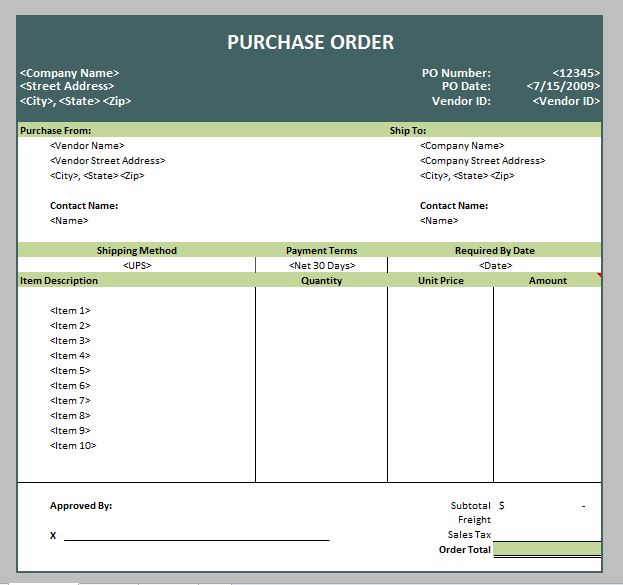
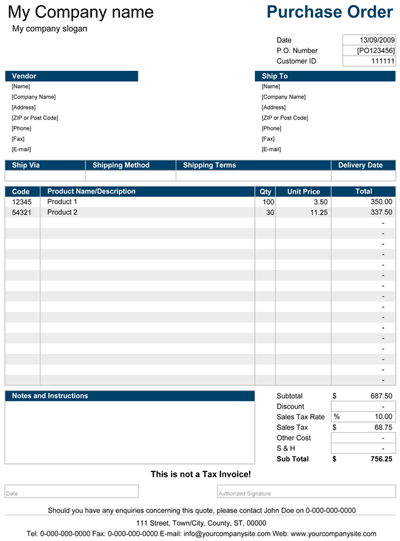
- Excel purchase orders (.xlsx and .xls): best when you place many orders and want formulas to total quantities, tax and shipping. Four samples are below.
- Word purchase order (.docx): best for a simple, quick-to-edit document that you print or send as an attachment.
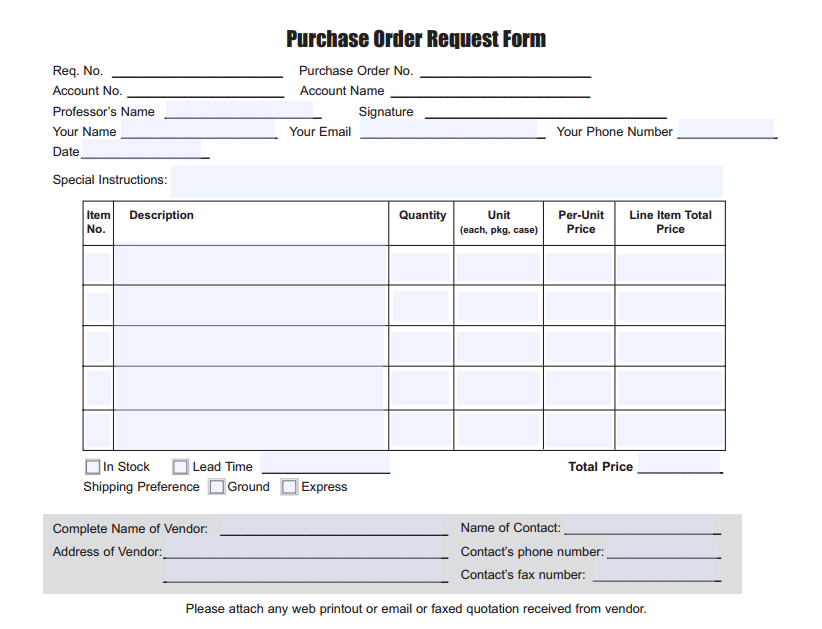
- ZIP downloads: three samples, including a purchase order request form used when an employee asks for approval to buy. Some downloads arrive as ZIP files, so extract them first and check what is inside.
If you send the same kind of order every week, choose Excel and save one copy per supplier. If you place a few orders a year, a Word file is usually enough.
What to Put on a Purchase Order
- Your company name, billing address and contact person
- A unique PO number and the order date
- The vendor’s name, address and contact details
- A description of each item, with model or item codes where you use them
- Quantity, unit price and the line total
- Tax, shipping charges and the grand total
- The delivery address, requested delivery date and shipping method
- Payment terms, such as payment within 30 days of invoice
- An authorized signature or approval line
A Short Example: Ordering Stock for a Small Shop
A gift shop owner needs to restock notebooks and pens before the school season. She opens an Excel purchase order, enters PO number 2025-014, the supplier’s details and two line items: 120 notebooks at 2.40 each and 200 pens at 0.55 each. The spreadsheet totals the lines, she adds shipping, and states that delivery is needed by the 20th and payment is due 30 days after the invoice. She emails the file to the supplier and keeps a copy. When the boxes arrive, she checks them against the PO line by line and only then approves the supplier’s invoice for payment.
Purchase Order Habits That Prevent Payment Problems
- Give every PO its own number, and never reuse one.
- Get the price confirmed before the order goes out, not after.
- Match the PO, the delivery note and the invoice before you pay.
- Set an approval limit so larger orders need a second signature.
- Write the item description precisely, including size, color or model.
- Keep completed orders in one folder or sheet for accounting and audits.
Matching the Order, the Delivery and the Bill
Many finance teams check three documents before paying a supplier: the purchase order, the delivery note and the invoice. If the quantity, item and price agree on all three, the invoice can be approved. If they differ, someone asks the supplier why before money leaves the account. A tidy PO with a clear number and precise item descriptions makes this check quick, and it also helps a small business owner who has no accounts department to notice a duplicate charge or a short delivery.
How to Use These Purchase Order Templates
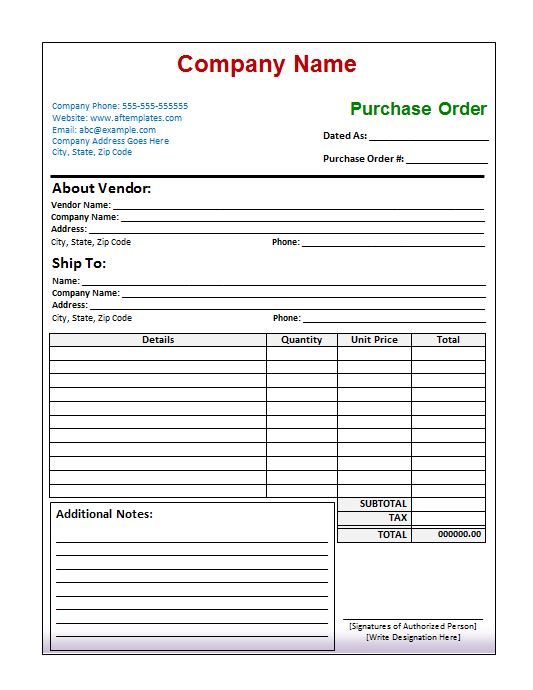
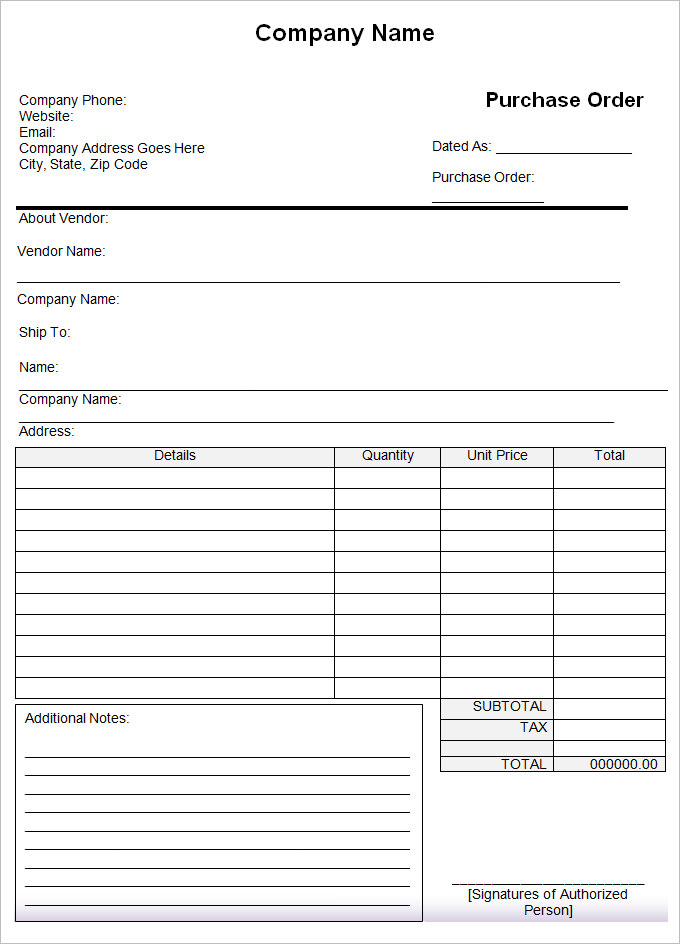
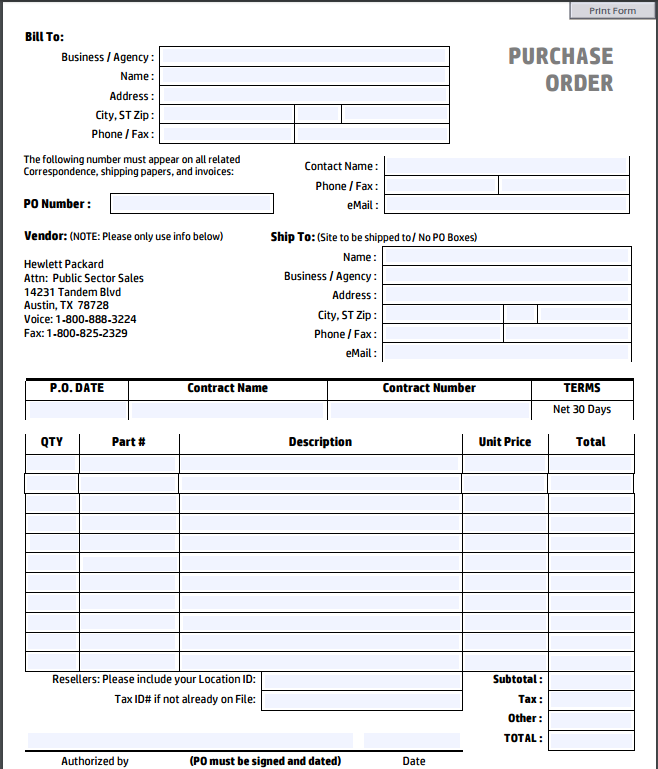
Every template below has a preview image followed by a download button. Press the button under the preview you want to save the file, open it in Excel or Word, and replace the sample company, vendor and item details with your own. Add your logo if you like, change the tax rate to match your area, and save the file under a new name for each order. For ZIP files, extract the archive before you open anything. Print or email the finished PO to the supplier once it has been approved.
Template file guide
Before completing your template
- Confirm supplier details, item codes and quantities.
- Check totals and delivery instructions.
- Use the approved PO number on related delivery and invoice records.
Use the file links below to open an option directly, or continue to the previews to compare layouts. File formats are taken from the linked filenames. Extract ZIP archives before checking the files inside.
| File or resource | Format / source |
|---|---|
| Excel purchase order template 1 | XLSX |
| Excel purchase order template 2 | XLS |
| Excel purchase order template 3 | XLSX |
| Excel purchase order template 4 | XLSX |
| Word purchase order template 1 | DOCX |
| sample purchase order format | ZIP |
| purchase order request form | ZIP |
| purchase order form template | ZIP |
Download Free Purchase Order Templates
Excel Purchase Order Templates

Purchase Order Templates for Word
Purchase Order Request Forms
Purchase Order Video Tutorials
How to Create a Purchase Order
Purchase Order Excel Template Tutorial
Purchase Order Template Excel Videos
Purchase Order Walkthrough
Related Templates
- free order form templates for customers placing orders with you
- quotation templates for the price quote that comes before an order
- contractor invoice templates for the bill that follows delivery
- price list templates for keeping supplier prices in one place
Frequently Asked Questions (FAQs) About Purchase Order Templates
What is the difference between a purchase order and an invoice?
A purchase order is created by the buyer to request goods or services. An invoice is created by the seller to request payment after the goods or services are provided.
Should I use an Excel or Word purchase order template?
Excel is handy when you place many orders and want totals calculated for you. Word is better for an occasional order that you want to edit and print quickly.
How do I number purchase orders?
Use a simple running sequence, often with the year, such as 2025-001, 2025-002. The important part is that no number is ever used twice.
What is a purchase order request form?
It is an internal form an employee fills in to ask for approval to buy something. Once approved, the purchasing team issues the actual purchase order to the supplier.
Is a purchase order a legally binding document?
Once a seller accepts a purchase order, it can form part of a contract between buyer and seller. The exact legal effect depends on local law and on the terms involved, so seek professional advice if you are unsure.
What should I do if the delivery does not match the purchase order?
Note the differences on the delivery note, contact the supplier in writing and hold the invoice until the difference is sorted out. Keep the PO as your reference for what was agreed.
Can I add my company logo to a purchase order template?
Yes. Open the Word or Excel file, insert your logo in the header area, then save the file as your own company template for future orders.
How long should I keep purchase orders?
Retention periods depend on your local accounting and tax rules. Many businesses keep purchase orders together with invoices and receipts for several years, so check what applies to you.
You must be logged in to post a comment.