A free Word proposal template saves you from the blank-page problem that stalls most bids: you know what you want to offer, but not how to lay it out. This page has 21 editable proposal templates, 12 as Word (.docx) files and 9 as ZIP downloads that you extract before opening. Pick a layout, swap in your own details and send a proposal that reads clearly from the cover page to the price.
Business, Project or Sales Proposal: Which One Are You Writing?
The word “proposal” covers several different documents, and choosing the right kind changes what goes on the page. A short list helps.
- Business proposal: introduces your company and a partnership or service to another organization, so it leans on background, credentials and references.
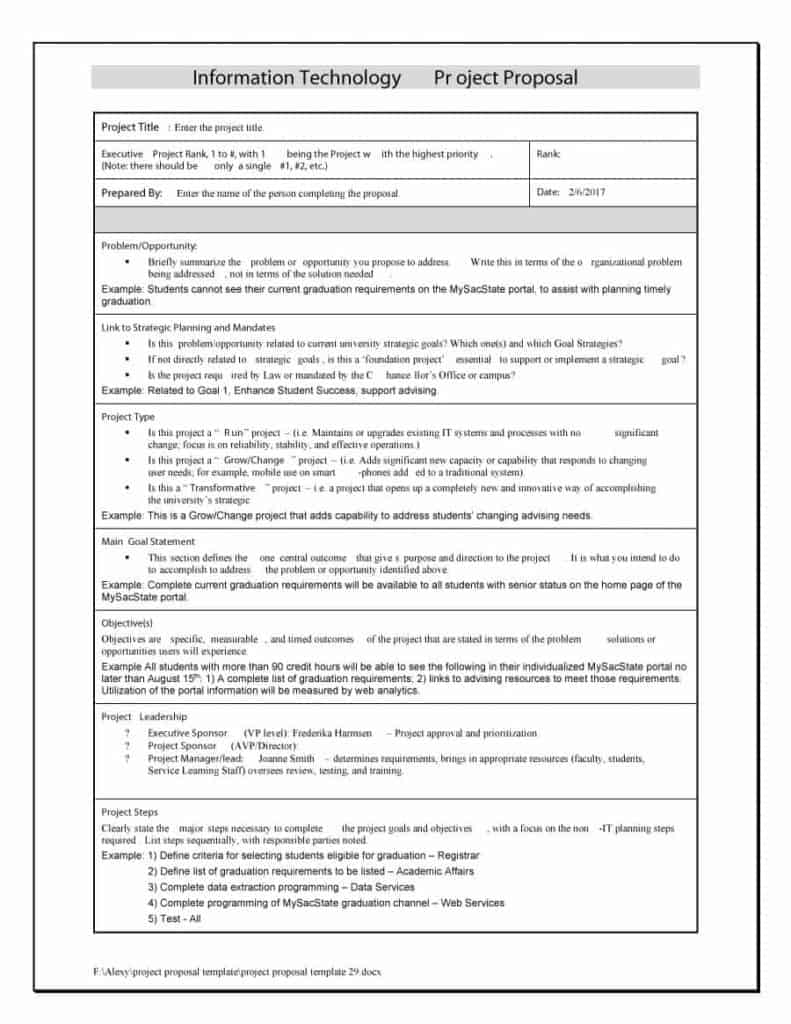
- Project proposal: asks for approval to carry out specific work, so goals, tasks, timeline and budget come first.
- Sales proposal: answers a customer’s request for a quote with benefits, pricing and terms.
- Solicited proposal: replies to a request for proposal (RFP) and must follow the headings and page limits the client sets.
- Unsolicited proposal: is sent without being asked, so the opening paragraph has to explain the problem the reader may not know they have.
- Grant or research proposal: requests funding and usually needs a stronger methods and outcomes section.
The templates below are general layouts, so the same file can be reshaped into any of these by renaming headings and deleting sections.
Sections a Proposal Needs Before You Send It
Buyers skim first and read later, so each section should earn its place. Check your draft against this list.
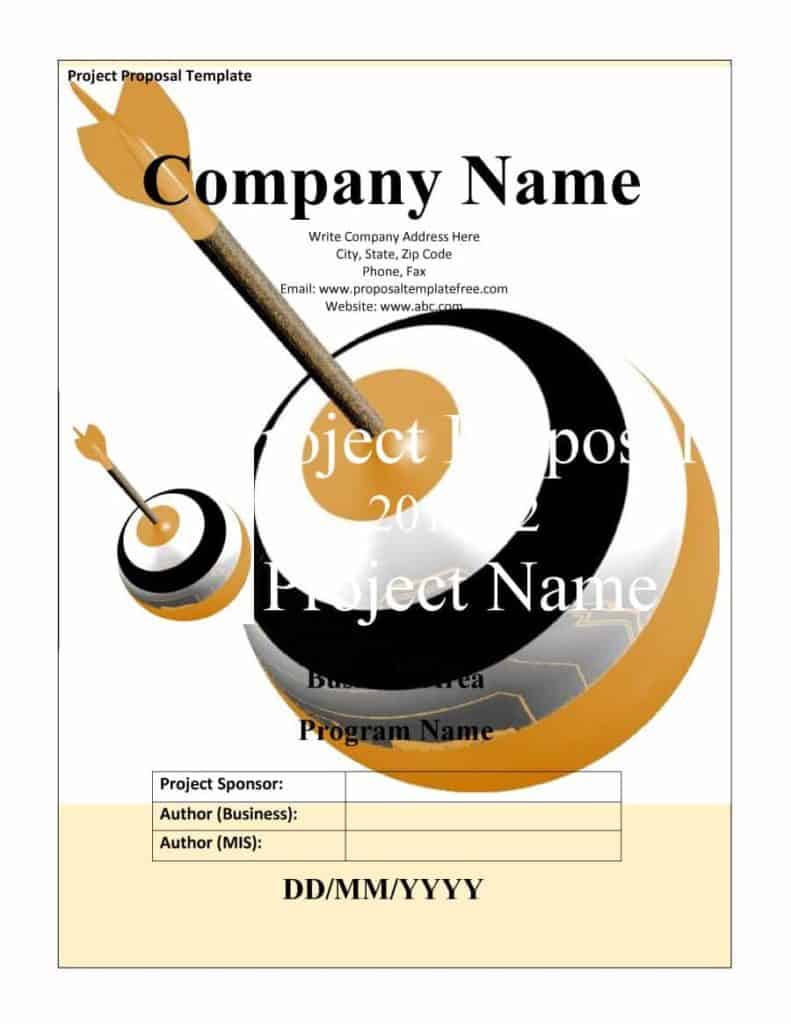
- Cover page: proposal title, your name or company, the client’s name and the date.
- Executive summary: the problem, your solution and the price range in a few short paragraphs.
- Understanding of the need: the client’s situation in their own words, drawn from the brief or a call.
- Proposed solution: what you will do, how, and what the client receives at the end.
- Timeline and milestones: dates or week numbers, with the points where the client must respond.
- Pricing: a clear table, what is included, what costs extra and when payment is due.
- Your credentials: two or three relevant past projects or references rather than a long biography.
- Terms and next step: how long the offer is valid and exactly how to accept it.
A Sample Executive Summary to Model
The executive summary is the section most readers actually finish, so write it last and keep it tight. Here is an invented example for a small marketing job: “Harbor Bakery wants more weekday customers. We propose a six-week local campaign of three email newsletters, a redesigned lunch menu and a loyalty card, at a fixed price of 2,400 dollars. Work begins the week after approval. The bakery’s only tasks are supplying photos and approving each draft within two working days.” Notice that it names the client, states the offer, gives a price and a start date, and says what the client must do. Change the details to fit your own job and keep the same four ingredients.
How to Write a Proposal Step by Step
- Read the brief twice and highlight every requirement, deadline and evaluation rule.
- Choose the template layout that fits the length and formality the client expects.
- Write the client’s problem first, before mentioning anything about yourself.
- Describe deliverables as things the client can check, such as “a 10-page website” instead of “web design services”.
- Build the price table from your real costs, and add a line for changes outside the agreed scope.
- Add a short timeline with named milestones.
- Read the whole document aloud, correct names and totals, then save a PDF copy for emailing.
Proposal Mistakes That Lose Deals
- Opening with a long company history when the reader wants to know what you will do for them.
- Copying an old proposal and leaving the previous client’s name in a header or footer.
- Giving one lump-sum price with no breakdown, which makes comparison and negotiation harder.
- Promising results you cannot control, such as an exact sales increase.
- Ignoring the format an RFP requires, which can disqualify an otherwise strong bid.
- Forgetting to say how to accept, so the reader has to guess the next step.
A proposal is a business document and may become part of a contract once accepted. If large sums or legal terms are involved, have the final version checked by a qualified professional.
Template file guide
Before completing your template
- Match the proposed work to the recipient’s stated need.
- Make scope, timing and price consistent.
- End with a clear next step and contact details.
Use the file links below to open an option directly, or continue to the previews to compare layouts. File formats are taken from the linked filenames. Extract ZIP archives before checking the files inside.
21 Free Word Proposal Templates to Browse
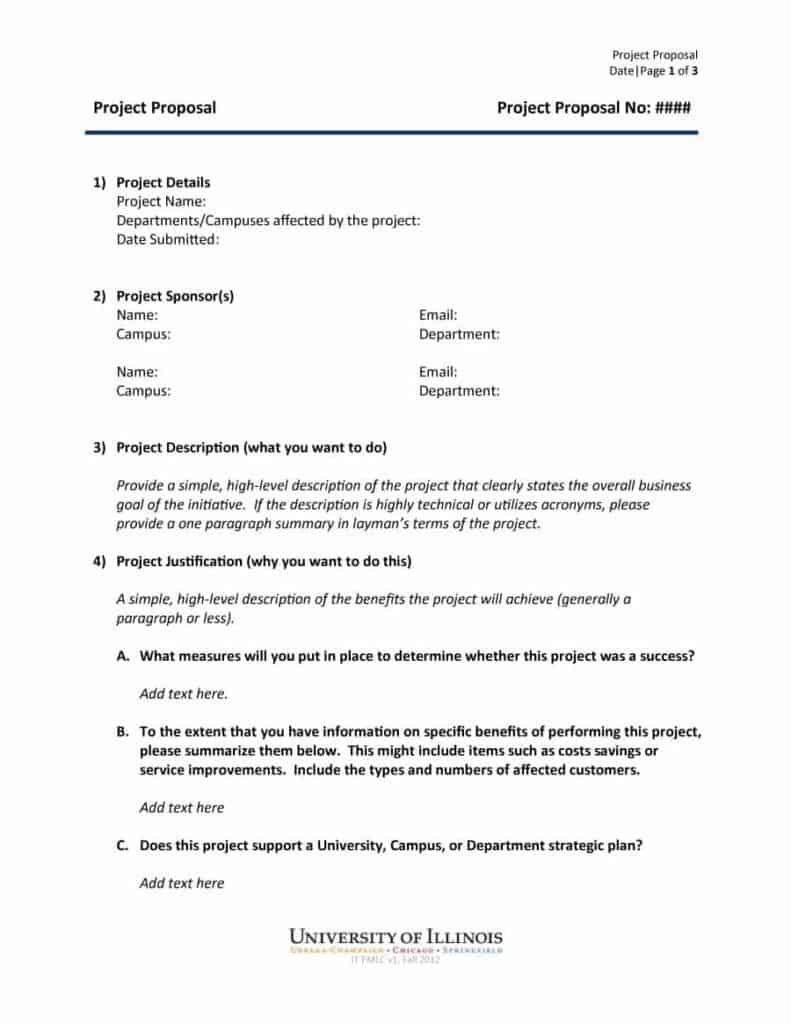
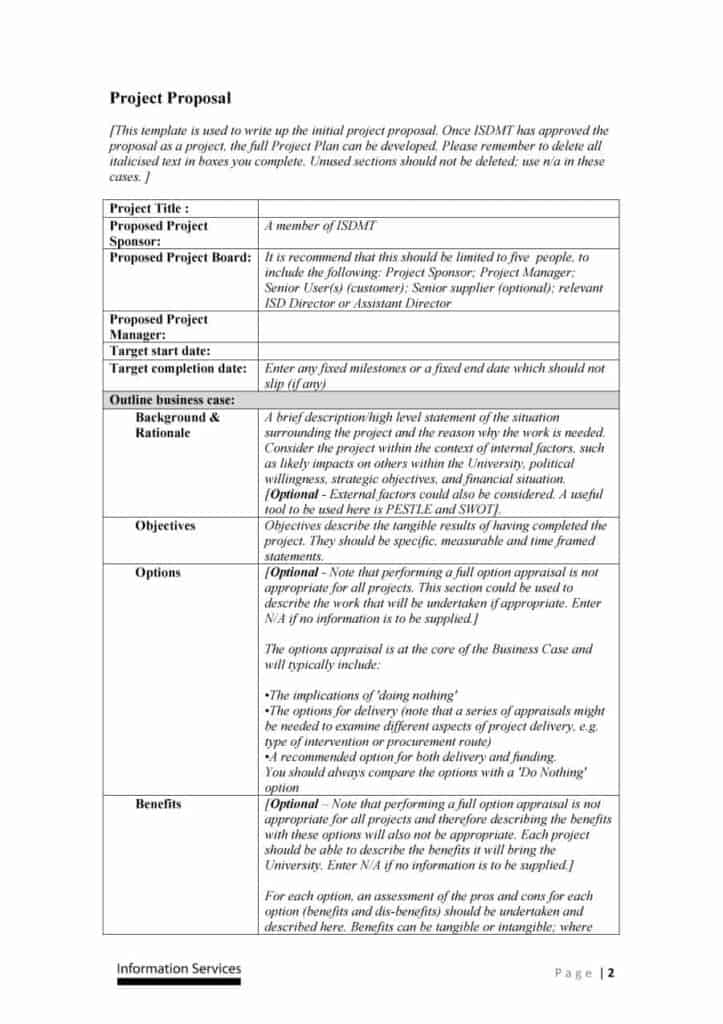
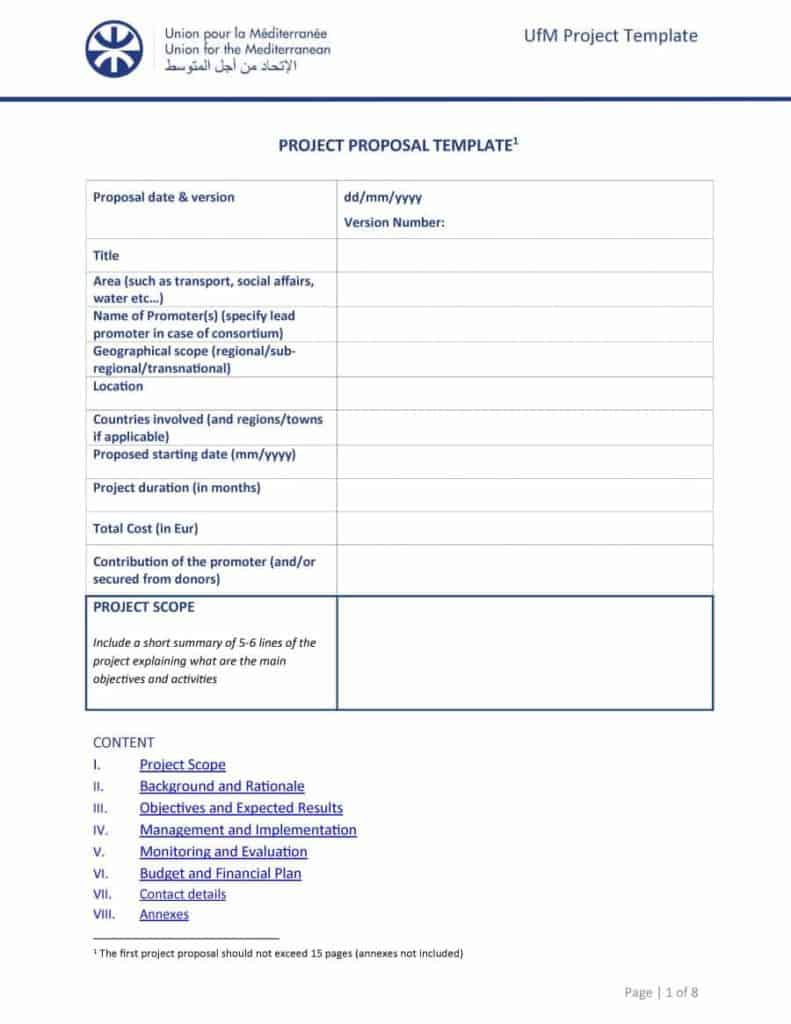
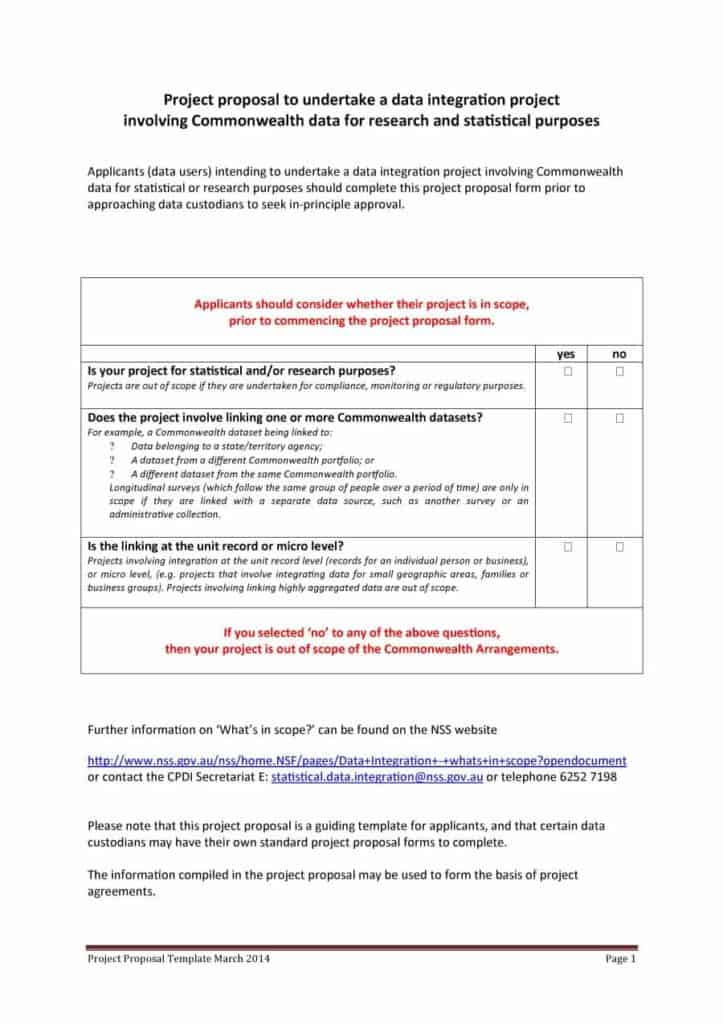
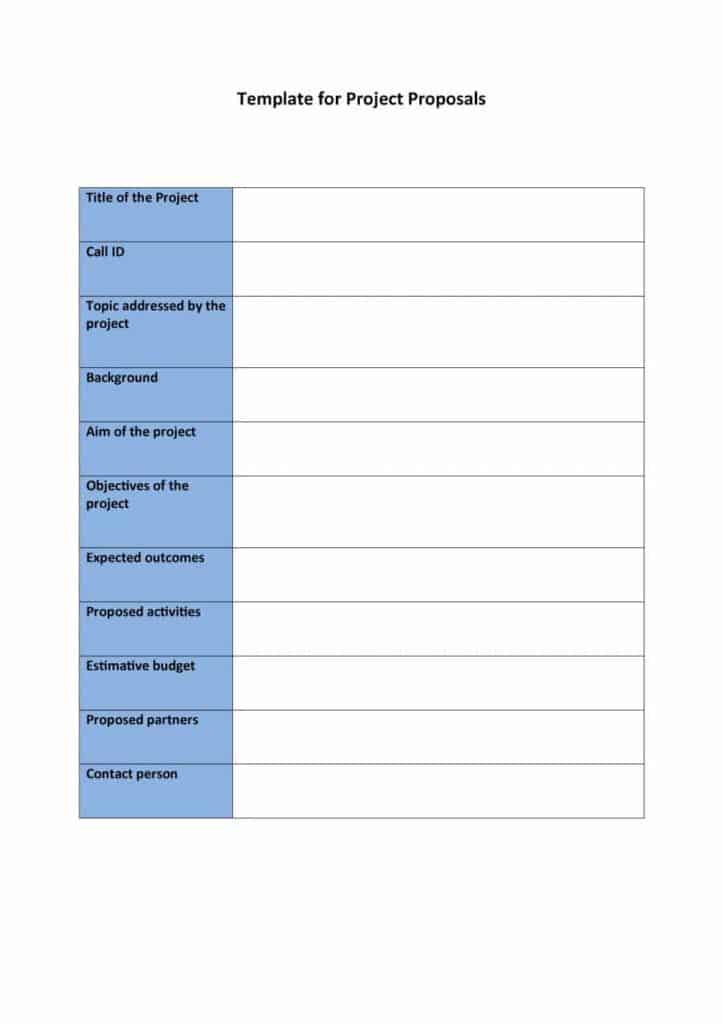
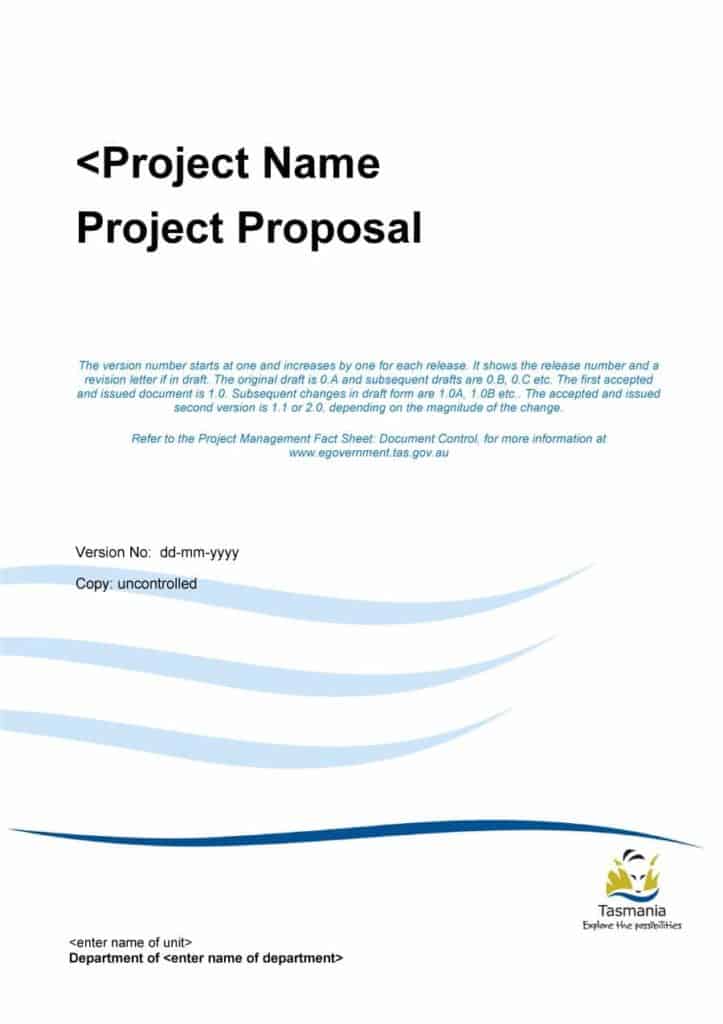
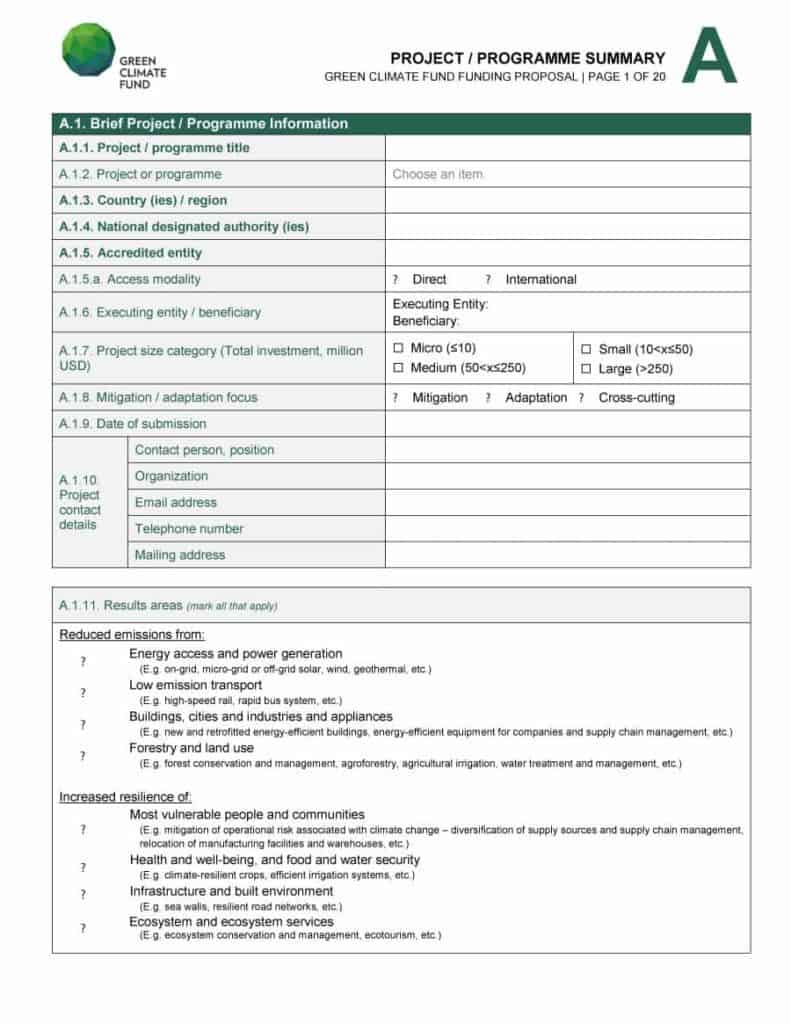
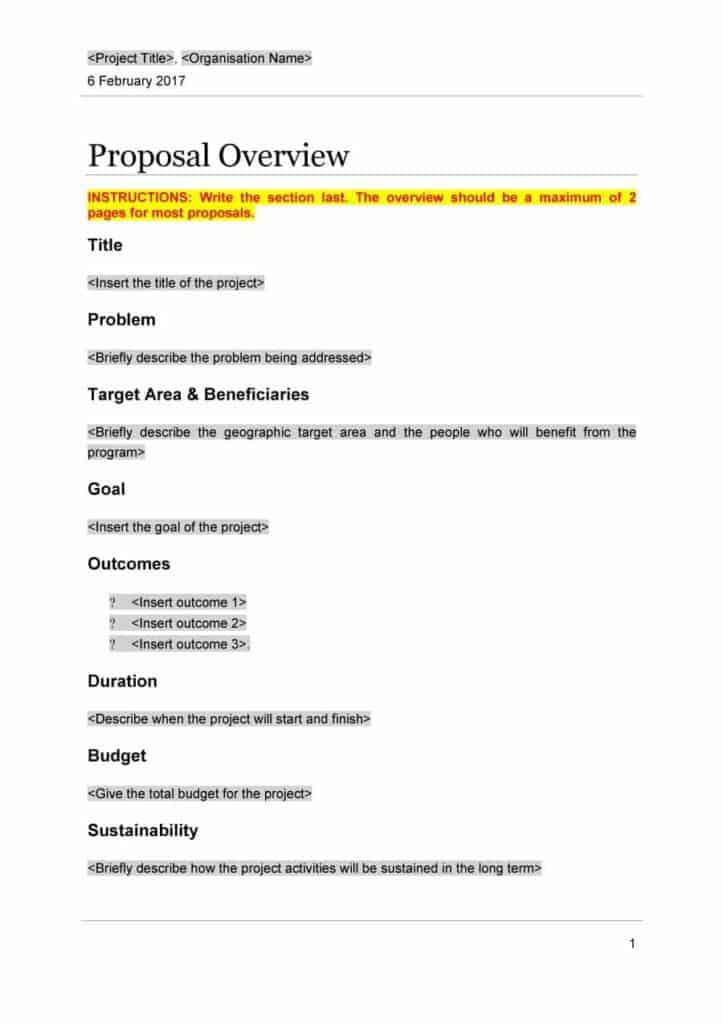
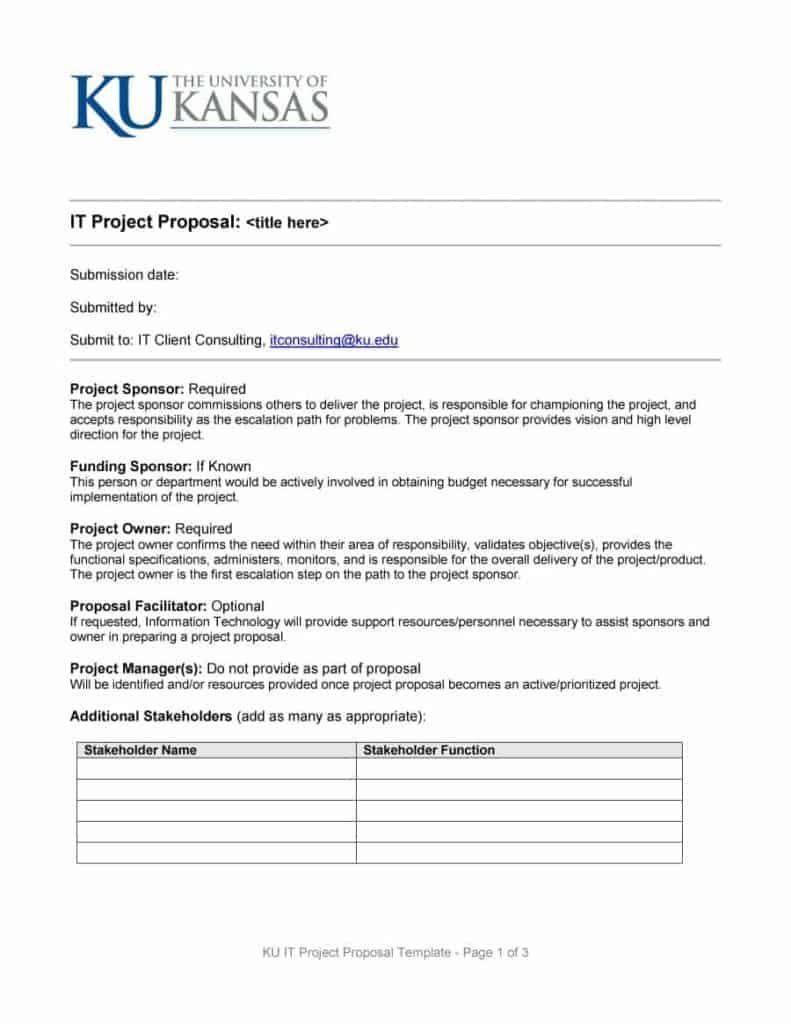
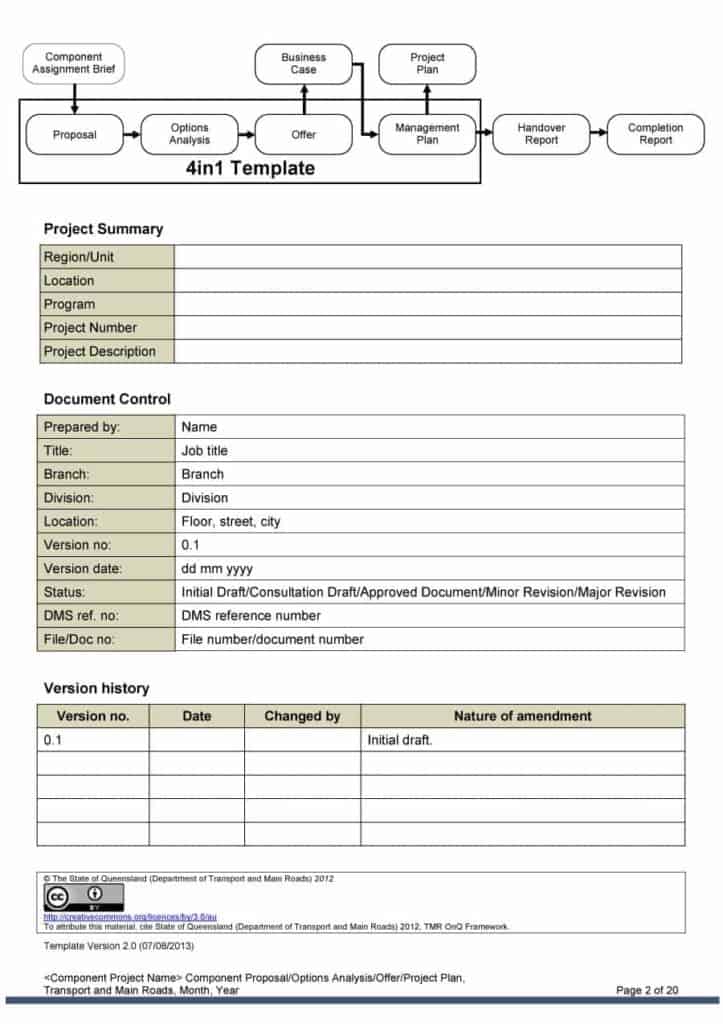
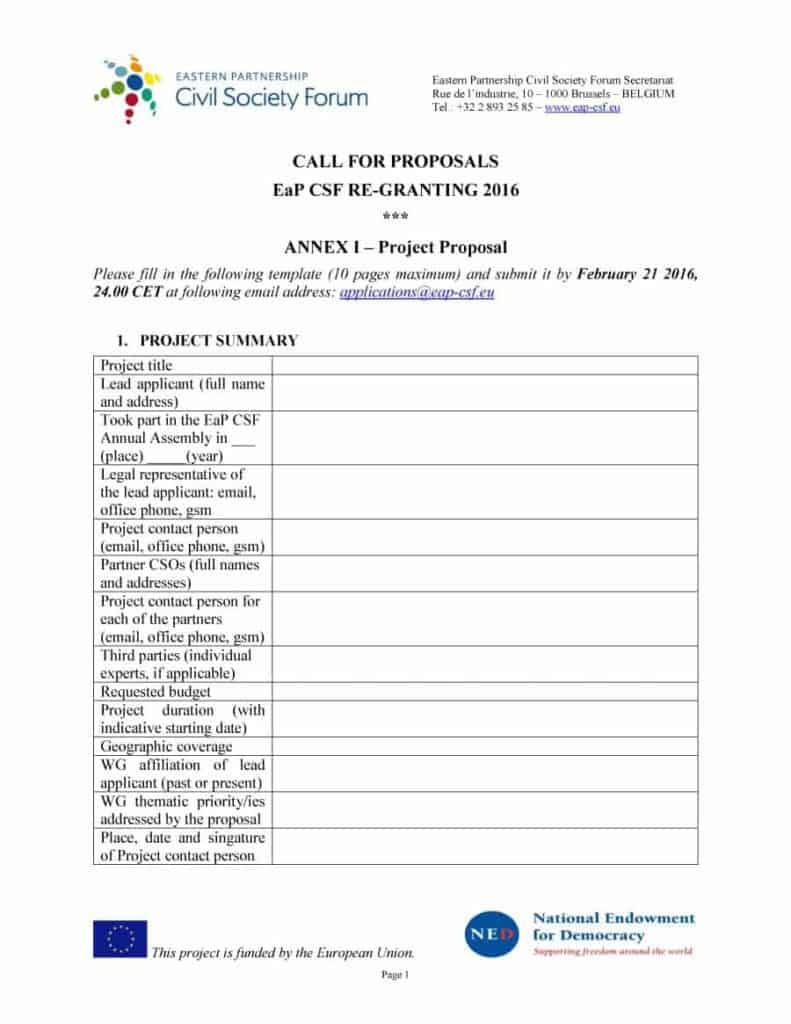
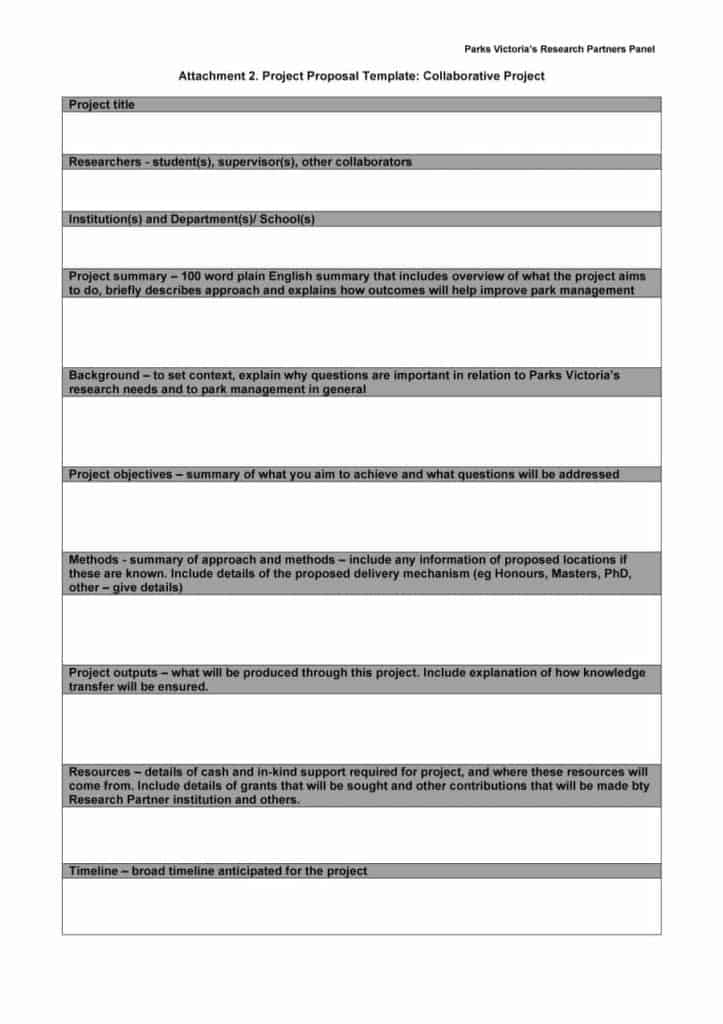
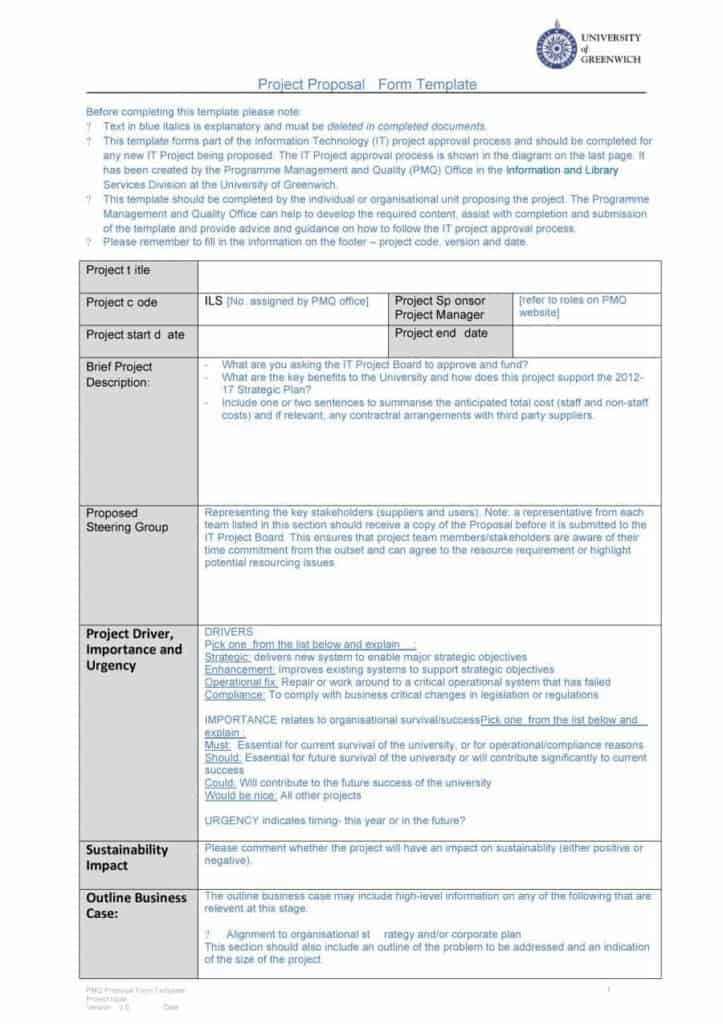
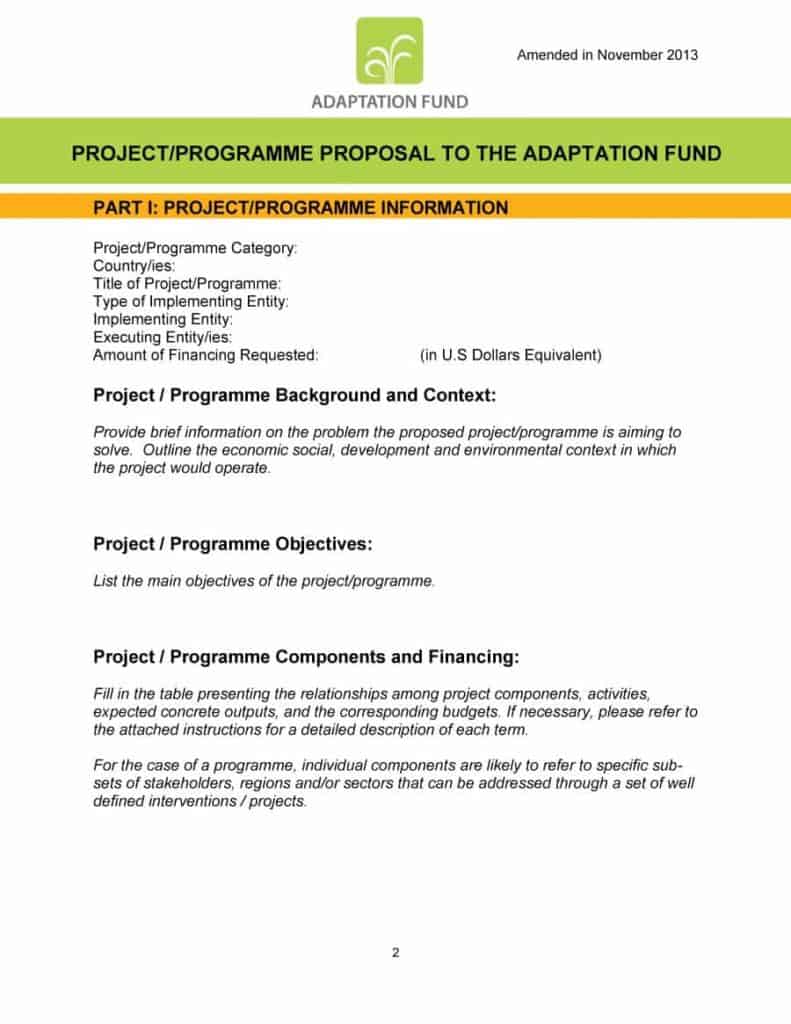
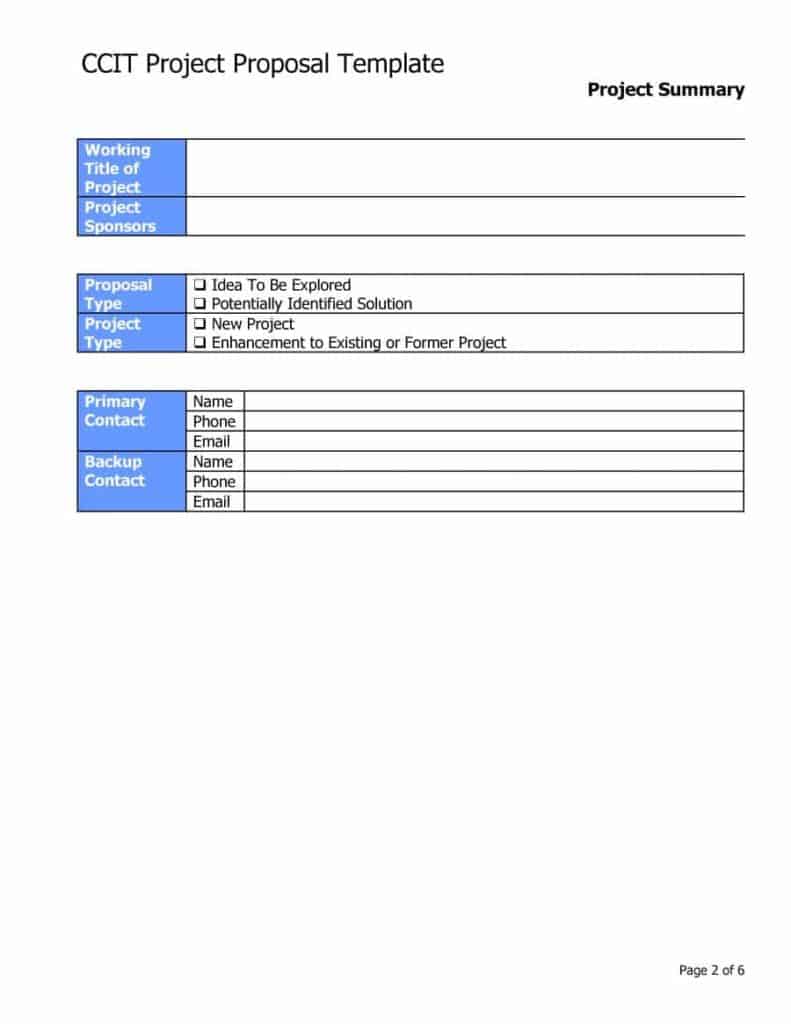
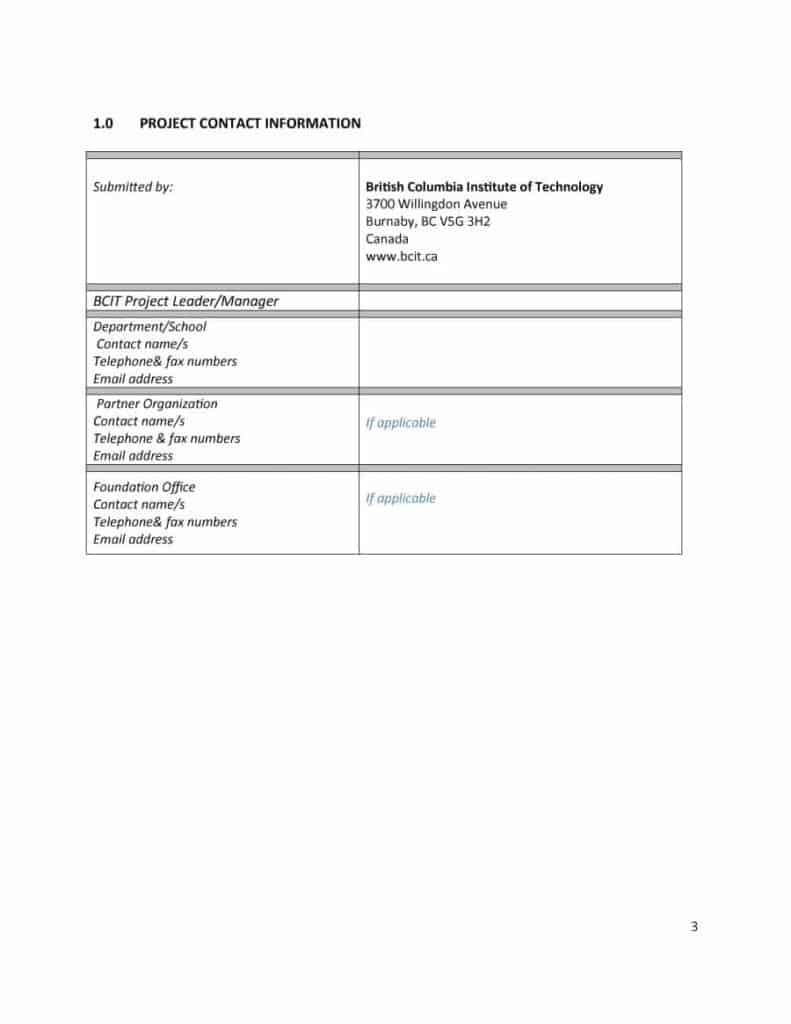
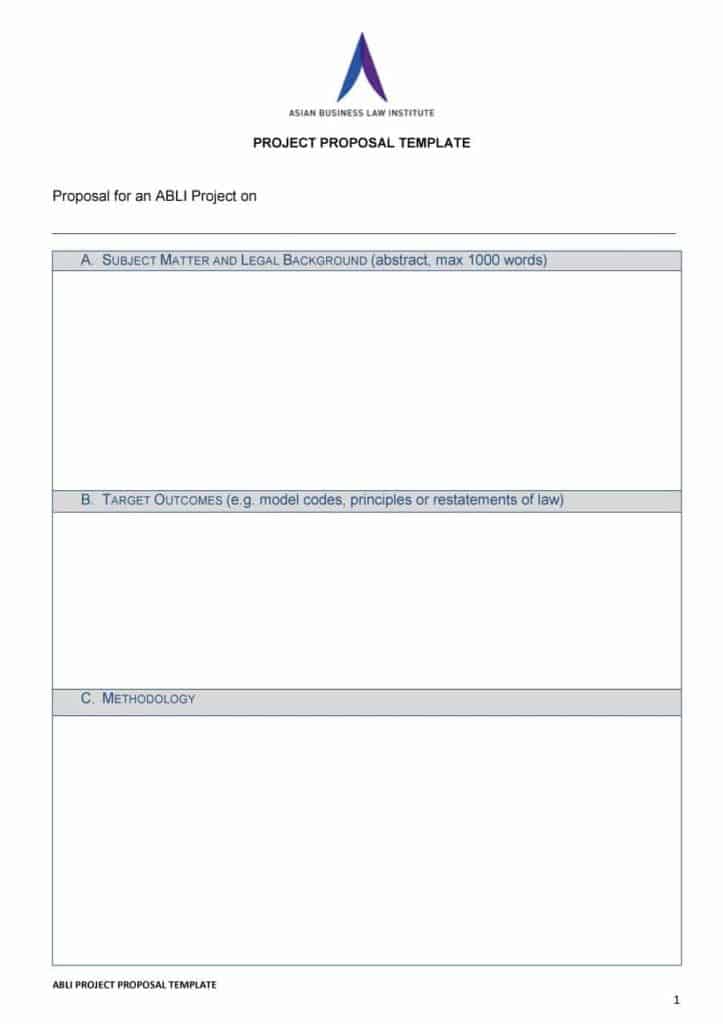
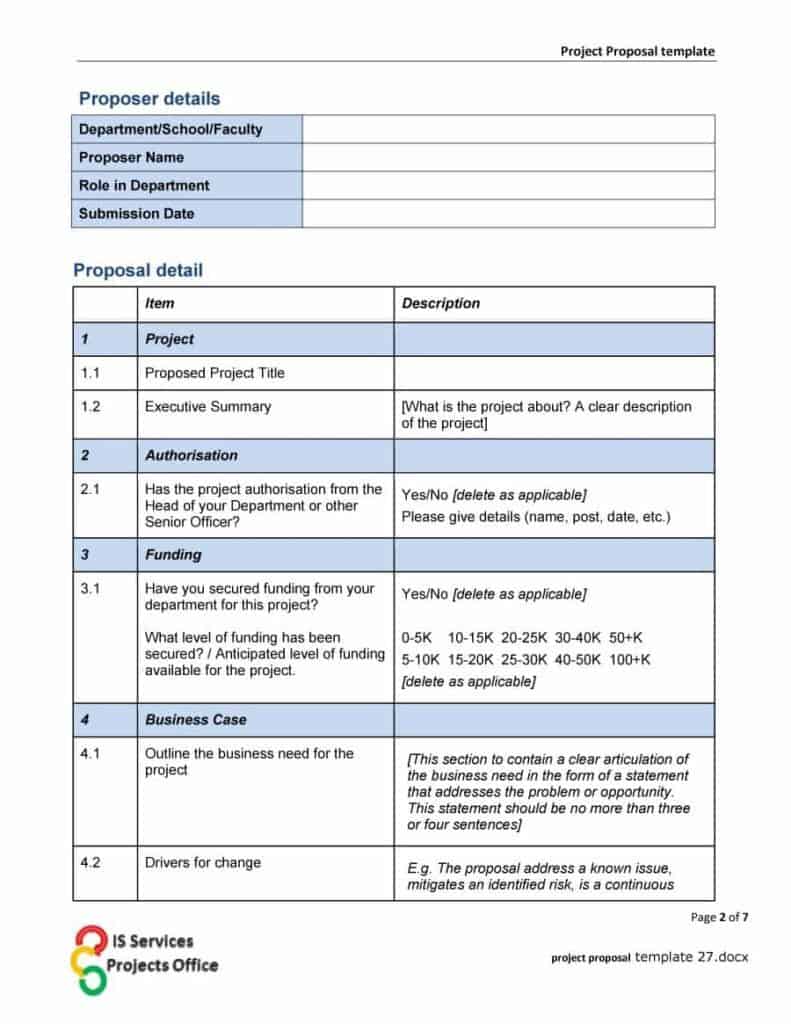
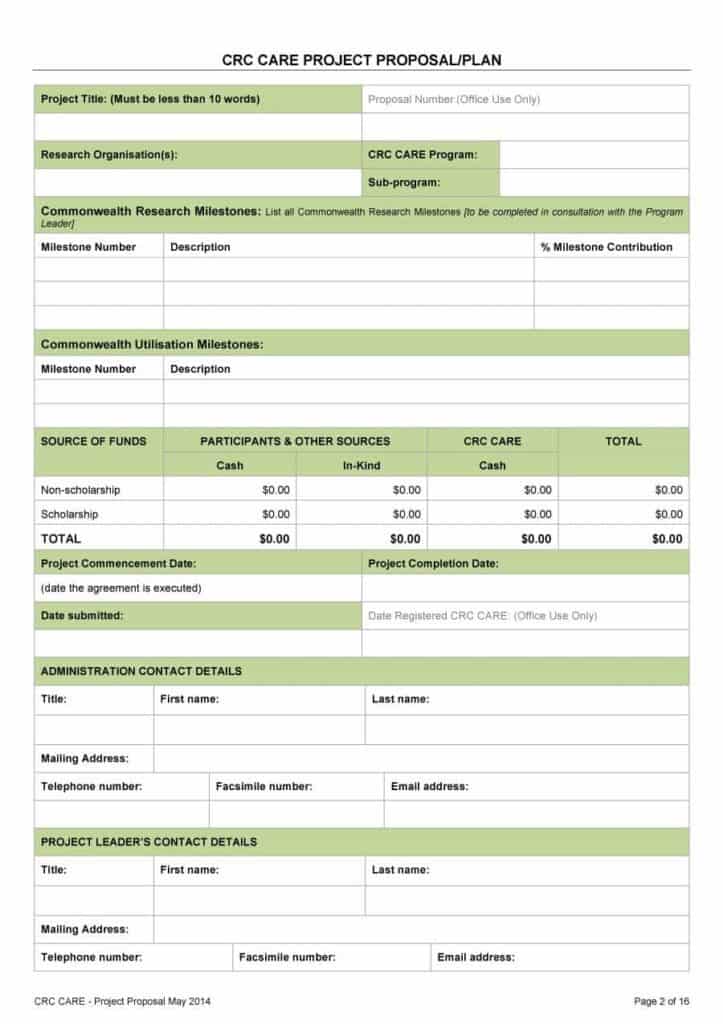
Click a preview to see it larger, then press the download button beneath it. Twelve buttons give you a .docx file that opens directly in Microsoft Word, and nine give you a ZIP file: extract it first, then open the document inside. After opening, type over the placeholder text, insert your logo, adjust the color theme, edit the pricing table and delete sections you do not need. Save your finished proposal as a PDF if you want the layout to stay fixed when the client opens it.

Related Templates
Frequently Asked Questions (FAQs) About Word Proposal Templates
How long should a business proposal be?
There is no fixed length. A simple service proposal can fit on two or three pages, while a large project bid may run much longer. Cover every point the client needs and stop there.
What is the difference between a solicited and an unsolicited proposal?
A solicited proposal answers a specific request, such as an RFP. An unsolicited proposal is sent on your own initiative, so it needs a stronger opening that explains why the reader should care.
Should I include prices in a proposal?
Usually yes. Show a clear breakdown, say what is included, and state how long the price is valid. Some formal bids require prices in a separate section or document, so check the instructions.
Do the ZIP downloads contain Word files?
Some downloads on this page arrive as ZIP files, so extract them first and open the document inside. If a file does not open in your program, try another editor before assuming it is damaged.
How do I make a proposal look professional without a designer?
Use one or two fonts, consistent heading sizes, plenty of white space and your logo on the cover. A clean table for pricing does more for credibility than decoration.
Can I reuse one proposal for several clients?
Keep a master copy and adapt it each time. Rewrite the client’s problem and the deliverables so the document is specific, and check every name and figure before sending.
Do I need a table of contents?
For proposals longer than about ten pages, yes, because it helps evaluators find each section. Short proposals can rely on clear headings.
What should I do after sending a proposal?
Confirm the client received it, offer to answer questions and note a follow-up date in your calendar. A short, polite message a few days later is normal practice.
You must be logged in to post a comment.