A free Word proposal template saves you from the blank-page problem that stalls most bids: you know what you want to offer, but not how to lay it out. This page has 21 editable proposal templates, 12 as Word (.docx) files and 9 as ZIP downloads that you extract before opening. Pick a layout, swap in your own details and send a proposal that reads clearly from the cover page to the price.
When to Use a Proposal
Use a proposal when you are bidding for a project, pitching a service, seeking a grant or asking a client to approve a plan. The 21 templates here (12 Word files and 9 ZIP downloads) cover business, project, sales and service proposals, so you can start from a structured layout rather than a blank page.
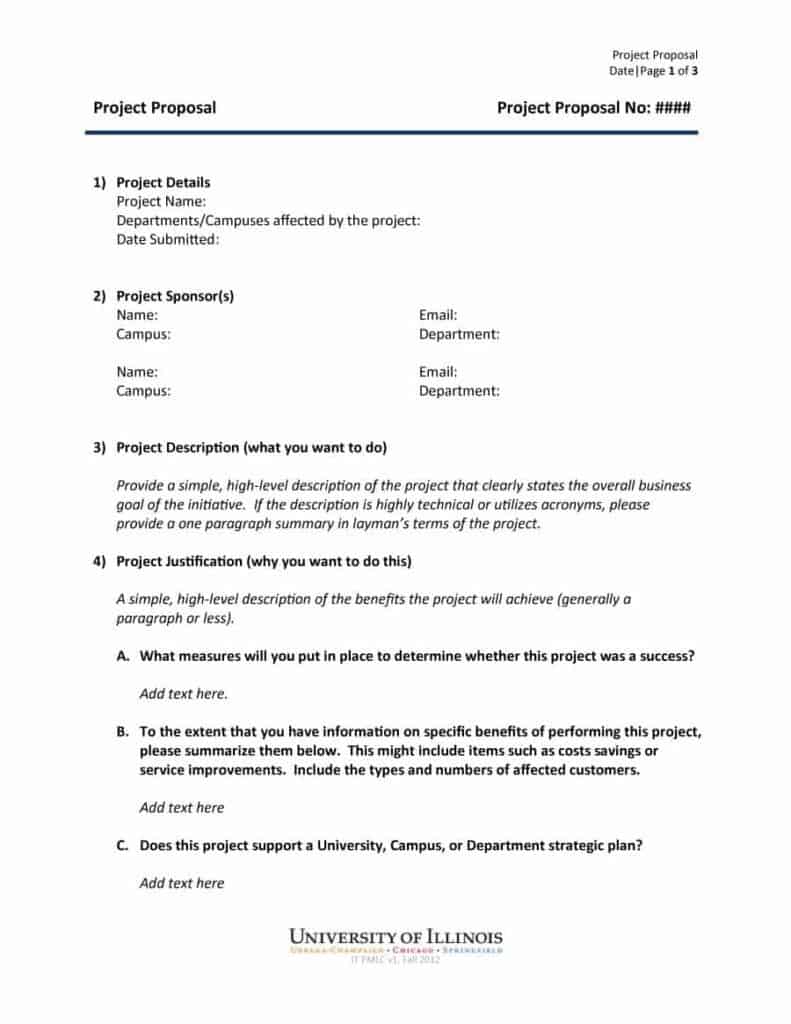
What Is Included in These Templates
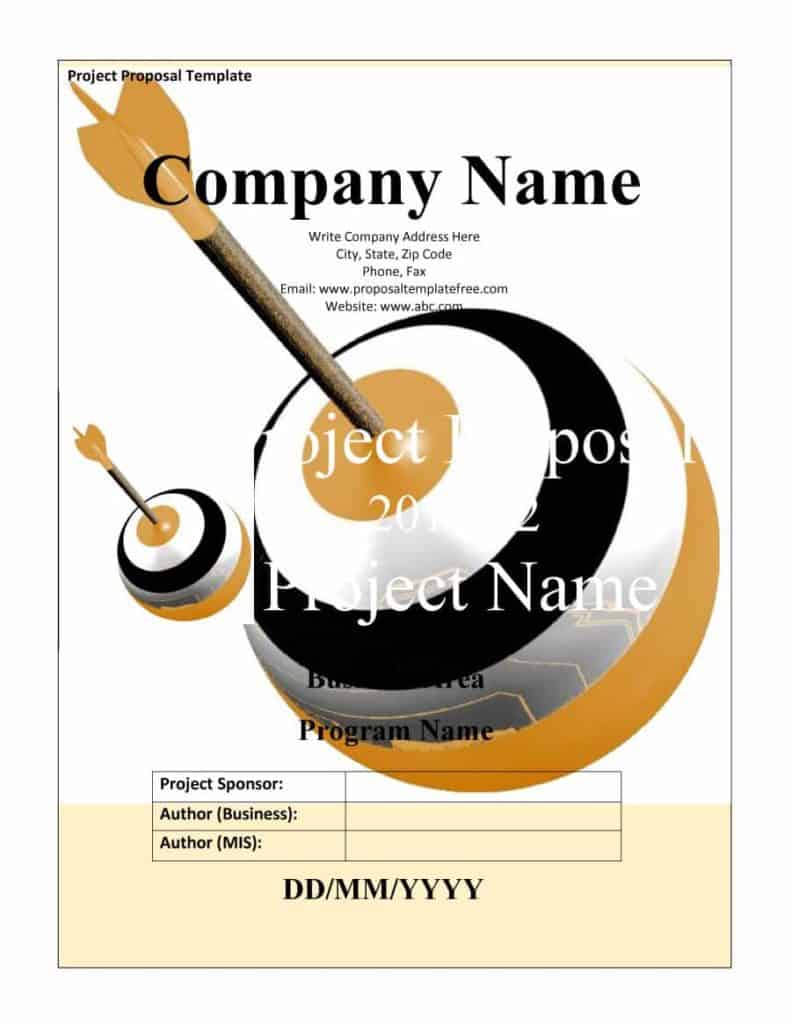
- Cover page and executive summary.
- Problem statement or client needs.
- Proposed solution and scope with deliverables.
- Timeline, pricing and terms.
- About us, references and acceptance signature block.
How to Fill Out a Proposal
- Pick a layout matching the type of proposal and download it.
- Write the summary last but place it first, in a half page.
- Describe the client’s problem in their words and show you understand it.
- Detail your solution, schedule and price, with options if useful.
- Add credentials and a signature block, proofread and send as PDF.
Key Points to Check
- Client focus: benefits to them, not a list of your features.
- Clear pricing: what is included and what costs extra.
- Realistic timeline with milestones.
- Validity date: how long the offer stands.
- Proofreading: errors cost credibility.
Tips
- Follow any format the client’s request specifies.
- Use a case study as proof.
- End with one clear next step.
About These Templates
These samples are published and maintained by Nick at Word Templates Docs, a free library of editable Word, Excel and PDF templates. If a link is broken or a file will not open, please contact us and we will fix it. Read more about how we prepare these templates.
Template file guide
Before completing your template
- Match the proposed work to the recipient’s stated need.
- Make scope, timing and price consistent.
- End with a clear next step and contact details.
Use the file links below to open an option directly, or continue to the previews to compare layouts. File formats are taken from the linked filenames. Extract ZIP archives before checking the files inside.
21 Free Word Proposal Templates to Browse
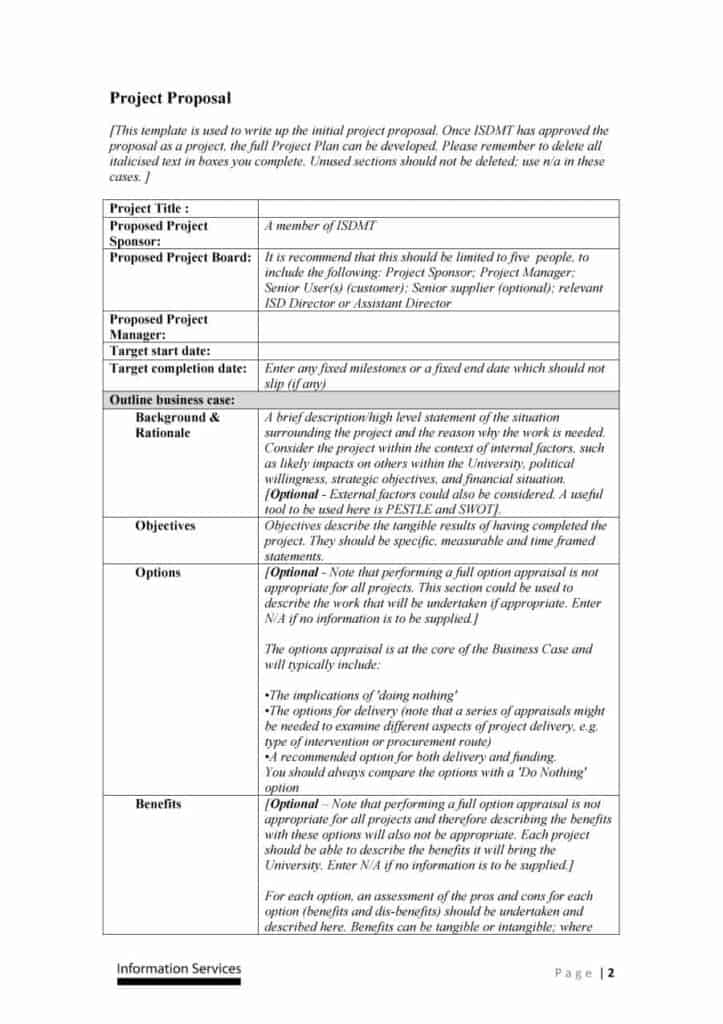
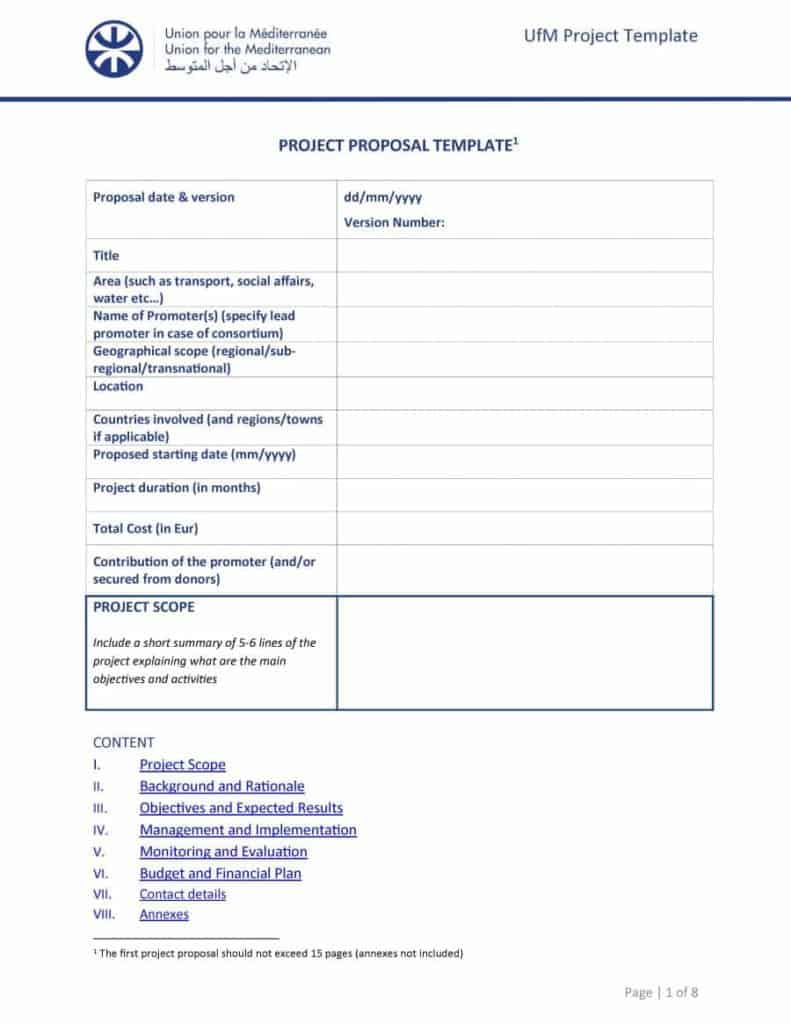
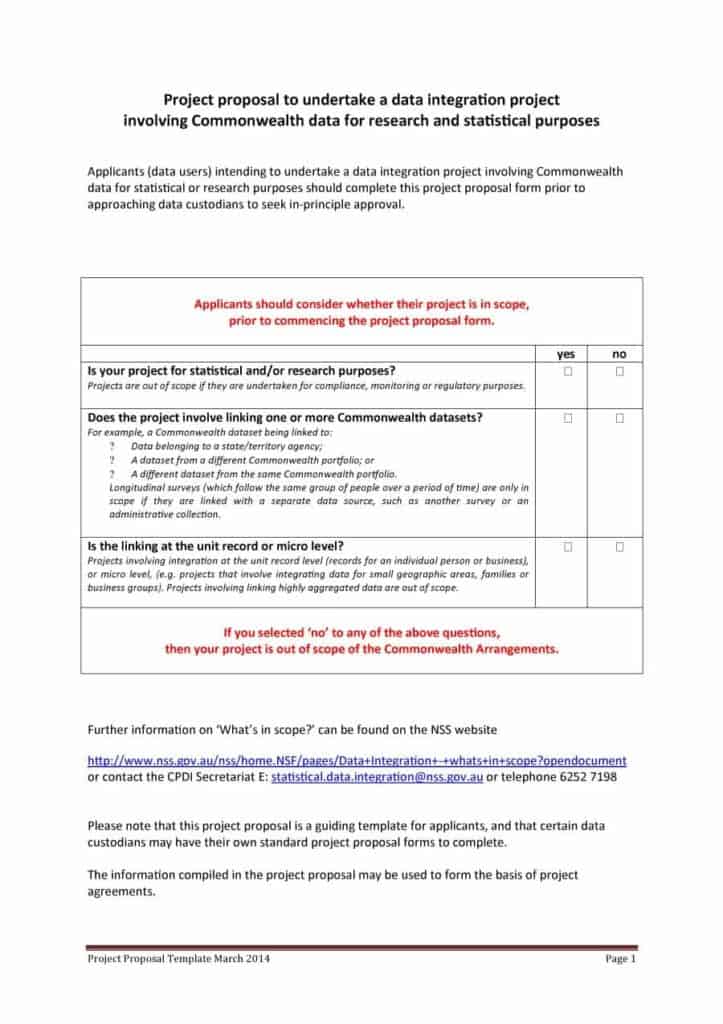
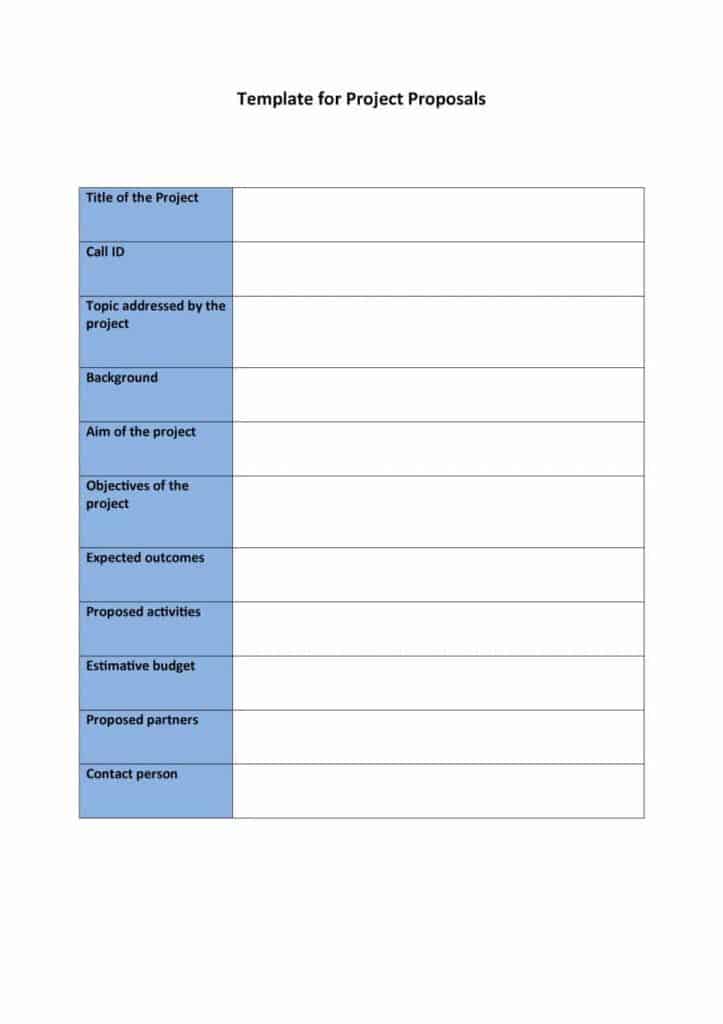
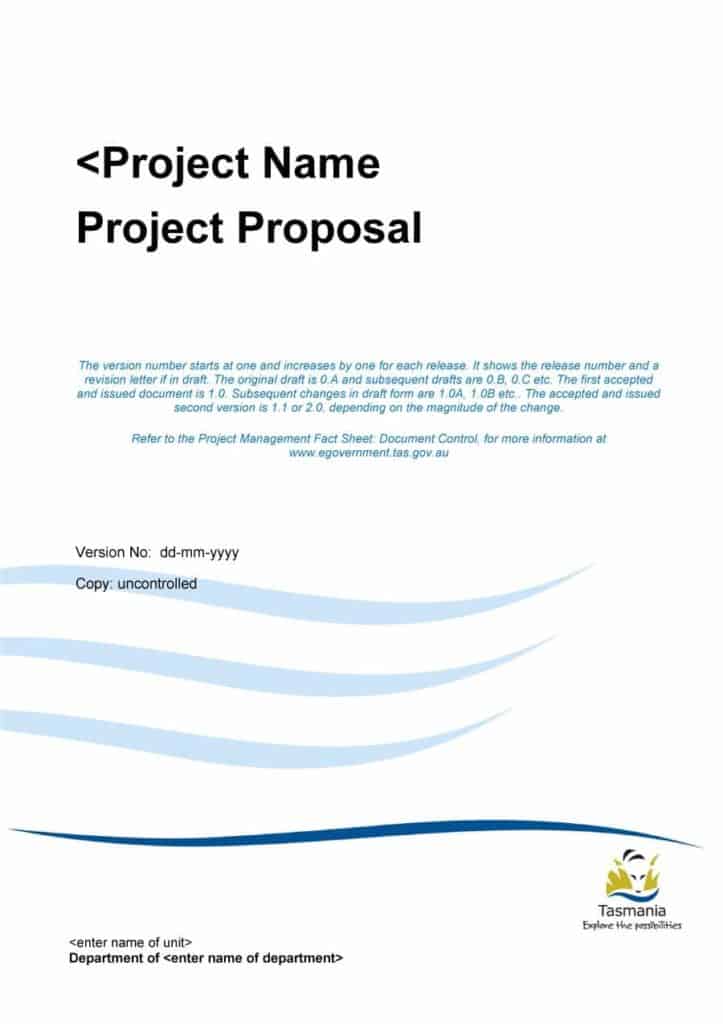
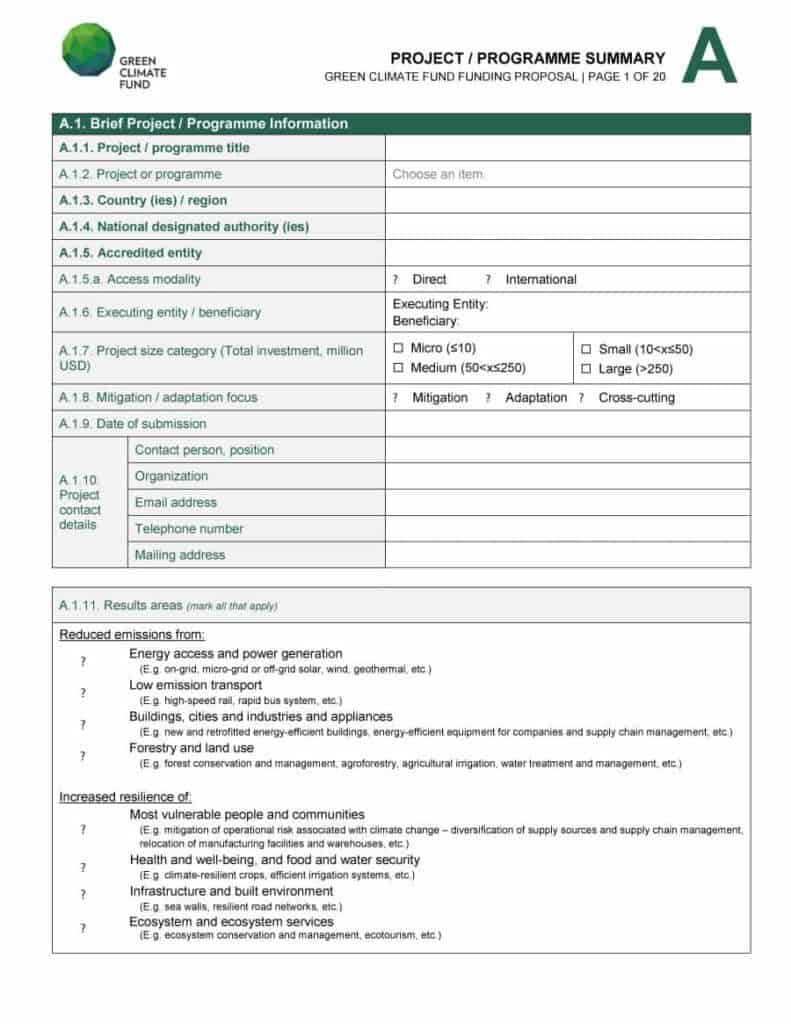
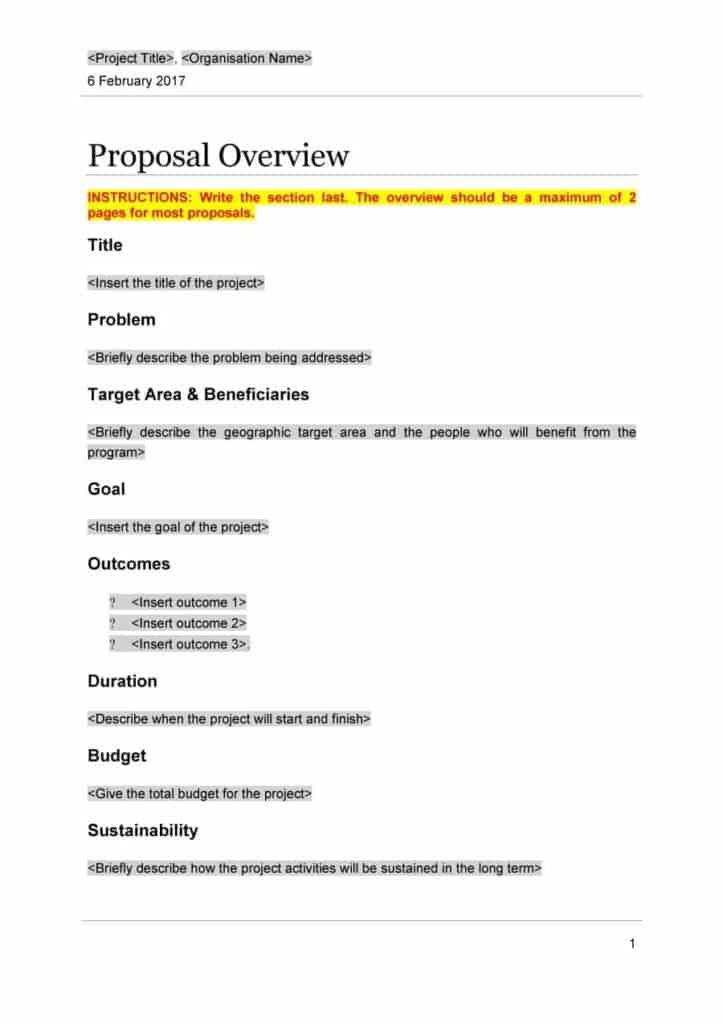
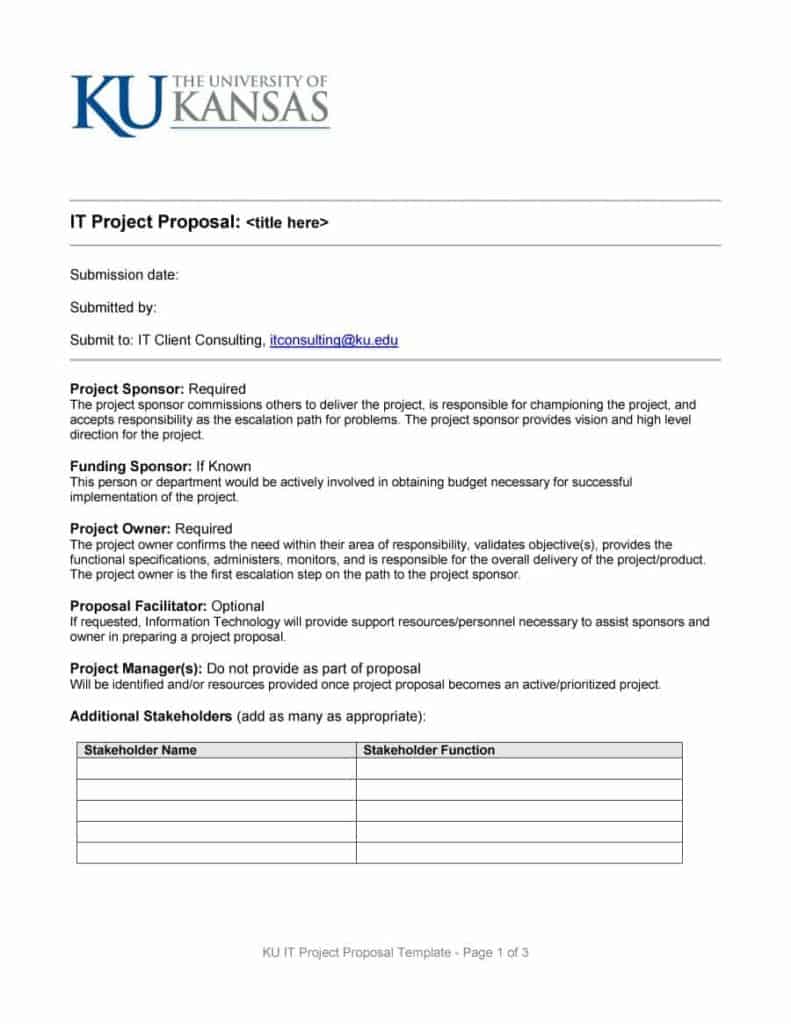
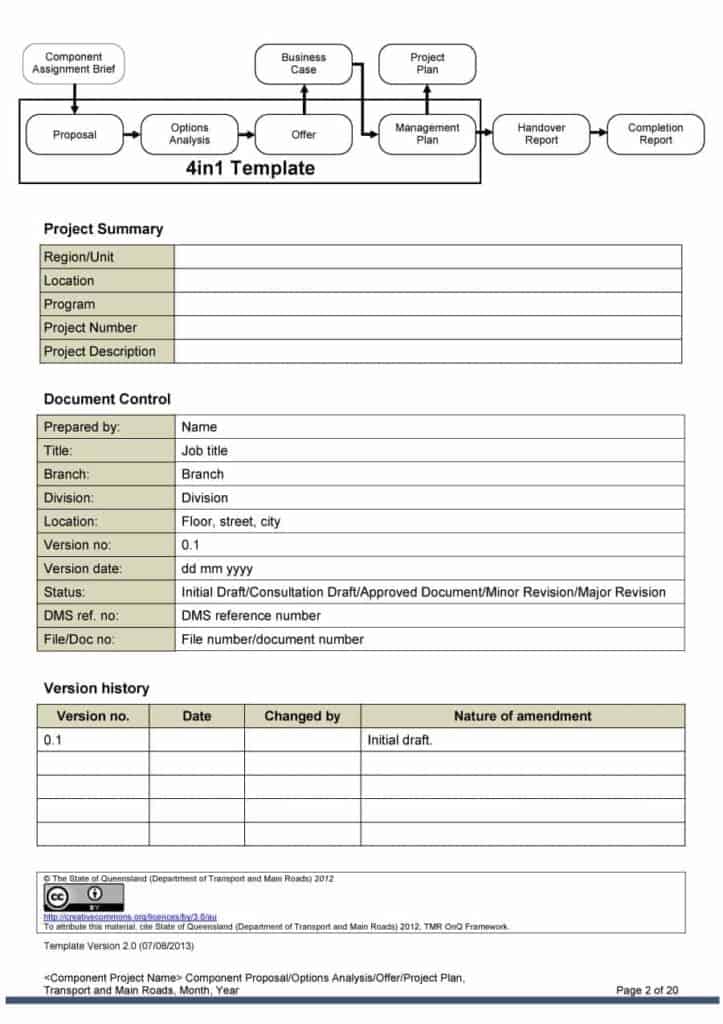
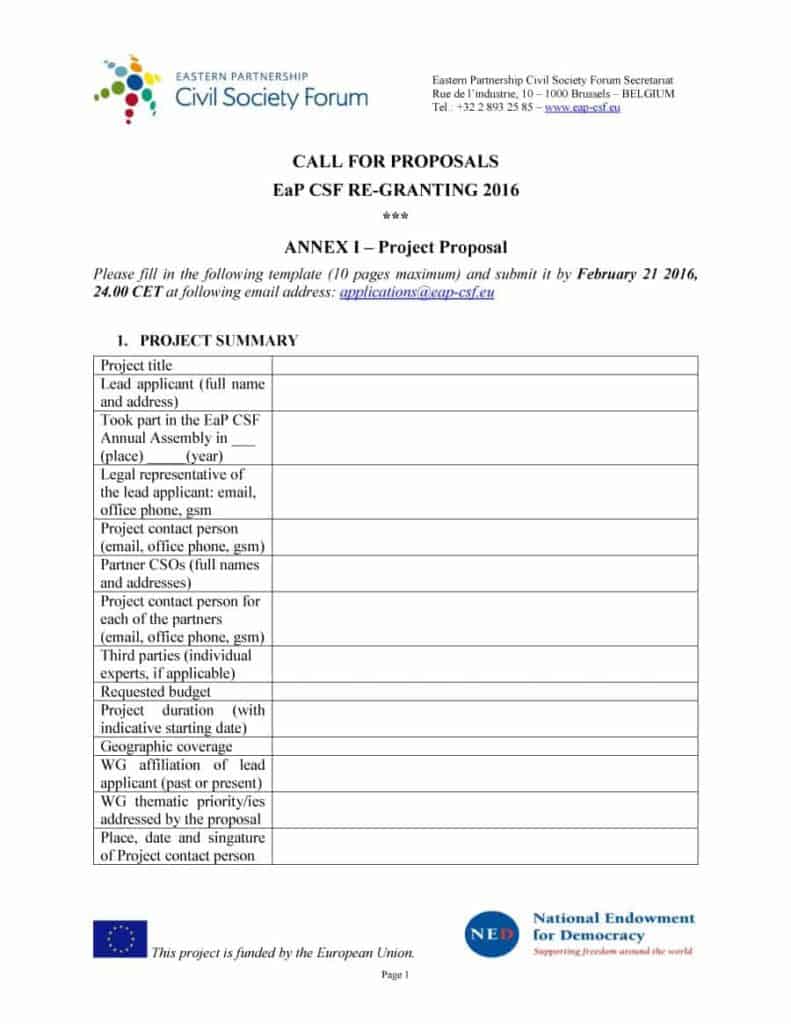
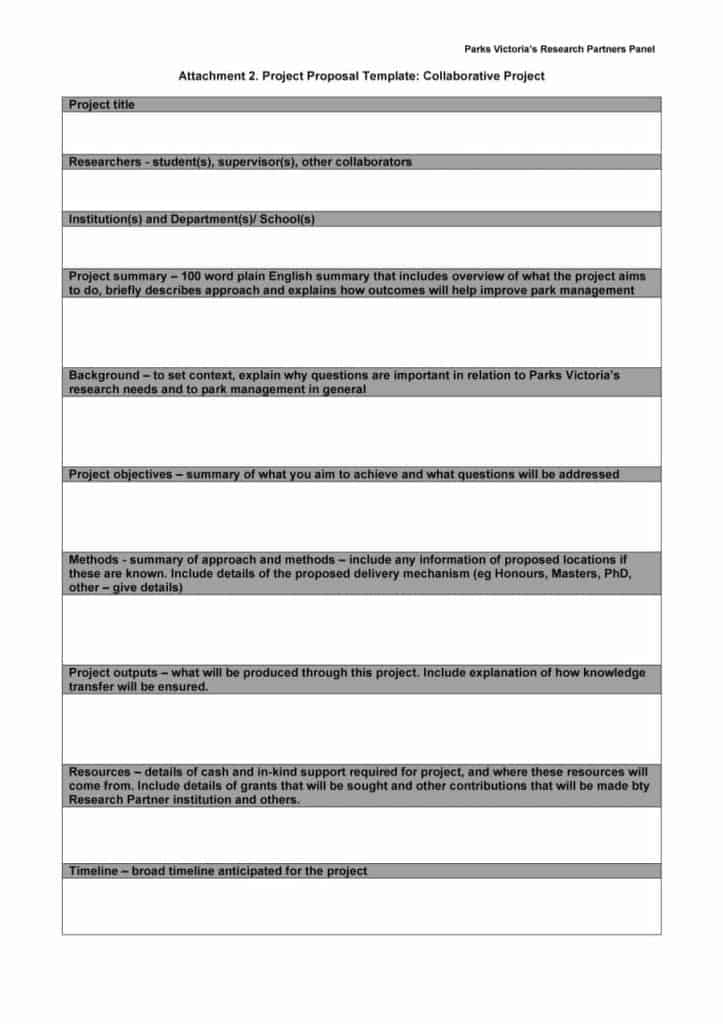
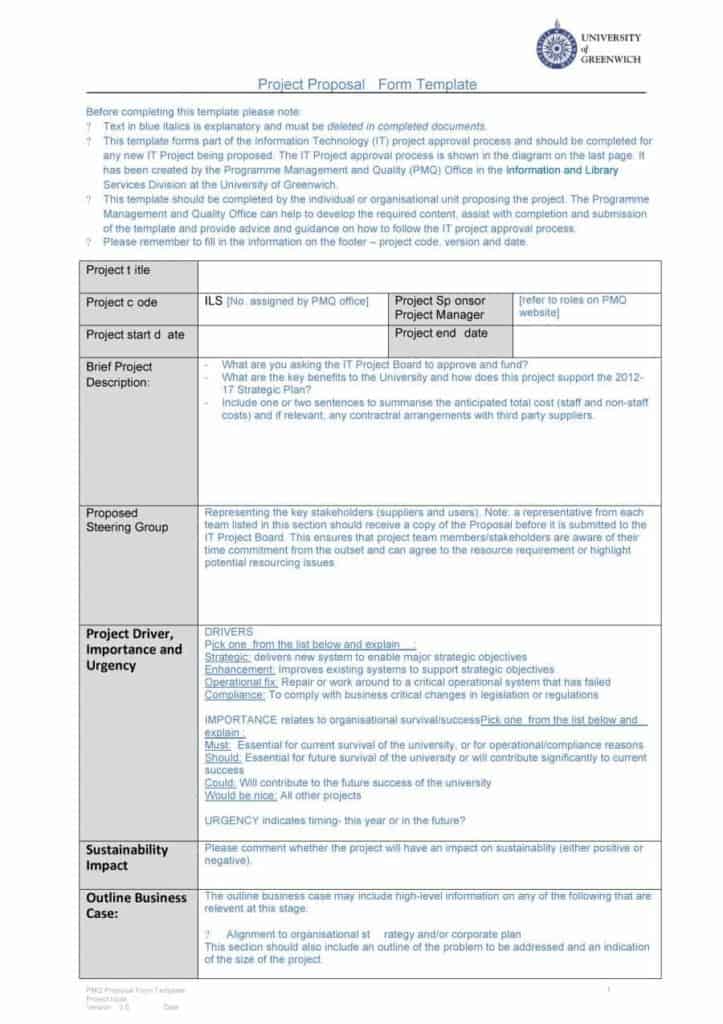
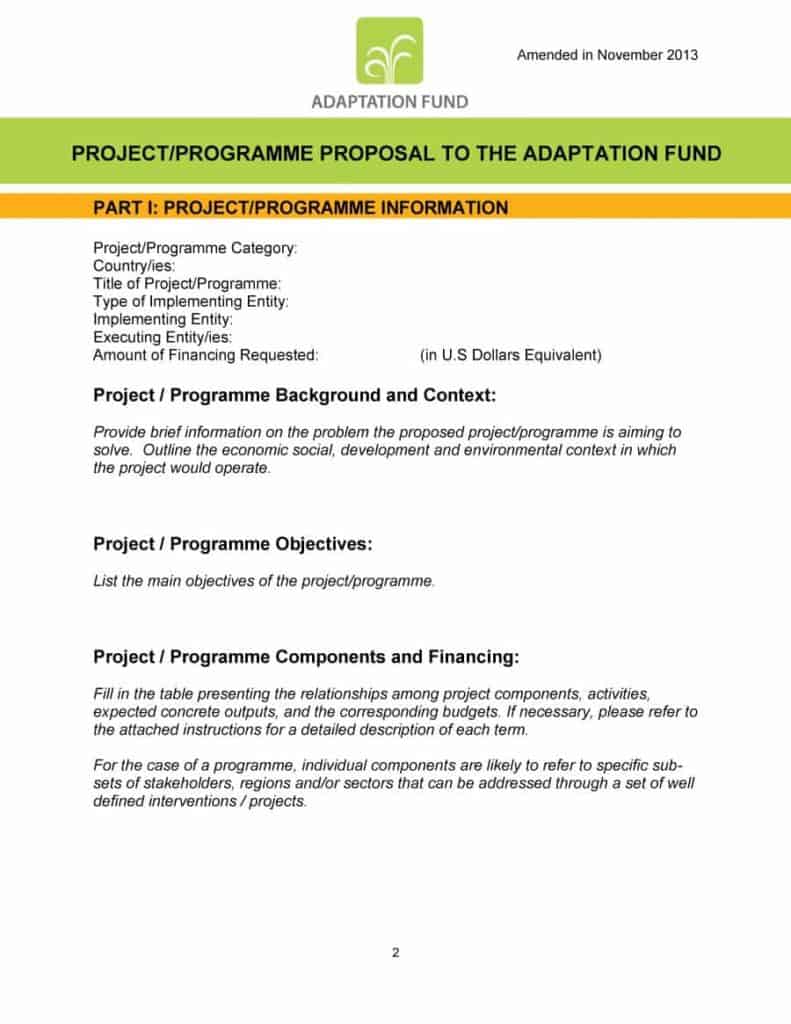
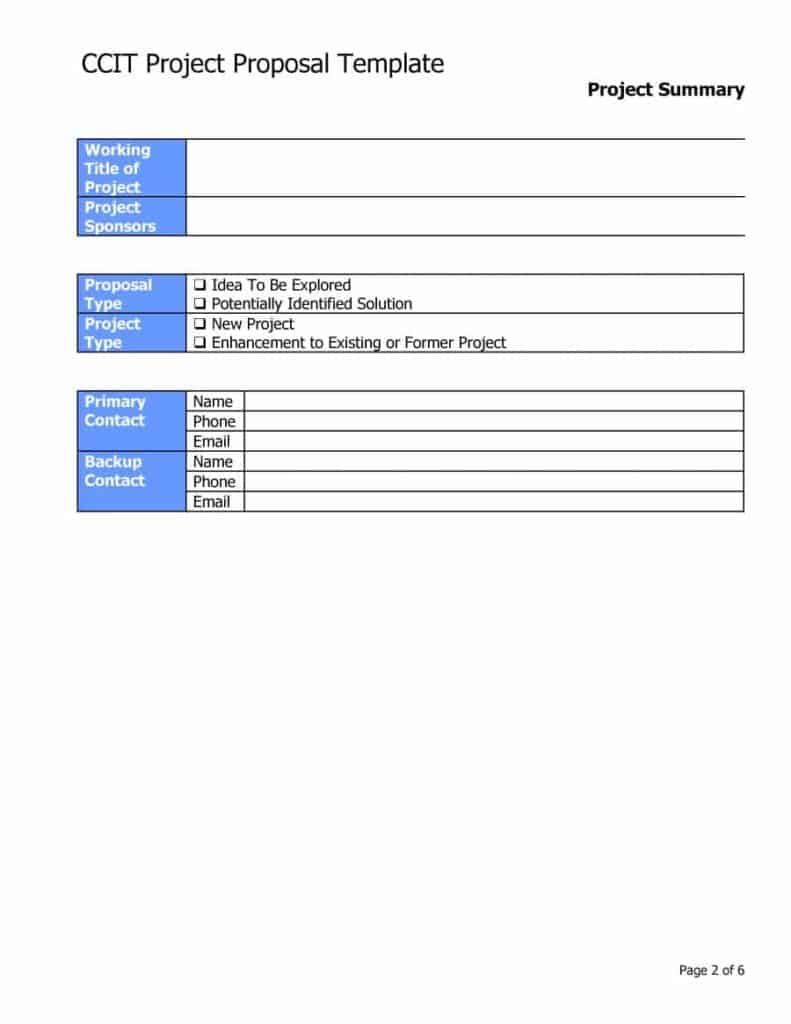
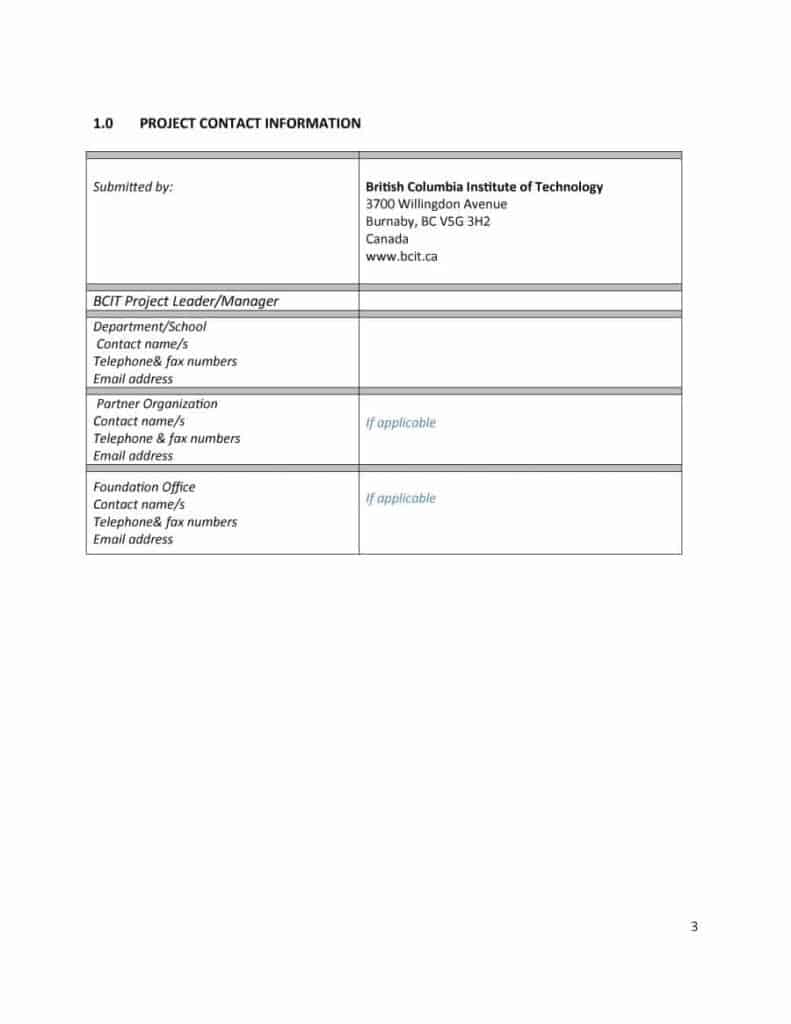
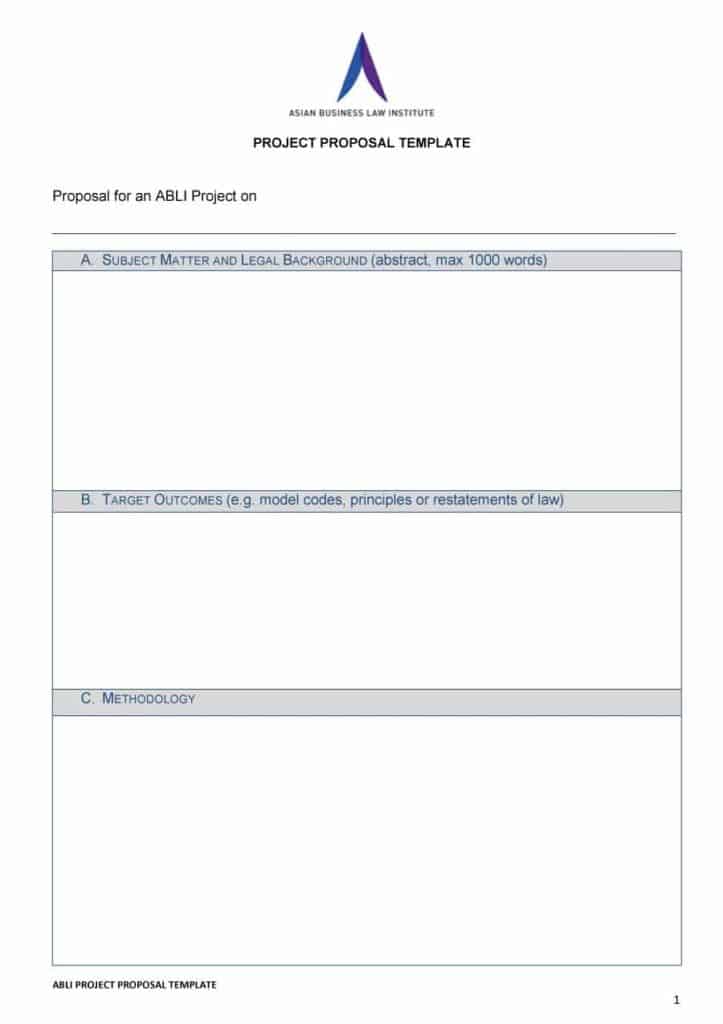
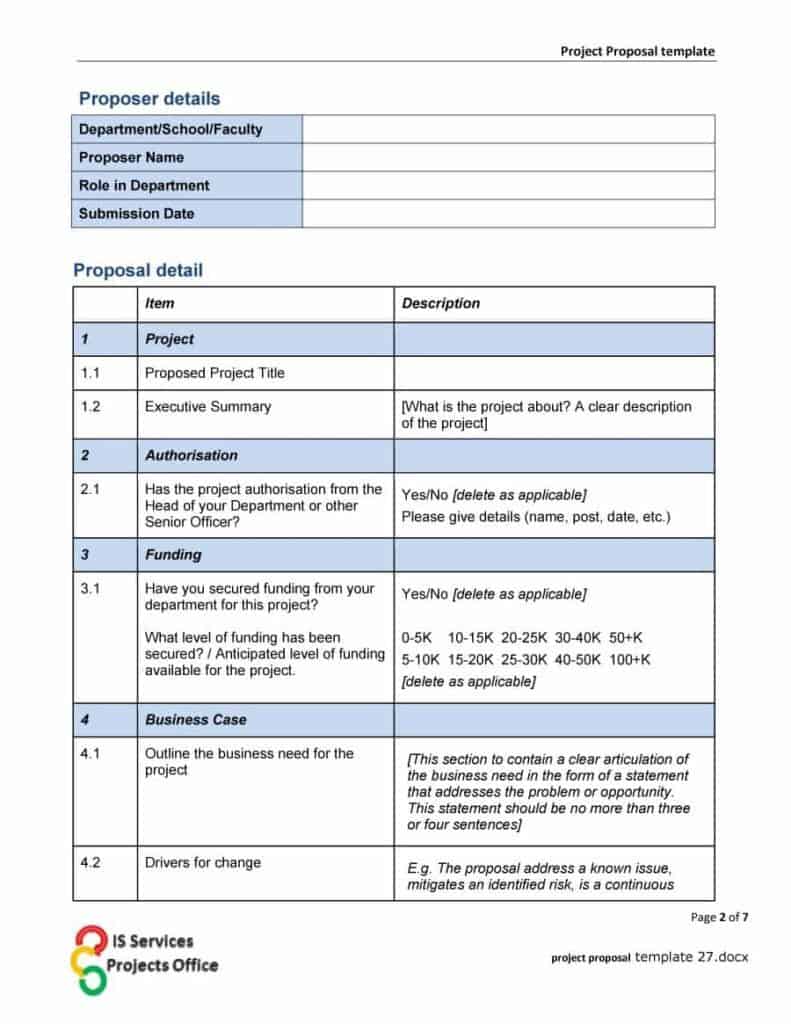
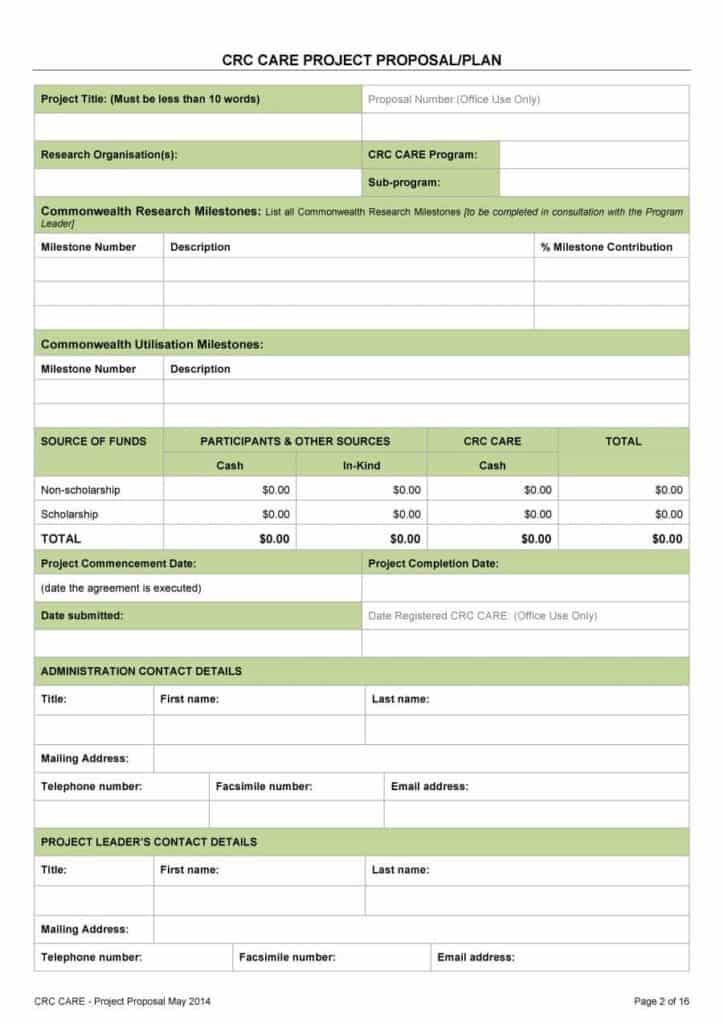
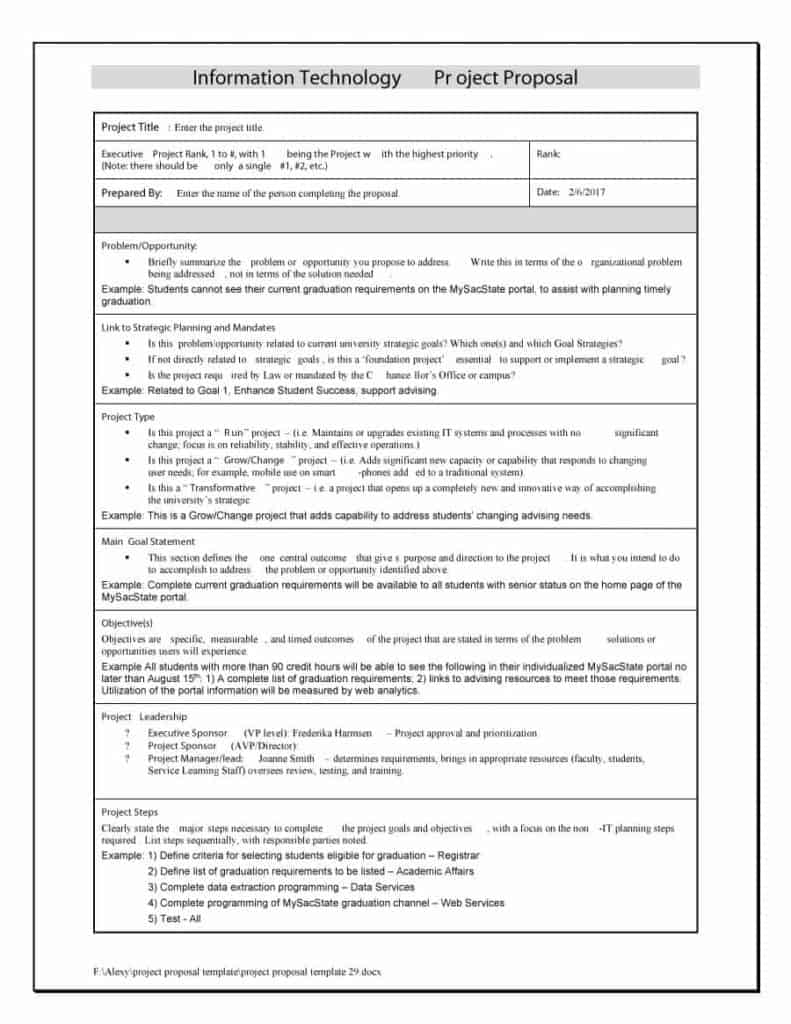
Click a preview to see it larger, then press the download button beneath it. Twelve buttons give you a .docx file that opens directly in Microsoft Word, and nine give you a ZIP file: extract it first, then open the document inside. After opening, type over the placeholder text, insert your logo, adjust the color theme, edit the pricing table and delete sections you do not need. Save your finished proposal as a PDF if you want the layout to stay fixed when the client opens it.




Related Templates
Frequently Asked Questions (FAQs) About Word Proposal Templates
How long should a business proposal be?
There is no fixed length. A simple service proposal can fit on two or three pages, while a large project bid may run much longer. Cover every point the client needs and stop there.
What is the difference between a solicited and an unsolicited proposal?
A solicited proposal answers a specific request, such as an RFP. An unsolicited proposal is sent on your own initiative, so it needs a stronger opening that explains why the reader should care.
Should I include prices in a proposal?
Usually yes. Show a clear breakdown, say what is included, and state how long the price is valid. Some formal bids require prices in a separate section or document, so check the instructions.
Do the ZIP downloads contain Word files?
Some downloads on this page arrive as ZIP files, so extract them first and open the document inside. If a file does not open in your program, try another editor before assuming it is damaged.
How do I make a proposal look professional without a designer?
Use one or two fonts, consistent heading sizes, plenty of white space and your logo on the cover. A clean table for pricing does more for credibility than decoration.
Can I reuse one proposal for several clients?
Keep a master copy and adapt it each time. Rewrite the client’s problem and the deliverables so the document is specific, and check every name and figure before sending.
Do I need a table of contents?
For proposals longer than about ten pages, yes, because it helps evaluators find each section. Short proposals can rely on clear headings.
What should I do after sending a proposal?
Confirm the client received it, offer to answer questions and note a follow-up date in your calendar. A short, polite message a few days later is normal practice.