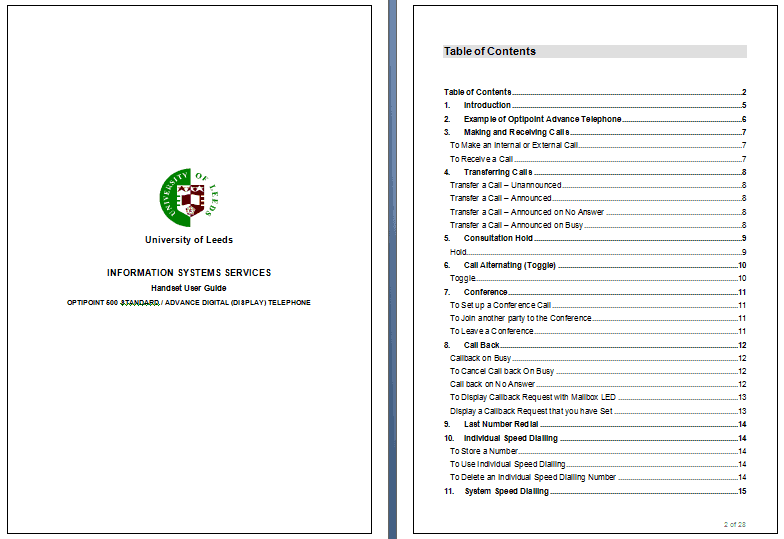
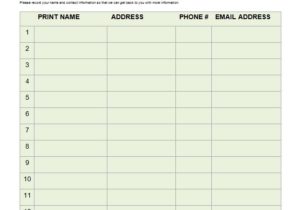
A free action plan template gives a goal a skeleton: the steps, who owns each one, when it is due and how you will know it is finished. This page offers 3 editable Word action plan templates, two .docx files and one ZIP that you extract before opening. They suit a team project, a personal target or a small business initiative, and each one is a starting layout you can rename, resize and fill in within minutes.
Action Plan, Project Plan or To-Do List?
People use these three terms loosely, and picking the wrong tool makes the work harder. A to-do list is a flat set of tasks with no dates or owners. An action plan adds the missing pieces: an objective at the top, an owner and a deadline beside every step, and a way to track progress. A project plan goes further with budgets, risks, resources and dependencies across many workstreams. If your goal can be reached in a few weeks by a handful of people, an action plan is usually enough. If it involves procurement, several departments or a formal budget, treat the action plan as the working core of a larger project plan.
Columns Every Action Plan Needs
Whatever layout you choose, check that it can record these fields. If one is missing, add a column.
- Objective: one sentence with a measurable result and a date.
- Action step: a task that starts with a verb, such as “book the venue” or “draft the budget”.
- Owner: a named person, not a department, so someone can be asked for an update.
- Start and due dates: real dates rather than “soon” or “Q3”.
- Resources: money, tools, approvals or help that the step depends on.
- Status: not started, in progress, blocked or done, kept in one agreed vocabulary.
- Notes: risks, dependencies and what happens if the step slips.
A Worked Example: Launching a Monthly Newsletter
This invented plan shows the level of detail that works. The objective is “send the first customer newsletter to at least 200 subscribers by 30 September”. Step one, choose an email tool, belongs to Maya and is due 5 August. Step two, write the sign-up form text, belongs to Luis and is due 12 August. Step three, design the template in Word or the email tool, is Maya’s again, due 19 August. Step four, draft the first issue with three articles, is shared between Luis and Priya and is due 2 September. Step five, test the send on three different email accounts, is Priya’s, due 9 September. Step six, send and record open rates, is Maya’s, due 30 September. Each line has one owner and one date, and the blocked-by note on step five says it cannot start until step three is done.
The same structure works at a personal scale. Someone preparing for a certification exam might set the objective “pass the exam on 12 November”, list weekly study blocks as steps, name themselves as owner, and use the notes column for practice test scores. Because the plan is dated, it also shows early whether the schedule is realistic: if week three is already behind, there is time to add sessions instead of discovering the gap in the final days.
How to Write an Action Plan in Word
- Write the objective in one sentence and check that a stranger could tell whether it was achieved.
- List every step you can think of, in any order, without judging them yet.
- Put the steps in sequence and mark any that cannot start until another finishes.
- Assign one owner to each step and confirm with that person before writing the name down.
- Set dates by working backwards from the final deadline, then add a few days of slack before big milestones.
- Add the resources and the status column, and mark everything “not started”.
- Review the plan at a fixed weekly meeting, update the status column and rewrite dates that have moved.
Mistakes That Stall Action Plans
- Writing steps so large that nobody knows where to begin; a step that takes more than two weeks should be split.
- Assigning tasks to “the team”, which in practice means nobody.
- Setting every deadline on the last day, leaving no time to fix problems.
- Never updating the status column, so the plan stops matching reality.
- Making the plan too long to read in a five-minute meeting.
- Skipping the “why”, so people cannot judge whether a step still matters when circumstances change.
Template file guide
Before completing your template
- Give each step an owner and a due date.
- Define what completion looks like.
- Include the next review date so progress gets checked.
Use the file links below to open an option directly, or continue to the previews to compare layouts. File formats are taken from the linked filenames. Extract ZIP archives before checking the files inside.
| File or resource | Format / source |
|---|---|
| action plan template, layout one | ZIP |
| action plan template, layout two | DOCX |
| action plan template, layout three | DOCX |
3 Free Action Plan Templates in Word
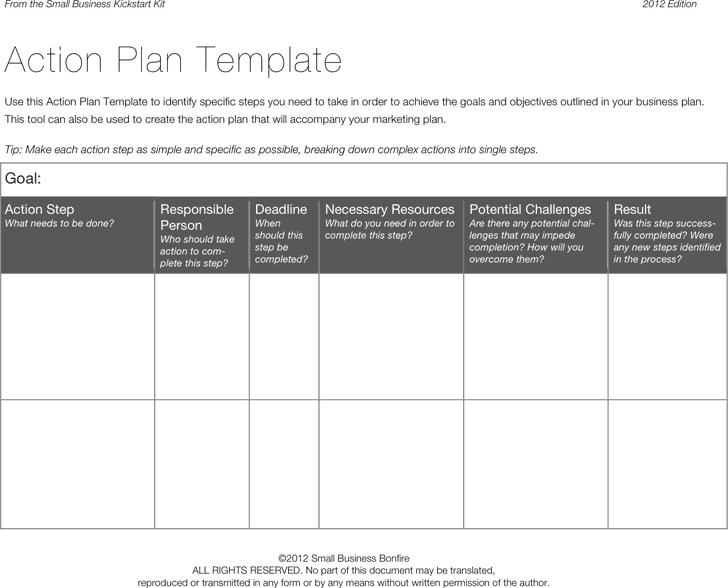
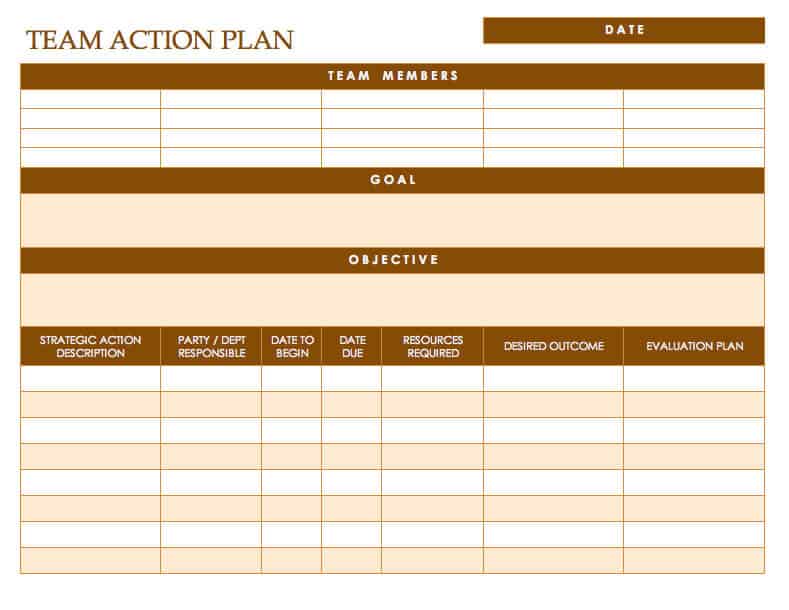
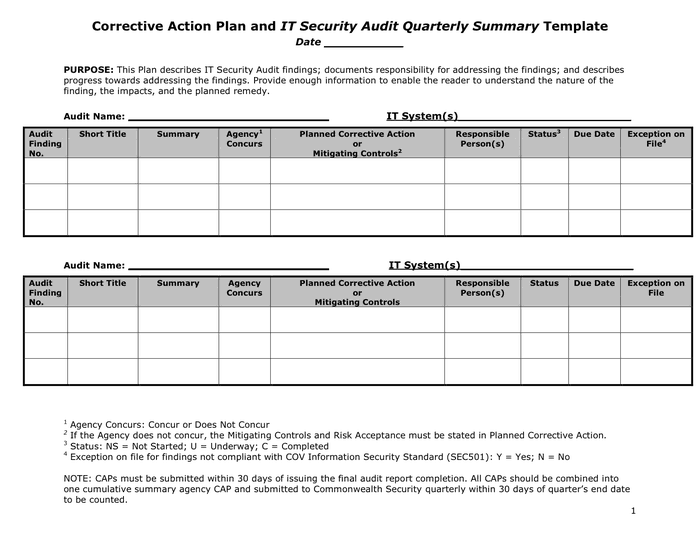
Click a preview to see it larger, then press the download button beneath it. One button gives you a ZIP file, so extract it first and open the document inside in Word. The other two give you a .docx file that opens in Microsoft Word directly. After opening a template, replace the sample text with your own objective, steps, owners and dates, add or delete rows, adjust fonts and colors, and insert your logo if the plan is for a client. File names may not match the picture exactly, so open the file to confirm you have the layout you chose.





Related Templates
- free project outline templates
- free Word proposal templates
- free daily schedule templates
- free weekly schedule templates
Frequently Asked Questions (FAQs) About Action Plan Templates
What is the difference between an action plan and a project plan?
An action plan lists the specific steps needed to reach one goal. A project plan is broader and usually adds scope, budget, risks and resource schedules. Many people use an action plan as the working part of a bigger project plan.
How many steps should an action plan have?
Enough that every step is small and clear, but few enough that the plan fits on one or two pages. Between six and fifteen steps works for many goals.
Can I use an action plan for a personal goal?
Yes. It works well for saving money, studying for an exam, learning a skill or getting fit, because it turns a wish into dated steps you can tick off.
Which file types are these templates?
Two are Word (.docx) files and one is a ZIP file. Extract the ZIP first, then open the document inside in Word or a compatible editor.
How often should I review my action plan?
Weekly for short projects and monthly for long goals is common. Update the status column at each review and move any dates that have slipped.
Who should get a copy of the plan?
Everyone who owns a step, plus the person who approved the goal. Keep one shared master copy so people do not work from old versions.
What do I do when a step is blocked?
Mark it blocked, note what it is waiting for and who can unblock it, and decide whether other steps can move forward in the meantime.
Can I print the template and fill it in by hand?
Yes. Print the page, write in the steps and dates with a pen, and copy the final version into the Word file if you want an editable record.