A sales plan template saves you from staring at a blank page when a new quarter or year is about to start. This page collects 12 free, editable sales plan samples, including Word documents, Excel spreadsheets and several downloads that arrive as ZIP files. Use one to set targets, decide how you will reach customers, assign owners and check progress against real numbers.
What a Sales Plan Has to Decide
A sales plan is not a wish list. It answers five practical questions: what will we sell, to whom, how much do we need to sell, how will we win those sales, and who does what by when. Owners of small shops use it to set a monthly revenue goal and match it to stock and staffing. Sales managers use it to divide territories and quotas. Freelancers and startups use a lighter version to decide how many conversations they need each week to fill their calendar. The best plans are short enough to be reread every month.
Choosing Between Yearly, Quarterly and Territory Plans
- Yearly plan: sets the big revenue goal, seasonal peaks and hiring or budget needs. Use it for annual planning meetings.
- Quarterly or monthly plan: breaks the goal into smaller targets you can act on and adjust quickly.
- Territory or account plan: assigns regions, industries or named customers to individual reps.
- Product launch plan: focuses on one offer, its price, its first customers and the promotion behind it.
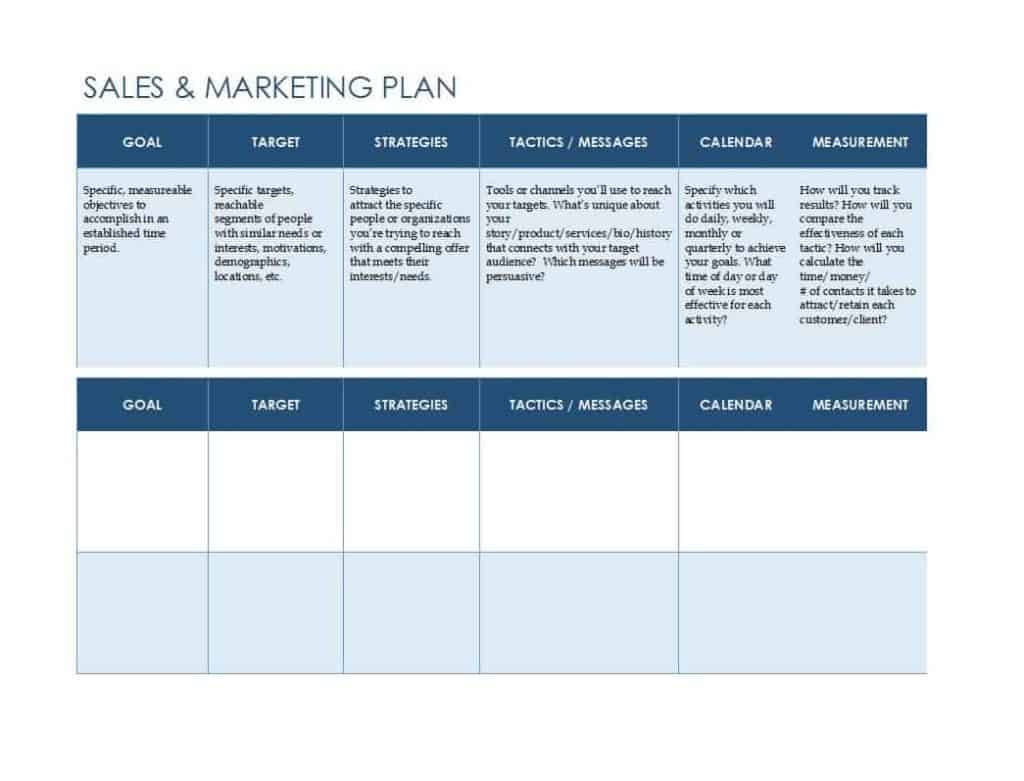
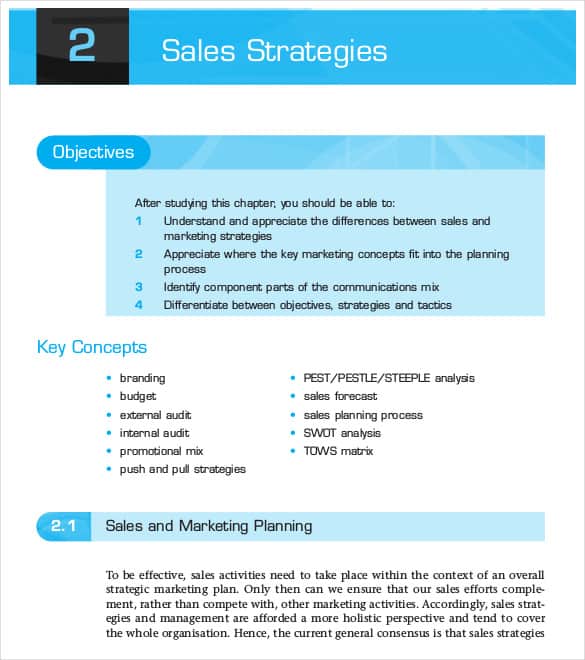
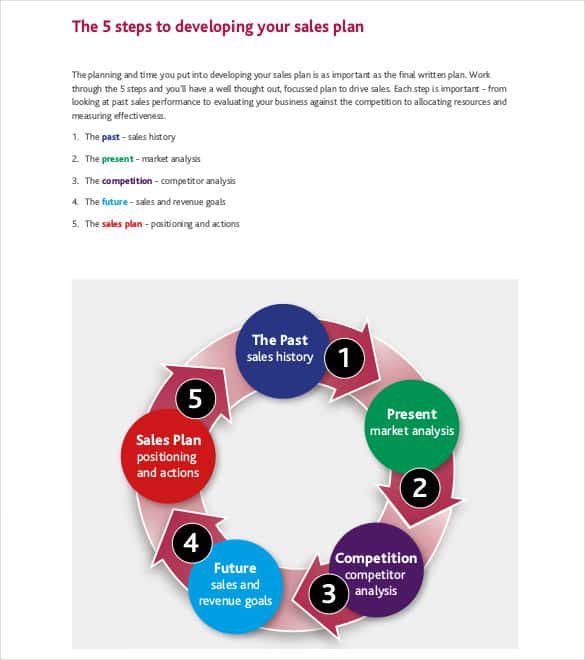
- Strategy-style samples: the layouts with more text boxes suit teams that want to write out their market and competitor thinking before setting numbers.
Sections Worth Keeping in Your Sales Plan
- Snapshot of current sales: last period’s revenue, best sellers and largest customers, taken from your own records.
- Targets: revenue, number of new customers or units, each with a date.
- Target customers: who buys, what problem they have and where you find them.
- Tactics: outreach, promotions, partnerships, pricing changes and follow-up rules.
- Roles and quotas: the person responsible for each number.
- Budget: tools, advertising, travel and training.
- Checkpoints: when you will compare plan against actual results.
A Small-Shop Example for One Quarter
The figures below are made up to show the level of detail that works. Change them to fit your business.
- Goal: Increase quarterly sales from 30,000 to 36,000, a 20 percent rise.
- How: Win 15 new repeat customers, launch one bundle offer in month two, and contact past buyers who have not ordered in 90 days.
- Owner: The manager handles the bundle and outreach; one staff member tracks orders weekly.
- Budget: 1,200 for advertising and printed flyers.
- Review: Compare results on the first Monday of each month and adjust the offer if response is weak.
How to Build a Sales Plan Step by Step
- Pull last year’s or last quarter’s actual sales from your records.
- Choose one main target and no more than two supporting ones.
- Describe your best customers in two or three sentences.
- List the tactics you can afford to run, and drop any that lack an owner.
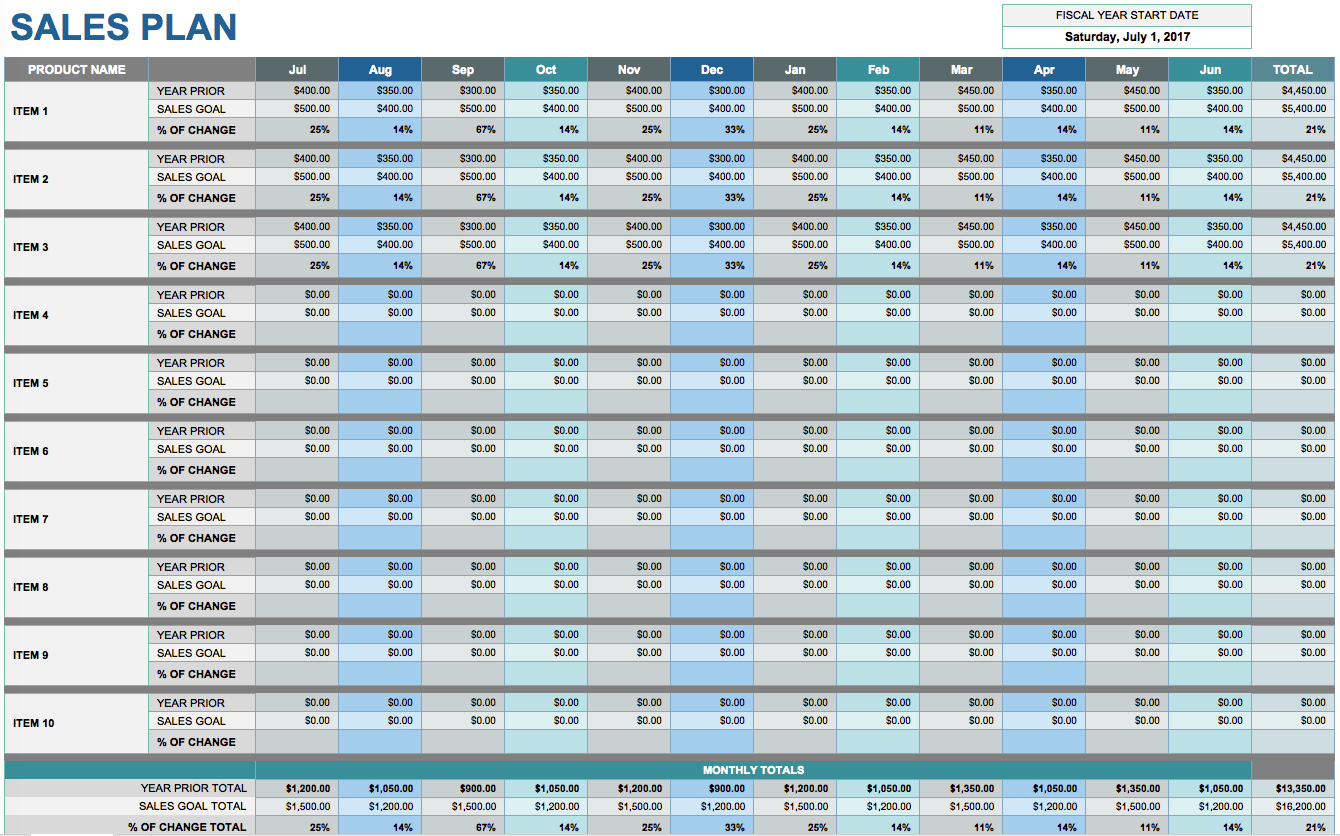
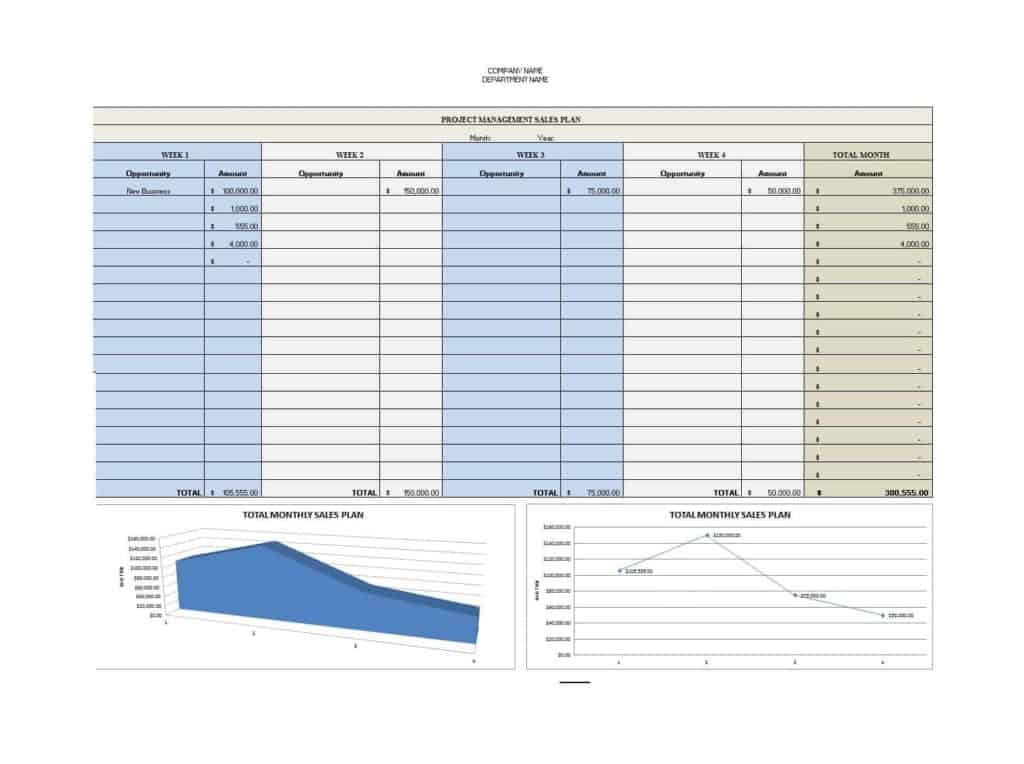
- Turn the yearly goal into monthly numbers so gaps show up early.
- Set the review dates before the plan starts, and write them in the file.
Common Sales Planning Mistakes
- Choosing a target because it sounds ambitious rather than because past data supports it.
- Listing tactics with no person responsible.
- Forgetting seasonality, so a slow month looks like a failure.
- Planning revenue without checking whether stock, staff or capacity can deliver it.
- Filing the plan away and never comparing it with results.
The samples are general planning aids, not financial advice or a promise of results. Adjust every figure to your own market.
Who Uses a Sales Plan and How Each Reader Uses It
A business owner reads the plan to confirm that the numbers add up to the income they need. A sales manager reads it to see whether quotas are fair and whether every account has an owner. A new hire reads it to understand which customers matter most and what is expected in the first ninety days. An outside partner or lender, if you share it, wants to see that your targets rest on past results rather than hope. Because different people read it for different reasons, keep the top page simple: goal, three main actions, owners and dates. Put tables, pricing details and customer lists on later pages or in the Excel file, so the story stays clear while the detail is still available.
Keeping the Plan Alive After You Write It
A plan only helps if it is used. Put a monthly review in the calendar, bring the latest sales figures, and mark each action as done, late or dropped. Write down what you learned, such as which offer produced replies and which did not, and carry that forward into the next version. When something big changes, like a new competitor, a supply delay or a price increase, update the plan the same week instead of waiting for the next review.
Template file guide
Before completing your template
- Connect the revenue target to planned sales activity.
- Give each activity an owner and review date.
- State the assumptions behind the forecast.
Use the file links below to open an option directly, or continue to the previews to compare layouts. File formats are taken from the linked filenames. Extract ZIP archives before checking the files inside.
| File or resource | Format / source |
|---|---|
| sales plan template — option 1 | ZIP |
| yearly sales plan template | ZIP |
| sales plan template — option 2 | ZIP |
| sales plan template — option 3 | DOCX |
| sales plan template — option 4 | XLS |
| sales plan template — option 5 | XLS |
| sales plan template — option 6 | DOCX |
| sales plan template — option 7 | XLS |
| sales plan template — option 8 | DOCX |
| sales plan template — option 9 | DOCX |
| sales strategies planning process template | ZIP |
| developing your sales plan template | ZIP |
Free Sales Plan Template Downloads
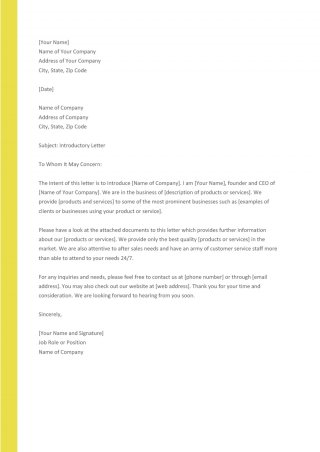
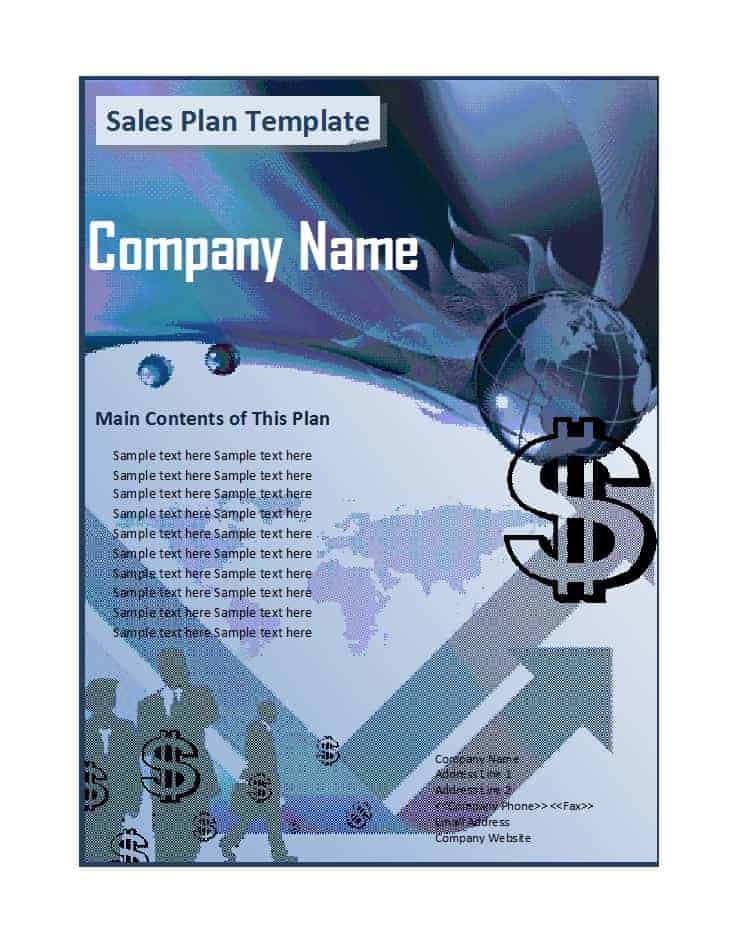
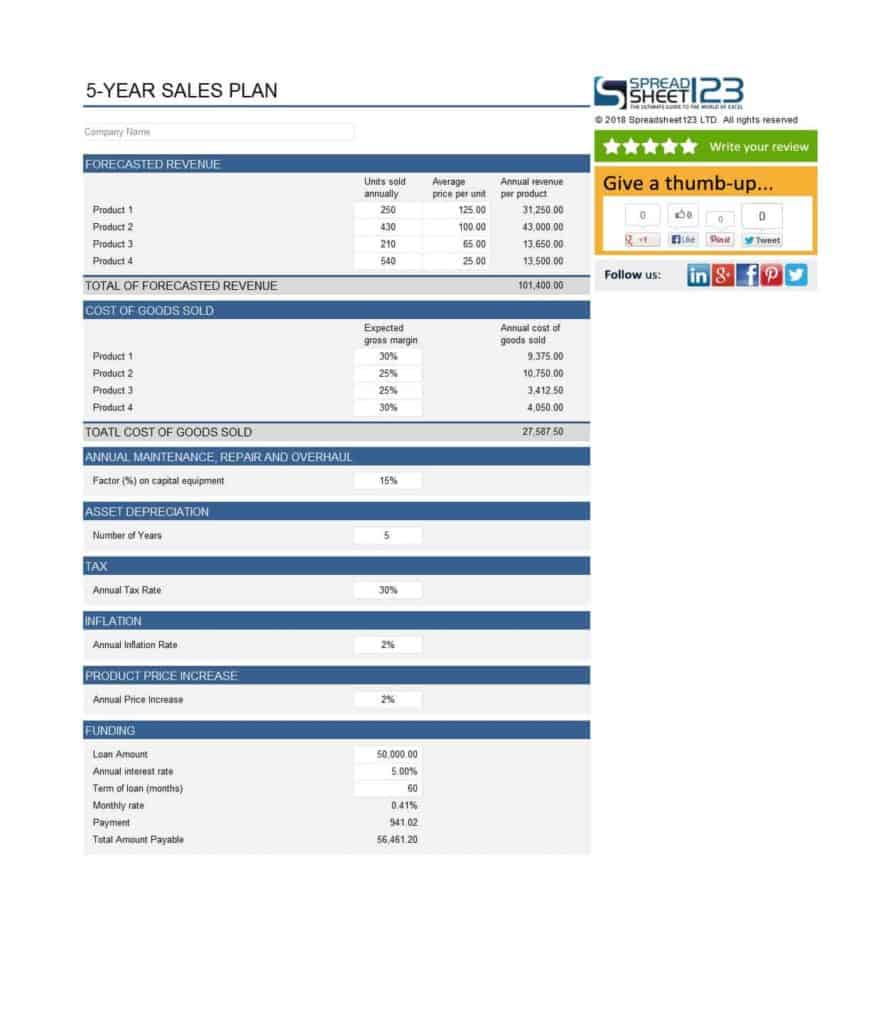
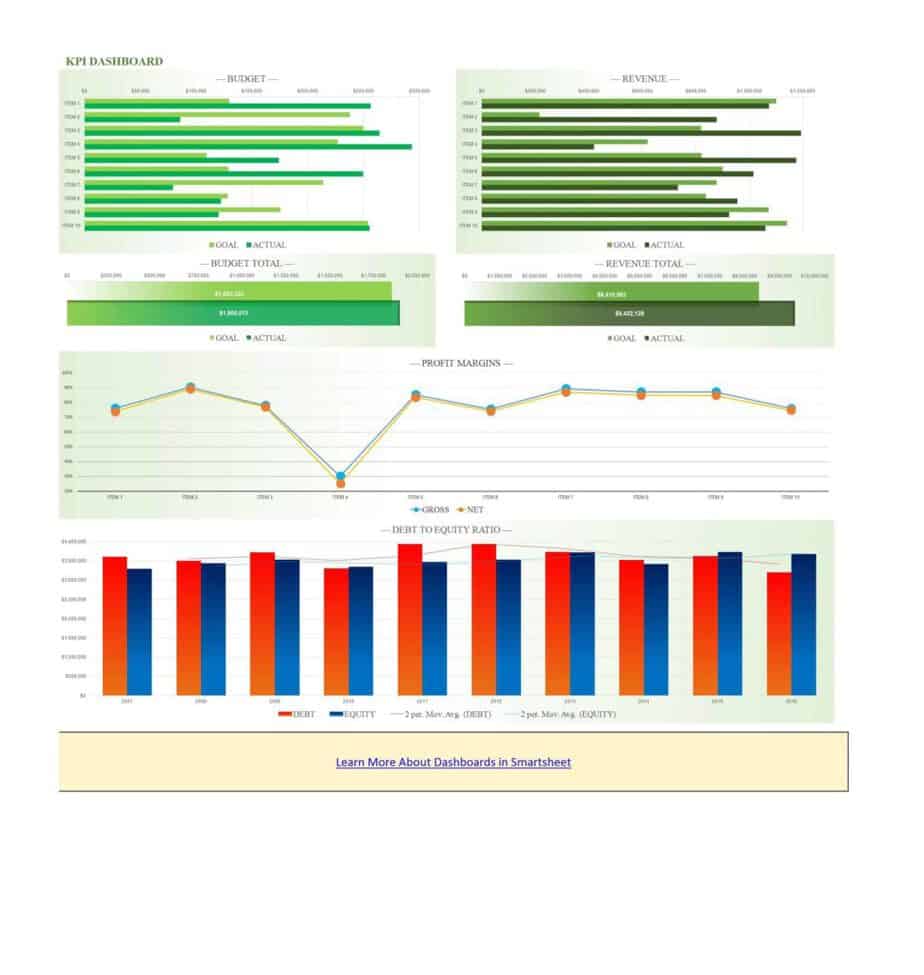
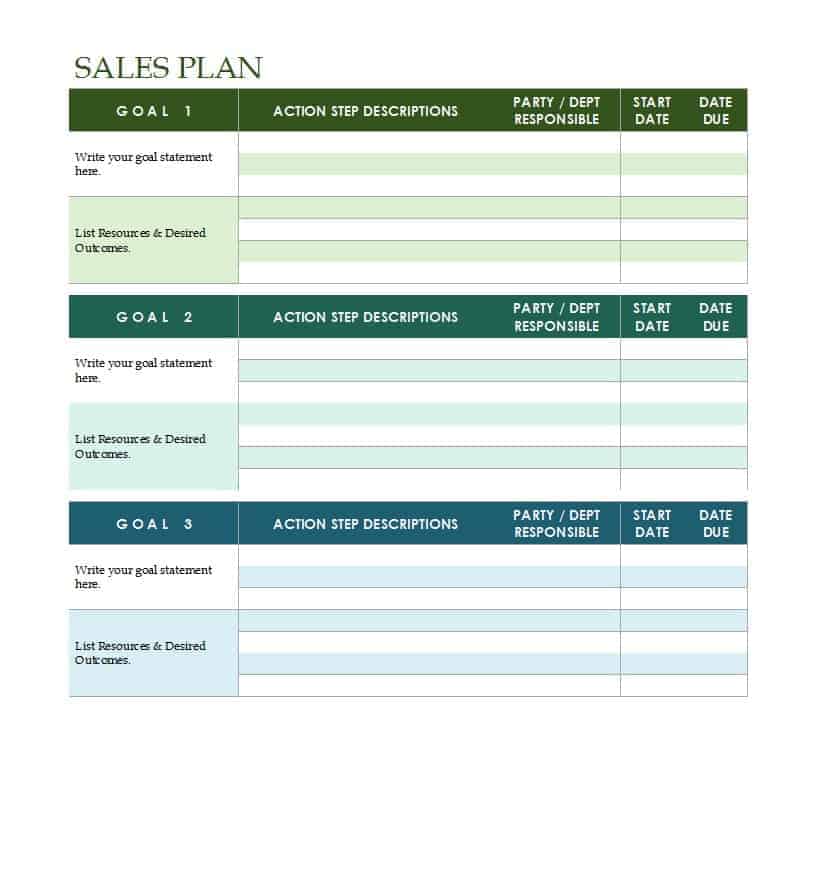
Click any preview to enlarge it, then use the button under it to save the file. Word and Excel downloads open in Microsoft Office, LibreOffice or Google Docs and Sheets. Some downloads arrive as ZIP files, so extract them first and check what is inside before you edit. Rename the file, replace the sample wording with your own goals and remove any section that does not apply to your business.












Related Templates
- free sales report templates
- action plan templates
- Word proposal templates
- executive summary templates
Frequently Asked Questions (FAQs) About Sales Plans
What is the difference between a sales plan and a sales strategy?
A strategy is the overall approach to winning customers. A plan adds the targets, tasks, people, budget and dates needed to carry that approach out.
How long should a small business sales plan be?
Often one to three pages is enough. If nobody reads it during the month, it is probably too long.
How do I set a realistic sales target?
Start from your actual results in a comparable period, then add a modest increase you can explain with specific actions, such as new customers or a new offer.
Should I write a yearly or a quarterly plan?
Many teams write a yearly plan for direction and a quarterly plan for detail. The quarterly version is easier to adjust when conditions change.
What should I put in a sales plan for a brand-new product?
Include the target buyer, the price, where you will reach them, the launch date and the number of sales you need in the first few months to break even.
How do I split targets among team members?
Base quotas on territory size, account history and experience, and write each person’s number beside their name so responsibility is clear.
Which file types are in this collection?
You will find .docx Word files, .xls Excel files and several ZIP downloads. Extract the ZIP files first and check what they contain.
How often should I review my sales plan?
Monthly is a good habit. Compare actual results with the plan, note what changed, and update the next month’s actions.