A memo template gives you the To, From, Date and Subject lines already in place, so you can spend your time on the message instead of the layout. This page offers 15 free, editable memo templates in Word format: 13 .docx documents and 2 .dotx template files. Choose a design, type your announcement, request or reminder, and send it as a printout or as an email attachment.
What a Memo Is and When It Fits
A memo, short for memorandum, is a brief written message used inside an organization. It announces a policy change, confirms a decision, reminds a team about a deadline or asks for approval. Unlike a business letter, it has no salutation and no signature block. The header does the work of identifying who is writing to whom, on what date and about what. Because it is meant to be read in a minute or two, a good memo leads with its main point and uses the rest of the page for only the details a reader needs to act.
Memo, Email or Letter: Which Should You Send
Use a memo when the message is official, applies to a whole team or department, or should be kept on record, for example a change to working hours, a new safety rule or a summary of what was agreed in a meeting. Use an email for quick questions and routine conversation. Use a letter when the message goes outside the company. Many workplaces send the memo as an attachment or paste it into the body of an email, so the record and the delivery are both covered.
Common Types of Memos and Their Purpose
- Announcement memo: new hires, office closures, holiday schedules, policy updates.
- Request memo: asks a manager for approval, budget or resources, and explains why.
- Directive memo: gives instructions that everyone must follow, such as a new procedure.
- Meeting memo: gives the time, place and agenda, or summarizes what was decided.
- Reminder memo: a short prompt about a deadline, a training session or a form due date.
- Confirmation memo: records what was agreed in a conversation so nobody relies on memory.
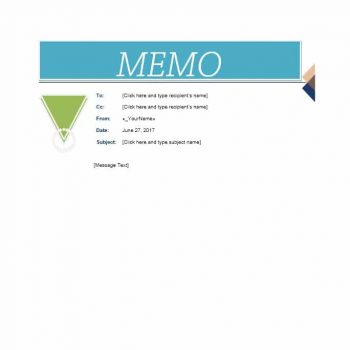
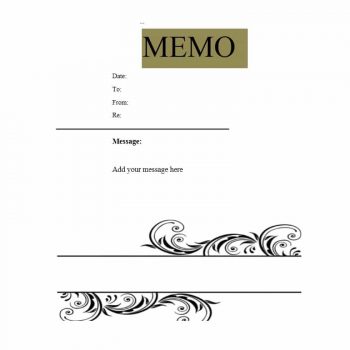
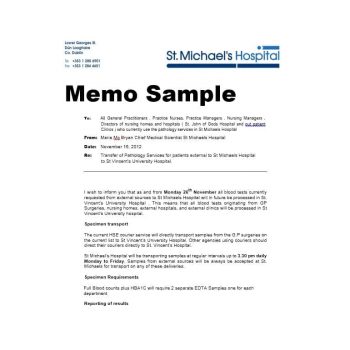
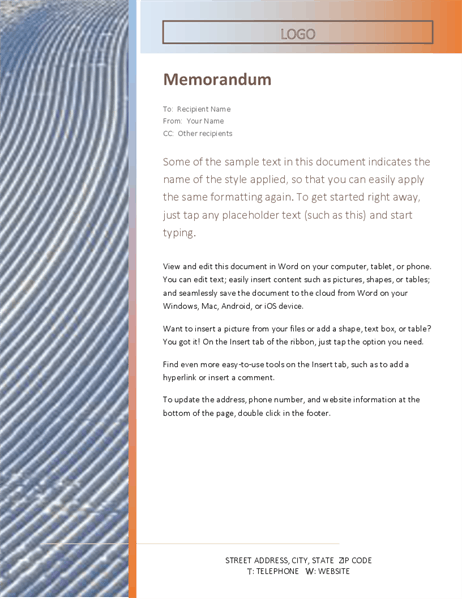
Some file names on this page do not exactly match the preview above them, so open the download and check that it is the layout you wanted.
Parts of a Well-Built Memo
- The word Memo or Memorandum as the title.
- To: the name and job title of each recipient, or the group name.
- From: your name and title.
- Date: the day the memo is written or sent.
- Subject: a specific line such as “New parking arrangements from 1 May” rather than “Update”.
- Opening: one or two sentences stating the purpose and, if needed, what you want readers to do.
- Body: dates, reasons and steps in short paragraphs or bullets.
- Closing: the deadline for any action and who to contact with questions.
- CC and attachments, if others should be copied or a document goes with it.
A Sample Memo You Can Adapt
This example is invented and shows how short a useful memo can be.
- To: All warehouse staff
- From: Dana Ortiz, Operations Manager
- Date: 12 May
- Subject: Forklift certification refresher on 24 May
- Body: All forklift operators must attend a one-hour refresher at 8:00 a.m. in the training room. Sign up on the noticeboard by 19 May. Operators who cannot attend should tell their supervisor so another session can be arranged.
How to Write a Memo Step by Step
- Decide what you want the reader to know or do, and write that in one sentence.
- Open the template and fill in the header lines.
- Put the main point in the first paragraph, not the last.
- Add only the supporting facts the reader needs: dates, reasons, steps.
- End with the action, the deadline and a contact person.
- Read it again as the recipient would and cut anything that does not help them act.
- Save it, print it or attach it, and keep a copy for your records.
Memo Mistakes That Cause Confusion
- A vague subject line, which makes readers skip the memo or file it without reading.
- Burying the request in the third paragraph.
- Covering several unrelated topics in one memo, so half the message is missed.
- Writing in a harsh or sarcastic tone in a document that may be forwarded or kept on file.
- Forgetting the date, which makes it hard to tell later which version was current.
- Sending confidential or personal information to a whole distribution list.
These templates are formatting aids only. Follow your organization’s own rules for who may send company-wide memos and how they are approved and stored.
Tone, Length and Who Is Reading
A memo to a team can be direct and friendly, while a memo to senior leadership should be more formal and lead with a recommendation. Most memos fit on one page. If you need more space for background, put a short summary at the top and attach the detail. Consider who will read it: a shift worker checking a noticeboard needs large headings and a clear date, whereas an executive scanning a phone screen needs the decision and the deadline in the first two lines.
Template file guide
Before completing your template
- Name the audience and use a specific subject line.
- Put the required action and deadline near the beginning.
- Check the date, sender and any referenced attachments.
Use the file links below to open an option directly, or continue to the previews to compare layouts. File formats are taken from the linked filenames. Extract ZIP archives before checking the files inside.
| File or resource | Format / source |
|---|---|
| blue memo template | DOCX |
| simple business memo template | DOCX |
| professional memo template | DOCX |
| company memo template | DOCX |
| blank memo template | DOCX |
| internal office memo format | DOCX |
| printable memo template | DOCX |
| editable memo template | DOCX |
| announcement memo template | DOCX |
| formal memorandum template | DOCX |
| memo example template | DOCX |
| short memo template | DOCX |
| employee memo template | DOCX |
| memo template in Word template format | DOTX |
| reusable memo template | DOTX |
Free Memo Template Downloads
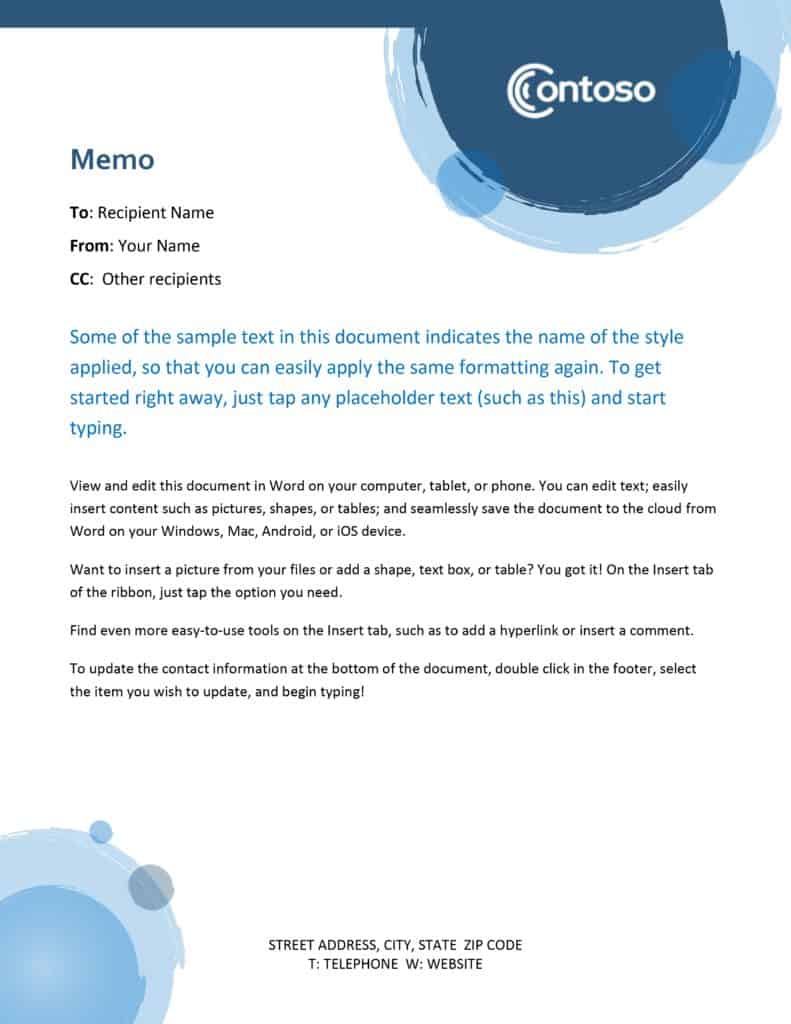
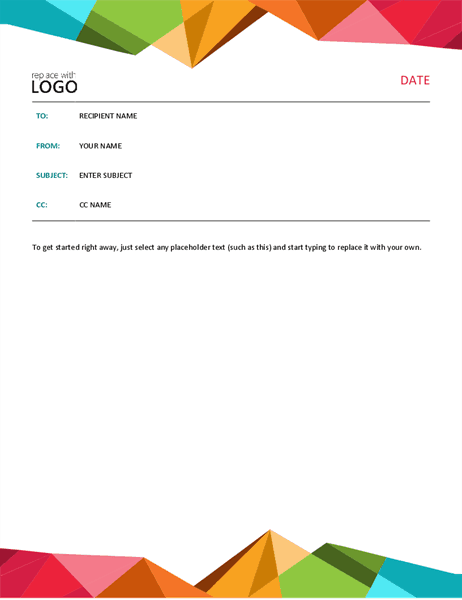
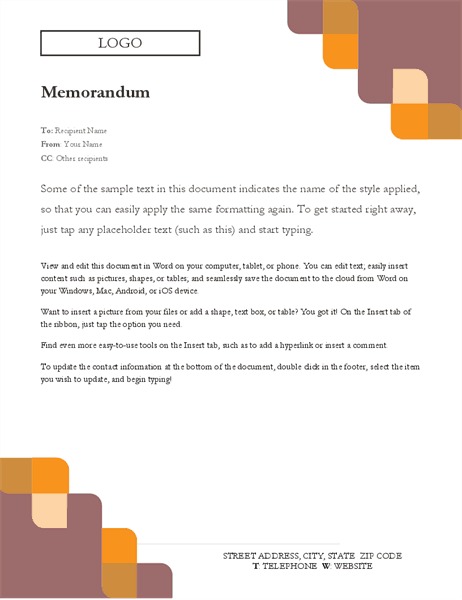
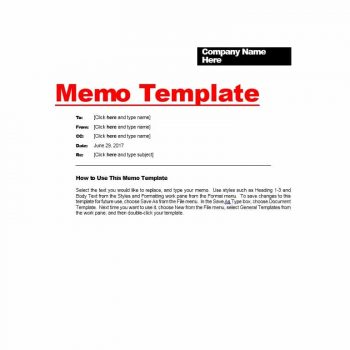
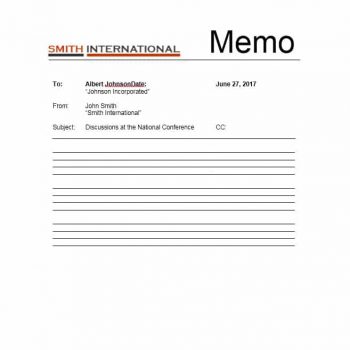
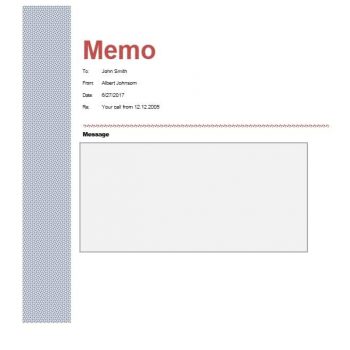
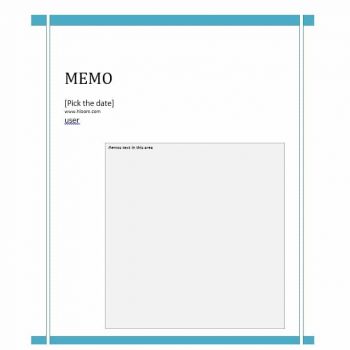
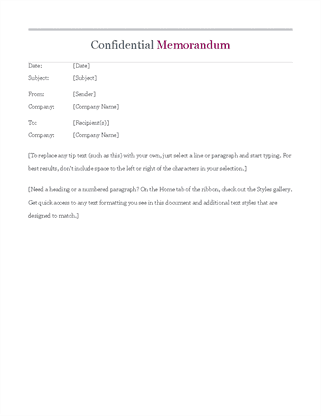
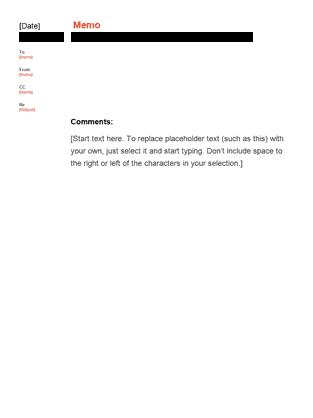
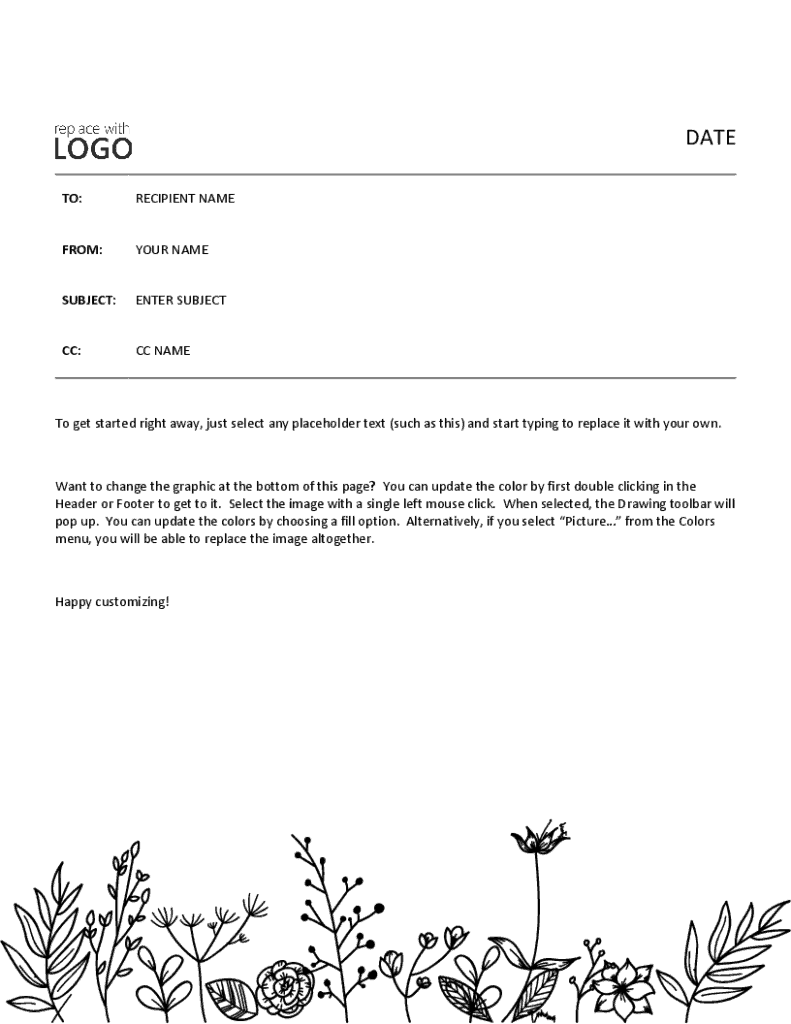
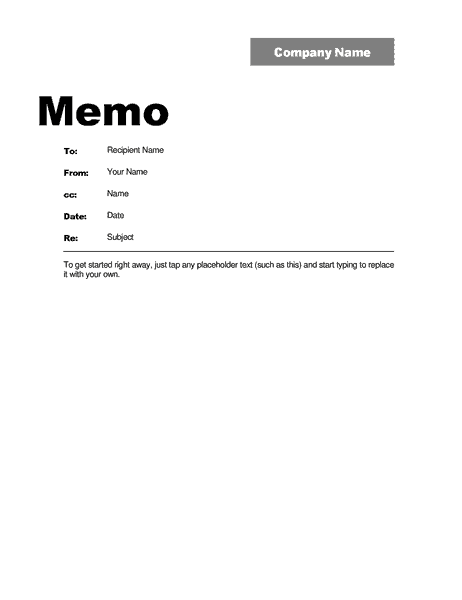
Click a preview to see it larger, then press the download button under it. The .docx files open in Microsoft Word, LibreOffice or Google Docs. The two .dotx files are Word template files: opening one creates a fresh untitled document, so your original stays clean. Replace the sample text, add your company name or logo and change fonts and colors as you like.







Related Templates
- company letterhead templates
- executive summary templates
- free status report templates
- incident report templates
Frequently Asked Questions (FAQs) About Memo Templates
What is the correct memo format?
A standard memo has a title, then To, From, Date and Subject lines, followed by a short body with the purpose, details and next steps. It does not usually need a salutation or handwritten signature.
What is the difference between a memo and an email?
Both share information, but a memo is a formal internal document with a set header, often used for announcements or records. An email is more general and often more casual. A memo can also be sent as an attachment or pasted into an email.
How long should a memo be?
Aim for one page. A memo is meant to be read quickly, so include only what the reader needs to understand and act.
Do I need to sign a memo?
Usually not. Some organizations ask the sender to initial next to their name in the From line. Follow your company’s practice.
What is the difference between a .docx and a .dotx file?
A .docx is an ordinary Word document. A .dotx is a Word template: opening it creates a new untitled document based on the design, so you can reuse it without overwriting the original.
How do I write a good subject line?
Say what the memo is about and, if there is an action, when it is due. “Fire drill on Thursday at 10 a.m.” works better than “Important notice”.
Can I add my logo and change the fonts?
Yes. The files are editable, so you can insert a logo, change fonts and colors, and rename the header labels to match your company style.
Who can send a company-wide memo?
That depends on your organization. Many companies restrict all-staff memos to managers or HR, so check your internal communication policy before sending one.