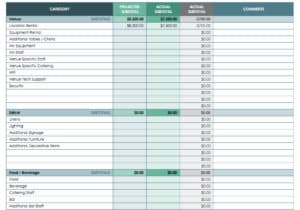
A good sales report template turns a pile of invoices, CRM exports and till totals into one page that a manager can read in two minutes. Below are 8 free, editable sales report layouts: four Excel spreadsheets for calculations and charts, and four Word documents for written summaries. Pick the one that matches your reporting period, fill in your own figures and print or share it.
What Your Sales Report Should Answer
Before you open any file, decide which questions the report must answer. Most readers want to know how much was sold, how that compares with the target and with the previous period, which products or reps drove the result, and what you plan to do next. A report that answers those four points clearly is more useful than a long one filled with every number you have. Sales managers use these reports to coach reps, owners use them to decide on stock and hiring, and finance teams use them to check that revenue matches the invoices.
Excel or Word: Which Sales Report Format Fits
The downloads on this page include both formats, and each has a job. An Excel sales report format is best when you need totals, percentages and charts that update as you type: daily till summaries, weekly rep scorecards and monthly product breakdowns. A Word sales report format works better when the numbers need a story around them: a monthly summary for a director, a review for a client, or an update for a board packet. Many teams keep the figures in Excel and paste the key table and a chart into a short Word report.
Metrics Worth Tracking
- Revenue against target: show both the amount and the percentage gap, so a shortfall is visible immediately.
- Units sold and average order value: a revenue rise driven by price looks different from one driven by volume.
- New versus repeat customers: tells you whether growth comes from acquisition or loyalty.
- Pipeline and win rate: the deals still open and the share you close, useful for forecasting the next period.
- Returns, refunds and discounts: often left out, but they change the real margin on a sale.
- Sales by region, store or channel: shows where to send more support.
A Sample Weekly Summary to Copy
Here is a short example of the wording that fits the top of a weekly report. It uses invented numbers, so replace them with yours.
- Headline: Sales for the week were 4,800 against a target of 5,000, which is 96 percent.
- Driver: Two repeat orders from existing accounts offset a slow Monday and Tuesday.
- Risk: One large quote is waiting on a customer signature and is not counted yet.
- Next step: Follow up on open quotes by Wednesday and confirm stock for the promotion.
How to Fill In a Sales Report Step by Step
- Choose the period and the audience, then open the matching template.
- Pull raw figures from one source, such as your invoicing tool or point-of-sale export, so the totals agree.
- Enter targets first, then actual results, and let the difference column do the arithmetic.
- Write two or three sentences on why the result moved, using facts you can point to.
- List one or two actions with an owner and a date.
- Save the file with the period in its name, such as sales-report-2026-03.
Mistakes That Weaken a Sales Report
- Mixing periods, such as comparing a four-week month with a five-week month without saying so.
- Counting quotes or unpaid orders as sales without labelling them.
- Changing the column order every month, which makes trends hard to follow.
- Hiding a poor result in the middle of the report instead of stating it up front.
- Pasting a chart with no title, unit or time range.
These files are general-purpose layouts. Check any figures against your own accounting records before you rely on them for tax, audit or investor reporting.
Who Reads a Sales Report and What They Look For
A sales director usually scans the headline number first, then the biggest gap to target. An owner of a small shop may care more about which products moved and what needs restocking. A finance lead checks that the revenue line matches invoices and that discounts are recorded. A client or investor, if they receive the report at all, wants a clear trend and an honest explanation of any dip. Writing with your reader in mind means you can trim sections they do not need. For a rep-level report, keep it to accounts, activity and follow-ups. For a leadership update, lead with results and decisions needed, and leave detailed tables for an appendix or the spreadsheet itself.
Template file guide
Before completing your template
- Use the same reporting dates across source data and totals.
- Label actual results, targets and comparison periods.
- Explain the action behind each significant change.
Use the file links below to open an option directly, or continue to the previews to compare layouts. File formats are taken from the linked filenames. Extract ZIP archives before checking the files inside.
| File or resource | Format / source |
|---|---|
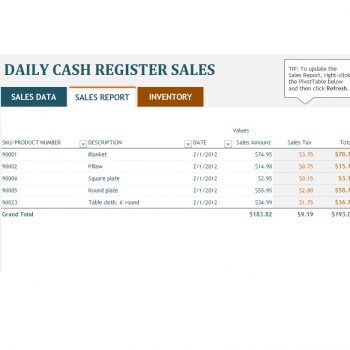
| sales report template — option 1 | XLS |
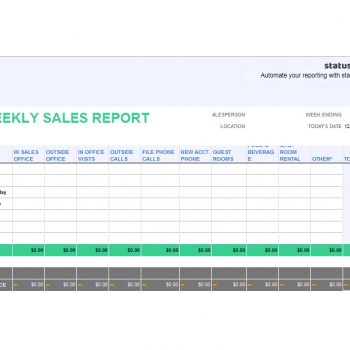
| sales report template — option 2 | XLSX |
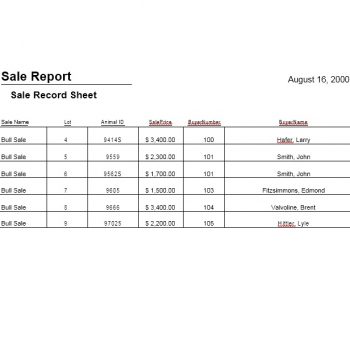
| sales report template — option 3 | DOC |
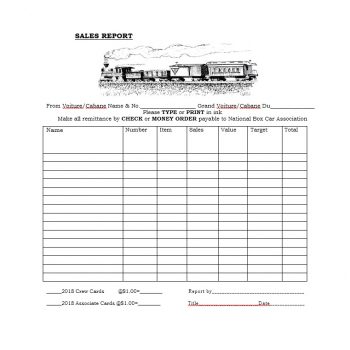
| sales report template — option 4 | XLS |
| sales report template — option 5 | XLSX |
| sales report template — option 6 | DOCX |
| sales report template — option 7 | DOC |
| sales report template — option 8 | DOC |
Free Sales Report Template Downloads
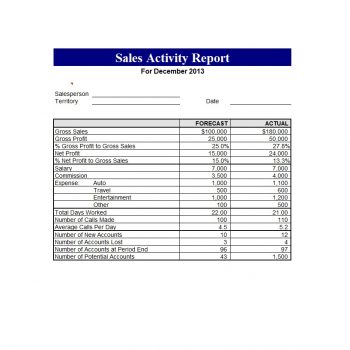
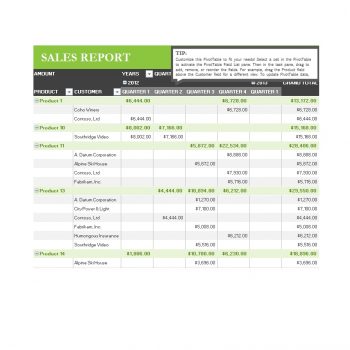
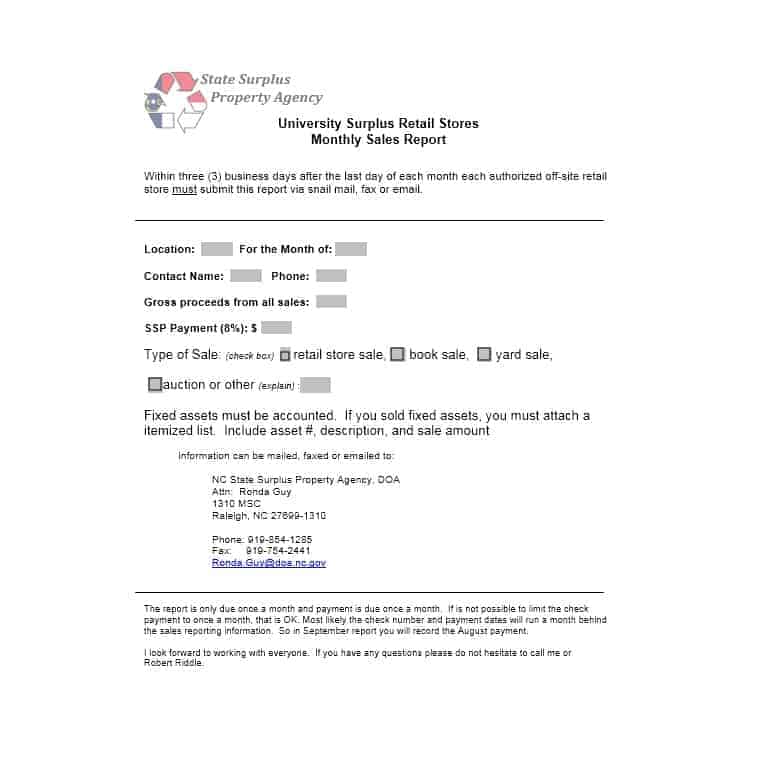
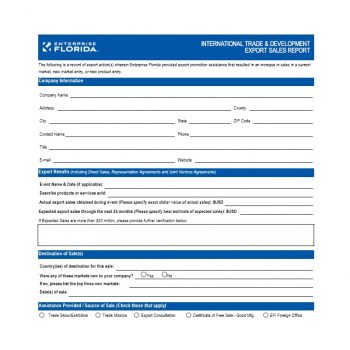
Click a preview to view it larger, then use the button beneath it to save the file. Open Excel files in Microsoft Excel, LibreOffice Calc or Google Sheets, and Word files in Microsoft Word or a compatible editor. You can rename columns, add your logo, and delete rows you do not need. Keep an untouched copy of the original so you can start fresh each month. If you print a report for a meeting, check the page preview first so wide tables are not cut off at the edge of the paper.




Related Templates
- free monthly report templates
- sales plan templates
- free status report templates
- executive summary templates
Frequently Asked Questions (FAQs) About Sales Report Templates
How is a sales report different from a sales forecast?
A sales report looks backward at what was actually sold in a period. A forecast estimates what you expect to sell next, based on open leads and past results.
Should I use Excel or Word for a monthly sales report?
Use Excel when the report is mostly numbers and charts, and Word when it needs written explanation. Many people keep the data in Excel and summarize it in Word.
What is the simplest way to show progress against a target?
Put target, actual and the percentage difference in three neighboring columns. One glance then shows whether the period is on track.
How often should a small team report sales?
Weekly works for fast-moving teams and monthly suits most small businesses. Pick a rhythm you can keep, because a consistent report is more useful than a detailed one that gets skipped.
Can I use these layouts for one salesperson instead of a whole team?
Yes. Replace the team rows with that person’s accounts or products, and add a short section for follow-ups planned.
How do I keep figures accurate?
Take numbers from one source, avoid retyping where you can copy and paste, and compare the grand total with your accounting records before sending.
Can I add my logo and change the colors?
Yes. The files are editable, so you can insert a logo, change fonts and colors, and rename headings to match your brand.
Are the files free to download and print?
Yes, they are free for your own use. The Excel files end in .xls or .xlsx and the Word files in .doc or .docx.