Need a free gift certificate template you can edit and print in minutes? This page shows 12 gift certificate designs to browse: five come with a download button (four Word files and one PowerPoint file) and seven are sample designs shown as preview images for inspiration. Pick a layout, add the recipient, the value or service and your details, and print a certificate for a birthday, holiday, promotion or thank-you.
Choosing the Right Gift Certificate Design
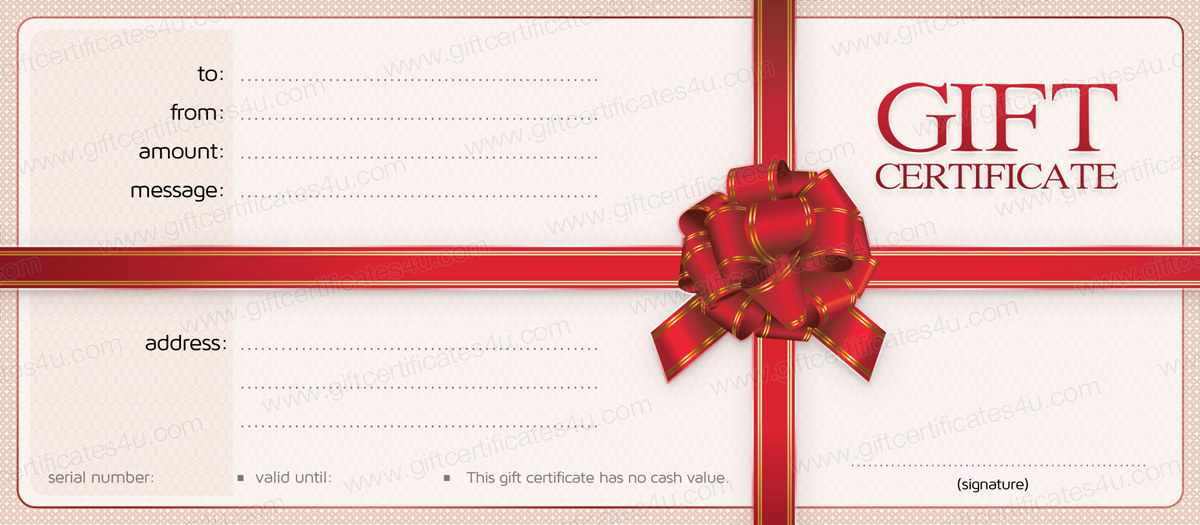
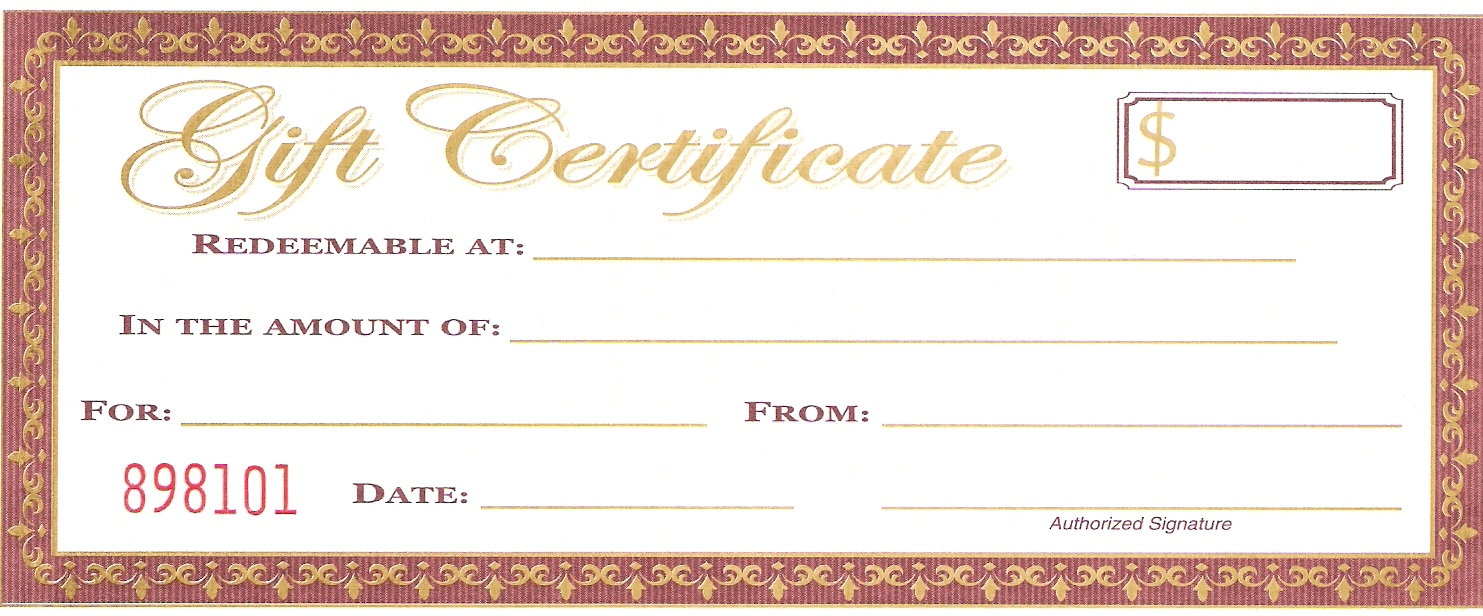
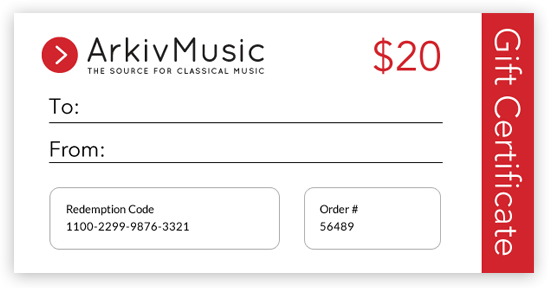
Start with the occasion, then the recipient, then the practical details such as where the certificate will be redeemed. The designs below range from a Christmas layout and floral borders to plain printable samples that suit a shop counter or a school fundraiser.
- Christmas and seasonal: festive graphics suit holiday staff gifts and customer thank-yous, and the first Word download on this page follows that theme.
- Floral and soft-color designs: good for anniversaries, spa or salon vouchers and Mother’s Day presents; two of the downloads use flower styling.
- Plain business layouts: a clean rectangle with a logo area is easier to read at a till and cheaper to print in black and white.
- Sample designs for ideas: the seven preview-only samples are there to compare borders, wording and proportions before you build your own.
What to Write on a Gift Certificate
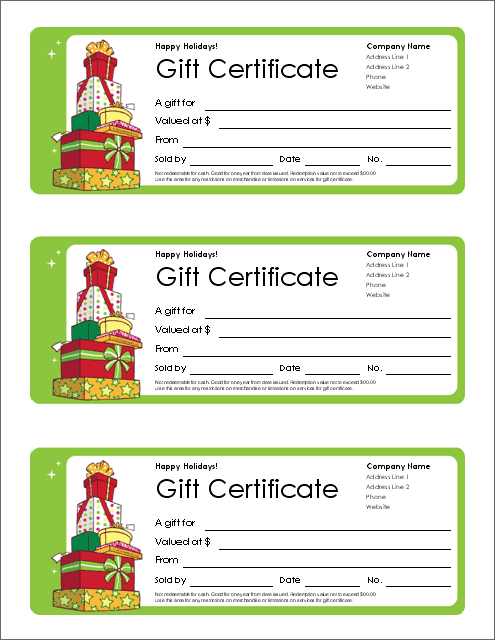
A certificate that leaves out key details causes arguments at the counter later, so include each of these fields.
- Recipient and giver: “To” and “From” lines, or the business name if it is a promotion.
- Value or service: either a currency amount or a specific item such as “one 60-minute massage”, written clearly enough to avoid disputes.
- Issue date and expiry: state whether the certificate expires, and check local rules, because some places restrict expiry dates on paid certificates.
- Certificate number: a unique number lets you cancel a lost certificate and stops the same one being redeemed twice.
- Redemption terms: where and how it can be used, whether it can be exchanged for cash, and whether change is given.
- Contact details: a phone number, address or website for questions.
Gift Certificate Wording Examples
If you are unsure what to write, keep the wording short and specific. A personal certificate might say: “This certificate entitles Sarah to one dinner for two at a restaurant of her choice. With love from Mark. Enjoy!” A business certificate might read: “This certificate is worth the amount shown toward any product or service at our shop. Valid until the date shown. Not exchangeable for cash.” A charity auction might use: “This certificate is redeemable for one guided tour for four people, subject to availability.” Adapt the sample text and add any conditions that apply to your own business.
A few tone tips help. For a friend, a warm and specific line about why you chose the gift feels better than a generic greeting. For a customer, keep the tone friendly but the terms plain and easy to find. For staff or volunteers, mention the reason for the thanks, such as a project finished or a year of service, so the certificate feels earned.
How to Make a Gift Certificate Step by Step
- Choose a design from the previews below that matches the occasion.
- Press the download button beneath it and open the file in Microsoft Word (or PowerPoint for the presentation file).
- Replace the sample text with the recipient’s name, the value or service and any message.
- Add your logo, the date, the certificate number and your terms.
- Check the spelling of names and the accuracy of every amount.
- Print a test page on plain paper to check the alignment, then print the final copy on heavy paper or card stock.
- Trim the edges and present the certificate in an envelope or card holder.
Keeping Track of Certificates You Sell
If you issue certificates as a business, a simple log prevents problems. Record the number, the date sold, the value, the buyer and, once used, the redemption date. Keep unused numbers in order and mark any cancelled certificate as void. Reconcile the log at the end of each month so you know how much value is outstanding. This is a bookkeeping habit rather than a legal guarantee, so ask an accountant about how certificates should be treated in your accounts.
Printing and Presentation Tips
- Print on thicker paper or light card stock for a more valuable feel, and confirm that your printer accepts that weight.
- Use a clear, readable font for the amount and the redemption details.
- Sign and date by hand after printing so it looks authentic and personal.
- Add a short personal message to make the gift feel more thoughtful.
- Match the envelope color to the design, and keep a digital copy in case a certificate is lost.
Template file guide
Before completing your template
- State the value or service clearly.
- Check the issuer’s contact and redemption details.
- Assign a reference number if you need to track use.
Use the file links below to open an option directly, or continue to the previews to compare layouts. File formats are taken from the linked filenames. Extract ZIP archives before checking the files inside.
| File or resource | Format / source |
|---|---|
| Christmas gift certificate template | DOCX |
| gift certificate PowerPoint template | PPTX |
| Word gift certificate template | DOCX |
| flower gift certificate template | DOCX |
| flowers gift certificate template | DOCX |
Gift Certificate Designs to Preview and Download
Click a preview to see it larger. Only the first five designs have a download button; the printable samples and extra examples further down are shown as previews only.
Gift Certificate Templates Word (Downloads)



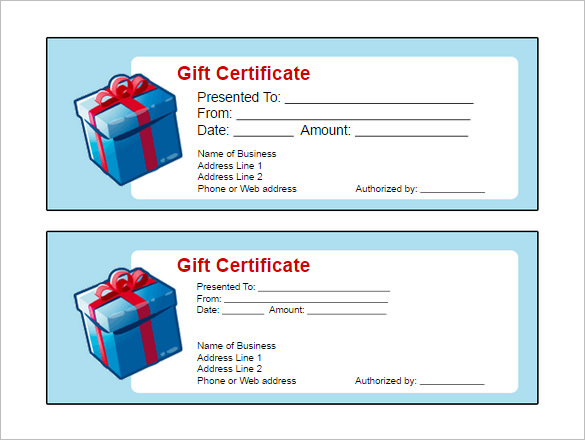

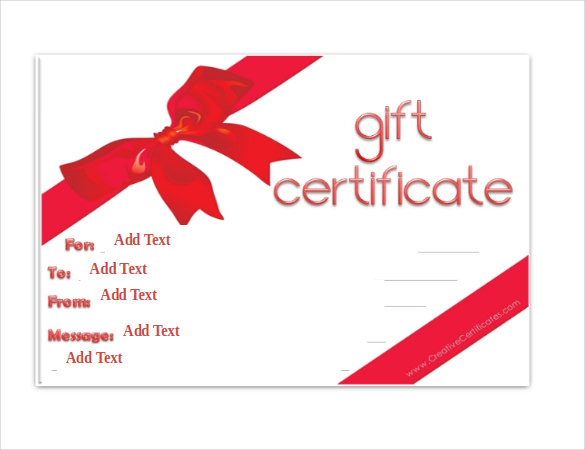

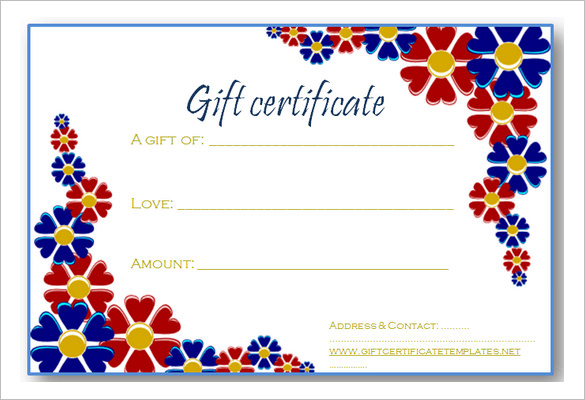

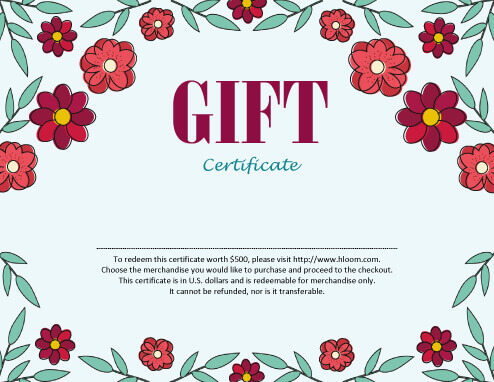

Printable Gift Certificate Samples
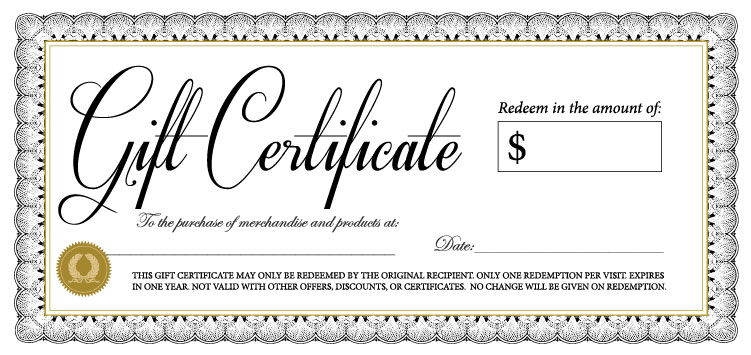

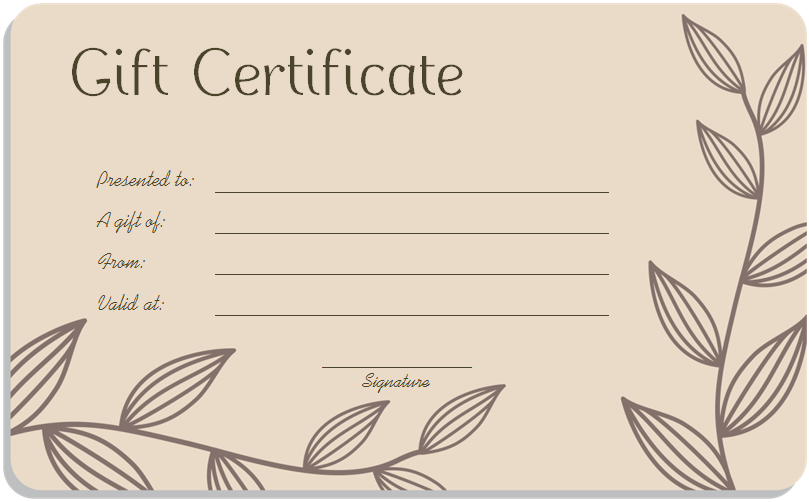

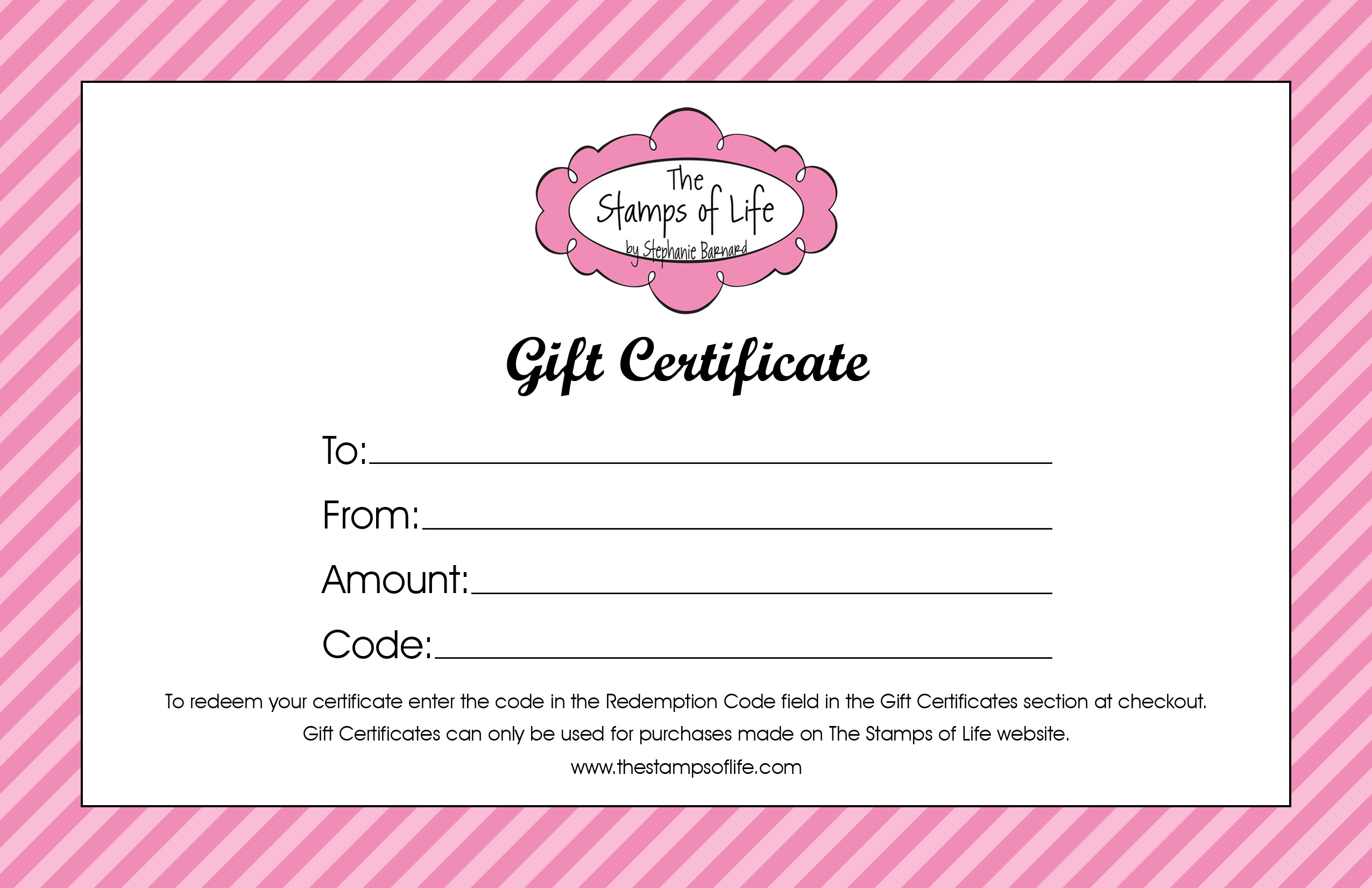

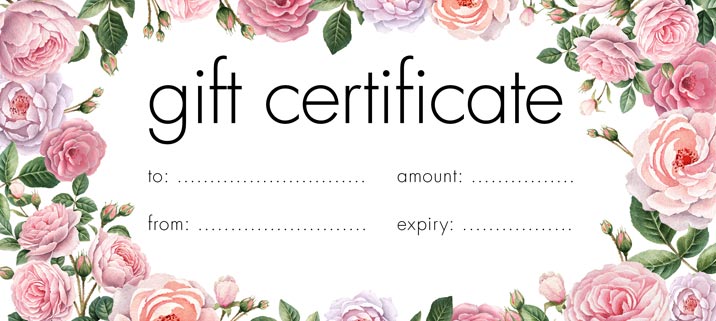
More Free Gift Certificate Examples




Related Templates
Frequently Asked Questions (FAQs) About Gift Certificate Templates
Which of these designs can I actually download?
Five have a download button: four Word documents and one PowerPoint file. The other seven are printable samples and examples shown as preview images only, useful for ideas about layout and wording.
What is the difference between a gift certificate and a gift card?
A gift certificate is usually a paper document, while a gift card is a plastic or digital card. Either can carry a set value that the holder can spend at the issuing business.
Should a gift certificate have an expiry date?
That depends on your business and on local rules. Some places limit expiry dates or require specific wording, so check what applies to you before you issue certificates.
How do I stop a certificate being used twice?
Give each one a unique number, record it when sold and mark it as redeemed when used. Keep the log where every staff member can check it.
Can I print certificates at home?
Yes. Edit the file, print a test page, and then print the final copy on quality paper or card stock with a home or office printer.
How do I add my logo?
Open the file in Word, choose Insert and then Pictures, select your logo and drag it into position. Resize it from a corner so it keeps its proportions.
What amount or service should I put on a certificate?
For a gift, pick a value the recipient can genuinely use, or name a specific service. For a promotion, choose an amount that fits your margins and set clear limits in the terms.
Can I email a gift certificate instead of printing it?
Yes. Save the finished certificate as a PDF or an image and send it by email. Include the certificate number and the redemption terms in the message as well.