Need a free interoffice memo template for an announcement, a request or a policy reminder? This page shows seven interoffice memo layouts you can preview and download, plus one all-in-one ZIP named as a pack of 17 memos. Six of the individual downloads arrive as ZIP files and one is a Word template (.dotx), so you can pick a layout, edit it in Word and print it or send it to colleagues in a few minutes.
What Is an Interoffice Memo?
An interoffice memo, also called an inter-office memorandum or internal memo, is a short written message between people in the same organization. Managers and departments use it to announce changes, ask for approvals, give instructions or leave a record of a decision. Unlike a letter to a customer, it needs no salutation or closing block: a header, a clear subject line and a body that gets to the point are enough.
When a Memo Beats an Email
Email works for quick questions, but a memo is a better fit when a message needs a formal record, applies to a whole department, or explains a rule people may need to look up later. Many offices write the memo in Word, then attach it to an email or pin it to a notice board or intranet page. That combines the speed of email with the weight of a formal document.
Interoffice Memo Types You Can Build From These Layouts
- Announcement memos: new policies, office closures, holiday hours or event dates.
- Request memos: asking a department for information, approval or budget.
- Directive memos: explaining a new procedure step by step.
- Progress memos: summarizing where a project stands for a manager.
- Reminder memos: deadlines, training sessions and meetings.
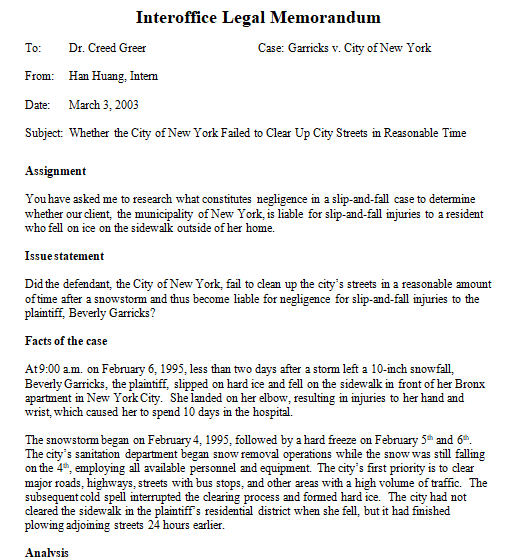
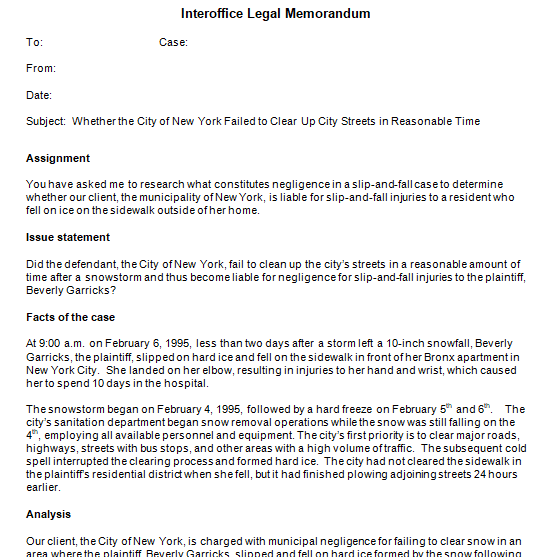
- Legal-style memos: one layout in this collection is named as a legal memo template, useful for formal internal notices. It is a sample layout, not legal advice.
What Goes in the Header and Body
- Heading: the word “Memo” or “Memorandum”, often with the company name or logo.
- To: the name and title of the person or department receiving it.
- From: the name and position of the sender.
- Date: the day the memo is issued.
- Subject: a short, specific line, for example “New Expense Report Procedure” rather than “Update”.
- Body: the purpose first, then the key details, then the action you need.
- Attachments and copies: a note of any attached files and who else received the memo.
How to Write an Interoffice Memo Step by Step
- Decide on the single purpose of the memo and who must read it.
- Choose a layout from the previews below and open it in Word.
- Fill in the To, From, Date and Subject lines.
- Open the body with the main point, then add only supporting facts.
- Use short paragraphs or bullets so the message is easy to scan.
- State what the reader must do and by when.
- Proofread names, dates and tone, and keep it to one page if you can.
Interoffice Memo Example and Sample Wording
A typical announcement might read: “To: All Staff. From: Human Resources Manager. Date: the date of issue. Subject: Updated Office Hours. Starting next month, the office will open at 8:30 a.m. and close at 5:00 p.m. Please plan your schedules accordingly and contact your supervisor with any questions.” The purpose appears at once, the details are brief and the reader knows the next step. Replace every detail with your own information.
Memo Formatting Basics
Use a plain font such as Calibri, Arial or Times New Roman at 11 or 12 points, left-align the text and leave a blank line between paragraphs. Keep margins at roughly one inch and avoid heavy decoration. Most memos do not need a signature, although the sender may initial next to the name in the From line. If your company has an approved memo style, apply it once to a template and save that file so everyone starts from the same layout.
Choosing a Layout for Your Office
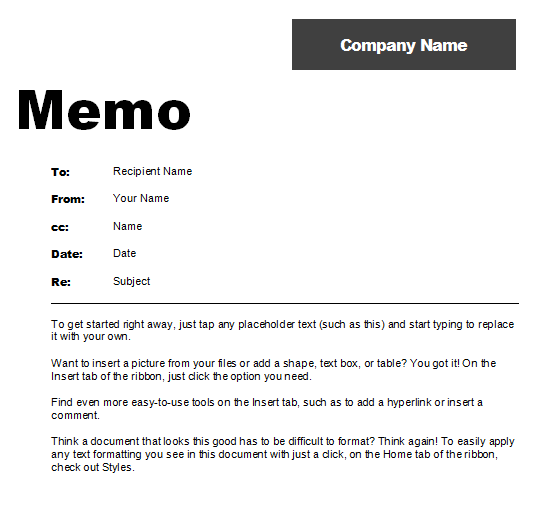
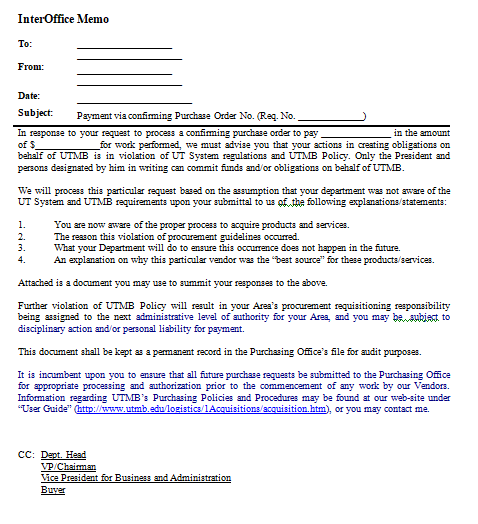
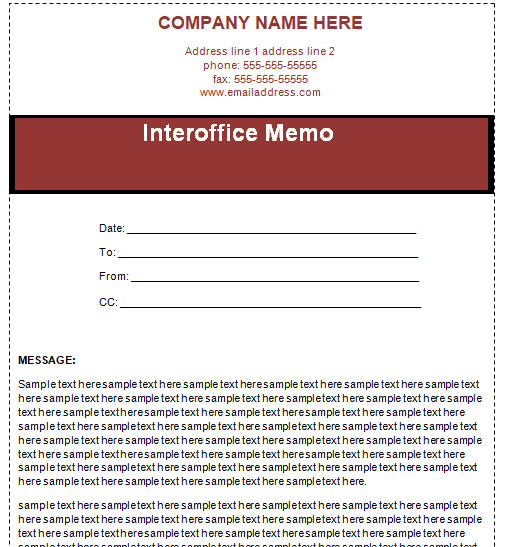
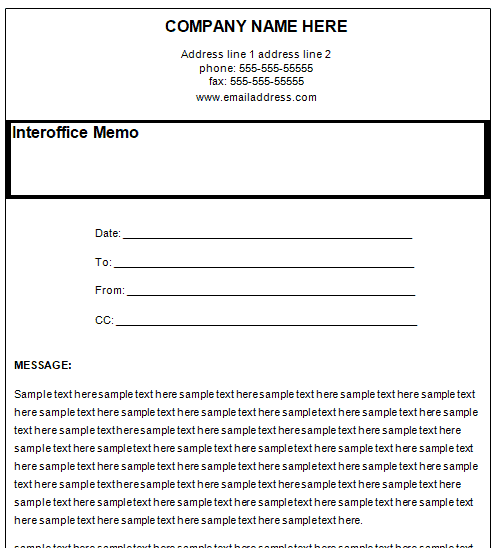
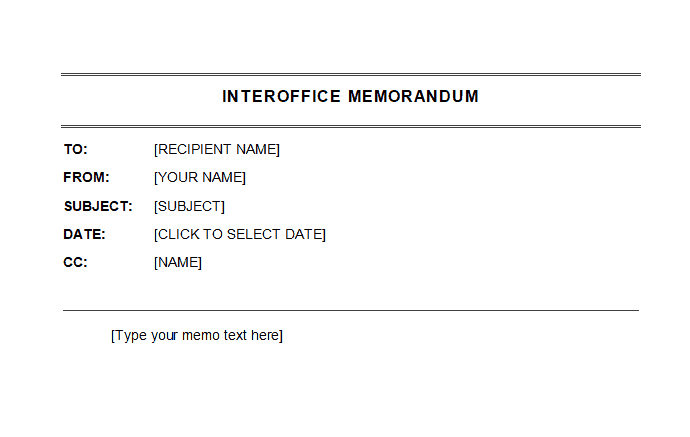
Open two or three previews before you commit. A plain layout with a bold MEMO heading suits everyday notices, while a layout with boxed header fields helps when memos are filed and searched later. If the memo may be read by senior leaders or outside advisers, pick the most formal option and keep decoration to a minimum. Whatever you choose, use it for every memo in the department so readers learn where to look for the date and subject.
Mistakes That Make a Memo Get Ignored
- A vague subject line that hides the point.
- Burying the request in the third paragraph.
- Sending one memo about several unrelated topics.
- Leaving out a deadline or a name to contact.
- Using a casual or sharp tone that could embarrass someone if the memo is forwarded.
How to Get and Edit the Downloads
The wide button in the first block below is the all-in-one ZIP, named as a pack of 17 interoffice memos. After it come seven previews, each with its own download button. The first is a Word template (.dotx) and the other six arrive as ZIP files, so extract them first and open the document inside in Word or a compatible program. Contents of a ZIP can vary, so open the file that matches your software. Replace the sample text, add your logo, and save the result under a new name.
Template file guide
Before completing your template
- Confirm the departments or colleagues receiving the memo.
- Put the requested action and deadline in clear language.
- Replace old policy references and sample sender details.
Use the file links below to open an option directly, or continue to the previews to compare layouts. File formats are taken from the linked filenames. Extract ZIP archives before checking the files inside.
| File or resource | Format / source |
|---|---|
| all interoffice memo templates | ZIP |
| interoffice memo template, layout one | DOTX |
| interoffice memo template, layout two | ZIP |
| interoffice memo template, layout three | ZIP |
| interoffice memo template, layout four | ZIP |
| interoffice memo template, layout five | ZIP |
| interoffice legal memo template | ZIP |
| interoffice memo template, layout seven | ZIP |
Download All Interoffice Memo Templates in One ZIP

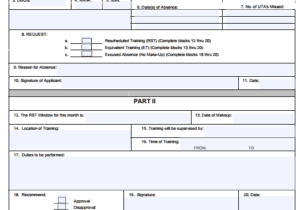
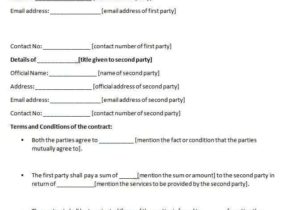
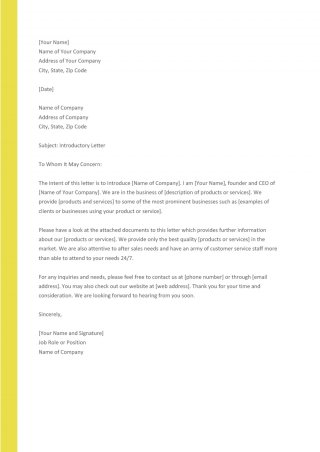
7 Free Interoffice Memo Template Previews

Related Templates
- free memo templates for more general memo formats and examples
- free meeting minutes templates for recording what was decided
- free status report templates for project progress updates
- free letter of recommendation formats for a more formal letter
Frequently Asked Questions (FAQs) About Interoffice Memos
What is the difference between a memo and a business letter?
A memo circulates inside an organization and is short and direct. A business letter is more formal and normally goes to people outside the company, such as customers or suppliers.
How long should an interoffice memo be?
Ideally one page. Keep it concise, and attach a longer document if readers need more detail.
What should the subject line say?
It should tell the reader exactly what the memo is about in a few words, such as “New Expense Report Procedure”, instead of a vague word like “Update”.
Do the downloads open in Microsoft Word?
One layout is a Word template (.dotx) and the rest arrive as ZIP files. Extract a ZIP first, then open the document inside with Word or a compatible program.
Can I add my company logo?
Yes. Open the file in Word, insert your logo in the header and change fonts and colors to match your company style.
Can I send a memo by email?
Yes. Many offices attach the memo as a PDF or paste the text into an email. Save your finished Word file as a PDF if you want the layout to stay fixed.
Does an interoffice memo need a signature?
Usually not. Some senders add their initials beside the From line to show they approved the text.
What is in the all-in-one ZIP?
It is named as a pack of 17 interoffice memos. Extract it to see the files, and open the ones that suit your software.


You must be logged in to post a comment.