A free wanted poster template is the quickest way to get a dramatic “WANTED” notice onto a party wall, a classroom board or an escape-room prop. This page has seven printable wanted poster samples in editable Word format (.doc and .docx): a modern layout, an Old West design, a “dead or alive” poster, a most wanted poster and an FBI-style layout. They are made for parties, school projects, theme events, games and other creative or novelty uses. Swap in a photo, a name, a made-up offense and a reward, and you can print in a few minutes.
What Is a Wanted Poster, and Where Did the Style Come From?
A wanted poster is a printed notice with a photo, a name, a description and a reward, asking the public for information. Law enforcement and frontier sheriffs used them long before the internet, which is why the classic look is so recognizable: a big “WANTED” banner, a portrait in the middle, an aged paper background and dramatic lettering. Today that look has become a favorite for entertainment, and it is the style these templates borrow.
Which Wanted Poster Style Fits Your Event?
- Old West wanted poster: a vintage frontier look with rough paper texture and classic fonts, ideal for cowboy parties, western days and school history projects.
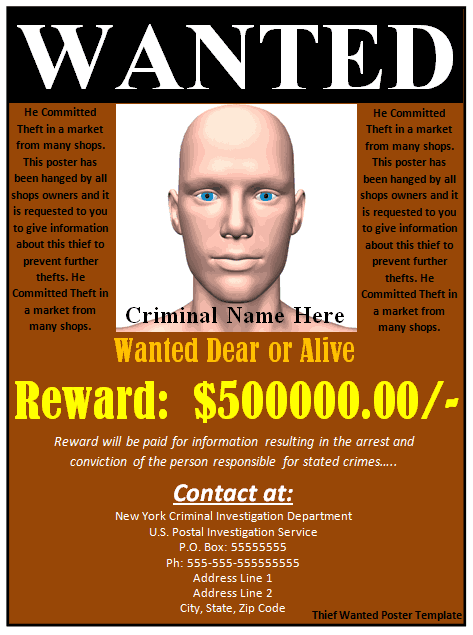
- Dead or alive poster: the well-known western phrase with a bold layout that works well for game nights and birthday jokes.
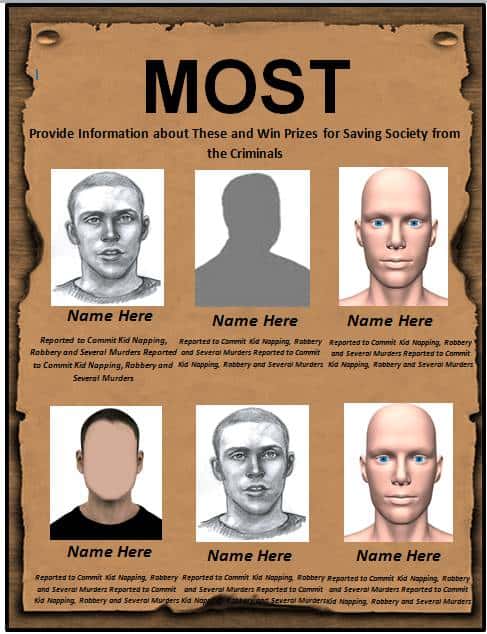
- Most wanted poster: a cleaner modern layout with a large photo and a description box, good for office fun and classroom activities.
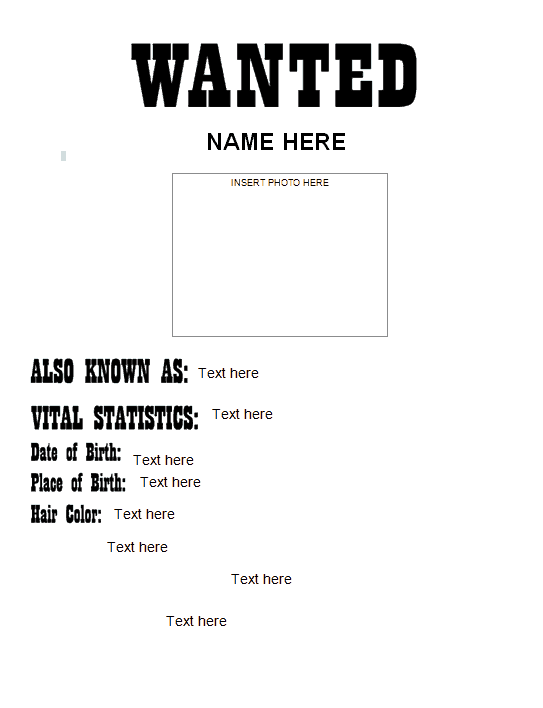
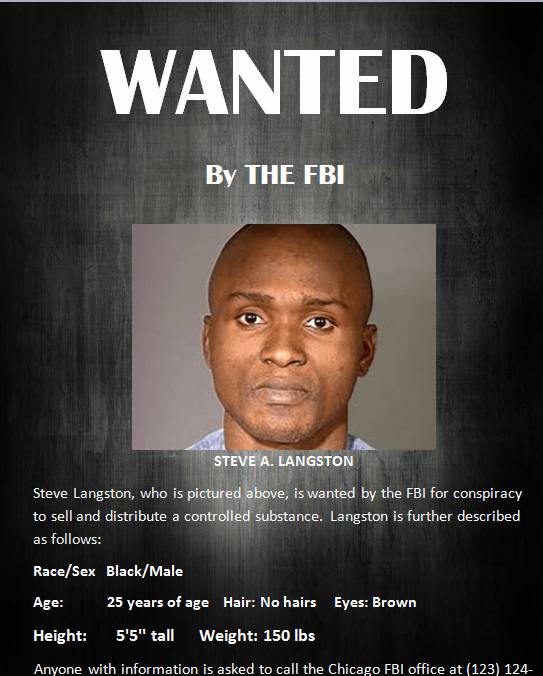
- FBI-style wanted poster: a formal layout with fields for details and notes, useful for mystery parties, detective games and escape rooms.
- Funny party poster: any of the layouts filled with a friend’s or family member’s picture and a harmless “crime”, such as “stealing the last slice of cake”.
What to Put on a Wanted Poster
- A large heading: “WANTED”, “MOST WANTED” or “WANTED DEAD OR ALIVE”.
- One clear, well-lit photo, cropped so the face fills the frame.
- A name or nickname, such as “Fast Freddy” or “The Birthday Bandit”.
- A short description: age, height, hair, or a joke such as “last seen near the buffet”.
- The “crime”, which for a party should always be friendly and made up.
- A reward line, for example “Reward: one free dessert”.
- Optional contact or instruction text, such as where to report sightings during a game.
How to Make a Wanted Poster in Word Step by Step
- Pick the layout that matches your theme, whether vintage, modern or formal.
- Press the download button under the preview and open the file in Microsoft Word.
- Click the sample picture and choose Change Picture to insert your own photo.
- Type over the name, description, offense and reward text.
- Adjust fonts, sizes and colors only if needed, keeping the heading much larger than the details.
- Print one test page on plain paper to check the crop and spelling.
- Print the final copies on plain, cream or tan paper.
A Short Example You Can Copy
Here is a sample text set for a birthday party poster. Heading: “WANTED”. Name: “Sam, a.k.a. the Cake Bandit”. Description: “Approximately 30 years old, last seen with frosting on his sleeve.” Offense: “Turning 30 without permission.” Reward: “One slice of cake and a big hug.” All of it is placeholder wording that you can replace with your own. Notice how the heading stays short and the joke lives in the smaller lines, so the poster reads well from across a room.
Getting the Aged Paper Look
You do not need special equipment to make a poster look old. Print on cream or tan paper, or tea-stain a plain sheet: brush it lightly with cooled tea or coffee, let it dry flat, and then feed it through the printer only once fully dry. Crumple and flatten the paper first for creases. Avoid burning or scorching paper edges, because it is a fire risk and unnecessary. A little rubbed-in brown chalk along the edges gives a similar worn effect safely.
Theme Ideas Beyond the Birthday Party
In a classroom, students can write posters for historical or literary characters and use the description box to summarize what the character did. For a mystery night, make one poster per suspect and hide clues in the “last seen” lines. For a western day at school or work, print several different styles and hang them together as a “gallery” on the wall or at the entrance. A set of matching posters also makes a fun photo backdrop.
Template file guide
Before completing your template
- Use a photo you are authorized to include.
- Keep the wording clearly appropriate to the fictional event.
- Check names and image placement in a print preview.
Use the file links below to open an option directly, or continue to the previews to compare layouts. File formats are taken from the linked filenames. Extract ZIP archives before checking the files inside.
| File or resource | Format / source |
|---|---|
| wanted poster template | DOCX |
| Old West wanted poster template | DOCX |
| dead or alive wanted poster template | DOC |
| most wanted poster template | DOC |
| Old West most wanted poster template | DOC |
| printable wanted poster template | DOC |
| FBI style wanted poster template | DOC |
Free Wanted Poster Template Downloads (Word)
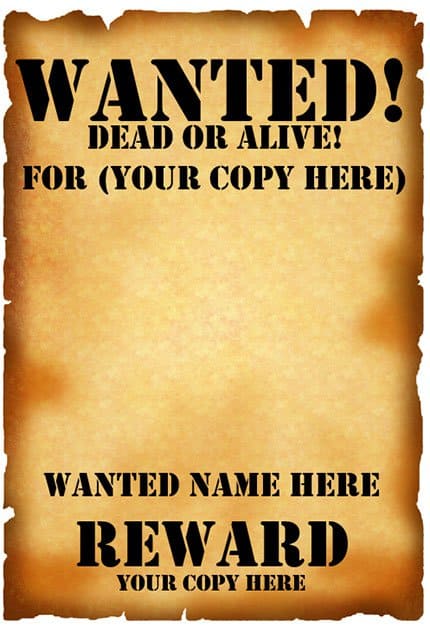



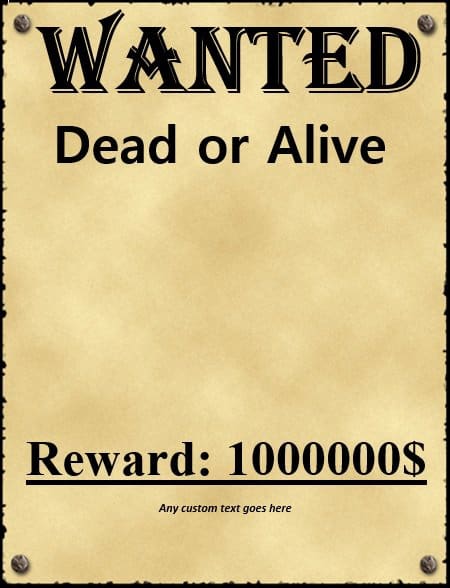

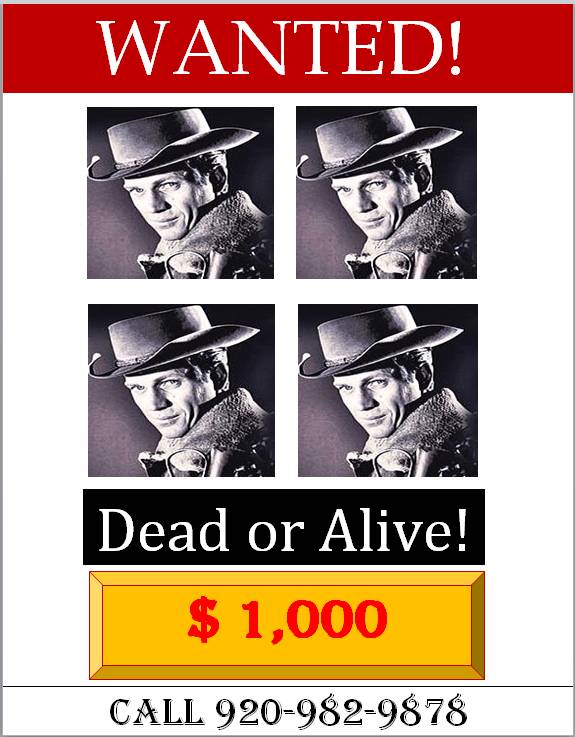





Using and Printing the Downloads
Each template has a preview image with a download button beneath it. Press the button to save the editable Word file, then open it in Word. In the last template, the preview and the button sit together in a single link, so either one starts the download. Most posters print well on standard letter or A4 paper; for a larger display, take the finished file to a print shop and enlarge it. If a file happens to arrive as a ZIP, extract it before opening. Save your finished poster under a new name so the original template stays untouched.
Safety and Common-Sense Tips
- Keep the “offense” obviously playful, and never use a real person’s photo for a joke they would not enjoy.
- Get permission before posting someone’s picture in a public place.
- Keep the wording short so it can be read from a distance.
- Use one bold heading font and one plain font for the details.
- For a real missing-person or safety matter, contact the local authorities instead of relying on a homemade poster; these templates are meant for creative and novelty use.
Related Templates
- free flyer templates for event announcements and handouts
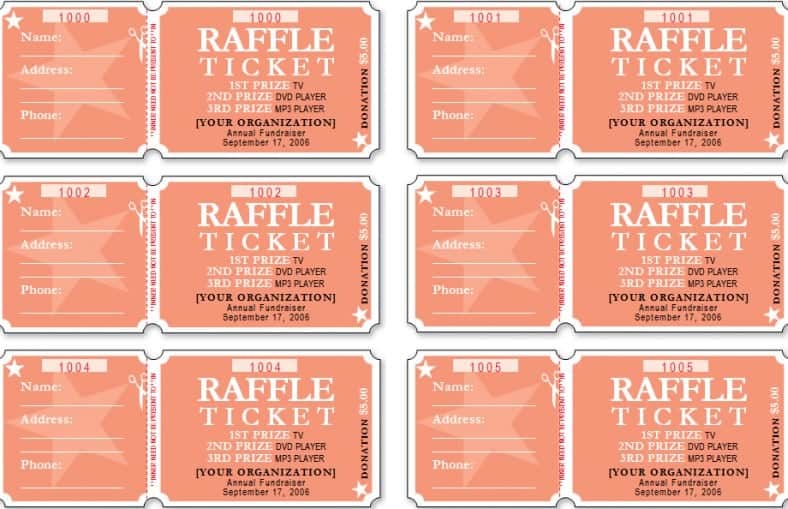
- free raffle ticket templates for party and fundraiser games
- free birthday card templates to go with a themed party
Frequently Asked Questions (FAQs) About Wanted Posters
How do I make a wanted poster in Word?
Download a template, open it in Microsoft Word, replace the sample photo with your own, edit the name, description and reward text, and print it.
Can I use my own photo on the template?
Yes. Click the sample image in Word, choose Change Picture and select a photo from your computer. A sharp, well-lit close-up works best.
What should a wanted poster say?
A bold heading, a photo, a name, a short description, the reason the person is wanted and a reward line. For a fun poster, the reason can be a humorous made-up offense.
What is the difference between a “wanted” and a “most wanted” poster?
The layouts are similar. A most wanted poster simply suggests that the person is at the top of a list, while a plain wanted poster works more generally.
Can I use these templates for a party or school project?
Yes. They suit theme parties, birthday jokes, classroom activities, plays, escape rooms and Old West events.
What size should I print a wanted poster?
Most templates fit standard letter or A4 paper. For a bigger display, enlarge the printout at a print shop.
How can I make the paper look old?
Print on cream or tan paper, or tea-stain a sheet, let it dry completely and then print on it. A texture or parchment-style paper also works.
Are there online wanted poster makers?
Yes. Some websites let you upload a picture and type your text to create a poster in the browser, which can be a quick alternative to using Word.