Need a meeting minutes template you can open before the meeting starts and fill in as people talk? Below are 11 free meeting minutes and meeting notes templates in Word (DOC format), each with its own preview and download button. Use them for staff meetings, committee sessions, board meetings or weekly project check-ins, then edit the headings to suit your group.
What Meeting Minutes Are and Who Reads Them
Meeting minutes are the official summary of a meeting: who was there, what was decided and who agreed to do what. They are not a transcript. Three groups usually read them: people who attended and want to confirm what was agreed, people who missed the meeting and need to catch up, and anyone who later has to check when a decision was made. A neighborhood association, a school board, a small business and a volunteer committee all use the same core structure.
Minutes, Meeting Notes and Action Lists Compared
- Formal minutes: written in neutral language, approved at the next meeting and filed. Board and committee meetings often need this level, including motions and who moved and seconded them.
- Meeting notes: a quicker, looser record for team huddles and client calls. They capture points and next steps without procedural detail.
- Action item list: a short table of task, owner and due date. Many templates on this page include one, and it is the part people check most often after a meeting.
- Recurring meeting log: for weekly or daily check-ins, where keeping the same headings each time makes changes easy to spot.
What to Put in the Minutes
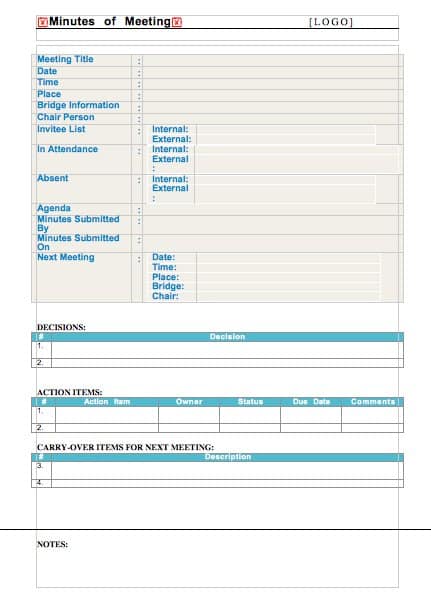
Most meeting minutes format examples cover the following, and you can trim it for informal meetings:
- Group name, meeting title, date, start time and location or video link
- Attendees, apologies for absence, the chair and the person recording
- Whether the previous minutes were approved or corrected
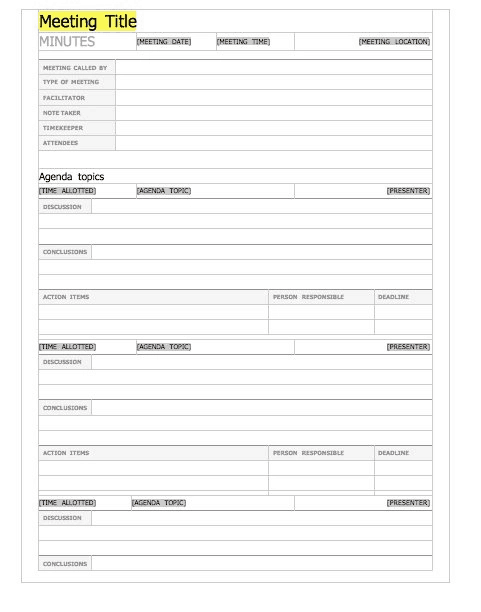
- One heading per agenda item, with two or three lines of summary
- Decisions, motions and votes, worded clearly enough that an outsider would understand them
- Action items with a named owner and a due date
- Date of the next meeting and the time the meeting ended
How to Write Meeting Minutes Step by Step
- Pick a template below that fits the type of meeting and download the Word file.
- Before the meeting, fill in the date, location and attendee names, and paste in the agenda so each item already has a heading.
- During the meeting, write down outcomes, not conversations. If someone says “let’s push the launch to March,” record the decision and the reason in one line.
- Mark action items as they come up so you do not have to hunt for them later.
- Right after the meeting, tidy the notes, add missing owners and dates and read the decisions back to yourself.
- Send the draft to the chair for a quick check, share it with attendees and save the approved version in a shared folder.
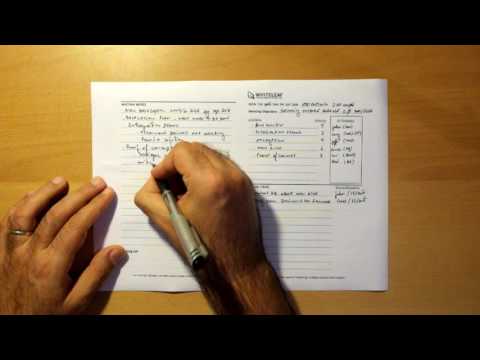
The video below shows a simple way to take meeting minutes without spending too much effort.
A Short Example of Minutes Written Well
Weak: “Discussed budget and event. Everyone had ideas.” Better: “Budget: treasurer reported 40 percent of the annual budget remains. Decision: spring fundraiser will be held on April 12. Action: Priya to book the hall by March 1; Omar to draft the invitation by March 8.” The second version tells an absent member what changed, who is responsible and when to expect it. Notice that it also avoids quoting individuals unless a vote or formal statement makes that necessary.
Mistakes That Make Minutes Hard to Use
- Trying to write everything down, which leaves you behind the conversation and produces pages nobody reads.
- Recording opinions or side comments about individuals instead of outcomes.
- Writing action items such as “look into marketing” with no owner or deadline.
- Waiting a week to send the minutes, by which time people have forgotten the details and the value of the follow-up is lost.
- Saving the file under a different name each time. Use a consistent pattern such as group name, year and date so records are easy to find.
- Ignoring your organization’s rules. Boards, nonprofits and public bodies may have bylaws or legal requirements for what minutes must contain, so check with a qualified professional when the record matters.
Using the Word Templates Below
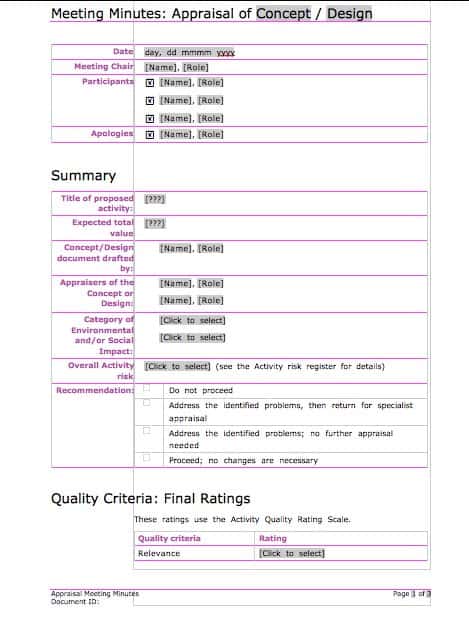
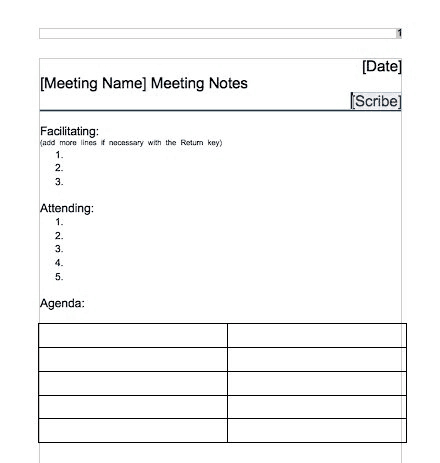
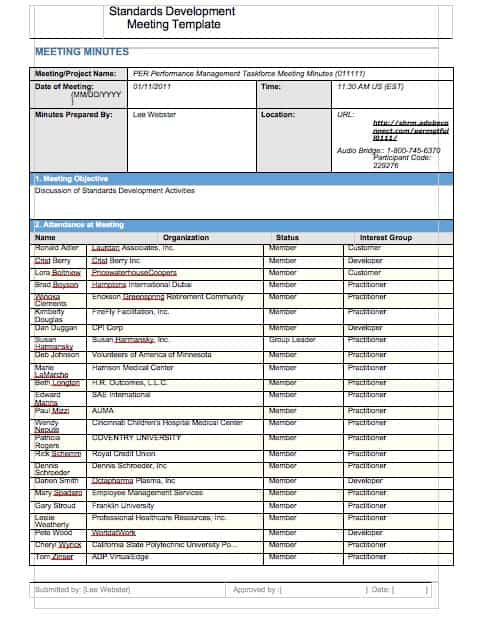
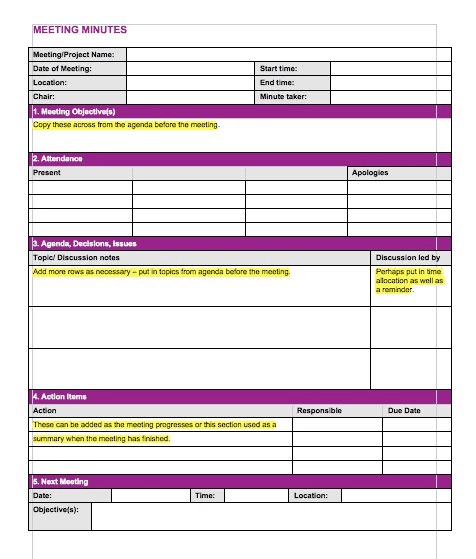
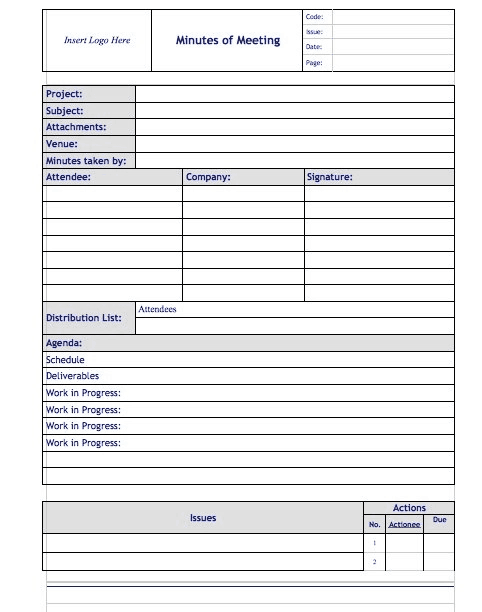
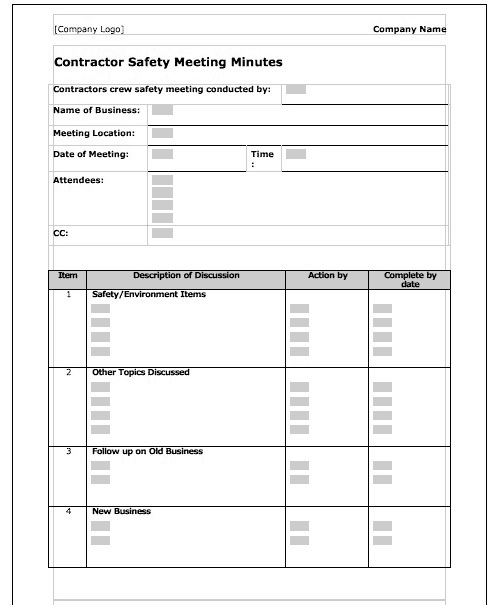
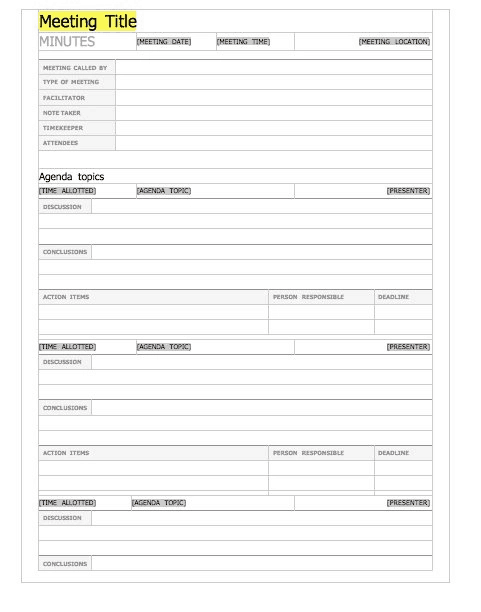
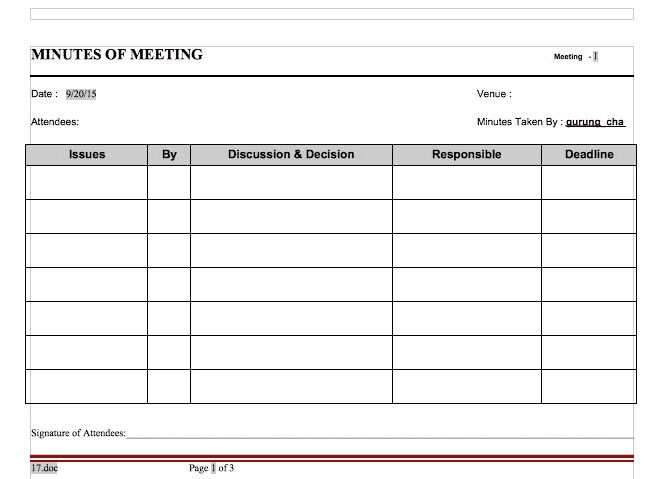
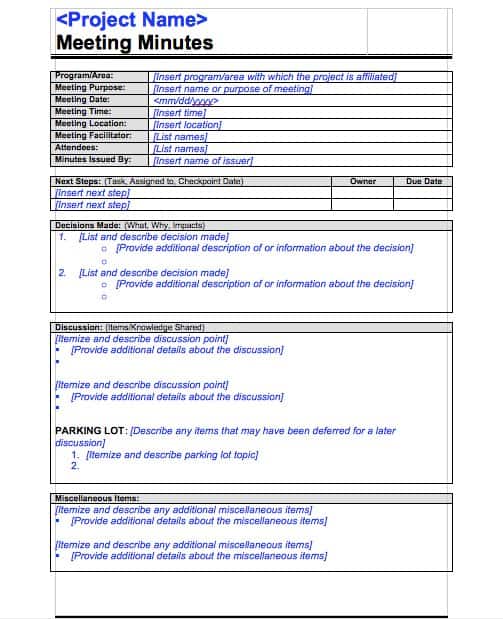
Each preview below is a clickable image, and the download button directly under it gives you the matching editable DOC file for Microsoft Word or a compatible program. Replace the sample text, adjust fonts and spacing, and add or delete rows to suit the meeting. You can also print a blank copy and take handwritten notes, then type them up afterward. Keep one clean copy of your favorite layout so every meeting begins with a fresh page.
Template file guide
Before completing your template
- Verify the meeting date and attendance.
- Record decisions separately from discussion notes.
- Give each action a named owner and due date.
Use the file links below to open an option directly, or continue to the previews to compare layouts. File formats are taken from the linked filenames. Extract ZIP archives before checking the files inside.
| File or resource | Format / source |
|---|---|
| meeting minutes template | DOC |
| meeting notes template | DOC |
| printable meeting notes template | DOC |
| meeting minutes template with agenda | DOC |
| simple meeting minutes template | DOC |
| formal meeting minutes template | DOC |
| team meeting notes template | DOC |
| landscape meeting notes template | DOC |
| board meeting minutes template | DOC |
| basic meeting notes template | DOC |
| weekly meeting notes template | DOC |
Free Meeting Minutes and Meeting Notes Templates in Word


Related Templates
- free status report templates for sharing progress after the meeting
- free memo templates for sending the decisions to the wider team
- free action plan templates for turning action items into a schedule
- free project outline templates for planning what to discuss next
Frequently Asked Questions About Meeting Minutes Templates
What is the difference between meeting minutes and meeting notes?
Minutes are a formal, approved record of decisions and actions. Notes are informal and can be as detailed or as brief as the writer likes. Many teams use one template for both and simply adjust how formal the wording is.
Which file type do the templates use?
All 11 download buttons lead to DOC files that open in Microsoft Word and most other word processors. When your minutes are final, you can also save or export them as a PDF for sharing.
Who should take the minutes?
A secretary, assistant or a team member chosen in advance. It is usually better that the chair does not do it, since leading a discussion and recording it at the same time is difficult. Small teams can rotate the role.
How long should minutes be?
As long as needed to record decisions and actions, and no longer. For a typical one-hour meeting, one to two pages is common, but a short weekly check-in may fit on half a page.
Should I record who said what?
Usually not. Record who proposed a motion or who took an action, but summarize the discussion by topic. If a formal vote is taken, note the outcome and, where your rules require it, how each member voted.
How do I take minutes in an online meeting?
Add the platform and joining link at the top, list who attended, and note if the meeting was recorded. Then follow the same structure. If you record the call, ask for consent according to your organization’s policy and local rules.
When should minutes be approved?
Many groups approve them at the start of the next meeting and note any corrections. Some circulate a draft first to save time. Follow your bylaws or internal procedure for the exact process.
How long should I keep old minutes?
That depends on your organization and local requirements. Boards and nonprofits often keep them permanently, while a casual team may keep them for a year or two. When in doubt, ask someone who handles compliance for your group.