Need a clear executive summary template to open a business plan, proposal or report? This page offers 10 free, editable executive summary templates and samples, from a general business layout to a restaurant plan, a sales summary, an executive profile and a strategic plan. Four downloads are Word files (.doc and .docx) and the other six arrive as ZIP files that you extract first. Click a preview to see it full size, then press the download button beneath it.
What an Executive Summary Actually Does
An executive summary, sometimes called a management summary, is the short opening section that lets a busy reader grasp a long document in a couple of minutes. A banker deciding whether to read a loan proposal, a board member with forty pages to get through, or a client comparing three bids will often read only this page before deciding how much attention the rest deserves. It should therefore work on its own: state the situation or proposal, give the most important findings, and finish with a clear recommendation or request. Although it appears first, most people write it last, once the full document is complete and the numbers are final.
Which Executive Summary Format Fits Your Document
The samples below are grouped by what they introduce. Pick the closest match, then adapt the headings.
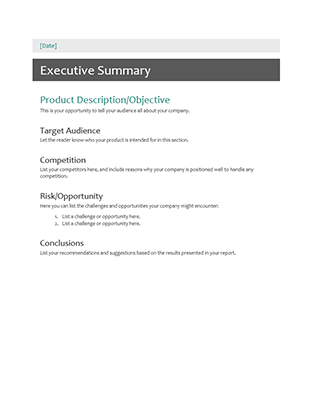
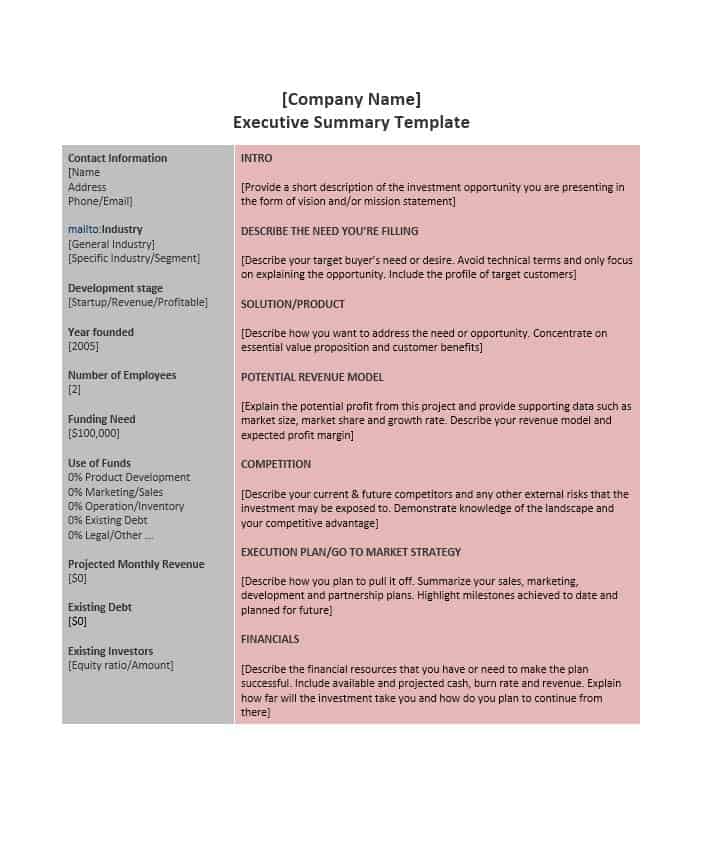
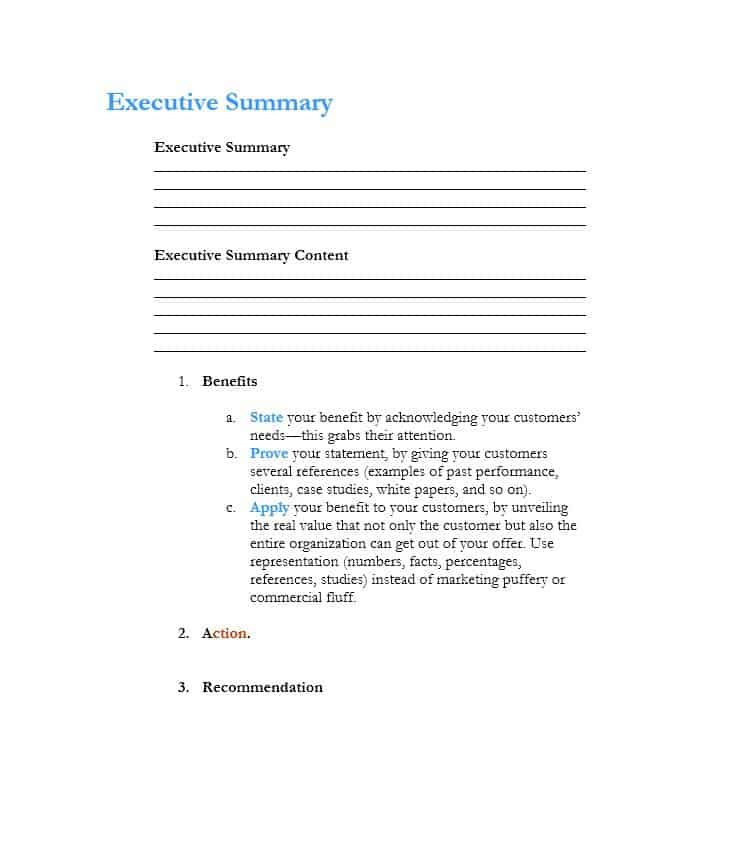
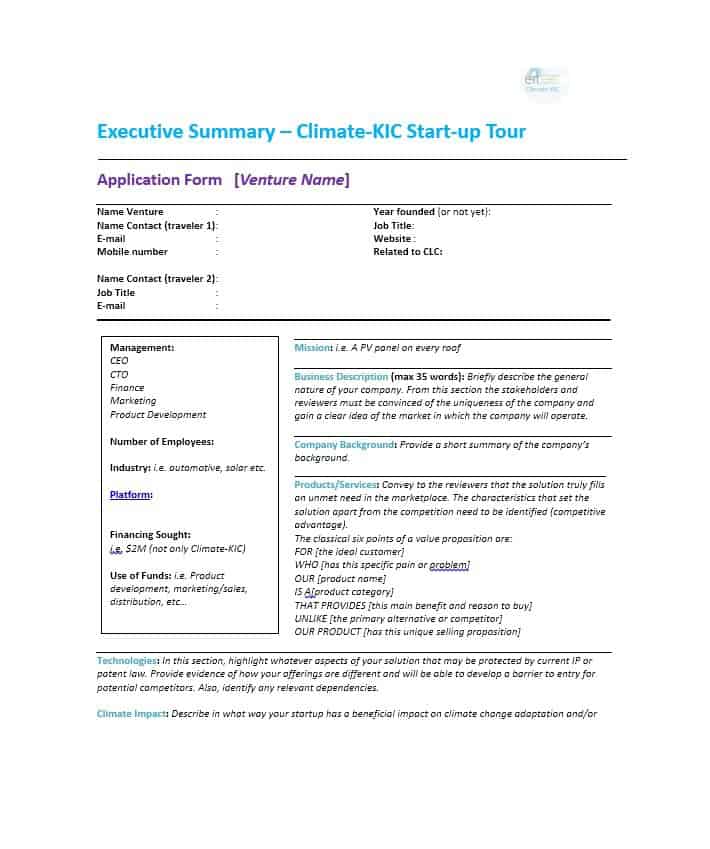
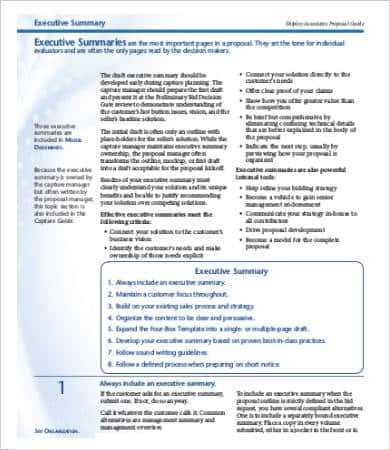
- General business summary: the first five previews are all-purpose layouts for plans and proposals, differing mainly in spacing and how much room they leave for figures.
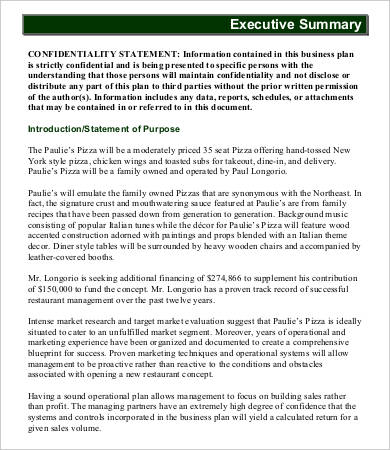
- Restaurant or small venture summary: describes the concept, location, menu or offer, and expected customers for a lender or landlord.
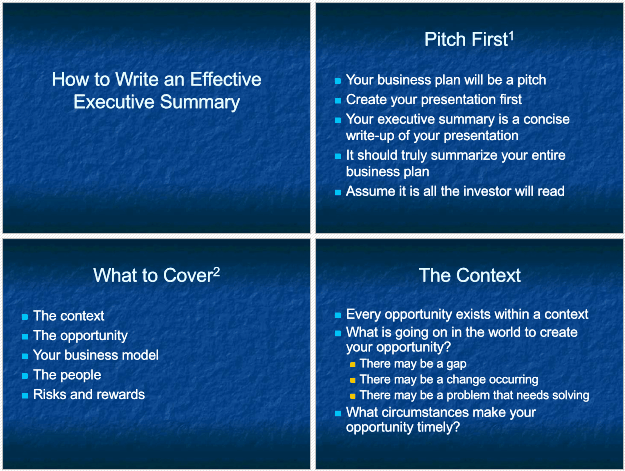
- Slide-style summary: the seventh preview shows a presentation-style layout, useful when the summary will be talked through in a meeting.
- Sales summary: reports results, pipeline and targets for a team or period.
- Executive profile summary: presents the experience, achievements and strengths of a senior professional, for a resume or board biography.
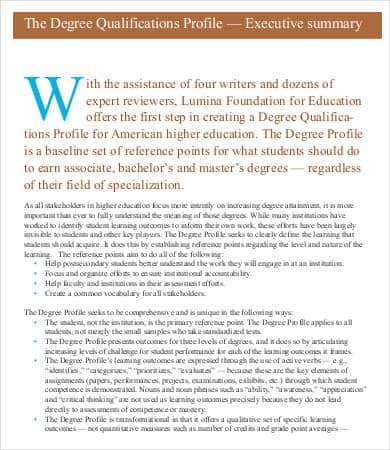
- Strategic plan summary: condenses long-term goals, priorities and planned actions into a page a leadership team can approve.
Sections to Include in a Business Executive Summary
For a plan or proposal, most readers look for the same handful of points. Keep each one to a sentence or two.
- Business name, location and contact details.
- What you offer and the problem it solves for customers.
- The target market and how large or reachable it is.
- The purpose of the document: funding requested, approval sought or decision needed.
- The key figures that support your case, such as expected revenue, costs or timeline.
- Progress so far, for example a pilot, signed customers or completed research.
- The recommendation or next step, with a date if there is one.
A Short Fictional Example
To show the tone to aim for, here is an invented opening for a restaurant plan: “Harbor Table is a 40-seat neighbourhood restaurant proposed for the ground floor of a renovated warehouse. We are requesting a five-year equipment loan to complete the kitchen fit-out. Lunch service is planned for office workers nearby, with a seasonal dinner menu built around local suppliers. Break-even is projected in the second year, based on the assumptions in section four.” Notice that it names the venture, states the ask, describes the customer and points the reader to the evidence, all in five sentences.
How to Write One Step by Step
- Finish the main document first, so the summary reflects the final version.
- Decide who is reading. An investor wants risk and return, a client wants results and price, a board wants a decision.
- Write the purpose in the first two sentences.
- Add only the strongest findings and leave minor detail for the body.
- Use plain words and spell out abbreviations once.
- End with a recommendation or a specific request.
- Trim until it fits on one page, or two for a very large report, then proofread every name, figure and date.
Common Mistakes That Weaken a Summary
- Repeating the introduction: the summary should present conclusions, not restate how the document begins.
- Adding new facts: anything in the summary must also appear, with support, in the full document.
- Staying vague: “we plan to grow” says less than a goal with a number and a timeframe.
- Writing too much: a summary that runs for many pages defeats its purpose.
- Ignoring the audience: a lender cares about repayment and stability, while a customer cares about benefits and delivery.
Executive Summary vs. Abstract vs. Business Overview
These terms are often confused. An abstract briefly describes a research paper or academic study. A business overview explains what a company is and does, often on a website or brochure. An executive summary is broader: it condenses an entire plan, proposal or report and usually carries a recommendation. Choosing the right document type first makes it easier to pick the right layout from the downloads below.
Editing the Downloaded Files
Press the download button under a preview to save that file. Some files open directly as Word documents, while others arrive as ZIP files: save the ZIP, extract it, and open the editable file inside with Microsoft Word or a compatible program. Replace the sample text with your own, adjust headings and fonts, add your logo and save or print the result. If you want more options, you can also visit free word templates or see other templates available on related sites.
Template file guide
Before completing your template
- Make every figure agree with the full document.
- State the recommendation and the decision being requested.
- Remove details that do not help the reader assess that decision.
Use the file links below to open an option directly, or continue to the previews to compare layouts. File formats are taken from the linked filenames. Extract ZIP archives before checking the files inside. Repeated links to the same file are listed once.
| File or resource | Format / source |
|---|---|
| basic executive summary template | DOCX |
| business executive summary template, layout one | DOCX |
| business executive summary template, layout two | DOCX |
| business executive summary template, layout three | DOC |
| business executive summary template, layout four | ZIP |
| restaurant executive summary sample template | ZIP |
| sales executive summary sample template | ZIP |
| executive profile summary sample template | ZIP |
| strategic plan executive summary sample template | ZIP |
Download Free Executive Summary Templates



Related Templates
- free status report templates for regular progress updates
- monthly report templates for period-by-period summaries
- free incident report templates when an investigation needs a one-page summary
Frequently Asked Questions (FAQs) About Executive Summary Templates
What is an executive summary template?
A pre-formatted page that guides you through writing a short overview of a longer business plan, proposal or report, with headings for the purpose, key findings and recommendation.
How long should an executive summary be?
As short as possible while covering the essentials. One to two pages is common, though a very large report may justify slightly more.
When should I write the summary?
Usually last. Once the main document is finished, you can be sure the summary matches the final numbers and conclusions.
How is an executive summary different from an introduction?
An introduction sets up the topic and may leave questions open. An executive summary stands alone and states the findings and recommendation of the whole document.
Does a business plan need an executive summary?
Most do. Lenders and investors tend to read it first, so it should explain what the business does, who it serves and what you are asking for.
What should a sales or strategic plan summary emphasize?
A sales summary highlights results against targets and the pipeline ahead. A strategic plan summary highlights priorities, owners and the timeline for the main actions.
Are these executive summary templates free to edit?
Yes. All ten are free downloads that you can change, including text, fonts, colors and your own logo. Some come as ZIP files that you extract before opening.
What file types are the downloads?
Four are Word files in .docx or .doc format, and six are ZIP files whose contents we cannot list here. The slide-style preview shares its ZIP download with another layout.

You must be logged in to post a comment.