Looking for a free badge template you can edit and print today? This page has 13 badge and name tag designs, 12 as Word files (.doc and .docx) and one as a PDF, ready for conference name badges, staff ID cards, visitor passes and volunteer tags. Download one, type in the names, drop in a logo or photo, and print on card stock or label paper without ordering anything from a print shop.
Which Kind of Badge Do You Need?
The right badge depends on who wears it and how long they wear it. A few common uses and what each needs most:
- Conference and event name badges: a large first name, the last name and organization below it, readable from about two meters away.
- Employee ID badges: photo, full name, job title and an ID number or barcode, often on a sturdy card.
- Visitor badges: the word “Visitor” in large type, the date and the host’s name, printed fresh each day so old passes cannot be reused.
- Volunteer and staff tags: a bold role such as “Registration” or “First Aid” so attendees know whom to ask.
- Student and club badges: name, class or team, and sometimes an emergency contact on the back.
- Lanyard cards versus pin-on tags: lanyard cards hang at chest height and can be bigger, while pin or clip-on tags should be lighter and smaller.
What to Put on a Badge, and What to Leave Off
A badge is worn in public, so include what helps people recognize and identify the wearer and nothing more.
- First name in the largest type, since people greet by first name.
- Surname, and organization or role in smaller type beneath.
- Logo or event name so the badge is recognized as official.
- A color band or word for groups such as speaker, staff, guest or press.
- Photo and ID number only when the badge is used for access or identification.
- Leave off home addresses, personal phone numbers and any information you would not want a stranger to read.
Sizes, Paper and Holders
Check the holder before you print. Standard event holders vary, so measure the clear window rather than trusting the box label, and leave a small margin so the edges do not disappear behind the plastic. Card stock keeps its shape well in a lanyard holder, while adhesive label sheets suit sticker-style name tags at short meetings. If you are printing a whole sheet of badges, print one page on plain paper first and lay it over an empty holder to see whether the fit is right. For a badge that will be worn for several days, laminate it or use a thicker sleeve so the print does not smudge.
A Sample Layout for a One-Day Workshop
Here is an invented layout that works well for a small workshop. At the top, the workshop name and date in a thin band, such as “Spring Grant Writing Workshop, 14 April”. In the center, the attendee’s first name in large bold type. Below it, the surname and organization in a smaller weight. In the bottom corner, a colored square: blue for attendees, green for presenters, orange for organizers. The whole design uses one font family and no photograph, so it prints cleanly in color or black and white and can be produced for fifty people in one sitting.
How to Make Name Badges From a Word Template
- Choose a design from the gallery and press its download button to save the file.
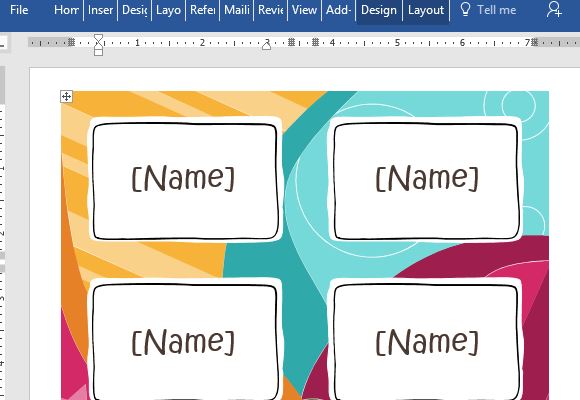
- Open it in Microsoft Word and click the sample name to replace it with the first attendee.
- Insert your logo from the Insert menu, then resize it from a corner so it keeps its shape.
- Copy the completed badge, paste it to fill the page and edit each copy, or use a mail merge if you have a long list.
- Print one page on plain paper and check spelling, alignment and how the badge sits in the holder.
- Print the final set on card stock or label sheets, cut along the guides and insert them into holders.
- Print a small batch of blank spares for walk-ins and last-minute name changes.
Badge Mistakes to Avoid
- Printing names too small to read across a table.
- Using a light font color on a colored background.
- Reusing visitor badges from a previous day so passes lose their meaning.
- Forgetting to proofread names, a mistake attendees notice immediately.
- Choosing card stock too heavy for your printer, which causes jams.
Template file guide
Before completing your template
- Match the layout size to the badge holder or label sheet.
- Make the wearer’s name readable at the intended distance.
- Print only the personal information needed for the badge.
Use the file links below to open an option directly, or continue to the previews to compare layouts. File formats are taken from the linked filenames. Extract ZIP archives before checking the files inside.
| File or resource | Format / source |
|---|---|
| name badge template, layout one | DOCX |
| name tag template, layout two | DOC |
| name tag template, layout three | DOC |
| name tag template, layout four | DOCX |
| name tag template, layout five | DOCX |
| name tag template, layout six | |
| name tag template, layout seven | DOCX |
| name tag template, layout eight | DOCX |
| name tag template, layout nine | DOC |
| name tag template, layout ten | DOC |
| name tag template, layout eleven | DOC |
| name tag template, layout twelve | DOC |
| name tag template, layout thirteen | DOC |
13 Free Badge Templates to Download
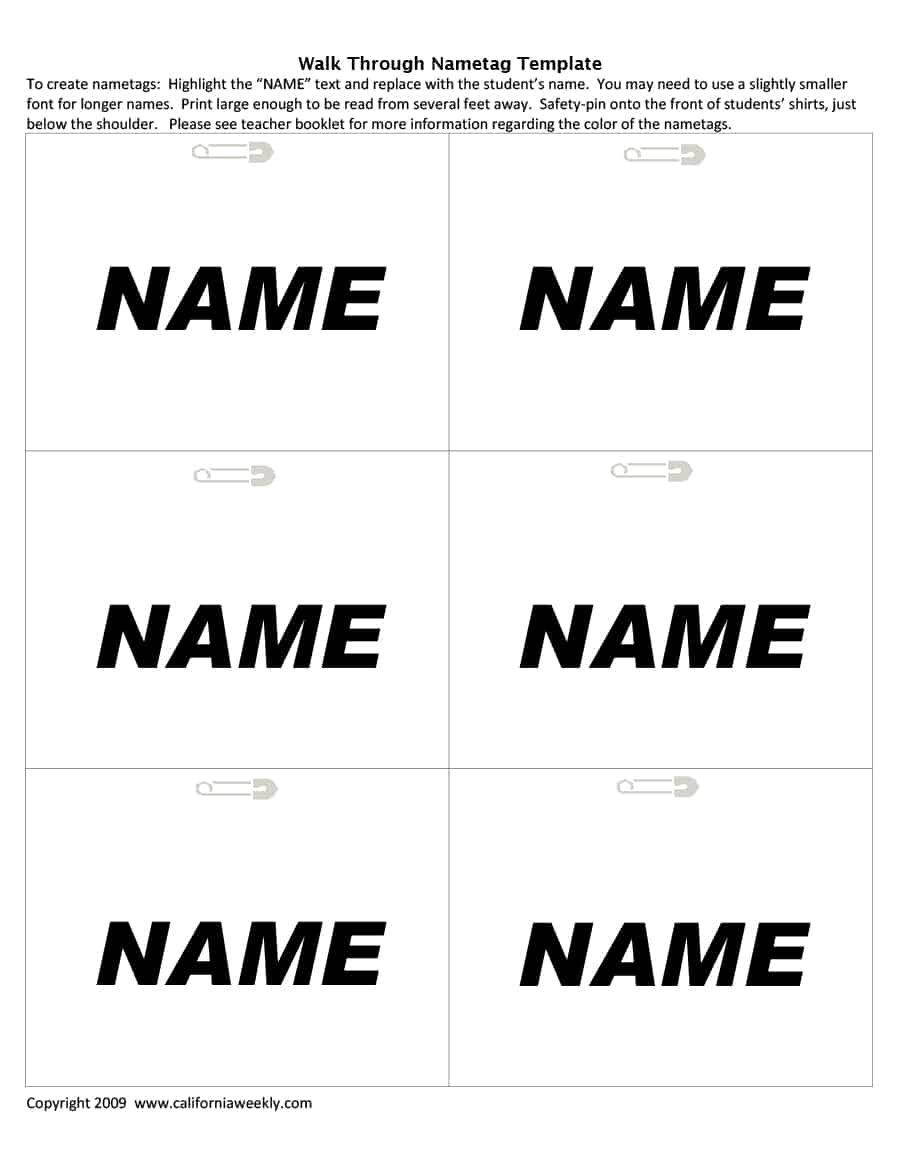
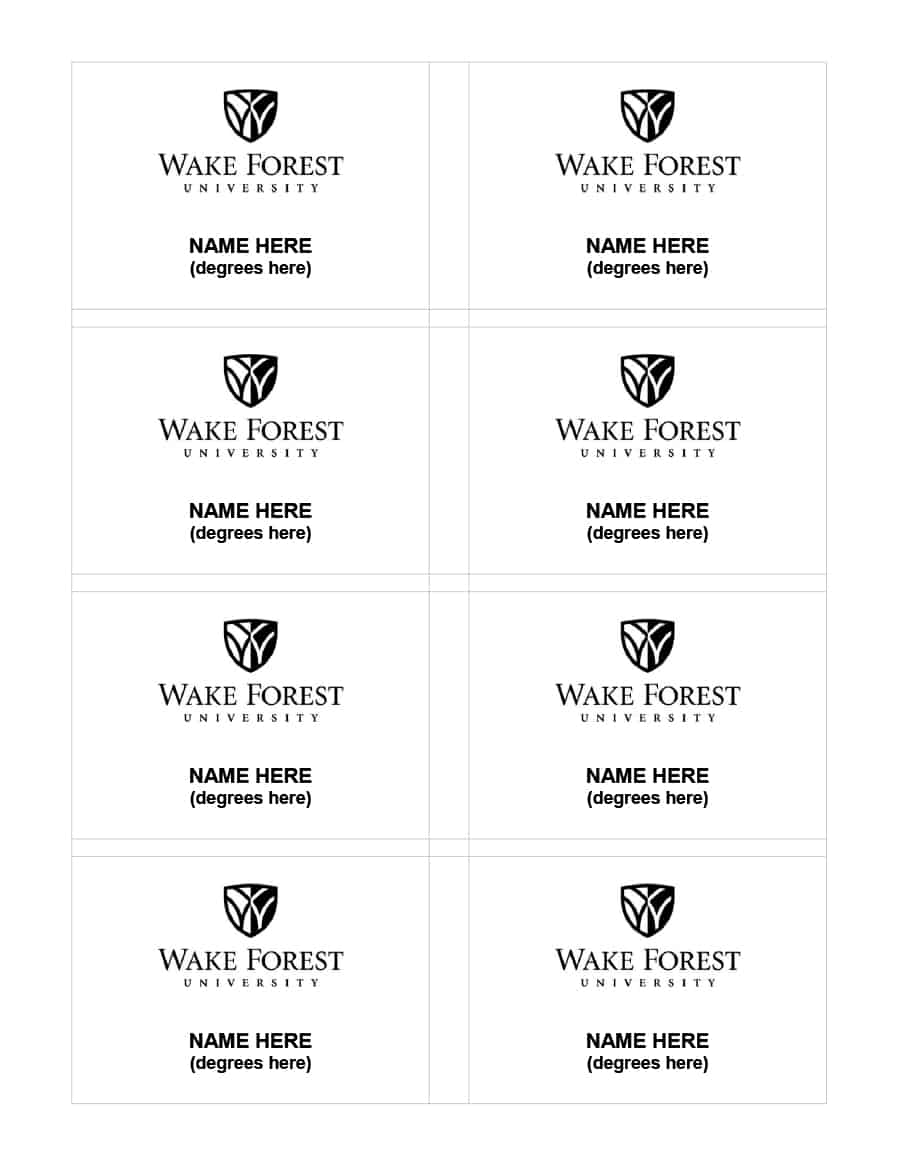
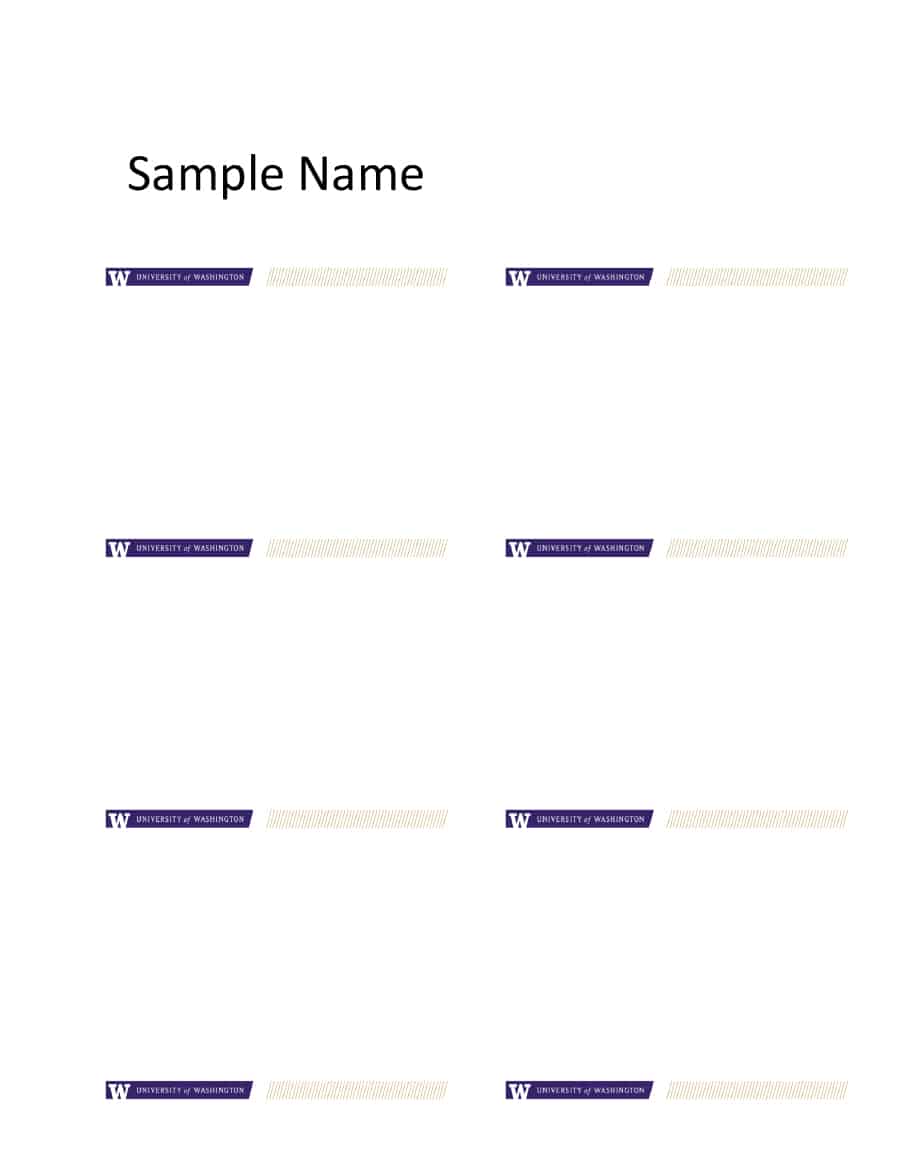
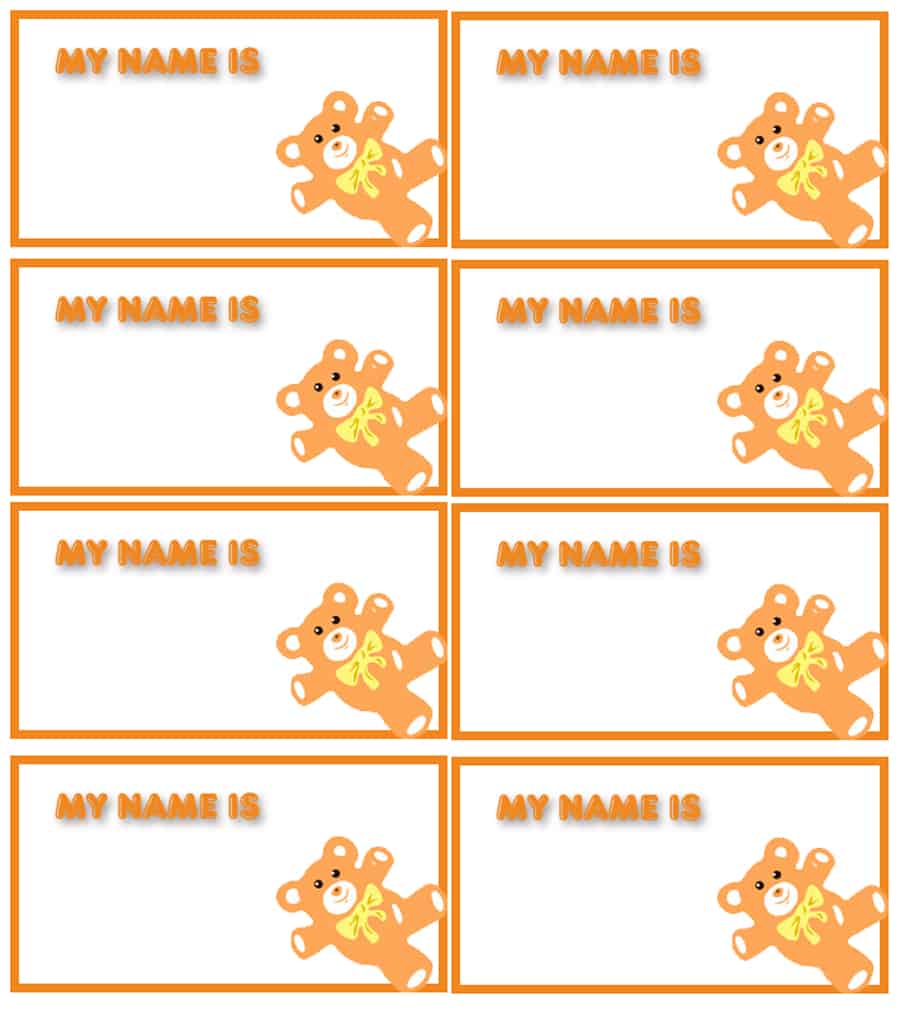
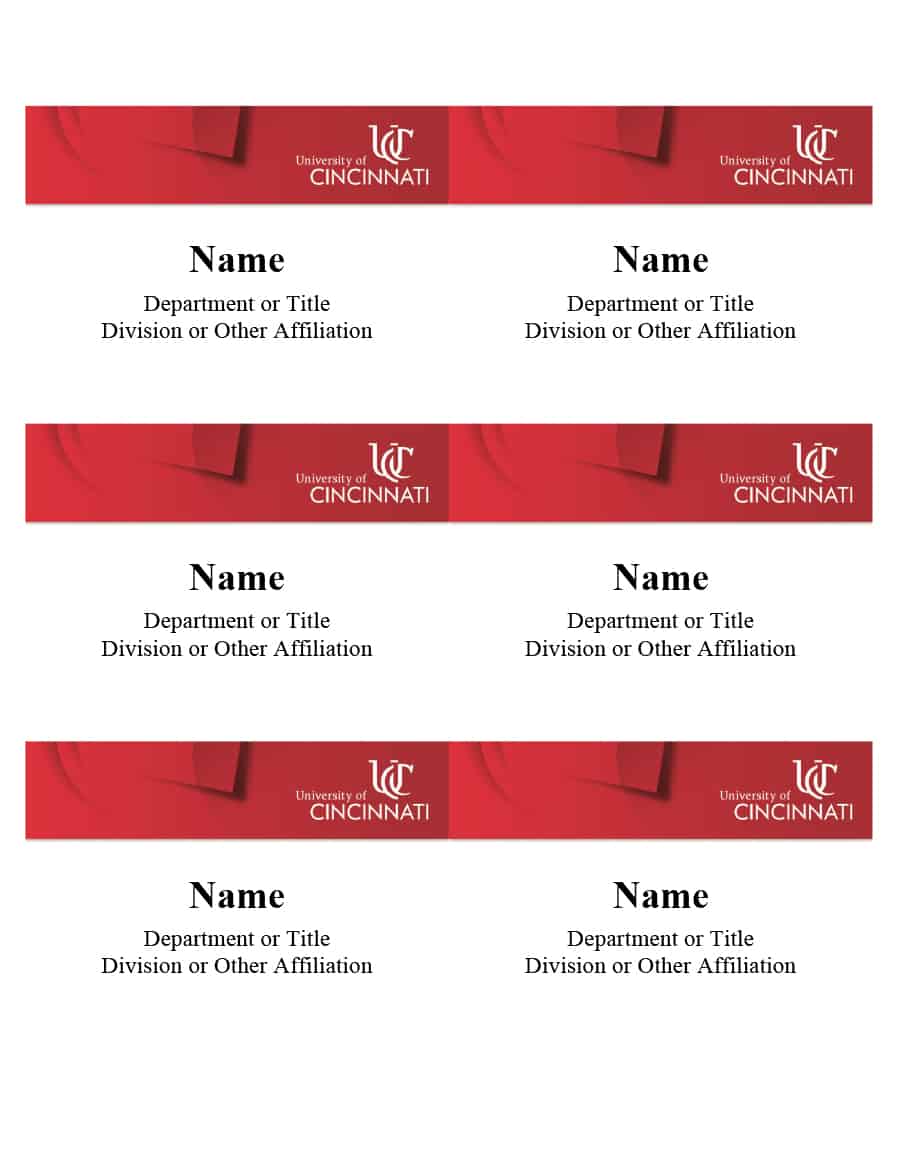
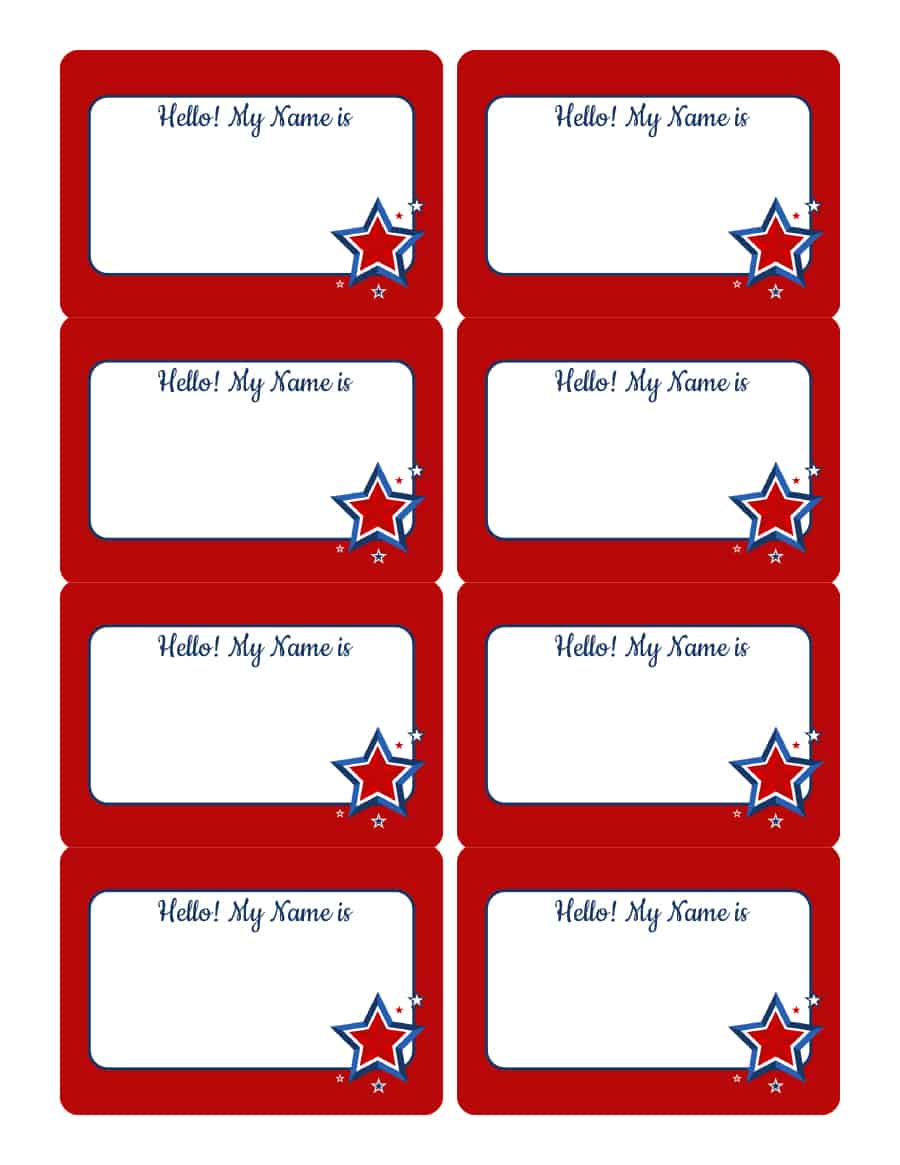
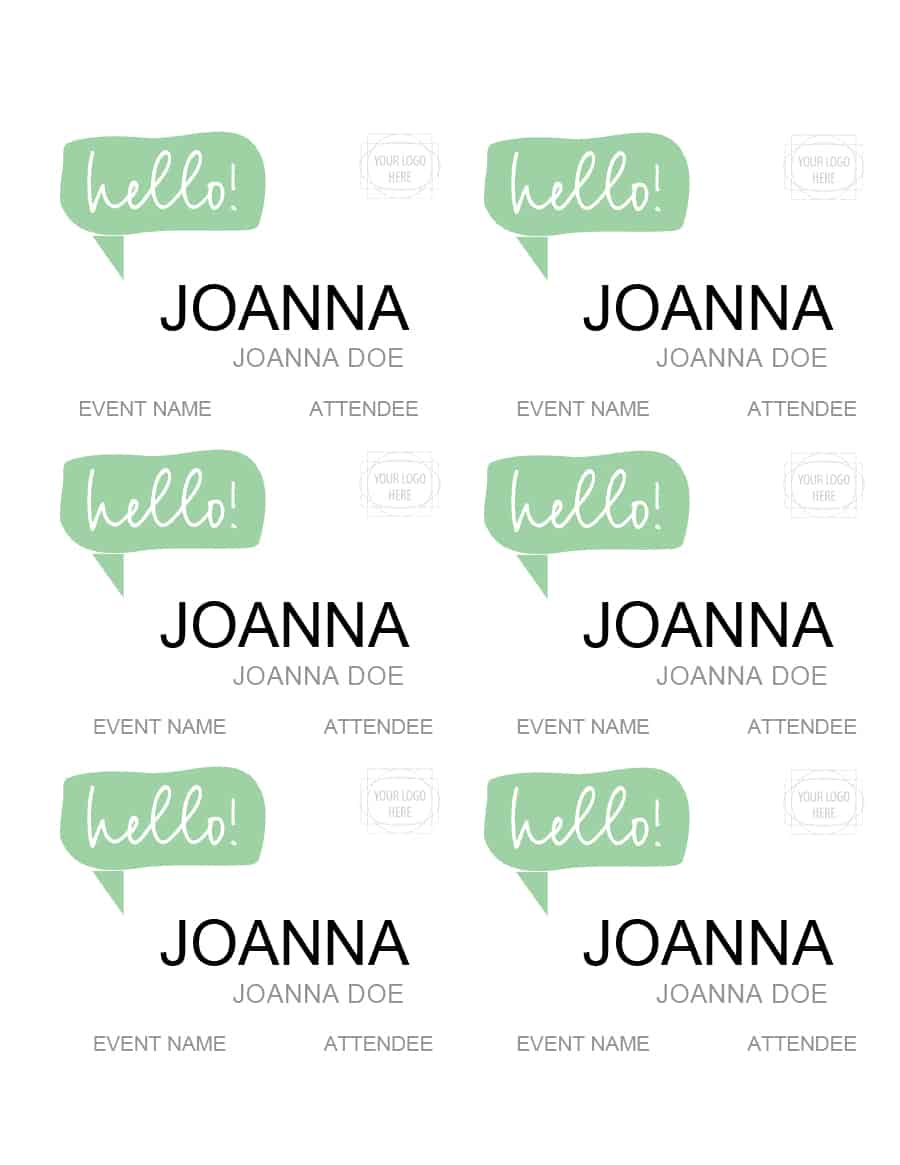
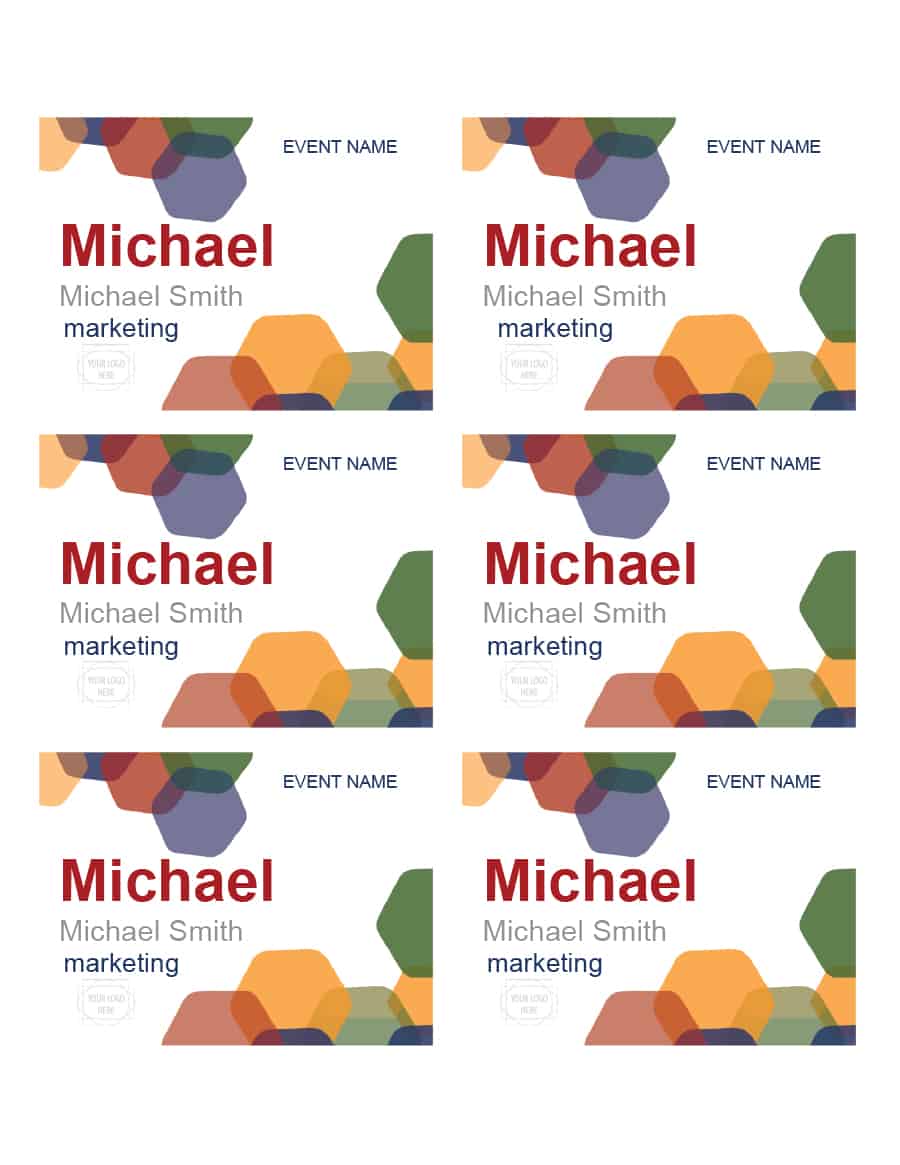
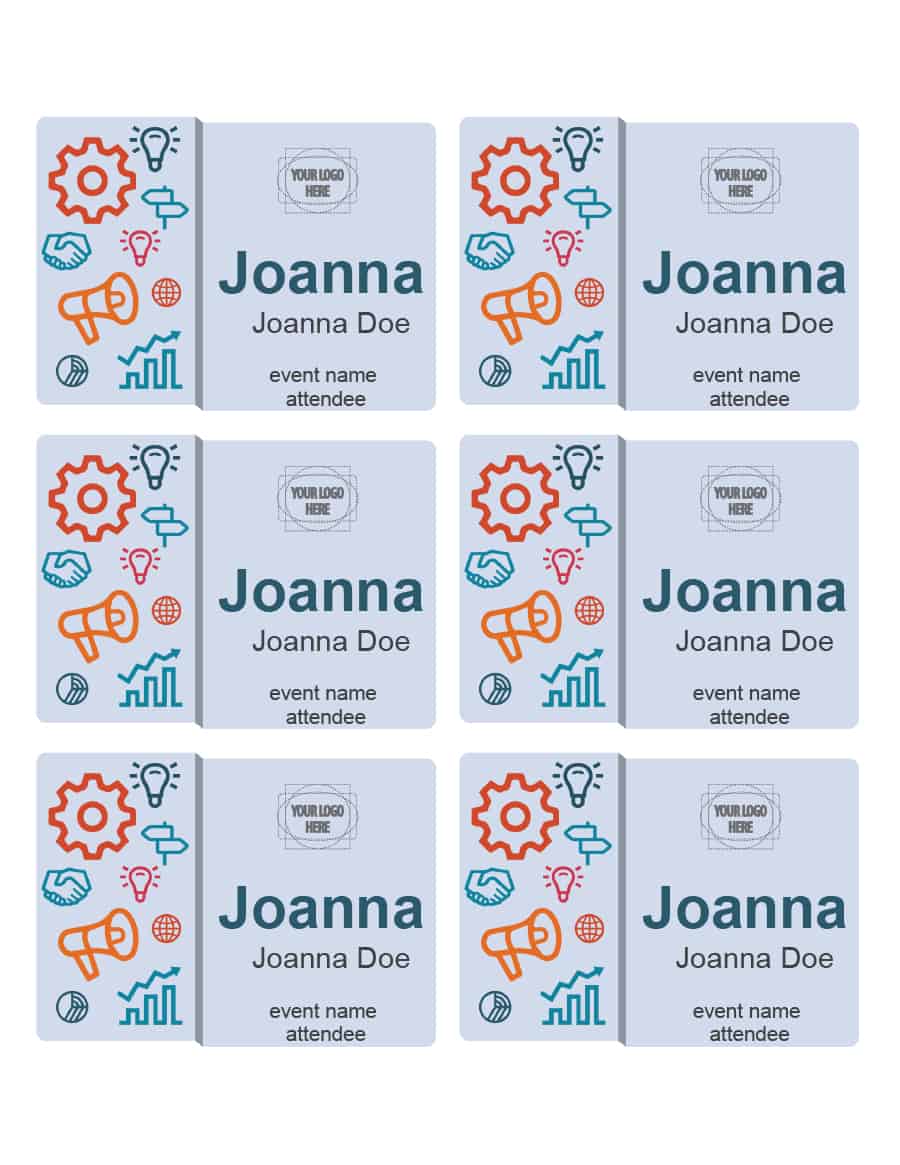
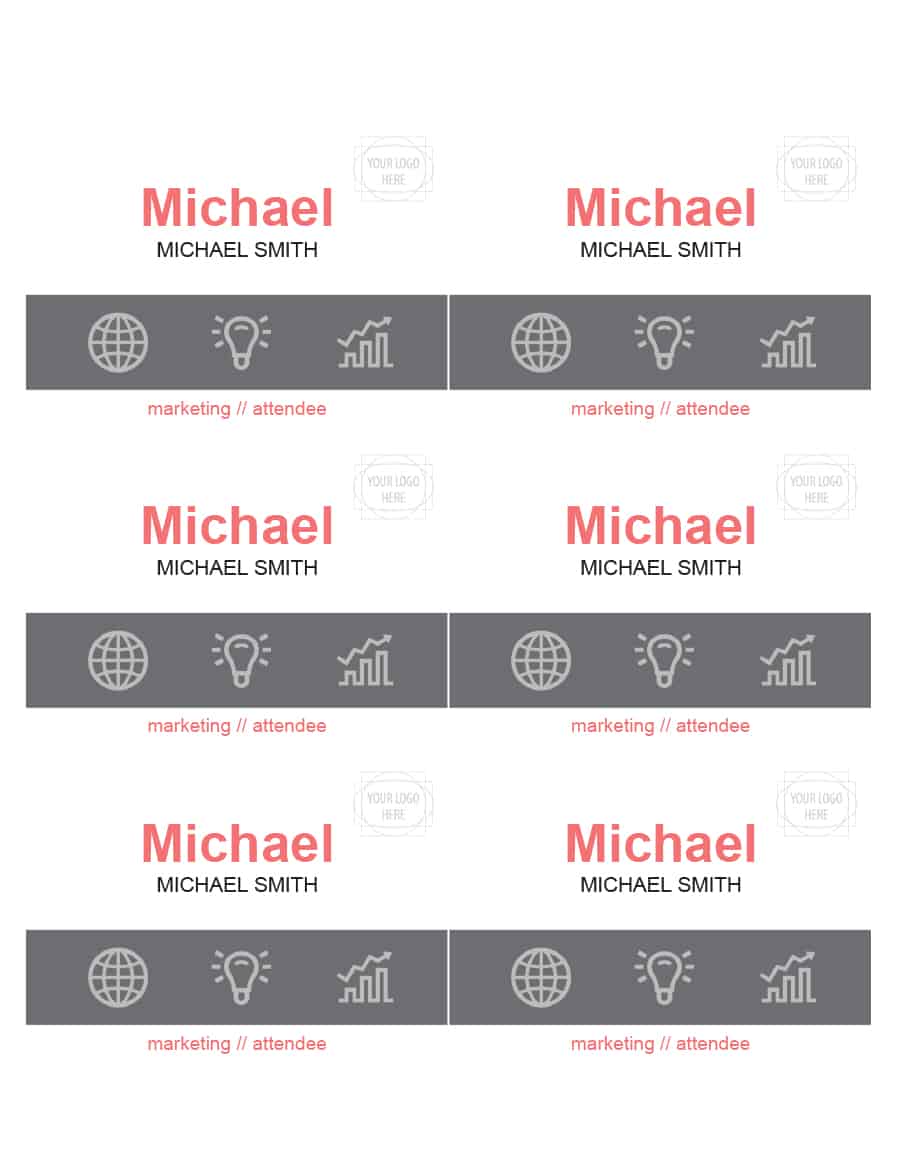
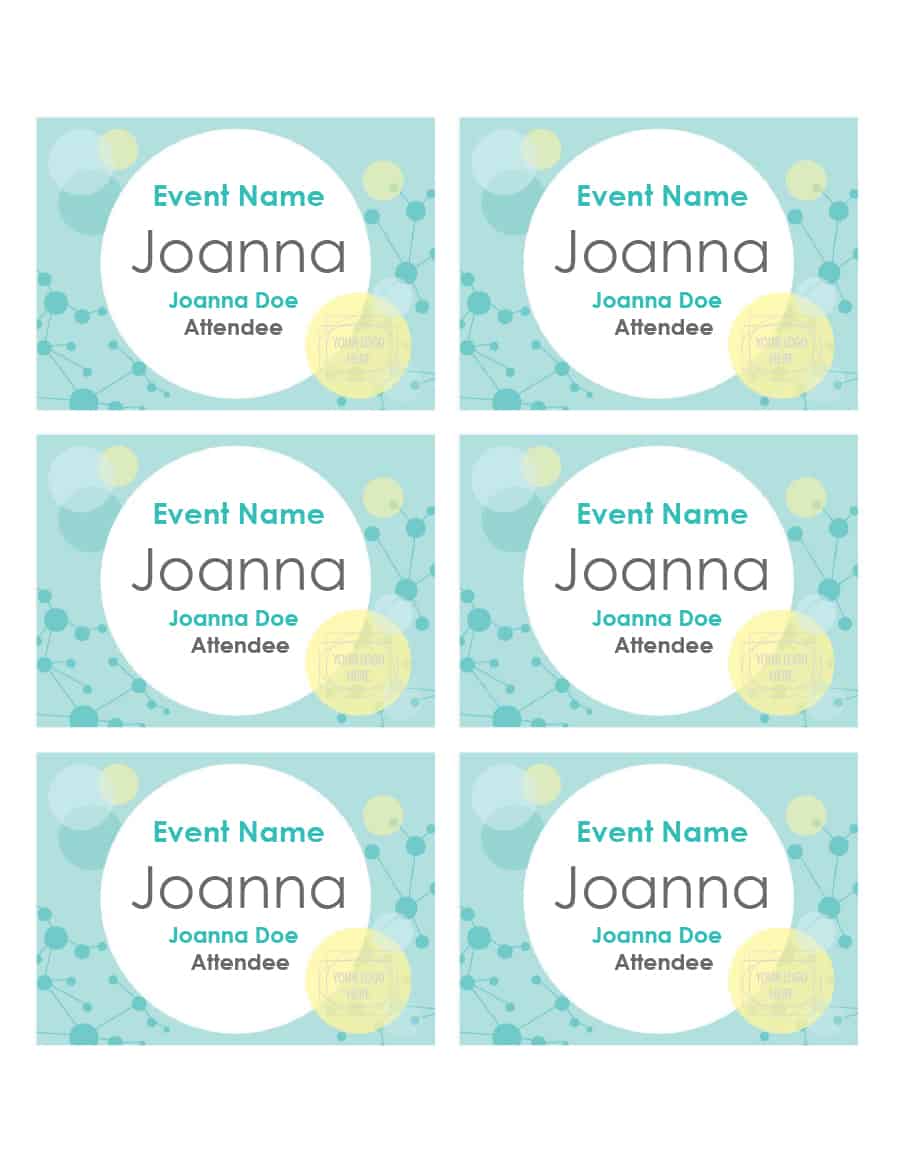
Click a preview to see it larger, then press the download button beneath it. Most buttons give you a Word file (.doc or .docx) that opens in Microsoft Word, and one gives you a PDF, which prints as it is but is harder to edit. File names on this page do not always match the letters in the preview exactly, so open the file to confirm it is the design you expect. If a badge does not fit your holder, resize the table or text box in Word and print a test page first.




Related Templates
- free event flyer templates
- free raffle ticket templates
- free gift certificate templates
- free sign-up sheet templates
Frequently Asked Questions (FAQs) About Badge Templates
Can I turn a name badge template into an ID card?
Yes. Add a photo, the person’s full name, a job title or ID number and your organization’s logo. For access control or security use, check your own rules about what an official ID must contain.
What file formats are the badge templates?
Twelve are Word files in .doc or .docx format, and one is a PDF. Word files can be edited in Microsoft Word or a compatible program.
How large is a typical name badge?
Event name tags are often about 3 by 4 inches, while ID cards are close to credit card size. Measure your holder, because sizes vary between brands.
How can I print many badges with different names?
Use Word’s mail merge with a spreadsheet of names, or copy the badge layout into a table and type each name. A merge saves time and reduces typing errors for long lists.
Should I print badges in color or black and white?
Either works if the text has strong contrast. Color helps to separate groups such as staff and visitors, but a colored strip or a printed word can do the same in black and white.
How do I attach a badge to clothing?
Use a clip or pin holder, a magnetic fastener or a lanyard. Choose the option that suits the badge weight and the clothing worn at the event.
Is it safe to print people’s photos and details on badges?
Include only what is needed and store the source list securely. Avoid printing addresses or contact numbers on a badge worn in public, and follow your organization’s privacy rules.
What is the difference between a badge and a name tag?
A name tag usually shows just a name. A badge can also carry a photo, role, ID number or access information, although the two words are often used for the same thing.