A good training manual template gives a new hire or volunteer something to hold on to after the trainer has left the room. This page shows 12 free training manual layouts you can preview and download, plus an all-in-one ZIP that bundles the collection and may include additional files. Most previews link to editable Word documents, so you can add your own procedures, screenshots and logo and turn a generic layout into the handbook your team actually needs.
What a Training Manual Does That a Slide Deck Does Not
A live session fades from memory within days, while a manual stays open on the desk. It records the steps of a task in order, explains why each one matters and lets a trainee check their work without interrupting a colleague. That makes it valuable for shift-based work, seasonal staff, franchise locations and any role where the person who trained you may not be around when the question comes up. Unlike a policy handbook, a training manual is about doing: each section should end with something the reader can practice or check.
Which Kind of Manual Are You Building?
- Employee or onboarding manual: job duties, tools, reporting lines and the first-week checklist. Include who to ask for what.
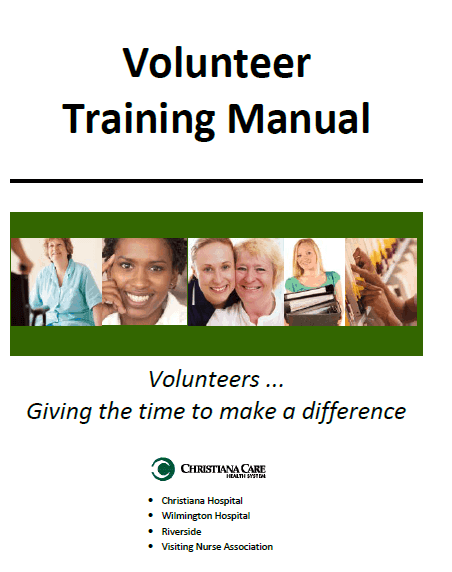
- Volunteer manual: shorter and friendlier, covering the mission, the rules, safety, and what to do if something goes wrong at an event. This collection includes a volunteer-named ZIP download.
- Software or systems manual: screenshots, click paths and a list of common error messages, updated whenever the software changes.
- Safety manual: emergency contacts, evacuation steps, protective equipment and reporting procedures. Check local workplace requirements before relying on any sample wording.
- Trainer’s guide: timing for each activity, discussion prompts and answers to the practice questions, kept separate from the trainee copy.
Sections That Make a Manual Easy to Use
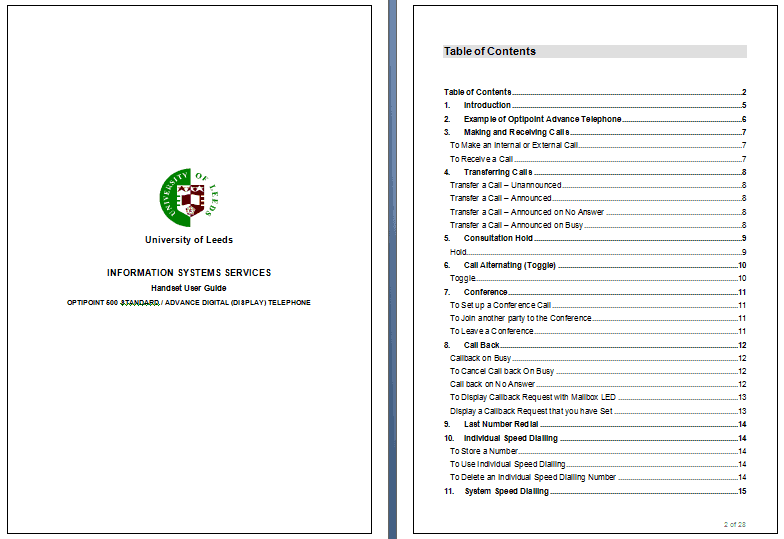
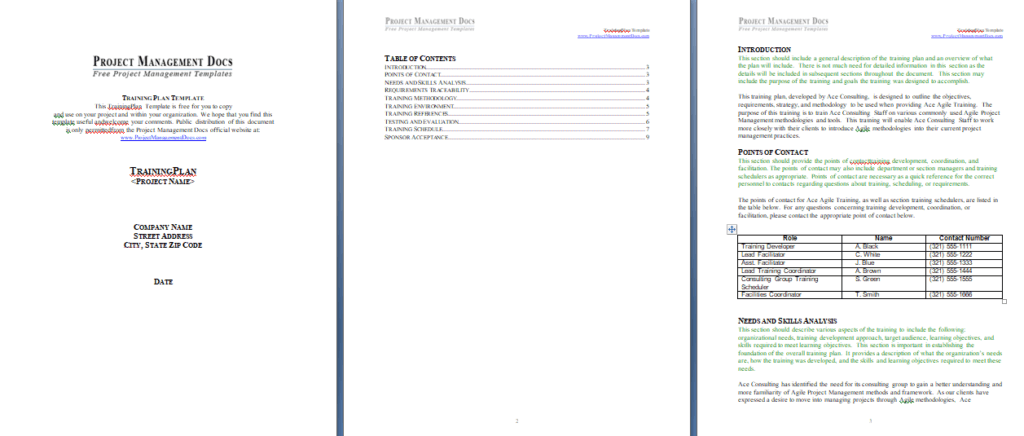
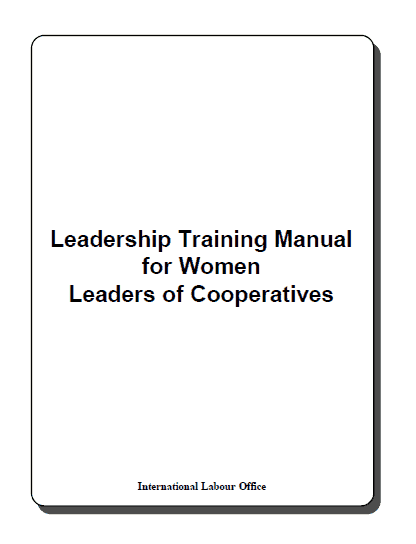
- Title page with the program name, version number and date, so nobody works from an outdated copy.
- A contents page with page numbers, since people rarely read a manual from start to finish.
- Learning objectives phrased as things the trainee will be able to do.
- Numbered procedures with one action per step and a screenshot or photo where it helps.
- Callout boxes for warnings, shortcuts and “common mistake” notes.
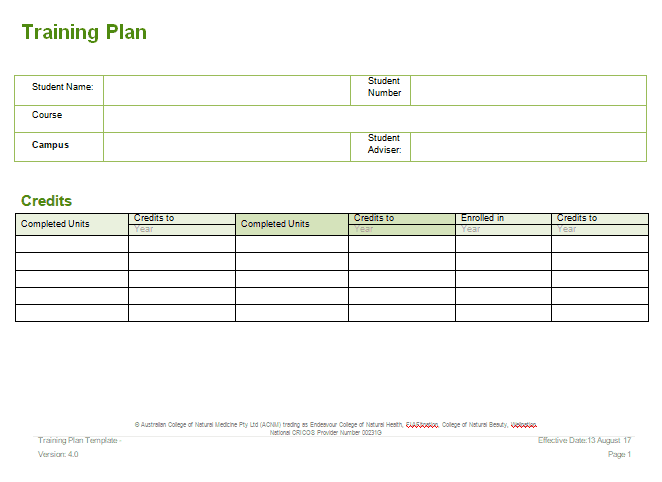
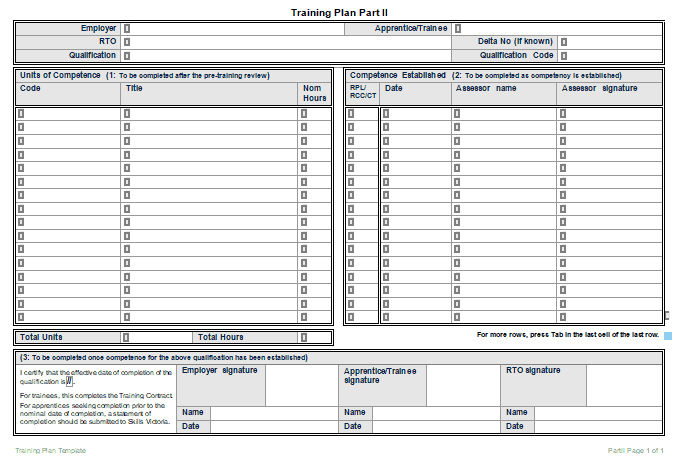
- Practice tasks, short quizzes or a sign-off sheet that a supervisor can initial.
- A glossary of internal terms and a page of key contacts.
Turning a Process Into Teachable Steps
Try this with a task you know well, such as opening a shop for the day. Weak version: “Prepare the store for customers.” Stronger version: “1. Unlock the front door and switch on the lights. 2. Turn on the register and count the opening cash against the float sheet. 3. Check the display shelves and refill anything below the marked line. 4. Note any problems in the shift log.” The sample steps are only an illustration. The stronger version names the object, the action and the check, so a beginner can follow it without guessing. Ask someone who has never done the task to try your steps and mark where they hesitate; those spots need more detail.
Mistakes That Make Training Manuals Go Unread
- Writing for the expert who already knows the job instead of the person starting tomorrow.
- Long paragraphs of policy where a numbered list would do.
- Mixing several versions of a process, so trainees do not know which is current.
- Leaving out the reason behind a rule, which makes people skip it.
- No owner: nobody is responsible for updating the manual when tools or procedures change.
- Screenshots that no longer match the software.
Making Practice Part of the Manual
People remember what they do better than what they read. After each module, add a short exercise: a scenario to talk through, a form to fill in with sample data, or a task the trainee performs while a colleague watches. Provide the expected answer or a checklist so the reviewer knows what good looks like. A one-page sign-off sheet at the back, with the date and initials for each completed module, gives managers a simple record of who has been trained on what.
Keeping the Manual Current
Assign one person to own the file and record the version and date on the cover. Review it at least once a year and whenever a tool, policy or safety rule changes. Ask each new trainee what confused them and fold the answers back into the next edition. Store the master copy in a shared folder and retire old printouts so that only one version is in circulation.
How to Get and Edit the Files
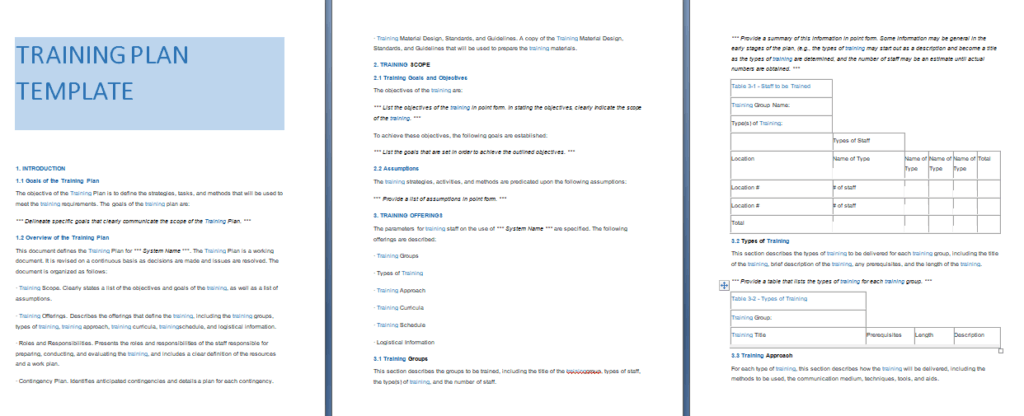
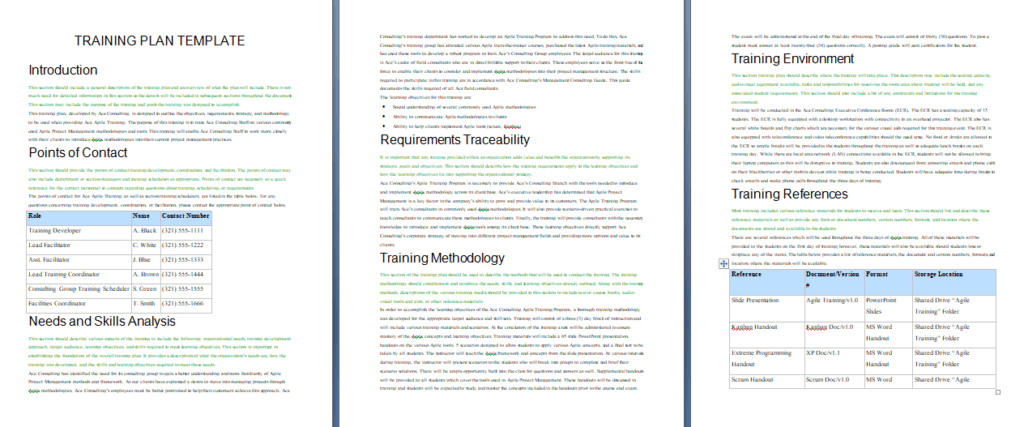
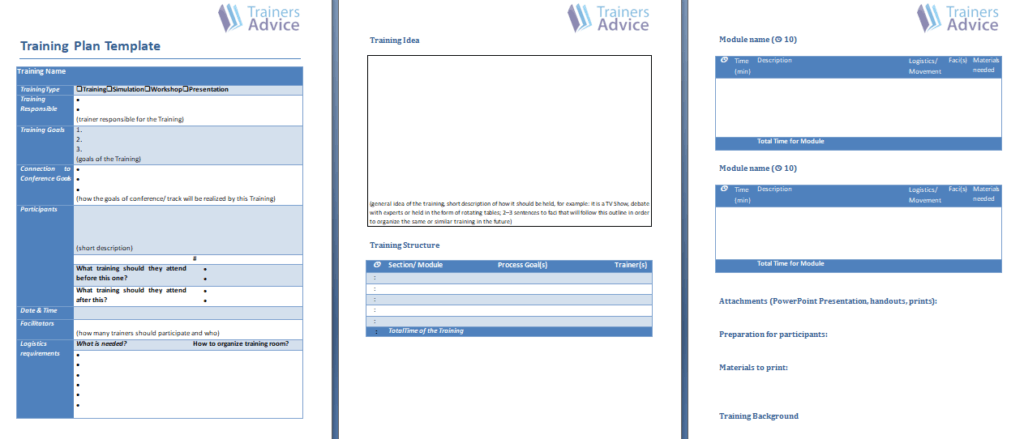
The large button at the start of the gallery below downloads the whole collection as a single ZIP. Each preview after it has its own download button. Most of those files are Word documents that open directly; a couple arrive as ZIP files, so extract them first. Click any preview to enlarge it, pick the layout closest to your needs, then replace the sample text, adjust fonts and colors, and save it under a new name. Print it, bind it, or export it as a PDF from Word for sharing.
Template file guide
Before completing your template
- Identify the learner and the task being taught.
- Test the steps with someone unfamiliar with the process.
- Record the manual’s version and review owner.
Use the file links below to open an option directly, or continue to the previews to compare layouts. File formats are taken from the linked filenames. Extract ZIP archives before checking the files inside.
| File or resource | Format / source |
|---|---|
| training manual template — option 1 | DOCX |
| training manual template — option 2 | DOCX |
| training manual template — option 3 | DOCX |
| training manual template — option 4 | DOCX |
| training manual template — option 5 | DOCX |
| training manual template — option 6 | DOCX |
| training manual template — option 7 | DOCX |
| volunteer training manual template | ZIP |
| training manual template ZIP | ZIP |
| training manual template — option 8 | DOCX |
| training manual template — option 9 | DOCX |
| training manual template — option 10 | DOCX |
| all training manual templates | ZIP |
Download All Training Manual Templates in One ZIP

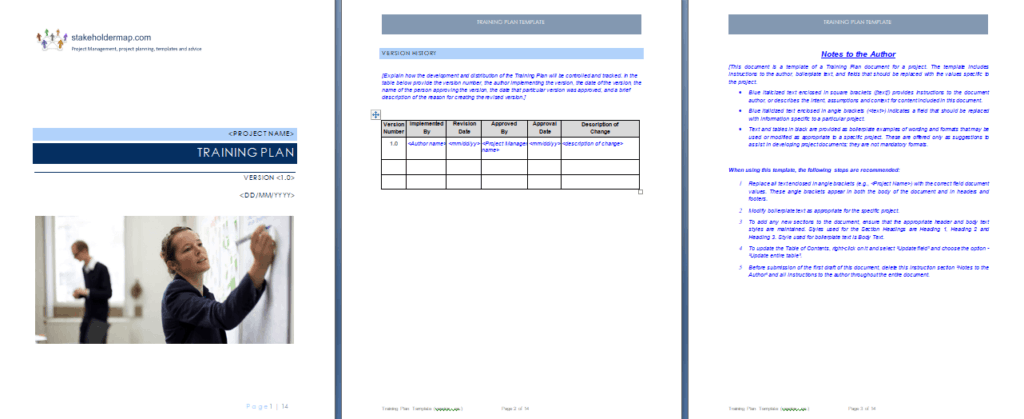
12 Free Training Manual Template Previews














Related Templates
- free instruction manual templates for product setup and usage guides
- free user manual templates for customer-facing guides
- free decision tree templates for troubleshooting and choice diagrams
Frequently Asked Questions (FAQs) About Training Manuals
How is a training manual different from an employee handbook?
A handbook explains rules, benefits and expectations. A training manual teaches how to perform tasks, with steps, examples and practice, so it is used actively during learning.
How long should a training manual be?
Long enough to teach the task and no longer. A single procedure might fit on a few pages, while a full onboarding program can run much longer, so split big topics into modules.
Can I add my own logo and screenshots?
Yes. In Word you can insert a logo on the cover or header, drop in screenshots beside the steps they explain, and change the fonts and colors to match your brand.
What should a trainer’s guide contain that the trainee copy does not?
Session timing, talking points, activity instructions and answers to quiz questions. Keeping it separate stops the answer key from ending up in trainee hands.
How do I check that trainees actually learned from the manual?
Add short practice tasks or a supervisor sign-off sheet at the end of each module, and watch the trainee perform the task once before they work alone.
Do the download files open in Microsoft Word?
Most of the individual downloads are Word documents. Some arrive as ZIP files, so extract them first. If a ZIP holds another kind of file, open it with the matching program.
How often should I update a training manual?
Whenever a tool, process or safety rule changes, and at least once a year. Record the version and date on the cover so people can tell which copy is current.
Can one manual work for both employees and volunteers?
Sometimes, for shared topics such as safety and communication. Role-specific duties usually differ, so many organizations keep a shorter, separate volunteer edition.