Every good event flyer template answers the same question in about three seconds: what is happening, when and where? This page is a gallery of 21 event flyer design ideas, shown as preview images and grouped by the kind of program they look like: printable samples, MS Word style layouts, PSD style designs and Publisher style templates. They are for inspiration only, since these previews have no download buttons, so use them to compare layouts and then build your own flyer for a party, fundraiser, concert, workshop or community gathering.
Choosing a Flyer Style for Your Event
The mood of the flyer should match the mood of the event, and the tool you have should match your skills. Here is how the four groups in the gallery differ.
- Printable samples: straightforward layouts with a headline, a picture and a details block, good for school, church and neighborhood events.
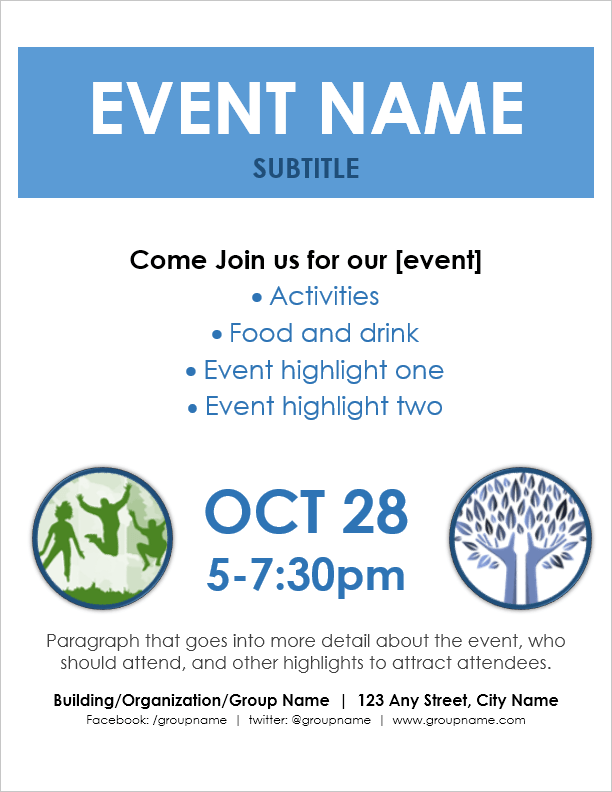
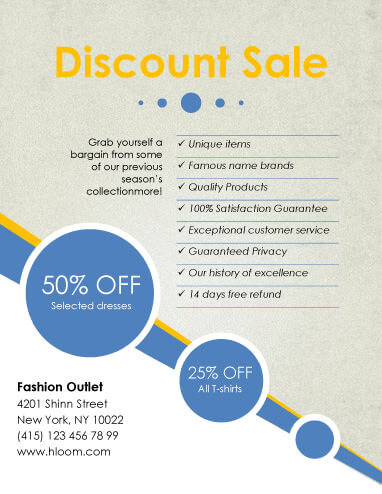
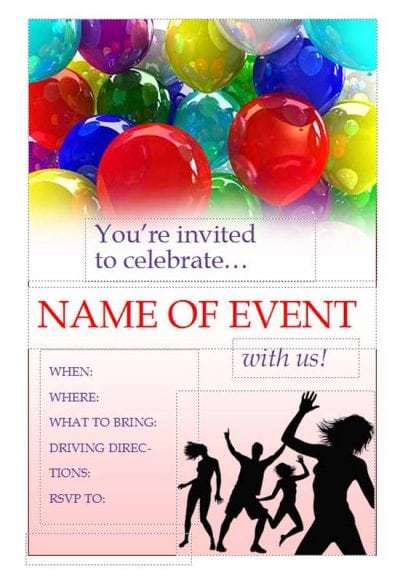
- MS Word style layouts: simple text boxes and clip art, which is the look you can reach in Word without design training.
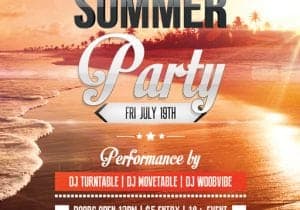
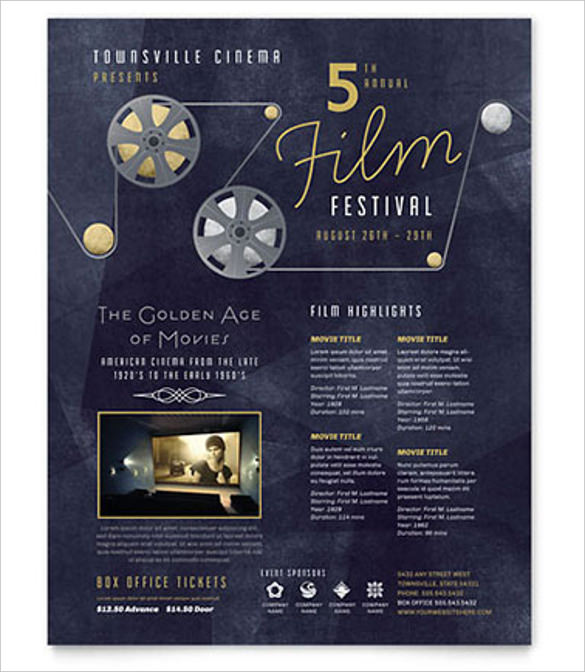
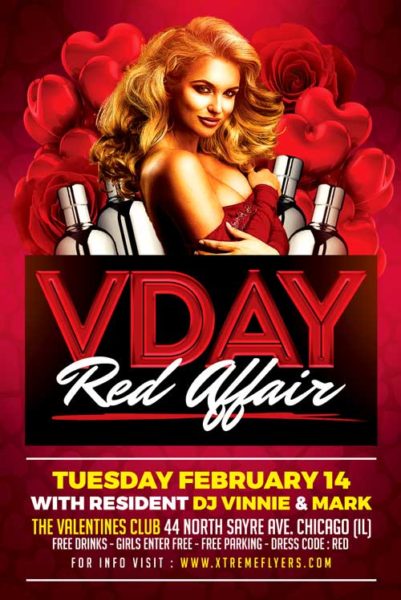
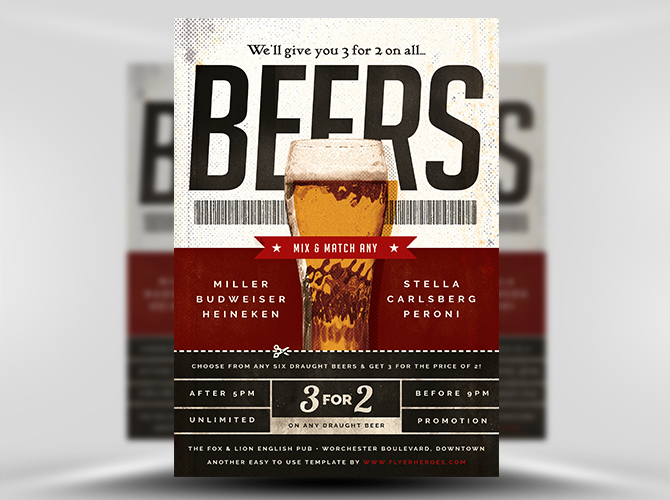
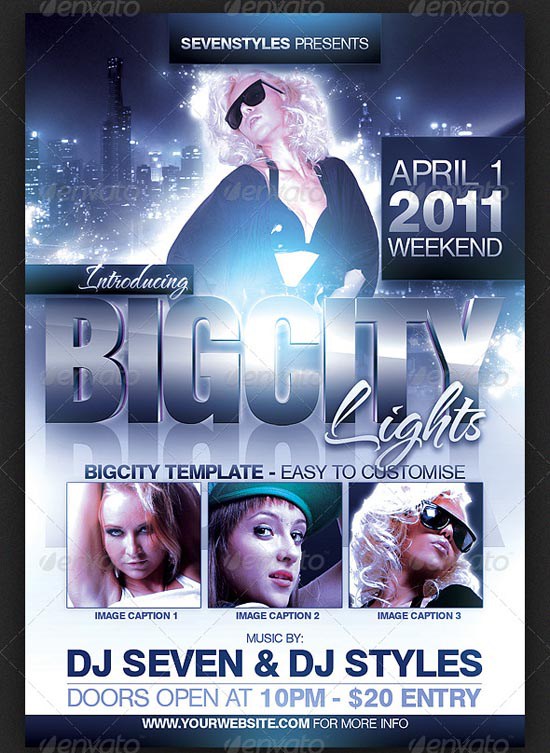
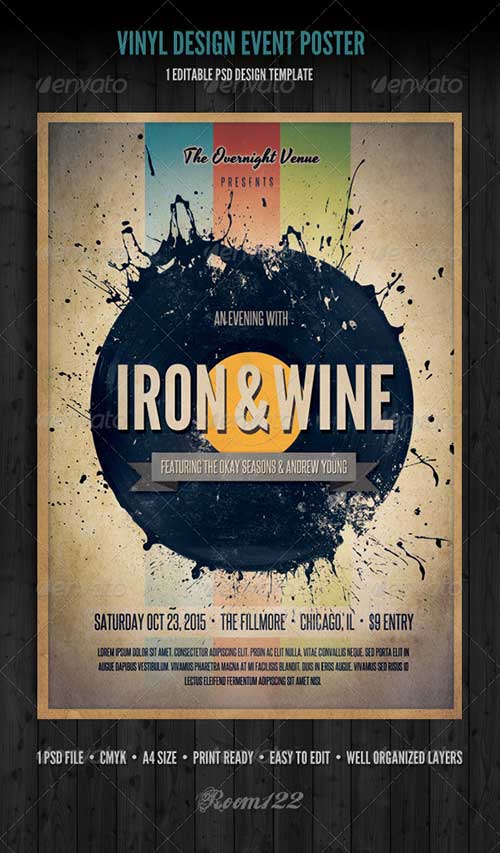
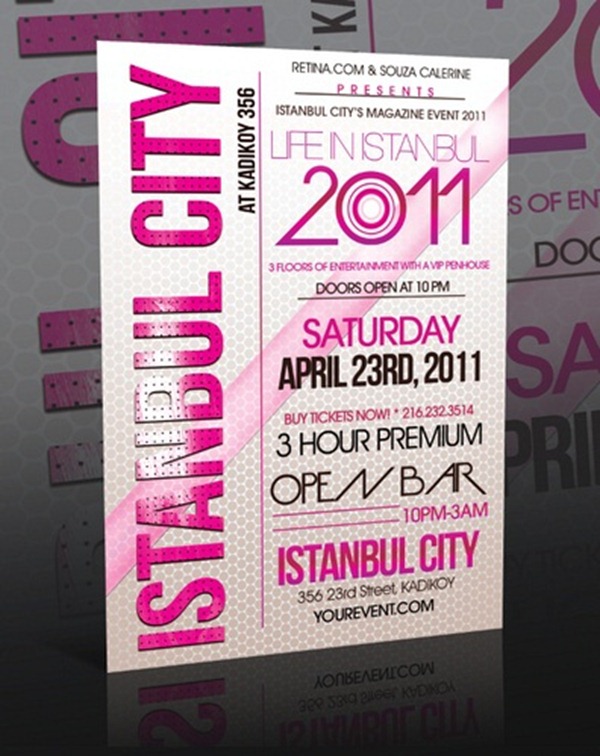
- PSD style designs: layered, poster-like artwork with dramatic type, common for concerts, club nights and sports events.
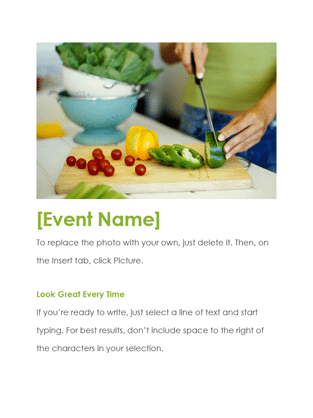
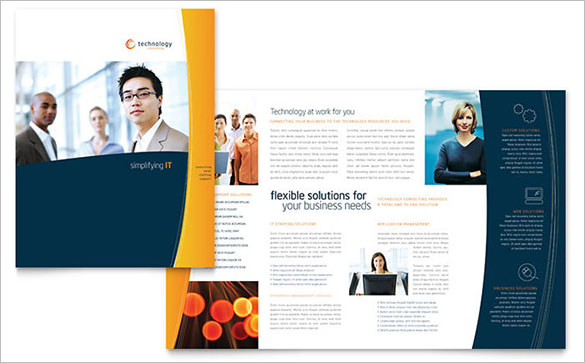
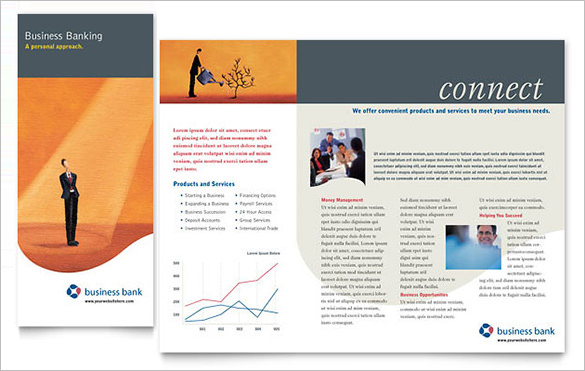
- Publisher style templates: tidy page layouts with columns and borders, suited to open days, church notices and club newsletters.
Note that a PSD style image is only a picture of a design. To make something similar you would need a graphics program, or you can approximate the look in Word or a free online editor.
What Belongs on an Event Flyer
Readers decide whether to keep a flyer almost instantly, so put the essentials where the eye lands first and leave the rest for later.
- Event name: the largest text on the page, in words a stranger understands.
- Date and time: including the day of the week and the end time if it matters.
- Place: the venue name and a street address, plus a note such as “free parking behind the hall”.
- The hook: one line on why to come, such as live music, free food or a guest speaker.
- Cost and entry: ticket price, “free entry” or “RSVP required”.
- How to respond: a phone number, email, website or QR code.
- Host or sponsor: a short name or logo, since organizers add credibility.
A simple test helps: hold the flyer at arm’s length and see what you can read. If you can make out the event name, the date and one other detail, the visual hierarchy is working. If everything is the same size and weight, the eye has nowhere to start, and the flyer will be passed over on a crowded notice board. Bold type, a contrasting color and generous margins are cheap ways to create that hierarchy without any special software.
Sample Wording for Three Kinds of Events
Wording is where many flyers fail, so here are three short invented examples to adapt. A fundraiser: “Pancake Breakfast for the Library Roof Fund. Saturday, 14 May, 8 to 11 a.m., Oak Street Community Hall. Adults 8 dollars, children 4 dollars. All proceeds go to the roof repair.” A workshop: “Beginner Watercolor Evening. Thursday 7 p.m., Room 3, Riverside Arts Center. Materials included. Space for 12, call to reserve.” A concert: “Spring Jazz Night with the Northside Quartet. Doors 6:30, music 7:30. Tickets at the door.” Each one names the event, the day, the time, the place and the cost in under three lines.
How to Turn a Sample Into Your Own Flyer
- Pick two or three previews from the gallery whose layout suits your text length.
- Write your text first, cutting it until it fits in a headline, three detail lines and one contact line.
- Open a blank page in Word, Publisher or an online design tool and set the paper size you will print on.
- Recreate the layout with a title box, an image area and a details block, using no more than two fonts.
- Choose photos or graphics you own or are licensed to use, and avoid copying artwork from the samples.
- Check contrast by squinting at the page: the headline and date should still be readable.
- Print one test copy, proofread names, dates and phone numbers, then print the rest or export a PDF or image for sharing.
Flyer Mistakes That Cost You Attendance
- Leaving out the year or the day of the week, which makes the date easy to misread.
- Using a decorative font for the date and address, where clarity matters most.
- Placing text over a busy photo without a solid box or shadow behind it.
- Putting a private home address or personal phone number on a flyer that will be posted publicly.
- Printing on colored paper so dark that the text disappears.
- Handing out flyers too late for people to change their plans.
21 Event Flyer Template Ideas to Browse
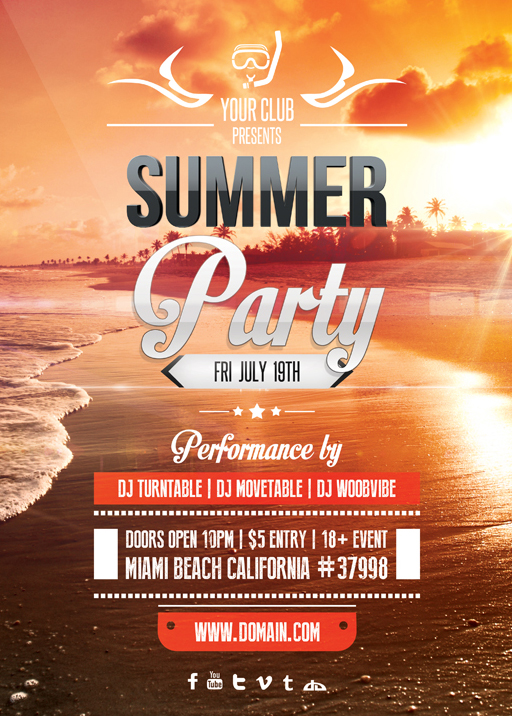
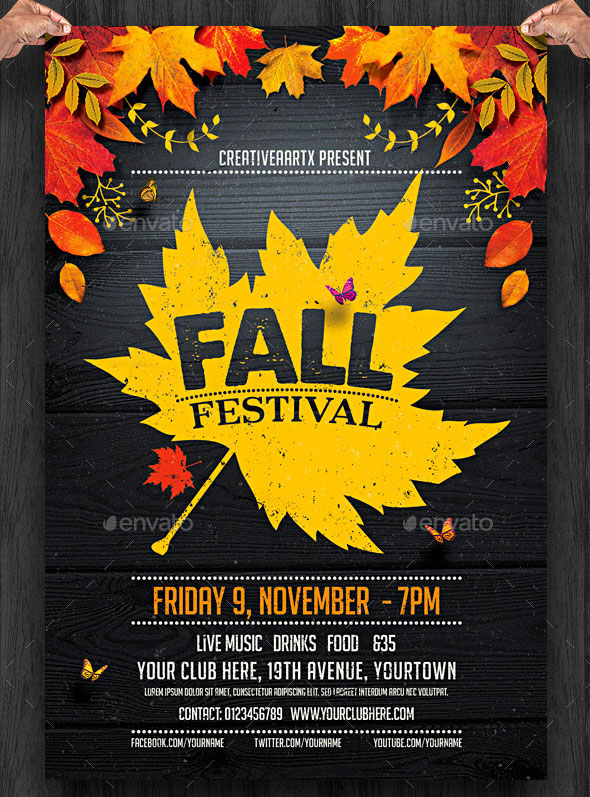
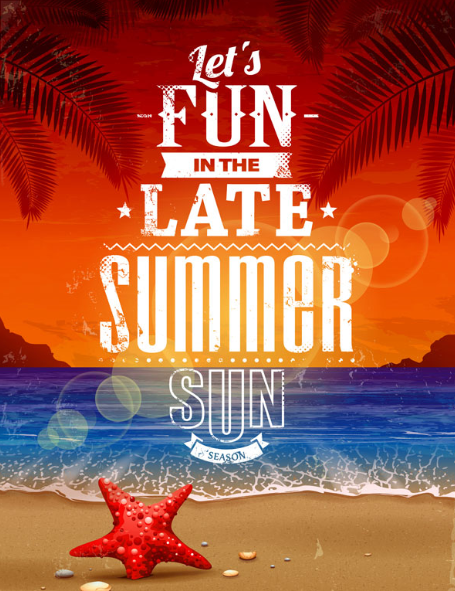
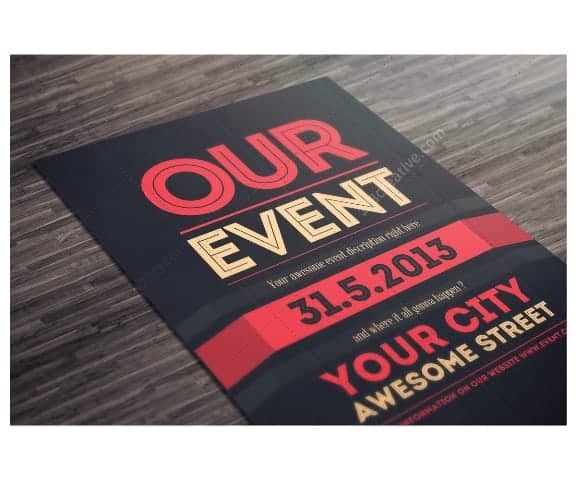
The previews below are shown for ideas only, so there is nothing to download here. Scroll through each group, note the parts you like, such as how large the date is, where the picture sits or how much empty space surrounds the text, and rebuild those features in your own file.
Printable Event Flyer Samples




MS Word Event Flyer Templates





PSD Event Flyer Designs






Event Flyer Templates Publisher







Related Templates
Frequently Asked Questions (FAQs) About Event Flyer Templates
Can I download these flyer designs?
No. The 21 designs on this page are preview images only and have no download buttons. Use them as layout ideas and build your own flyer in a program you already have.
Which software is easiest for a first flyer?
Microsoft Word is the easiest starting point for most people, because text boxes and pictures are simple to place. Publisher suits multi-column layouts, and free online editors are another option.
What size should an event flyer be?
Standard letter or A4 paper is the most common. Half-page and quarter-page sizes save paper for handouts, while a full sheet works better on a notice board.
How many words should a flyer have?
As few as possible. A headline, the date, time, place, cost and one contact method is often enough. If you need more, put it on a website and add a QR code.
How far ahead should flyers go out?
Two to four weeks before the event suits most gatherings. Send a short reminder version in the final week, especially for ticketed events.
Can I use pictures from the internet on my flyer?
Only if you have the right to. Use your own photos, images that are licensed for your purpose or graphics from a source that allows it, and credit them if required.
Is a printed flyer better than a digital one?
It depends on your audience. Printed flyers reach local people who walk past a notice board, while a PDF or image shared online costs nothing and spreads quickly. Many organizers use both.
What is the difference between a flyer and a poster?
A flyer is a small handout for individuals, and a poster is larger and displayed on a wall. The same design can often be scaled up for both.